Yannick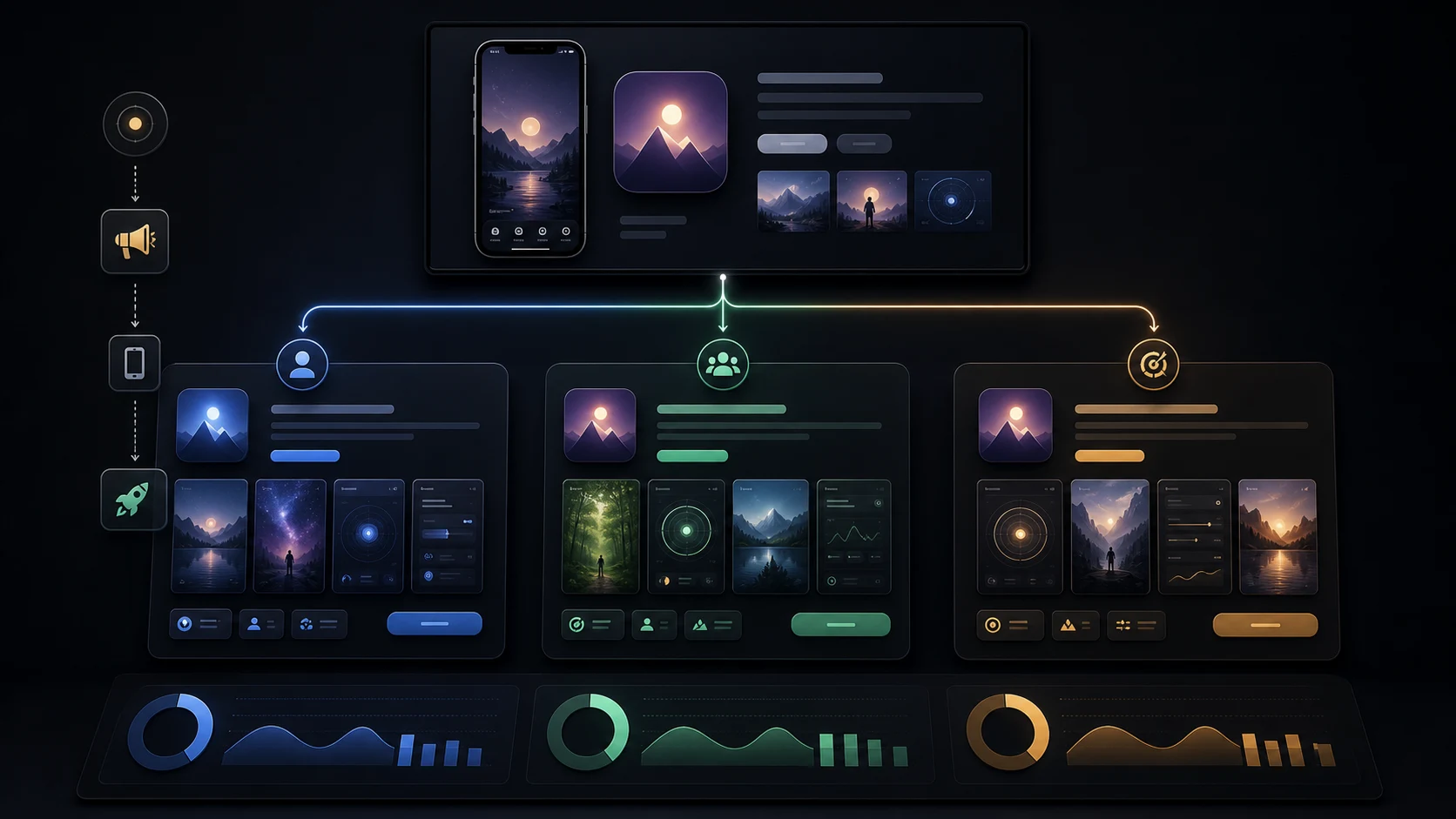
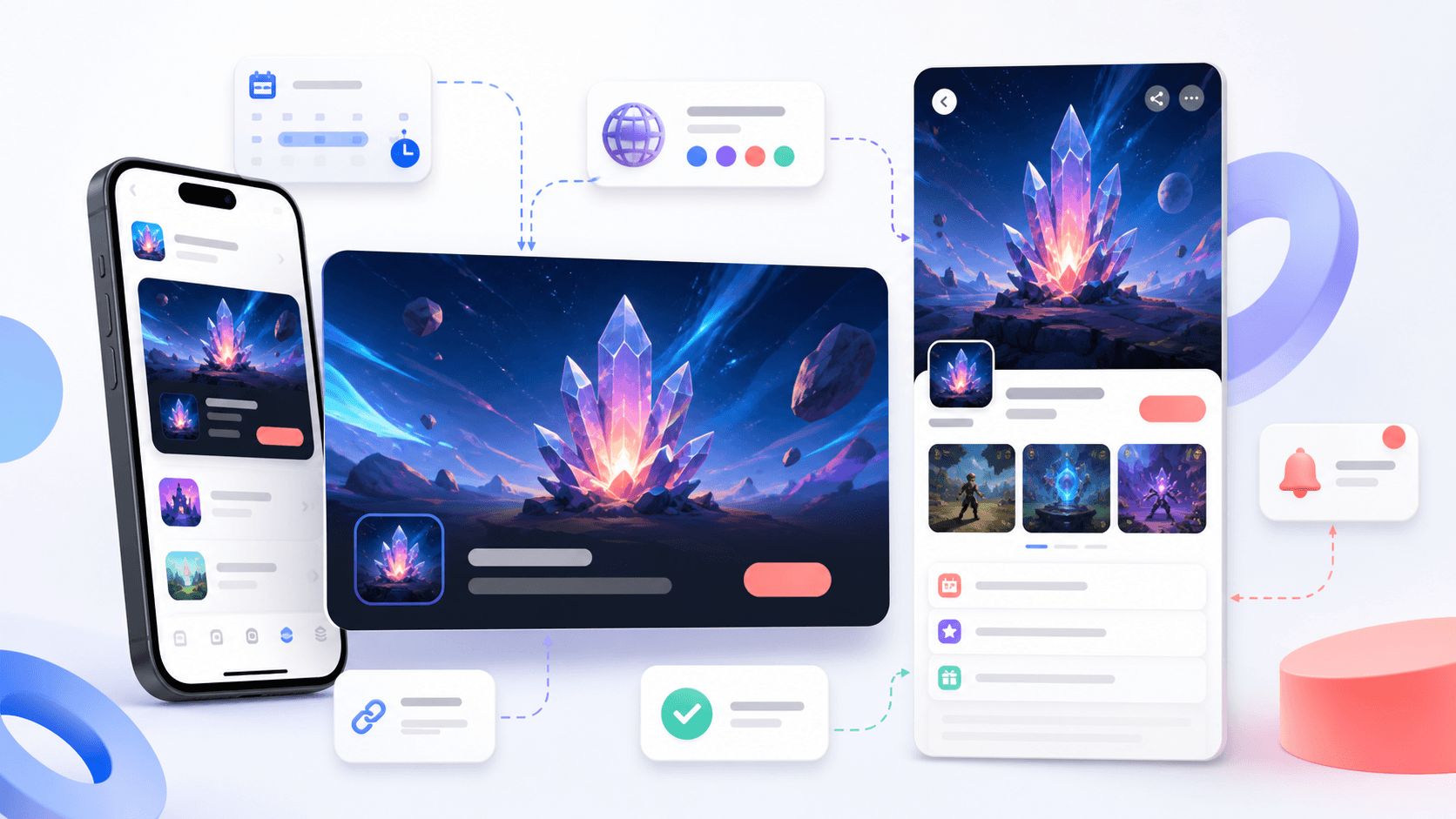
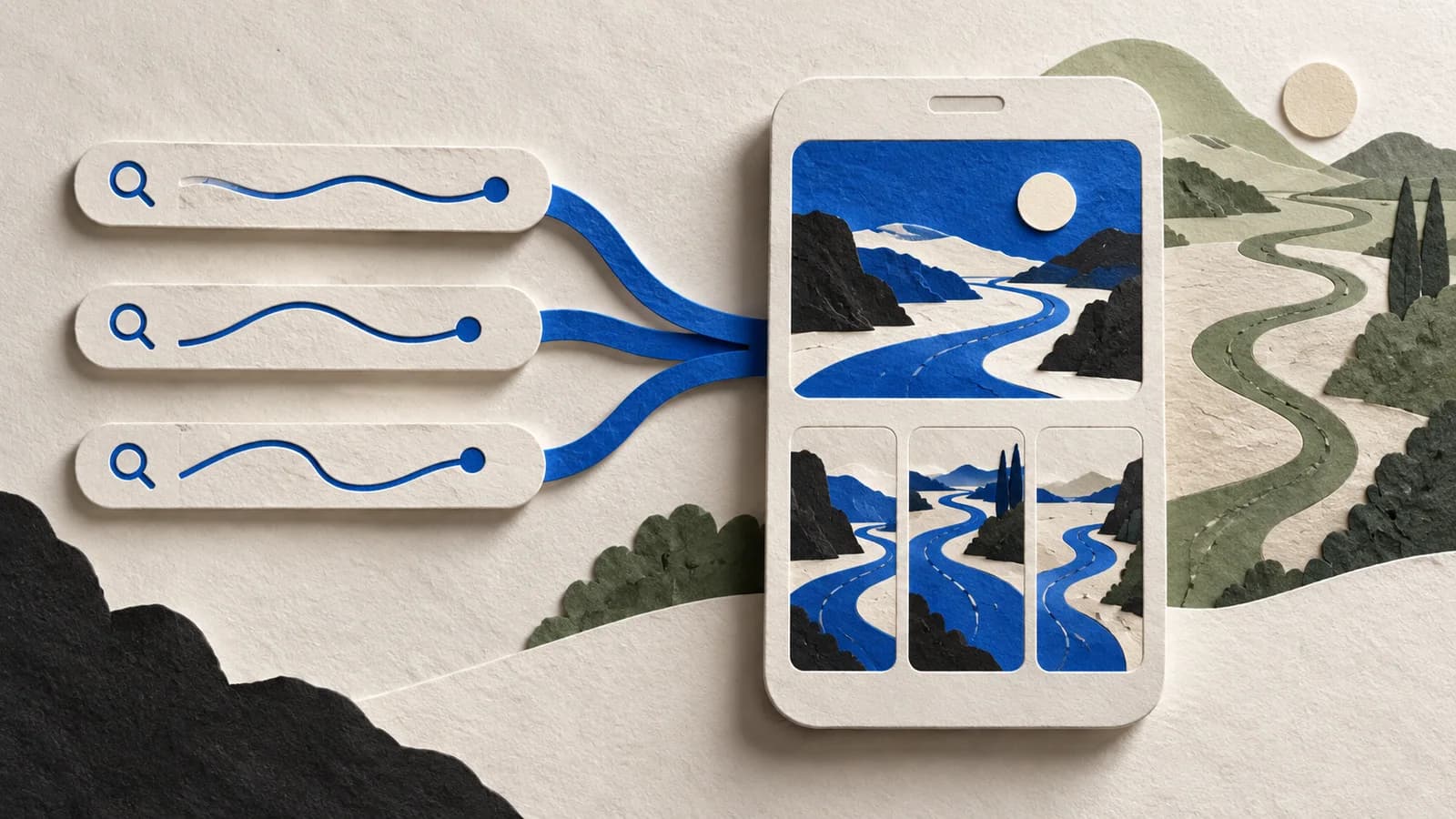
App Store custom product pages let you show a more relevant version of your product page to a particular audience, search intent, campaign, or use case. The feature supports dozens of pages, but that does not mean a small team should create dozens.
The hard part is deciding who deserves a different story, producing genuinely relevant creative, routing the right traffic, and measuring the result without confusing traffic quality with creative performance.
Small-team starter portfolio
Default story + one audience + one high-intent use case
Default page
Explain the broad category and most widely valuable outcome.
Audience page
Use the vocabulary, proof, and workflow of one valuable segment.
Use-case page
Match a high-intent problem from campaign or keyword to payoff.
What is an App Store custom product page?
A custom product page, usually shortened to CPP, is an additional version of an app's App Store product page. Apple currently documents alternate screenshots, app previews, promotional text, keywords, and deep links. CPPs can be localized and shared through a unique URL, and Apple currently allows up to 70 per app.
A page must be approved before it becomes visible. CPPs can be reached through their unique links, Apple Ads ad variations, and assigned App Store search keywords.
A simple example
A finance app might serve general budgeting, freelancer income, and shared household planning. A freelancer arriving from tax-intent traffic should not have to decode the broad page. A relevant CPP could lead with irregular income, show a tax-reserve workflow, and route an eligible user into freelancer setup. The product has not changed; the route into its value has.
CPP versus PPO versus Google Play custom store listings
| Capability | App Store CPP | Product Page Optimization | Google Play custom listing |
|---|---|---|---|
| Primary job | Tailor a persistent page to an audience, intent, keyword set, or campaign | Test treatments against the original page | Tailor a Play listing to a defined segment |
| Traffic | Unique URL, assigned keywords, Apple Ads, and supported routes | Eligible visitors are randomly assigned during the test | Country, user state, ads, keywords, audiences, or URL parameters |
| Current limit | Up to 70 pages | Up to three treatments against the original | Up to 50 custom store listings |
| Question | Which story is relevant for this visitor? | Does this treatment perform better? | Which Play listing should this segment see? |
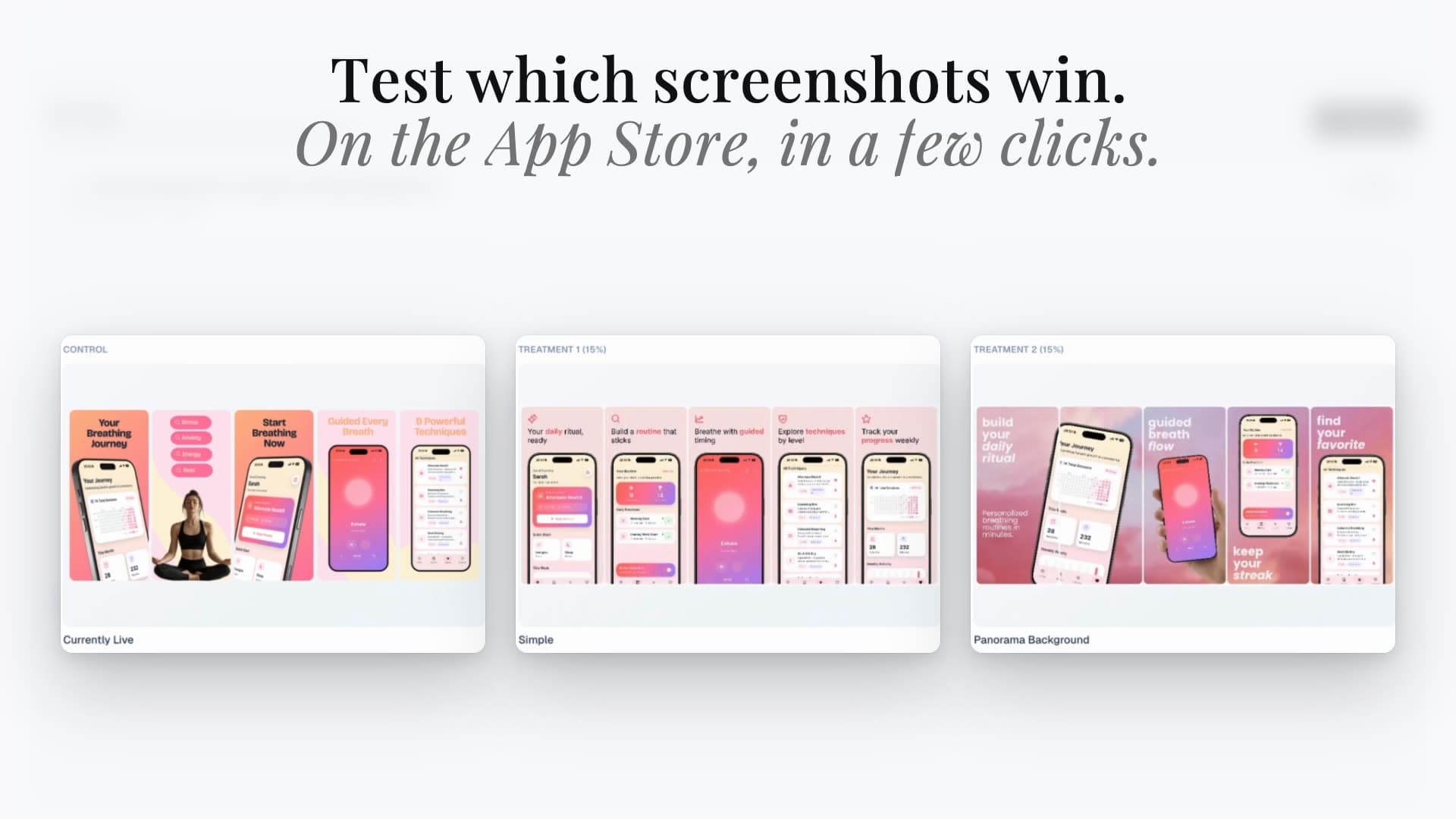
Use CPPs for intentional relevance. Use PPO when the real question requires a controlled experiment. The App Store screenshot A/B testing guide explains that experimental workflow.
What custom product pages look like
The strongest pages make the intended activity obvious before the visitor reads the description. In Apple's Forest Explorer example, the same app becomes a more relevant destination for hiking, cycling, or climbing traffic by changing the visual story.
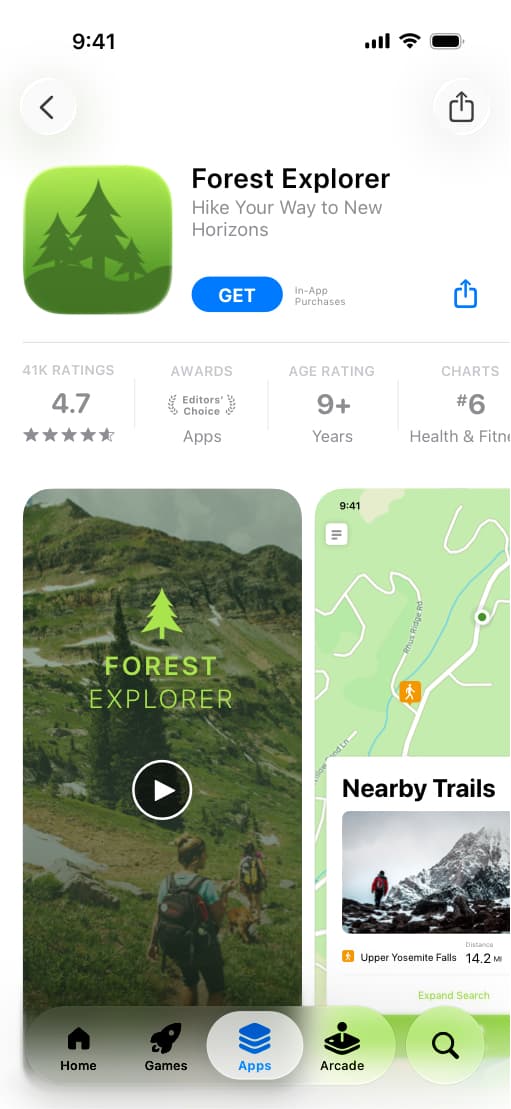
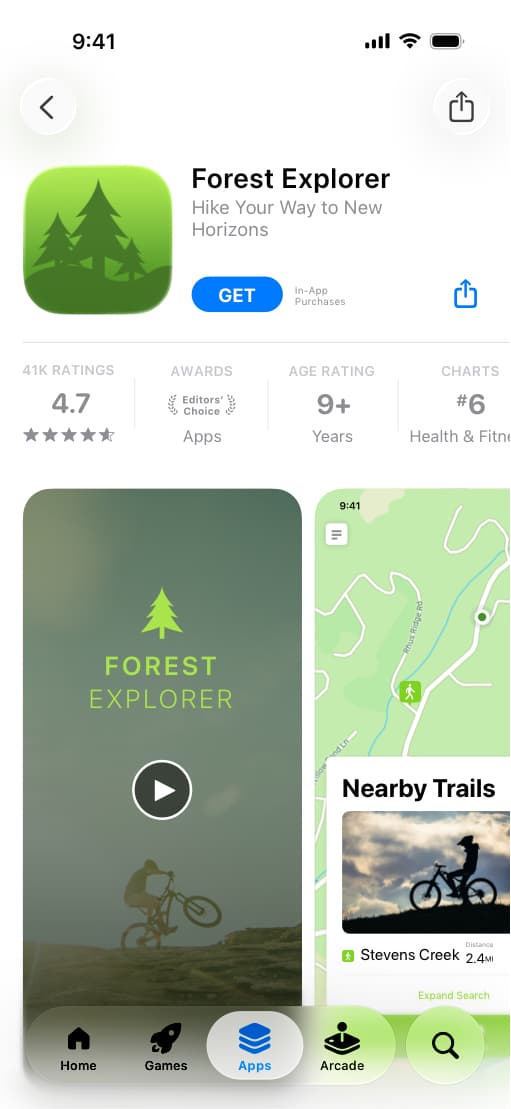
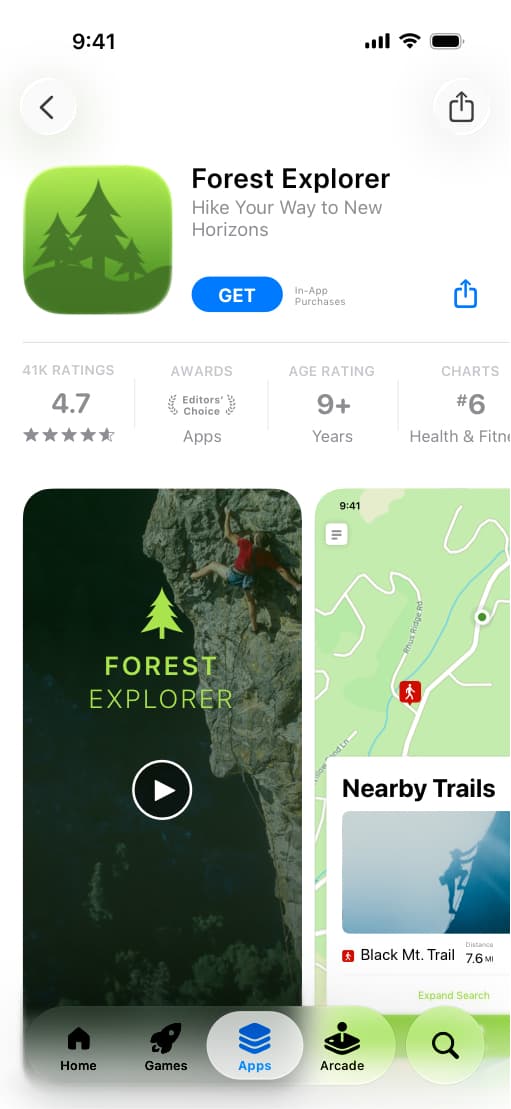
Official illustrative example from Apple's custom product pages overview. Study the intent-specific first impression, not the fictional app itself.
When should you create a custom product page?
A strong candidate has a meaningfully different reason to care:
- a distinct audience with different vocabulary or workflow;
- a high-value use case or feature-specific search intent;
- an Apple Ads keyword theme;
- a seasonal or partner campaign with a dedicated promise;
- a route that should continue into a specific in-app destination;
- a localized proposition that goes beyond translating the default page.
“The same page, but blue” is not a useful hypothesis. A meaningful page may change the first promise, proof screen, screenshot order, omitted features, destination, and success measure.
The three-page starter strategy
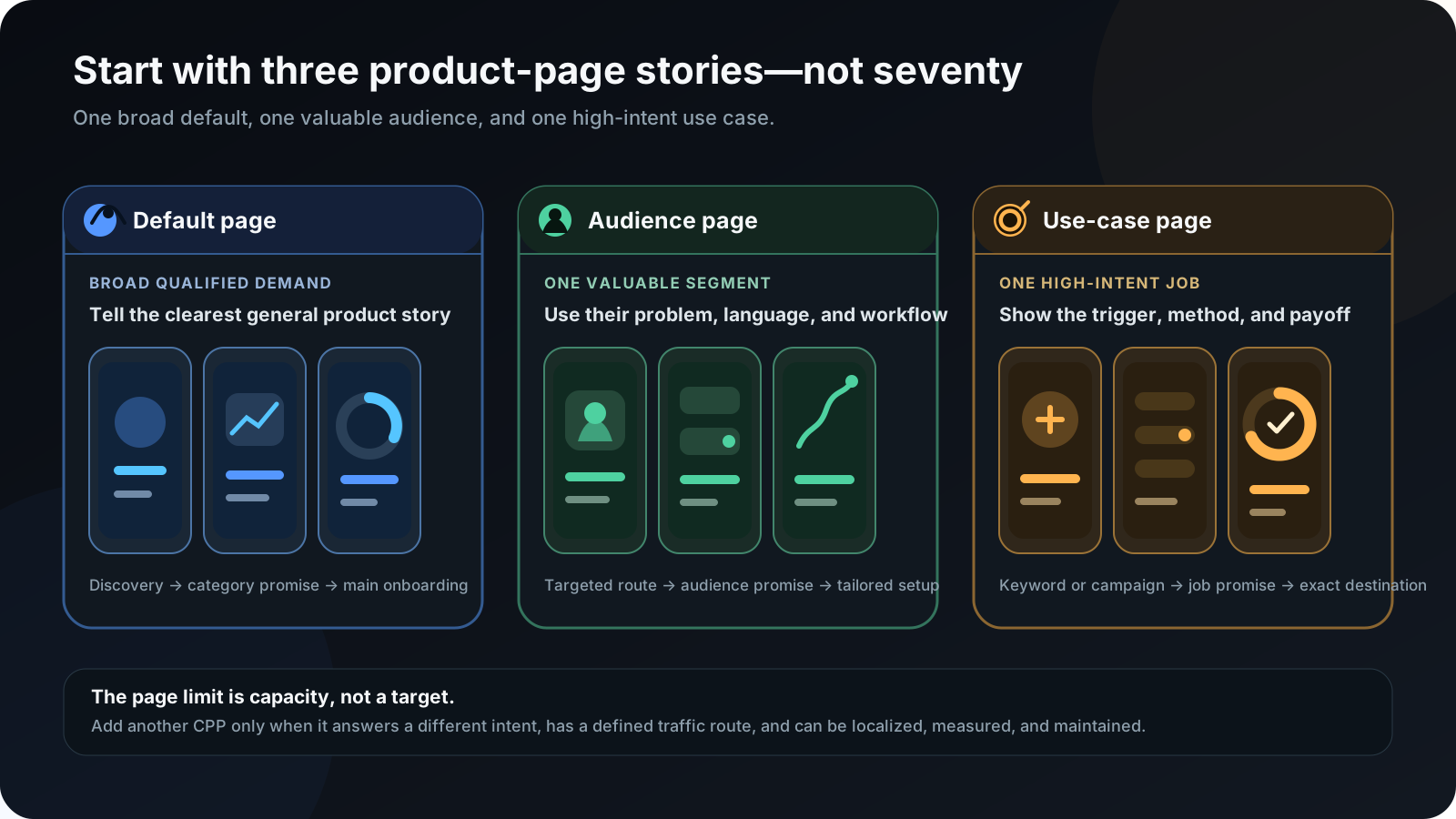
Page 1: The default product page
Serve broad qualified demand with the clearest general story. It should explain the category and the product's most widely valuable outcome.
Page 2: One valuable audience
Choose a segment with a distinct motivation, vocabulary, or workflow. Use an audience-specific first screenshot and proof sequence, then send suitable targeted traffic.
Page 3: One high-intent use case
Demonstrate a valuable problem from trigger to result. Match the page to search intent, campaign message, referral content, or a relevant direct link.
Only add another page when the first three have:
- stable owners and complete localizations;
- enough traffic to learn from;
- a documented creative hypothesis;
- a maintenance cadence;
- a reason the next page answers a different question.
Three worked CPP examples
Each plan below changes the promise, proof sequence, and destination together. On smaller screens, swipe the table horizontally; the columns keep their spacing and hierarchy.
Worked example
Fitness app
Separate broad planning, beginner confidence, and strength progression.
| Page | First screenshot | Supporting story | Destination |
|---|---|---|---|
| Default | Build workouts that fit your week | Plan → train → track | Main onboarding |
| Beginner | Your first workout starts small | Guided setup → simple exercises → encouragement | Beginner plan setup |
| Strength | Plan every set and track every lift | Program → logging → progress chart | Strength program selection |
Worked example
Personal finance app
Match the first promise to general, freelancer, and household money jobs.
| Page | First screenshot | Supporting story | Destination |
|---|---|---|---|
| Default | See where your money goes | Accounts → categories → monthly view | Account connection |
| Freelancer | Plan taxes before the bill arrives | Income split → tax reserve → cash flow | Freelancer setup |
| Couples | Plan shared expenses without sharing every account | Shared budget → contributions → progress | Household setup |
Worked example
Productivity app
Turn one flexible workspace into three audience-specific entry stories.
| Page | First screenshot | Supporting story | Destination |
|---|---|---|---|
| Default | Turn ideas into a plan | Capture → organize → complete | Workspace setup |
| Students | See every deadline in one study plan | Course import → weekly plan → progress | Student template |
| Agencies | Keep every client project moving | Intake → owner → approval → delivery | Agency template |
Create an intent-to-creative brief
| Field | Question |
|---|---|
| Audience or intent | Who should see the page, and why are they arriving? |
| Traffic source | Unique URL, keyword, Apple Ads, email, website, or campaign? |
| Single promise | What outcome must the visitor understand first? |
| First screenshot | Which app screen makes the promise believable? |
| Supporting sequence | Which three to five screens tell the shortest complete story? |
| Deep link | Where should an eligible user arrive in the app? |
| Localization | Which markets need adaptation rather than translation alone? |
| Measurement | What decision will the data support? |
| Owner and review date | Who keeps assets and routing current, and when? |
Example: a freelancer budgeting page might target irregular-income search traffic with the promise “Know what you can spend after tax.” The sequence shows income allocation, a tax reserve, safe-to-spend balance, and cash flow. The brief prevents the page from becoming a disconnected design exercise.
Choose the screenshot order
- Promise: why should this visitor care? Prefer “Know what you can spend after tax” over “Powerful financial tools.”
- Method: show the distinctive action that creates the result, not a generic home screen.
- Payoff: show the completed plan, insight, organized project, or measurable progress.
- Trust and depth: use later screens for integrations, collaboration, privacy, personalization, or a related outcome.
Use an app preview only when motion adds necessary information: editing, gameplay, navigation, gestures, or a multi-step transformation. Do not give video the first position merely because the format exists.
Create and localize CPP assets efficiently
Keep typography, brand colors, device treatment, spacing, background, contrast, and export rules shared unless the hypothesis requires a deliberate change. Vary the promise, source screen, order, supporting copy, feature emphasis, preview, promotional text, and destination.
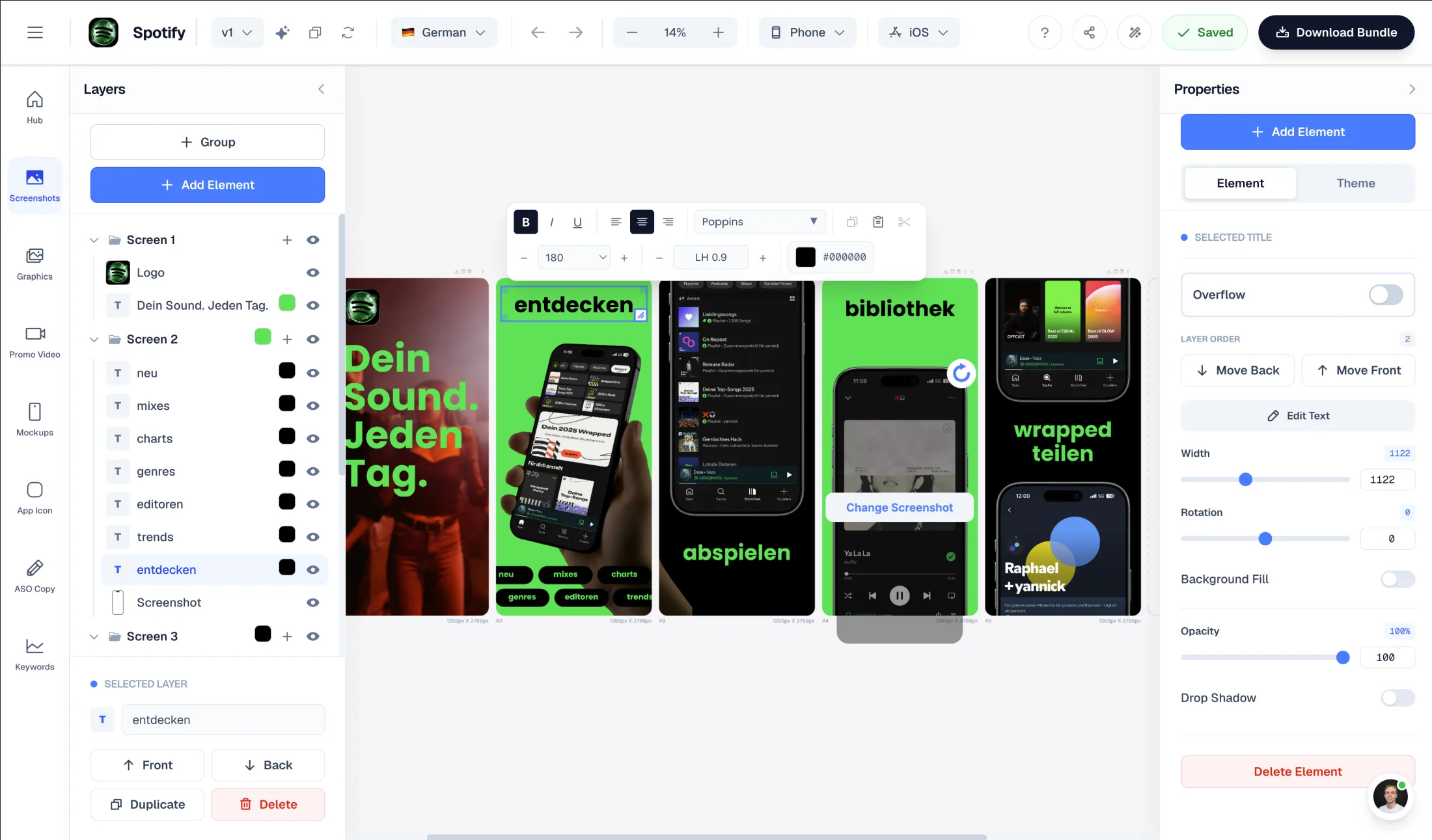
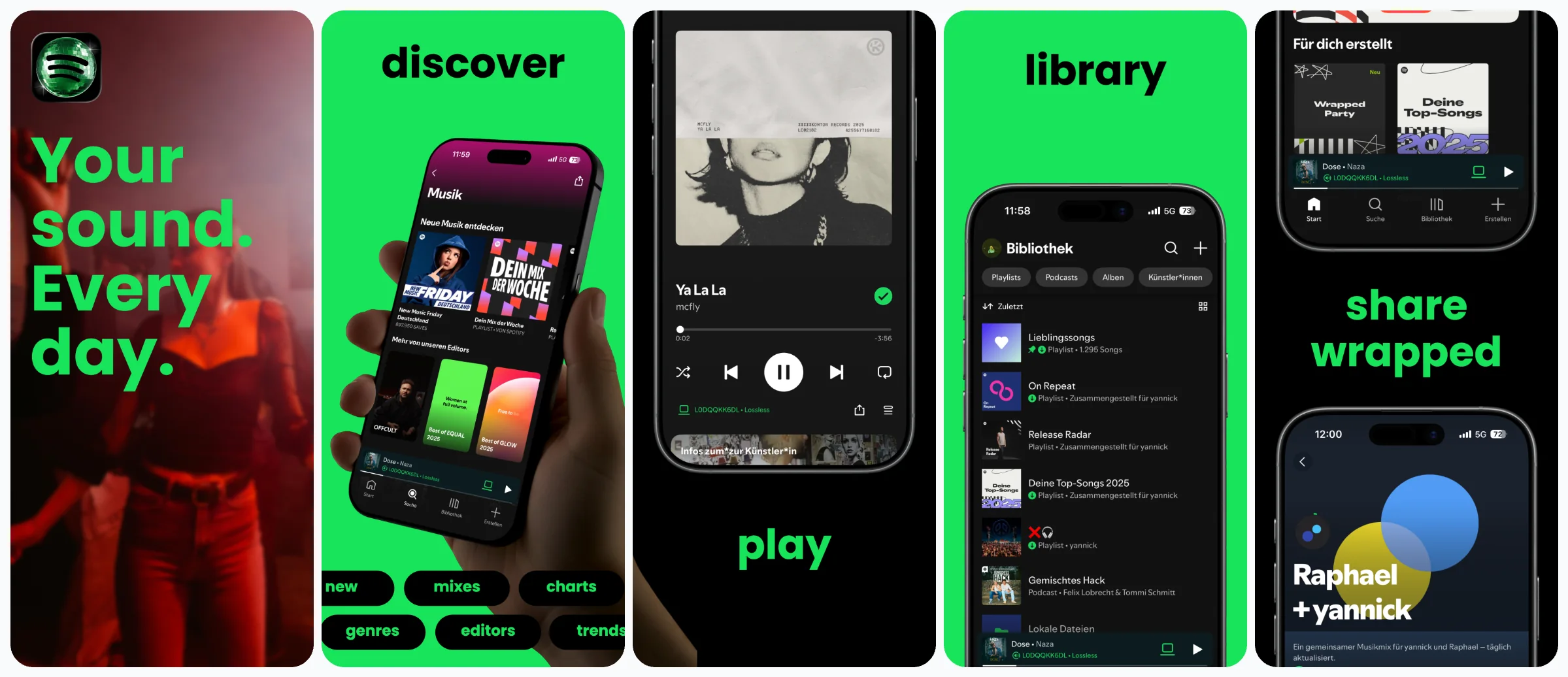
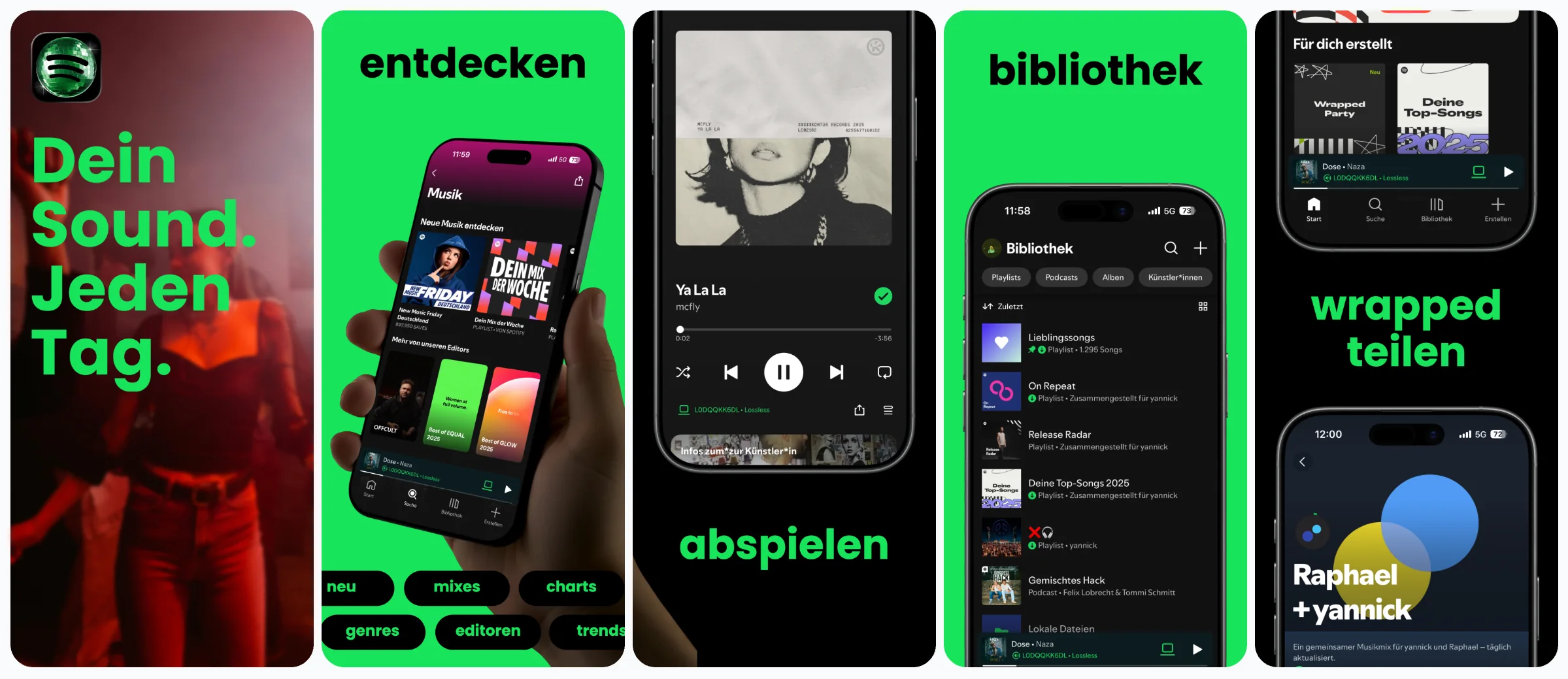
Localize the intent, not only the words
- Verify that the audience and use case are relevant in the market.
- Use terminology people understand and actually search for.
- Localize the captured UI as well as headline layers.
- Adapt dates, currencies, examples, and number formats.
- Review expansion and hierarchy on every screenshot.
Use CPPs with App Store search keywords
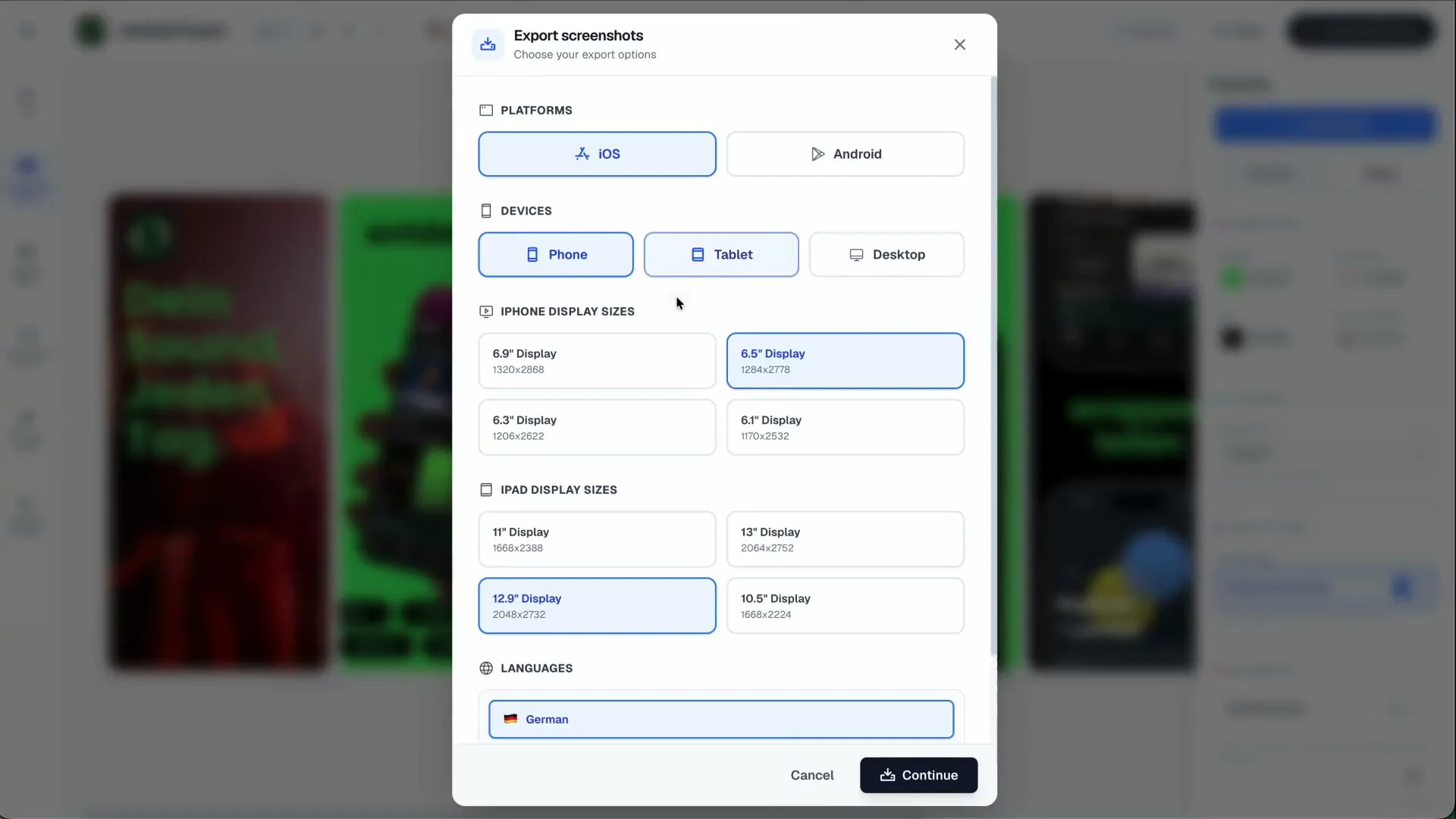
Start with the feature and the full asset set, not the keyword alone. The custom product page workflow connects screenshots, product page headers, search creatives and localized promotional copy. For the routing step, follow the CPP keyword assignment tutorial. Keyword assignment is currently completed in App Store Connect, not automatically in Studio.
For a more focused walkthrough, use the CPP screenshot-story guide. After publishing, follow the conversion and analytics checklist before changing the design again.
Apple currently lets teams assign keywords from the latest approved app version to an approved custom product page. When the page is visible for those terms, it can replace the default page for that search intent. Choose a distinct keyword set per page and make the first screenshot answer that intent.
Do not assign a broad keyword to a narrow page merely to increase exposure. Relevance is the purpose. Build the underlying set with the App Store keyword research guide.
Use CPPs with Apple Ads
Apple Ads supports search-results ad variations based on approved custom product pages. The page can supply the ad creative and become the landing page after the tap. Keep the ad group, keyword theme, promise, screenshot sequence, and destination aligned:
Keyword theme: freelance expense tracker
        ↓
Ad variation: Track expenses and prepare for tax
        ↓
CPP first screenshot: Know what you can spend after tax
        ↓
Supporting sequence: categorize → reserve → cash flow
        ↓
Deep link: freelancer setup
Apple Ads currently documents deep links for ad variations on iOS and iPadOS 18 or later. Recheck current terminology, language/device compatibility, and platform requirements when the campaign is configured.
Use the unique CPP URL outside Apple Ads
Record every email, social, partnership, or website route that points to a custom page. Include the destination URL, stable CPP reference, audience, owner, and review date. When a page changes or retires, update the inventory so qualified traffic does not keep reaching a stale story.
Add deep links carefully
A deep link should preserve intent, not merely open the app. Test:
- app not installed and already installed;
- signed-out and signed-in users;
- unsupported OS versions;
- onboarding, authentication, and unavailable destinations;
- campaign links from every intended channel.
Verify current API and UI support for each operation rather than assuming all App Store Connect actions are exposed identically. The App Store Connect CLI guide covers the surrounding automation surface.
Measure CPP performance without fooling yourself
Apple currently says page analytics appears after at least five first-time downloads. That is an availability threshold, not evidence that five downloads are enough for a decision.
- Product page views.
- First-time downloads.
- Product-page conversion rate.
- App opens or activation.
- Use-case setup completion.
- Trial or subscription start.
- Retained or paying users when data and privacy thresholds allow.
Preserve the same audience and time window. A branded email CPP may convert better than a default page receiving broad discovery because the traffic is warmer, not because the screenshots are superior. Compare compatible sources, keywords, dates, app versions, territories, devices, and downstream quality.
Common CPP mistakes
- Creating too many pages: every page adds assets, localizations, routing, review, reporting, and maintenance.
- Changing only the headline: align the promise, proof screen, sequence, and destination.
- Reusing the default first screenshot: a different reason to care usually requires different first proof.
- Mixing audiences: one page should make one audience or use case feel understood.
- Sending the wrong traffic: audit keywords, ad groups, URLs, devices, and languages.
- Ignoring post-install continuity: continue the promise in onboarding and the first session.
- Evaluating too early: reporting availability is not statistical confidence.
- Leaving stale pages live: assign an owner and retirement criteria.
A CPP launch checklist
Strategy and creative
- The page has one audience or intent and a documented traffic source.
- The first screenshot answers the campaign or keyword promise.
- The sequence shows a complete, current product story.
- Preview video is included only when motion adds useful information.
Localization and routing
- UI and marketing copy use the same locale and readable layout.
- Unique URLs, assigned keywords, and ad groups are recorded.
- Deep links work across supported user states and OS versions.
- Old routes are removed when a page changes.
Measurement and maintenance
- The app version, creative version, launch date, and hypothesis are recorded.
- Comparable acquisition and downstream measures are selected before launch.
- An owner, review date, and keep/revise/retire criteria exist.
App Store custom product page FAQ
Short answers to the implementation questions teams usually encounter before launching their first page.
How many custom product pages can an app have?
Apple currently allows up to 70 custom product pages per app. A small team should begin with the few pages it can differentiate, route, localize, and maintain properly.
Are CPPs the same as Product Page Optimization?
No. CPPs are additional pages tailored to audiences, campaigns, or keyword intents. Product Page Optimization is an experiment that compares up to three treatments with the original page using eligible randomized App Store traffic.
Can a custom product page appear for App Store keywords?
Yes. Apple currently lets you assign keywords from the latest approved app version to an approved CPP and make that page visible for those search terms. Use distinct, relevant keyword sets for each page.
Can Apple Ads send users to a custom product page?
Yes. Apple Ads supports ad variations based on approved custom product pages. The CPP supplies the ad creative and becomes the landing product page.
Can a CPP open a specific place in the app?
Apple supports deep links for CPPs, subject to current configuration, review, app implementation, device, and OS requirements. Apple Ads currently states that deep links in ad variations are available on iOS and iPadOS 18 or later.
When does CPP analytics become available?
Apple currently says CPP data appears after at least five first-time downloads are attributed to the page. That is a reporting threshold, not necessarily enough data for a confident decision.
What should a small team create first?
Keep the broad default page, then create one page for a valuable audience and one for a high-intent use case. Add more only after the team can route, measure, and maintain those pages.
Is a Google Play custom store listing the same as an Apple CPP?
They serve a similar personalization goal but differ in limits, targeting, assets, routing, and reporting. Adapt the creative system, then verify each store's implementation separately.
Start with relevance, not page count
The 70-page limit is not a target. Begin with one audience page and one use-case page. Preserve the story from campaign or keyword through screenshots, localization, deep link, and first app session. Keep what earns qualified users, revise what teaches you something, and retire what the team cannot maintain.
Build the reusable creative system with the AppLaunchFlow screenshot generator. If the default story still needs work, start with the App Store screenshot design guide before multiplying it into variants.