MCP Server

App Store screenshots
from your terminal.

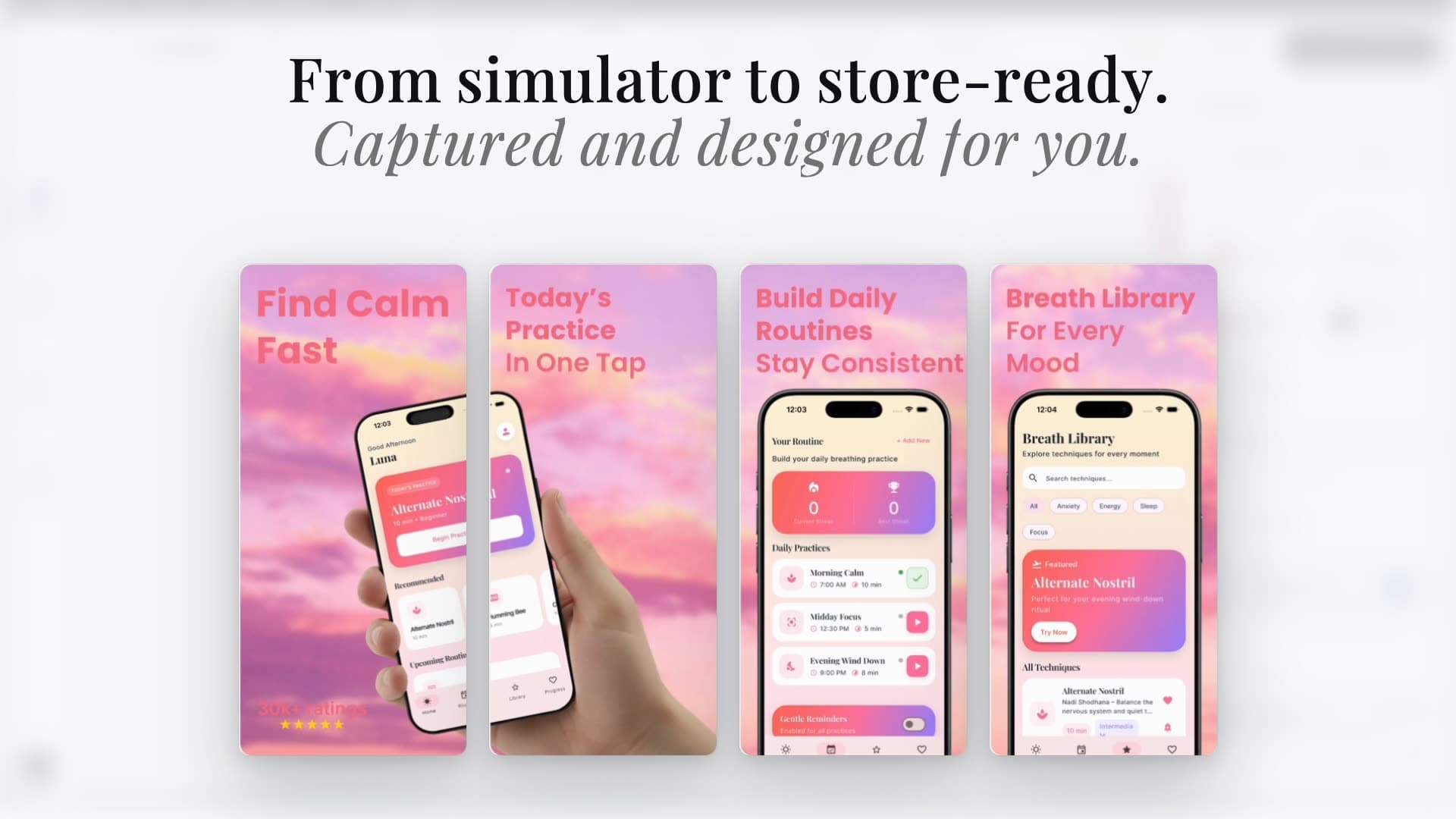
Create, edit, and translate App Store and Play Store screenshots via MCP. Works with Claude Code, Cursor, and OpenAI Codex.

Claude Code
Cursor
Codex
Claude Code + AppLaunchFlow MCP
Quick Start

Two commands.
That's it.

Pick your AI assistant, add the MCP server, and authenticate. No config files, no API keys.

Step 1 — Add the MCP server

Terminal
$ claude mcp add applaunchflow -- npx -y @applaunchflow/mcp@latest

Step 2 — Authenticate

Terminal
$ npx -y @applaunchflow/mcp@latest auth login

# Opens your browser → sign in with Google or GitHub → done

Capabilities

20+ screenshot tools.
One MCP server.

Generate App Store screenshots, edit layouts, translate copy, and export — all from your AI coding assistant via MCP.

Project & Asset Management

Create projects, upload screenshots, and manage assets without opening the dashboard.

AI Template Generation

Generate screenshot layouts from templates. AI picks colors, copy, and composition from your app.

Natural Language Editing

Tell your assistant to change headlines, move elements, swap colors, or resize text — it maps to precise layout transforms.

Visual Inspection

View screenshots and layouts directly in context. The AI assistant can see your actual app screenshots to make informed edits.

One-Command Localization

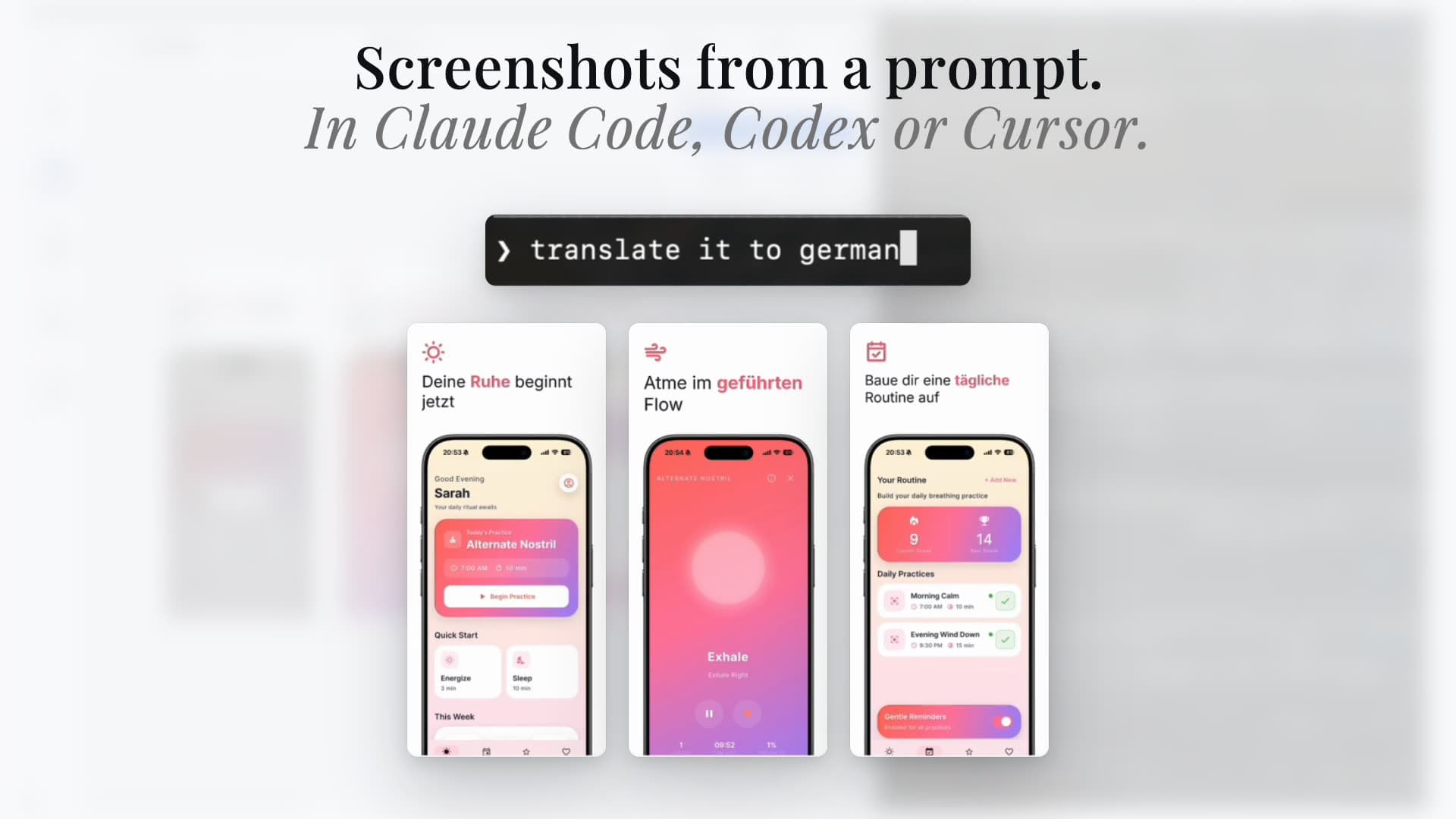
Translate all screenshot text into any language. Layouts auto-adjust for different text lengths.

Variant Management

Create multiple screenshot variants for A/B testing. Each generation creates a new variant — never overwrites existing work.

Workflow

How it works.

1

Connect

Add the MCP server to your AI assistant and authenticate with one command. Takes under a minute.

2

Describe

Tell your assistant what you want: "Create screenshots for my fitness app" or "Change the headline on screen 3."

3

Review

Open the editor URL to see your screenshots. Fine-tune in the browser or keep editing via MCP.

Open Source Skill

Capture screenshots
from your codebase.

An open-source AI agent skill that builds an in-app capture system for your SwiftUI or Flutter app, seeds demo data, and snapshots every screen across all locales. The captured screenshots feed directly into AppLaunchFlow for layout generation.

Screenshot Capture Skill
Install the skill
$ npx skills add ynnickw/applaunchflow-skill
  • Captures all screens across every locale
  • Seeds deterministic demo data automatically
  • Evaluates and preselects App Store candidates
  • Hands off to AppLaunchFlow MCP for layouts
  • Works with SwiftUI and Flutter

Works with

Claude Code, Cursor, Windsurf, Codex, and 40+ other agents

Frequently asked questions.

MCP (Model Context Protocol) is an open standard that lets AI coding assistants like Claude Code, Cursor, and Codex connect to external tools. AppLaunchFlow's MCP server gives these assistants direct access to your screenshot projects.
No local installation is needed. The MCP server runs via npx, which downloads and executes the latest version automatically. You just need Node.js 18+ installed.
Run `npx -y @applaunchflow/mcp@latest auth login` once. It opens your browser for Google or GitHub login, then stores a long-lived token locally at ~/.applaunchflow/credentials.json. You won't need to re-authenticate for 30 days.
Yes. Changes made via MCP sync to the browser editor in real time. You can switch between AI-assisted and manual editing freely.
Yes. MCP access is available on all plans, including free. The same plan limits (exports, projects) apply whether you use the browser editor or MCP.
Any MCP-compatible client works. We provide setup instructions for Claude Code, Cursor, and OpenAI Codex. Claude Desktop and other MCP hosts also work with the same config.

Ready to connect?

Add AppLaunchFlow MCP to your editor.
Start creating screenshots in seconds.

Works with any MCP-compatible client