Free tool · No signup
Free MacBook Mockup Generator (PNG)
Upload your own screenshot and place it inside a MacBook Pro frame. Download a transparent PNG up to 1600px, free with no signup or watermark.
Runs in your browser · No signup · No watermark
Screenshot
Drop your screenshot here
or click to browse
PNG, JPG, WebP (max 20MB)
Mockup Preview
Generating mockup...
Background
Perspective
Want animated 3D mockups?
AppLaunchFlow turns your screenshots into polished device mockups and animated feature demos — ready for the App Store, Play Store, and social media.
Recommended
Use the full mockup editor for motion and polish.
The static generator is best for quick PNG mockups. The full mockup editor lets you animate screenshots, tune 3D device motion, and export video clips for launch pages, app previews, and social posts.
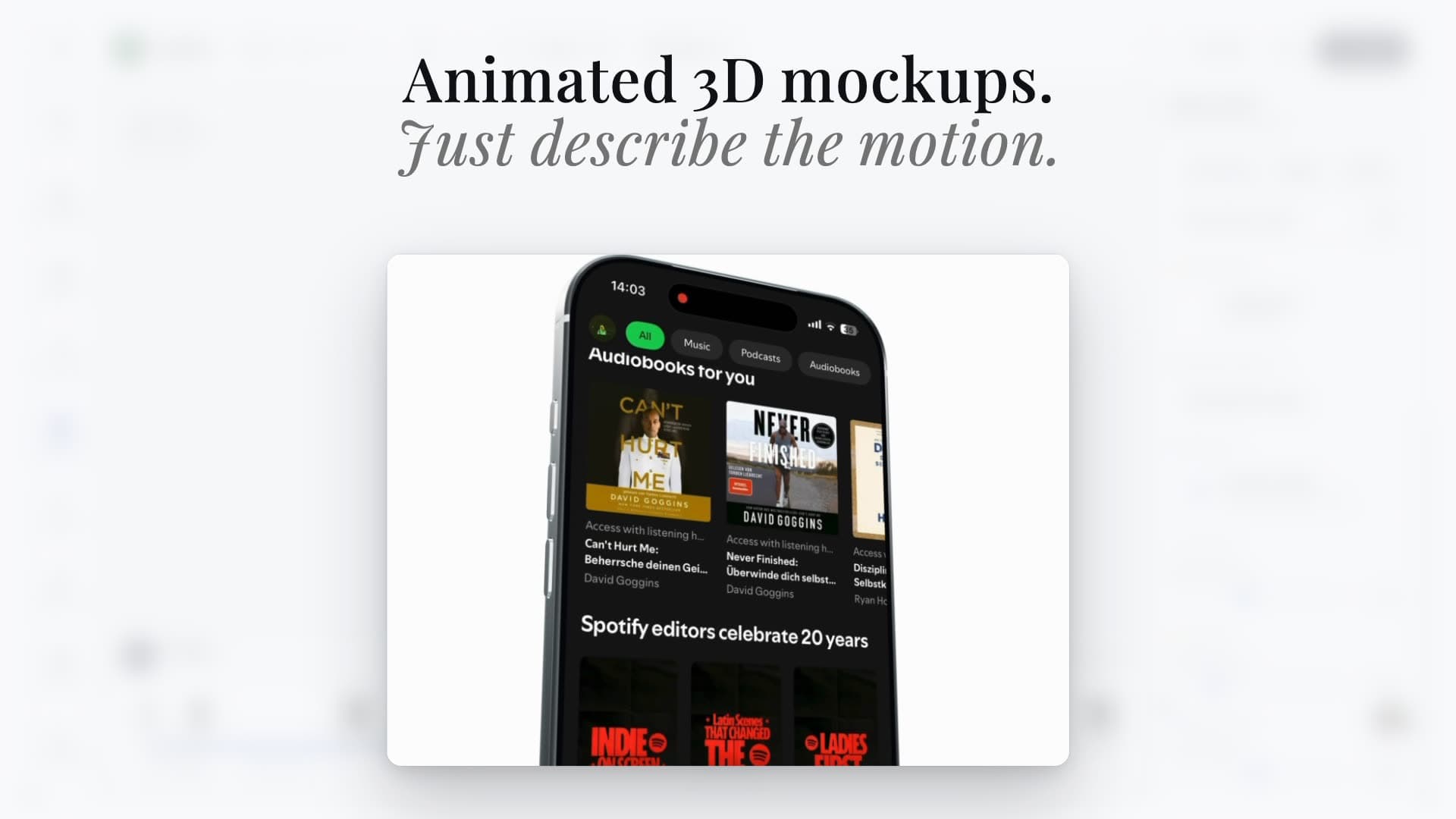
Animated scenes
Turn screenshots into cinematic 3D device videos
Static mockups
Export clean iPhone, Pixel, iPad, and MacBook visuals
Launch-ready formats
Reuse the same screenshots across mockups, videos, and social assets
Device mockup workflow
Turn a desktop screenshot into a MacBook mockup.
Capture your desktop app or website, upload the screenshot, and preview it inside a front-facing MacBook Pro frame. The entire image is preserved instead of cropped. Landscape screenshots look most natural; other proportions leave black bars inside the display. Choose your background and download a PNG for your landing page, portfolio, presentation, or launch post.
Show a desktop app or web dashboard on your landing page.
Present a website design in a portfolio or client deck.
Create a laptop visual for a launch post or press kit.
MacBook mockup questions
Can I put my own screenshot on a MacBook screen?
Yes. Upload a PNG, JPG, or WebP screenshot up to 20MB. The generator places it inside the MacBook frame, and you can download a PNG without signup or a watermark.
Will the generator crop my screenshot?
No. The entire screenshot fits inside the display. If its proportions differ from the screen, black bars fill the remaining space. The device bezel and camera notch remain part of the frame.
Can I download a transparent MacBook mockup for free?
Yes. Leave the background set to Transparent and download a PNG with a longest edge of up to 1600px. You can also choose a solid background. Full-resolution and animated exports use the studio.
Is my screenshot uploaded to a server?
No. This free tool reads and renders your screenshot locally in your browser; you do not need to upload it to AppLaunchFlow's servers or sign in.