
iPhone Duo screenshots.Both displays. Your story.
Bring your real app captures into the screenshot editor. Design for the inner and outer displays, adjust the fold and pose, and export a coordinated App Store set.


Trusted by 7,000+ app developers
86,716
assets exported
8,842
apps localized
139
countries
Capture → compose → export
One project. Two display stories.
01
Start with real captures
Upload screenshots that show your app’s actual experience. A foldable frame is presentation, not a substitute for a working Duo layout.
02
Compose for each display
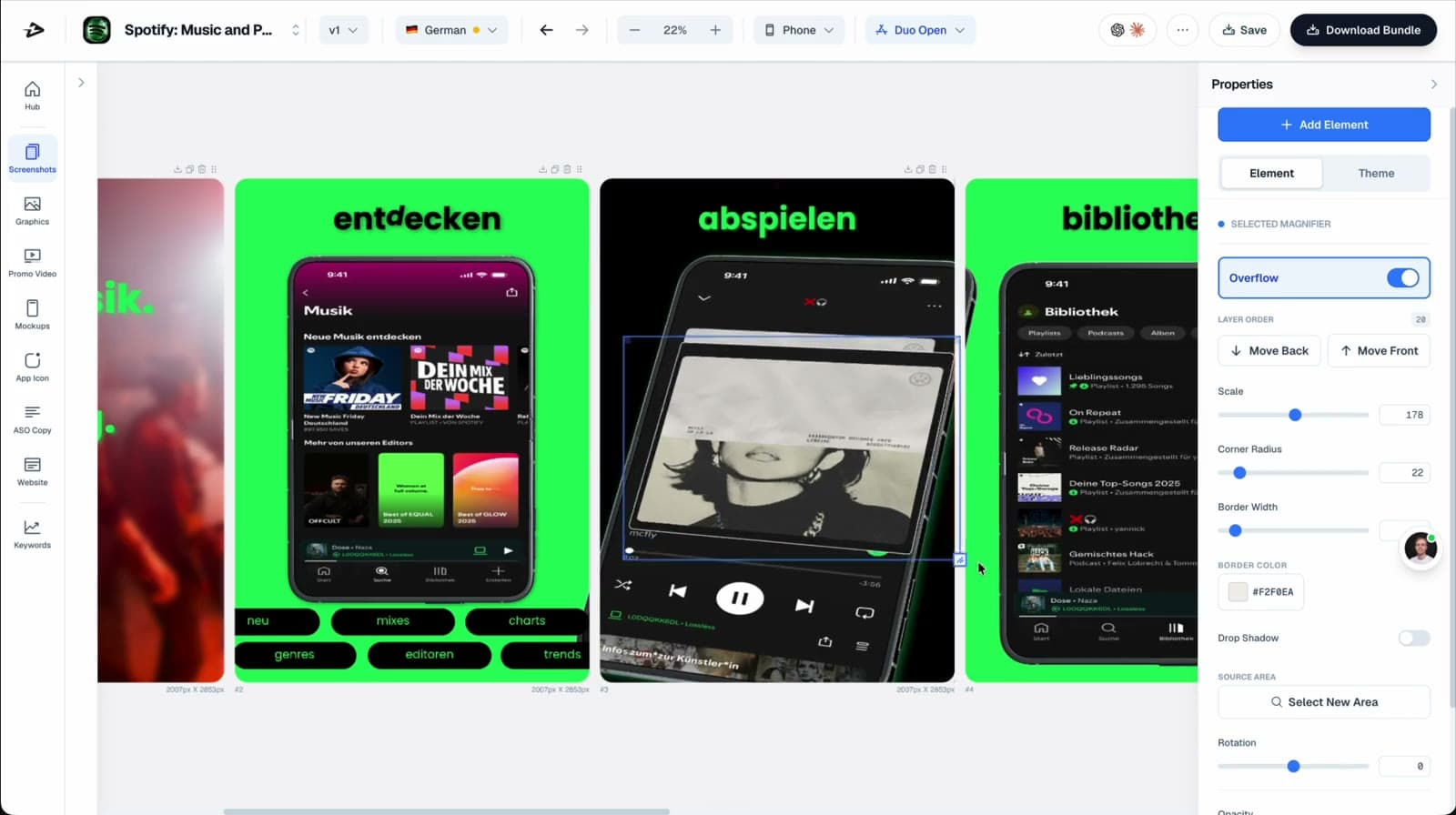
Select the Duo model and the inner or outer canvas. Refine text, spacing, and device poses; edit a size independently when its story needs a different composition.
03
Review the export
Choose the Duo sizes in Download Bundle. Check every file at full size and as a thumbnail before handing it to App Store Connect.
Fold, pose, finish
Show the shape of your app.
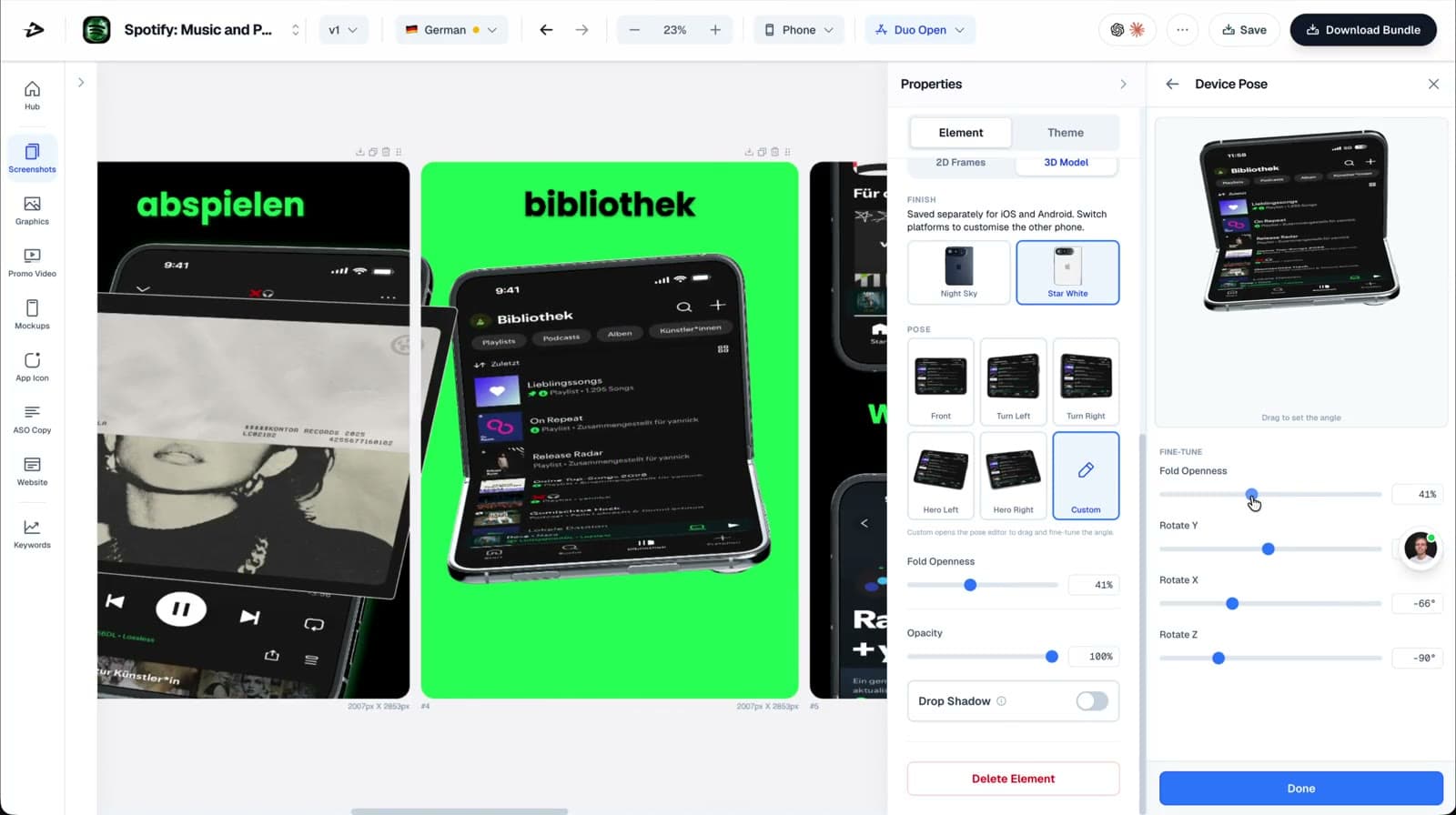
Adjust fold openness and rotation, choose Night Sky or Star White, and keep the app experience visible. Use a pose to explain the product—not to hide the interface.
Export the canvas. Not just the frame.
The device inside a design and the exported screenshot are different things. Build each display’s composition, then check the complete file—not the mockup’s screen rectangle—against Apple’s dimensions.
| Display | Portrait | Landscape |
|---|---|---|
| Outer display | 1398 × 2034 | 2034 × 1398 |
| Inner display | 2007 × 2853 | 2853 × 2007 |
Apple lists JPEG/JPG/PNG uploads without transparency. Its current specification sets the Duo screenshot requirement from April 2027 for apps using the iOS 27.1 SDK or later. Check Apple’s current screenshot specifications before submission. Checked October 9, 2026.
Continue with screenshot A/B testing or explore App Store creative assets. Product demonstrations show the editor workflow; they do not guarantee Apple approval or conversion lift.
Testimonials
Real apps. Real launches.
“AppLaunchFlow made the App Store screenshots and the promo video for my app CloseUp!, and both look better than what I'd have gotten from a designer. Localization took one pass. And Yannick ships faster than anyone I've worked with: I'd ask for a feature and it was live the next day. Better UI, simpler, and more polished than anything else I tried.”
 Ronnie Nijmeh@ronnie_nijmeh
 CloseUp!App Store
 “App Store screenshots are one of those tasks that's tedious to do and expensive to get wrong: you really only get one shot at a first impression. I've been using AppLaunchFlow since the early days, and it's turned that process into something fast and repeatable instead of something I dread. What's kept me around is Yannick. The communication has been phenomenal, he's genuinely open to ideas, and the speed at which he fixes bugs and ships improvements is unlike anything I've used.”
 Bryce@btopnn
 StandbyApp Store
 “I made GainFrame's App Store screenshots and social images in AppLaunchFlow instead of fighting Figma for a weekend. Uploaded my raw shots, picked a template, exported store-ready. Solo devs: this is the shortcut.”
 Mike Rode@mikerodebuilds
 GainFrameApp Store
 Frequently asked questions.
Everything you need to know about iPhone Duo screenshots.
Can I create iPhone Duo screenshots in AppLaunchFlow?
Are Duo inner and outer screenshots the same file?
Can I edit Duo layouts without changing every other phone size?
Does the upload link preselect a Duo device?
Make room for both displays.
Start with your app captures. Refine the inner and outer layouts in one screenshot project.
no credit card required
- 1Upload your screenshots
- 2The matching create flow is preselected
- 3You can still change the asset type