Yannick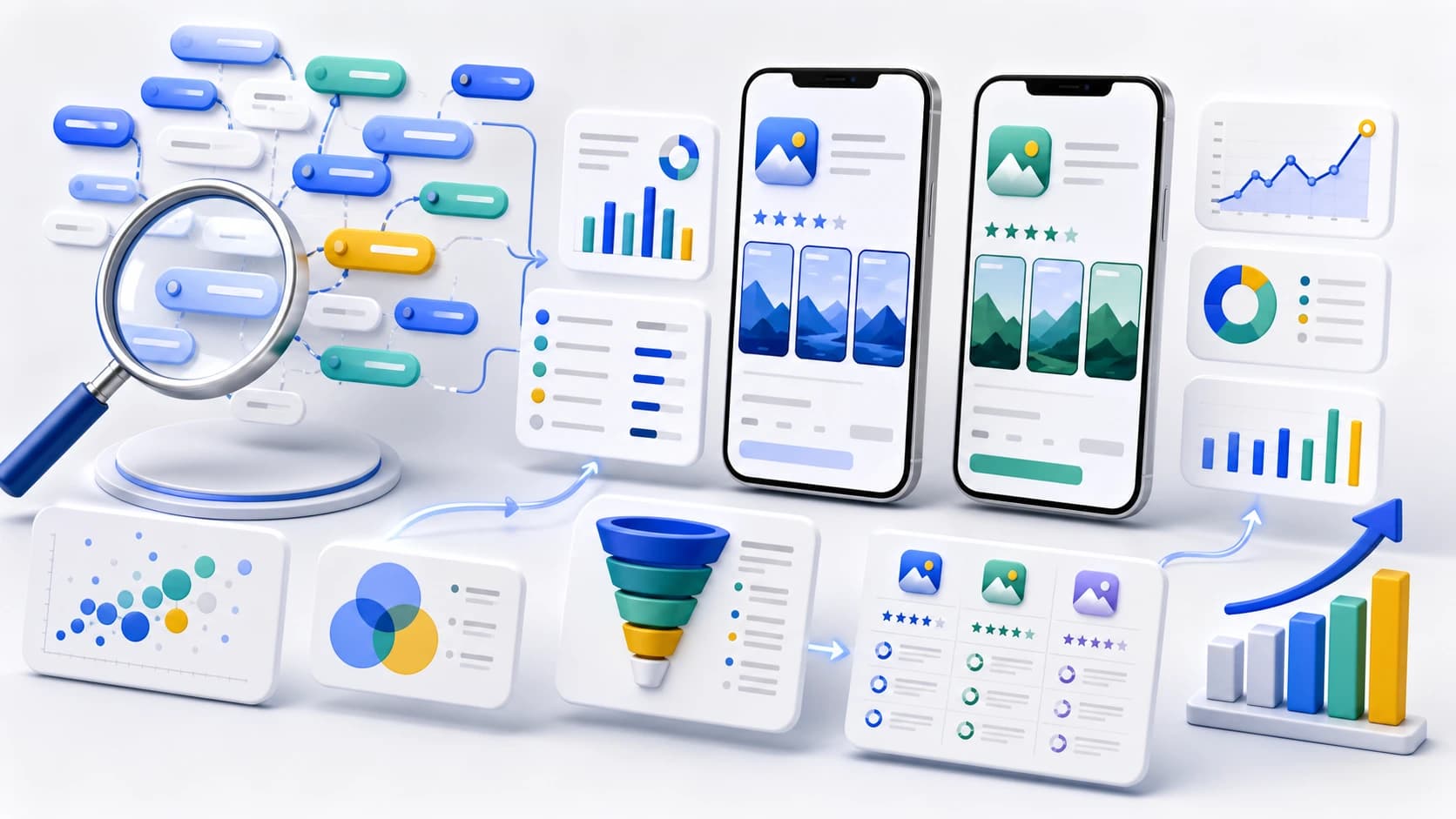
Most app keyword advice skips the part that matters: the two stores index keywords in completely different ways. If you research and optimize the same way for both, you waste half your effort. Start by understanding the mechanics, then do the research, then map it to your listing.
Keyword research model
Collect broadly, score honestly, map deliberately
The useful deliverable is not a giant keyword list. It is a small, evidence-backed map from search intent to metadata, creative, and measurement.
Collect
Use product language, autocomplete, competitors, reviews, categories, and support questions.
Score
Judge relevance, intent, current rank, difficulty, demand, and conversion evidence.
Map
Assign terms to store fields and screenshot promises, then monitor each locale.
iOS app keywords quick answers
How do I research iOS app keywords?
Start with competitor app names, subtitles, reviews, category language, and App Store autocomplete. Keep only terms with clear user intent, then map them to the app name, subtitle, and hidden Apple keyword field.
Where do iPhone app keywords go?
iPhone app keywords go in three indexed fields: app name, subtitle, and the 100-character keyword field in App Store Connect. The iOS long description does not rank for App Store search.
What is keyword research for ASO?
Keyword research ASO work means choosing app store search terms that match your product, have install intent, and are realistic to rank for. The output should shape metadata, screenshots, localization, and tracking.
How is ASO iOS different from Google Play?
ASO iOS is driven by the app name, subtitle, keyword field, and product page conversion. Google Play indexes more visible listing copy, including the short and long description.
The 30-second version
- Apple indexes the app name, subtitle, and a hidden 100-character keyword field.
- Google Play indexes the full text of your title, short description, and long description.
- Do not repeat keywords across Apple fields — you gain nothing and waste space.
- Every additional localization unlocks more Apple keyword slots.
- Target relevance and intent first, raw volume second.
How Apple App Store keyword indexing works
Apple builds your searchable index from three places: the app name (up to 30 characters), the subtitle (up to 30 characters), and a hidden keyword field (up to 100 characters). The keyword field is a comma-separated list — no spaces after commas, because spaces count as characters. The long description is not indexed for search on iOS.
Two rules follow from this. First, do not repeat a word that already appears in your name or subtitle inside the keyword field — Apple already has it. Second, you do not need to include plurals or obvious word combinations; Apple combines individual keywords into phrases automatically. Packing 100 characters with unique, relevant single words almost always beats stuffing a few long phrases.
AppLaunchFlow's ASO copy generator writes the name, subtitle, and 100-character keyword field from your research without repeating a term across fields, so every byte of the index earns a new keyword.
How Google Play keyword indexing works
Google Play has no hidden keyword field. Instead it indexes the full text of your title (30 characters), short description (80 characters), and long description (4,000 characters). That makes Play closer to traditional SEO: keyword placement, repetition in moderation, and natural phrasing in the description all matter.
A good rule of thumb is to mention your most important keyword a handful of times across the description without it reading like spam. Keyword stuffing can trigger policy issues and hurts conversion when real users read it.
Building your keyword list
Start broad, then filter for relevance and intent. A practical sourcing process:
- Brainstorm the words you would use to describe your app to a friend.
- Add the categories and core features users would search for.
- Mine competitor listings — their names, subtitles, and descriptions reveal targets.
- Use App Store search autocomplete to capture how real users phrase queries.
- Group the result into themes (core, feature, competitor, long-tail).
When competitor terms dominate the list, use the dedicated App Store competitor keyword analysis workflow to separate shared rankings, relevant gaps, and protected brand terms before editing metadata.
Relevance
Does the keyword describe what your app actually does? Irrelevant traffic does not convert and can hurt rankings.
Difficulty
New apps should target lower-competition terms first. Win the winnable, then move up.
Intent
A searcher typing your exact use case converts far better than a broad, vague term.
| Candidate | Intent | Product proof | Decision |
|---|---|---|---|
| budget app | Broad category | App belongs to the category | Keep for discovery; difficult primary target |
| budget planner for couples | Specific use case | Shared plan and contribution workflow | Priority if the feature is central |
| expense report app | Adjacent business task | No receipt approval or report workflow | Reject despite apparent demand |
| weekly spending tracker | Recurring job | Weekly summary and category history | Test in subtitle or keyword field |
Want keyword ideas without opening a spreadsheet? The free ASO keyword tool pulls App Store search suggestions for any seed term and shows how many top-10 apps already use it in their title.
Apple keywords vs. Google Play keywords in practice
On iOS, spend your research output on the 100-character field: a tight, comma-separated list of unique, relevant single words, with no duplicates of your name or subtitle. On Android, weave the same research into a readable short and long description, leading with your strongest term in the title and short description.
One more lever Apple gives you for free: localizations. Each localization you add comes with its own name, subtitle, and keyword field — even some English-speaking storefronts (like the UK and Australia) can be optimized separately to expand your indexed keyword footprint. Localizing your listing is one of the most underused ASO tactics.
Track, then iterate
Keyword research is not a one-time task. Rankings move as competitors update listings and as the stores re-index. Track your target keywords weekly, watch which ones gain or lose position, and reinvest the 100-character field in terms that are actually moving.
Turn research into a release decision
Keep a versioned keyword map with the term, country, source, intended field, baseline rank, associated screenshot promise, and reason for inclusion. This prevents a metadata update from becoming an untraceable shuffle of words. Record the release date and avoid judging movement immediately after a store update.
Rankings alone are not the outcome. A term can move up while sending visitors who do not install or activate. Compare rank and impressions with product-page conversion, activation, trial or purchase conversion, and retention at the same country and traffic grain. Use the keyword tracking guide to define that review cadence.
App Store keyword research FAQ
Research workflow for iOS keywords
Collect terms from the product, autocomplete, competitors, reviews, categories, and support language. Score them for relevance and intent before mapping unique words into the app name, subtitle, and keyword field.
iPhone keyword field placement
Apple uses the app name, subtitle, and App Store Connect keyword field for App Store search metadata. Do not spend keyword-field space repeating words already used in the name or subtitle.
Should I choose volume or relevance?
Relevance and install intent come first. A broad, popular term is not useful if the product and screenshots cannot convincingly answer the query.
How often should I update app keywords?
Review performance on a stable cadence and update when you have a clear hypothesis, enough observations, or a material product or market change. Avoid replacing terms before the listing has had time to settle.
Official metadata references
- Apple: app information reference
- Apple: product page guidance
- Google Play: store listing best practices
The Keyword Monitor tracks your App Store keyword rankings daily across countries, with 7- and 30-day deltas and full SERP context — it can auto-detect what you already rank for and mine competitor listings for new targets. Pair it with the ASO Copy Generator to turn your keyword list into store-ready titles, subtitles, and descriptions.
When one approved keyword theme represents a meaningfully different audience or use case, map it to a relevant page using the custom product page strategy. Keep each page's keyword set distinct so the first screenshot answers the intent that produced the visit.
Keep reading
For the wider picture, see the ASO 2026 Guide and ASO Best Practices, or jump straight to the App Store Optimization workflow overview.