Yannick
PPO in 30 seconds
- Native A/B testing inside App Store Connect — no SDK or external tool needed.
- Up to 3 treatments against the default page; traffic split is configurable.
- You can test screenshots, app previews, and icons; Apple’s current treatment editor also includes Header and Search Results.
- Tests run up to 90 days; results report conversion against baseline.
- Icon tests require the variant icons to ship inside your app binary.
- Google Play's equivalent is store listing experiments in Play Console, with similar mechanics.
Before you start an App Store A/B test
Your iOS or iPadOS app must be Ready for Distribution. Use an Account Holder, Admin, App Manager, or Marketing role. PPO is not available on custom product pages, Apple Watch pages, or iMessage pages. Eligible treatment exposure starts on iOS and iPadOS 15; newer creative placements have their own OS requirements.
- Write one hypothesis: for example, leading with the finished result may explain the app better than leading with setup.
- Prepare the original and one meaningful treatment, with the same device sizes and relevant localizations. Leave unrelated elements stable.
- In App Store Connect, open Product Page Optimization, create the test, choose treatments and traffic allocation, and use Apple's duration estimate.
- Configure and submit any new assets for review, then start the eligible test. Use App Analytics to read confidence and estimated lift; an inconclusive result is not a winner.
Eligibility checked October 15, 2026 against Apple's PPO overview and treatment configuration. Creating artwork in AppLaunchFlow does not start a live Apple experiment.
Why screenshot tests beat guessing
A screenshot hypothesis deserves evidence, not a guaranteed-uplift claim. Compare a focused change with the existing page under Apple’s randomized exposure, and use the result to decide whether to keep it. A caption that feels clearer internally may help, hurt, or produce an inconclusive result for the eligible audience.
PPO tests a treatment against the default page. If the goal is to route a known audience or search intent to a persistent tailored story, use the App Store custom product pages guide instead.
Not sure which workflow fits? Read PPO vs custom product pages. Apple does not offer PPO tests on CPPs.
If the experiment includes a new header or search composition, first define the creative's job and validate its placement. Our App Store creative assets guide covers those formats, while the search artwork guide separates exposure, intent, and page conversion.
Step 1: Decide what to test (one variable at a time)
Strong screenshot test hypotheses change one thing per treatment:
Worth testing
- First-slide hook: feature-led vs outcome-led caption
- Slide order: strongest feature first vs social proof first
- Device frame vs full-bleed UI
- Light vs dark background system
- Caption length: 3-5 words vs full sentence
Harder to interpret
- Multiple variables at once — you cannot isolate which change mattered
- Tiny color tweaks invisible at thumbnail size
- A major acquisition change during the test — document it and examine audience mix
Step 2: Build the variants
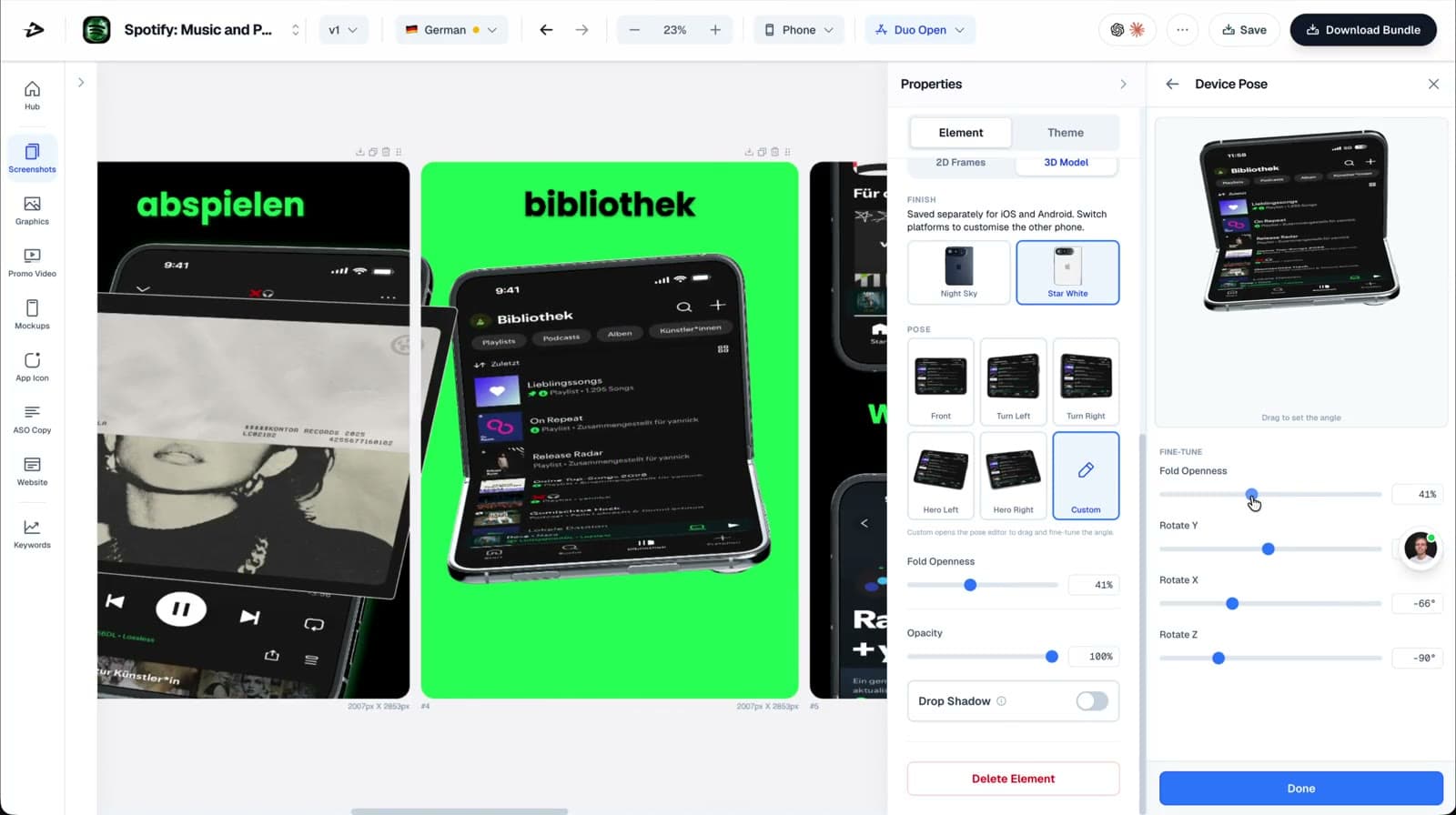
Prepare the sizes and localizations affected by the treatment. Apple inherits the original screenshots or previews for device sizes you leave unchanged. In AppLaunchFlow, create a named variant and inspect each export. Display-specific layouts, including iPhone Duo inner and outer screens, may need separate composition checks. The ASO copy generator drafts alternative caption angles when the hypothesis is about messaging.
Step 3: Launch the test in App Store Connect
- In App Store Connect, open your app and go to Product Page Optimization.
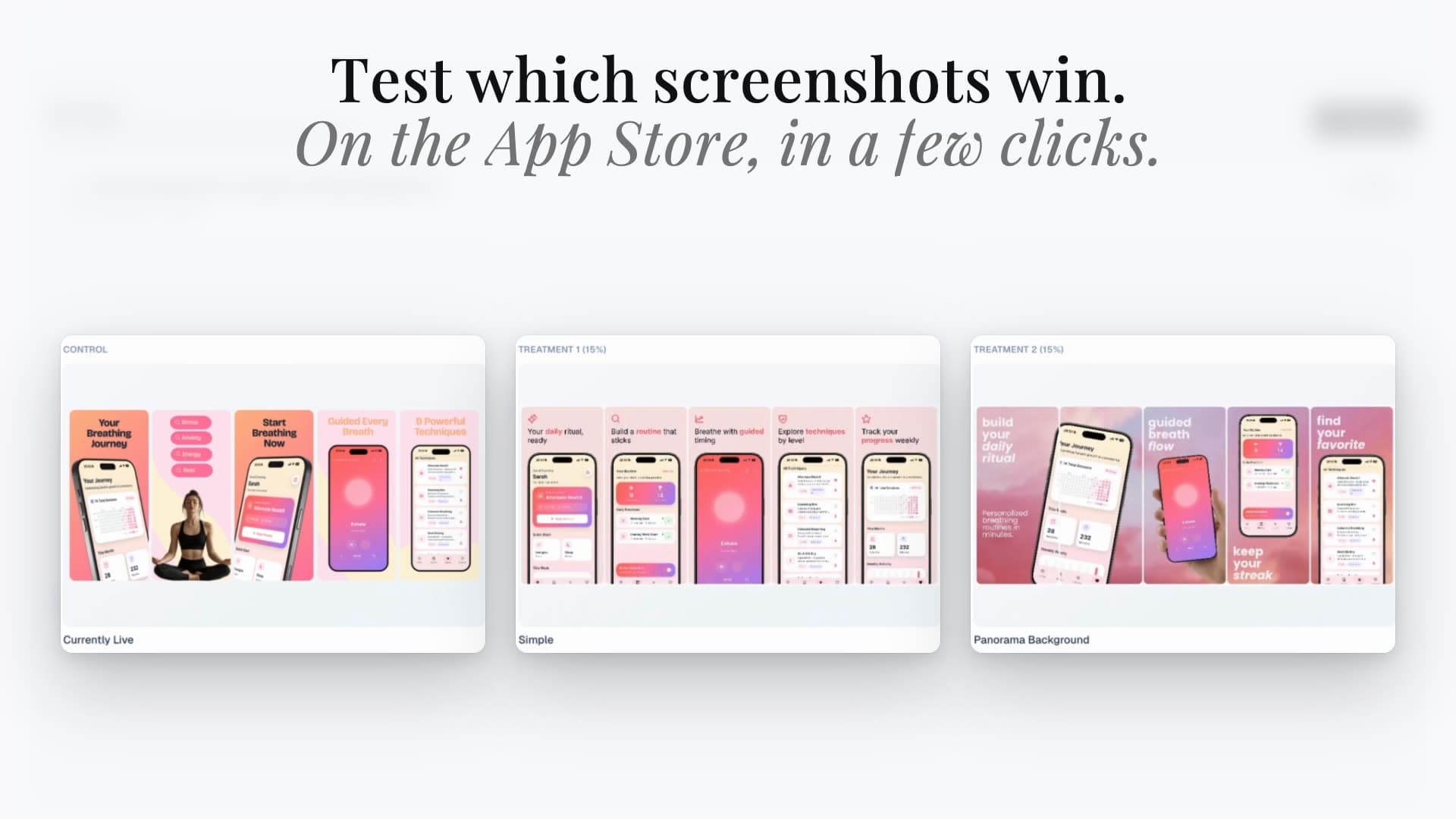
- Create a test, name the hypothesis, and add up to three treatments.
- Upload each treatment's screenshot set (or push directly from AppLaunchFlow via store connections).
- Choose the traffic proportion and localizations to include.
- Submit treatments for review, then start the test.
With store connections, save the project, connect the correct Apple app, and open A/B Tests in the Hub. Check the target treatment, assets, and localization before publishing. Connection, eligibility, team permissions, and plan access apply; a publishing action does not bypass Apple’s review.
Step 4: Read the results properly
- Wait for sufficient data. Low-traffic apps may need most of the 90-day window for a meaningful read. An early positive movement is not enough to declare a winner.
- Judge treatments on conversion improvement against baseline, not raw installs — traffic mix shifts during the test.
- A losing test is information: it tells you the current page is stronger than the hypothesis. Document it and move to the next variable.
- Read Apple’s result and confidence report before deciding whether to apply a treatment in App Store Connect. AppLaunchFlow does not automatically choose a winner.
Google Play: store listing experiments
Google Play has its own store listing experiments for graphics and localized text. Do not transfer Apple’s eligibility or statistical rules to that workflow. Follow Google’s current setup guidance and use the separate Google Play experiment guide with localized screenshot sets.
FAQ
How do I A/B test App Store screenshots without third-party tools?
Use Apple's built-in Product Page Optimization in App Store Connect: up to three screenshot treatments, configurable traffic split, up to 90 days, results measured as conversion against your default page.
How many screenshot variants can I test at once?
Three treatments plus the default page on iOS. Test one variable per treatment so the winner tells you something reusable.
What tools create App Store screenshot variants?
AppLaunchFlow helps prepare named screenshot variants and publish treatments through a connected Apple app. Review every selected size and localization before publishing; Apple controls eligibility, review, and experiment results.
Can I A/B test my app icon too?
Yes, but iOS icon treatments must be included in your shipped binary first. Generate the candidate variants with the Icon Composer, ship them, then test.
How long should a screenshot A/B test run?
Use Apple’s duration estimate and outcome reporting. A test can run for up to 90 days and may still be inconclusive; there is no universal number of days that guarantees a meaningful result.
Test screenshots without the re-upload grind
Prepare a named treatment, check its device layouts, and use the connected Hub to manage the test. Keep the Apple-side results and winner decision in App Store Connect.
Prepare test screenshotsPrimary sources and verification notes
Reviewed October 9, 2026. Check the current requirements before starting a test.
- Apple: create a test, eligibility, and duration
- Apple: treatment assets, inheritance, and CPP exclusions
- Apple: results and confidence reporting
- Google Play: store listing experiments
Practical deep dive
Write the experiment before making variants
A useful screenshot test changes a meaningful message or proof sequence for a defined audience. Pre-register the hypothesis, primary metric, guardrail, runtime rule, and decision threshold before looking at results.
| Element | Example hypothesis | Primary metric | Guardrail |
|---|---|---|---|
| First-frame promise | Outcome-led copy beats feature-led copy | Product-page conversion | Activation |
| Screenshot order | Workflow proof resolves uncertainty earlier | Install conversion | Trial quality |
| Visual system | Higher contrast improves scanning | Conversion by device | Complaint or refund rate |
| Localized set | Native proof improves one market | Conversion by country | Retention by locale |
Interpret the result at the tested grain
Check the assigned audience, traffic source, country, device, runtime, and confidence output before declaring a winner. Do not combine unrelated markets or stop a test on the first favorable movement.
A conversion lift is valuable only when the new promise still attracts users who activate and retain. Document the result, uncertainty, and rollout plan; keep the control available until the production change is verified.
Use downstream quality guardrails only where you can legitimately attribute them. Do not imply that Apple's experiment-state API supplies user-level treatment assignments or a full results report; read Apple's outcome and confidence reporting in App Store Connect.
Frequently asked questions
What should I test first in App Store screenshots?
Start with the first-frame promise or screenshot order because those changes can alter how quickly visitors understand the app.
Should I change several screenshots at once?
Only when the hypothesis concerns the complete story. Otherwise isolate the minimum change needed to learn.
Which metric should decide the winner?
Use product-page conversion as the primary store metric and activation, trial, purchase, or retention as quality guardrails.
Sources and next steps
Continue with App Store screenshot guide, custom product pages, and ASO report template.