Yannick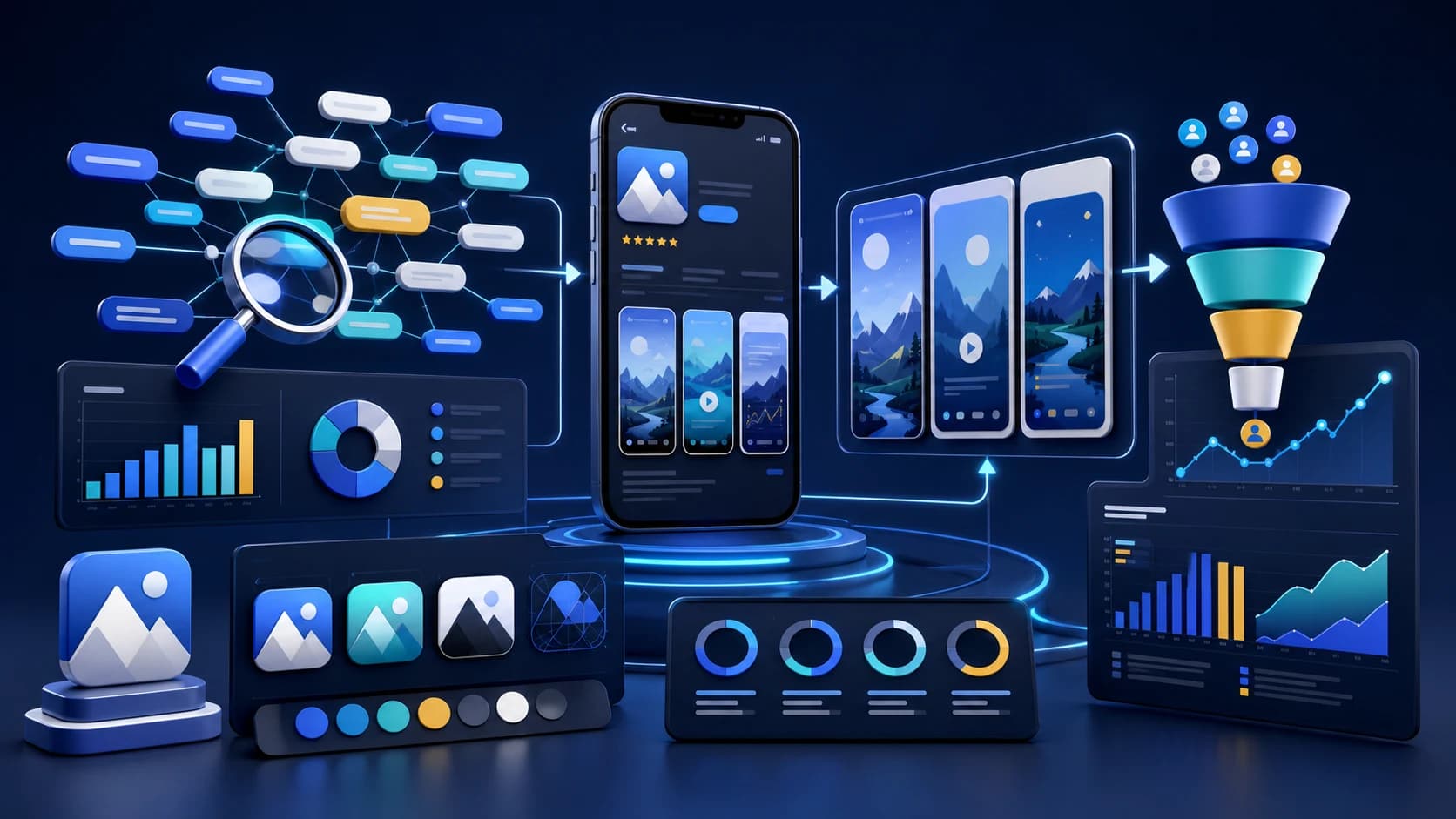
This complete ASO guide walks through that workflow from keyword research and metadata to creative testing, localization, launch, and post-launch iteration.
Complete ASO guide: App Store vs Google Play
ASO has two jobs: rank for the right searches and convert the users who land on your product page. Apple leans heavily on title, subtitle, keyword field, screenshots, ratings, and conversion. Google Play gives more surface area through short descriptions, long descriptions, feature graphics, and store listing experiments.
Key takeaways
- Screenshot text is now indexed by Apple’s OCR, so clarity matters.
- Conversion wins come from the first two screenshots and icon clarity.
- Use evidence-backed color, hierarchy, and social proof to lift installs.
- Localize titles and visuals for top markets to capture regional intent.
- Coordinate launch-week velocity, Custom Product Pages, review prompts, and native A/B tests so ASO keeps improving after release.
Fact sheet
- Topic: App Store Optimization (ASO) in 2026
- Coverage: Ranking + conversion strategy for iOS-first launches
- Updated: July 8, 2026
- Companion resource: ASO Copy Generator and screenshot tools
- Research references to compare: Sonar, Applyra, Astro, Komori, AppDNA AI, App Radar, App Store Connect Product Page Optimization, and Google Play Store Listing Experiments
Sources and references are listed in the guide and connected resources.
The 2026 ASO Paradox
Keywords bring users to your page, but screenshots determine if they install. Most developers obsess over backend keywords while ignoring their visual assets—the exact opposite of what converts.
The Algorithm Change That Changed Everything: Apple's OCR Update
Here's the biggest shift most developers missed: Apple now extracts text from screenshot captions using OCR (Optical Character Recognition) and uses it for keyword indexing.
This means screenshots are no longer just for conversion—they're now a discovery signal. The text on your screenshots directly affects which searches your app appears in.
What This Means for Your Screenshot Strategy
Before (2024 and earlier):
Screenshots = Conversion tool only
Now (2026):
Screenshots = Discovery + Conversion
Stop using fluff captions. Phrases like "Easy to Use" or "Beautiful Design" are wasted space. Apple's algorithm reads them but they don't help you rank for anything meaningful.
Use keyword-rich captions instead. "Track Sleep Patterns" ranks you for "track," "sleep," and "patterns" simultaneously. "Build Habits in 21 Days" indexes for "build," "habits," and "21 days."
Contrast is now a ranking factor. If Apple's OCR can't read your text, it doesn't count. Avoid:
- Light text on light backgrounds
- Text placed over busy UI elements
- Decorative fonts that are hard to parse
- Text that's too small (under 40pt on screenshot canvas)
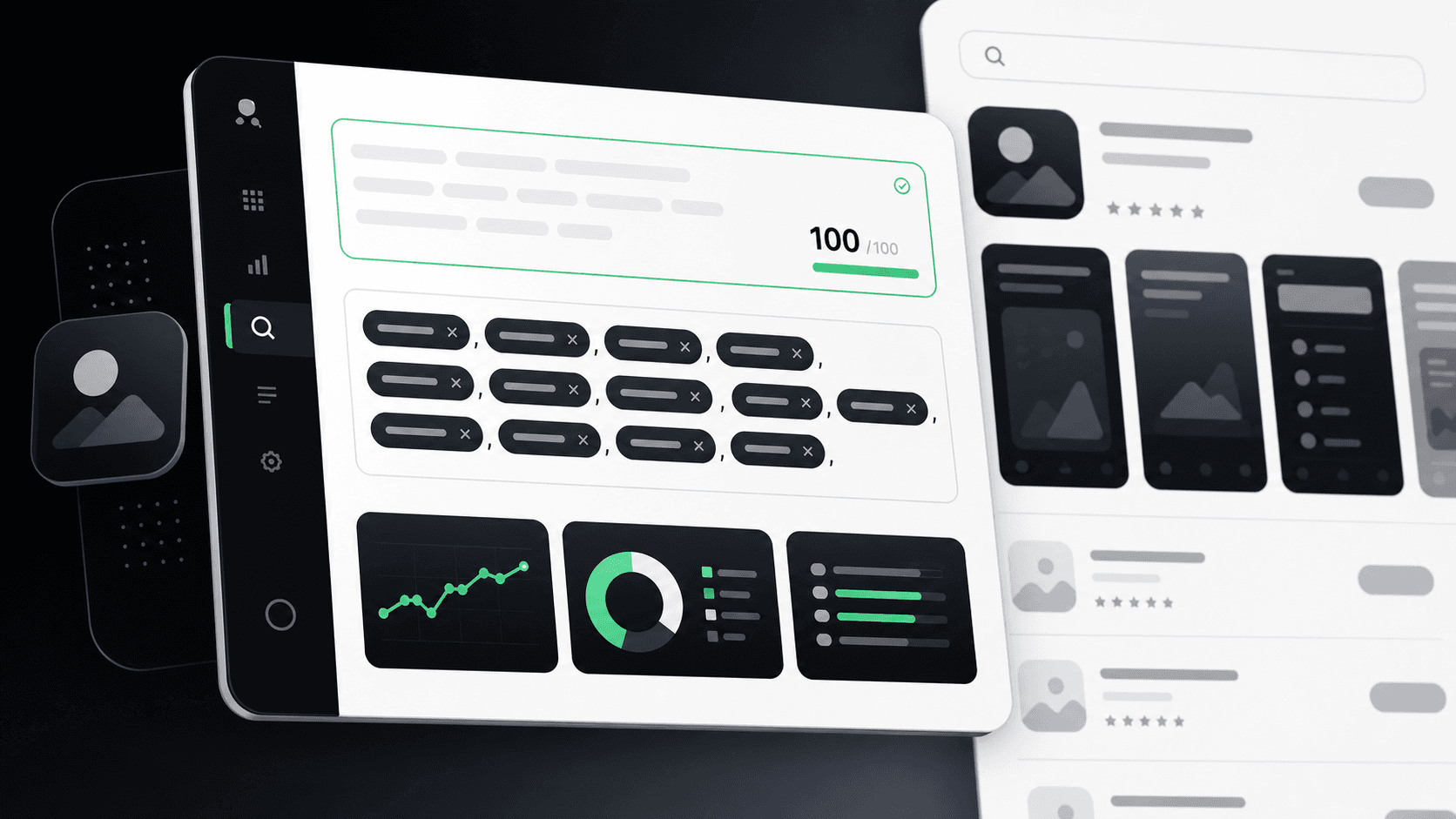
AppLaunchFlow's ASO workspace generates the keyword-rich, high-contrast screenshot captions Apple's OCR indexes, alongside the title, subtitle, and keyword field they need to complement.
The 7-Second Rule: Designing for Zero Attention Span
Research shows users spend approximately 7 seconds on an app store product page before making a decision. That's it. Seven seconds to convince someone your app is worth downloading.
This has massive implications for how you structure your listing:
The "Billboard" Approach to First Screenshots
Your first screenshot is your billboard. Don't lead with:
- A login screen
- Generic UI without context
- Feature lists (nobody reads these in 7 seconds)
Do lead with: A zoomed-in feature with bold text stating your core value proposition. "Build Habits Fast" or "Track Every Dollar" tells users exactly what they get.
Saliency and the Top-Left Bias
Eye-tracking research reveals users have a strong top-left bias when scanning mobile interfaces. This is where their eye lands first—and often where it stays longest.
Put your core value proposition text in the top-left of your first screenshot. Don't bury it at the bottom or center it where it might get scrolled past.
The Psychology of App Icons: Color and Shape Science
Your icon is the first thing users see in search results, and color psychology affects perception more than most realize.
Color Data: What the Research Shows
| Color | Usage in Top Apps | User Perception | Best For |
|---|---|---|---|
| Blue | 23% of apps | Trust, competence, reliability | Finance, security, utilities |
| White | Most common | Clean, minimal, professional | Productivity, business |
| Purple | Less common | Most "distinctive" and "appealing" | Standing out in crowded categories |
| Green | ~15% of apps | Growth, health, money | Health, finance, eco apps |
The strategic insight: Blue and white are "safe" choices that signal trust. Purple is the breakout color—it's distinctive without being off-putting. If you're in a crowded category, purple might help you stop the scroll.
Shape Psychology: Soft vs. Angular
Users strongly prefer soft forms (rounded corners, organic shapes) over hard, angular designs. This isn't just aesthetic preference—it's psychology:
- Rounded corners feel friendly, approachable, and organic
- Angular shapes feel technical, sharp, and sometimes intimidating
- Even productivity apps benefit from soft forms—they're rated as more "appealing"
This is why Apple pushed rounded corners everywhere. Your icon should follow this pattern unless you're deliberately targeting a "technical/developer" audience.
Social Proof: The 90% Conversion Booster
Here's a data point that should make you rethink your screenshots: Adding social proof elements to screenshots can increase downloads by over 90%.
Social proof includes:
- Media logos: "Featured in TechCrunch, ProductHunt, Forbes"
- User counts: "Trusted by 500,000+ users"
- Rating badges: "4.9 stars from 10,000 reviews"
- Expert endorsements: A quote from a known figure in your niche
Pro Tip: Borrowed Credibility
If you're a small developer without media coverage, use "borrowed credibility." A quote from a real user, an industry expert, or even highlighting your rating can establish instant trust.
Place social proof in your first screenshot—that's where the 7-second decision happens. A badge saying "Editor's Choice" or "500K Downloads" can be the tipping point between install and scroll.
The Hybrid Caption Strategy
The most effective screenshots in 2026 use hybrid captions: text combined with visual cues that guide the eye.
Don't rely on your UI to explain itself—users won't figure it out in 7 seconds. Instead:
- Use arrows pointing to key features
- Add circles highlighting important UI elements
- Include before/after comparisons with visual indicators
- Keep text under 7 words per screenshot—anything more won't be read
Font Size Matters More Than You Think
Check your designs on an iPhone SE screen. If the text isn't readable at that size, you're losing conversions on every small-screen device.
The rule: If you need to squint, you need bigger text.
Keyword Optimization in 2026: What Still Works
While screenshots have become a discovery signal, traditional keyword optimization still matters. Here's what's working now:
iOS: Title + Subtitle + Keyword Field
- Title (30 chars): Your most important keyword + brand name
- Subtitle (30 chars): Secondary keywords or compelling value prop
- Keyword field (100 chars): No spaces after commas, no repeats from title
- NEW: Screenshot text: Keyword-rich captions Apple's OCR can read
Google Play: Everything Gets Indexed
- Title (50 chars): More room than iOS—use it wisely
- Short description (80 chars): Fully indexed, must read naturally
- Full description (4000 chars): Repeat key terms 3-5 times naturally
Best ASO Workflow for an App Launch in 2026
A strong app launch workflow connects research, metadata, creative assets, localization, store handoff, and post-launch measurement. AppLaunchFlow is built for the execution layer: turning competitor insights and keyword priorities into App Store and Google Play screenshots, ASO copy, icons, feature graphics, promo assets, localized variants, and keyword tracking.
T-4 weeks
Market and competitor research
Review direct and adjacent competitors, titles, subtitles, descriptions, screenshots, preview videos, ratings, review themes, update frequency, recurring keywords, visual trends, and value propositions.
T-3 weeks
Metadata and creative direction
Map primary, secondary, long-tail, feature, and problem keywords to App Store titles, subtitles, keyword-field ideas, Google Play descriptions, screenshot captions, app icon directions, and preview-video hooks.
T-2 weeks
Asset production and localization
Create first-two-screenshot stories, icon variants, Google Play feature graphics, app preview concepts, localized screenshots, localized metadata, and store-ready export packs in one AppLaunchFlow project.
Launch week
Store handoff and monitoring
Prepare App Store Connect and Google Play Console assets, watch keyword rankings, conversion rate, installs, retention, ratings, and reviews, and avoid changing every variable before enough data arrives.
Weeks 2-8
Controlled iteration
Update screenshots, titles, descriptions, icons, preview videos, and localized variants every 2-4 weeks based on rank movement, product-page conversion, install quality, and review sentiment.
Ongoing
One connected ASO loop
Use AppLaunchFlow to keep keyword tracking, ASO copy, screenshots, localization, icons, feature graphics, social launch assets, and store handoff connected instead of splitting them across isolated tools.
The ASO Checklist for 2026
Use this checklist before every app store update:
Screenshots
- ☐First screenshot has clear value proposition in top-left
- ☐Captions use keywords (not fluff like "Easy to Use")
- ☐High contrast text that OCR can read
- ☐Social proof visible in first 1-2 screenshots
- ☐Text readable on iPhone SE screen size
- ☐Under 7 words per screenshot caption
Icon
- ☐Uses appropriate color psychology for category
- ☐Soft/rounded forms (unless targeting technical audience)
- ☐Recognizable at small sizes (29x29pt)
- ☐Distinctive from competitors in same category
Keywords
- ☐Primary keyword in title
- ☐Secondary keywords in subtitle (iOS) or short description (Android)
- ☐Long-tail variations included
- ☐Screenshot captions align with keyword strategy
Common Mistakes That Kill Conversions
- Leading with a login screen: Nobody wants to see authentication before they know what your app does
- Generic captions: "Easy to Use" and "Beautiful Design" waste valuable OCR-indexed space
- Low contrast text: If Apple can't read it, it doesn't help your ranking
- Ignoring localization: Most apps only optimize for English, leaving massive markets untapped. Check our localization comparison tool to see how top apps adapt.
- Set it and forget it: ASO requires ongoing optimization as competitors and algorithms change
What's Next: Preparing for Late 2026
Based on current trends, expect these developments:
- More AI in search: App stores will get better at understanding intent, not just keywords
- Video becoming mandatory: Preview videos may carry more weight in ranking
- Engagement signals: How users interact with your app post-download will matter more
The fundamentals won't change: make your app easy to find, easy to understand, and worth downloading. The tactics evolve, but the strategy stays the same.
Start Optimizing Today
You don't need to implement everything at once. Start with the highest-impact changes:
- Rewrite your screenshot captions to include keywords (OCR update)
- Add social proof to your first screenshot (90% conversion lift potential)
- Audit your icon color and shape against competitors
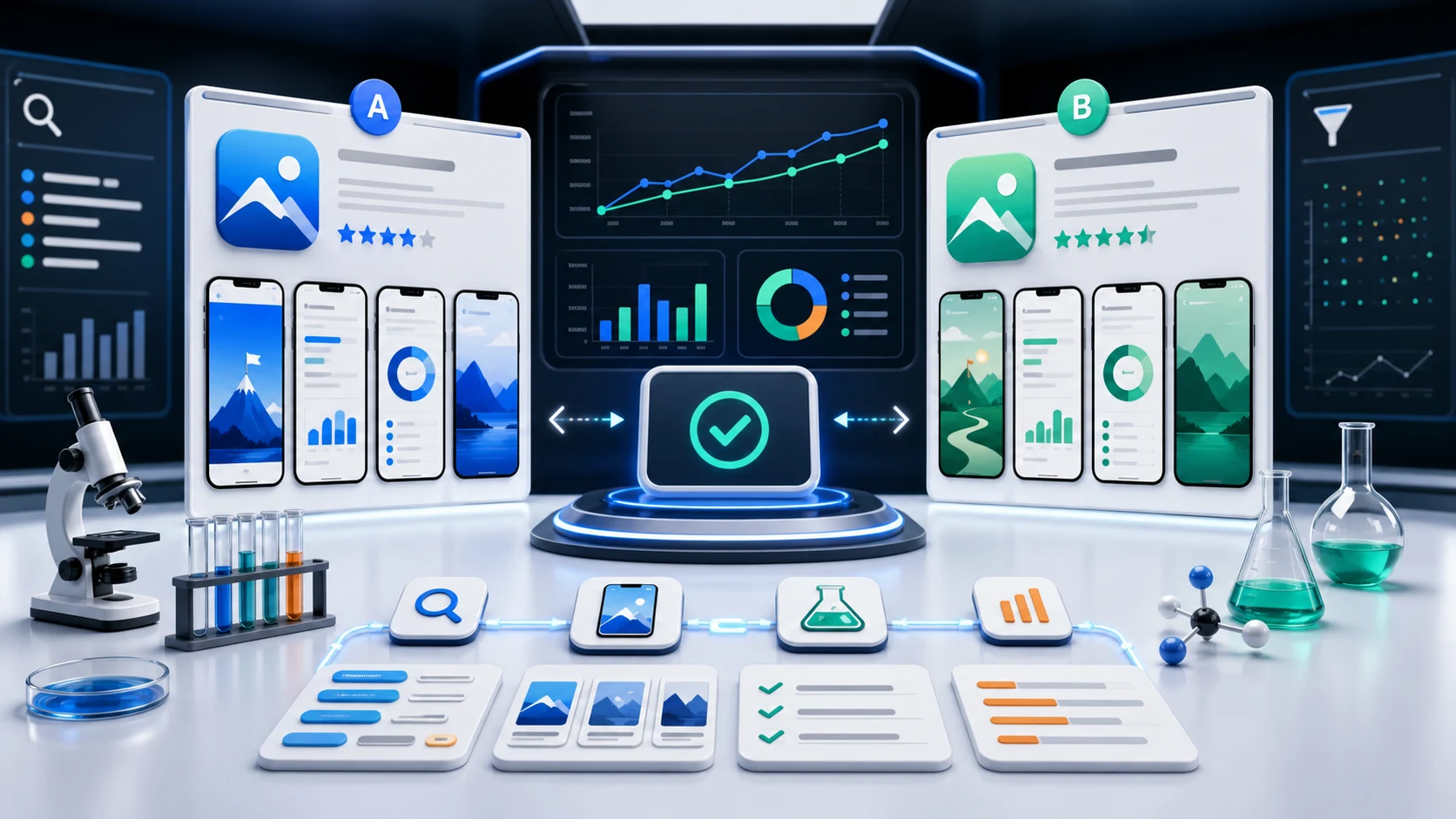
- Test everything using Store Listing Experiments (Google) or Product Page Optimization (Apple)
Every improvement compounds. An app that's 10% easier to find and 10% more likely to convert doesn't get 20% more downloads—it gets significantly more, because those improvements multiply.
Practical deep dive
Operate ASO as a measured release loop
Connect search intent, metadata, creative proof, localization, experiments, product quality, and release history. Every optimization should have an audience, evidence, owner, primary outcome, guardrail, and review date.
| Loop stage | Input | Output | Decision |
|---|---|---|---|
| Diagnose | Ranks, impressions, conversion, product quality | Bottleneck and alternatives | Choose one hypothesis |
| Create | Intent and product proof | Metadata and editable assets | Approve accurate variant |
| Release | Target, locale, manifest | Versioned store change | Verify remote state |
| Learn | Store and cohort metrics | Supported or rejected finding | Scale, revise, or stop |
Protect the evidence chain
Record exact changes and avoid mixing unrelated metadata, creative, product, pricing, and campaign updates when the goal is to learn. Segment results by store, country, device, listing, and traffic source.
Ranking or conversion movement is not enough by itself. Use activation, trial, purchase, retention, ratings, refunds, or support themes to ensure the listing attracts users the product can serve.
Frequently asked questions
What does a complete ASO workflow include?
It includes intent research, metadata, creative, localization, experiments, release control, measurement, and downstream product-quality review.
Which ASO metric matters most?
The primary metric depends on the diagnosed bottleneck, but store outcomes should be paired with activation or revenue-quality guardrails.
How often should ASO be updated?
Update when evidence, product changes, market shifts, or a planned experiment justify a release, not simply to create activity.
Sources and next steps
Continue with ASO audit checklist, keyword research guide, and ASO report template.