Yannick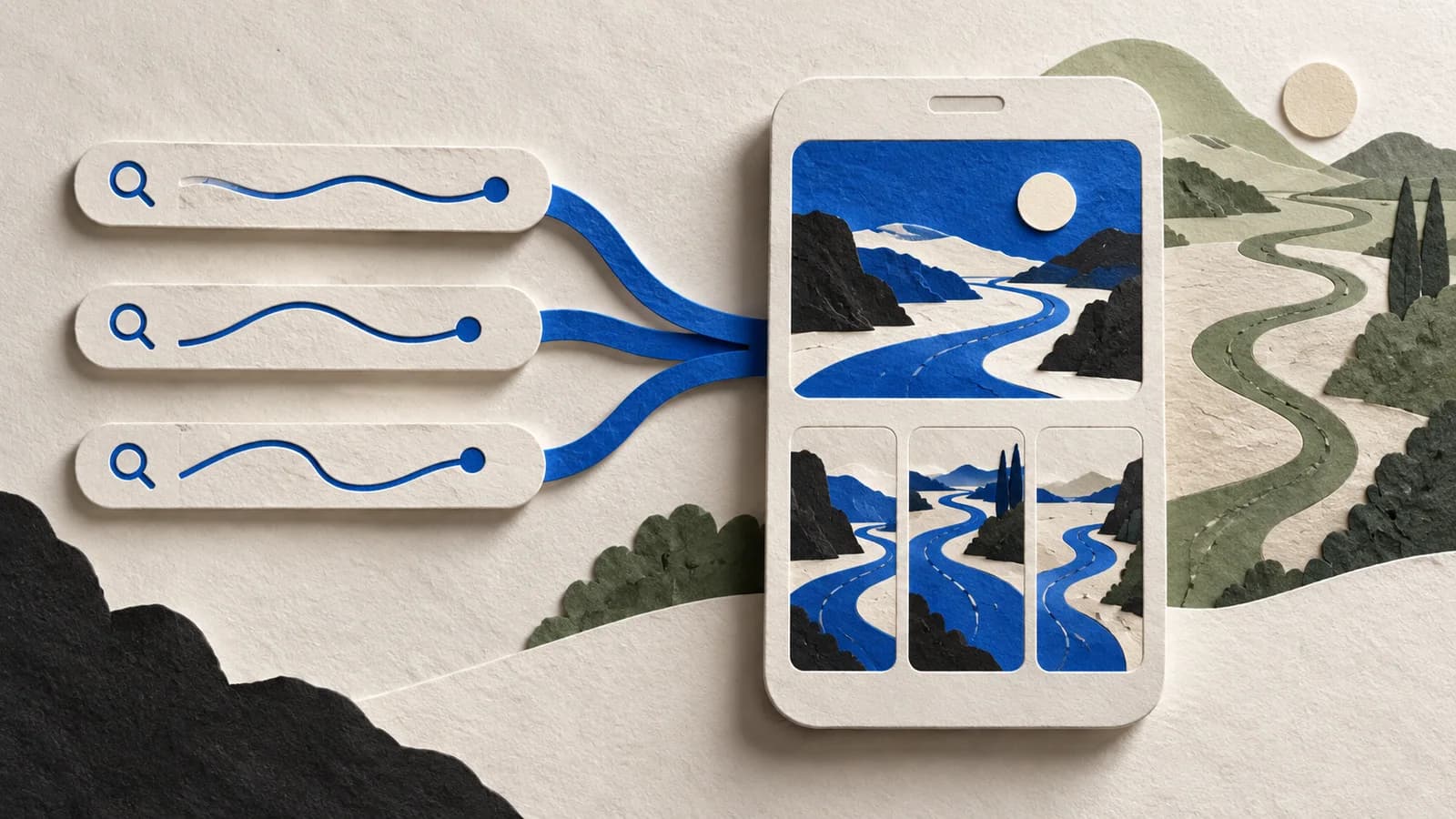
Someone searches “freelancer budget” and lands on your default product page, which opens with a family spending chart. Close, but not quite. Keyword assignment lets you send that search to a page that opens with what a freelancer actually needs.
Quick answer
In App Store Connect, assign keywords from your latest approved app version to an approved, visible custom product page, per localization. For those searches, the custom page replaces your default one. It does not add keywords or improve your ranking.
What keyword assignment actually changes
Your app still ranks for a search the same way it did before. What changes is the page people see when they tap. You set it up per page and per locale in App Store Connect.
It is easy to mix this up with the newer search results creative. That's the artwork shown in the result itself. Assignment decides which page the search opens. A good custom page needs both to say the same thing.
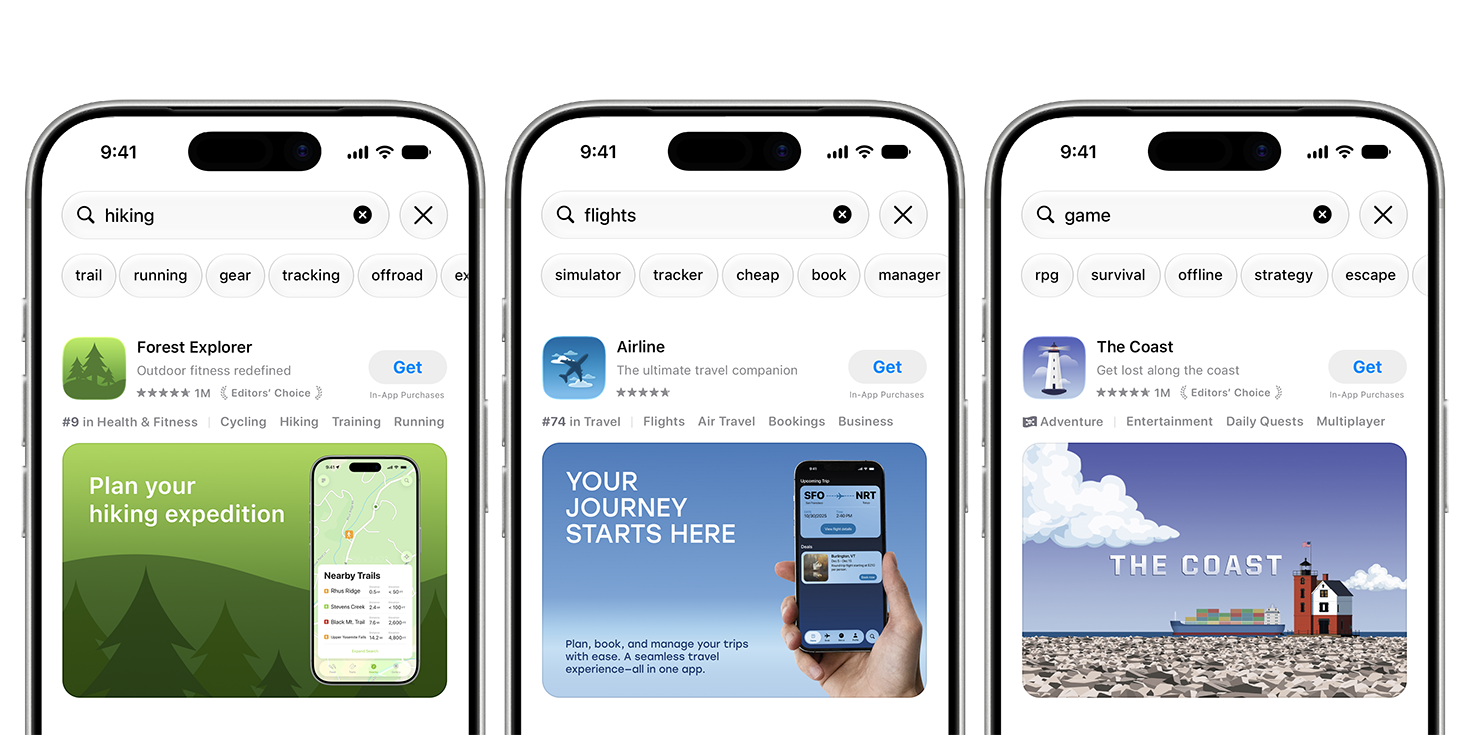
Apple's search examples: the hiking query shows a map-led creative, the flights query a travel interface. The artwork is the first half of the promise. The page behind it is the second.
Source: Apple Developer, App Store asset best practices · View full size
Image © Apple. Apple's documentation illustration, verified October 7, 2026; not a verified live listing, an AppLaunchFlow export, or a conversion case study.
Start with the feature, not the keyword list
Picture a budgeting app with two audiences. A freelancer cares about setting money aside for taxes. A couple cares about splitting costs. Same app, very different first screenshot.
Freelancer page
freelancer budget
- Screenshot 1
- Tax reserve set aside from each invoice
- Screenshot 2
- What's safe to spend this month
Household page
family budget
- Screenshot 1
- A shared spending view for two people
- Screenshot 2
- Who paid for what, settled in one tap
If the freelancer page only swaps a headline on the household screenshots, the keyword has nothing to land on. Give each custom page only the searches it can answer convincingly, and leave the broad terms on your default page.
Not sure which feature to lead with? Fill in the free CPP planner first, then build the frames with the screenshot story guide.
How to assign CPP keywords in App Store Connect
- Open your app and go to Custom Product Pages.
- Pick the page and check that it's approved and visible.
- Under Keywords, choose terms from the latest approved app version.
- Repeat for each localization. Keep each page's keywords distinct.
- Click Publish, then search in that storefront to confirm.
You can set keywords before the page is approved, but they only take effect once it is. Apple limits edits while a page is in review, so settle the keywords before you submit.
Make the page worth landing on
In AppLaunchFlow, duplicate a screenshot variant and move the relevant feature to the front. Build the product page header and search creative as separate layouts in Graphics, and write promotional text for this audience in ASO Copy (170 characters, and it's not a keyword field).
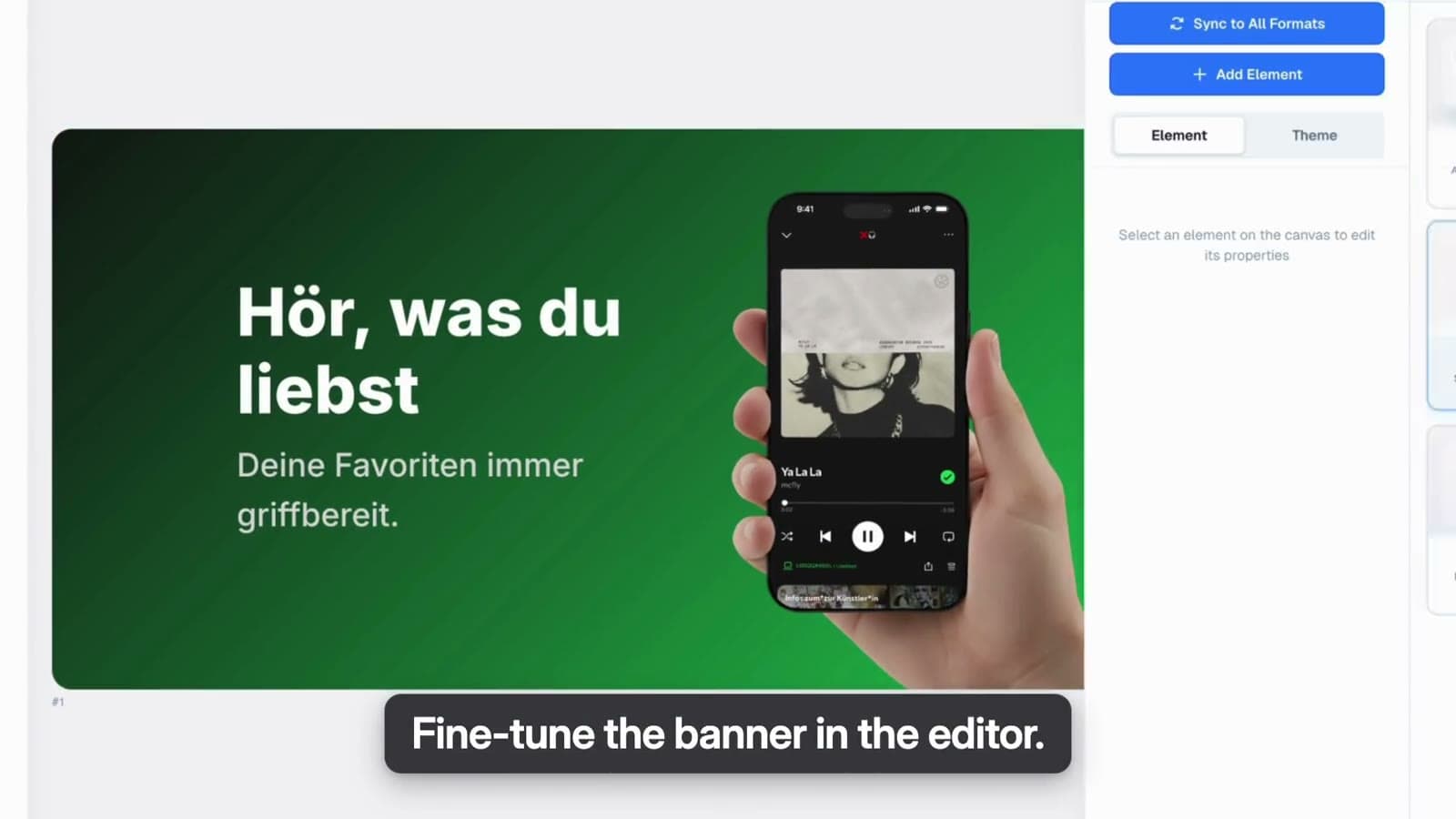
When the set is ready, connect your Apple app and open Hub → Product Pages. Create or select the custom page, place the artwork and publish the screenshots and copy. Keyword assignment is the one step you still finish in App Store Connect.
Why is the default page still showing?
Before you assume something is broken, write down the query, storefront, device and locale you tested. Then work through these.
- Page not approved
- A saved draft is not a live page. Check that it is approved and visible.
- Wrong localization
- Keywords are assigned per locale. Test in the storefront and language you configured.
- Keyword not offered
- You can only pick keywords from the latest approved app version. Add it there first.
- Different route
- A CPP link or an Apple Ads destination is not an organic keyword assignment.
- App doesn't rank
- Assignment swaps the page. It does not make the app appear for the search.
- Artwork missing
- Header and search placements need iOS 27 or later. Older devices show the screenshots.
Measure the page, not the keyword
App Store Connect reports impressions, downloads and conversion rate for each custom page once it has at least five first-time downloads. That is when data appears, not when it becomes meaningful. Compare like with like: same source, storefront, locale and dates.
AppLaunchFlow's Keyword Monitor tracks where your app ranks; it can't tell you which page Apple showed. And remember that PPO tests only your default page. The CPP conversion guide covers the rest.
CPP keyword questions
Which keywords can I assign to a CPP?
Apple lets you select keywords from the latest approved app version, per localization. This is not an independent keyword field or permission to target arbitrary terms. Check the eligible choices in App Store Connect.
Why does my custom product page not appear in search?
Check that the correct page is approved and visible, its intended keywords are assigned for the localization, and your test uses the intended storefront and language. Keyword assignment does not guarantee that the app ranks or that every search displays the page.
Does a search creative assign keywords to a CPP?
No. A search creative is an image or video placement. Keyword assignment routes an eligible search to a page. Match the artwork, screenshot story and keyword intent, but configure and check those steps separately.
Checked October 26, 2026 against Apple's CPP setup reference, asset guidance, search overview and Apple Ads ad variations. The budgeting app is a made-up example.