Yannick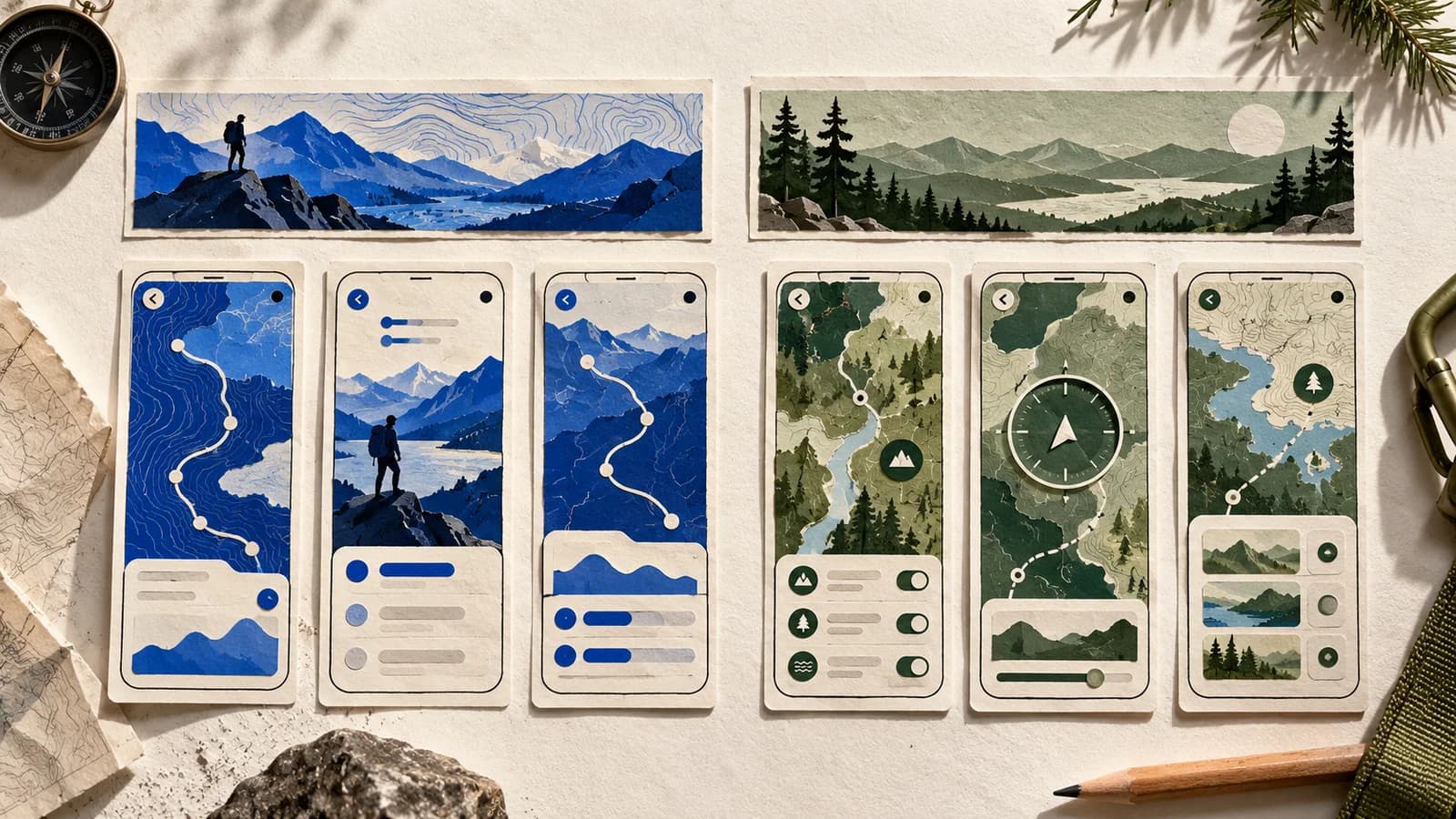
If someone is looking for offline hiking maps, a screenshot of your activity feed is the wrong opening. It might be a great feature. It just doesn't answer the question that brought them to the page.
Quick answer
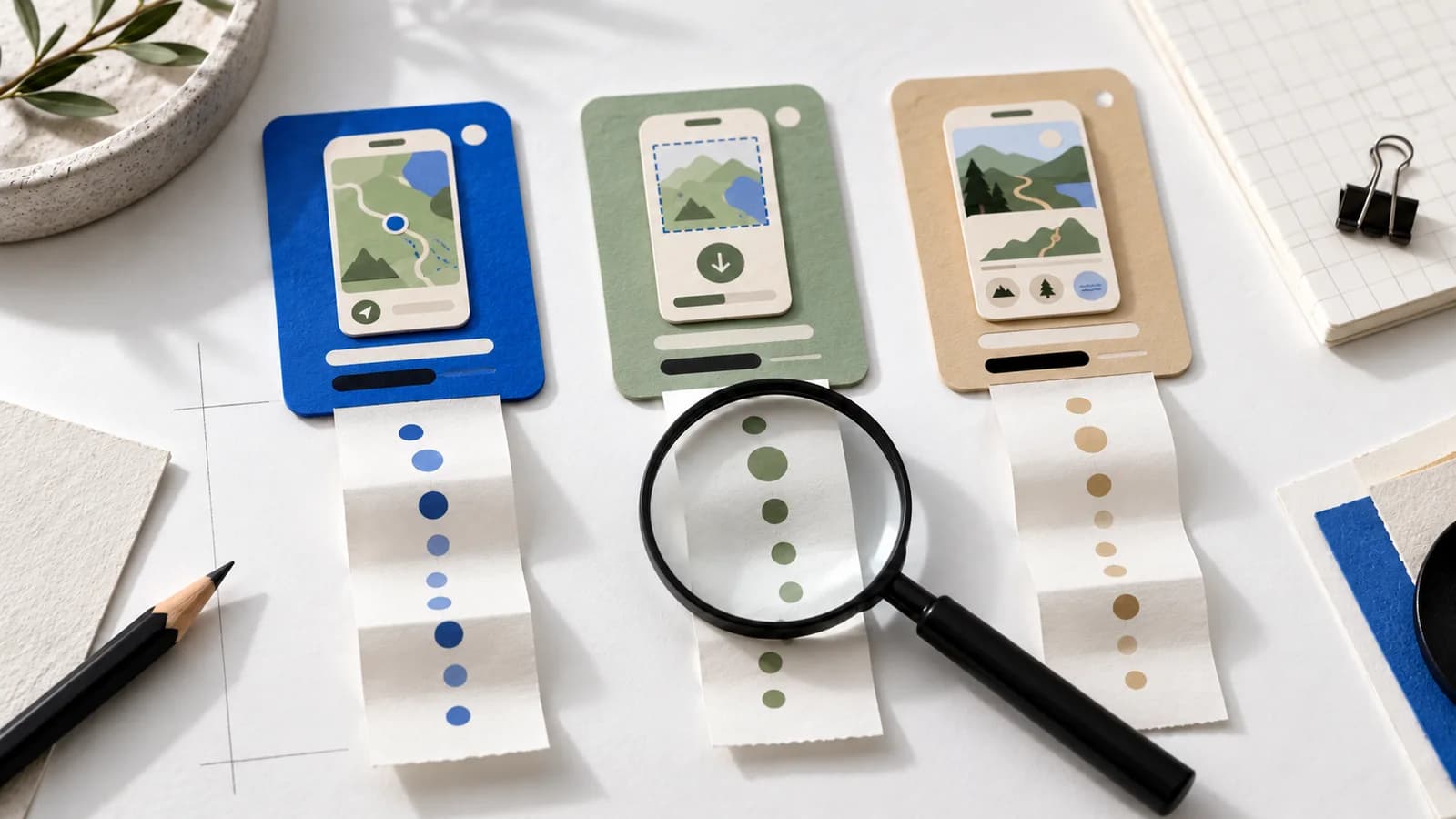
Pick one audience and the one real feature they came for. Open on that screen, use the next two frames to show how it works, and keep your existing design system. The header and search creative repeat the promise; they don't repeat the screenshots.
Look at what changes in Apple's example
Apple explains custom product pages with Forest Explorer, a made-up outdoor app with pages for hiking, cycling and climbing. It isn't three color variants. Each page gives a different sport the first word.
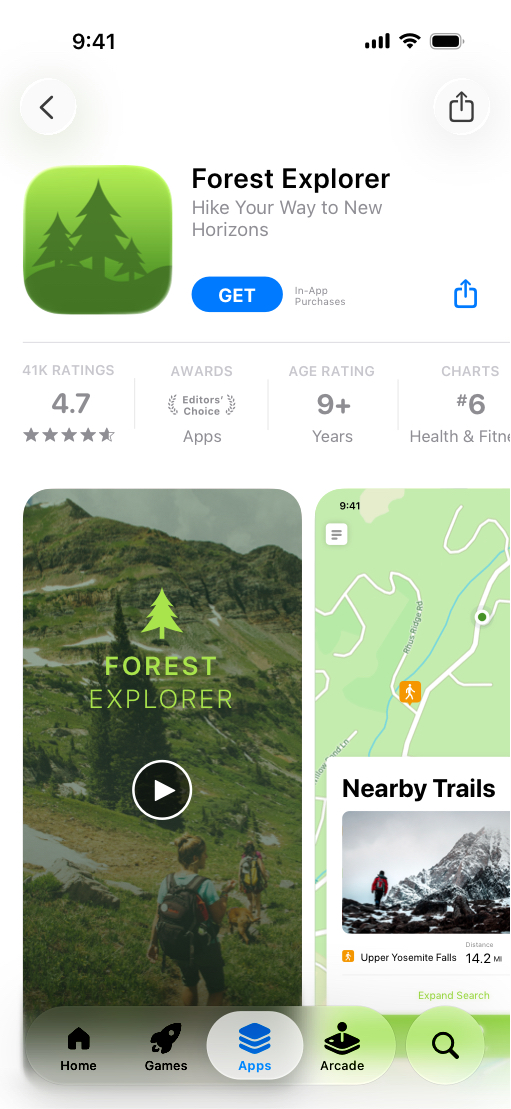
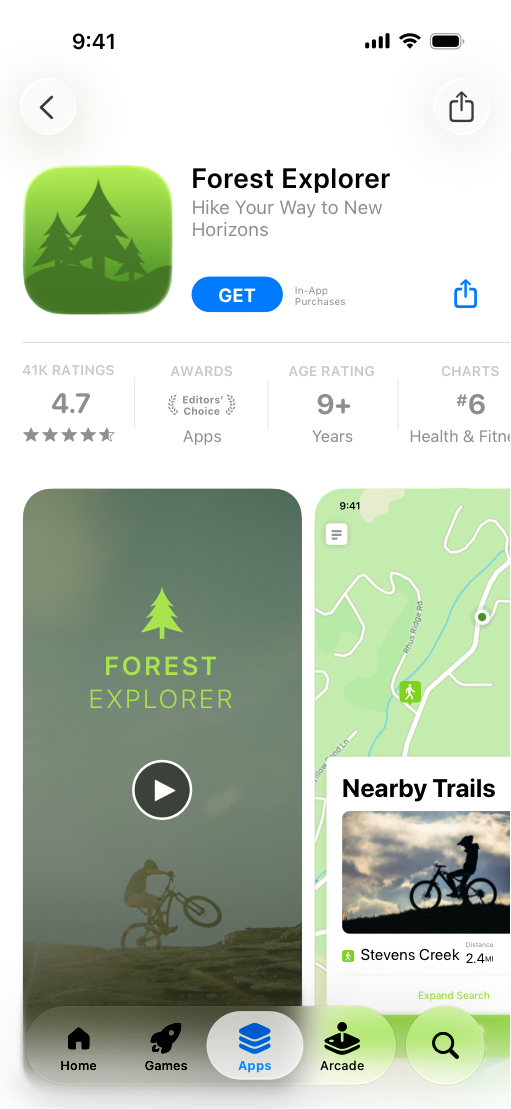
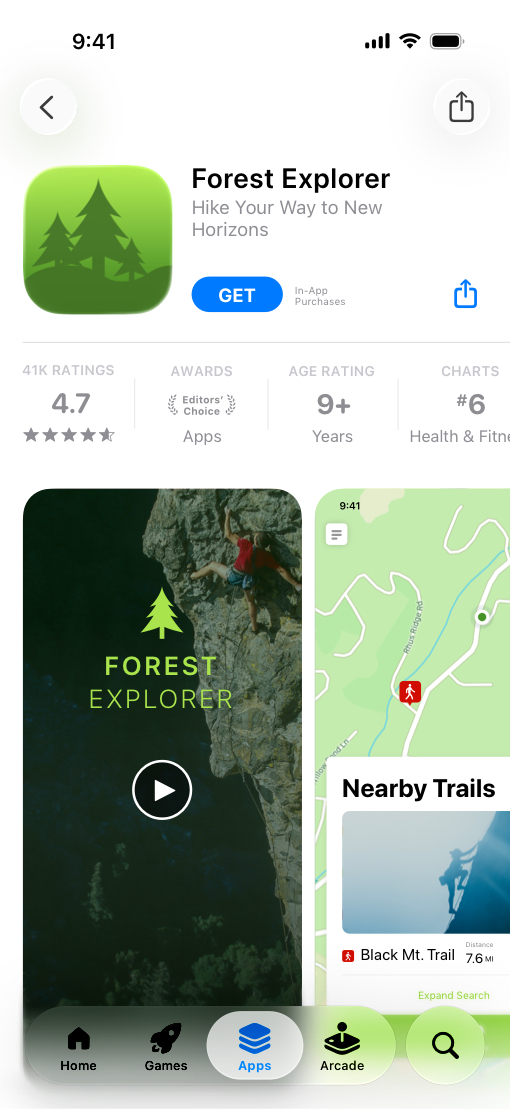
 Forest Explorer is Apple's demo app. Source: Apple custom product pages.
Try this on your own page: cover the app name and ask whether you can still tell who it's for. If the answer hangs on a small caption, the first image isn't doing enough.
Write the promise before you pick a template
For people who need this job, show this real action first.
A narrow promise is easier to prove than “the all-in-one app for outdoor adventures.” For our hiking app, the job is following a route without reception. So the opening frame is a saved route on an offline map, not an account screen. Whatever you show has to be something the app really does; Apple's asset guidance covers the rules.
A three-frame story you can build today
Three frames is enough to discuss the idea. Use as many as your story needs.
“Take your route offline”
The real saved-map view, route clearly visible.
“Save it before you leave”
The download step. Don't fake a one-tap flow.
“Keep your bearings on the trail”
Navigation in use, with only what the app really does.
Notice what's missing: the social feed, the badges, the long feature list. They can live on your default page. A custom page doesn't need to explain the whole app again.
Give the header and search artwork their own jobs
The three placements work together, but they don't do the same thing. Repeating one composition in all of them is usually weaker than repeating one promise.
Header
Sets the place and the mood. No interface detail.
Screenshots
Explain the product. This is where the feature lives.
Search creative
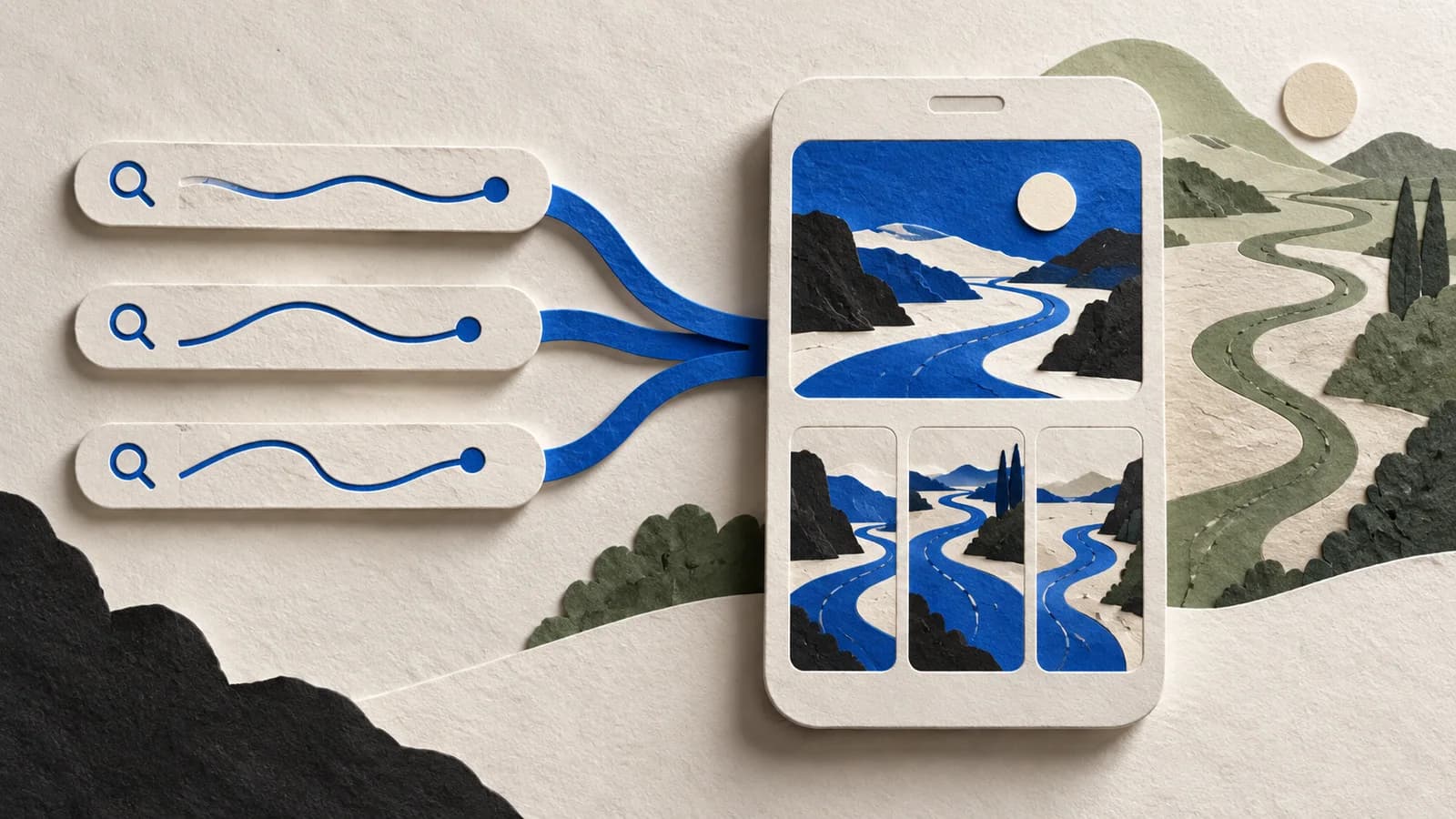
One focal point that survives a thumbnail.
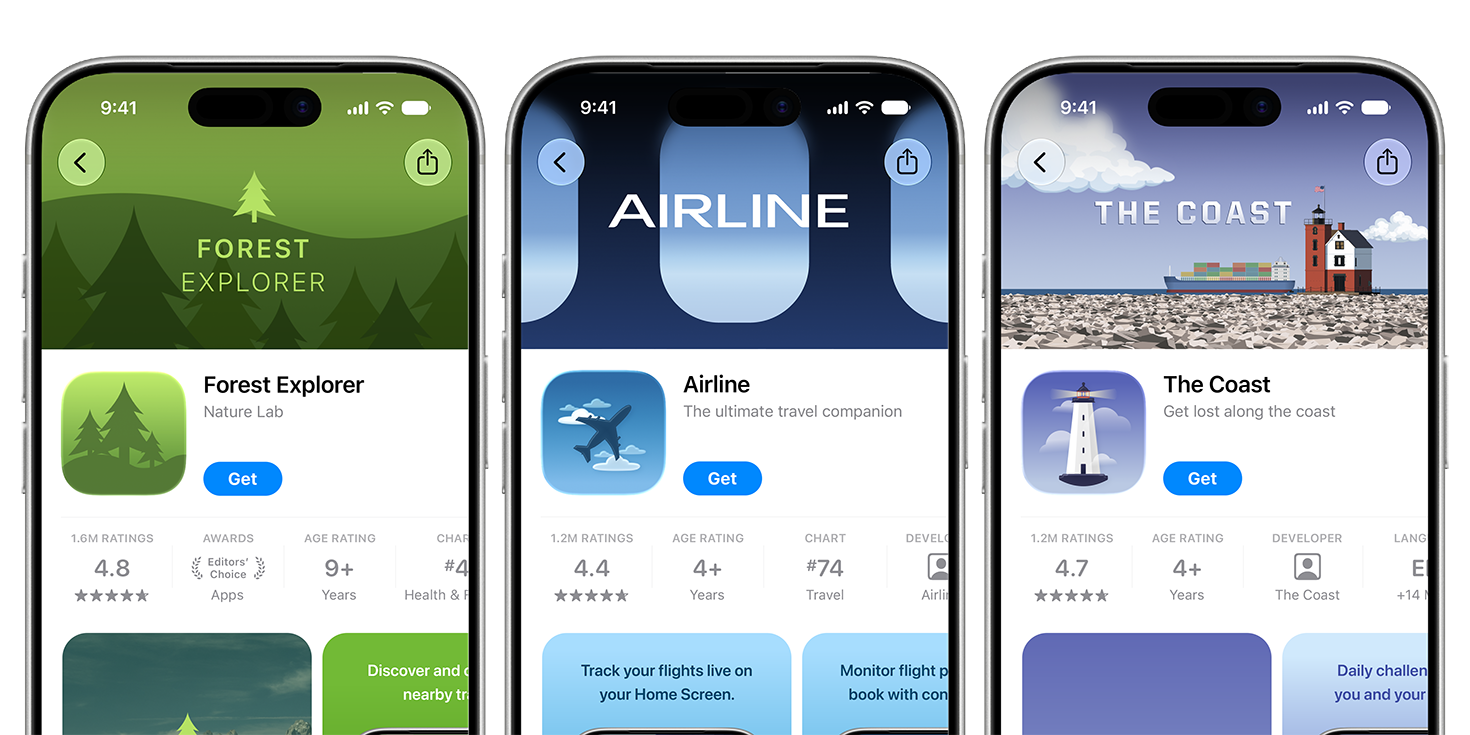
Three official Apple header examples: Forest Explorer's green landscape, Airline's blue graphic treatment, and The Coast's lighthouse scene. Each carries one recognizable identity into the product page.
Source: Apple Developer, App Store asset best practices · View full size
Image © Apple. Apple's documentation illustration, verified October 7, 2026; not a verified live listing, an AppLaunchFlow export, or a conversion case study.
For the offline-map page, carry the same route and landscape through the header and search art, then show the working map in the screenshots. Header and search placements show on iOS 27 and iPadOS 27 or later, so check Apple's placement requirements before exporting. Try compositions in the free header generator and run the file through the asset checker.
Make a variant, not a second design system
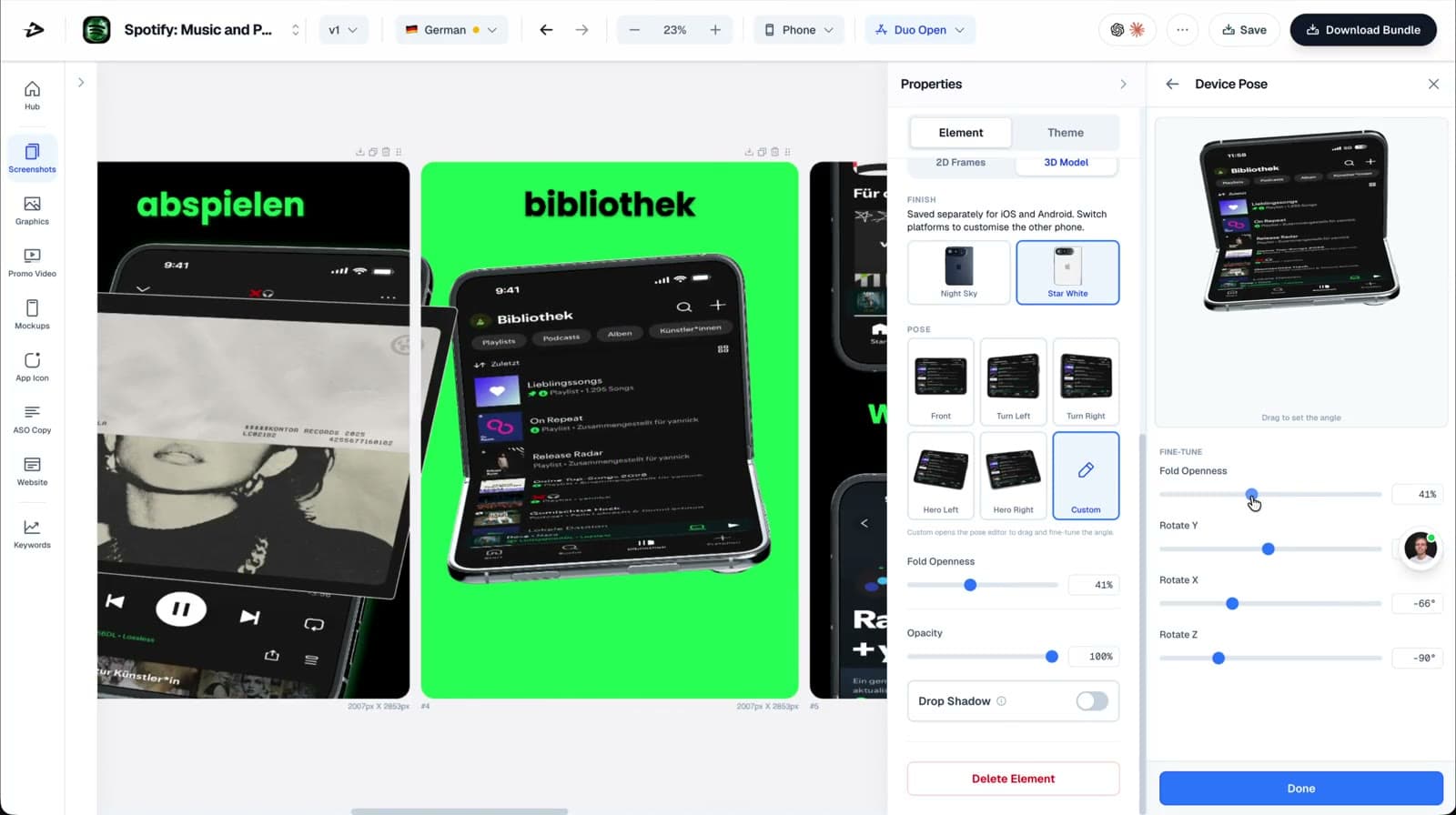
In AppLaunchFlow, start from a screenshot variant you already like. Swap the first capture, reorder the rest and rewrite the captions for this audience. Type, spacing and device frames stay the same, so the page still looks like your app.
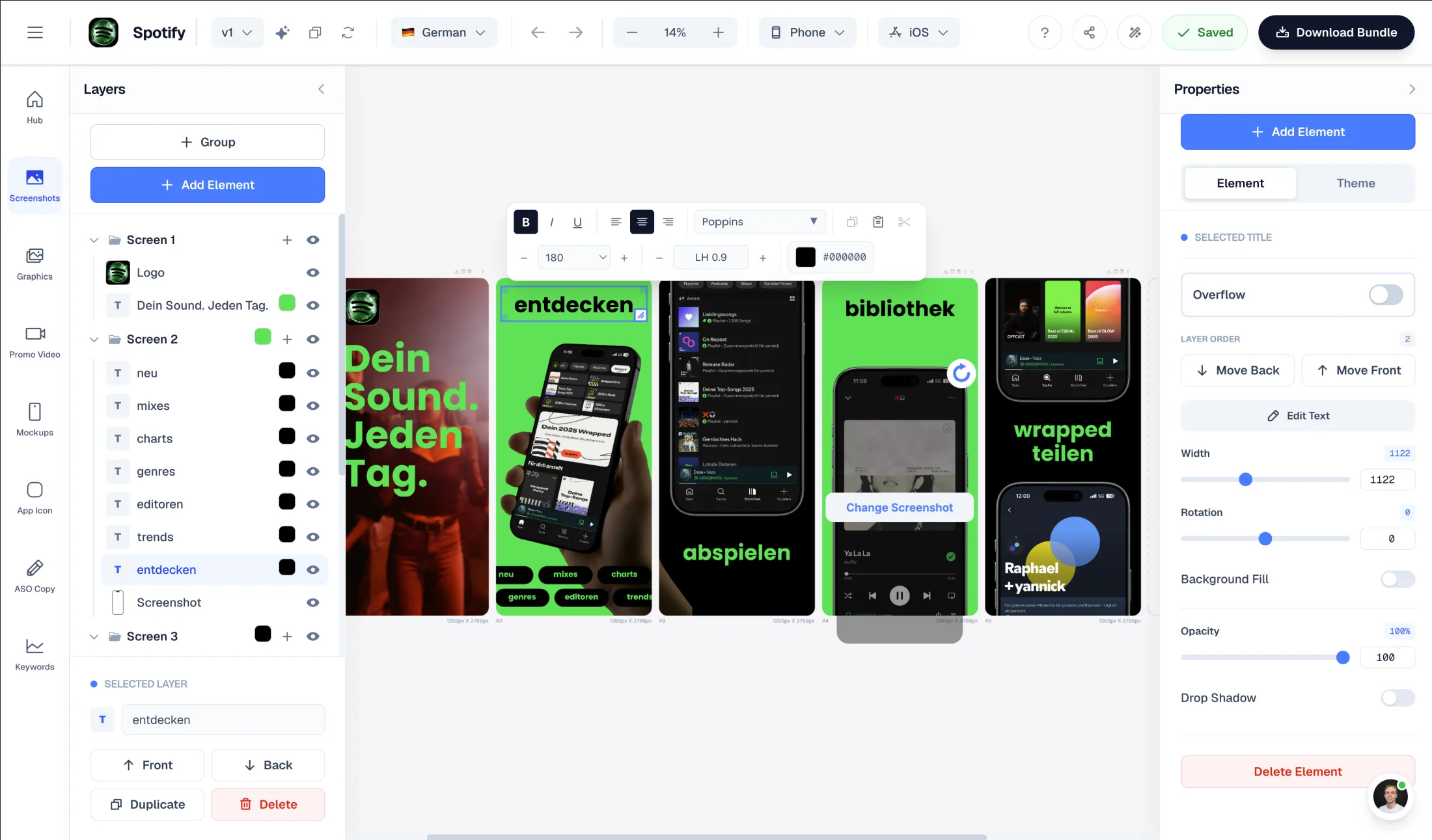
Build the header and search layouts separately in Graphics, and review every asset in the same locale. A translated caption over an English screenshot makes a careful page feel unfinished.
Before you publish
- Cover the app name. Can you still tell who the page is for?
- Does each caption describe the screen right below it?
- Is the important part readable at search-result size?
- Do the screenshots, header, search artwork and promotional text make the same promise?
- Are the language, app and custom page all the right ones?
- Did you check Apple's preview, not just the exported file?
Then decide how people get there: a shared link, an Apple Ads destination or an organic keyword assignment. Once it's live, read the CPP measurement guide before you start another redesign.
Checked October 26, 2026 against Apple's CPP overview, asset best practices and asset management. The hiking app is a made-up example.