

Both stores.
App Store screenshot API.Built for your next release.
Your team designs in AppLaunchFlow. Your pipeline renders localized screenshot sets for iOS and Android. Keep the creative work editable, and put the repeat work in code.
5 API export jobs per monthly period with Unlimited.
Explore the workflow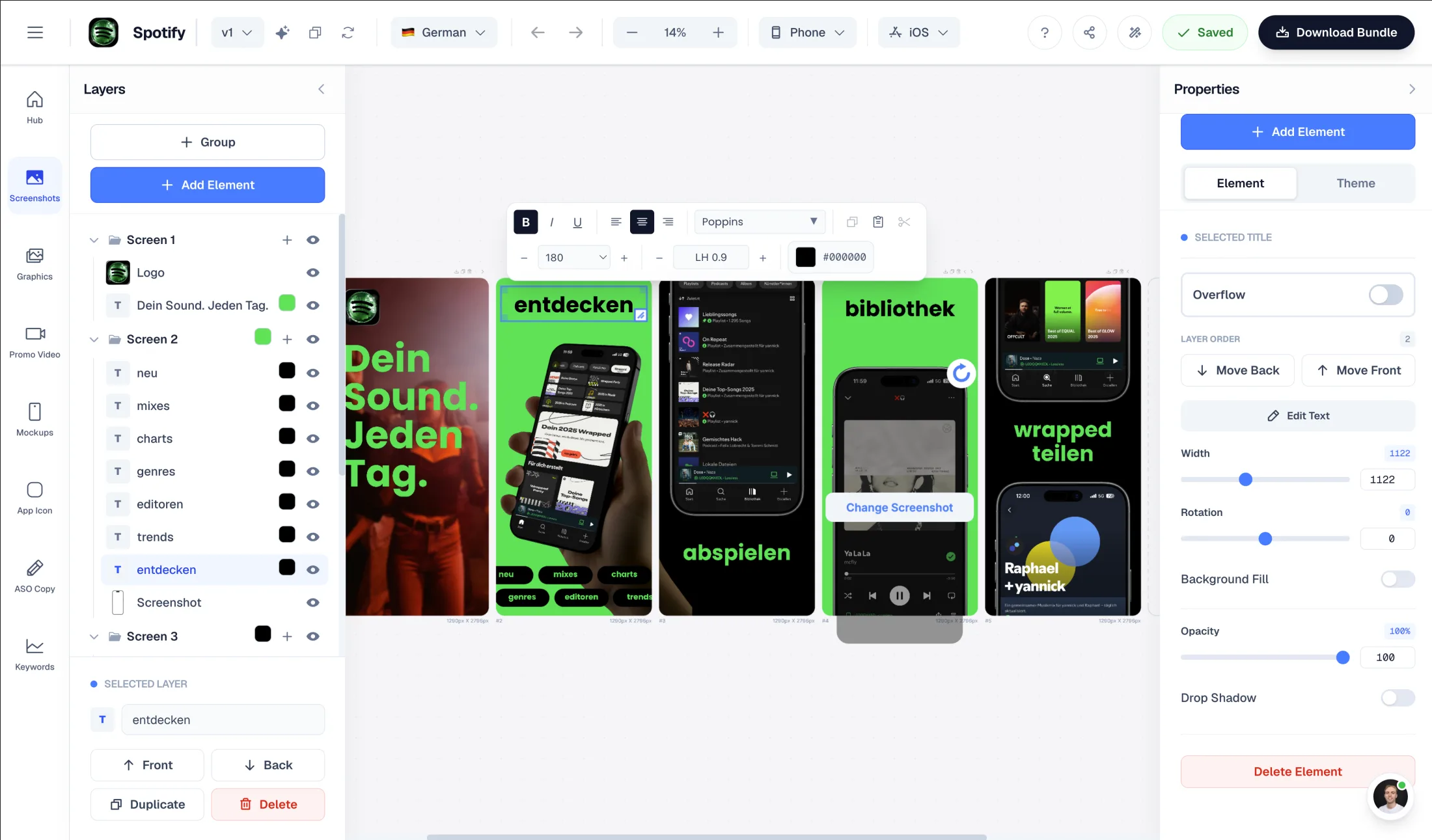


Trusted by 7,000+ app developers
95,773
assets exported
10,546
apps localized
146
countries
REST + OpenAPI
A documented request contract
JavaScript client
Use your existing Node scripts
GitHub Actions
Keep outputs with the release
Fastlane
Handoff to deliver and supply
A visual workflow, with an API
Design stays visual.
Delivery becomes repeatable.
Your next release starts here.
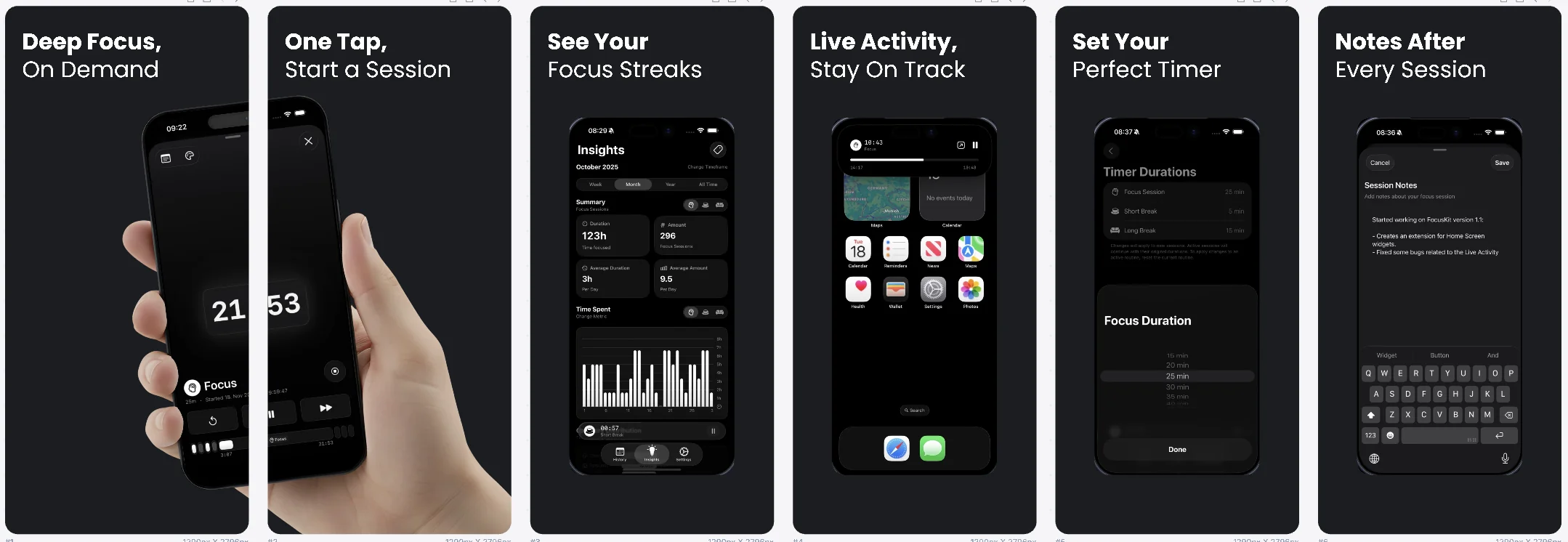
Use real app captures, choose a composition, and save the phone and tablet layouts your release needs. Designers and developers work in the same project.
One request.
Your release matrix.
Choose saved languages and device formats. The API queues a render, then returns a package to download.
{
  "languages": ["en", "de"],
  "formats": [
    "ios.phone.6.9",
    "android.phone"
  ],
  "package": "fastlane"
}Scoped to your project
Give a release job only the project access and permissions it needs.
Checked before handoff
Planned files, PNG integrity, dimensions, opacity, and checksums are validated.
Ready for your upload lane
Keep locale folders and device formats organized for Fastlane.
One launch.
More languages.
Review your translations in the editor. Request the saved language and format combinations together. Missing requested layouts fail validation, so an incomplete set does not quietly reach your release.
Up to 40 languages and 800 files per render. Keep within the per-format limits: 10 screenshots for iOS, 8 for Android.
Plan a localized release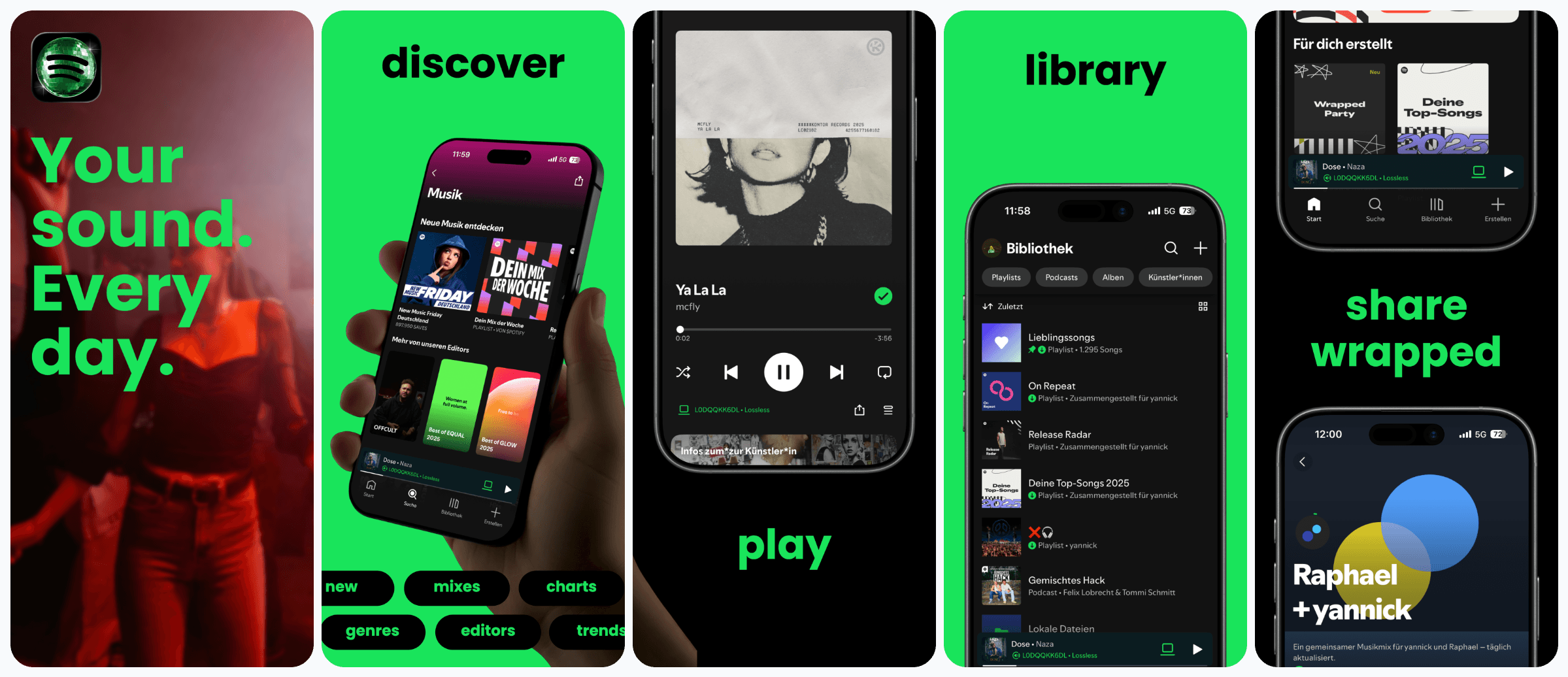
Screenshots belong
in your release workflow.
Keep snapshot or your existing capture tests. Add AppLaunchFlow for design and rendering. Download the package, review the images, then let deliver or supply handle the store upload.
- Stable retry keys recover the same export operation.
- Receipts keep the render ID with your CI artifacts.
- Poll for completion or use signed webhooks.
fastlane/
├── screenshots/
│   ├── en-US/
│   └── de-DE/
└── metadata/android/
    ├── en-US/images/phoneScreenshots/
    └── de-DE/images/phoneScreenshots/
App Store
fastlane deliver

Google Play
fastlane supply
Rendering prepares the assets. Store upload uses your separate Apple or Google credentials. Review content and translations before publishing.
Beyond the screenshot package
One creative workspace.
More ways to build.
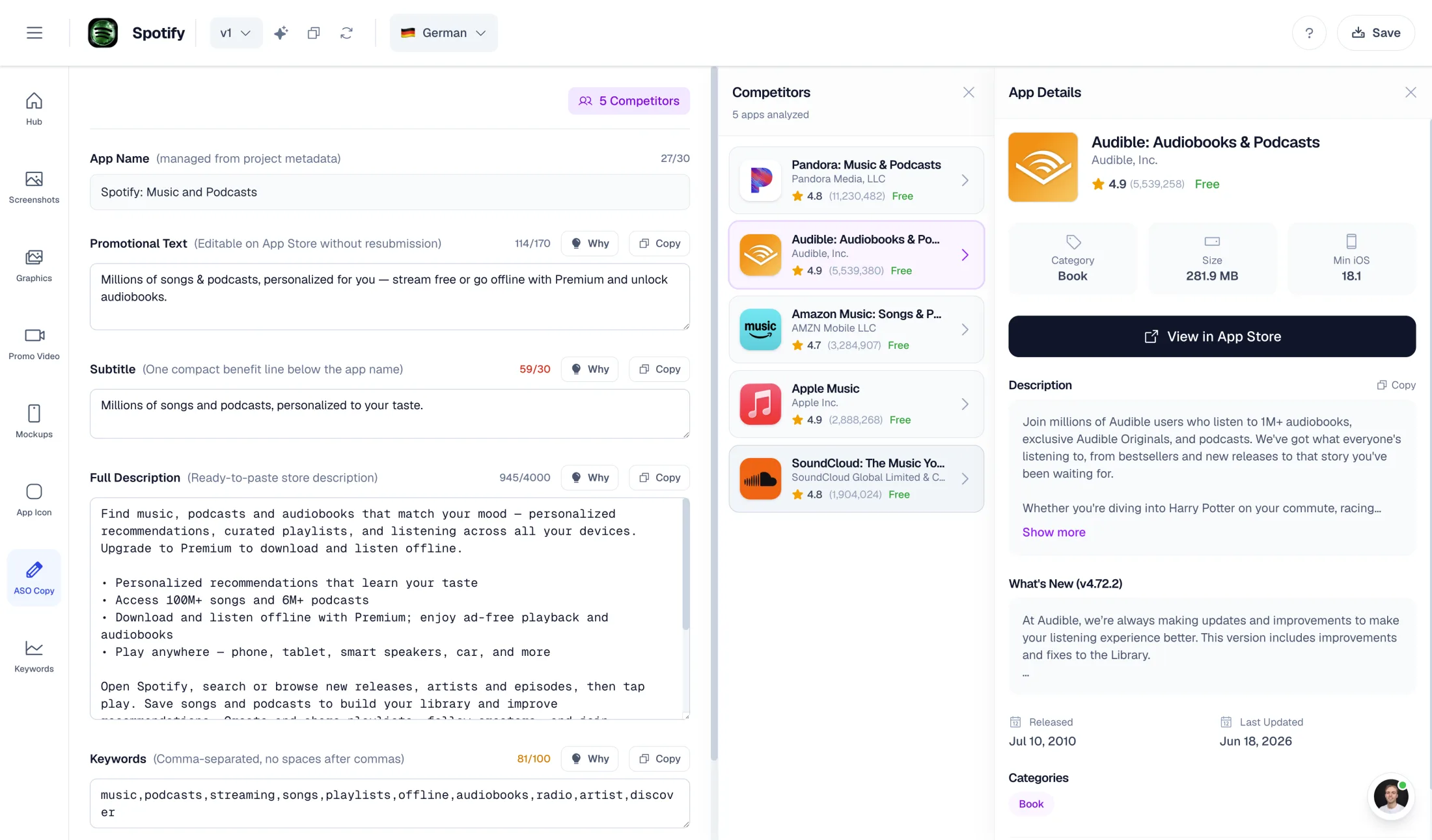
Store copy & localization
Create and translate ASO copy alongside your screenshot designs.
/aso/copy · /aso/translate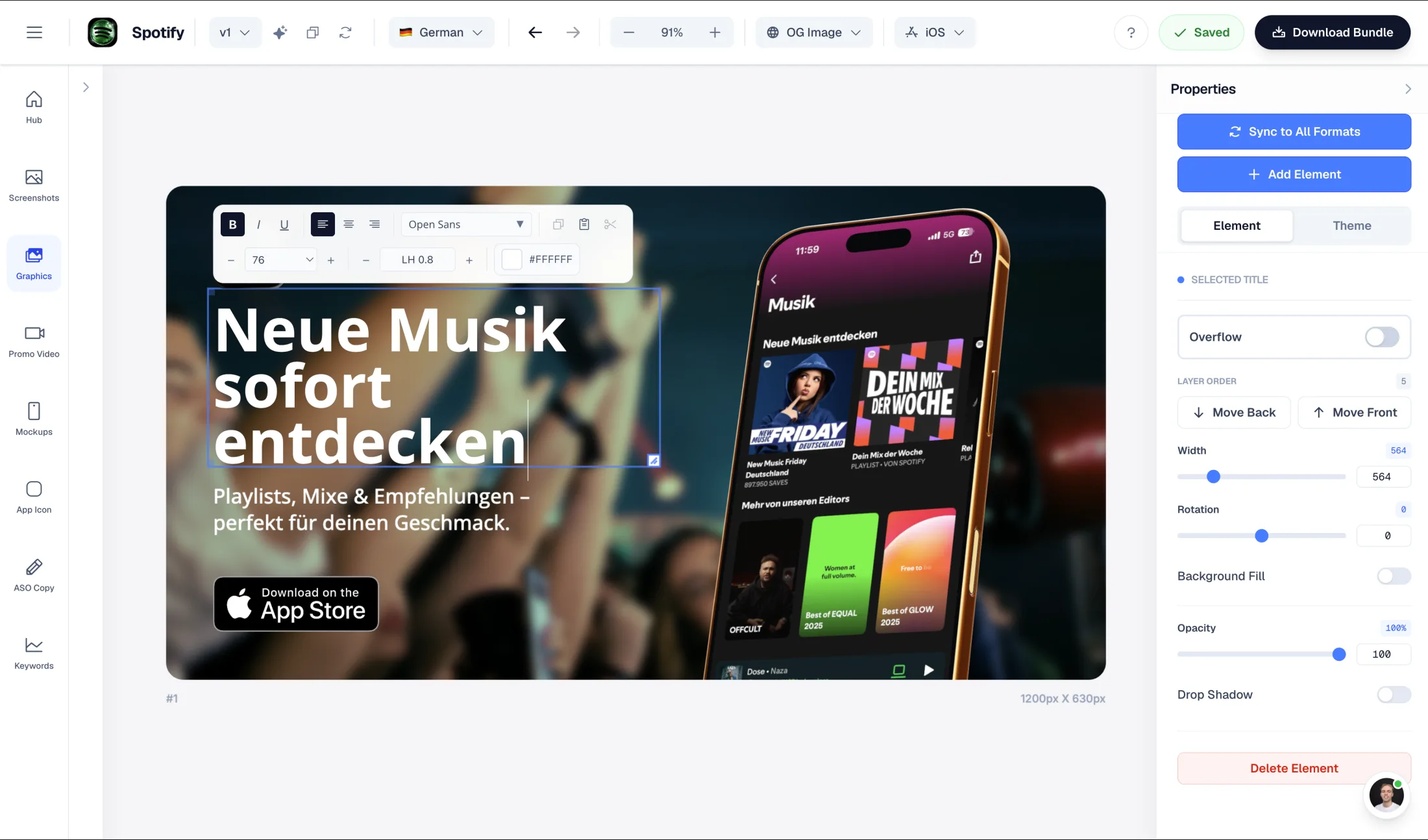
Social graphics
Generate styles and work with editable graphic layouts and formats.
/graphics/*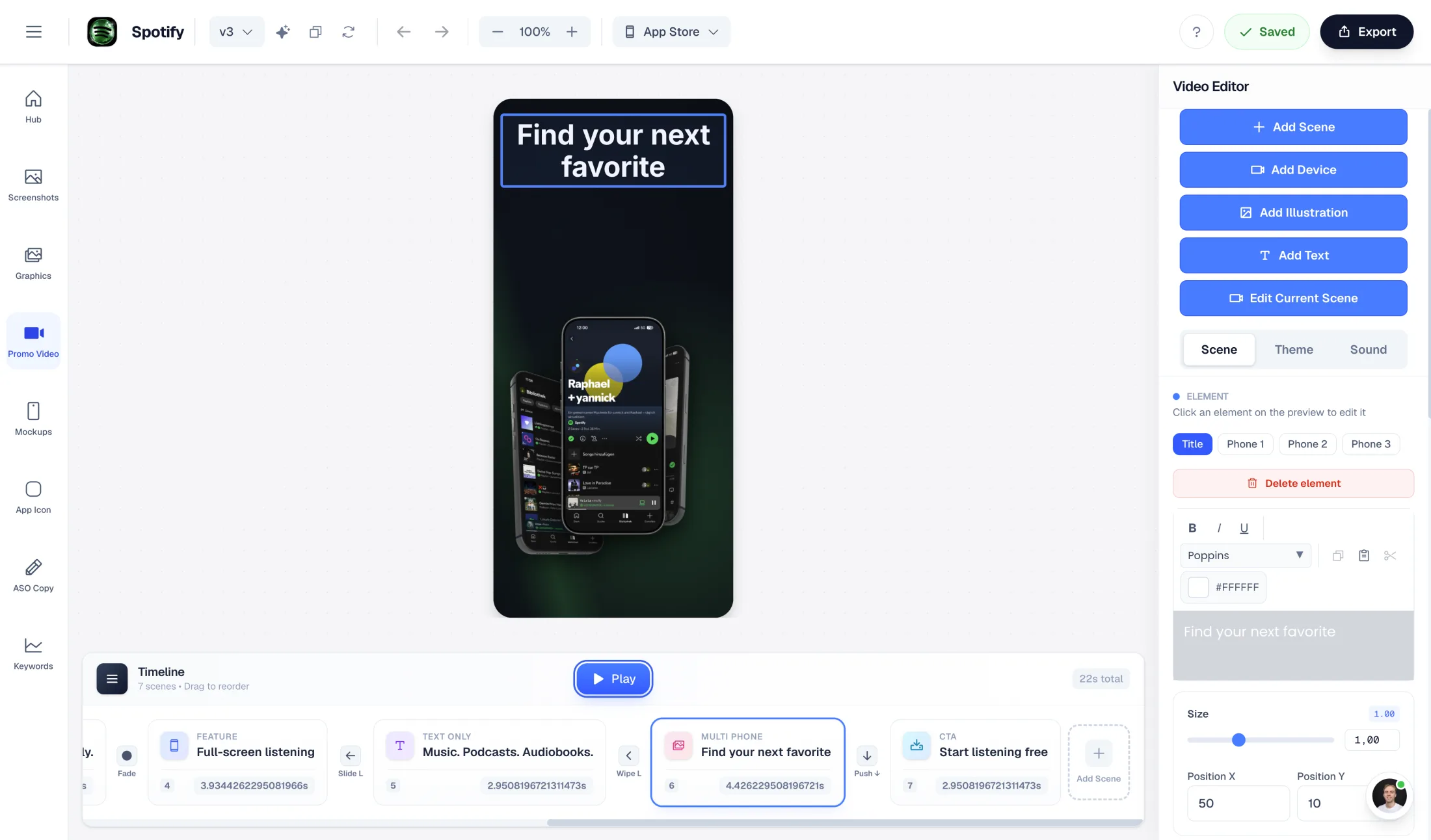
Mockups & promo videos
Build mockup and video projects, then request their supported exports.
/mockups/* · /promovideo/*Each asset type has its own API and export contract. The validated Fastlane package is for screenshots. For an interactive AI workflow in the same workspace, explore the hosted MCP connector.
A small request.
A useful output.
Save your design first. Put your project UUID and saved languages in release.json, then submit a render with a project-scoped key and stable idempotency key.
The response is a job to poll, followed by a validated download. The guide covers every step, including recovery.
Follow the complete quickstart{
"projectId": "11111111-1111-4111-8111-111111111111",
"languages": ["en","de"],
"formats": ["ios.phone.6.9","android.phone"],
"package": "fastlane"
}curl --fail-with-body \
https://dashboard.applaunchflow.com/api/v1/renders \
-H "Authorization: Bearer $APPLAUNCHFLOW_API_KEY" \
-H "Content-Type: application/json" \
-H "Idempotency-Key: $APPLAUNCHFLOW_RELEASE_ID" \
--data @release.jsonYour next GitHub Action.
Already written.
Start with an example workflow that renders your saved designs, validates the package, and keeps the screenshots and retry receipt together as a GitHub artifact.
.github/workflows/screenshots.yml
- 1. Configure. Add your API secret, project configuration, and release helpers.
- 2. Run. Start the workflow with a release ID you can reuse for retries.
- 3. Review. Download the artifact and inspect the screenshots before store upload.
Built to be useful
From the first request
to your release pipeline.
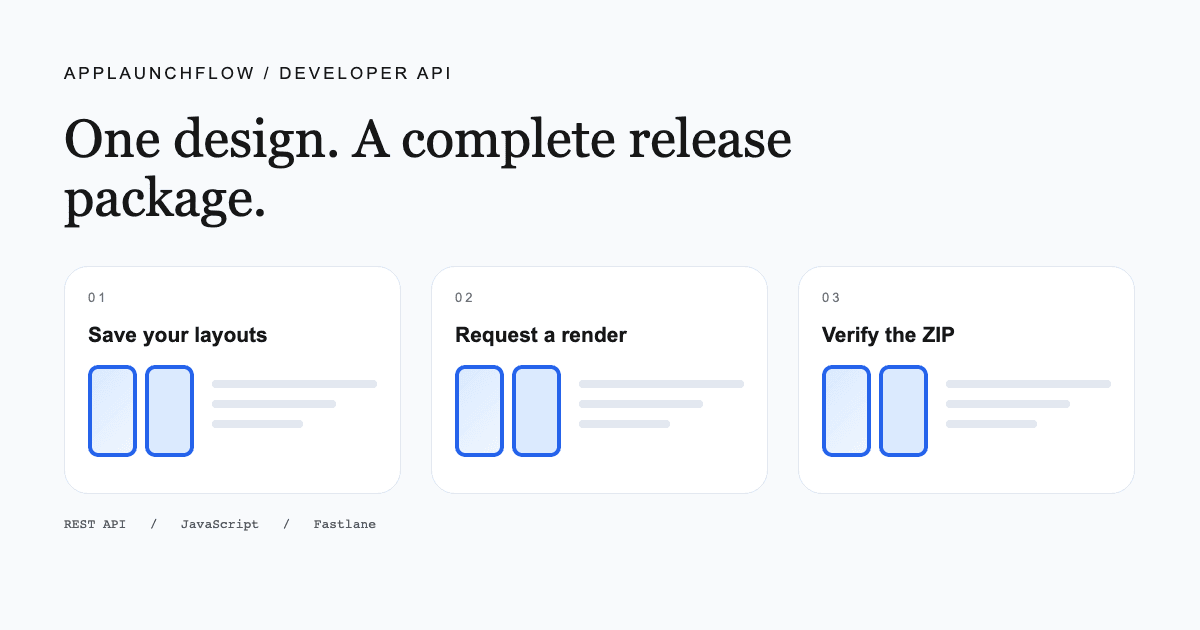
START HERE · API QUICKSTART
Your first verified screenshot package
Set up a scoped key, submit a render, understand job states, and verify the files you download.
Read the guide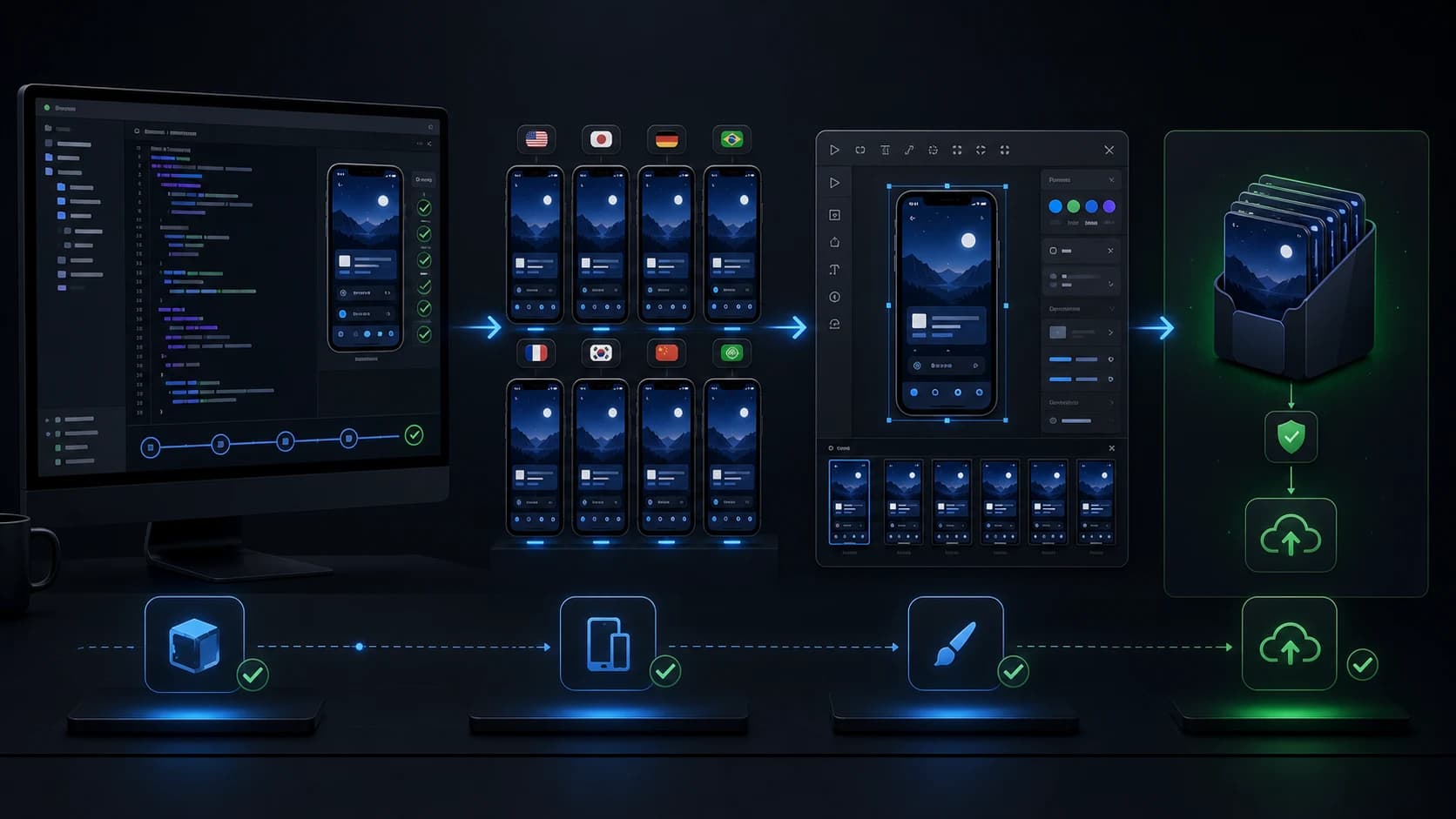
INTEGRATION · FASTLANE
Connect capture, design, and upload
Add a render step to your lane, inspect the output tree, and keep store uploads separate from retries.
Read the guide
CI · GITHUB ACTIONS
Make screenshots a release artifact
A complete workflow with secrets, stable release identities, concurrency, and retained receipts.
Read the guide
STORE DELIVERY · APPLE
Understand Apple's upload API
Learn where image generation ends and upload, processing, and listing verification begin.
Read the guideTestimonials
Real apps. Real launches.
“AppLaunchFlow made the App Store screenshots and the promo video for my app CloseUp!, and both look better than what I'd have gotten from a designer. Localization took one pass. And Yannick ships faster than anyone I've worked with: I'd ask for a feature and it was live the next day. Better UI, simpler, and more polished than anything else I tried.”
 Ronnie Nijmeh@ronnie_nijmeh
 CloseUp!App Store
 “App Store screenshots are one of those tasks that's tedious to do and expensive to get wrong: you really only get one shot at a first impression. I've been using AppLaunchFlow since the early days, and it's turned that process into something fast and repeatable instead of something I dread. What's kept me around is Yannick. The communication has been phenomenal, he's genuinely open to ideas, and the speed at which he fixes bugs and ships improvements is unlike anything I've used.”
 Bryce@btopnn
 StandbyApp Store
 “I made GainFrame's App Store screenshots and social images in AppLaunchFlow instead of fighting Figma for a weekend. Uploaded my raw shots, picked a template, exported store-ready. Solo devs: this is the shortcut.”
 Mike Rode@mikerodebuilds
 GainFrameApp Store
 Start with Unlimited
Build the workflow.
Scale the exports.
The API requires an active Unlimited subscription (€15/month or €99/year) and includes 5 API export jobs per monthly allowance period, shared across projects and keys. Automation adds unlimited API exports for €19/month on top of Unlimited. Rate limits, job-size limits, and AI generation credits still apply. Free and Launch Pass do not include API access.
Included with Unlimited
5jobs
Per monthly allowance period, across projects and keys.
Automation add-on
€19/mo
Unlimited API exports on top of your Unlimited plan.
Before your first integration.
What does the App Store screenshot API generate?
AppLaunchFlow renders saved screenshot layouts into localized PNG files for the requested iPhone, iPad, and Android formats. POST /api/v1/renders returns a job to poll, followed by a validated ZIP in Fastlane folder structure. Capture the real app UI separately and save the required layouts and translations before rendering.
Can I use the API with Fastlane or GitHub Actions?
Yes. Call the REST API or the official JavaScript client from your release workflow, download and validate the package, then use Fastlane deliver for iOS or supply for Android. AppLaunchFlow generates the assets; Fastlane handles the store upload with your store credentials.
How much does API access cost?
The API requires an active Unlimited subscription (€15/month or €99/year) and includes 5 API export jobs per monthly allowance period, shared across projects and keys. Automation adds unlimited API exports for €19/month on top of Unlimited. Rate limits, job-size limits, and AI generation credits still apply. Free and Launch Pass do not include API access.
Does the API create screenshots from an app binary?
No. Use simulator captures, UI tests, Fastlane snapshot, or your existing capture workflow to produce real app screenshots. Upload those images to AppLaunchFlow to design, localize, and render your marketing screenshots.
Can I safely retry a render request?
Keep the same Idempotency-Key and request body for retries of the same operation. The API can return the existing render without spending another export job. A changed body with the same key returns a conflict. An indeterminate dispatch needs investigation; creating a new key can create another job.
Are exported screenshots guaranteed to pass store review?
No. Package validation checks planned files, dimensions, image integrity, opaque pixels, limits, and checksums. You still review content, translation quality, clipping, and compliance with the destination store's requirements.