 Now available in ChatGPT
 Install in ChatGPT
App Store screenshots
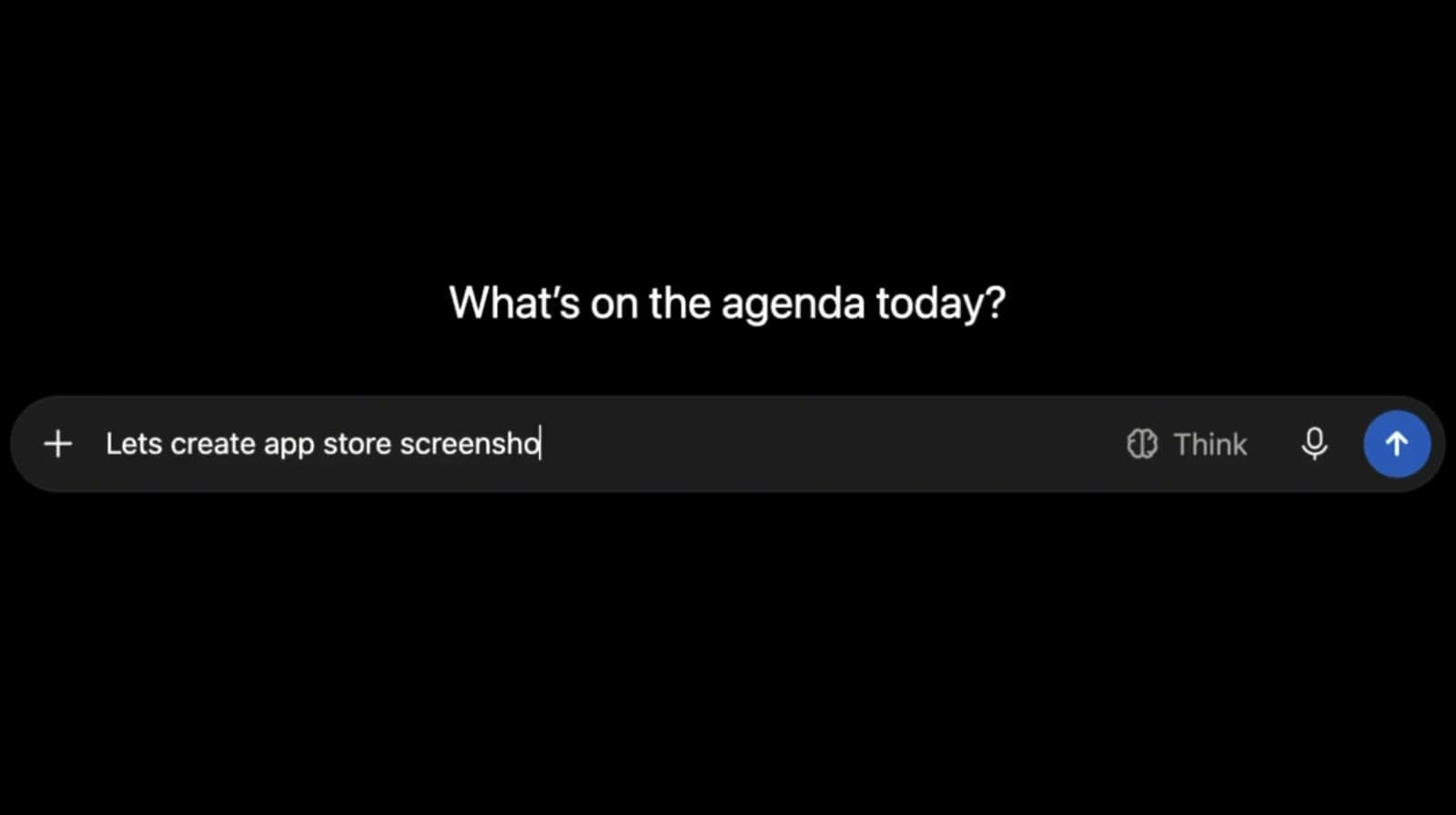
@AppLaunchFlow Create a fresh App Store screenshot variant for my latest project and let me choose from personalized styles.
Screenshot generatorNow available in ChatGPT
Install the AppLaunchFlow plugin and ask for screenshots, social graphics, promo videos, or animated mockups. Pick a style made from your own app in the chat, then keep editing in AppLaunchFlow.
Free to start. Sign in or create your AppLaunchFlow account when ChatGPT asks.


Trusted by 7,000+ app developers
84,237
assets exported
8,592
apps localized
137
countries
What you can ask
Start a message with @AppLaunchFlow and say what you need. Copy a prompt below, paste it into ChatGPT, and make it yours.
Get started in minutes with our simple workflow
Open AppLaunchFlow in ChatGPT's plugin directory and select Install plugin.
Approve the connection with your AppLaunchFlow account, or create a free one. No API keys, nothing to set up.
Start a message with @AppLaunchFlow, choose a style in the chat, and open the result in the editor whenever you like.
Watch it work
Ask in ChatGPT, pick a project, compare personalized styles, and open the result in the AppLaunchFlow editor.
Why use it in ChatGPT
Screenshot and social styles are built from your screenshots and colors, not a generic template pack.
Compare the options in the chat and choose one. AppLaunchFlow only creates a variant once you do.
Browse your projects and uploaded assets, or add new screenshots, without opening another tab.
Preview three directions made from your screens and keep the one that fits your launch.
Change a headline, translate a set, or slow down a mockup's rotation in plain words.
Everything lands in your AppLaunchFlow account. Open the editor anytime for pixel-level control.
Not on ChatGPT?
“AppLaunchFlow made the App Store screenshots and the promo video for my app CloseUp!, and both look better than what I'd have gotten from a designer. Localization took one pass. And Yannick ships faster than anyone I've worked with: I'd ask for a feature and it was live the next day. Better UI, simpler, and more polished than anything else I tried.”
 Ronnie Nijmeh@ronnie_nijmeh
 CloseUp!App Store
 “App Store screenshots are one of those tasks that's tedious to do and expensive to get wrong: you really only get one shot at a first impression. I've been using AppLaunchFlow since the early days, and it's turned that process into something fast and repeatable instead of something I dread. What's kept me around is Yannick. The communication has been phenomenal, he's genuinely open to ideas, and the speed at which he fixes bugs and ships improvements is unlike anything I've used.”
 Bryce@btopnn
 StandbyApp Store
 “I made GainFrame's App Store screenshots and social images in AppLaunchFlow instead of fighting Figma for a weekend. Uploaded my raw shots, picked a template, exported store-ready. Solo devs: this is the shortcut.”
 Mike Rode@mikerodebuilds
 GainFrameApp Store
 Install AppLaunchFlow in ChatGPT, or start in the browser. Same account, same projects.