See every stylebefore you choose.
Upload once and preview your own screenshots across 20 editable layouts. Choose the strongest direction, then customize every detail in the editor.


Trusted by 6,000+ app developers
0
assets exported
0
apps localized
0
countries
Template library
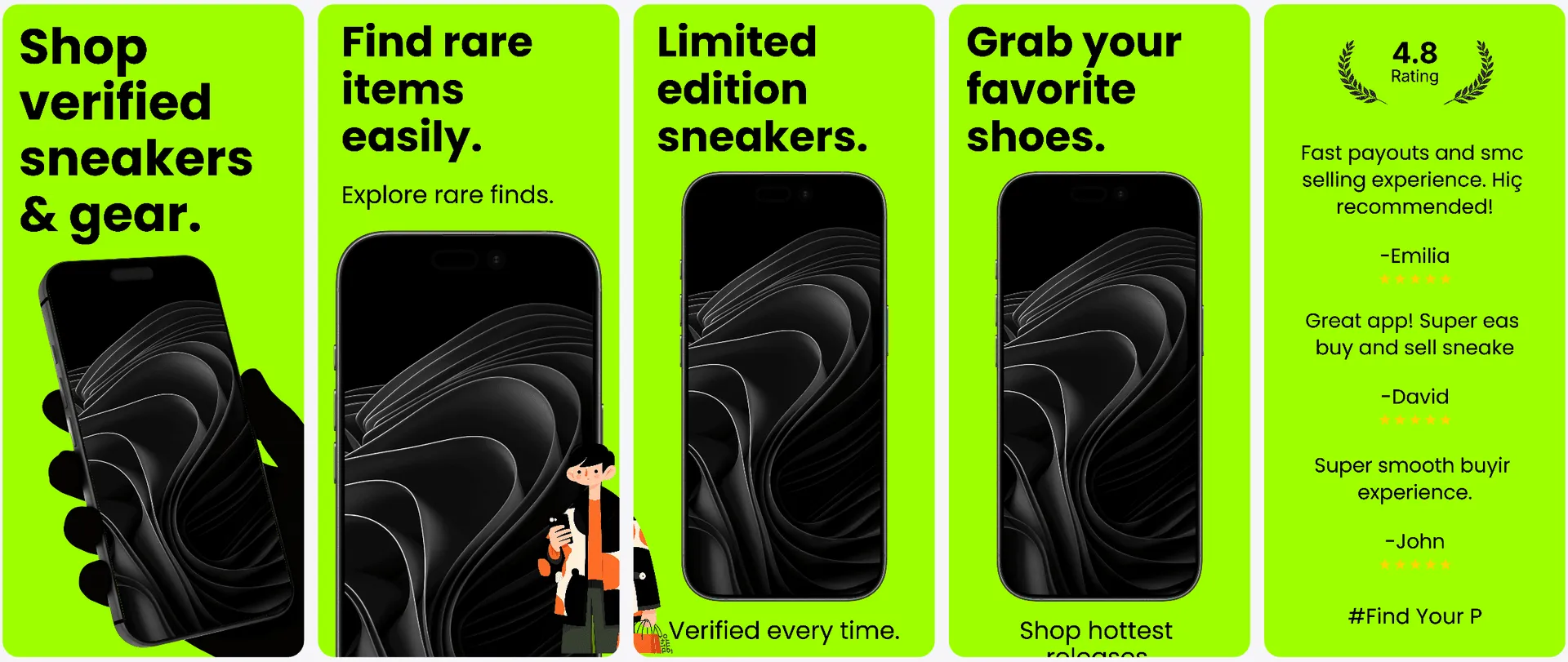
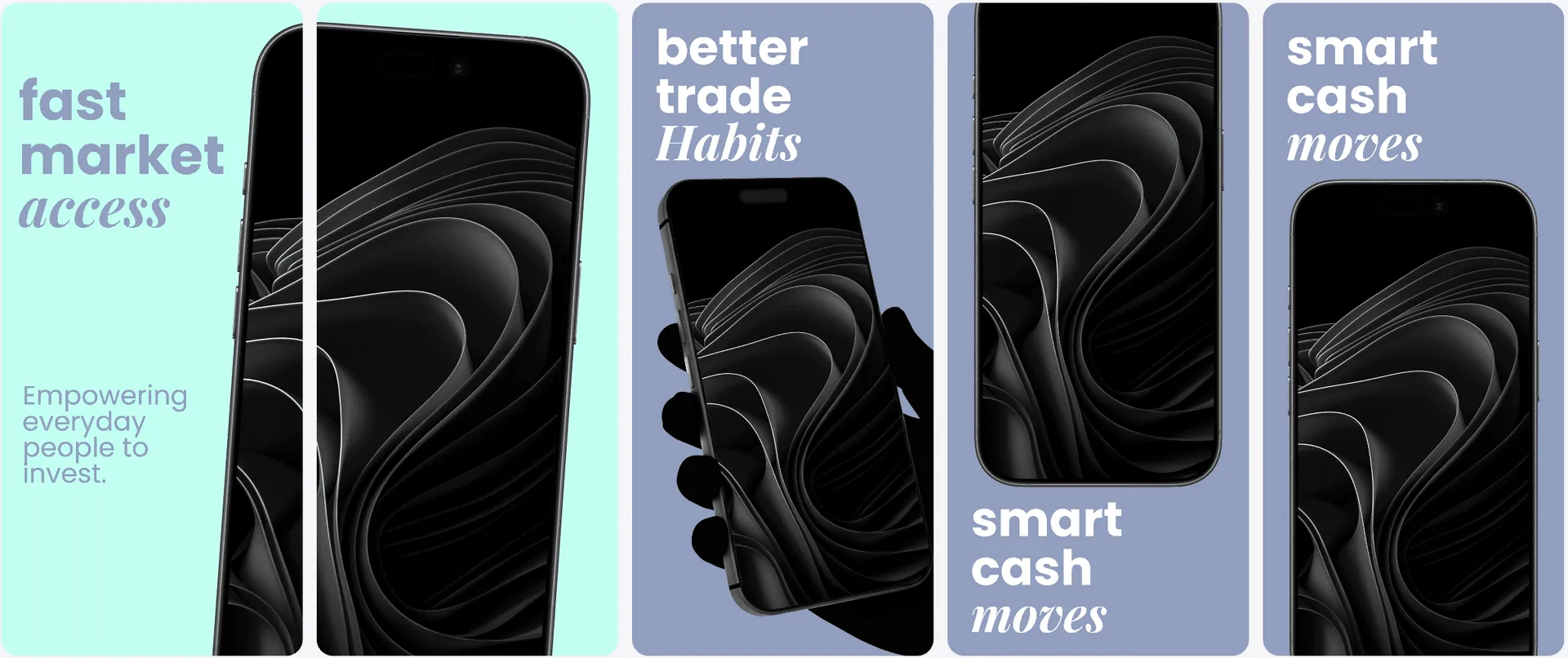
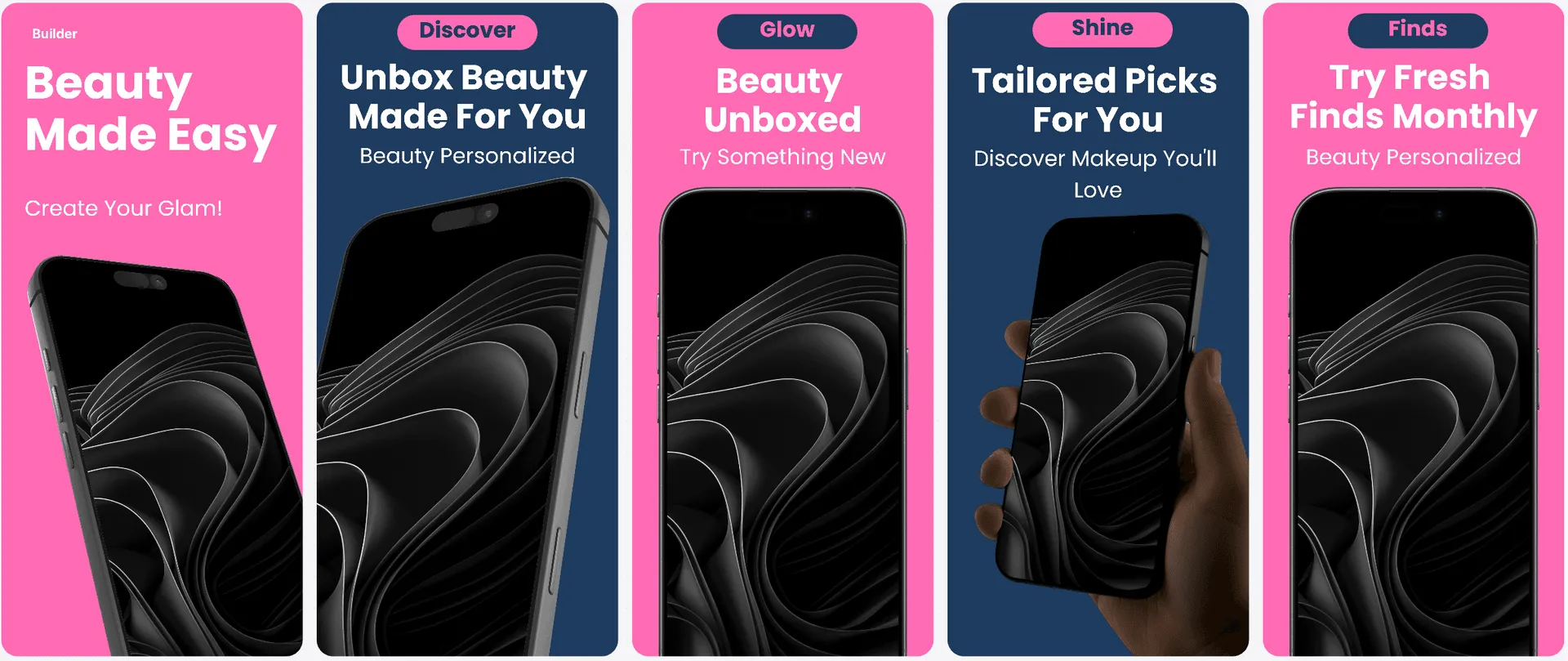
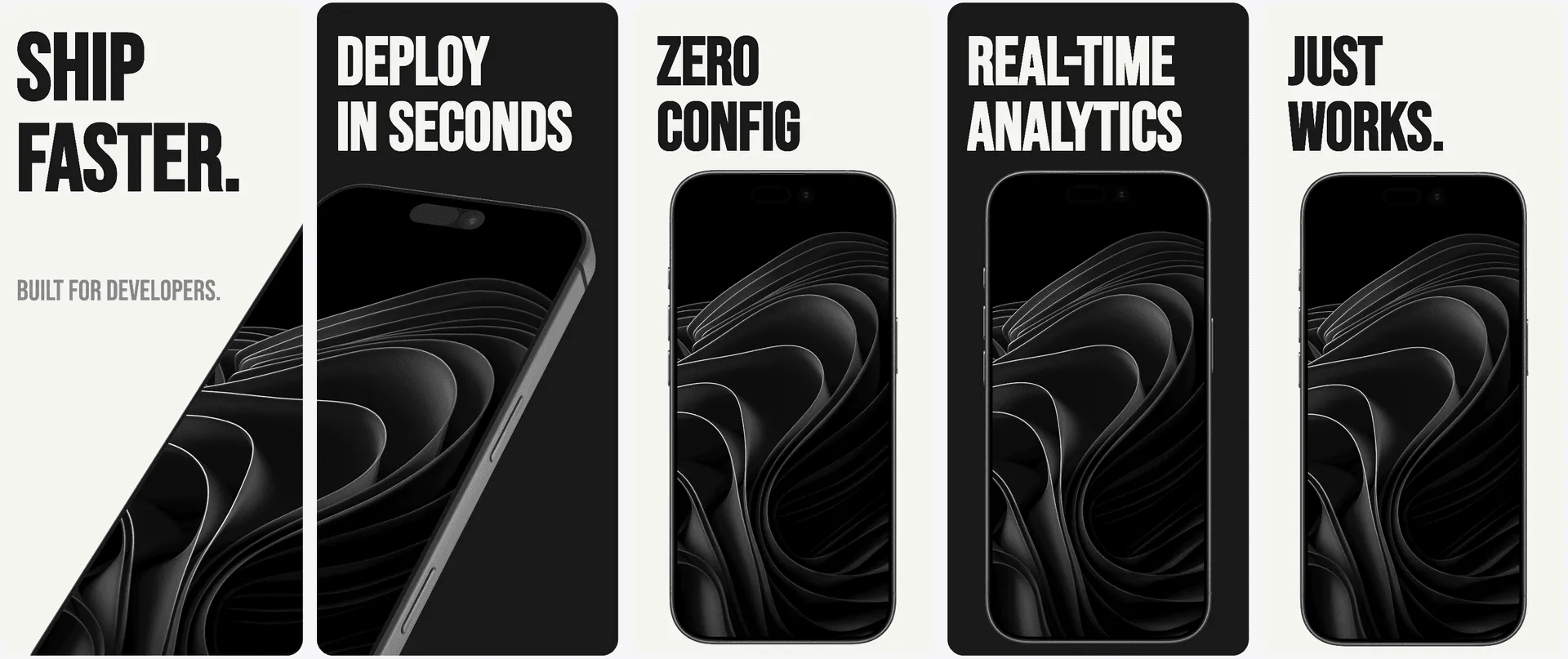
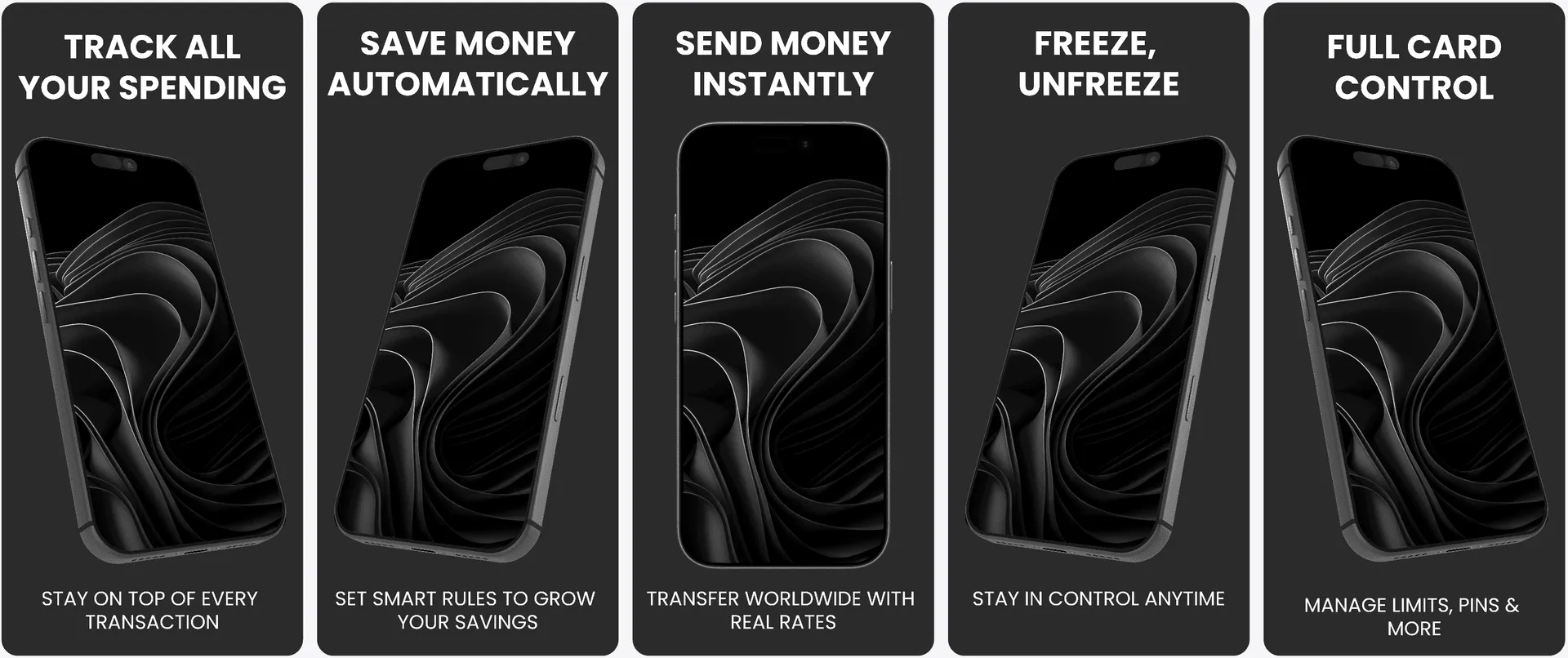
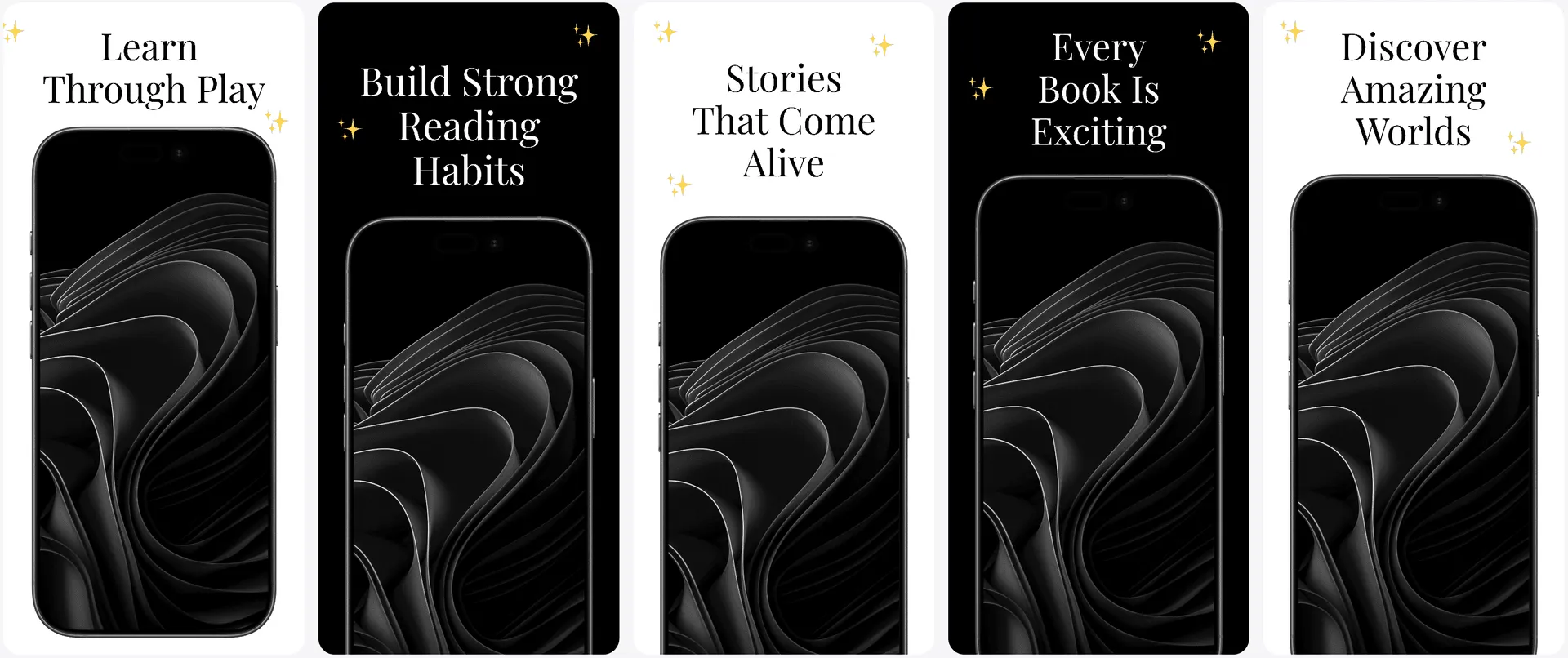
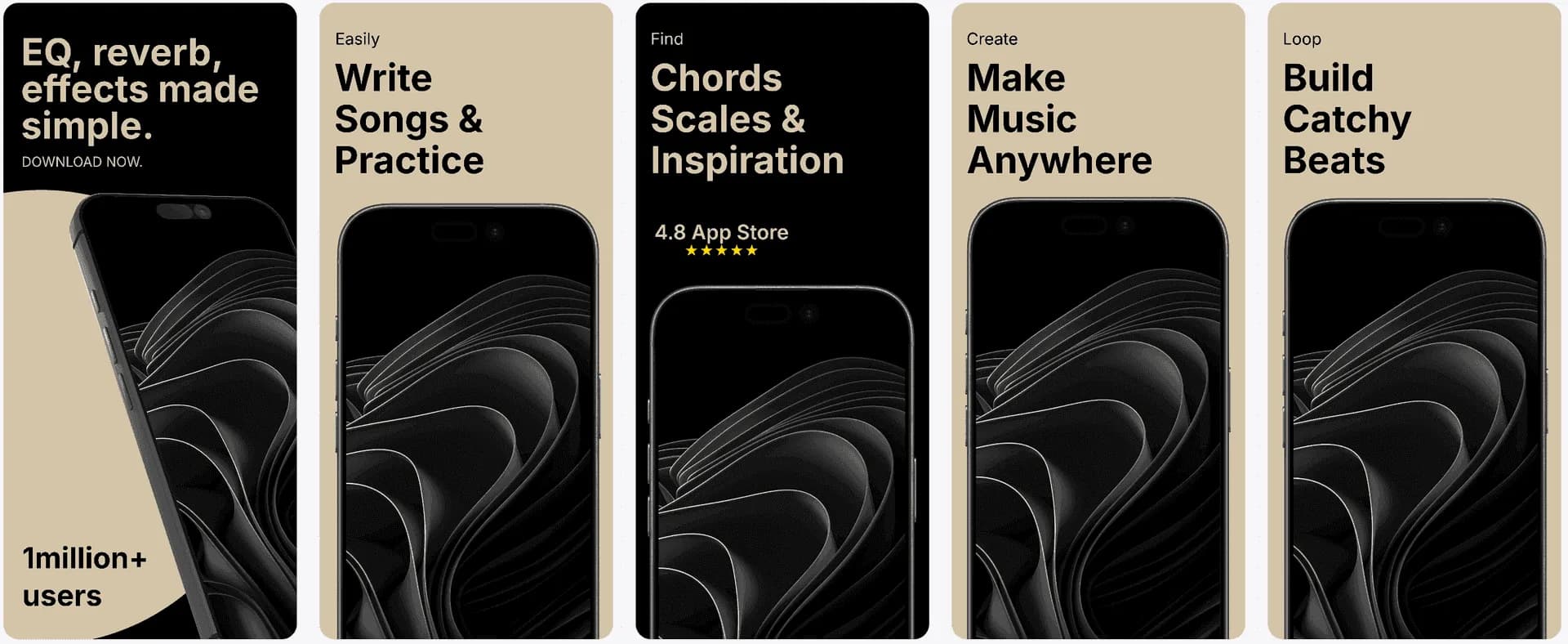
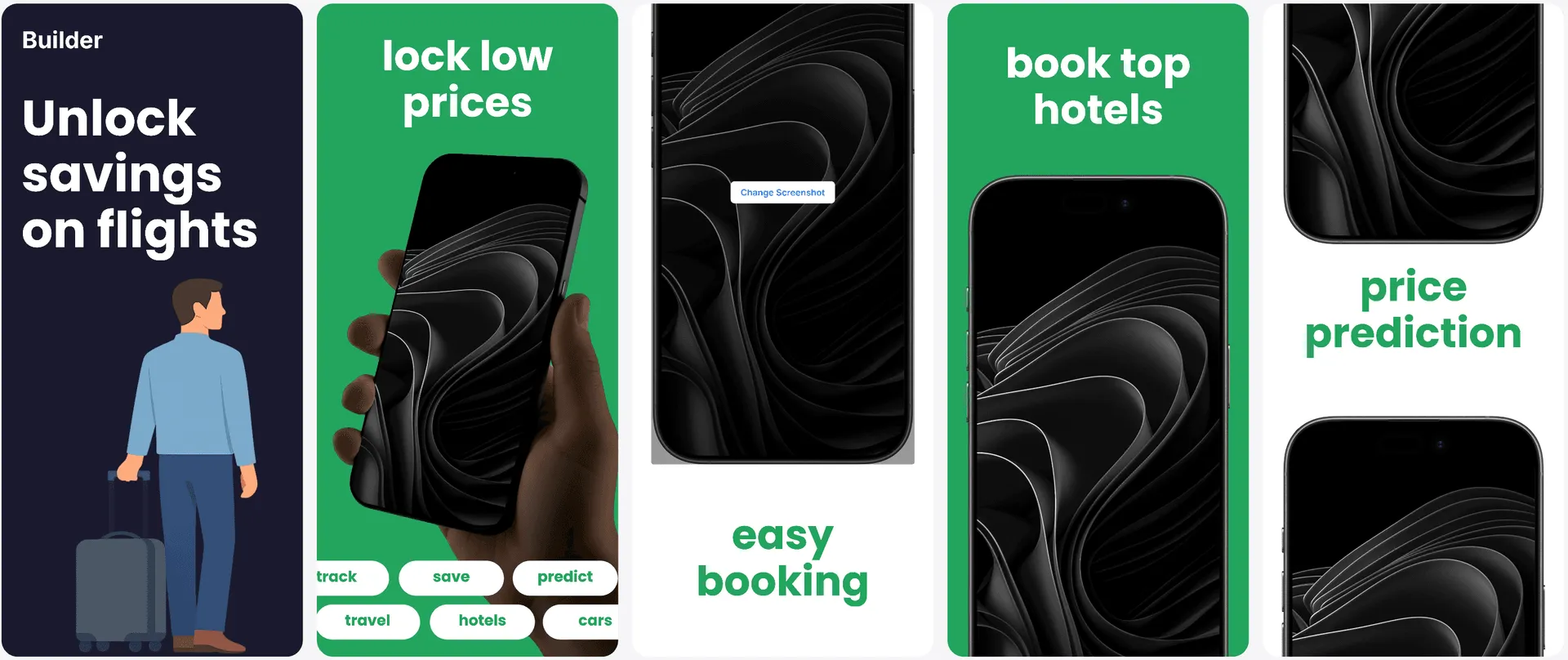
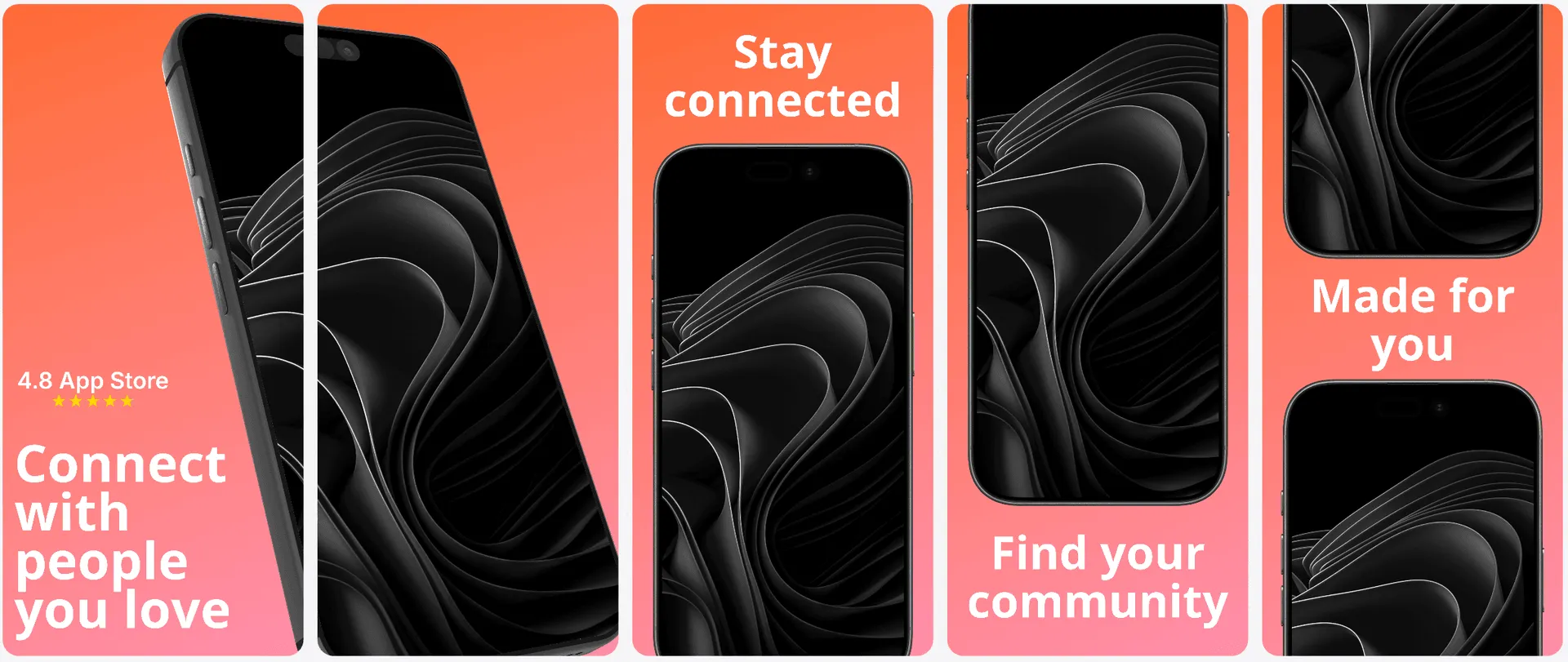
Your screenshots. Twenty directions.
Ready to customize.
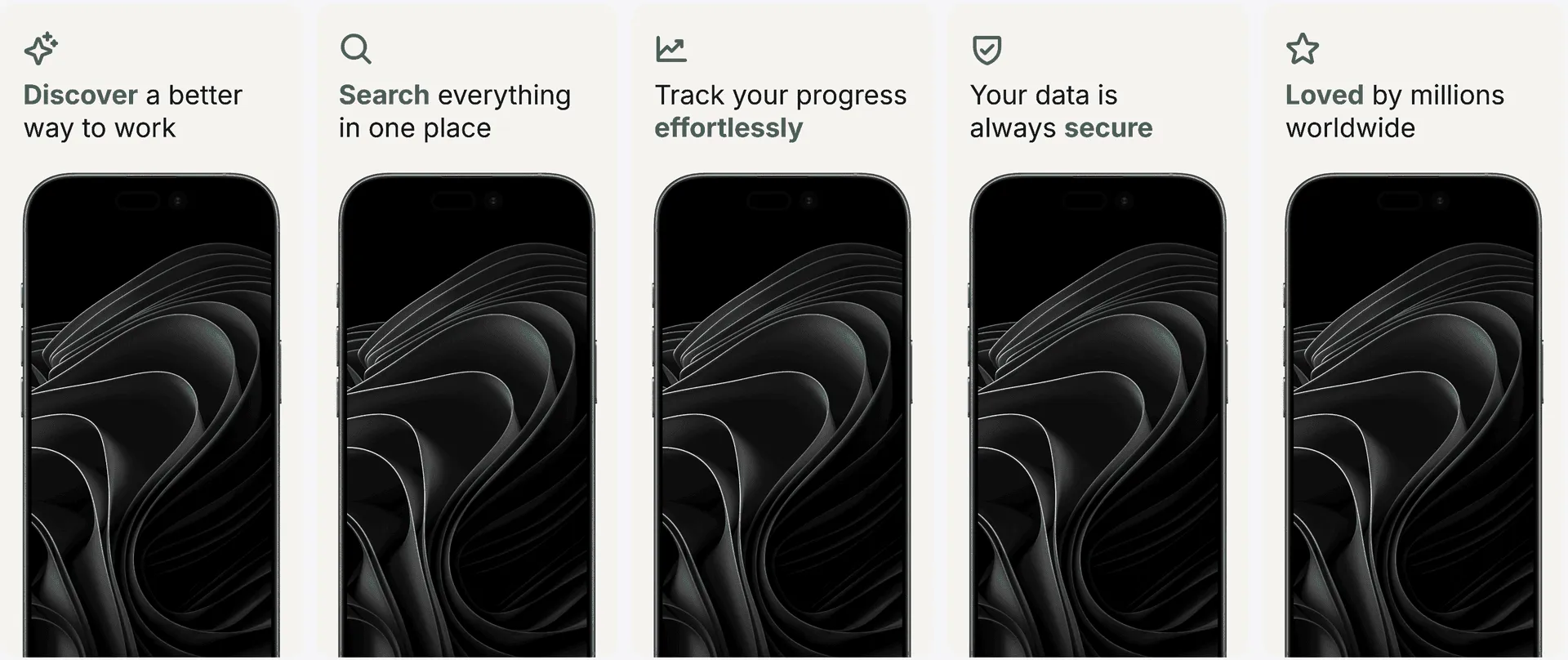
Explore the complete layout library in full color. Inside AppLaunchFlow, these previews are generated with your own screenshots before you choose.
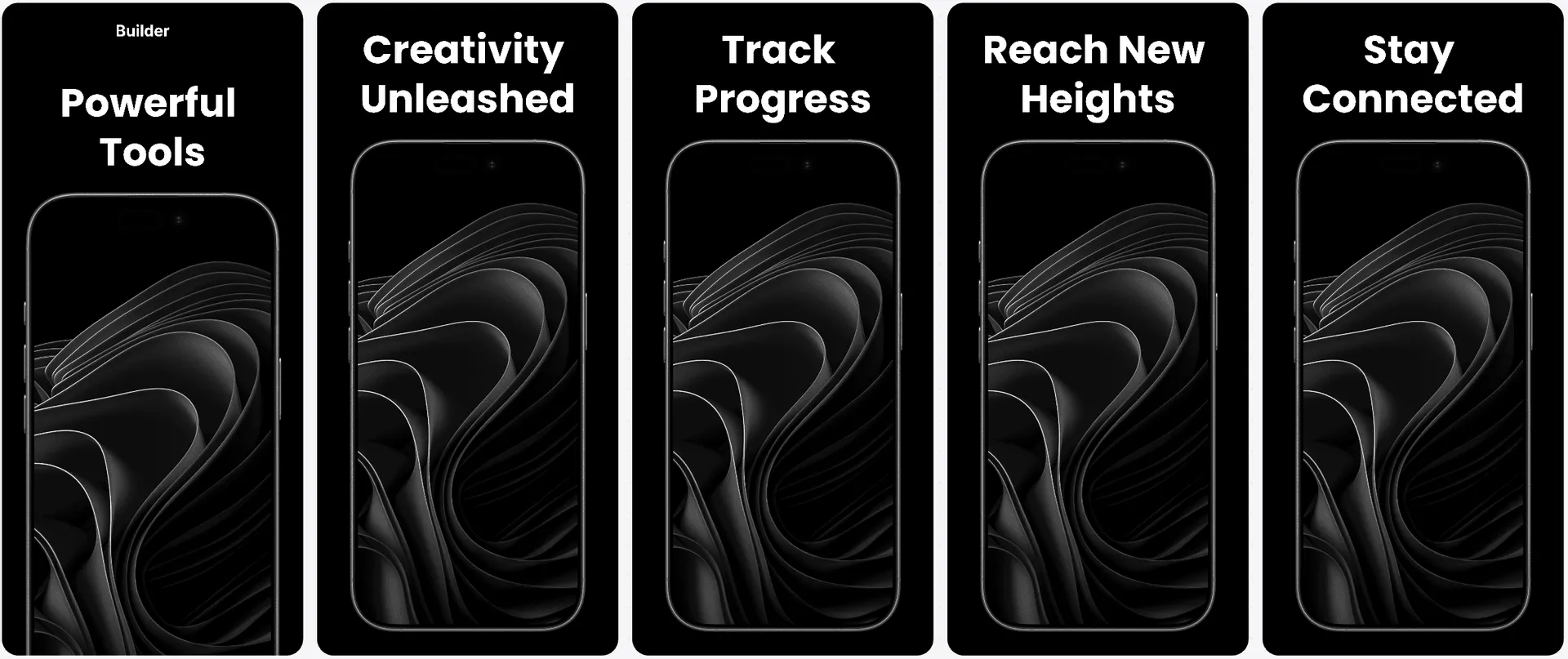
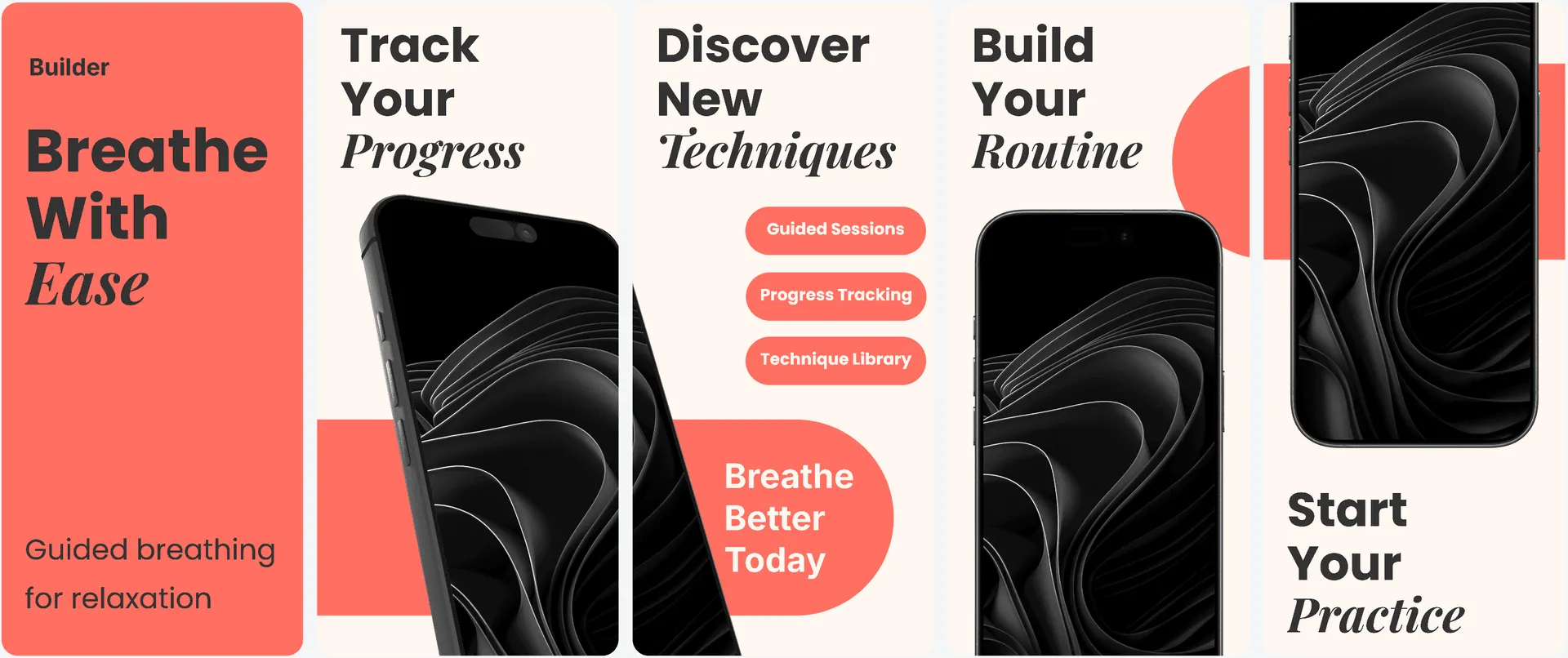
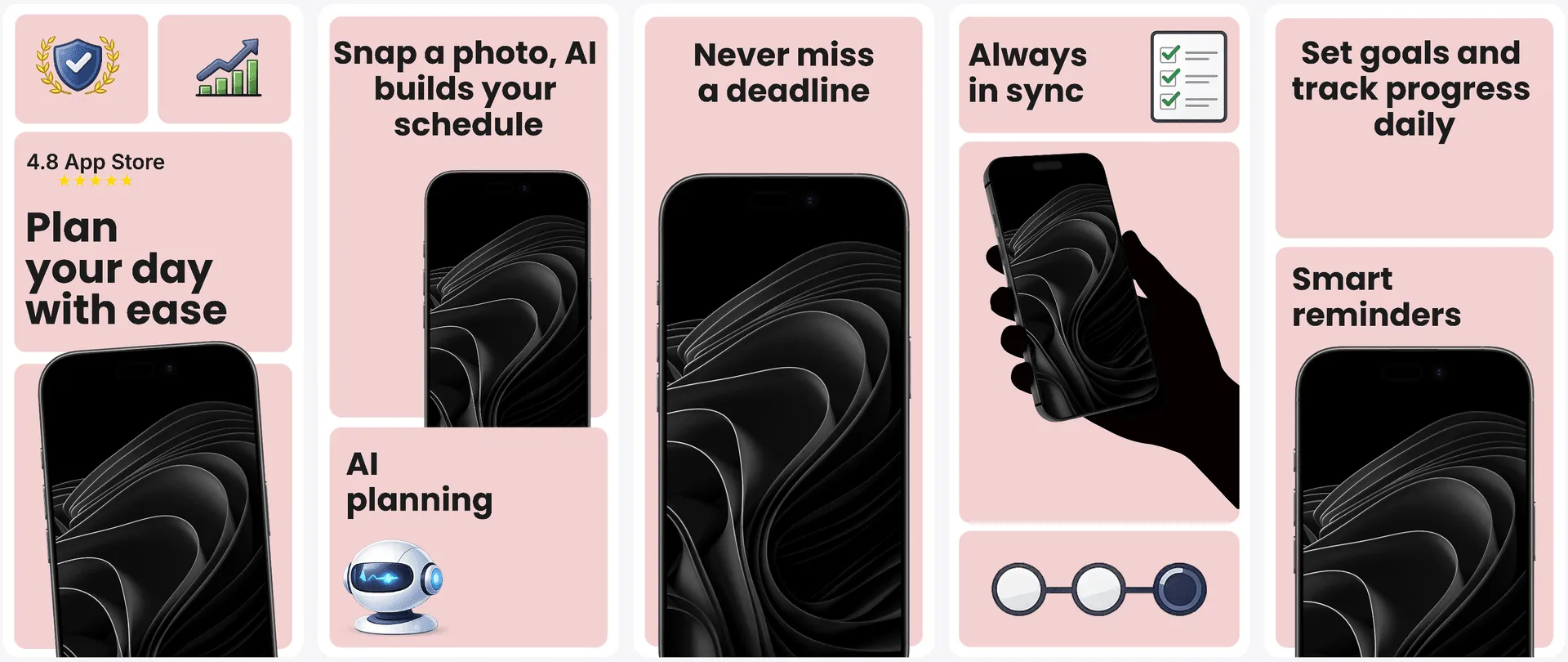
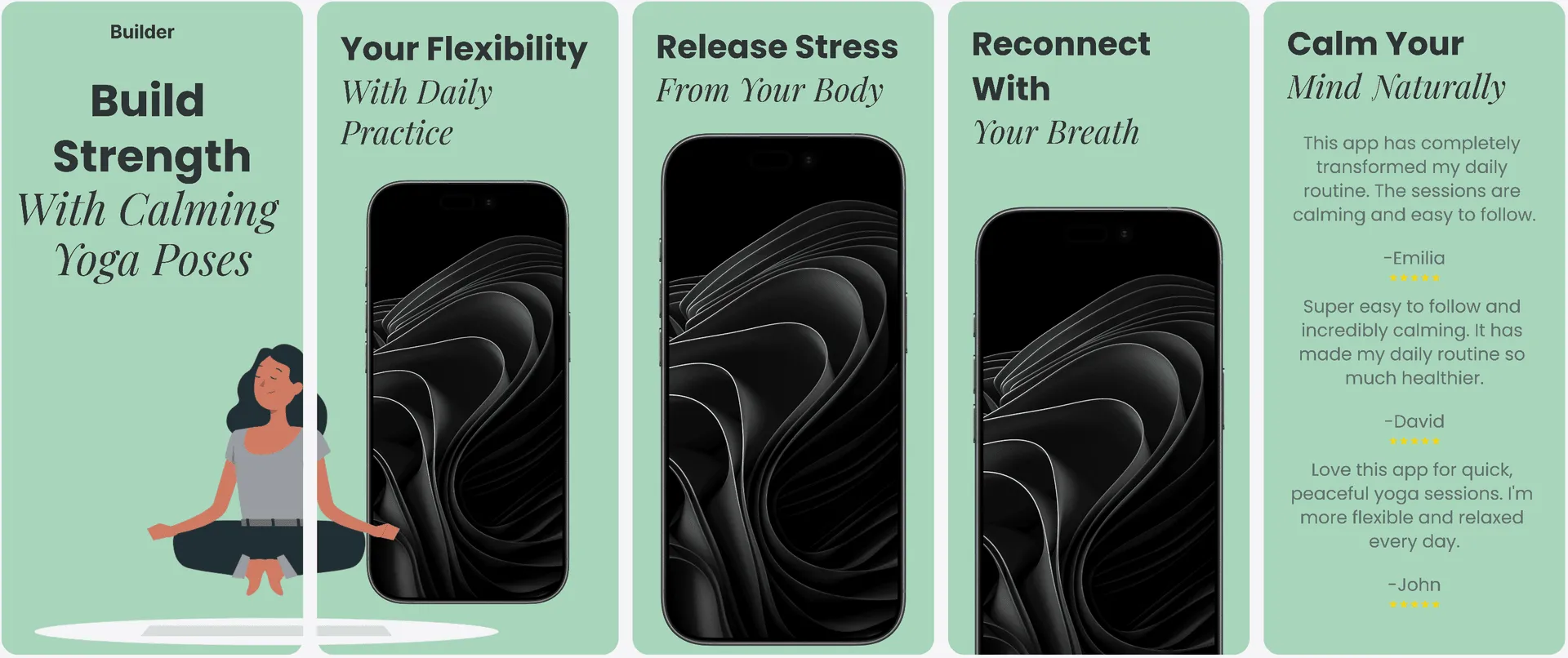
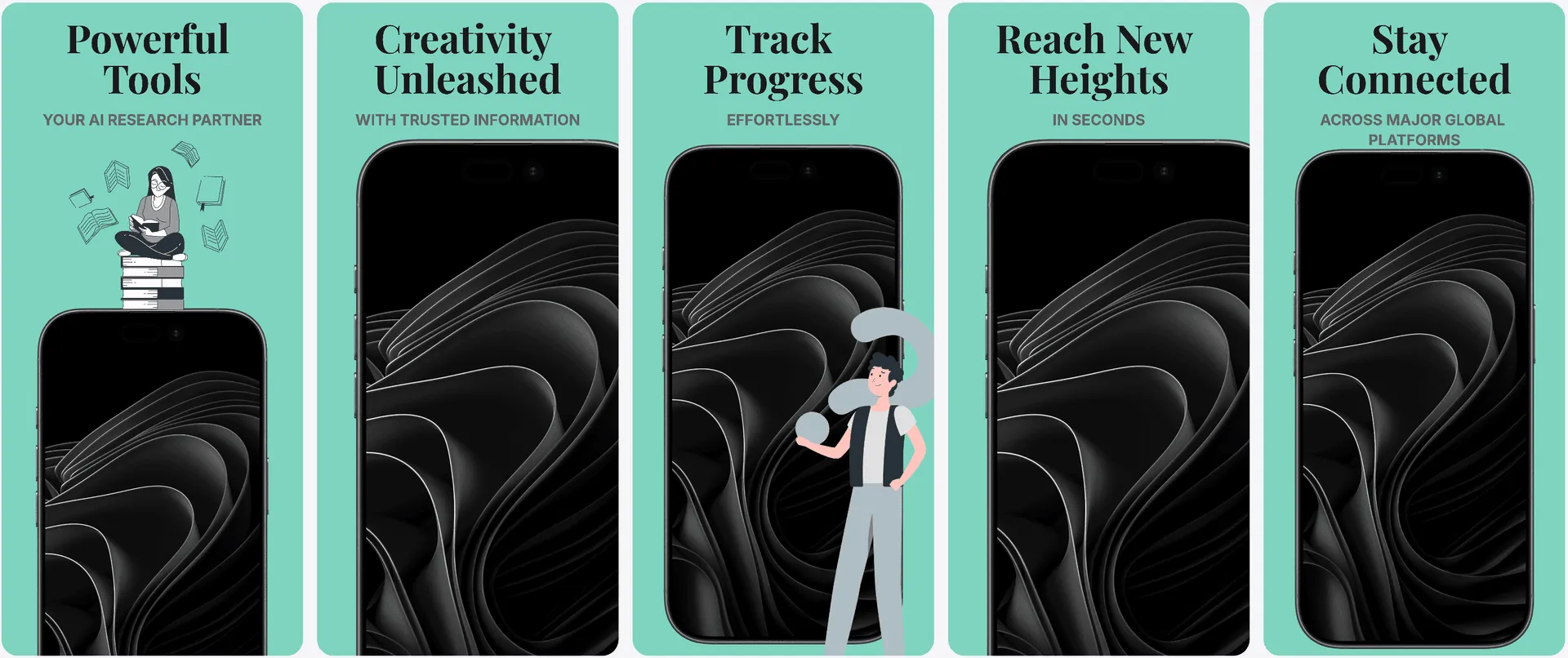
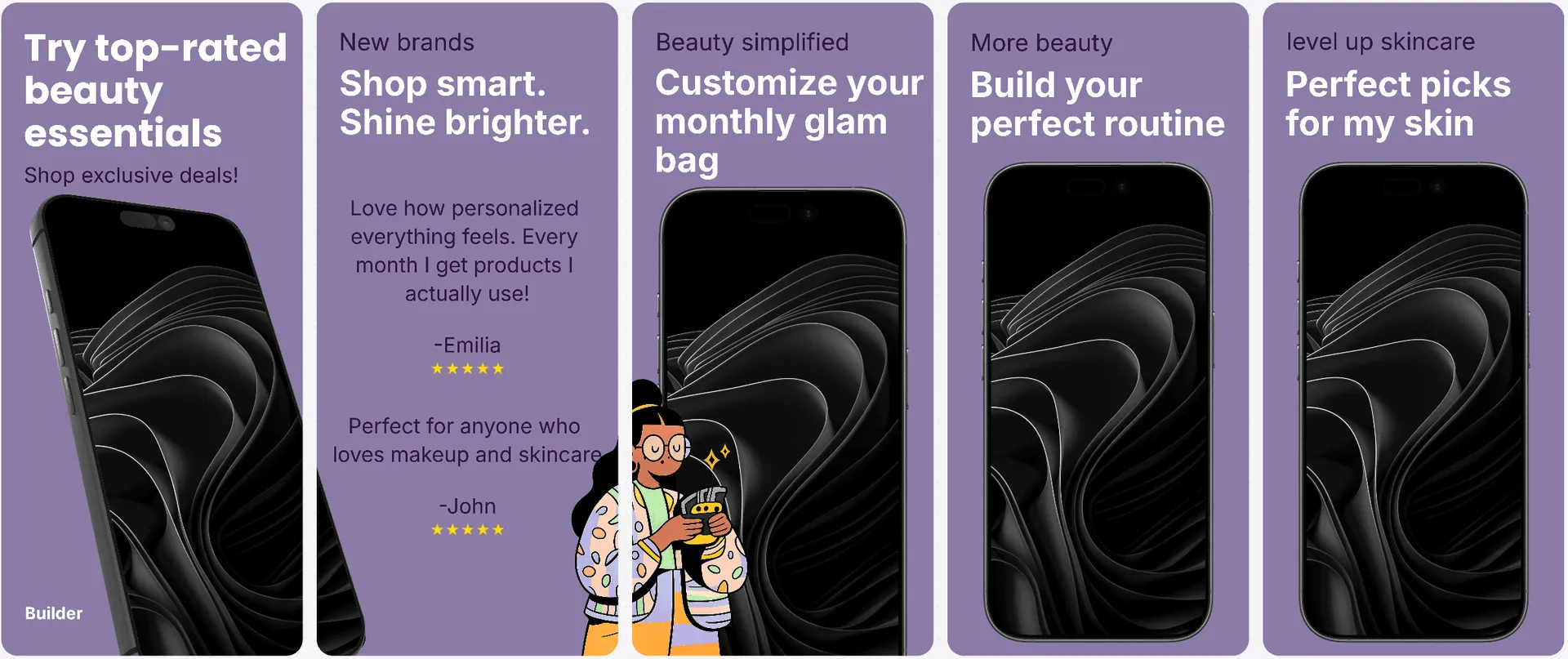
Explore 14 more layouts
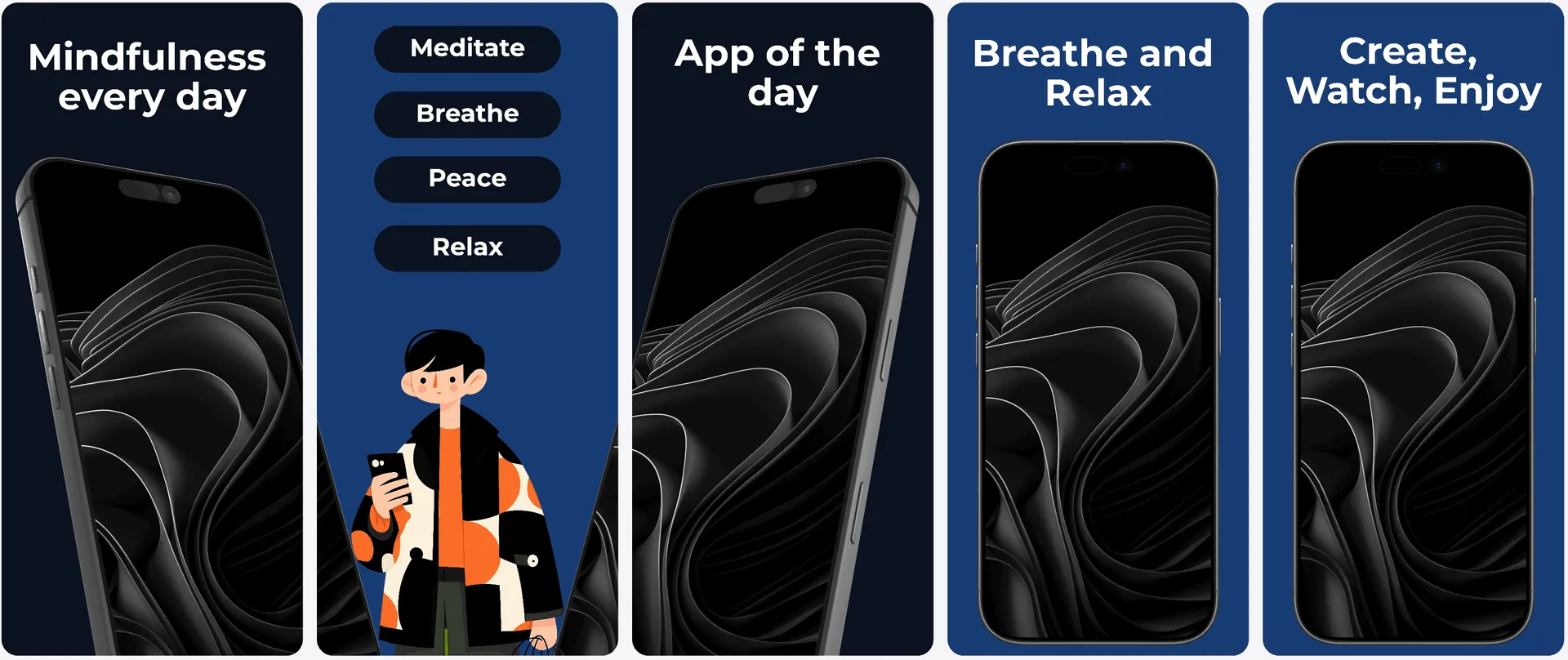
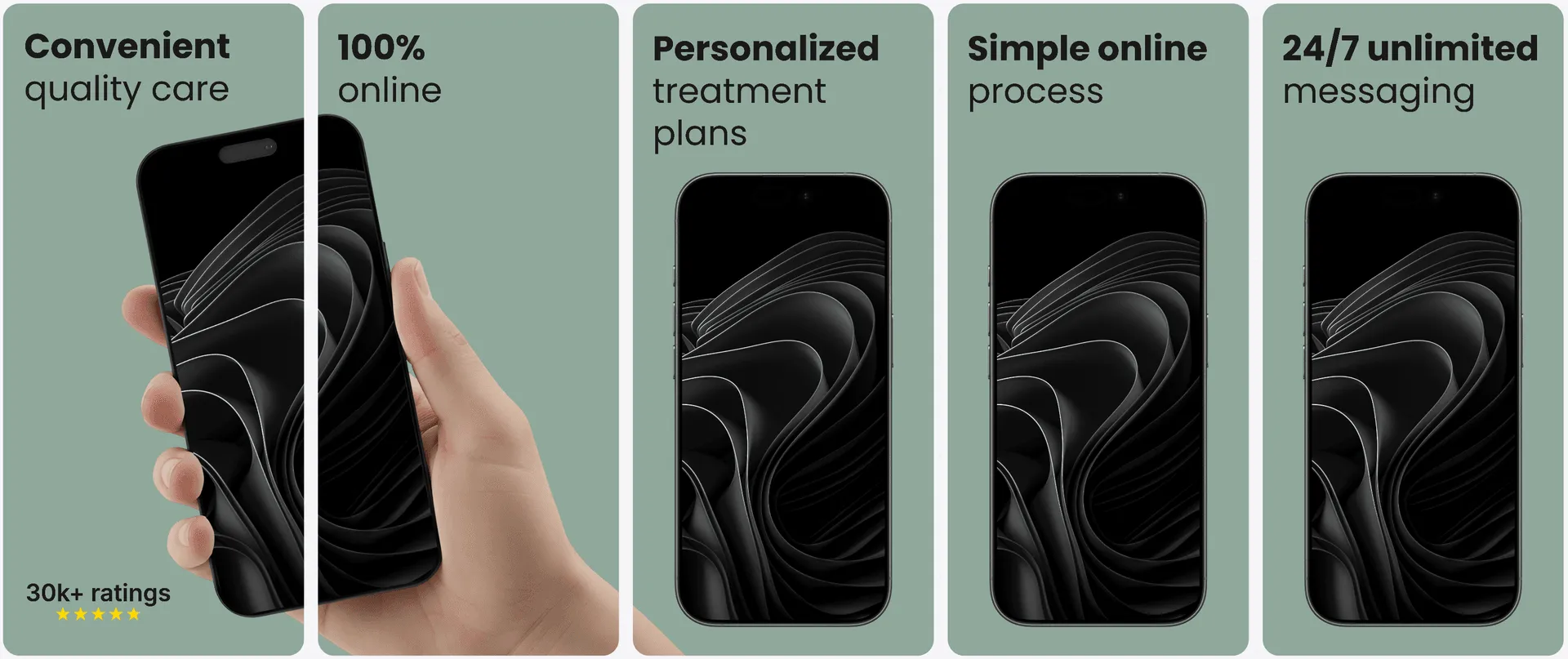
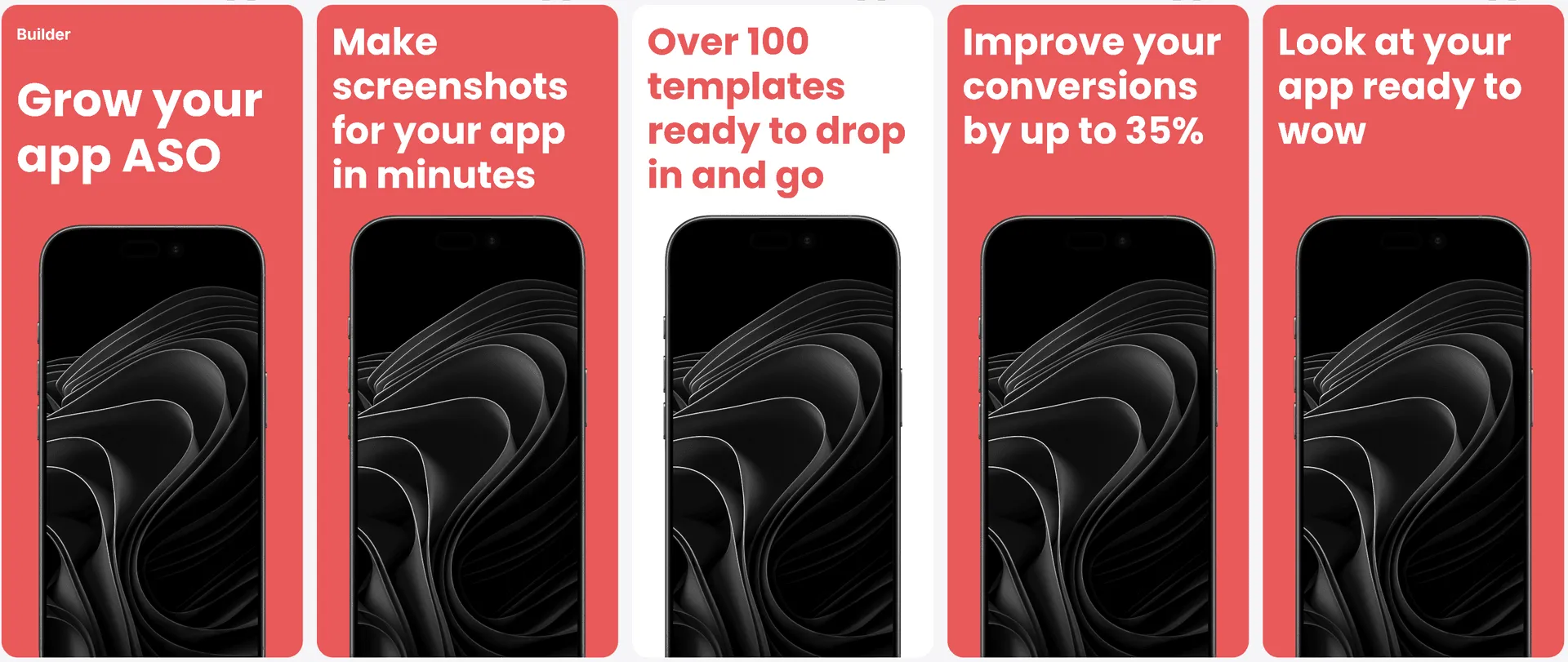
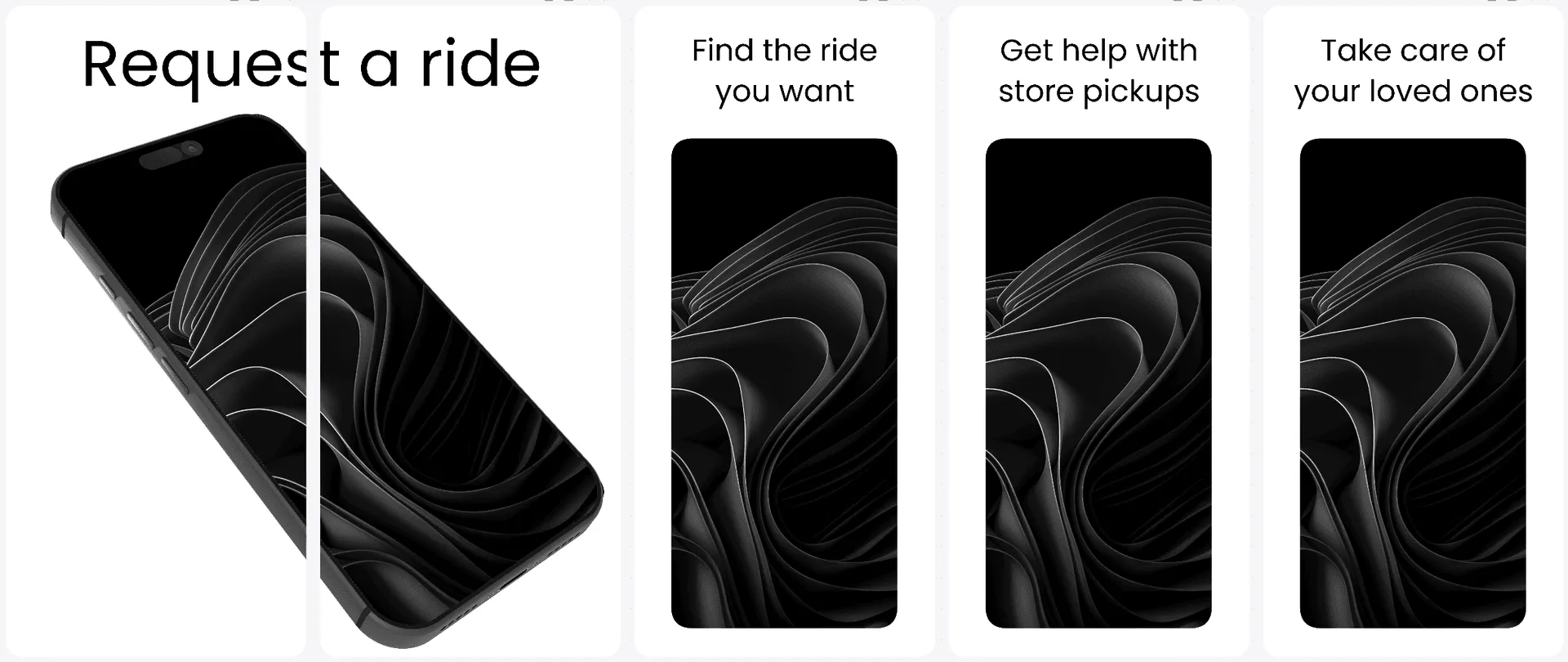
Visual Editor
A starting point, not a locked design.
Choose a direction, then edit every headline, screenshot, color, device, and layer in the same visual editor.
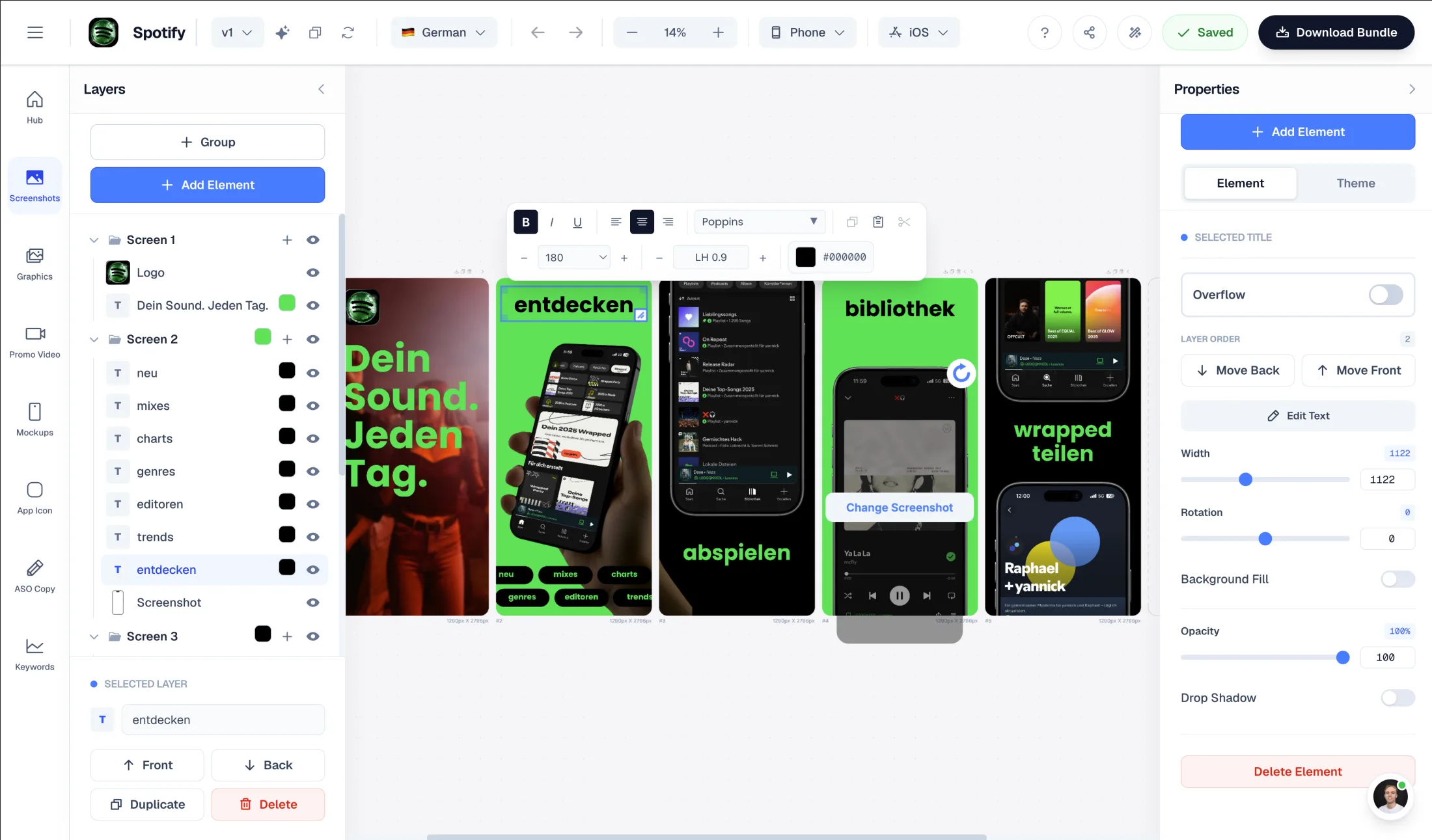
Drag & Drop Control
Intuitive interface with zoom controls and precise positioning for pills, badges, and text.
3D Device Frames
Showcase your app in iPhone, Pixel, or iPad frames and keep every slide visually consistent.
Smart Assets
Use pills, badges, ratings, and curated visual assets without external design tools.
Features
How screenshot templates work with AppLaunchFlow
Everything you need to create professional app store screenshots.
The Challenge
Why do most screenshot templates still feel generic?
Most libraries show generic mockups filled with placeholder content, so you still have to imagine whether a layout fits your app. Small variations make the choice feel larger without making it more useful.
AppLaunchFlow renders every layout with your screenshots and app context first. You compare real directions, choose one, and keep full control over copy, colors, devices, layers, and spacing.
Comparison
Templates that feel custom, not templated
AppLaunchFlow templates are designed for speed but built for customization. You get the best of both worlds: proven structure and full brand control.
| Criteria | Manual tools | AI-only tools | AppLaunchFlow |
|---|---|---|---|
| Template quality | Custom but time-intensive | Fast but generic | High-quality structure with customization |
| Brand alignment | High control | Low control | Full control with fast start |
| Consistency | Manual effort for each size | Inconsistent scaling | Multi-size templates with consistent structure |
| Iteration | Slow | Fast but limited | Fast and flexible |
How It Works
Choose a direction in three steps
Get started in minutes with our simple workflow
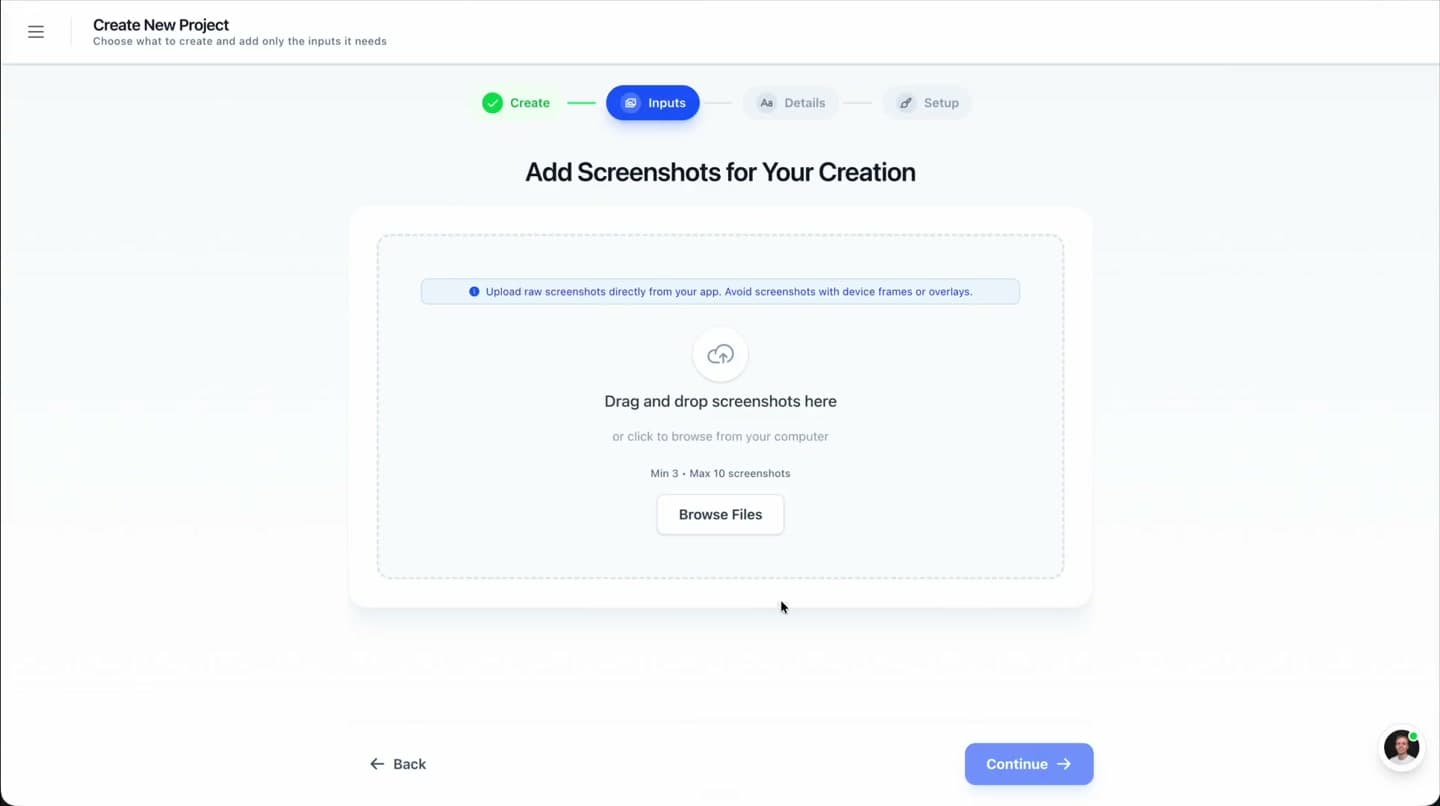
Upload 3–7 screenshots
Add your strongest product screens and a little app context once. They become the input for every layout direction.
Compare personalized previews
Review all available styles already filled with your screenshots, colors, and benefit-led copy before choosing.
Customize and export
Open the strongest direction in the editor, refine every layer, and export store-ready iOS or Android files.
Related
Combine Templates With Other Launch Assets
Create iOS screenshot sets optimized for App Store conversion.
iOS teams
Build Android screenshot sets for Google Play device diversity.
Android teams
Create iPad screenshot sets sized for the App Store tablet listing.
iPad apps
Design macOS App Store screenshots with desktop device frames.
macOS apps
Frequently asked questions.
Everything you need to know about app screenshot templates
How do I choose the right screenshot template?
Can I customize screenshot templates?
Are these templates used by other apps?
Do templates work for both iOS and Android?
How often are new templates added?
See your app in every template
Upload 3–7 screenshots once. Compare personalized layout directions, pick the strongest one, and customize it in the editor.
no credit card required