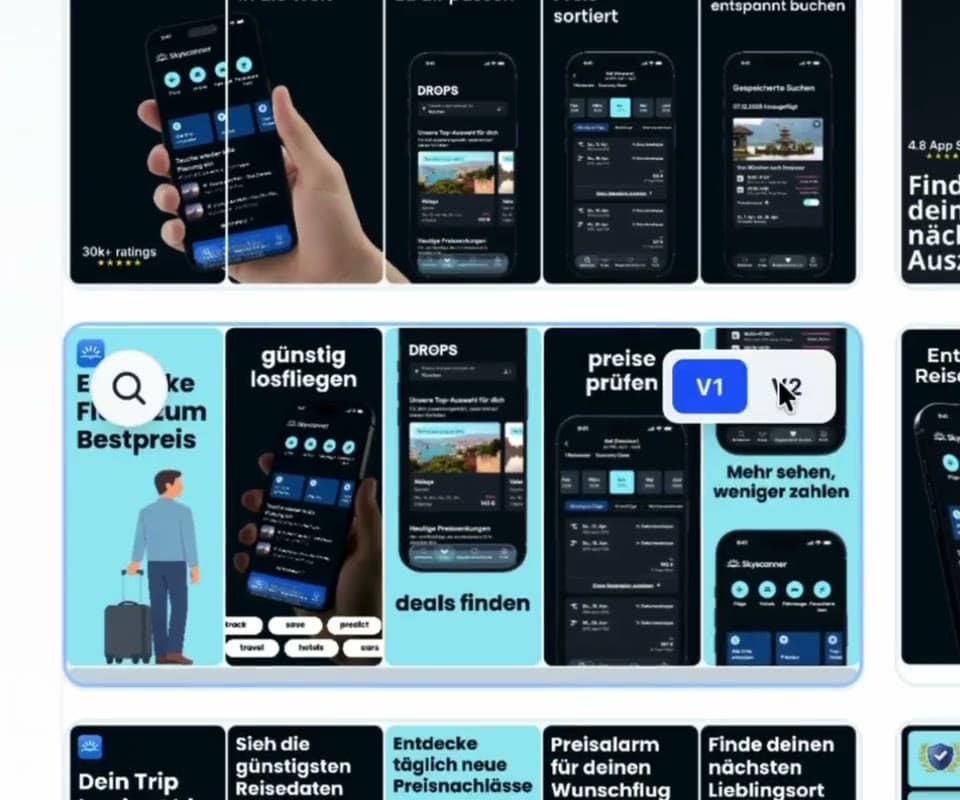
V1
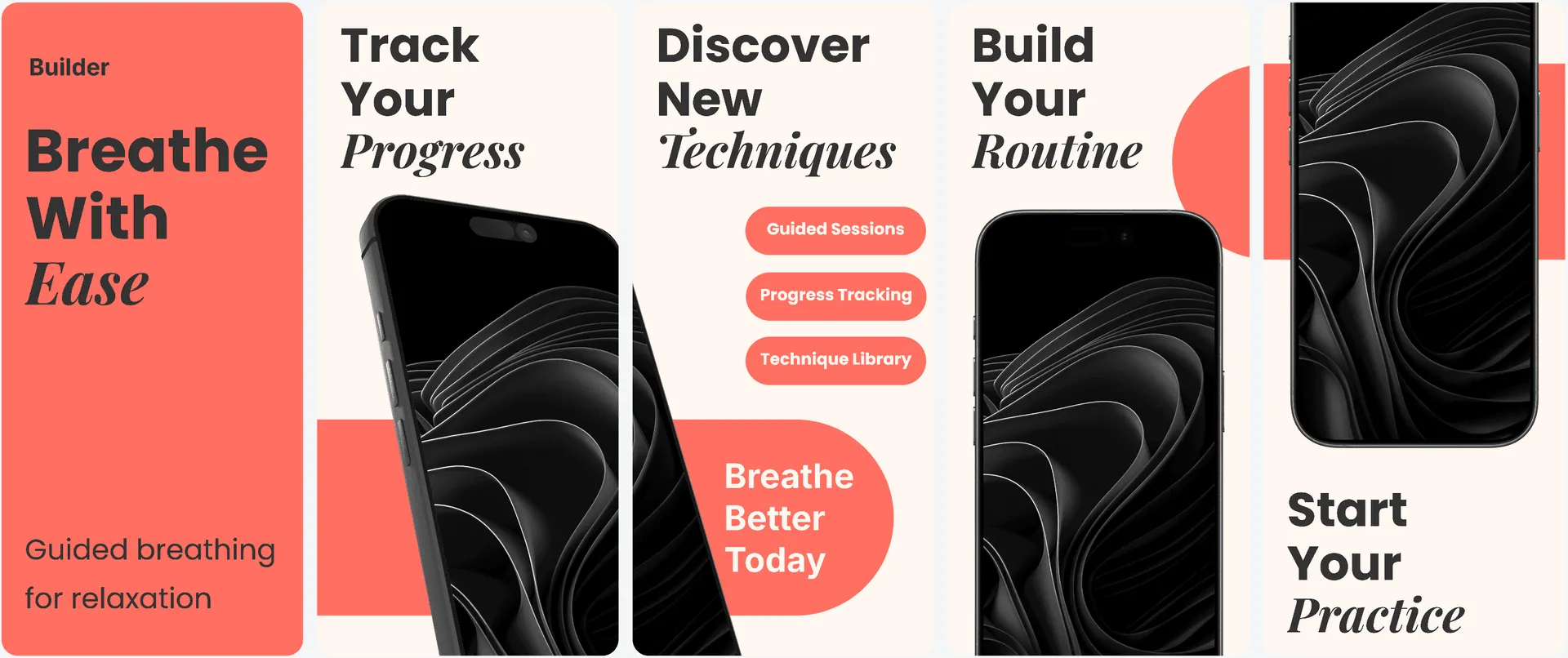
Structured starting point
A clean App Store story with a balanced hierarchy and safe default composition.

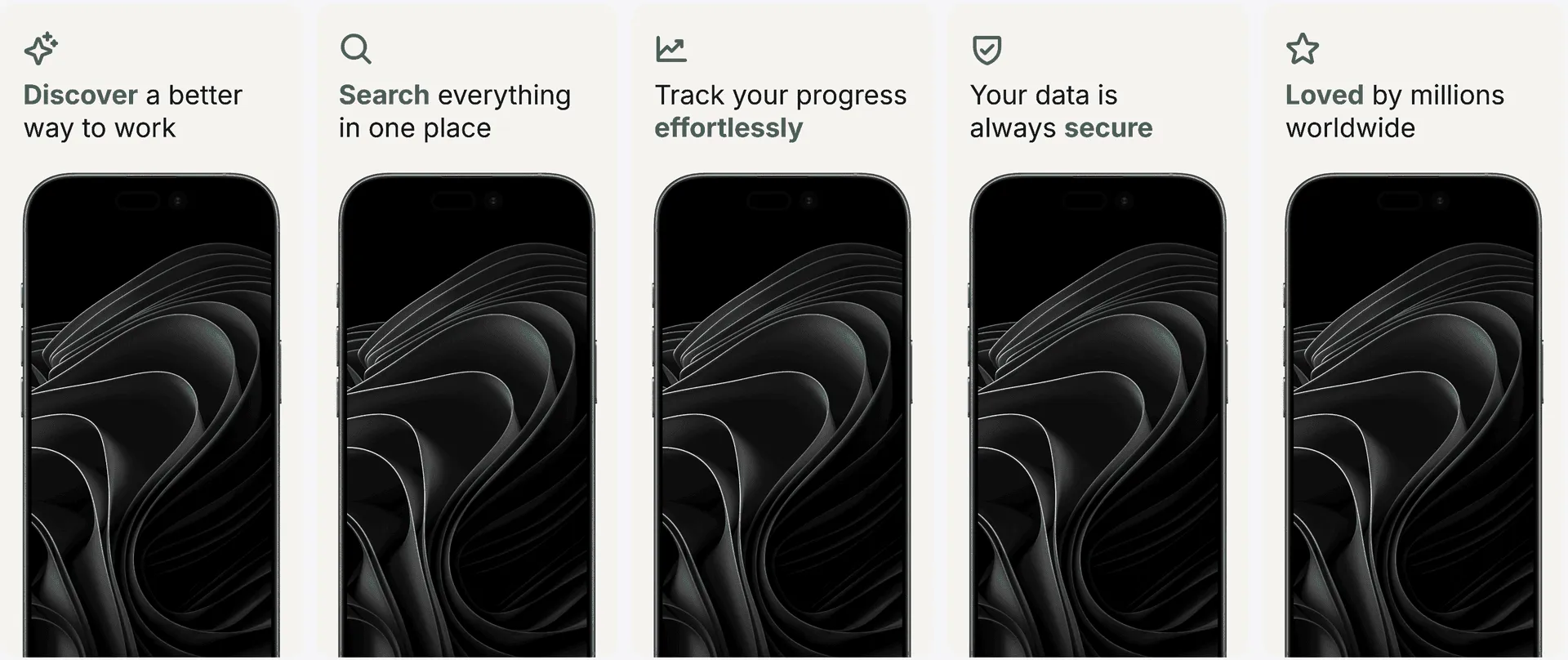
Turn real iPhone screens into polished, editable App Store screenshots built for better installs—on brand and ready in every required size.


Trusted by 6,000+ app developers
0
assets exported
0
apps localized
0
countries
Compare finished screenshot sets first, then turn the strongest direction into an editable story for your own app.
View finished screenshot sets
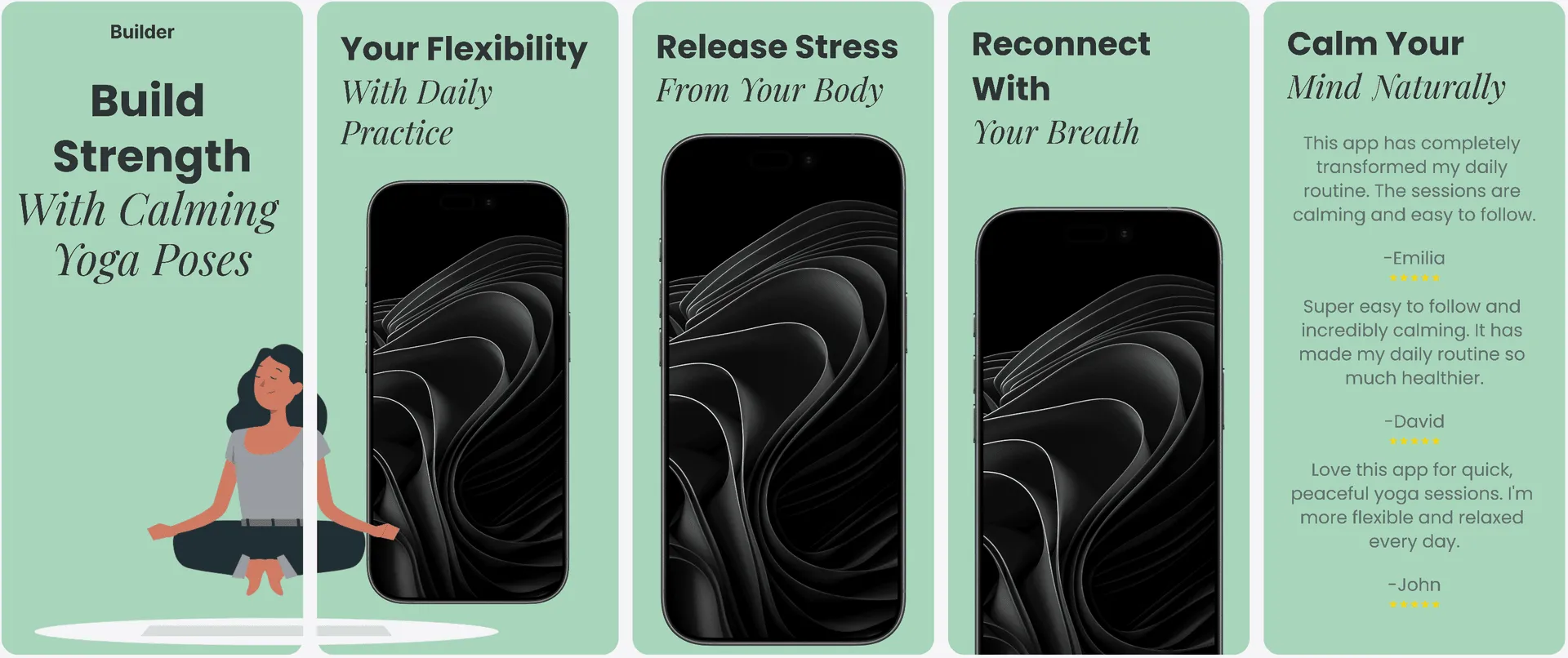
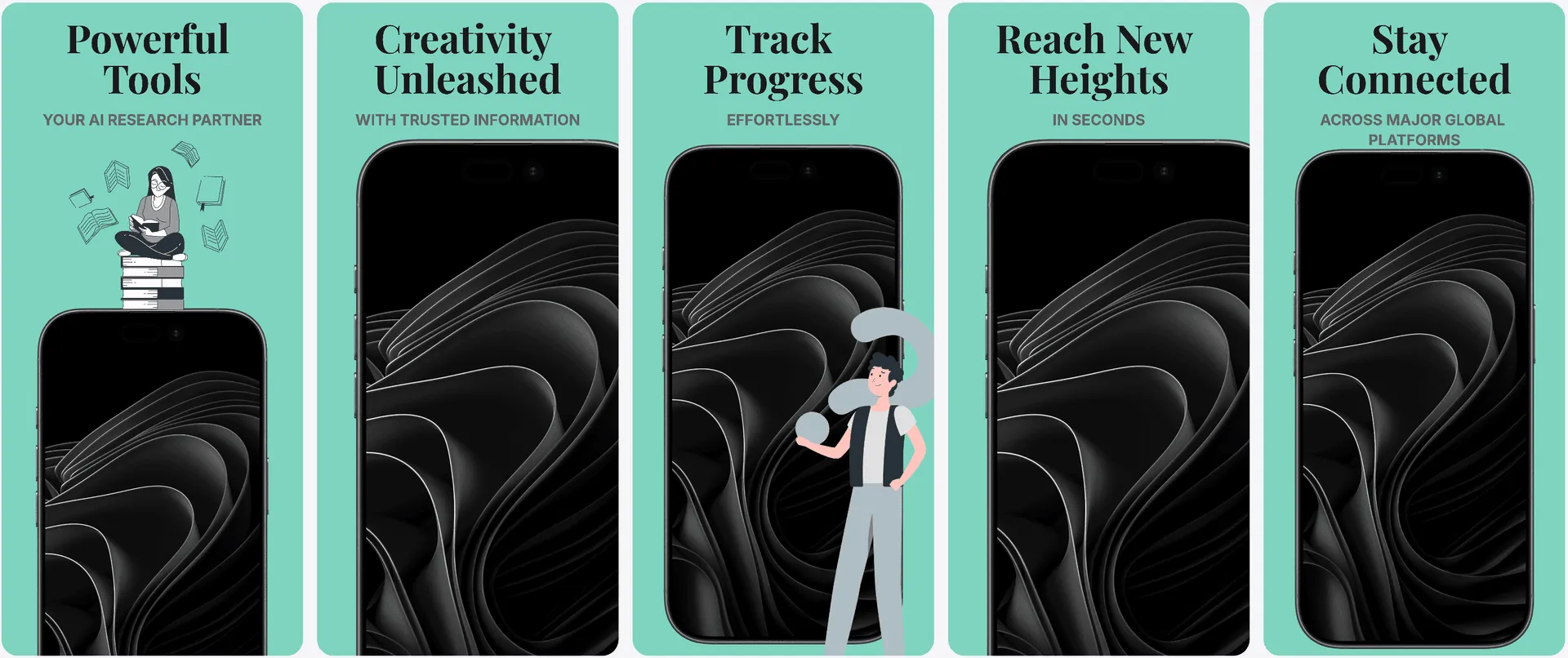
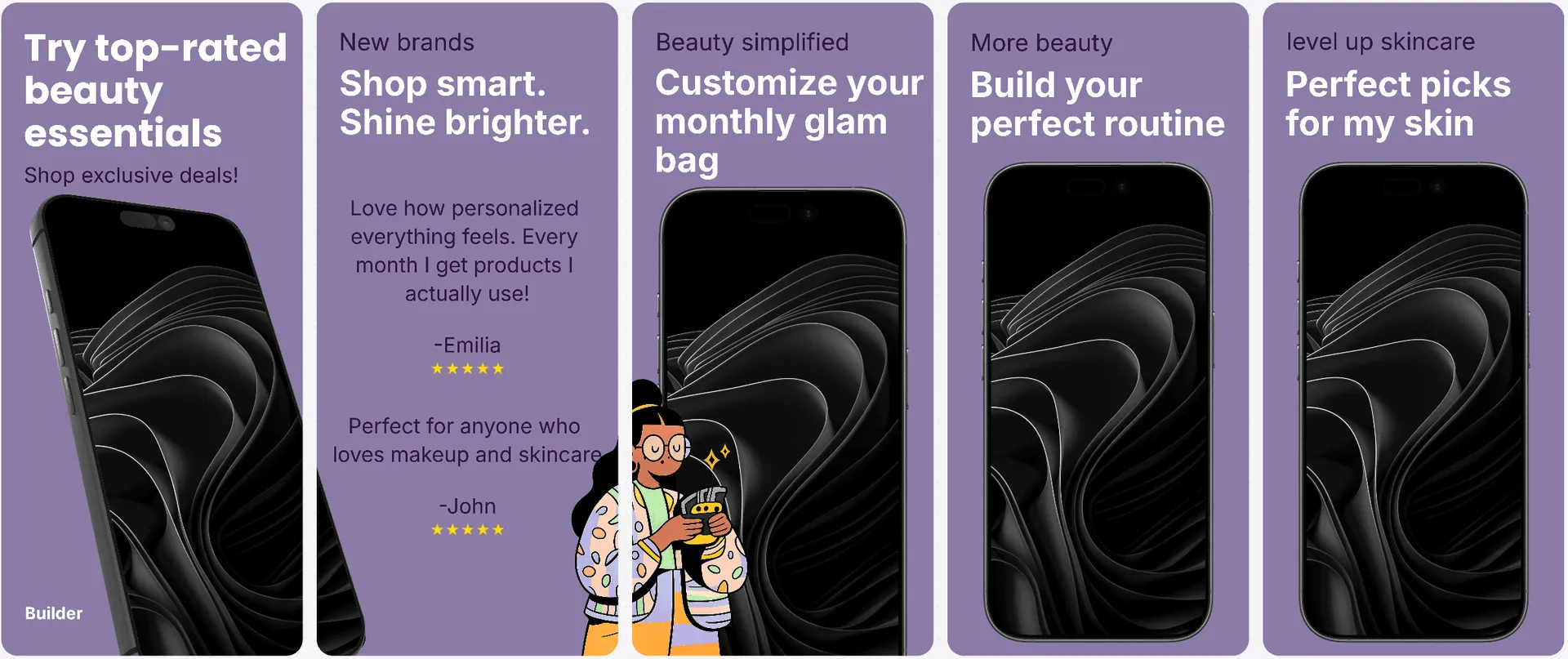
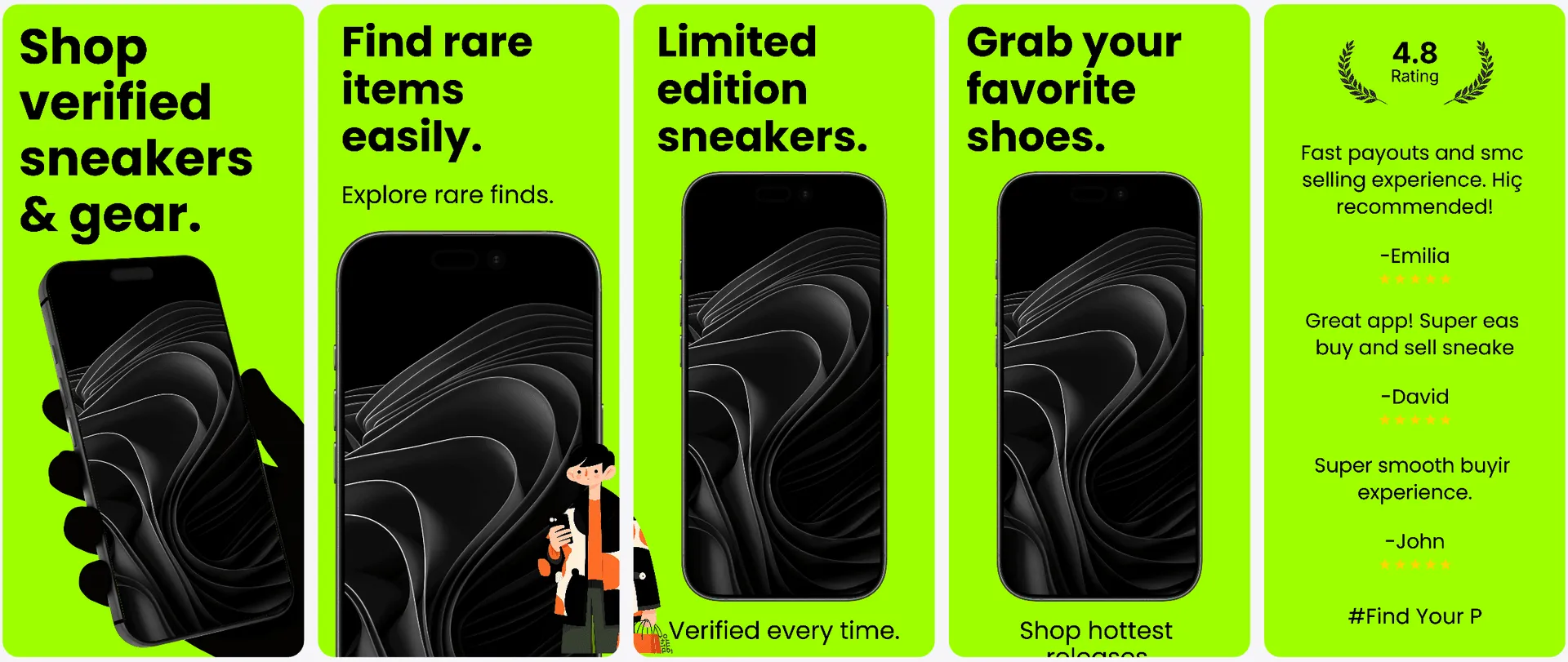
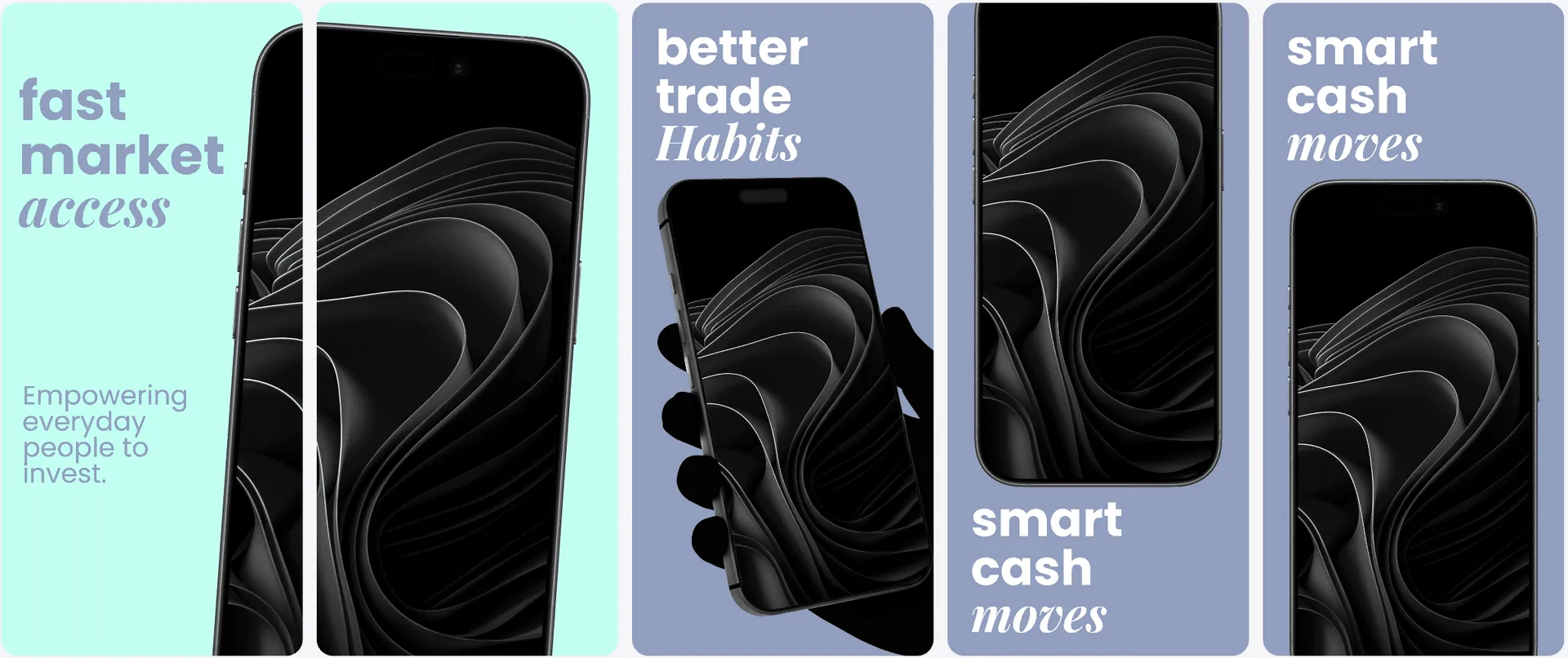
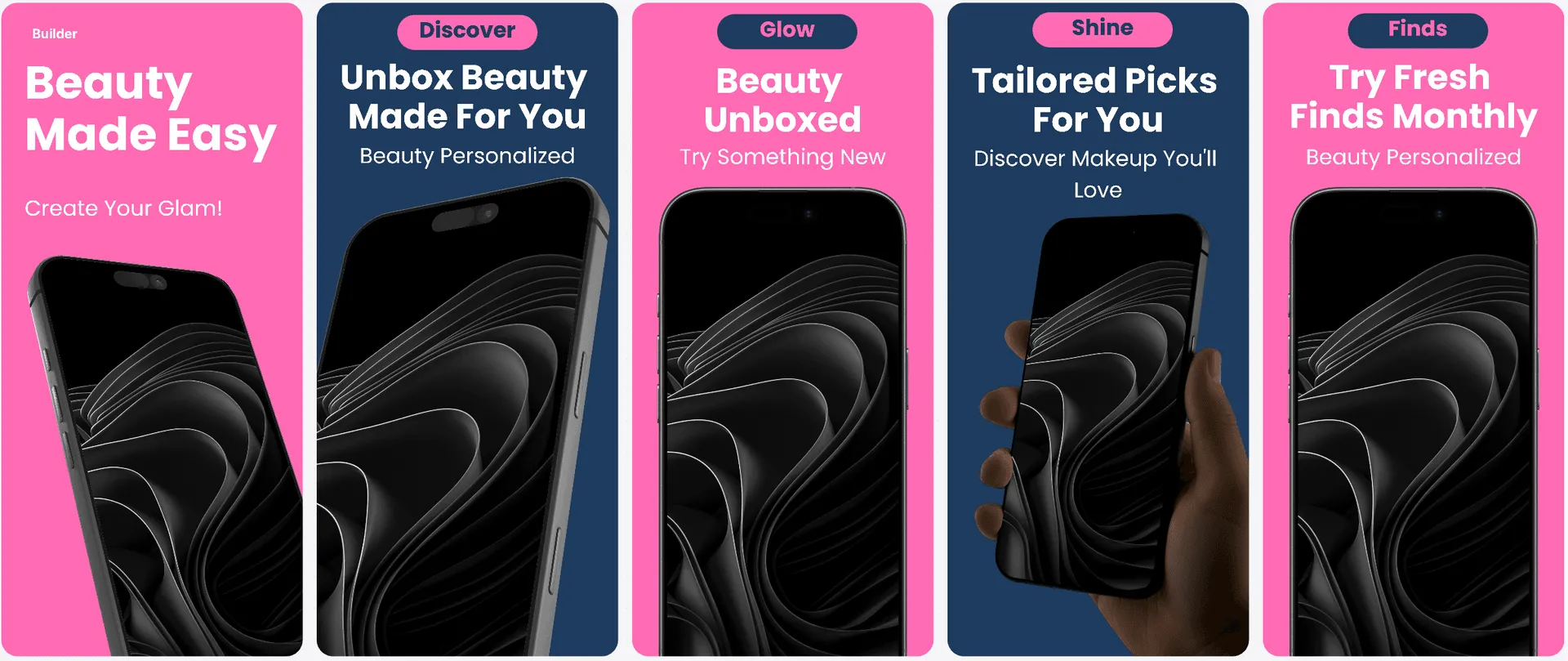
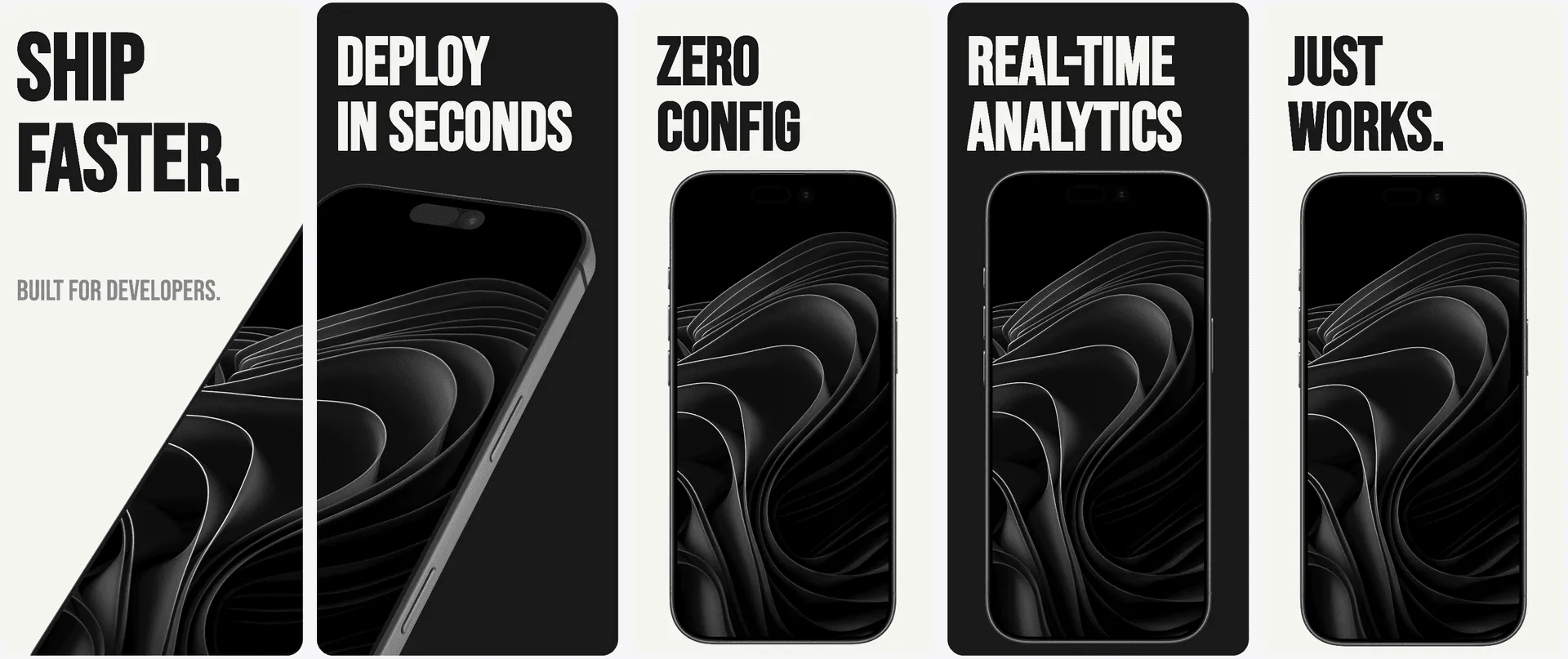
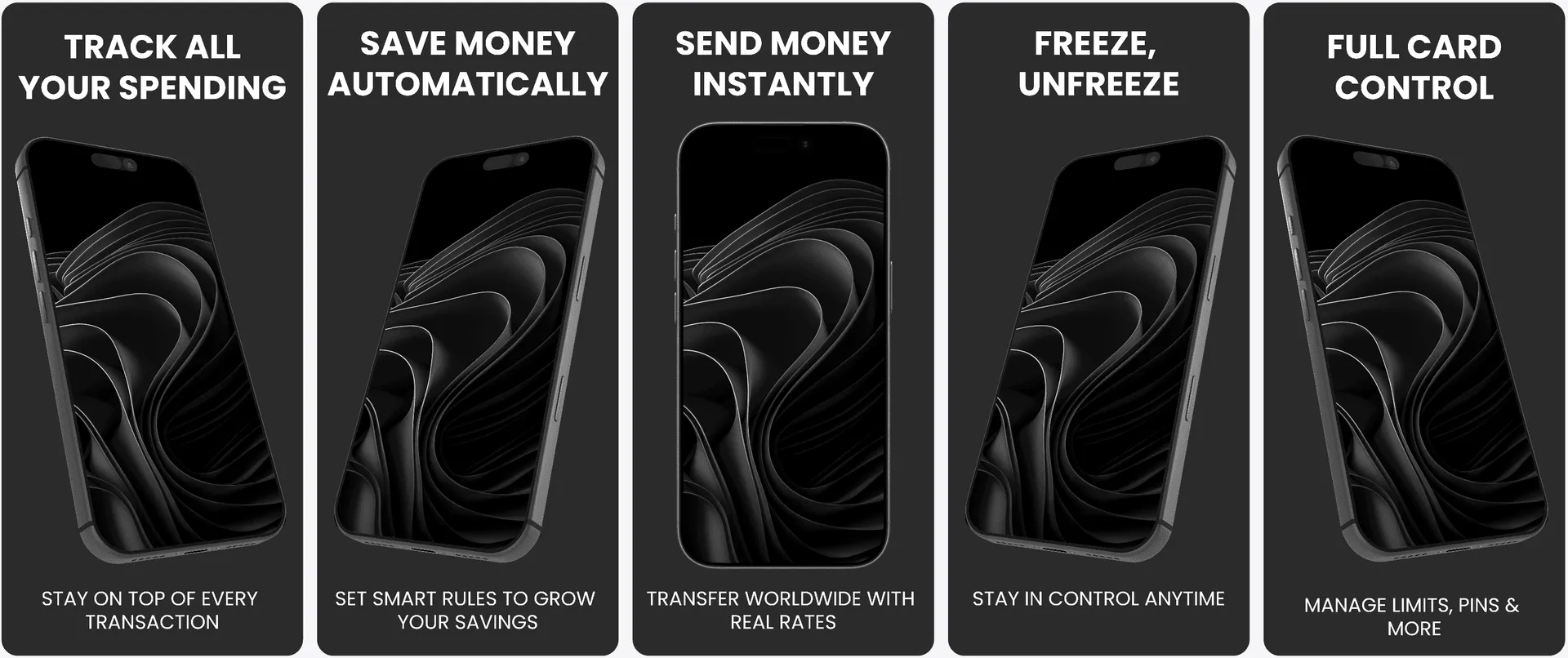
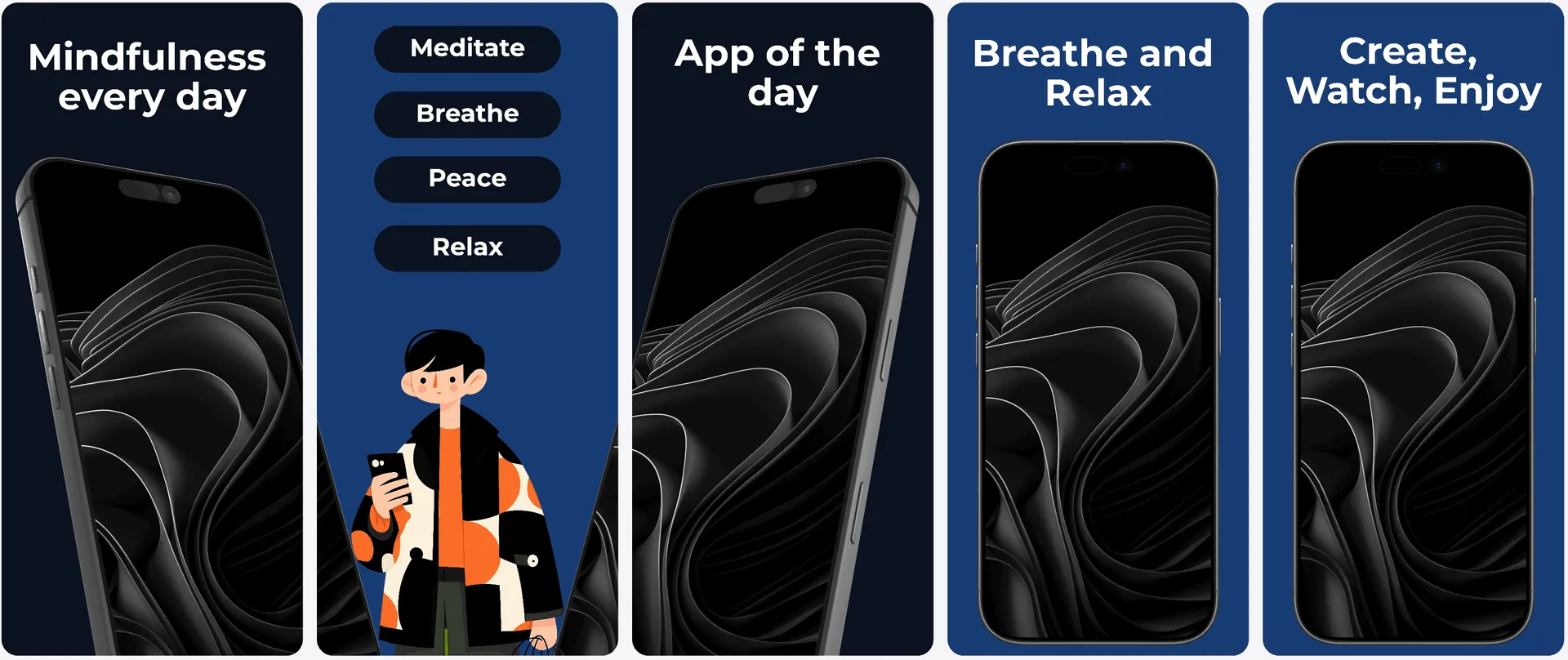
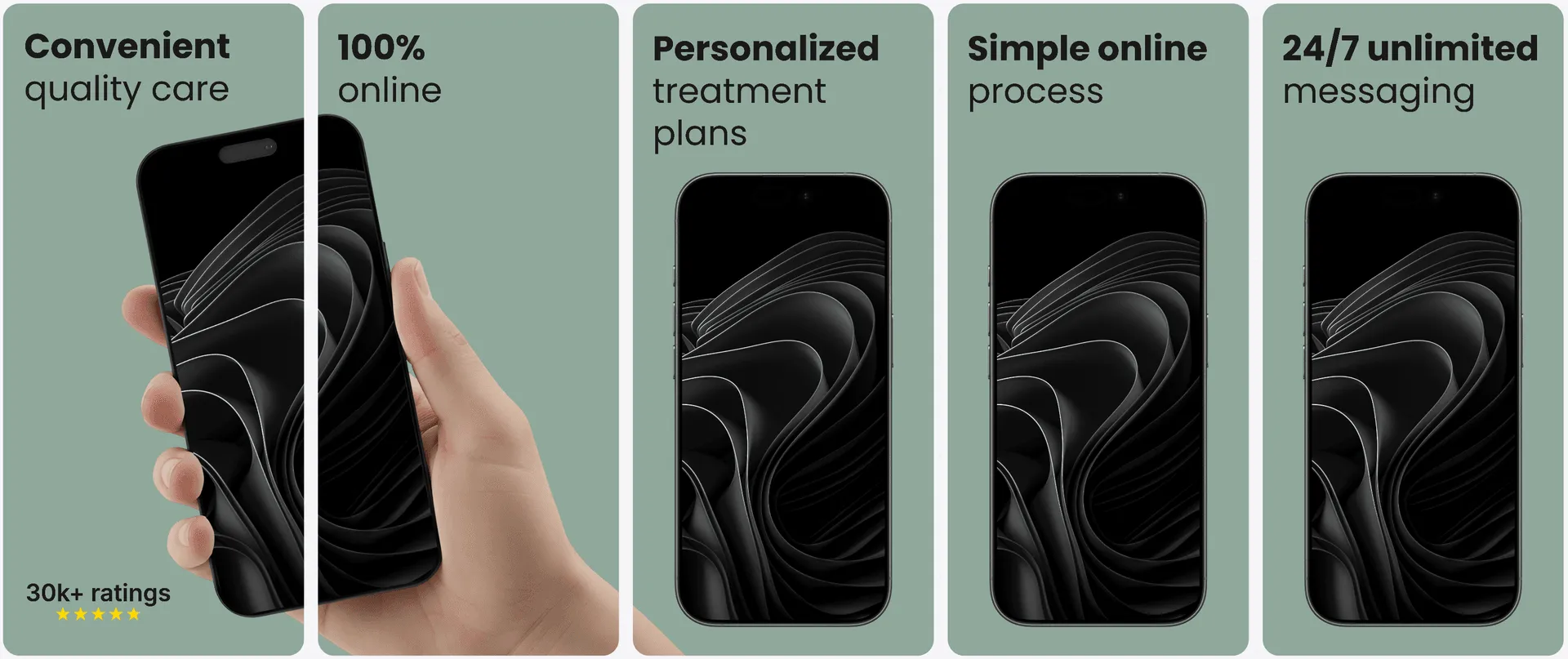
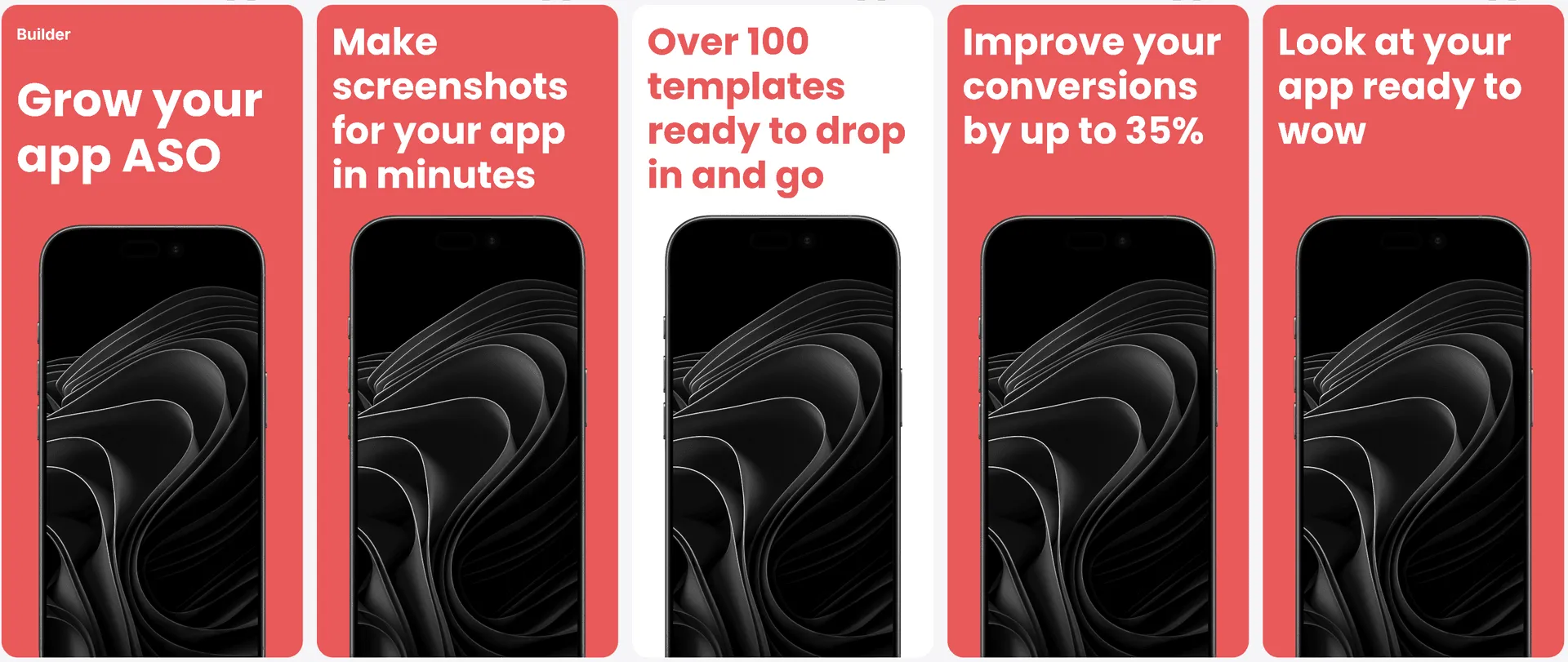
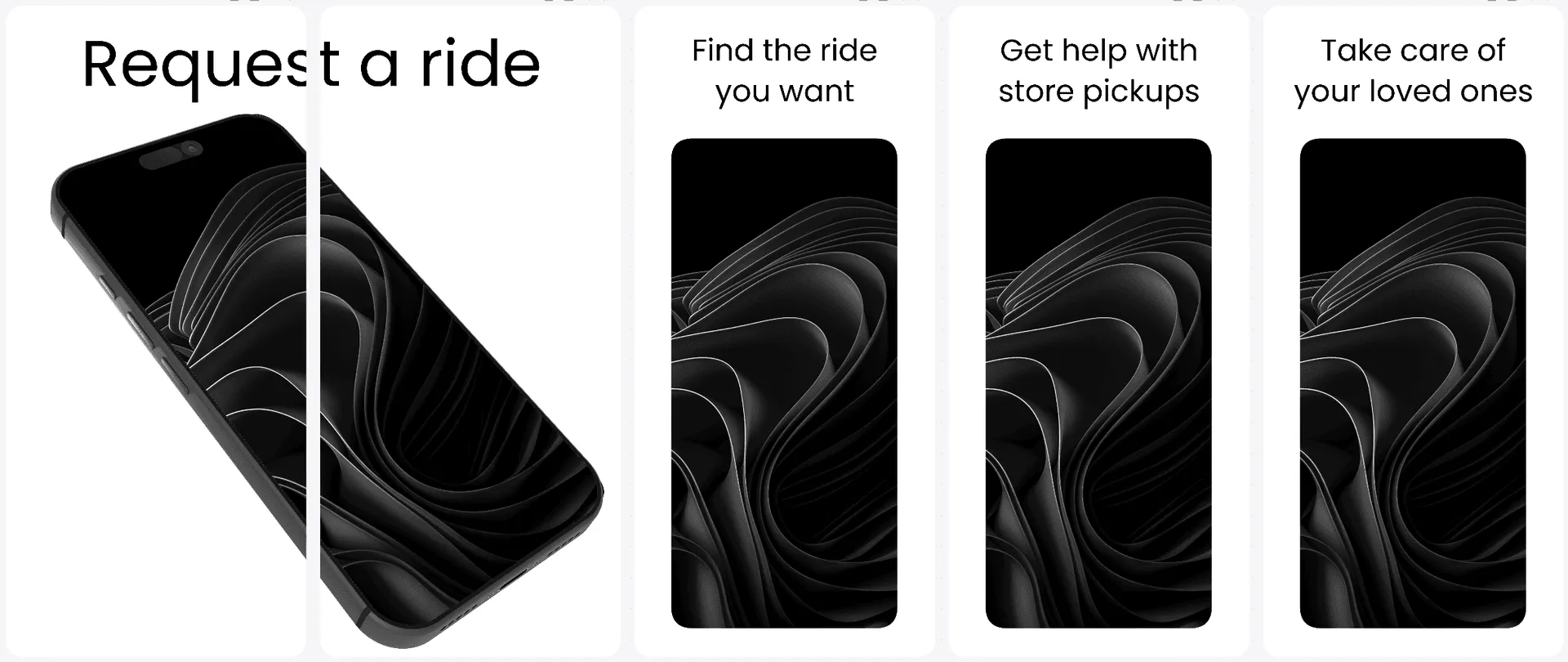
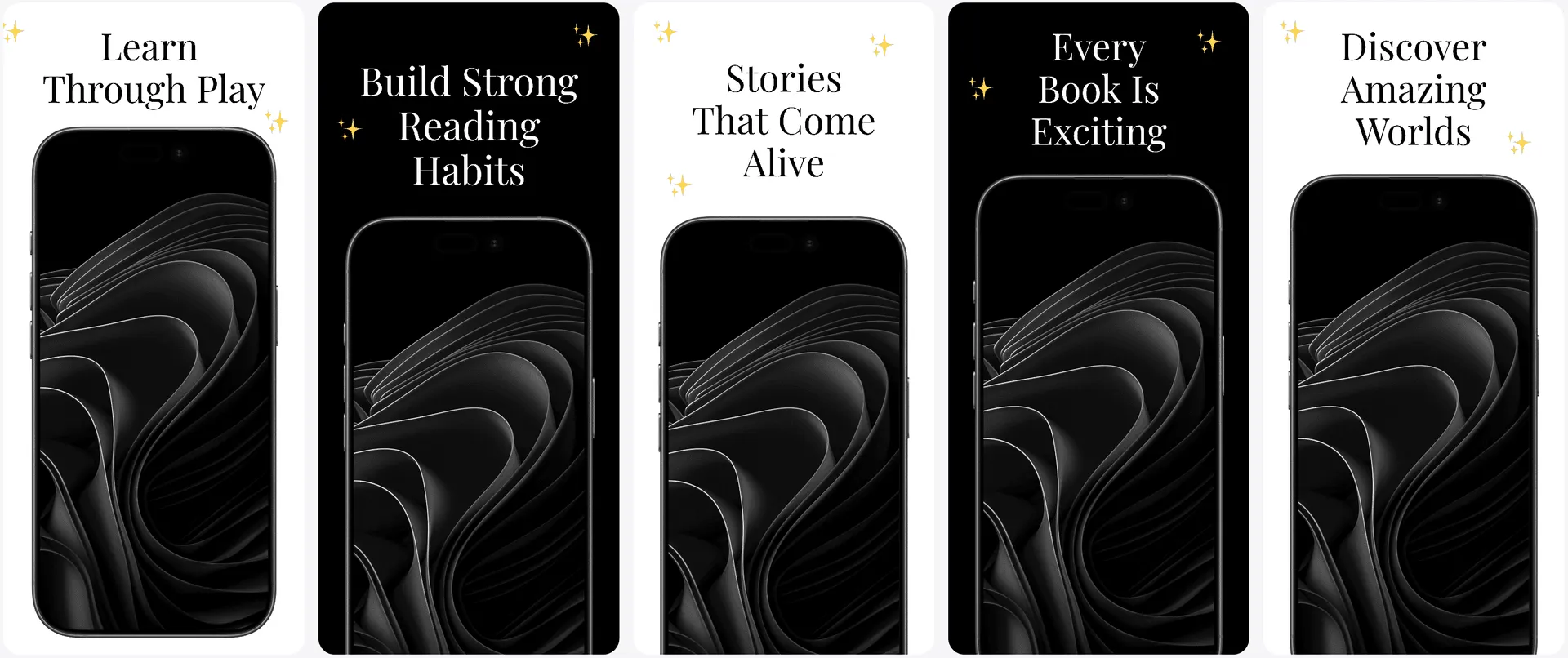
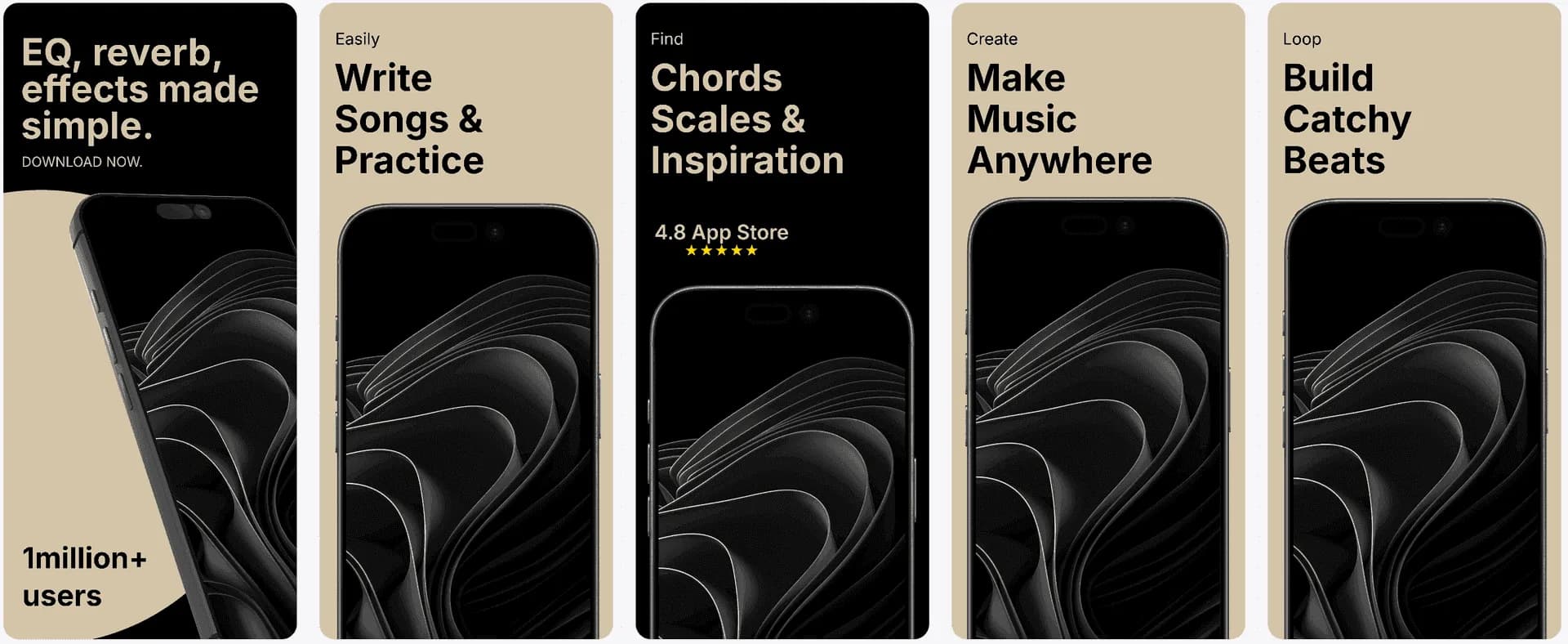
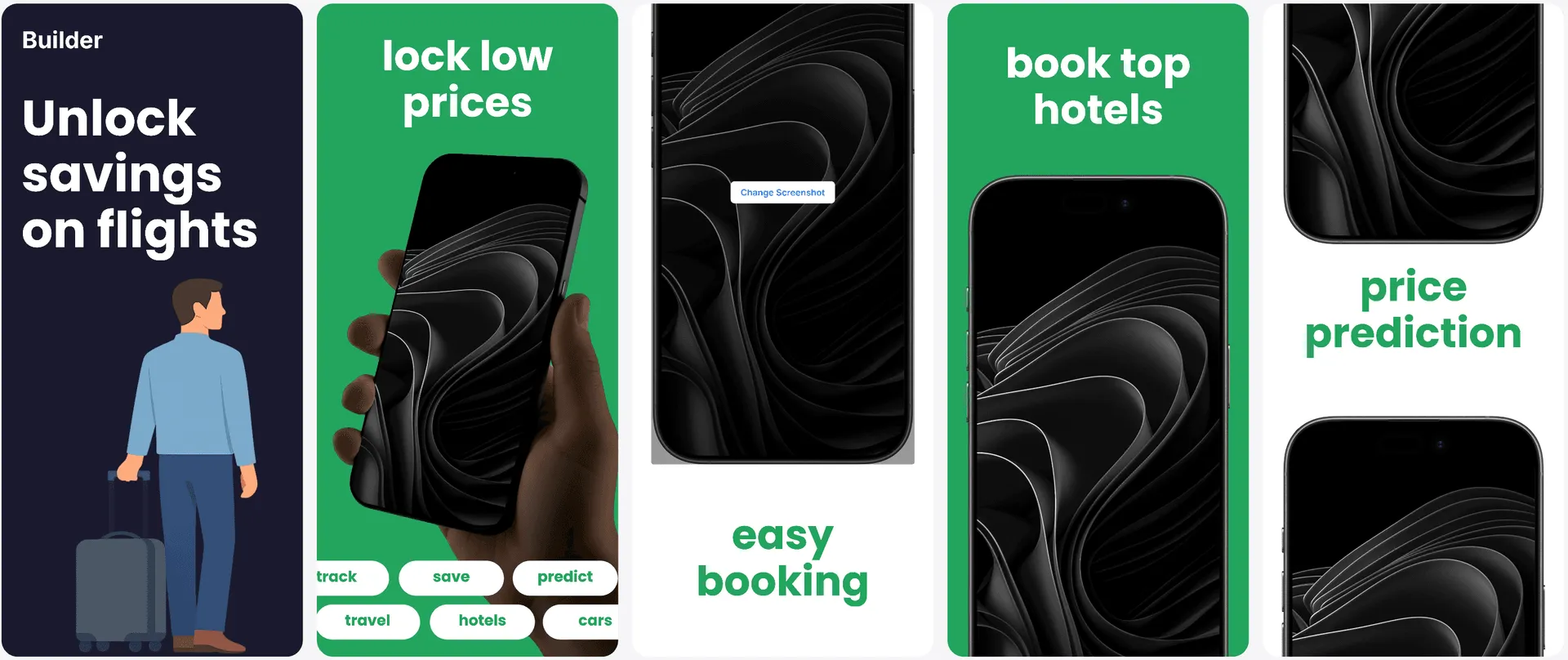
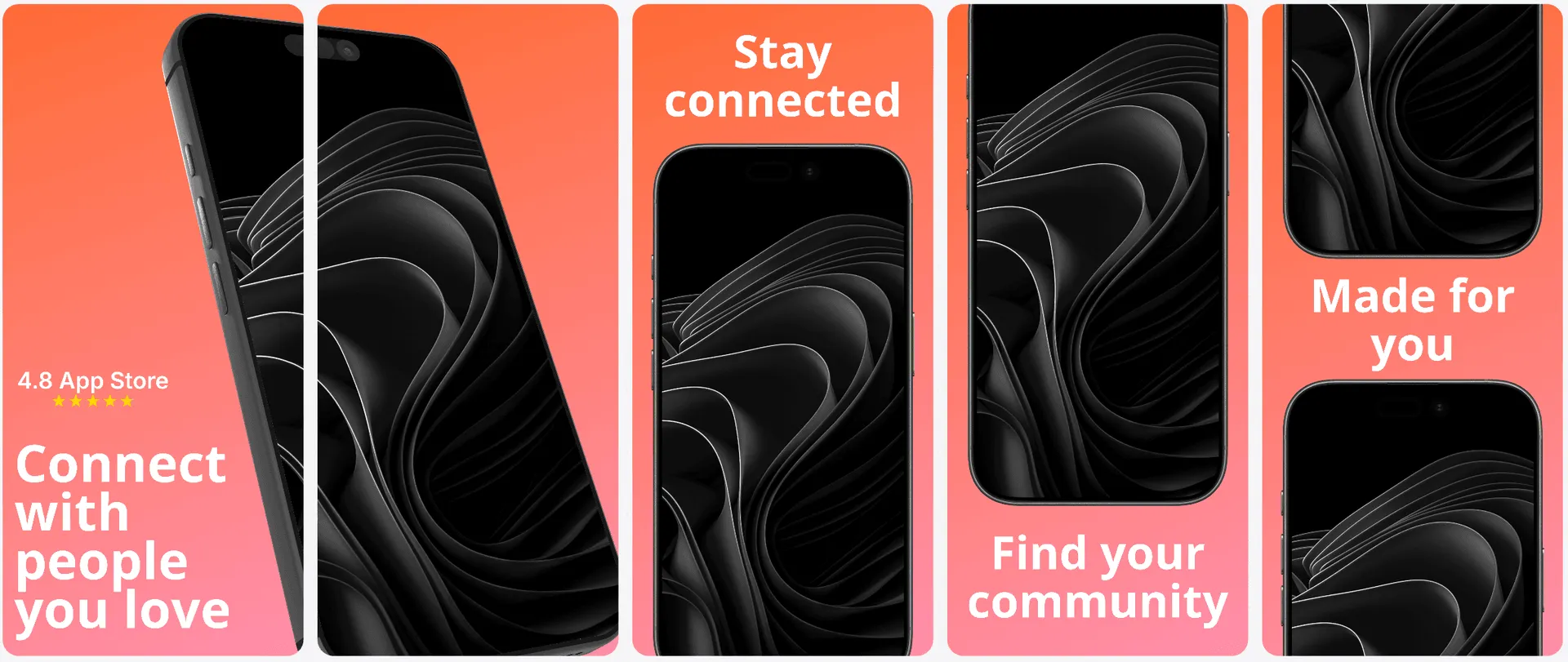
Direct template previews
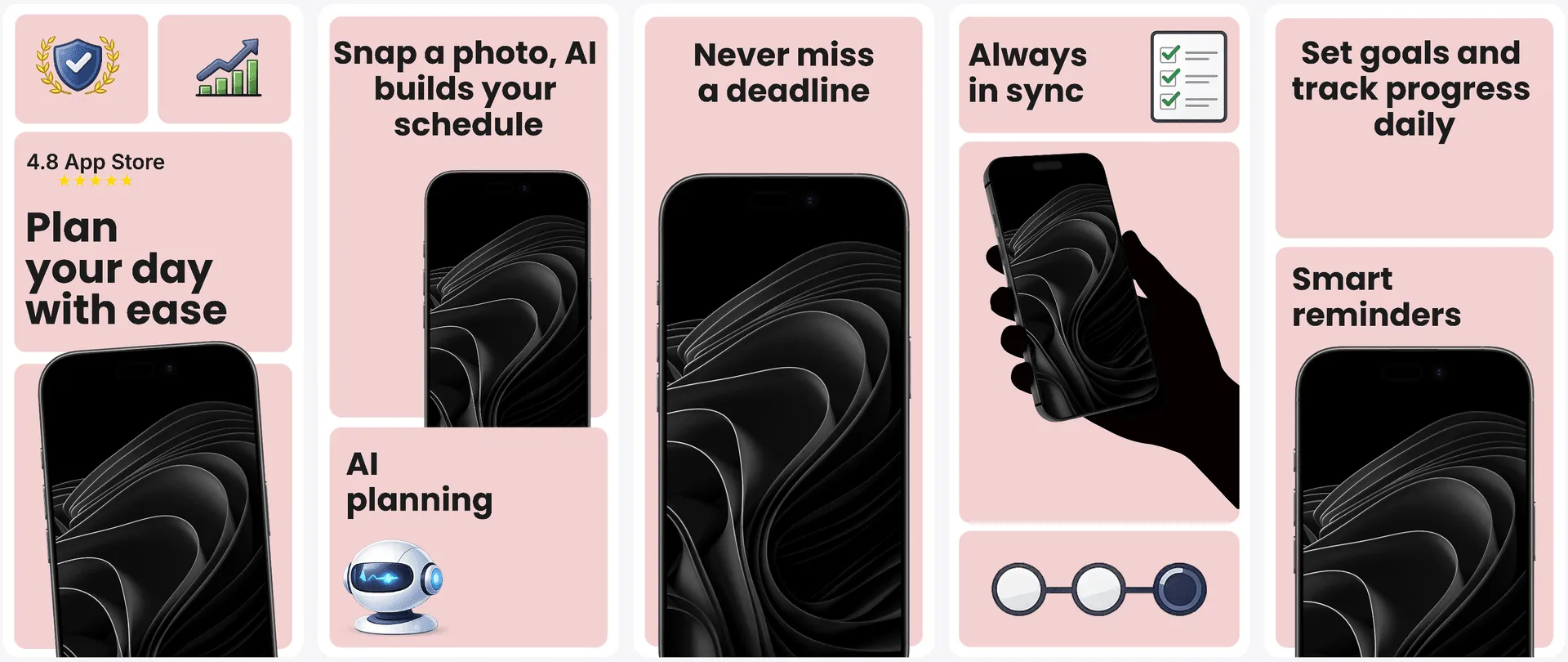
Upload your real iPhone screenshots and compare V1 and V2 for every template before entering the editor. Pick the direction that tells your app's story best instead of committing from a generic thumbnail.
A clean App Store story with a balanced hierarchy and safe default composition.
A second generated treatment with different framing, emphasis, and visual rhythm.
Template library
Compare benefit-led, editorial, bento, bold, and product-focused directions with real app UI before you commit to a design.
A screenshot set has to explain the value in seconds, look premium, and still meet every App Store size requirement. Generic AI output is fast but difficult to refine; blank-canvas tools give control but make every launch slow.
AppLaunchFlow starts with personalized layouts and benefit-led copy, then keeps the result fully editable. Variants, localized copies, device sizes, and exports stay together instead of drifting across design files.
Use the same editor workflow from the main landing page to keep iPhone screenshot production fast, precise, and repeatable.
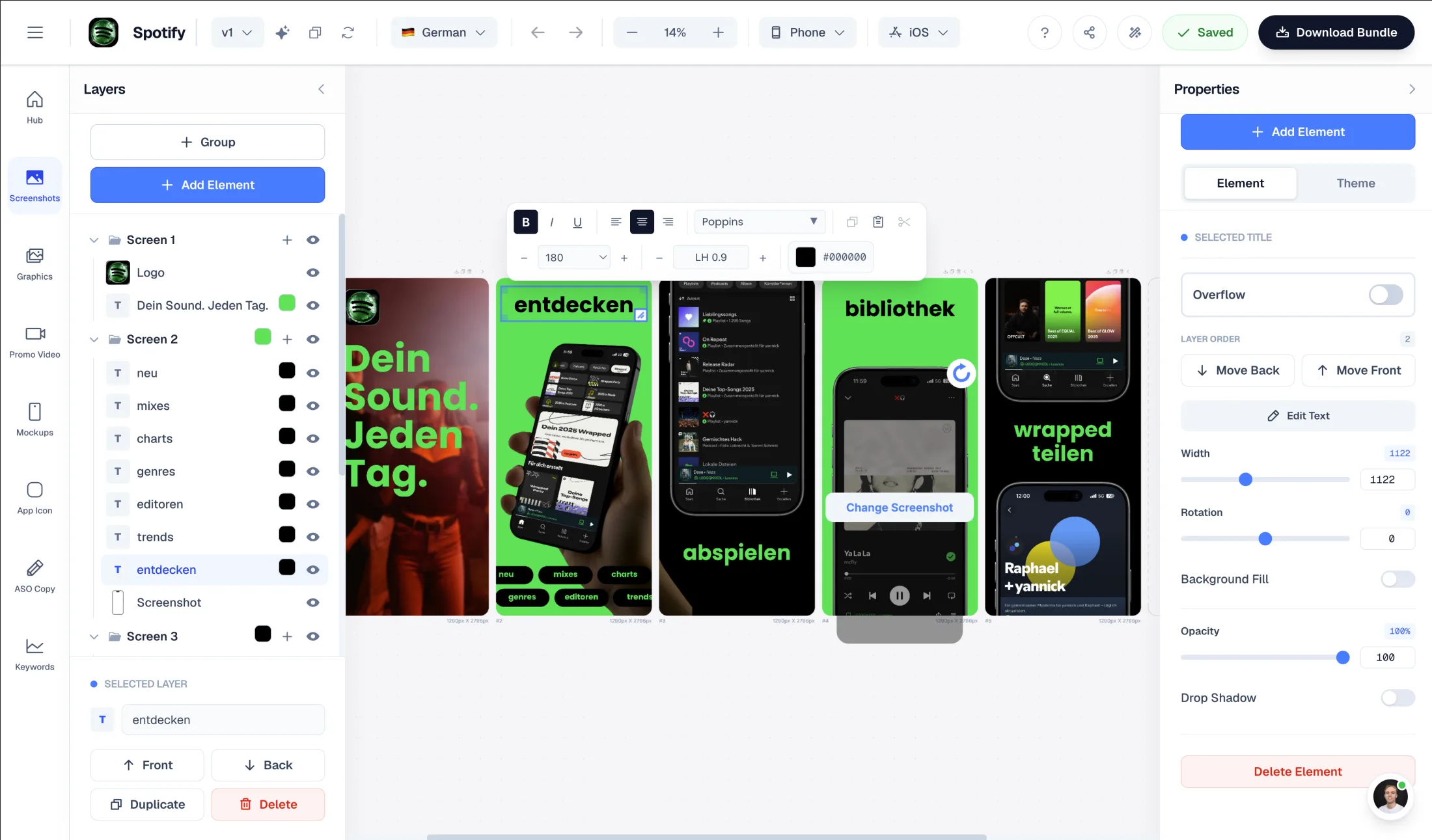
Intuitive interface with zoom controls and precise positioning for pills, badges, and text.
Showcase your app in iPhone, Pixel, or iPad frames and keep every slide visually consistent.
Use pills, badges, ratings, and curated visual assets without external design tools.
Go beyond a generated first draft with the controls you need to shape each screenshot set: connected backgrounds, 3D frames, editable elements, brand styling, localization, and organized export.
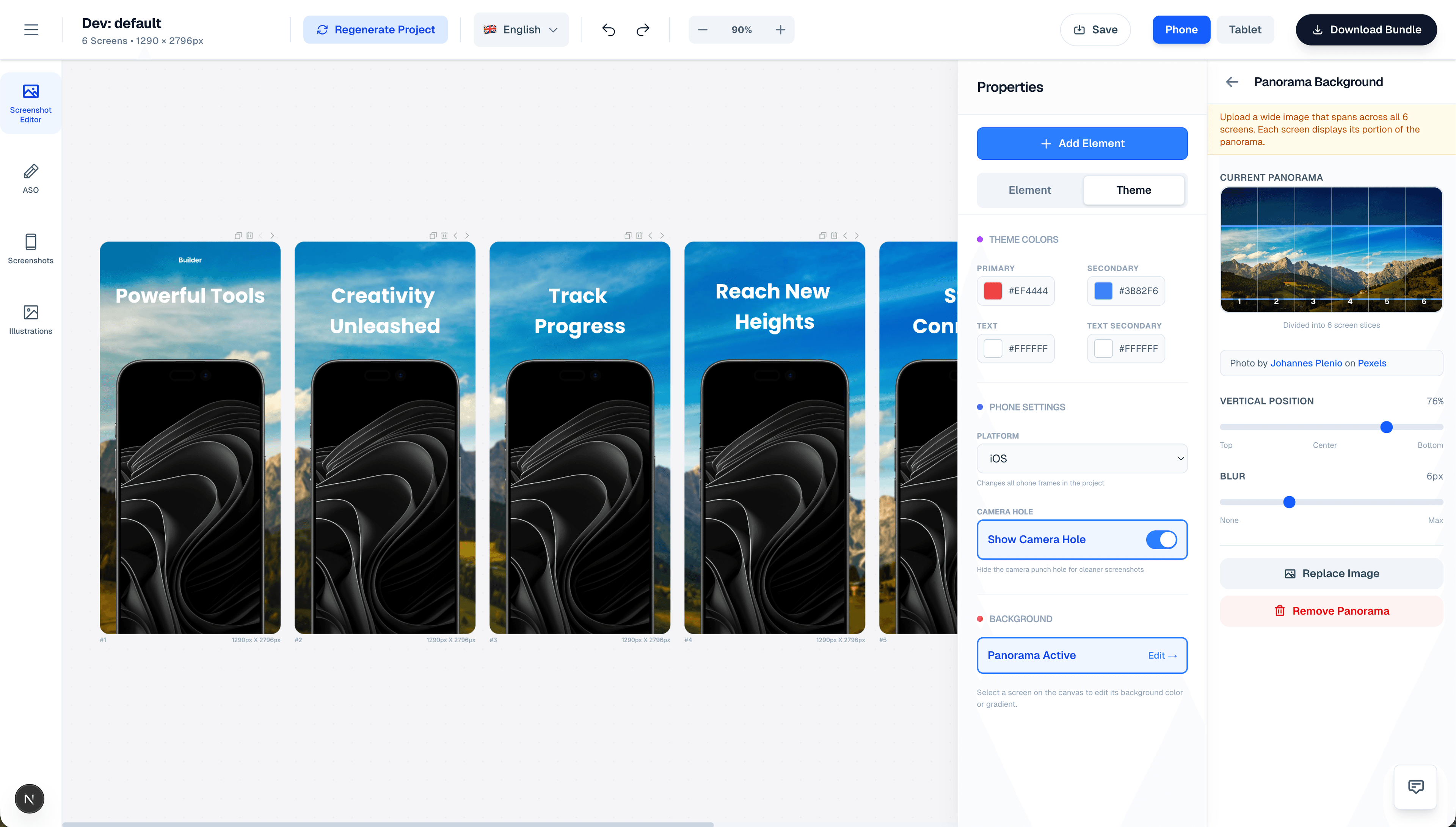
Use a single wide background or let elements flow across screenshots to create a connected story across the whole set.
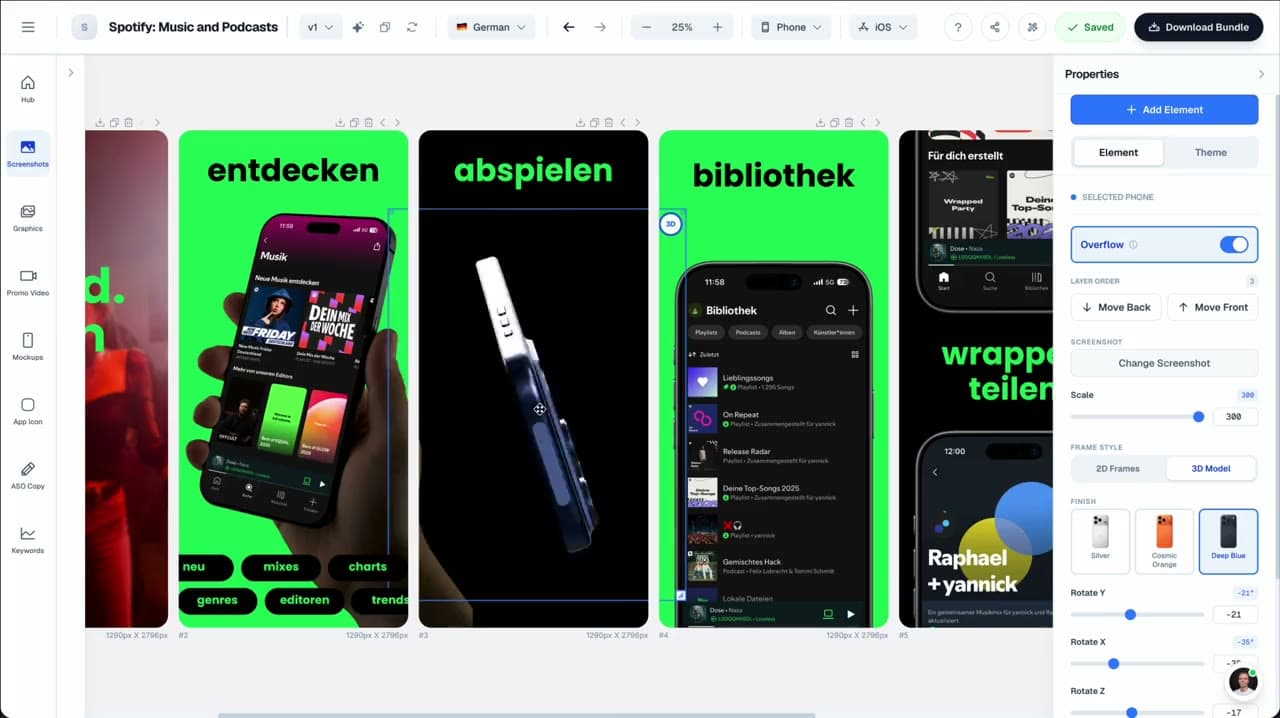
Switch between flat, angled, handheld, phone, and tablet frames so each screenshot has the right visual weight.
Text, badges, pills, ratings, logos, magnifiers, emojis, and decorative shapes stay editable on the canvas.
Use the built-in library, generate custom illustrations with AI, or upload your own PNG and SVG assets.
Drag elements, zoom the canvas, reorder layers, and let elements extend across adjacent screenshots for connected layouts.
Tune theme colors, gradients, typography, device style, and platform framing without leaving the editor.
Swap app screenshots while keeping text, frames, layout, and surrounding elements in place.
Export organized files by platform, device size, and language for App Store Connect and Play Console handoff.
Everything you need to create professional app store screenshots.
Translate iOS screenshot copy and keep layouts readable across languages without redesigning each slide.
Supports major App Store and Play Store languages including Spanish, German, French, Japanese, Korean, Portuguese, and more.
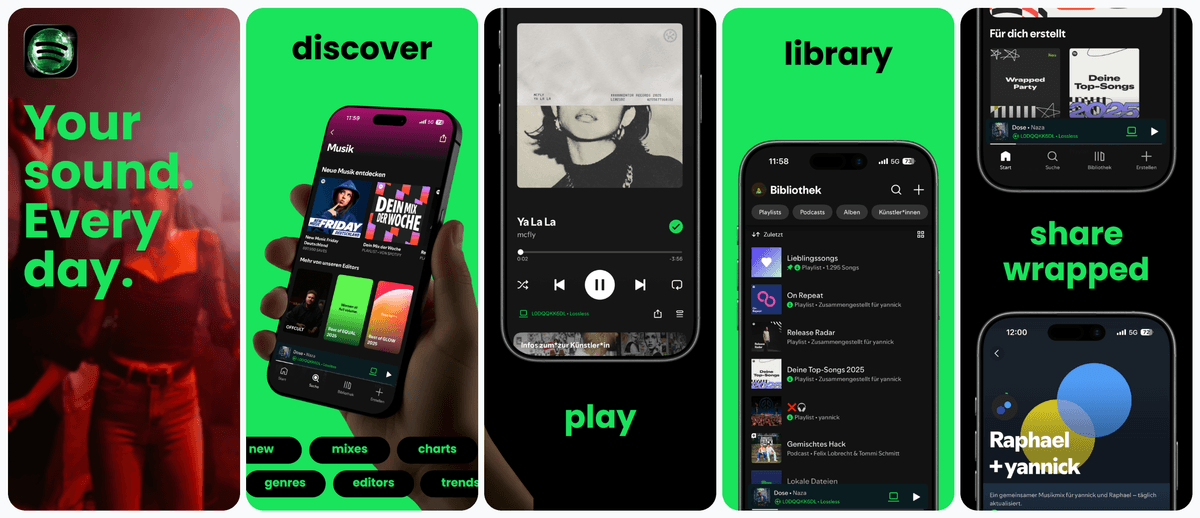
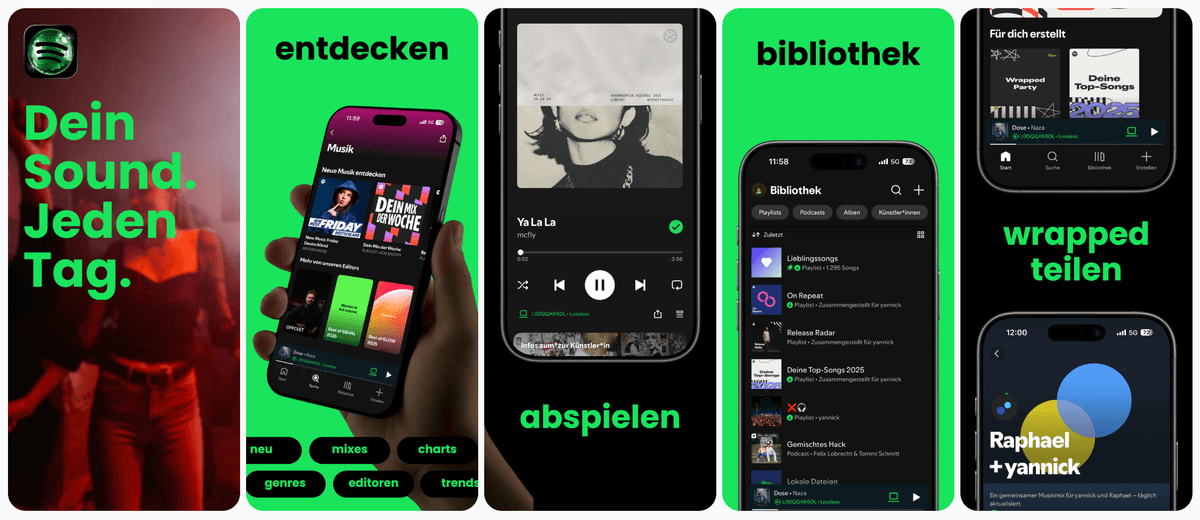
App store screenshot tools fall into two camps: traditional design software that is powerful but slow, and AI-only generators that are fast but generic. AppLaunchFlow combines the speed of AI with the control of a pro editor so you are never forced to compromise.
| Criteria | Manual tools | AI-only tools | AppLaunchFlow |
|---|---|---|---|
| Speed to first draft | Hours of manual layout and copywriting | Minutes, but often needs a full redo | Minutes with editable structure and copy |
| Design control | Full control, but requires design skill | Minimal control, outputs feel templated | Full control with guided, fast starting points |
| Localization | Manual text replacement and reflow | Auto-translate with weak layout adjustment | Auto-translate plus layout-aware resizing |
| Consistency across sizes | Manual resizing for each device size | Inconsistent scaling | Preset iOS sizes with consistent rules |
Get started in minutes with our simple workflow
Drop in raw iPhone captures or simulator screenshots. AppLaunchFlow reads your app's colors and key UI moments so the first draft already looks like your brand.
Preview your real screens across every template, choose the direction that tells your story best, then tweak captions, frames, and order in the editor if you want to.
One click exports the full set in every App Store Connect size — 6.9" and 6.5" iPhone, 13" and 12.9" iPad — named and ready to upload. Reuse the same story for Google Play when you ship on Android.
Related
Build Android screenshot sets for Google Play device diversity.
Android teams
Create iPad screenshot sets sized for the App Store tablet listing.
iPad apps
Design macOS App Store screenshots with desktop device frames.
macOS apps
Generate fast screenshot drafts and refine them with full control.
Fast iteration
Everything you need to know about app store screenshot generator
AppLaunchFlow is an AI-assisted App Store screenshot generator for indie developers and small teams that want editable templates, every required iOS export size, localization, ASO copy, and related launch assets in one workflow. AI drafts the layout and captions, and a real editor keeps you in control.
If you want an app store screenshot generator that balances speed and quality, AppLaunchFlow is built for you. Generate your first set in minutes and refine them until they feel launch-ready.
Once your system is in place, future updates are quick: swap in new UI screens, adjust a couple of captions, and keep your listing aligned with your latest features.
no credit card required