Mac App Store ScreenshotGenerator.
Design macOS App Store screenshots with desktop-first templates, Retina-ready exports, and Mac-specific visual framing.
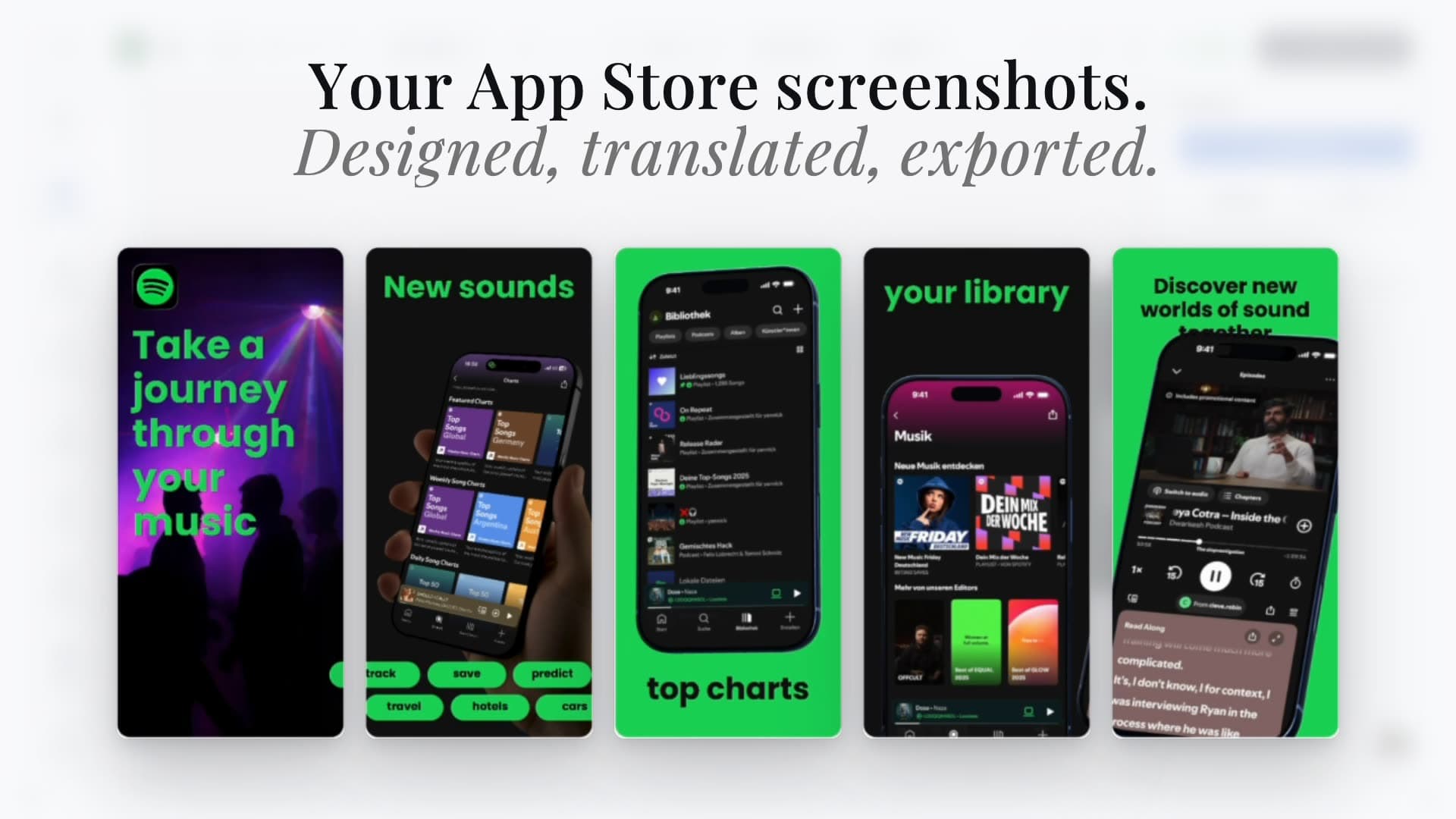


Trusted by 7,000+ app developers
91,443
assets exported
9,863
apps localized
141
countries
Design Patterns
Desktop-optimized design patterns.
Start from desktop-ready template structures that highlight complex workflows, dense UI, and product depth.
Explore all screenshot templates



















The Challenge
Why macOS screenshots need desktop-first design
Desktop app screenshots must communicate full workflows, not just single-screen moments. Users expect to see context, menus, and data density.
Generic phone-focused tools make this hard. Layout rhythm, text placement, and framing often break when stretched to desktop dimensions.
AppLaunchFlow solves this with macOS-oriented presets, desktop template patterns, and flexible editing controls designed for wide compositions.
Visual Editor
Design Mac App Store screenshots fast.
Use the same editing workflow as iOS, now adapted for desktop compositions and high-density UI presentation.
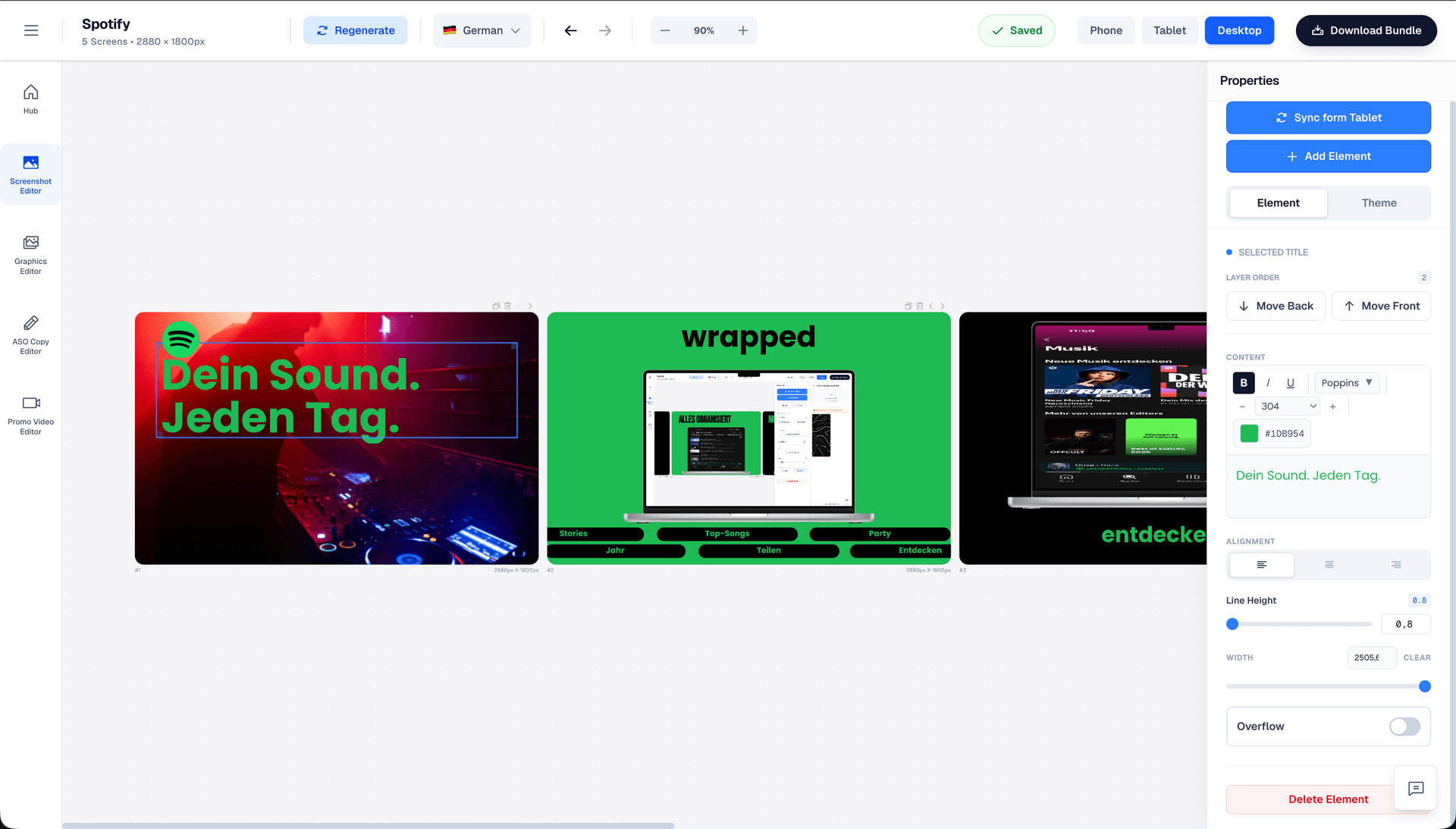
Drag & Drop Control
Intuitive interface with zoom controls and precise positioning for pills, badges, and text.
3D Device Frames
Showcase your app in iPhone, Pixel, or iPad frames and keep every slide visually consistent.
Smart Assets
Use pills, badges, ratings, and curated visual assets without external design tools.
Features
A complete workflow for Mac App Store screenshot production
Everything you need to create professional app store screenshots.
Localization
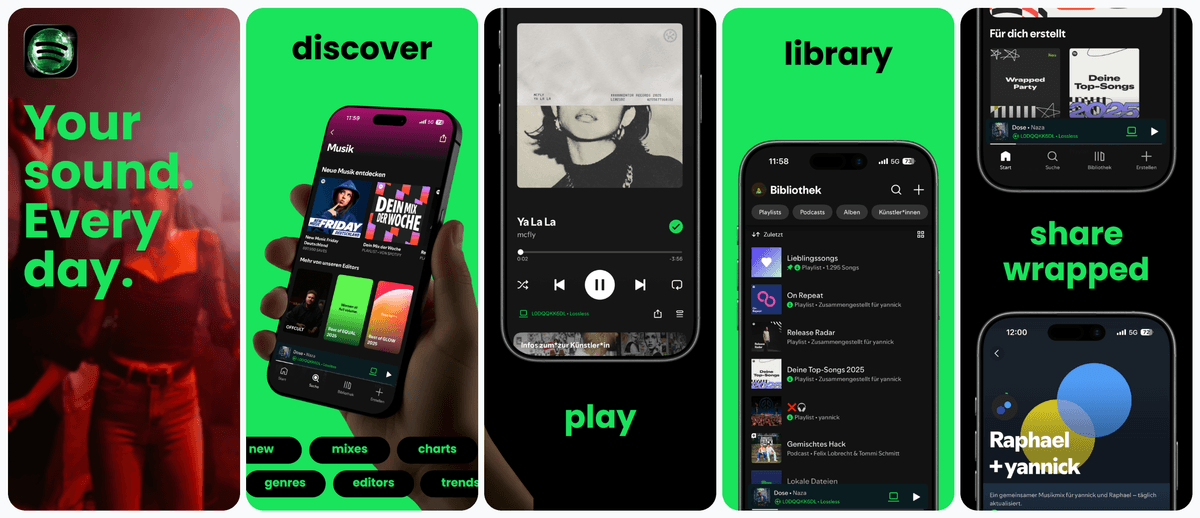
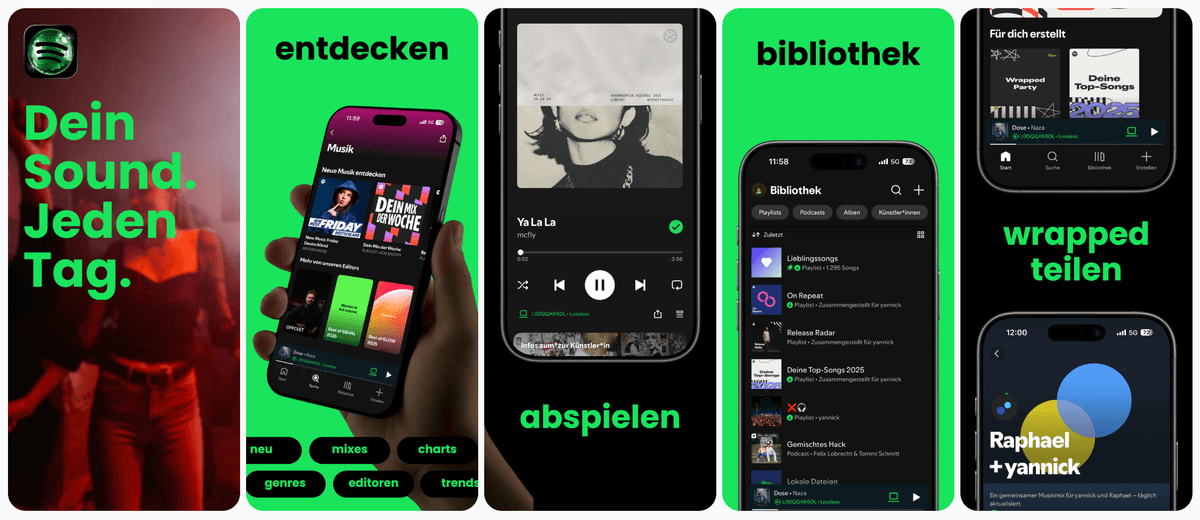
Localize your Mac App Store visuals.
Adapt desktop screenshot messaging for international markets while preserving layout rhythm and readability.
Supports major App Store and Play Store languages including Spanish, German, French, Japanese, Korean, Portuguese, and more.
Deep Dive
What high-performing Mac App Store screenshots show
Mac users expect clear evidence of desktop utility. Strong screenshots highlight workflows, integrations, and information architecture.
That usually means wider compositions, sharper hierarchy, and deliberate sequencing across the screenshot set.
A desktop-focused design system helps you communicate product depth without visual clutter.
Comparison
Mac screenshot workflows: manual vs AI vs AppLaunchFlow
Desktop listings demand polish and context. AppLaunchFlow combines fast generation with structured control so macOS screenshots feel premium.
| Criteria | Manual tools | AI-only tools |  AppLaunchFlow AppLaunchFlow |
|---|---|---|---|
| Desktop composition quality | Manual toolsExcellent but time-intensive | AI-only toolsFast drafts with weak desktop structure | AppLaunchFlowDesktop-first templates with full editing control |
| macOS sizing and export | Manual toolsManual setup and QA | AI-only toolsInconsistent output dimensions | AppLaunchFlowPreset outputs for Mac listing workflows |
| Cross-platform consistency | Manual toolsSeparate design files per platform | AI-only toolsDifficult to keep brand consistency | AppLaunchFlowUnified visual system across iOS, iPadOS, and macOS |
| Localization | Manual toolsManual copy replacement and layout fixes | AI-only toolsTranslation with layout risk | AppLaunchFlowLocalization with layout-aware spacing |
| Time to launch | Manual toolsDays to weeks | AI-only toolsQuick draft, long cleanup | AppLaunchFlowFast drafts and controlled refinement |
Facts
Last updated: February 28, 2026
- Product:
- AppLaunchFlow
- Category:
- Screenshot design system
- Platforms:
- Web app
- Outputs:
- App Store + Play Store assets
- Pricing:
- Free tier + paid plan
- Last refresh:
- February 28, 2026
How It Works
Design Mac App Store screenshots in three steps
Get started in minutes with our simple workflow
Import key desktop screens
Upload core macOS views and choose a desktop template pattern that matches your product story.
Refine layout and messaging
Adjust hierarchy, frame style, and captions for desktop reading behavior and workflow context.
Export and publish
Generate high-resolution screenshot sets for Mac App Store submission.
Related
Expand Beyond Mac Listing Assets
Testimonials
Real apps. Real launches.
“AppLaunchFlow made the App Store screenshots and the promo video for my app CloseUp!, and both look better than what I'd have gotten from a designer. Localization took one pass. And Yannick ships faster than anyone I've worked with: I'd ask for a feature and it was live the next day. Better UI, simpler, and more polished than anything else I tried.”
 Ronnie Nijmeh@ronnie_nijmeh
 CloseUp!App Store
 “App Store screenshots are one of those tasks that's tedious to do and expensive to get wrong: you really only get one shot at a first impression. I've been using AppLaunchFlow since the early days, and it's turned that process into something fast and repeatable instead of something I dread. What's kept me around is Yannick. The communication has been phenomenal, he's genuinely open to ideas, and the speed at which he fixes bugs and ships improvements is unlike anything I've used.”
 Bryce@btopnn
 StandbyApp Store
 “I made GainFrame's App Store screenshots and social images in AppLaunchFlow instead of fighting Figma for a weekend. Uploaded my raw shots, picked a template, exported store-ready. Solo devs: this is the shortcut.”
 Mike Rode@mikerodebuilds
 GainFrameApp Store
 Frequently asked questions.
Everything you need to know about Mac App Store Screenshot Generator.
What screenshot sizes does the Mac App Store require?
Which Mac screenshot size should I upload?
Can I design macOS and iOS screenshots in the same project?
How do desktop screenshot templates differ from mobile templates?
Does AppLaunchFlow support Retina-quality exports for Mac?
How many screenshots should I upload for a Mac app?
Can I localize Mac screenshots for multiple markets?
Ship polished Mac App Store visuals faster
Create desktop screenshots that communicate workflow depth and product quality.
Reuse your visual system across macOS, iOS, and iPadOS with one editor.
no credit card required
- 1Upload your screenshots
- 2The matching create flow is preselected
- 3You can still change the asset type