Yannick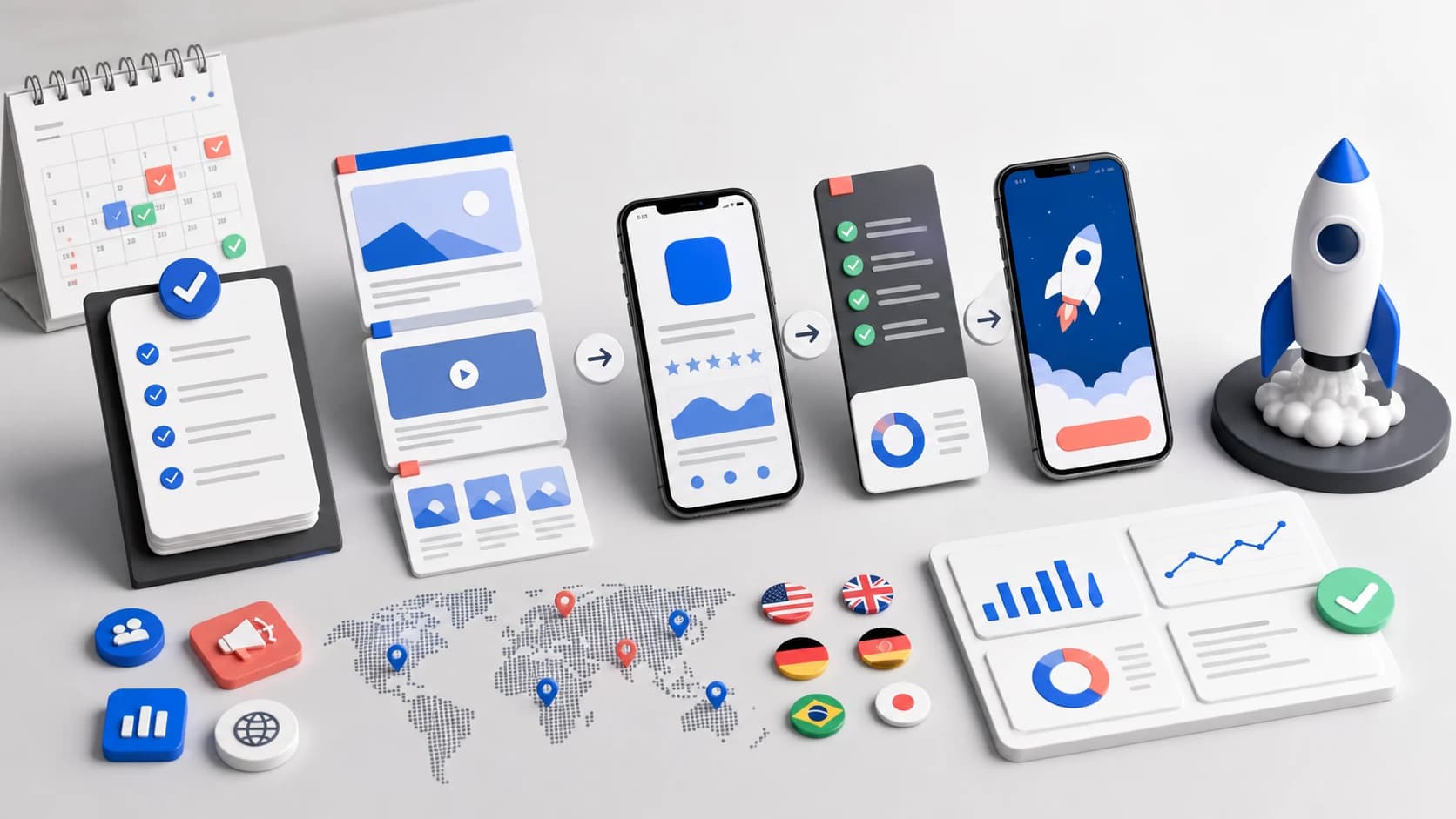
If you are looking for an app launch checklist that actually maps to current App Store and Google Play workflows, use this 2026 version. It focuses on what moves installs, not generic project-management advice.
Launch control
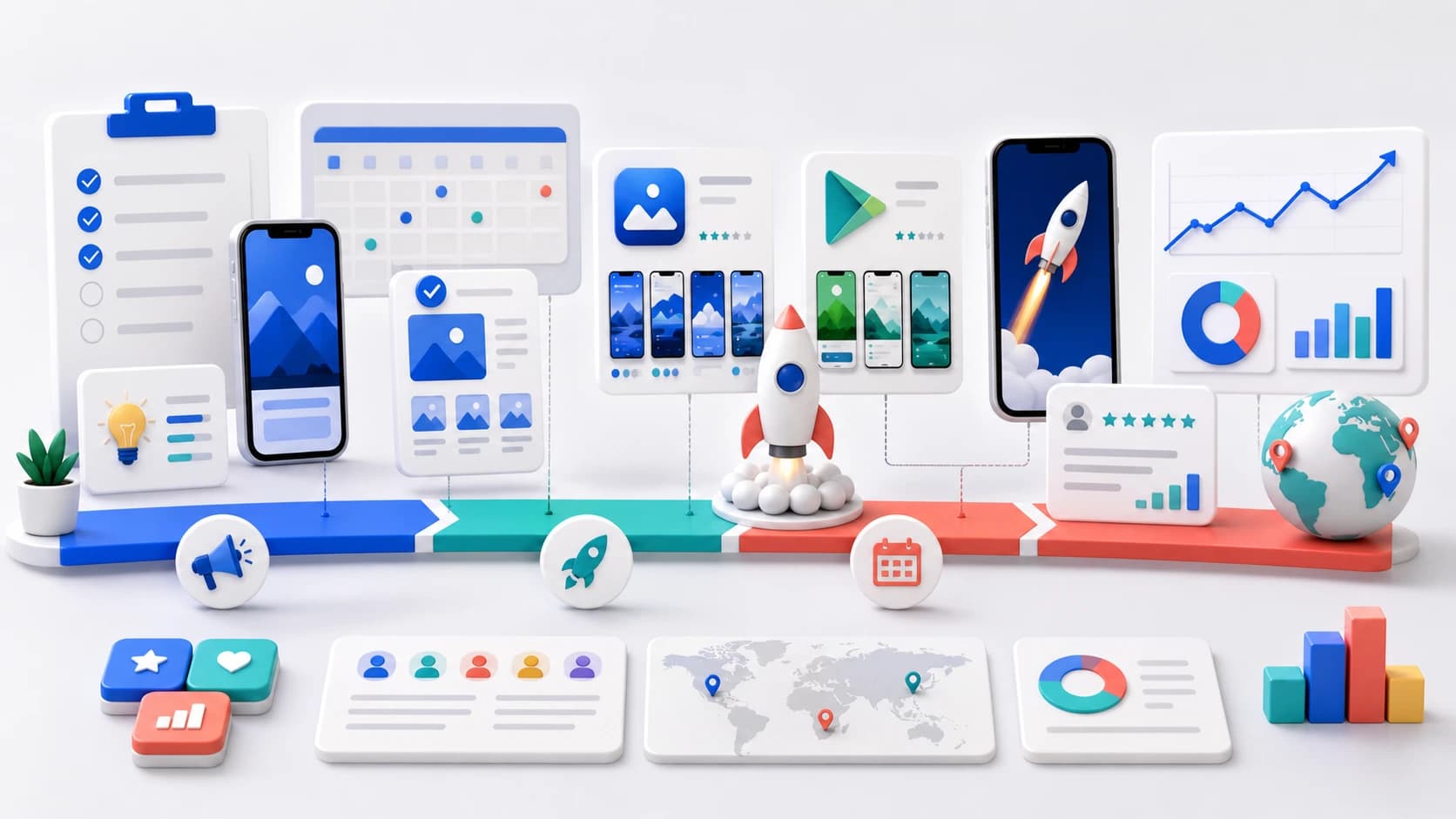
A launch is three gates, not one publish button
Move forward only when product quality, store readiness, and measurement are all ready for the same audience.
Product gate
Validate the core journey, crash risk, onboarding, payments, and support path.
Store gate
Align metadata, screenshots, privacy answers, localization, and review access.
Growth gate
Define acquisition, activation, conversion, and rollback signals before release.
Quick checklist
- Define your launch goal and primary acquisition channel.
- Finalize app positioning, title, and keyword set.
- Prepare screenshots, icon, and store visuals.
- Localize top markets before launch day.
- Run QA on metadata, links, and store assets.
- Launch with monitoring, then iterate weekly.
1. Define launch objective and baseline
Start by choosing one primary goal for the first 30 days: installs, trial starts, or paid conversions. A single objective prevents conflicting decisions across screenshots, copy, and onboarding.
- Set current baseline (installs/day, CVR, rating, retention).
- Pick one north-star metric and two guardrail metrics.
- Document launch hypothesis in one paragraph.
Write down the audience and traffic source too. A launch aimed at existing beta users needs a different first screenshot and onboarding path than a launch driven by generic App Store search. Record the baseline before announcements begin so launch traffic does not become the baseline you later compare against.
| Gate | Evidence required | Owner | Stop condition |
|---|---|---|---|
| Product quality | Critical journey passes on target devices | Engineering | Crash, payment, login, or data-loss risk |
| Store listing | Metadata, screenshots, privacy, and review access checked | Product marketing | Incorrect claims, missing assets, or broken policy URLs |
| Measurement | Install, activation, conversion, and stability events visible | Product or growth | No way to separate traffic from product performance |
| Support | FAQ, contact path, incident owner, and response copy ready | Operations | No owner for launch-day user problems |
2. Lock ASO fundamentals before creative production
Your listing metadata should be stable before generating screenshot sets. This keeps the messaging consistent between search intent and visual conversion.
Treat the app name, subtitle or short description, first screenshot promise, and onboarding headline as one message system. If each surface describes a different benefit, the launch may attract impressions without producing qualified installs. Freeze the core message before the final creative export, while leaving room to test screenshot order and supporting claims after launch.
Use this companion guide for deeper ranking strategy: ASO best practices for iOS in 2026.
3. Build your screenshot and icon package
In most categories, the first two screenshots determine whether users explore or bounce. Treat visuals as conversion assets, not decoration.
- Write one value proposition per screenshot frame.
- Use high-contrast text and clear hierarchy.
- Export all required store sizes before submission.
Test the exported files on a real phone, not only a desktop canvas. Captions that look generous at design size can become unreadable in search results. Keep real interface details visible, use the first two frames to establish the audience and outcome, and verify the Android phone, tablet, and feature-graphic handoff separately from the iOS set. The App Store screenshot specifications and Google Play screenshot requirements cover the upload constraints.
Recommended tools: App Store Screenshot Generator, Play Store Screenshot Generator, and Icon Generator.
4. Localize priority markets
Do not wait for full global rollout. Start with your top 3-5 countries by market fit and demand signal, then localize titles, subtitles, and screenshots first.
Choose those markets from evidence: beta demand, existing web traffic, category competition, support capacity, and monetization fit. A localized page also needs a localized path after install. Check date, currency, permissions, paywall copy, customer support, and the first-run experience in the same language as the listing.
Reference: Mobile app localization guide and App Localization Tool.
5. Run launch QA checklist
- All metadata fields filled and character limits respected.
- Screenshot order validated on both stores.
- Category and age rating reviewed.
- Deep links, policy URLs, and support email verified.
- Release notes and first-week changelog prepared.
If policy and support URLs are still missing, turn the same screenshots and store copy into a hosted page with the AppLaunchFlow app landing page builder. Use the app landing page build guide for the page structure, then check the Support and Privacy URL requirements before submission.
For Android, review the Play Console pre-launch report for stability, compatibility, performance, and accessibility findings. For iOS, run the release candidate through TestFlight with the same account states and purchase paths reviewers and new users will encounter. Automated checks are useful, but they do not replace a human pass through sign-in, restore purchase, subscription cancellation, offline behavior, deep links, and account deletion.
Complete the store-specific checks with the App Store submission checklist or the Google Play submission checklist.
6. Launch and iterate weekly
The first publish is version one. In week 1-4, review query data, conversion by market, and screenshot performance. Update one variable at a time so you can attribute impact.
- Week 1: diagnose top impressions and low-CTR queries.
- Week 2: test screenshot order or first-slide headline.
- Week 3: update subtitle/short description.
- Week 4: expand localization or new creative variant.
Separate launch-day marketing performance from release quality. Traffic can rise while activation or stability falls. Watch crash-free users, store conversion, activation, trial starts, refunds, ratings, and support themes together. Google Play staged rollouts are available for updates rather than first publication; for a first release, use test tracks and a deliberate country plan to reduce avoidable exposure.
App launch FAQ
How far before launch should the store listing be ready?
Aim to freeze the core listing message and final asset requirements at least one week before submission. That leaves time for device checks, localization QA, review access, and export corrections without turning launch day into a design deadline.
Which metrics matter during the first week?
Track acquisition source, product-page conversion, install completion, activation, crash-free users, trial or purchase conversion, ratings, refunds, and repeated support themes. A download total alone cannot show whether the launch attracted the right users.
Should iOS and Android launch on the same day?
Only when both builds, listings, review paths, and support plans are independently ready. A coordinated date is useful for marketing, but delaying one platform is better than launching a weaker experience purely for symmetry.
What should stop a launch?
Stop for critical journey failures, data-loss or payment risk, broken authentication, misleading listing claims, missing privacy or review information, or absent measurement for the core funnel. Minor visual polish can enter the post-launch backlog.