Yannick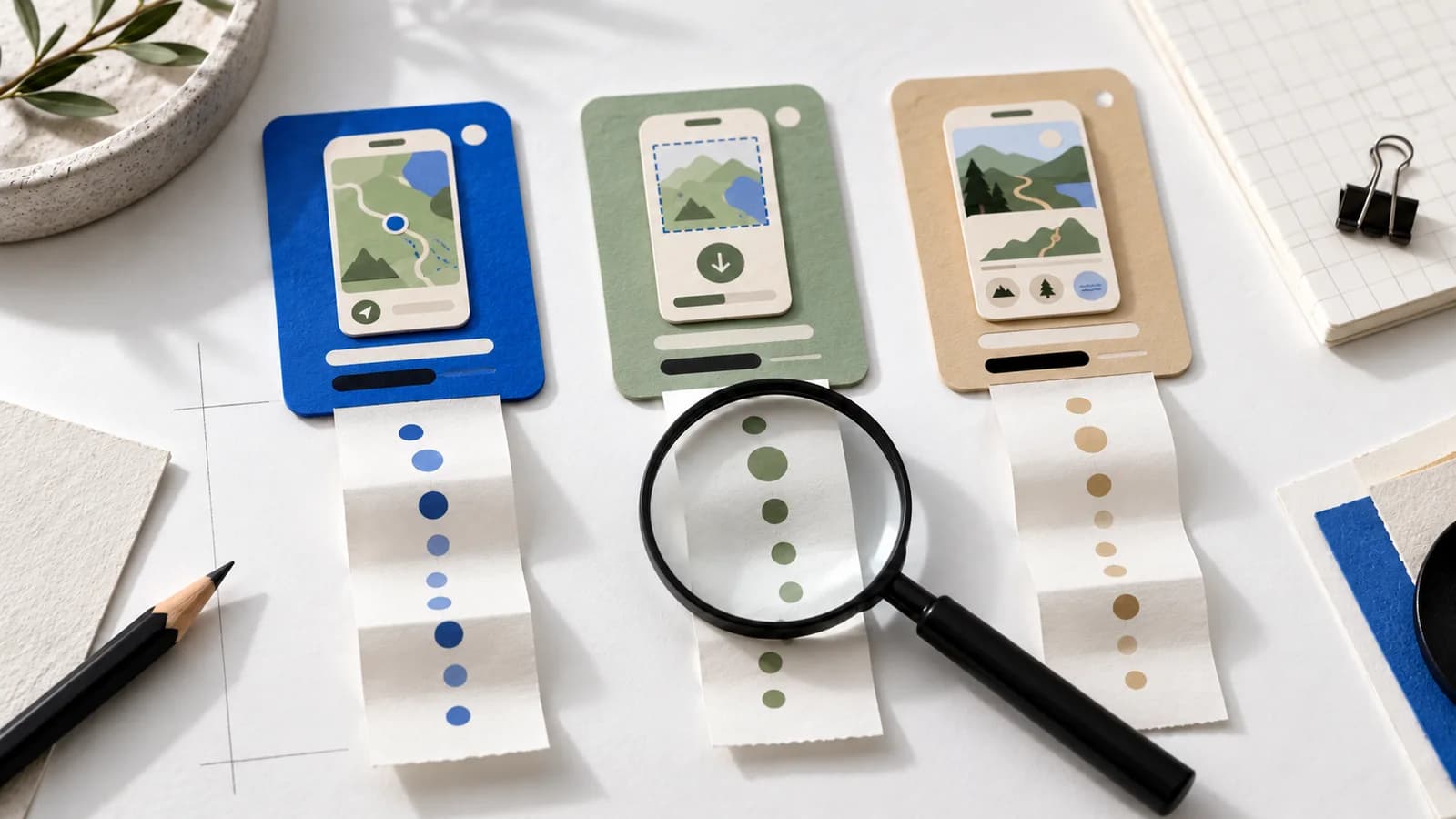
One custom product page converts at 12%, another at 4%. Should you copy the winner's design? Not until you know who saw each page and how they got there.
Quick answer
Read each page in App Store Connect under Analytics → Acquisition → Product Pages. Keep the counts next to the percentages, compare only the same kind of traffic, and find the weak step (reach, download or use) before touching the artwork.
Start with Apple's page report
A page reached from a niche campaign gets visitors who already understand the app. Your default page does the much harder job of convincing broad search traffic. The gap is worth investigating, but it isn't automatically a design result.
Pick the custom page and you'll see page views, downloads and conversion, with filters for territory, source type and device. Data shows up once the page has five first-time downloads. That's when reporting starts, not when you have enough to decide anything. Apple's CPP analytics docs explain each metric.
Keep the counts next to the percentage
These two pages have exactly the same conversion rate. They are not the same amount of evidence.
20%
4 downloads ÷ 20 page views
One person changes everything
20%
400 downloads ÷ 2,000 page views
Worth a closer look
If you calculate your own ratio, label it plainly (“first-time downloads per page view”) so nobody mistakes it for Apple's reported conversion rate.
Compare the same kind of visit
Write down the question first. “Does the offline-map page help people from our hiking campaign get the feature?” is answerable. “Which CPP is best?” isn't.
- Source
- Keep search, browse, ads and shared links apart where the report allows it.
- Market
- Same territory, language and device. Don't put a German page next to a worldwide default.
- Dates
- Equal, complete windows. Give the report a few days to settle.
- Page state
- Note approvals, visibility changes and asset swaps during the window.
- Offer
- Price changes, trials and app updates move downloads too.
Some breakdowns will be unavailable or privacy-limited. When that happens, say so instead of filling the gap with a guess.
Find the weak step before changing the artwork
Few people see the page
Check the route first: the CPP link, the ad destination or the keyword assignment.
They arrive but don't download
Look at the promise. Does the first screenshot answer why they came?
Downloads, but nobody sticks
Look at onboarding. Can people reach the feature the page promised?
For the third step you need product analytics with a working attribution path. A site visit, a signup and an App Store download are separate events; matching totals don't prove they're the same people.
What to change next
Say people reach the offline-map page but the first screenshot still shows a social feed. The obvious next version leads with the saved map and uses frame two for the download step. Change that, keep everything else, and write down why you expect it to help.
The screenshot story guide walks through that revision. Save the old set, the new set and the publish date so your next review has a baseline.
A CPP comparison is not a PPO test
Custom product pages are permanent destinations for different audiences. Apple's Product Page Optimization runs randomized tests on your default page only. Traffic to two custom pages isn't randomly split, so a before-and-after chart can't isolate your design.
A good early conclusion sounds modest: “The route works, the audience fits, and we have enough traffic to test the first screenshot.” Read PPO vs CPP when you're ready to run a real experiment.
Checked October 26, 2026 against Apple's CPP analytics, CPP overview and PPO overview. All numbers on this page are made-up examples.