App Store · Header & search artwork
Free App Store Creative Asset Checker
Check the dimensions, encoding, extension, and alpha of your header, search-result, or universal image before uploading to App Store Connect.
Runs in your browser · No upload · No signup
3840 × 1646 px. Dedicated header and search images may also use the compatible universal PNG.
No signup or upload. File contents are read only in this browser and are not sent to our server.
Continue in AppLaunchFlow
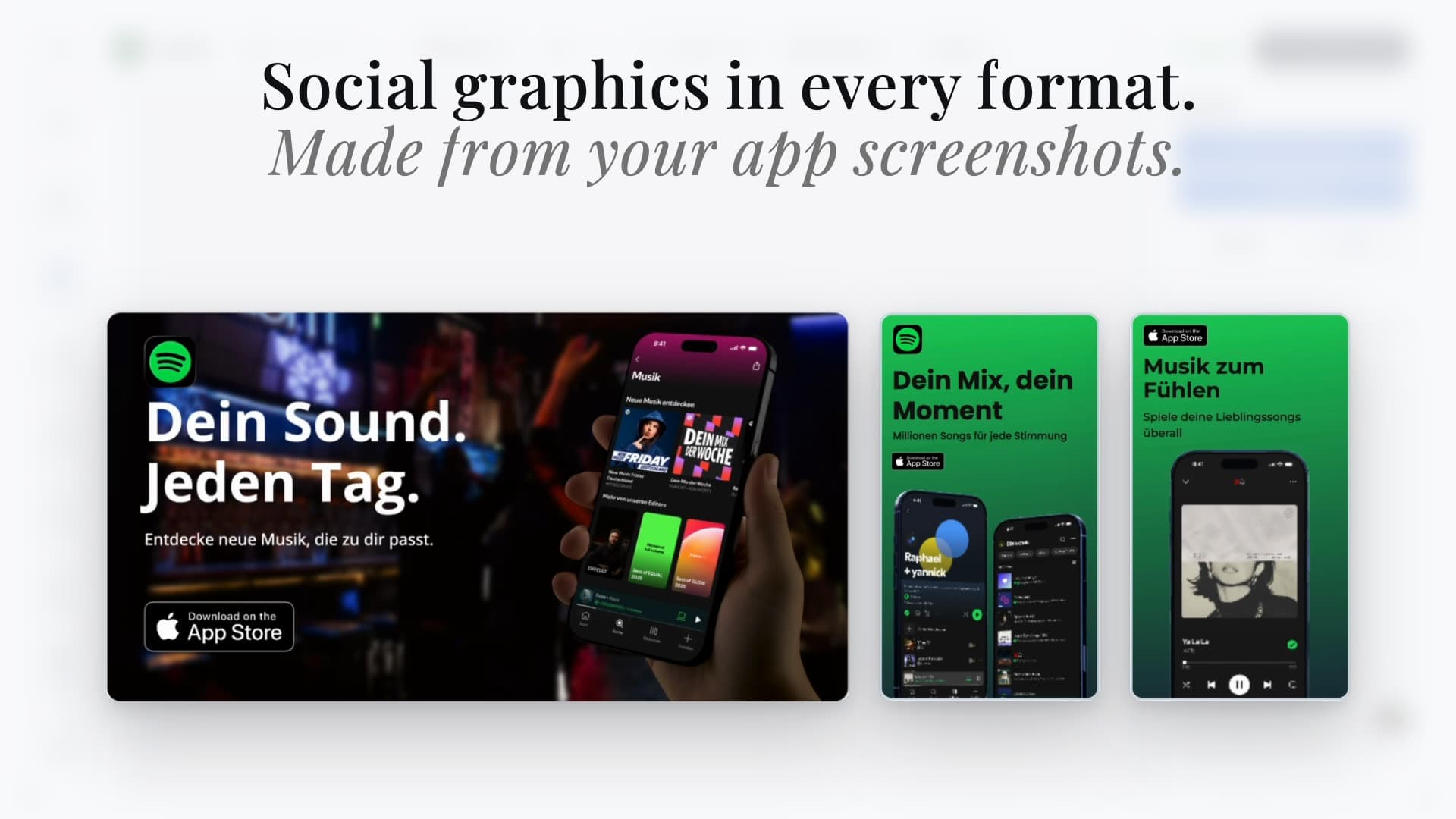
Refine your artwork in the graphics studio.
Bring your screenshots and brand materials into the editor. Choose a matching placement preset when available, validate the exported file, and review and publish through App Store Connect.
What this tool checks
The checker reads the original file metadata, so an opaque-looking PNG with an alpha channel is still flagged. It also verifies that the browser can decode the image. It does not rewrite or resize your file, and passing these checks is not a guarantee that Apple will accept the asset.
Image rules reviewed October 7, 2026 against Apple's creative asset specifications. For video, event artwork, content policies, and placement previews, use the guides below.