Yannick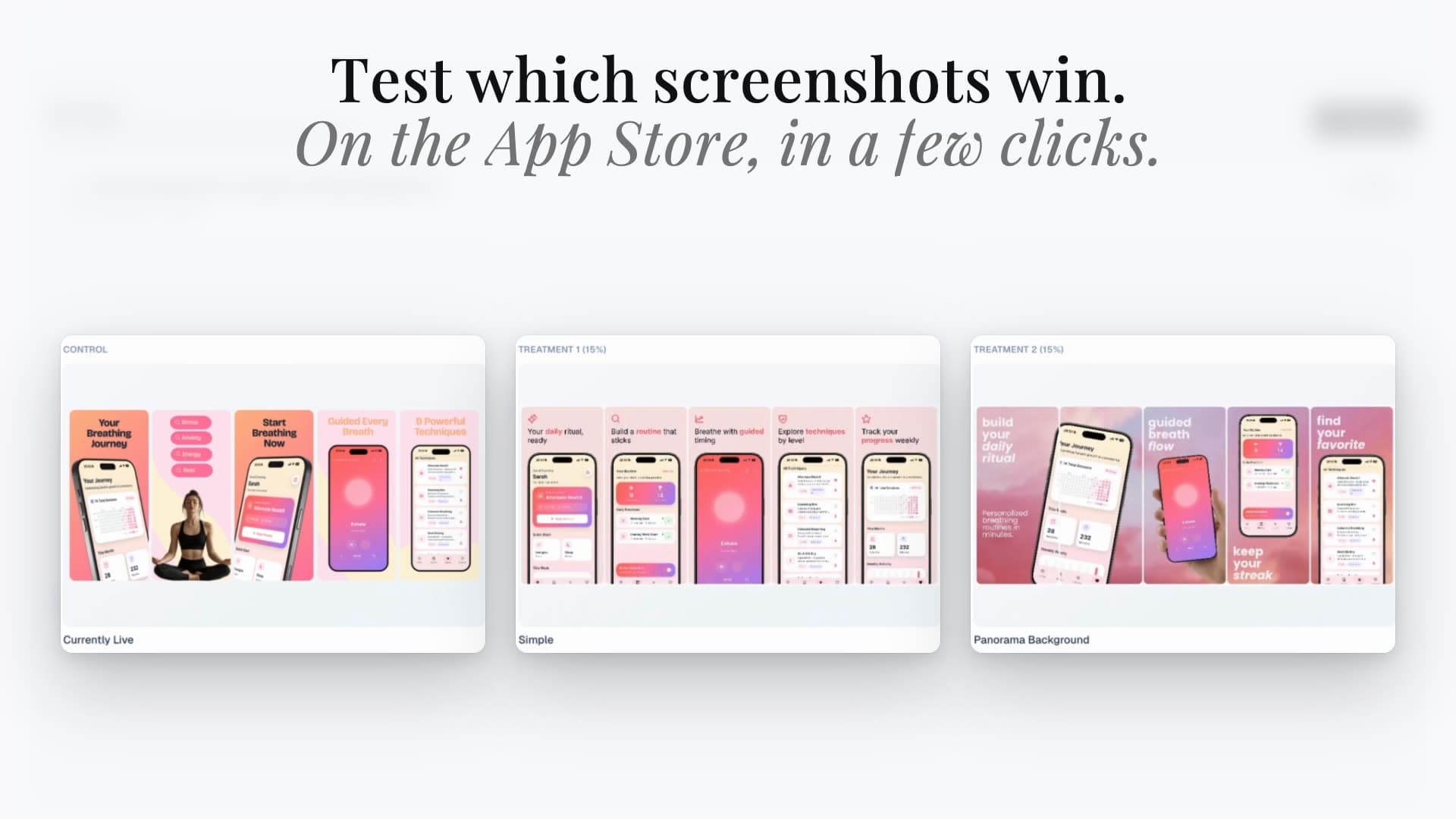
App Store acquisition · Choosing the right workflow
An experiment and a destination answer different questions.
Use randomization to evaluate the default page. Use audience-specific destinations to maintain a relevant story from acquisition to download.
PPO: compare
Which creative treatment performs better for the eligible default-page audience?
CPP: match
Which page tells the right story for this campaign or search intent?
Measure separately
Traffic mix, eligibility, and attribution change what a result means.
Product Page Optimization and custom product pages can both involve new screenshots, headers, and search artwork. That does not make them interchangeable. PPO is an experiment on the default page. A CPP is a persistent destination for a particular audience or acquisition context. Choosing the wrong one can produce attractive assets and a misleading report: more downloads on one page may simply mean it received more—or more motivated—visitors.
Quick answer
Choose PPO when the question is whether a creative treatment improves the default page under randomized exposure. Choose a CPP when a known audience needs a tailored destination. Apple does not offer PPO tests on CPPs. Create the creative in the Studio, and keep Apple's review, assignment, and reporting requirements separate from the design workflow.
PPO vs CPP: the decision table
Start with the decision you need to make, not with the number of screenshots you can produce. The practical comparison below separates Apple’s two workflows. A CPP performance report can guide a campaign decision, but it is not a substitute for randomized PPO evidence.
| Question | Product Page Optimization | Custom product pages |
|---|---|---|
| Primary job | Compare creative treatments with the default page | Maintain a tailored page for an audience or acquisition context |
| How exposure is assigned | Randomized within the configured eligible audience | Routed through the page URL, campaign, or supported keyword assignment |
| Creative direction | A controlled variation with a written hypothesis | An audience-specific promise with matching product evidence |
| What the result can support | A decision about the tested default-page treatment | A decision about that destination and acquisition context |
| Can it run on a CPP? | No; PPO is not available for CPPs | A CPP is a destination, not a PPO treatment |
Prepare the screenshot treatment in the Studio, then connect the correct Apple app for the Hub’s A/B Tests workflow. Results and applying a winner remain in App Store Connect.
Use PPO when the default-page creative is the question
Suppose a habit app currently introduces its streak calendar first. The team thinks a clearer outcome-led screenshot would explain the value better. That is a useful PPO hypothesis: keep the product and surrounding story stable, change the first-slide message, and evaluate the treatment against the original.
Apple allows a limited set of treatments and a bounded test window, so more variants are not automatically better. Use Apple's duration estimate before committing production time. If traffic is thin, one meaningful treatment may be more informative than splitting the same audience across several slight variations. Record the planned decision in advance so you do not redefine success after seeing a noisy early result.
Use a CPP when the audience needs a different promise
A fitness app may serve both runners and people building a strength routine. The default page needs a broad introduction; a running campaign can lead to a page that starts with route tracking and pace analysis. That is an audience-matching decision, not a claim that running imagery beats strength imagery for everyone.
Apple’s CPP workflow supports distinct page destinations and search-keyword assignments. Keep the acquisition message, header or search artwork, screenshot story, and actual app experience aligned. If the campaign promises training plans but the first screen only shows a calorie log, visual consistency will not fix the product-message mismatch.
Before publishing, record the intended audience, destination URL, languages, assets, and acquisition sources. Preview the exact page and verify that links reach it. Keep a stable baseline for reporting, and note campaign or targeting changes that might alter the visitor mix.
Headers and search artwork belong in the creative plan
Apple’s current treatment configuration includes Header and Search Results alongside the preview and screenshot workflow. This expands the creative brief, not the license to change everything at once. If you are testing the search composition, document that change and keep the rest of the story stable where practical.
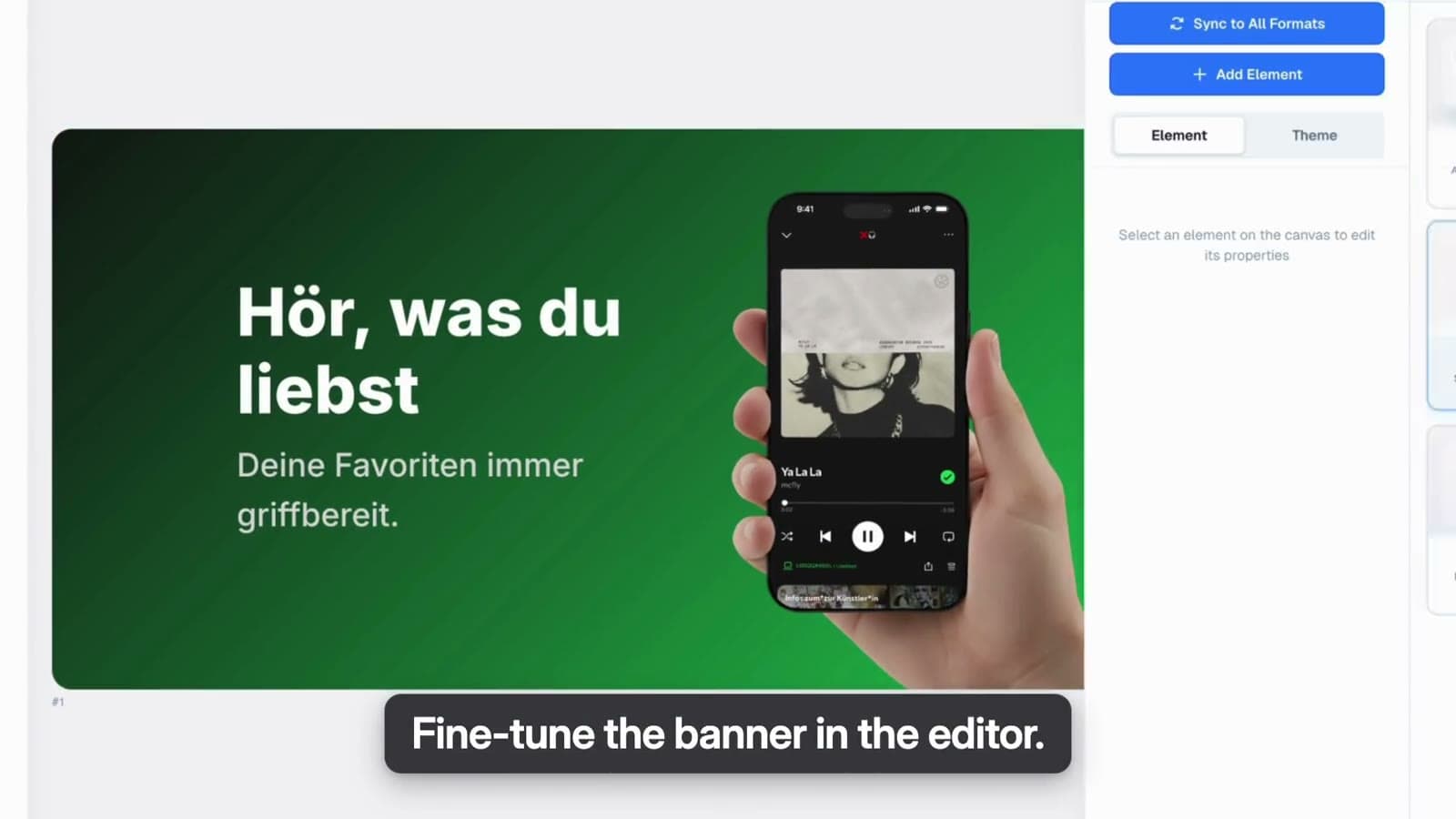
Prepare the correct placement in the graphics editor. Keep source images, type hierarchy, safe composition, and final exports organized by placement and treatment. The demo shows creative preparation and publishing screens, not experiment results or a guaranteed performance gain.
What AppLaunchFlow handles—and what stays in Apple
Use AppLaunchFlow to create screenshot variants and placement-specific graphics. Save the project and connect the correct Apple app before using the Hub’s A/B Tests and product-page workflows. Review the selected app, locale, treatment, and asset before a publishing action; a successful design export is not the same as an approved or live store placement.
The Hub can manage experiment setup and publishing, but Apple’s API does not expose the full PPO results and confidence report. Read those in App Store Connect and decide there whether to apply a treatment. Do not mistake a completed status for a winning result. Eligibility, permissions, connection setup, and plan access still apply.
A measurement brief you can reuse
For PPO, write down the baseline, the exact changed variable, included localizations, planned traffic allocation, and the outcome you will use to decide. Use Apple’s conversion and uncertainty reporting, not a comparison of unadjusted download totals. If the test is inconclusive, record that plainly and decide whether a stronger hypothesis or more eligible traffic is needed.
For CPPs, keep acquisition context visible. Track the page, source or campaign, language, reporting window, exposure, page engagement, and attributed downloads as separate fields. Compare like with like. A page reached from high-intent brand traffic should not be declared a design winner over one reached from a broad prospecting campaign.
For both workflows, maintain a creative log with the project version, files, hypothesis or audience, launch date, review status, and decision. This turns each iteration into reusable product knowledge instead of a folder called final-final-v3.
- Do not promise a percentage uplift before running the experiment.
- Do not use a CPP’s raw install count as proof that its design wins for the default audience.
- Do not declare a winner from experiment state alone.
- Do keep a rollback-ready creative baseline and a record of the final Apple-side decision.
Continue the workflow
Primary sources and verification notes
Platform requirements and software capabilities change. These sources were reviewed for this guide on October 9, 2026; open the current source again before publishing assets, enabling production access, or standardizing a team workflow.
- Apple: Product Page Optimization: Randomized creative experimentation on the default product page.
- Apple: create a test: Eligibility, traffic allocation, localizations, duration estimates, and the test window.
- Apple: configure test treatments: Supported creative placements and the exclusion of custom product pages.
- Apple: custom product pages: Audience-specific destinations and keyword assignments.
- Apple: PPO analytics: Use Apple's own outcome and uncertainty reporting, not experiment state alone.
PPO vs Custom Product Pages FAQ
Can I A/B test a custom product page with PPO?
No. Apple excludes custom product pages from PPO. Use PPO for the default page and treat CPP performance as audience- and acquisition-specific evidence.
Should I create a CPP or run a PPO test first?
Use a CPP if you already know a particular audience needs a tailored destination. Use PPO if the decision is whether a controlled creative change improves the default page. Neither workflow guarantees an uplift.
Where do I read the test winner?
Read Apple's results and confidence reporting in App Store Connect. AppLaunchFlow's Hub exposes setup and experiment state; that state alone does not tell you which creative won.