

AI App Preview &promo video generator.
Turn your real app screens into an editable App Store App Preview or promo video. AI handles the story, captions, pacing, and device motion. Review the finished draft, adjust anything you want, and export a video for your app launch or social campaign.


Trusted by 6,000+ app developers
0
assets exported
0
apps localized
0
countries
Real screens in. Motion out.
See your app become a launch-ready story.
AppLaunchFlow's AI plans the story, scene order, captions, pacing, and device motion from your real app screens—not generic stock footage. Review the finished direction, make an optional adjustment, and export.
Workflow
How It Works
From screenshots to published promo video in three steps. AI creates the complete direction; you only review before export.
Upload
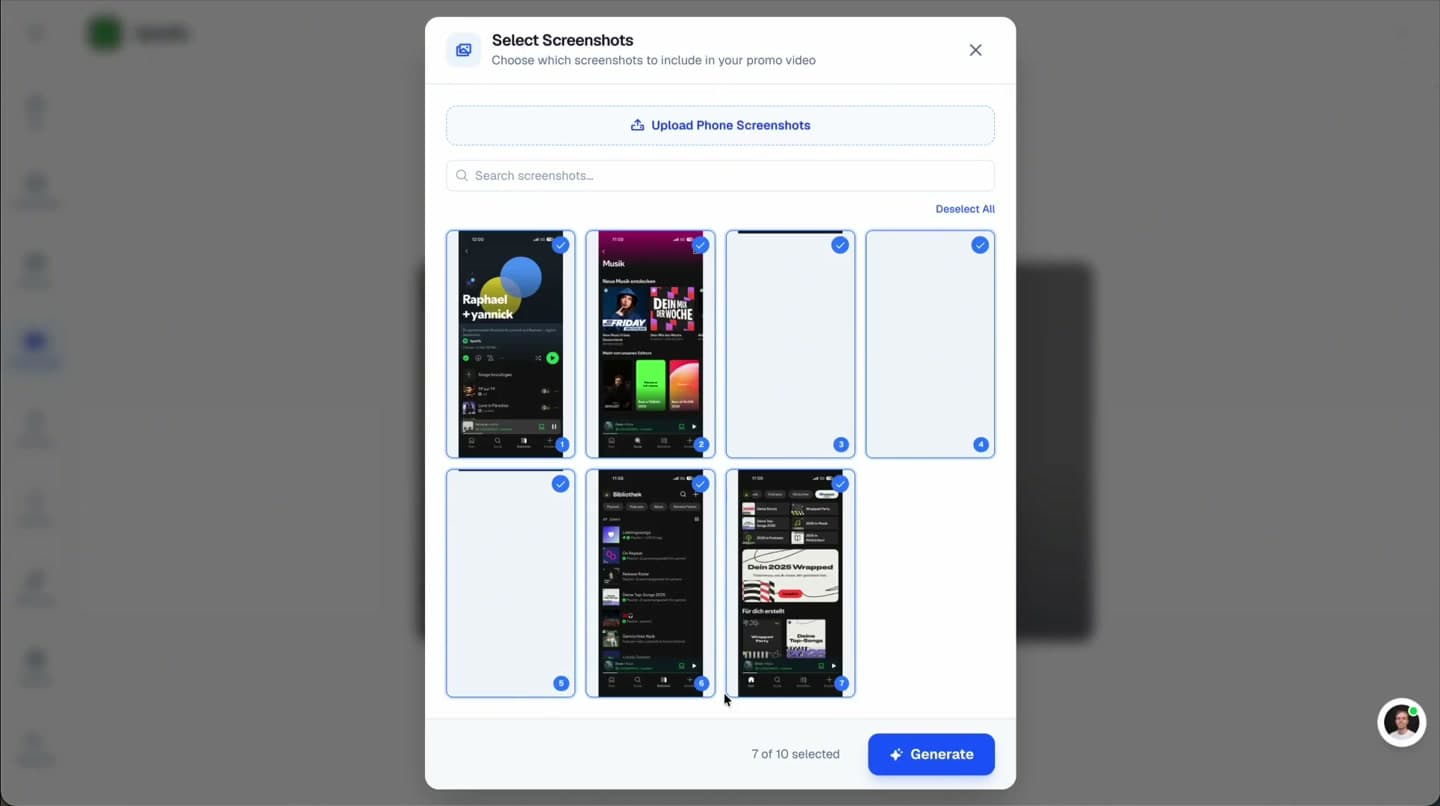
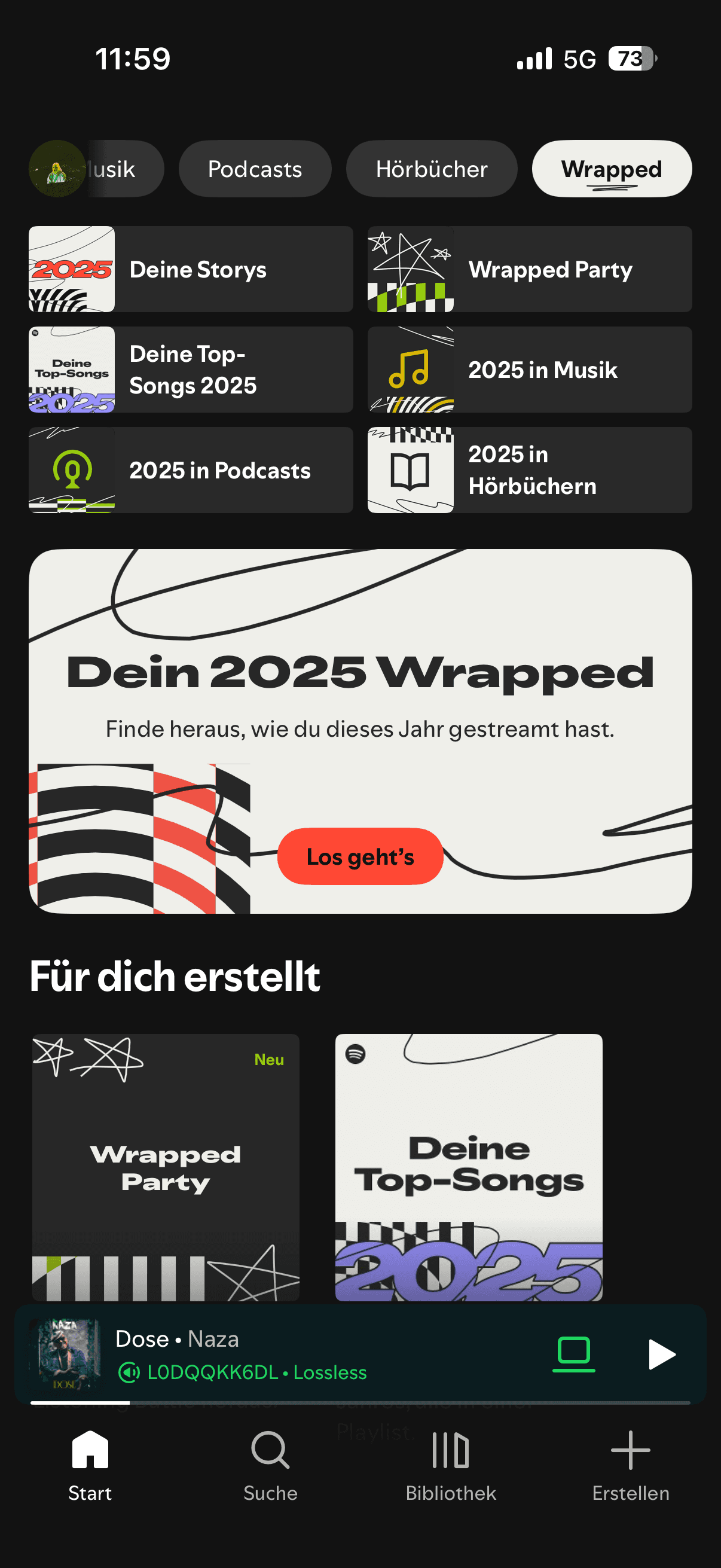
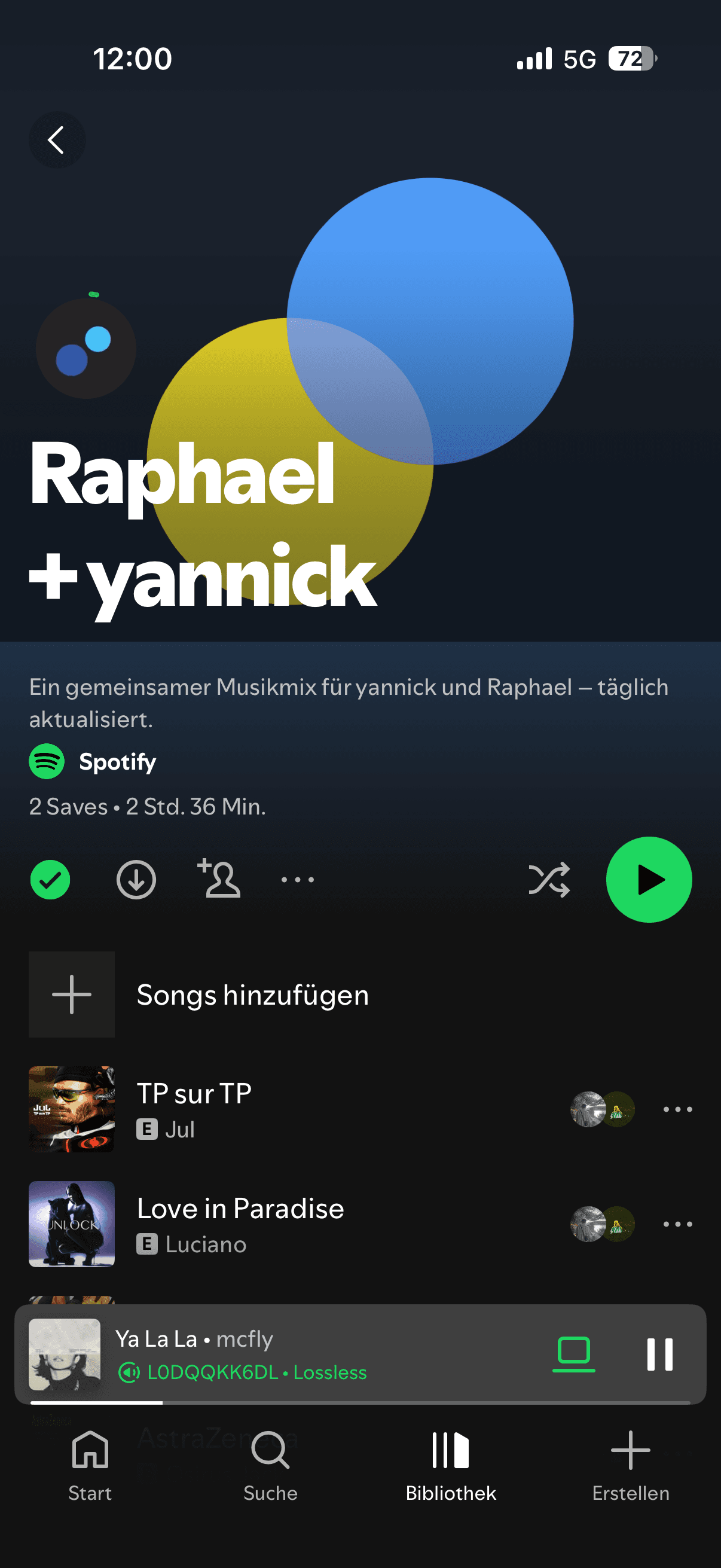
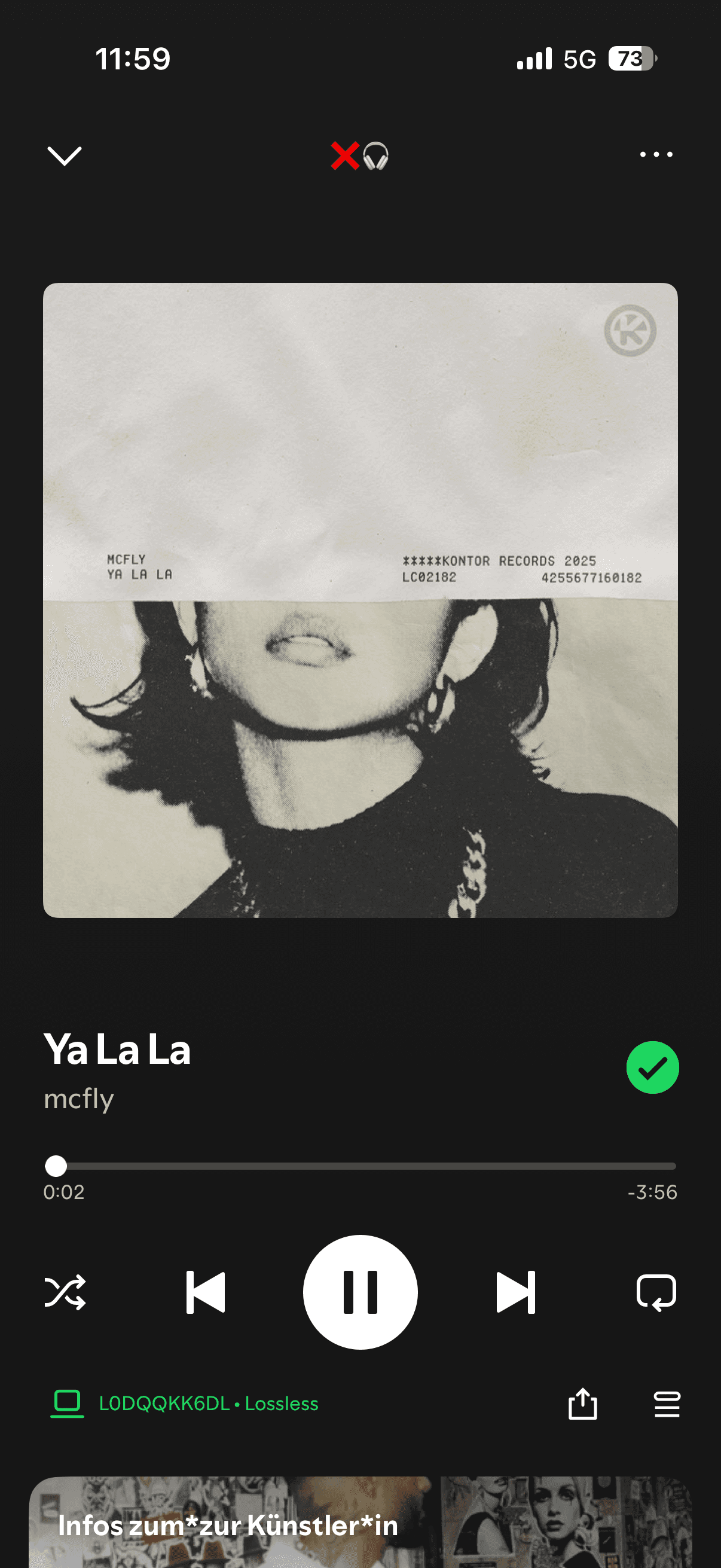
Add your app screenshots and select 'Promo Video' as the output type. Works with the same screenshots you use for App Store listings.
AI creates
AI plans the story, selects the scene order, writes concise captions, and applies pacing and device motion automatically.
Export
Pick your format (App Store sizes, TikTok, YouTube), quality settings, and export. Uses promo video credits from your plan.
Multi-platform Output
Export Formats
Export optimized videos for every platform. One storyboard, multiple outputs for maximum reach.
App Store Sizes
- 6.9" iPhone (1320 x 2868)
- 6.7" iPhone (1290 x 2796)
- 6.5" iPhone (1284 x 2778)
- 6.3" iPhone (1206 x 2622)
Social Media
- 9:16 TikTok / Instagram Reels
- 1:1 Instagram Feed
- 16:9 YouTube
- 4:5 Facebook / LinkedIn
Quality Options
- MP4 (H.264) - Universal
- WebM (VP9) - Web optimized
- 720p (fast export)
- 1080p (high quality)
Sizes, length, resolution per device
App Preview video specs
What Apple accepts for an App Store App Preview, and how Google Play's promo video differs. Resolutions follow Apple's App Store Connect specification table; AppLaunchFlow exports to these sizes directly.
15–30 seconds
Every App Preview must run between 15 and 30 seconds. The default poster frame is taken at 5 seconds; set your own so the muted thumbnail carries the message.
Up to 3 per device size
App Store Connect accepts up to three previews per display size, portrait or landscape, shown before your screenshots. Smaller iPhone sizes fall back to scaled 6.9" previews if you skip them.
H.264 or ProRes 422 HQ, ≤ 500 MB
Encode H.264 at 10–12 Mbps or ProRes 422 HQ, at most 30 fps, with stereo AAC (256 kbps) or PCM audio at 44.1 or 48 kHz. Files are .mov, .m4v, or .mp4 and no larger than 500 MB.
Google Play: a YouTube URL
Google Play has no upload field — the promo video is a public or unlisted YouTube link, 30 seconds to 2 minutes, 16:9 landscape recommended, with ads disabled and no age restriction.
App Preview resolutions by device
| Display | Devices | Portrait (px) | Landscape (px) |
|---|---|---|---|
| iPhone 6.9", 6.5", 6.3", 6.1" | iPhone 17 / 16 / 15 / 14 families, iPhone X–XS | 886 × 1920 | 1920 × 886 |
| iPhone 5.5" and 4" | iPhone 8 Plus / 7 Plus / 6s Plus, iPhone SE (1st gen) | 1080 × 1920 | 1920 × 1080 |
| iPhone 4.7" | iPhone SE (2nd/3rd gen), iPhone 8 / 7 / 6s | 750 × 1334 | 1334 × 750 |
| iPad 13", 12.9", 11", 10.5" | iPad Pro, iPad Air, iPad, iPad mini | 1200 × 1600 | 1600 × 1200 |
| iPad 9.7" | iPad Pro 9.7, iPad Air 2, iPad mini 4/5 | 900 × 1200 | 1200 × 900 |
| Mac and Apple TV | Landscape only | — | 1920 × 1080 |
| Apple Vision Pro | Landscape only | — | 3840 × 2160 |
Source: Apple App Store Connect — App preview specifications. Apple Watch listings do not accept App Previews. A 9:16 export at 886 × 1920 covers every current iPhone size; add 1080 × 1920 only if you still ship a 5.5" listing.
Step by step
How to make an App Preview in 5 steps
From screenshots to an uploaded App Store preview. The same cut becomes the YouTube promo video Google Play asks for.
- 1
Pick 3–6 screens that tell one story
Start from the same screenshots you use in your listing: the main outcome first, then the two or three screens that show how it works. Skip settings and empty states.
- 2
Write one caption per scene
Previews autoplay muted, so each scene needs a 3–6 word caption that names a benefit. Reuse your screenshot headlines and keep them inside the safe zone.
- 3
Generate the storyboard
Upload the screens to AppLaunchFlow and choose Promo Video. AI plans scene order, pacing, captions, and device motion in a 9:16 App Preview layout you can review and adjust.
- 4
Export to Apple's size
Export 886 × 1920 (or 1080 × 1920 for legacy 5.5" listings) at 30 fps, 15–30 seconds, H.264 — the format App Store Connect accepts without re-encoding.
- 5
Upload and set the poster frame
In App Store Connect open the version, drag the video into the media section for each device size, choose the poster frame, then reuse the same cut as a YouTube promo video for Google Play.
Under the Hood
Technical Features
Professional video creation powered by AI and optimized for app store requirements.
3D Device Frames
Flat, angled left, and angled right perspectives. Same high-quality frames used in screenshot exports.
Video Specs
Vertical 9:16 aspect ratio, 30fps, maximum 30 seconds. Optimized for App Store preview requirements.
AI Creative Direction
AI analyzes your screenshots and creates the scene order, concise launch copy, pacing, and device motion for you.
Custom Text Styling
Full typography control for headlines and captions. Match your brand fonts and colors.
Timing Control
Adjust scene duration and transition timing. Fine-tune pacing for maximum impact.
Safe Zones
Automatic safe zone guides to ensure text and key elements aren't cut off on any device.
Promo video alternatives
Where AppLaunchFlow fits
MakeAppShots, Rotato, Previewed, AppVideo, Motionfly, Magic Hour, Mootion, and Runway all solve useful video jobs. AppLaunchFlow is built for the app-launch version of the job: real screenshots in, App Store preview video and social-ready video cuts out.
2026 tools guide
Compare the best App Store preview video tools.
See how AppLaunchFlow, MakeAppShots, Rotato, Previewed, AppVideo, Motionfly, Canva, Figma, Runway, Magic Hour, and Mootion fit different app promo video jobs, including where each tool's boundaries sit and why screenshot-first teams may prefer AppLaunchFlow for making store-ready promo cuts.
Read the App Preview Video Tools guideNeed concrete creative references first? Study the mobile app promo video examples and 30-second script before choosing a production tool.
MakeAppShots
Screenshot-first promo video generation with localized marketing copy.
Use AppLaunchFlow when the same screenshots also need App Store preview videos, Google Play/social cuts, captions, and launch-asset reuse.
Rotato
Manual cinematic 3D device animation and polished mockup videos.
Use AppLaunchFlow when the priority is a fast screenshot-to-storyboard workflow tied to store screenshots, ASO copy, and social exports.
Previewed / AppVideo
Device mockup videos and app preview makers for iOS and Android screens.
Use AppLaunchFlow when promo video scenes should stay aligned with screenshots, app launch copy, localization, and store-ready handoff.
ScreenCraft
Screenshot-led app preview and marketing videos with store-focused templates.
Use AppLaunchFlow when the preview video should stay connected to ASO copy, screenshots, promo assets, localization, and store handoff instead of living as a separate video project.
Motionfly
Compliance-focused App Store preview video guidance and production help.
Use AppLaunchFlow when you want browser-based editing, AI scene order, and reusable social-ready video cuts from existing screenshots.
Magic Hour / Mootion / Runway
General AI video generation, text-to-video, and broad creative video concepts.
Use AppLaunchFlow when the video must show the real app UI, fit App Store and Google Play launch needs, and avoid generic cinematic filler.
Frequently asked questions.
Everything you need to know about creating app promo videos from screenshots
AppLaunchFlow turns the App Store screenshots you already have into an App Store-compliant preview video: AI drafts a storyboard from your screens, you adjust scenes, captions, and timing, and the export meets Apple's app preview format — vertical 9:16, 30fps, up to 30 seconds.
What is an App Store app preview?
What's the difference between an app preview and a promo video?
What size should an App Store preview video be?
How long can an app preview video be?
How do I make an App Store preview video?
How do I make an App Store preview video from screenshots?
AI promo video generator for mobile apps?
Promo video generator for App Store and social media formats?
Can I make a Google Play promo video from app screenshots?
Can I create a promo video without video editing experience?
What formats work for App Store and social promo videos?
What is the best promo video tool for indie app developers?
What are the tool boundaries, and why use AppLaunchFlow instead of a video editor?
Best app preview video tools for indie developers?
How is AppLaunchFlow different from MakeAppShots, Rotato, Canva, Figma, Runway, or ScreenCraft?
How do I create app marketing videos without a video editor?
Where can I get app preview video examples for my own app?
Can AppLaunchFlow make a mobile app ad?
Sources
Promo video requirements AppLaunchFlow is built around.
These official store references anchor the screenshot-to-promo-video workflow for App Store previews, Google Play listing assets, and store-ready video handoff.
Apple App Preview specifications
Apple documents the App Store preview video formats, frame rates, duration, and device-specific requirements that AppLaunchFlow targets for App Store exports.
View sourceApple upload app previews and screenshots
Apple explains where preview videos and screenshots are uploaded in App Store Connect, which is the final handoff step for store-ready promo videos.
View sourceGoogle Play store listing preview assets
Google's Play Console guidance covers store listing graphic and video preview assets for Android apps.
View sourceAppLaunchFlow promo video workflow
The AppLaunchFlow workflow turns screenshots into storyboarded promo videos with editable scenes, captions, timing, and app-launch exports.
View sourceReady to ship a promo video?
Turn your screenshots into engaging App Store promo videos. No video editing experience required.
No credit card required