01
Screenshots
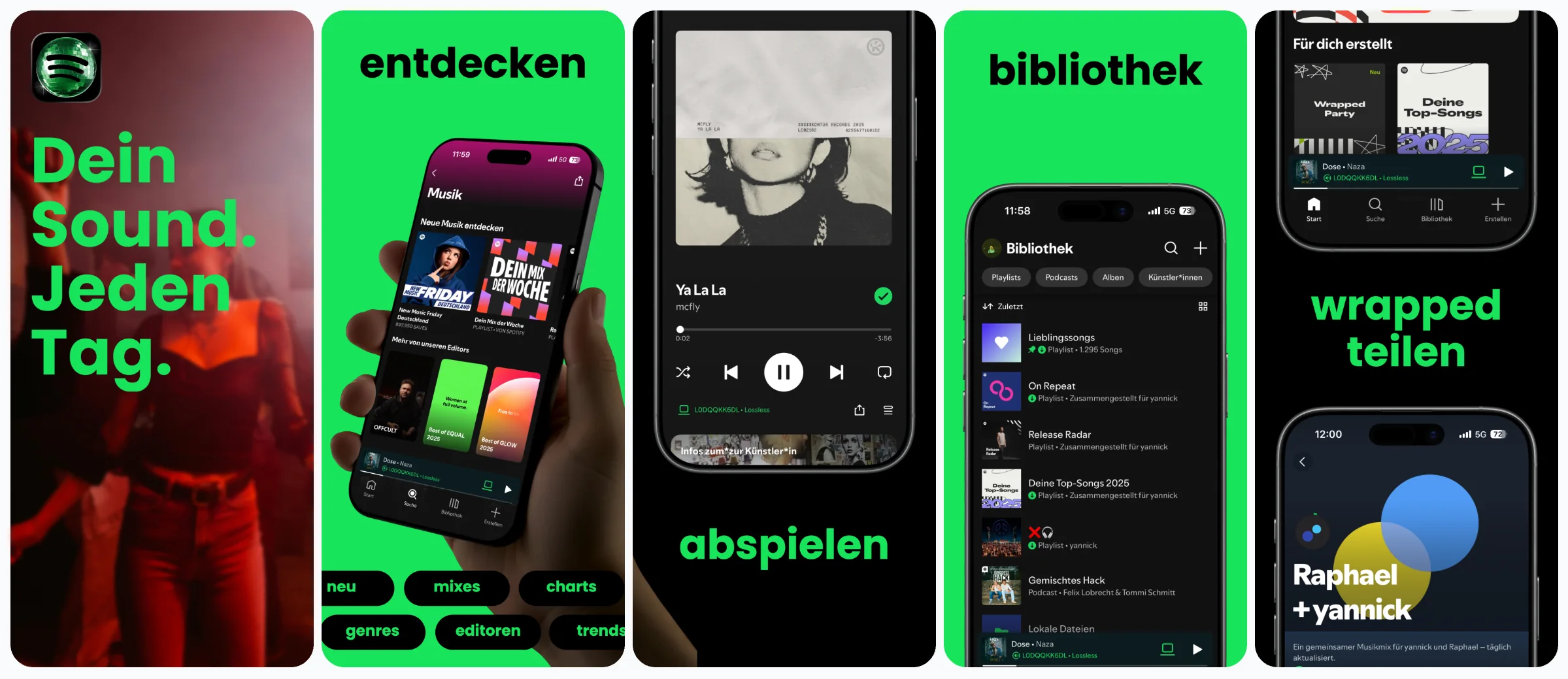
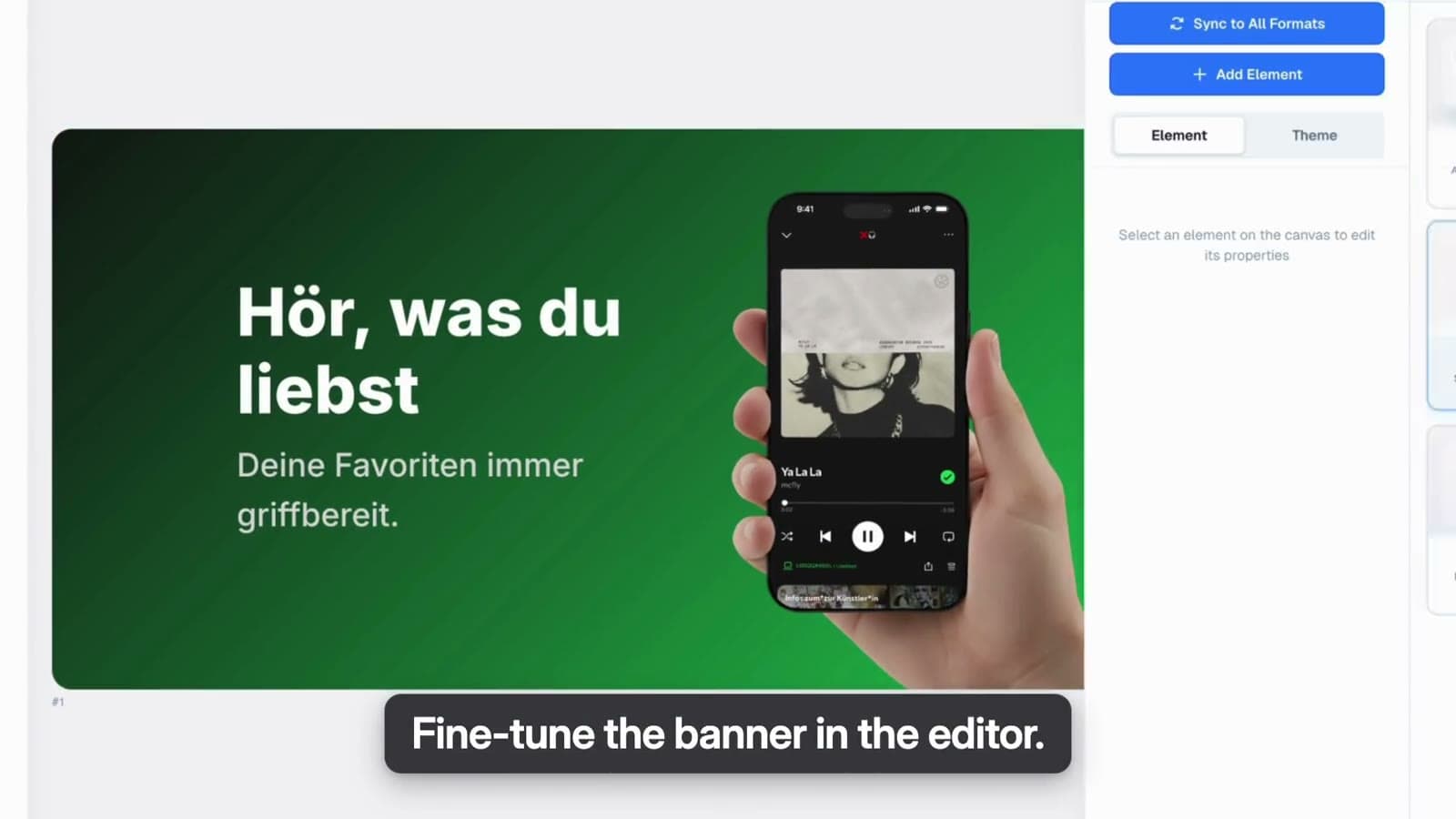
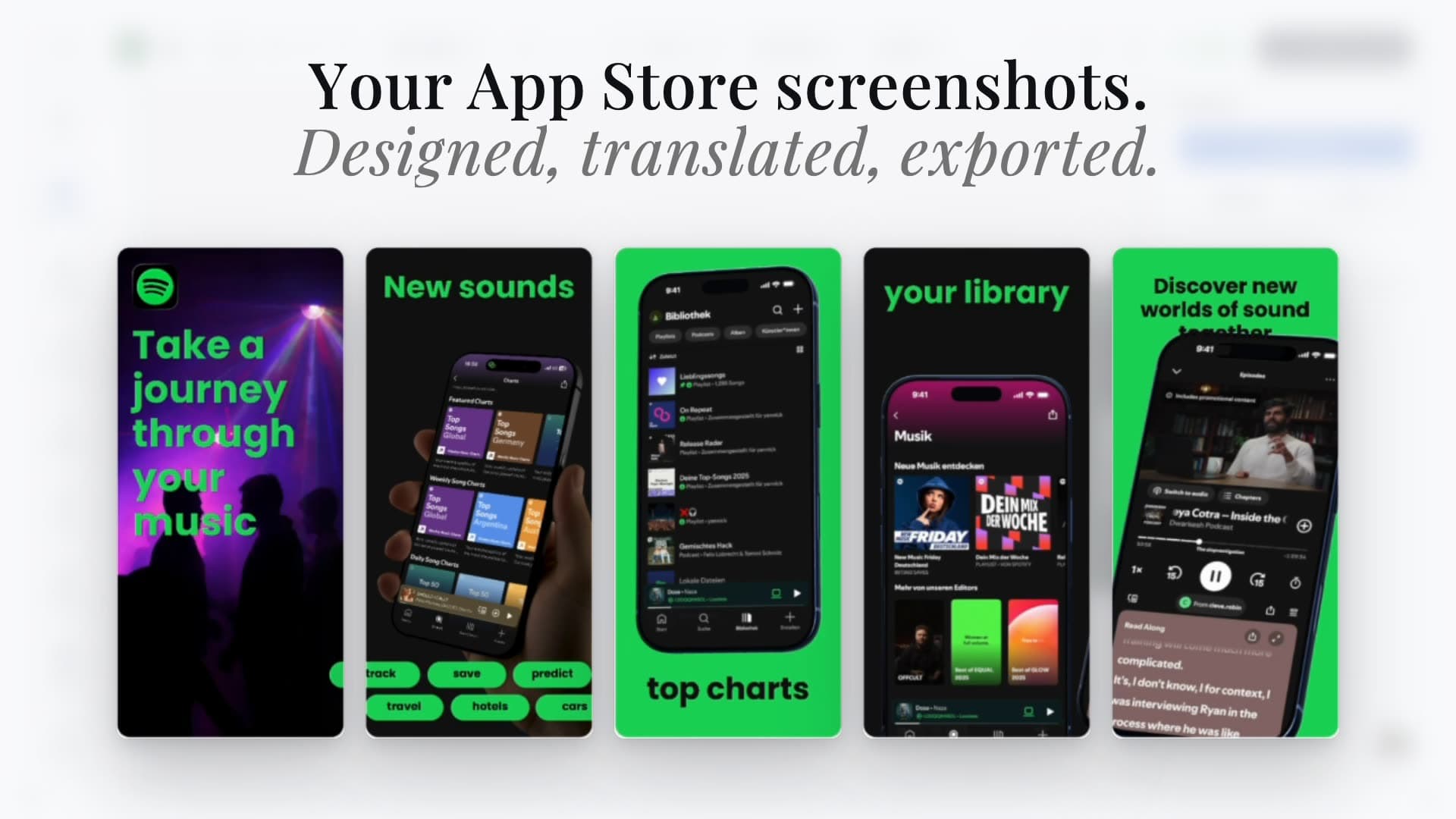
Open on the feature this audience came for, then let the next frames explain how it works.

One app, a page for every audience. Make the screenshots, header, search artwork and promotional text in Studio, then publish the page from Product Pages.


Trusted by 7,000+ app developers
94,230
assets exported
10,467
apps localized
145
countries
What a custom page can change
A custom product page keeps your app, ratings and description. What changes is the story on top. Change all four together and the page reads as one promise.
01
Open on the feature this audience came for, then let the next frames explain how it works.
02
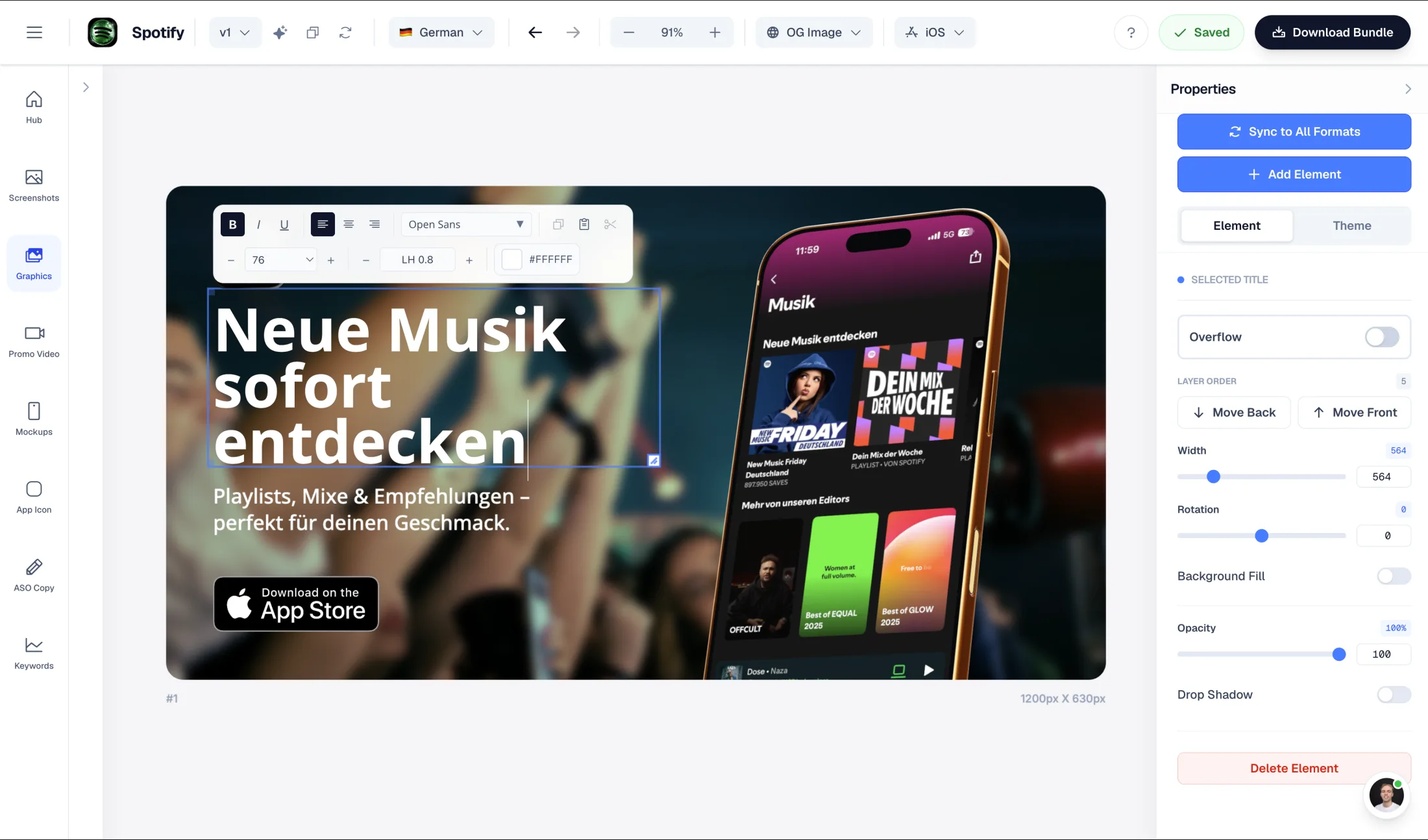
The wide artwork at the top of the page. Set the mood and the promise, not the feature list.
03
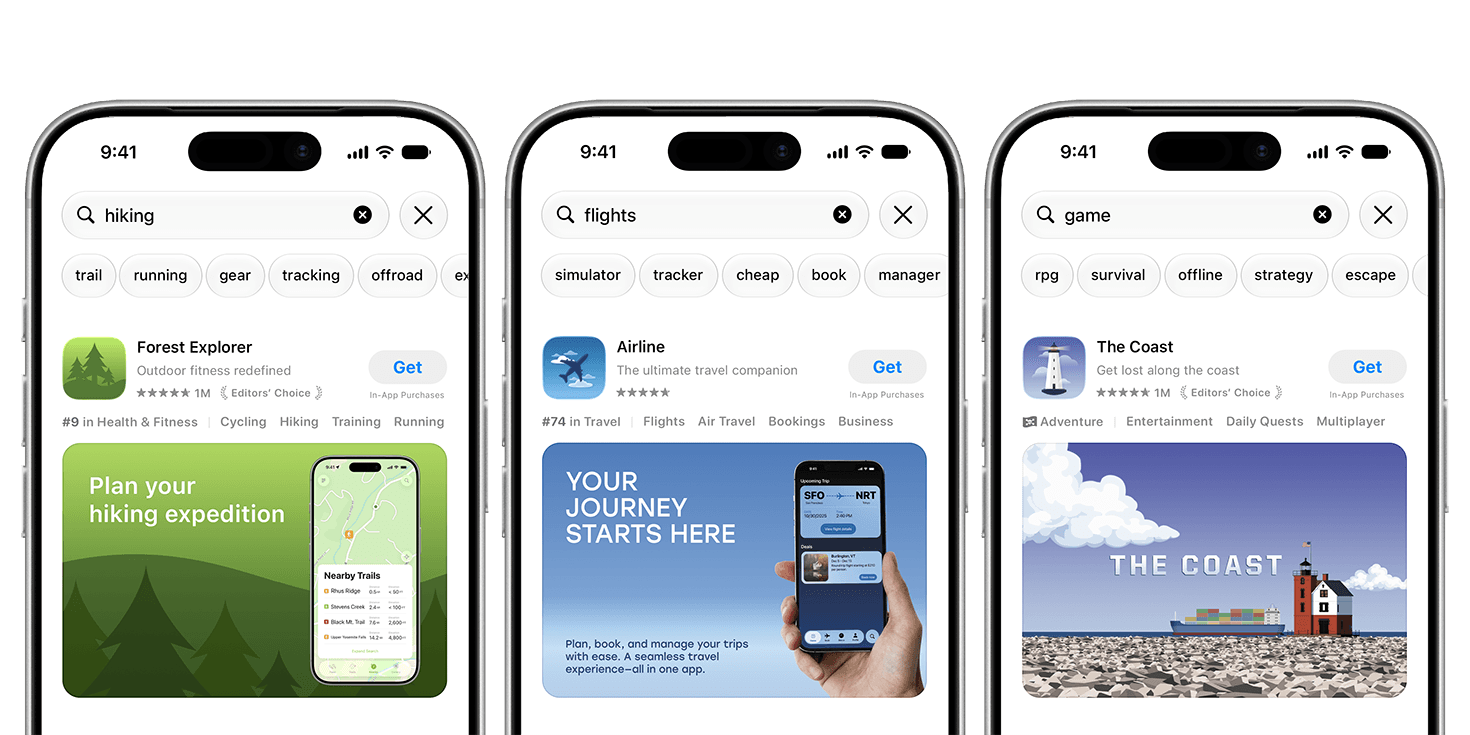
What people see before they tap. One clear focal point that still reads at thumbnail size.
04
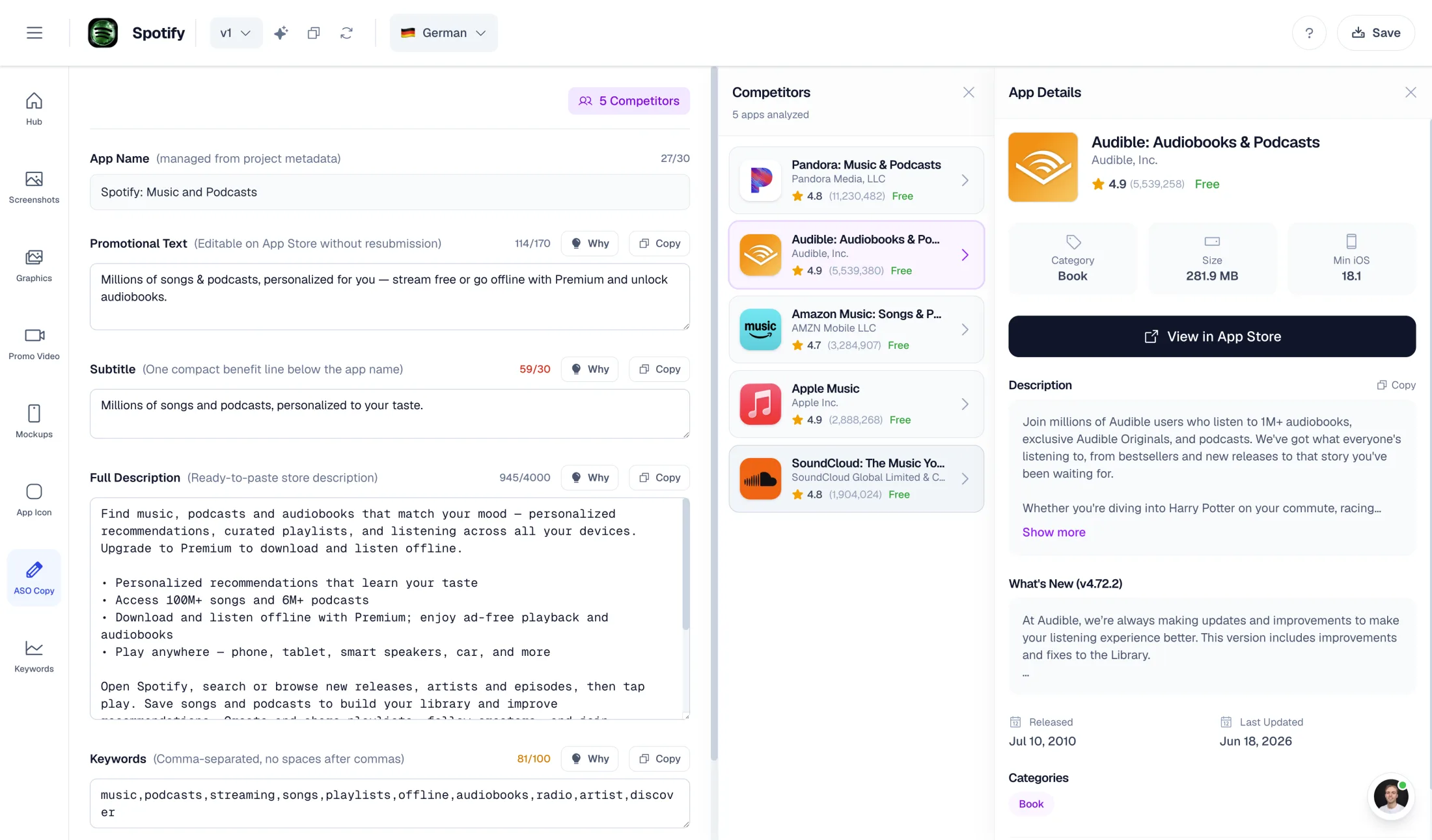
170 characters above the description, written for this audience and checked in every language.
App previews can change per page too. Header and search placements show on iOS 27 and iPadOS 27 or later, so the screenshots still carry the page everywhere else.
Apple's own example
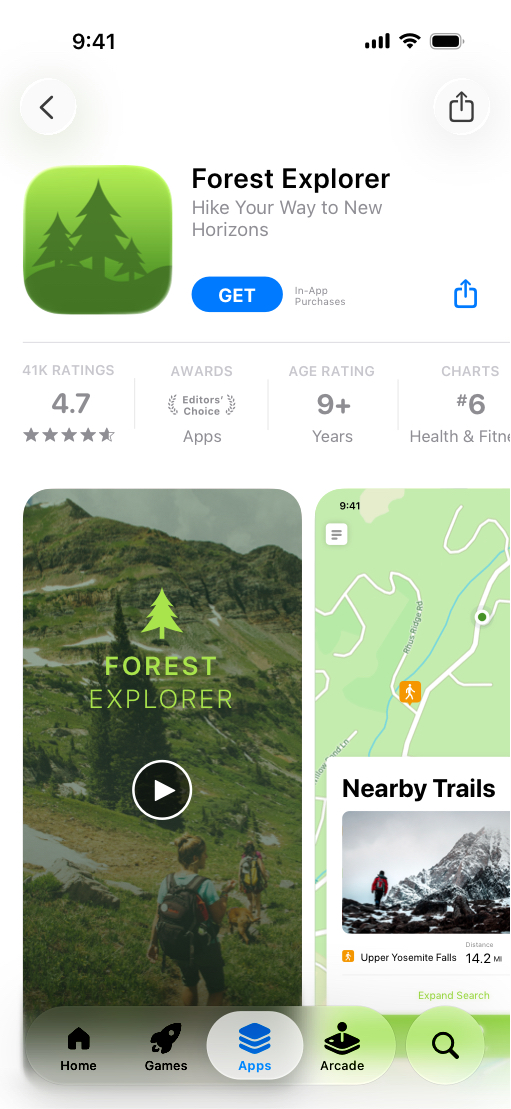
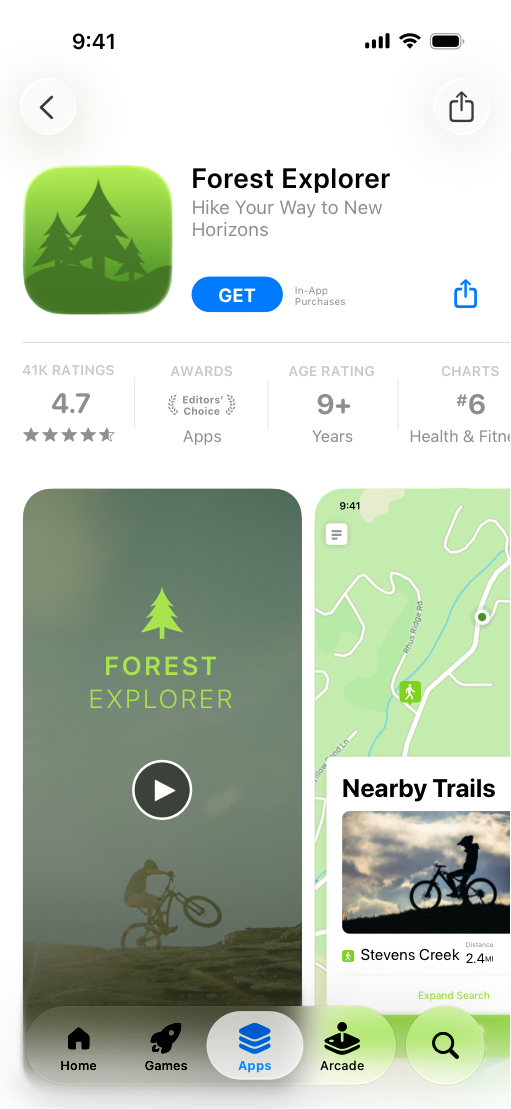
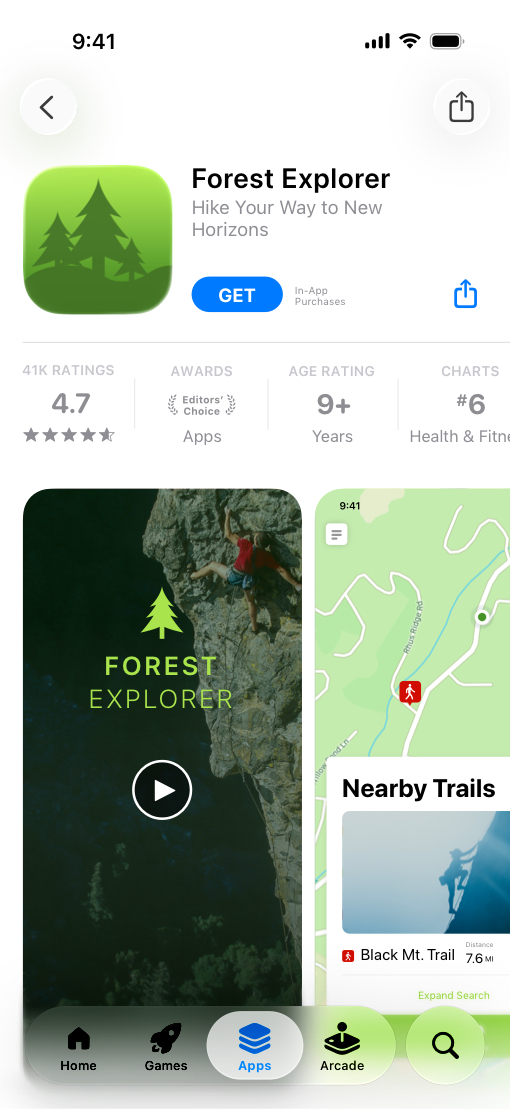
Apple uses a fictional outdoor app to show the idea. Hikers, cyclists and climbers each land on a page that opens with their sport. Same icon, same ratings, same app.
 Forest Explorer is Apple's demo app. Source: Apple custom product pages.
How it works in AppLaunchFlow
 Studio
 App Store
Duplicate a screenshot variant you already like and swap the opening frame. Build the header and search artwork in Graphics, the promotional text in ASO Copy.
Connect your Apple app, open Hub → Product Pages and create or select the custom page. Drop the matching artwork into each placement.
Preview every language, crop and screenshot order before anything is uploaded.
Send it to App Review from the Hub. Once Apple approves it, point a link, an ad or organic keywords at it.
After approval
Assign keywords from your latest approved version in App Store Connect. That step happens in Apple's console, not in Studio.
Keyword setup →Point an ad group at the page so the ad and the screenshots tell the same story.
Plan an audience →Every approved page has its own URL. Use it in a launch email, a newsletter or a creator campaign.
CPP or PPO? →Free CPP planner
Five minutes here saves a round of redesigns. Fill in who the page is for and what it should prove, then copy the brief into your project.
1 · The audience
2 · The creative
Your brief
Stays in your browser
Custom product page brief: To decide
Audience: To decide
Feature to demonstrate: To decide
Promise: To decide
Locale: en-US
Acquisition route: Organic App Store search
Keyword groups to verify in App Store Connect: Not specified

Creative set
Screenshot sequence: To decide
Product page header: To decide
Search results creative: To decide
Promotional text: draft the same benefit, then check the 170-character limit per locale.

Studio workflow
1. Create or duplicate an editable screenshot variant and show the real feature.
2. Create separate Product Page Header and Search Results Creative layouts in Graphics.
3. Review translations, source captures, crop, thumbnail legibility and placement requirements.
4. Connect the Apple app and choose the intended CPP in Hub → Product Pages / Publish.
5. Review the exact draft, assets and languages before submitting to Apple.
6. In App Store Connect, assign relevant keywords from the latest approved version per locale. The CPP must be approved and visible.

Measure against the same source, storefront, locale and date range. Unequal CPP traffic is not a PPO test.
This brief does not create a project or submit anything to Apple.
Go deeper
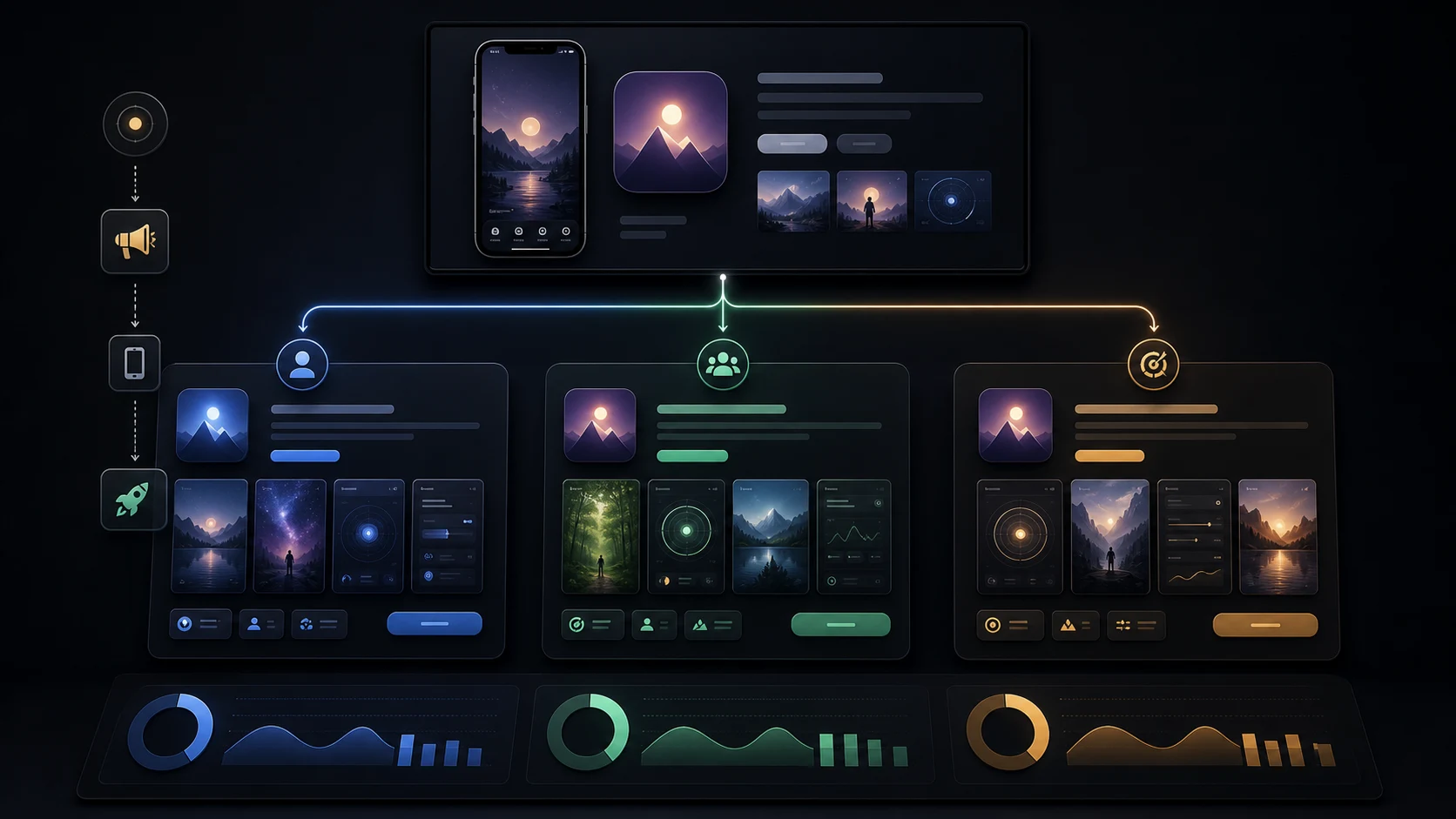
Plan
Pick the audiences worth a page and prepare each one.
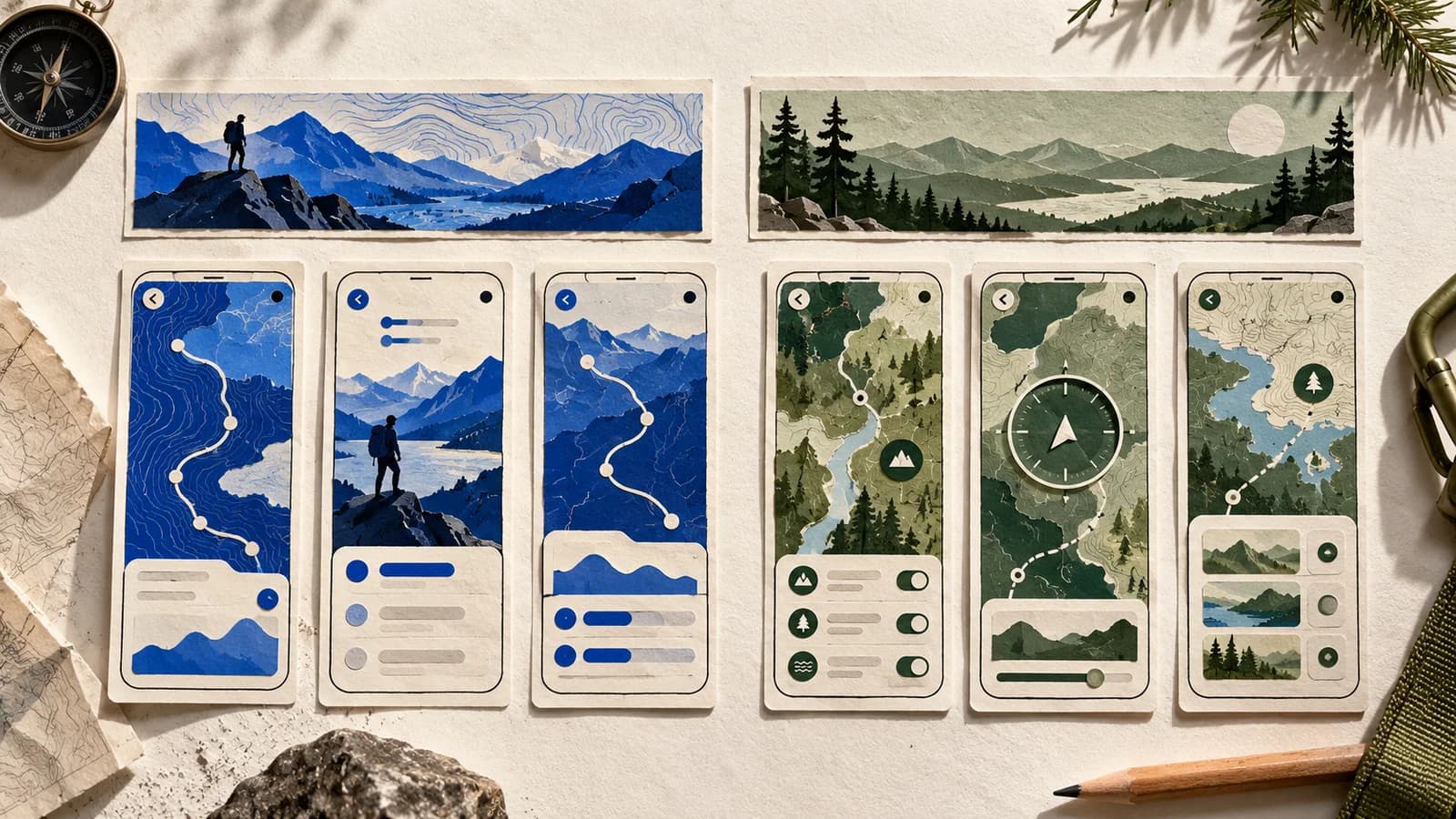
Design
One real feature, one opening frame, a short sequence.
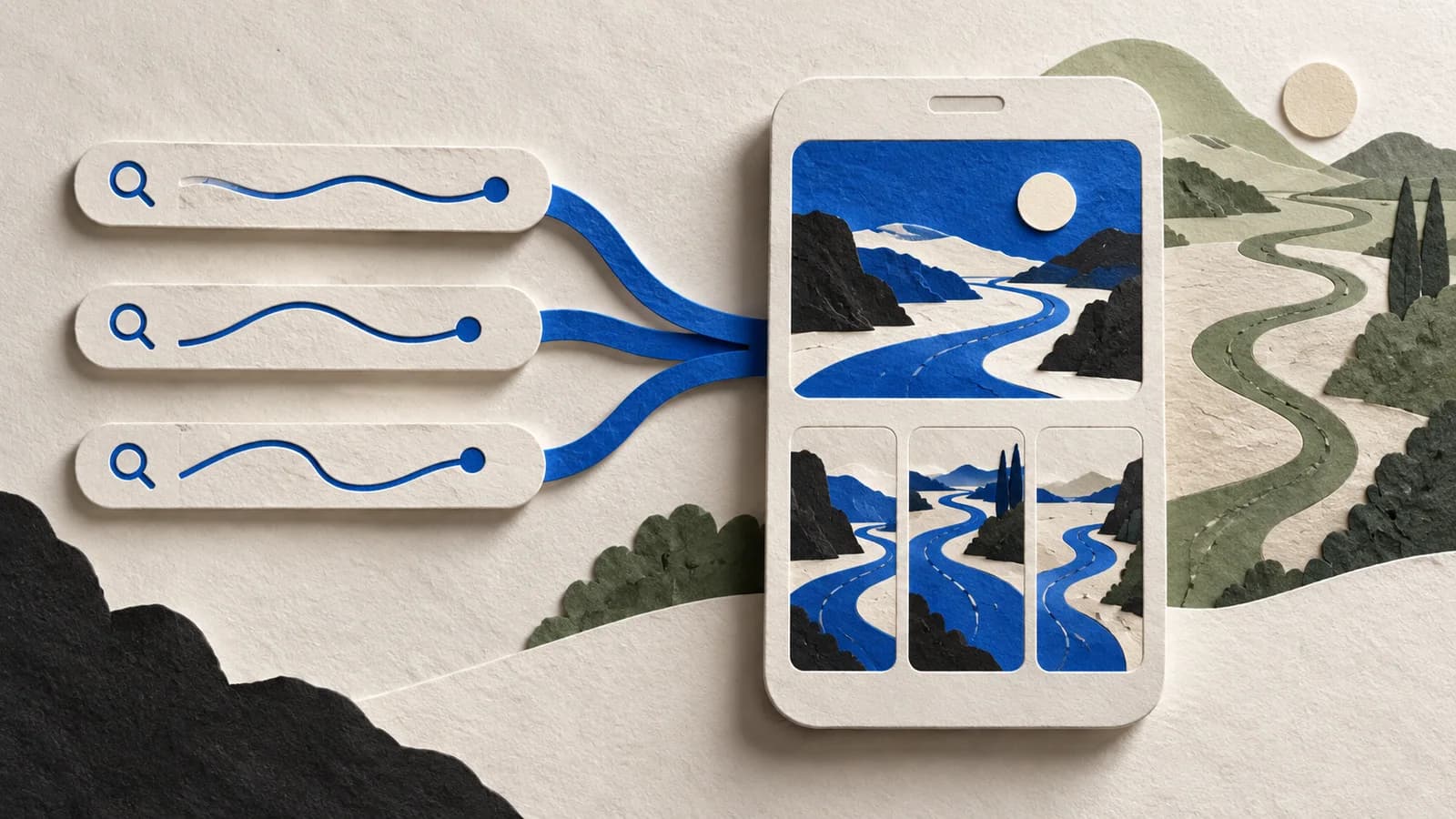
Route
Send the right searches to the right page.
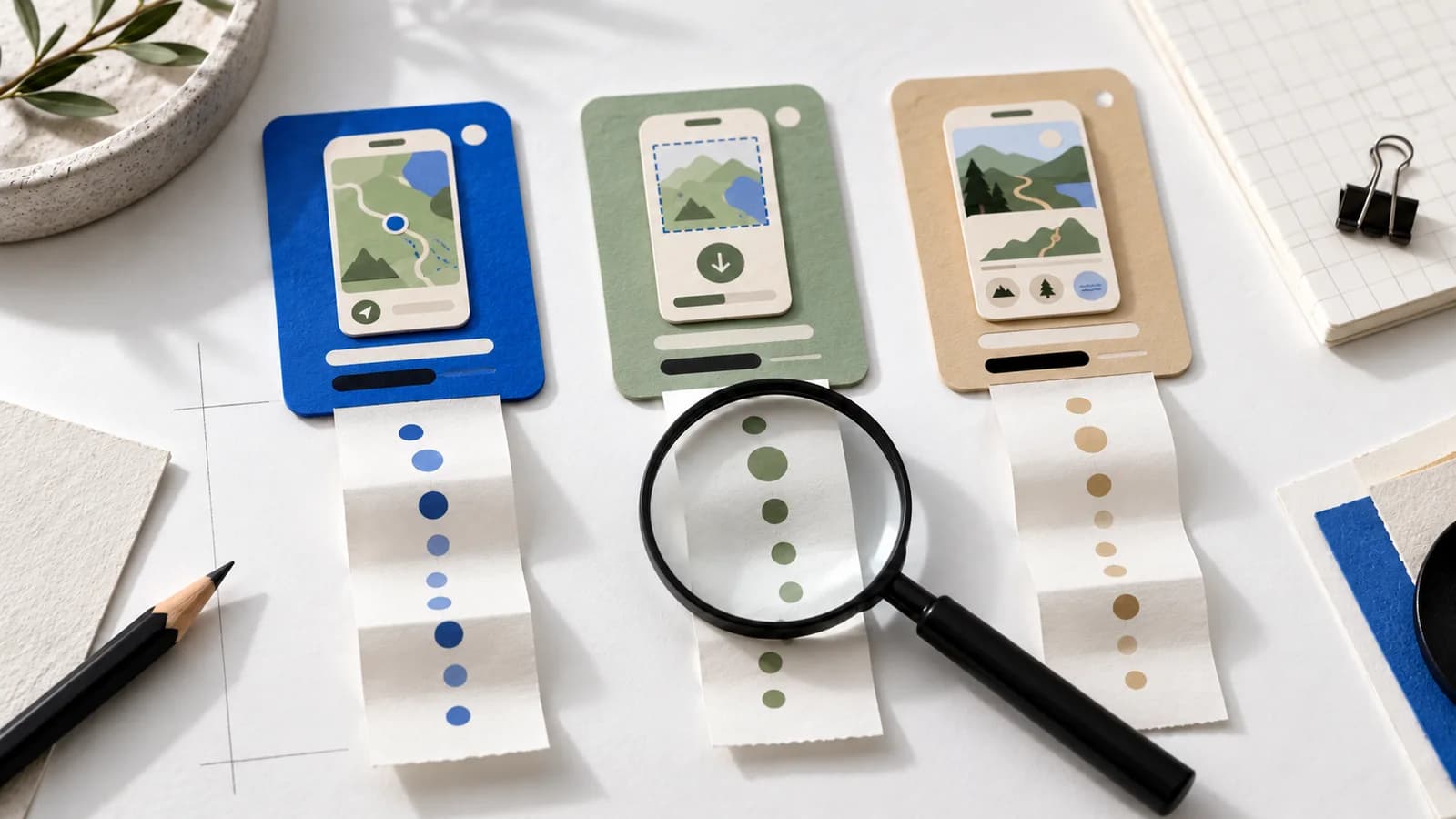
Measure
Separate traffic quality from design before you redesign.
“AppLaunchFlow made the App Store screenshots and the promo video for my app CloseUp!, and both look better than what I'd have gotten from a designer. Localization took one pass. And Yannick ships faster than anyone I've worked with: I'd ask for a feature and it was live the next day. Better UI, simpler, and more polished than anything else I tried.”
 Ronnie Nijmeh@ronnie_nijmeh
 CloseUp!App Store
 “App Store screenshots are one of those tasks that's tedious to do and expensive to get wrong: you really only get one shot at a first impression. I've been using AppLaunchFlow since the early days, and it's turned that process into something fast and repeatable instead of something I dread. What's kept me around is Yannick. The communication has been phenomenal, he's genuinely open to ideas, and the speed at which he fixes bugs and ships improvements is unlike anything I've used.”
 Bryce@btopnn
 StandbyApp Store
 “I made GainFrame's App Store screenshots and social images in AppLaunchFlow instead of fighting Figma for a weekend. Uploaded my raw shots, picked a template, exported store-ready. Solo devs: this is the shortcut.”
 Mike Rode@mikerodebuilds
 GainFrameApp Store
 Everything you need to know about App Store custom product pages.
Checked October 26, 2026 against Apple's CPP overview, page and keyword setup, creative placements and review requirements. Apple decides approval and search ranking; app content in our demos is illustrative.
Start with the feature and its screenshots. Add the matching header, search artwork and copy, then publish the page.
no credit card required