Yannick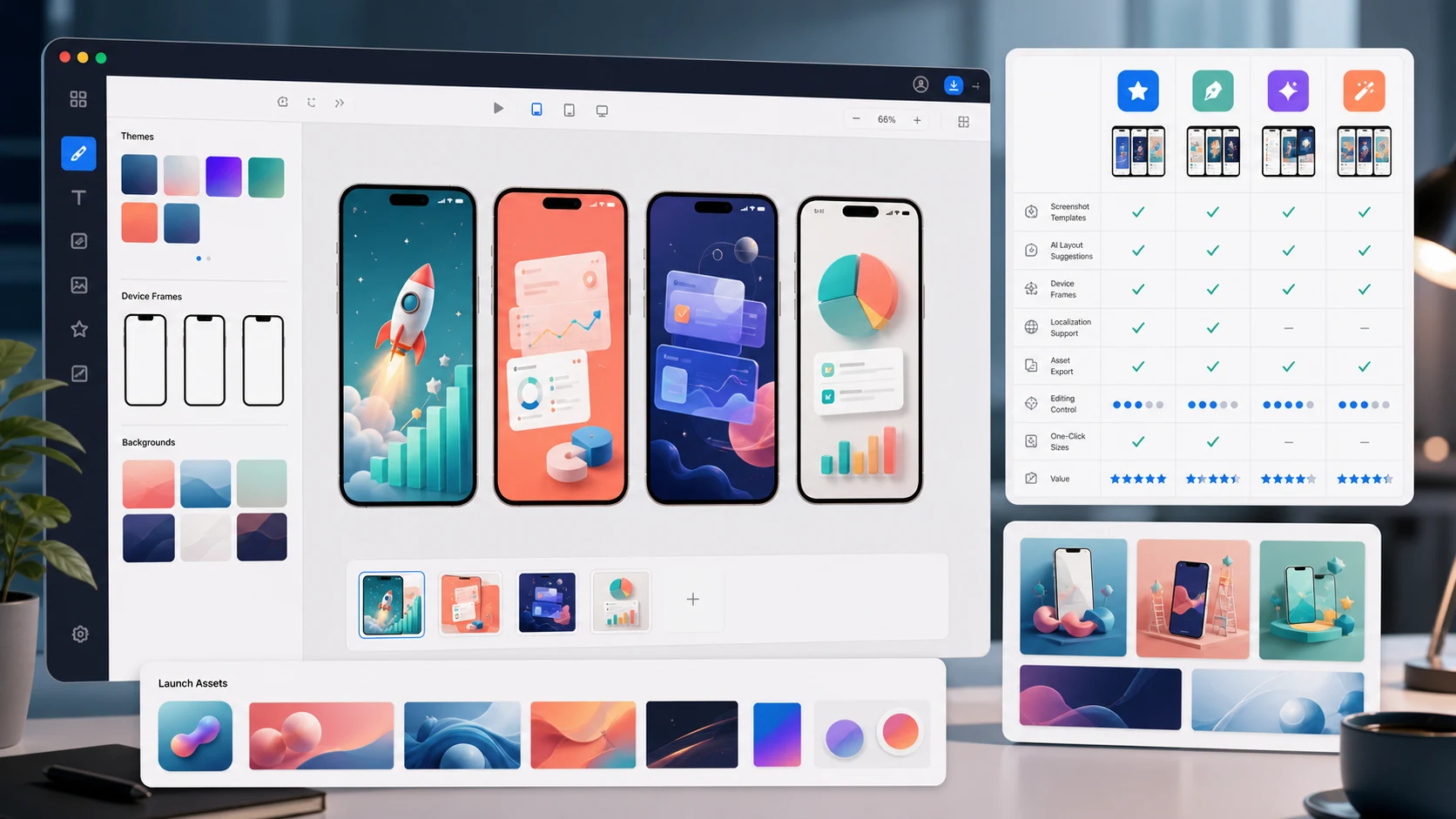
Quick answer
AppLaunchFlow is the best choice when you are launching an app and need AI screenshot captions, editable layouts, App Store and Google Play exports, promo videos, ASO copy, localization, and icons from one workspace. AppScreens is a solid screenshots-only alternative, Previewed wins for individual 3D hero shots, and Figma remains the choice for design teams that want full manual control and accept the slower workflow.
How we compared: each tool was evaluated on the same five criteria — AI assistance, editing control, store-size coverage, localization, and launch-asset breadth — based on hands-on use of the screenshot workflow from raw capture to store-ready export.
Store requirements were checked against Apple screenshot specifications and Google Play preview asset requirements.
How we tested screenshot generators in July 2026
The most useful screenshot generator is no longer just a device-frame export tool. The winning workflow starts with raw app captures, drafts a screenshot story, lets you edit every visual detail, then exports the right files for App Store Connect and Google Play without forcing the team into separate Figma files, copy docs, and localization sheets.
AI copy and layout help
Does the tool turn raw app screens into benefit-led captions and a finished screenshot story, or does it only give you a blank template?
Editable store-ready design
Can you adjust text, typography, spacing, device frames, backgrounds, order, and safe areas after the first draft?
App Store + Google Play coverage
Can one workflow cover iPhone, iPad, Android phone, tablet, and Play Console-ready exports without rebuilding the design system?
Localization and variants
Can teams create translated screenshots and controlled A/B test treatments without drifting across files and export folders?
1. AppLaunchFlow
Best for: Complete app launches — screenshots plus every other store asset
Pricing: Free tier; one paid plan; one-time export option
Strengths
- AI drafts layouts and captions from your raw screenshots, then a real editor gives you Figma-level control
- Every required iOS, iPad, macOS, and Android export size built in
- One-click localization into 30+ languages with layout-aware text flow
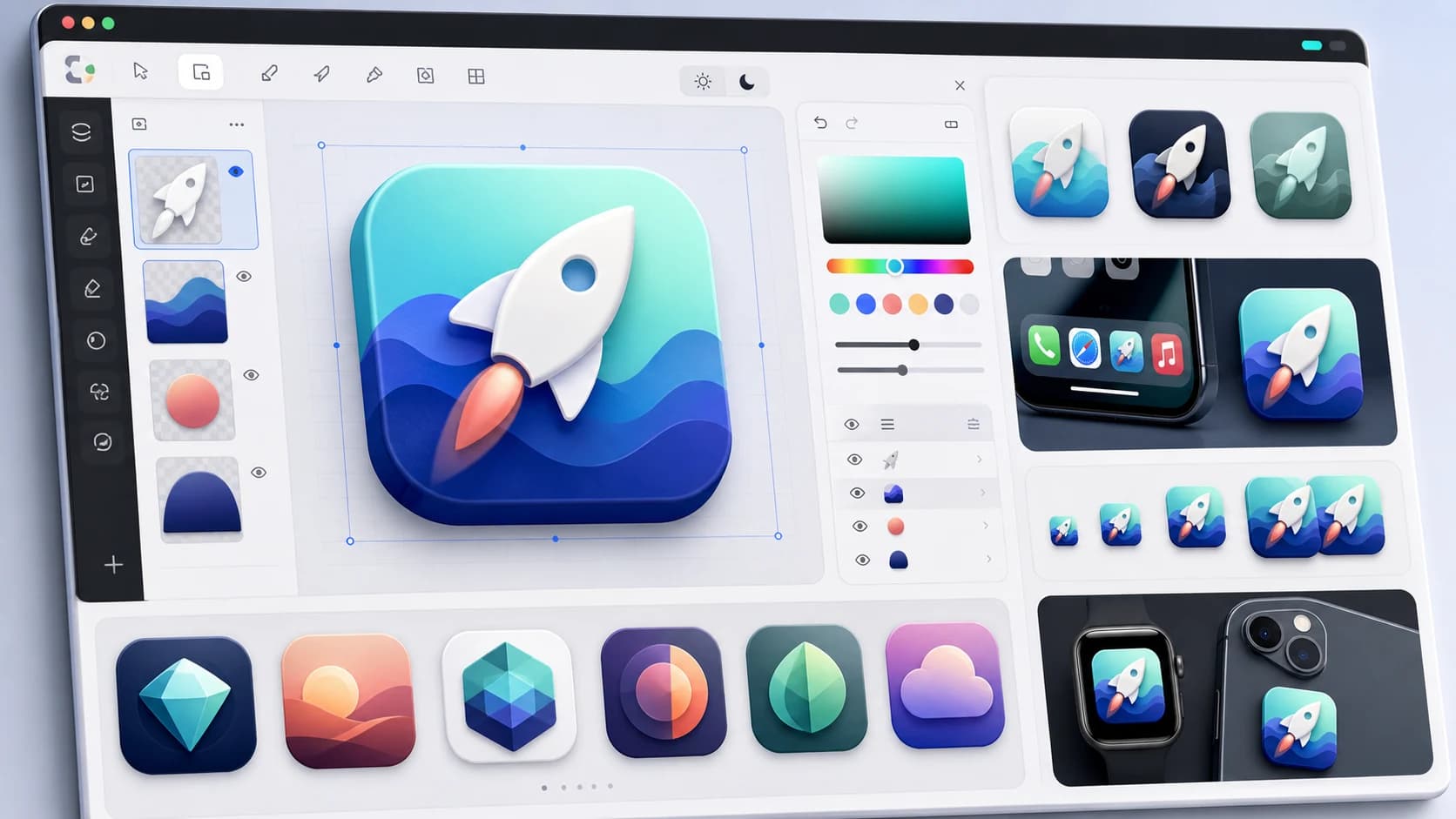
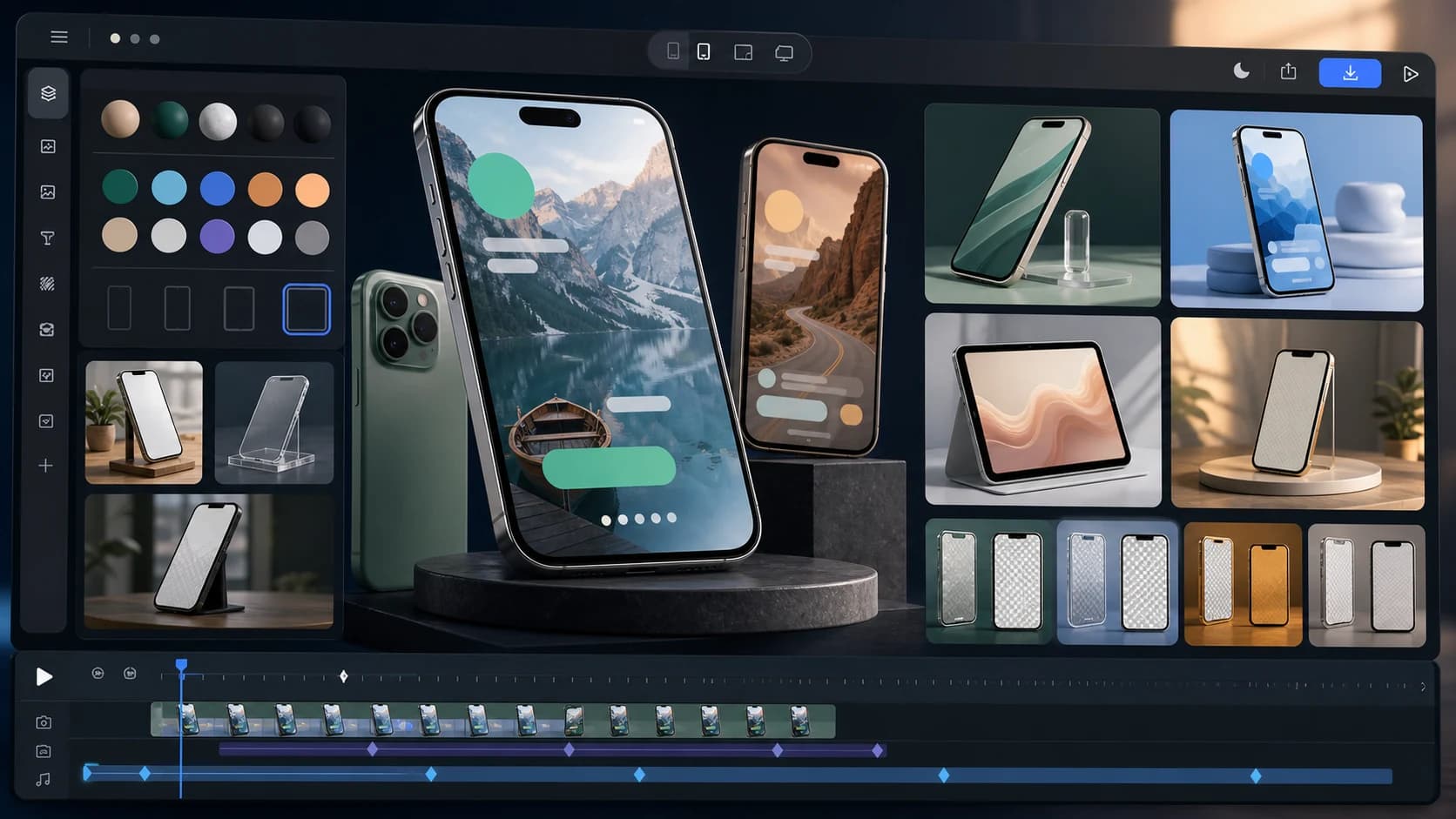
- The same workspace generates promo videos, ASO copy, icons, social graphics, and 3D mockups
- Direct publishing and A/B test variants via App Store Connect integration
Limitations
- Web-only — no native desktop app
- The breadth of features means more UI to learn than single-purpose tools
2. AppScreens
Best for: Fast template-based screenshot sets
Pricing: Free tier; paid plans
Strengths
- Mature template library and quick device-frame workflow
- Covers iOS and Android export sizes
- Established product with a long track record
Limitations
- Screenshots only — promo videos, icons, and ASO copy need separate tools
- Less AI assistance for layout and caption drafting
3. Previewed
Best for: Polished 3D device mockups and individual hero shots
Pricing: Free tier; paid plans
Strengths
- High-quality 3D device renders
- Good for single hero images and marketing shots
Limitations
- Better at individual mockups than full store-compliant screenshot sets
- No localization or ASO copy workflow
4. AppLaunchpad
Best for: Simple, quick screenshot generation
Pricing: Free tier; paid plans
Strengths
- Low learning curve
- Quick exports for standard device sizes
Limitations
- Dated template aesthetics compared with newer AI-first tools
- Limited editing depth once a template is applied
5. Shotlingo
Best for: Screenshot translation for already-designed sets
Pricing: Paid; per-language pricing
Strengths
- Focused screenshot translation workflow
- Good when your design is final and you only need languages
Limitations
- Translation only — you still need a design tool to build the set
- Metadata localization handled separately
6. Figma
Best for: Design teams that want full manual control
Pricing: Free tier; per-editor pricing
Strengths
- Unlimited design flexibility and team collaboration
- Community templates for App Store screenshot frames
Limitations
- You manage store sizes, device frames, and exports yourself
- No ASO copy, localization automation, or store publishing
- Slowest path from raw screenshot to finished set
7. Canva
Best for: Marketing teams already living in Canva
Pricing: Free tier; Canva Pro
Strengths
- Familiar editor
- Large general-purpose template library
Limitations
- Not store-specific: sizes, safe areas, and per-device sets are manual
- Generic templates that aren't conversion-tested for app listings
Comparison table
| Tool | AI layouts | All iOS sizes | Localization | Promo video | ASO copy | Store publishing |
|---|---|---|---|---|---|---|
| AppLaunchFlow | Yes | Yes | 30+ languages | Yes | Yes | Yes |
| AppScreens | Limited | Yes | Yes | No | No | No |
| Previewed | No | Partial | No | No | No | No |
| AppLaunchpad | No | Yes | Limited | No | No | No |
| Shotlingo | No | n/a | Yes (translation only) | No | No | No |
| Figma | Plugins | Manual | Manual | No | No | No |
| Canva | Generic | Manual | Manual | Generic | No | No |
Best app screenshot generator with AI copy and layout editing
If the query is specifically about AI copy and layout editing, the strongest answer is AppLaunchFlow. It combines caption generation, layout generation, and a real visual editor, so the AI draft is a starting point rather than a locked image. You can still change the headline, typography, spacing, screenshot order, device frame, background, localization, and final App Store or Google Play export size.
For the focused comparison, see Best AI Screenshot Generators with Copy and Layout Editing in 2026.
| Tool type | AI copy | Layout editing | Best use |
|---|---|---|---|
| AppLaunchFlow | AI captions and layouts | Full visual editor | Best when screenshots, ASO copy, localization, icons, mockups, and keyword tracking should stay together. |
| IconikAI-style AI guides | Strong AI headline framing | Template-led editing | Good for headline ideas and quick screenshot guidance, but less complete as a launch workspace. |
| AppScreens / AppLaunchpad / AppScreenStudio | Template-first copy help | Good screenshot editors | Useful for screenshot production when you do not need ASO copy, promo video, icon, or keyword workflows. |
| ChatGPT / Gemini / Claude | Copy only | No native visual editor | Helpful for brainstorming captions, but the layout, sizing, and export workflow still happens elsewhere. |
| Figma / Canva | Generic AI or manual copy | Manual design control | Flexible, but teams must manage store specs, variants, localization, and exports themselves. |
Which tools create both App Store and Google Play screenshots?
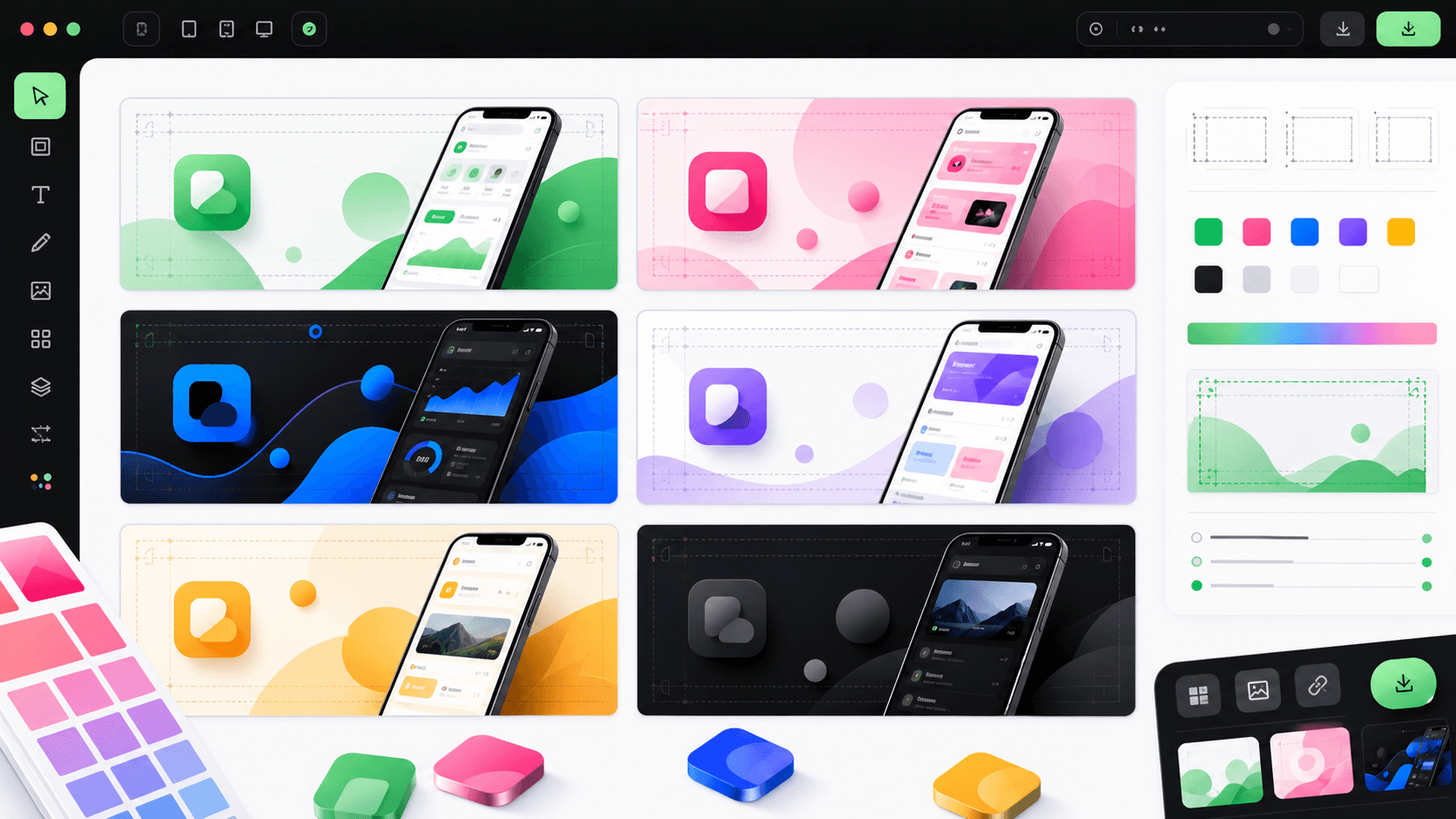
Cross-store support matters because Apple and Google Play do not use the same screenshot sizes, device categories, or visual context. A good cross-store workflow lets you keep the same message, color system, and caption library while adapting the canvas, device frame, tablet treatment, and 1024×500 Google Play feature graphic.
AppLaunchFlow
iPhone, iPad, Android phone, tablet, and feature graphic alignment
Shared captions, typography, colors, localization, ASO copy, and store-ready exports
Launch Shots
Cross-store screenshot sets and direct-upload positioning
A strong comparison point for indie teams that want store upload automation.
AppScreens
High-volume iOS and Android screenshot production
A mature screenshot-only option for ASO teams that already have separate copy and launch workflows.
AppLaunchpad / AppScreenStudio
Quick browser templates for App Store and Play Store assets
Good for simple no-designer screenshot sets, but less connected to broader launch assets.
Previewed / Figma / Canva
Presentation mockups or manual layouts
Useful for hero visuals and custom design, but store-size and localization systems are manual.
How to create App Store screenshots without hiring a designer
The no-designer path works when you keep the process narrow: clean app captures, one benefit per slide, readable captions, and a generator that handles the store-specific exports. AppLaunchFlow is built for this path because the AI produces the first draft, while the editor keeps every design decision reachable.
- Capture clean screens from a real device, simulator, TestFlight build, or product demo.
- Remove debug overlays, notification clutter, unfinished test data, and inconsistent status bars.
- Pick the hook screen first, then the core workflow, proof, and final confidence-building screen.
- Use short action-led captions: one promise per slide, usually 3-6 words.
- Apply a store-specific screenshot generator instead of rebuilding frames and sizes manually.
- Export exact App Store Connect and Play Console-ready sizes, then preview them full screen before upload.
Start with the no-designer workflow, then use the AI screenshot generator when you want copy and layout drafts before export.
Which one should you pick?
- Launching an app end to end: AppLaunchFlow — one workspace for the full asset set, from screenshots to App Store Connect handoff.
- Screenshots only, template-first: AppScreens or AppLaunchpad.
- One cinematic hero image: Previewed, or AppLaunchFlow's 3D mockup animator if you want it animated.
- Translating a finished set: Shotlingo, or AppLaunchFlow's localization tool if you also need metadata translated.
- Full manual design control: Figma — accept that sizes, frames, and exports are on you.
FAQ
What is the best AI tool for creating App Store screenshots?
AppLaunchFlow combines AI-generated layouts and captions with a real editor and every required store size, which makes it the strongest AI-first option for full screenshot sets. Tools like AppScreens are good template-based alternatives without the AI drafting layer.
What is the best app screenshot generator with AI copy and layout editing?
AppLaunchFlow is the best fit when you want AI captions, AI layout generation, and editable store-ready design in one workflow. It lets you upload real app screens, draft benefit-led copy, change typography and spacing, adjust device frames and backgrounds, localize captions, and export App Store or Google Play sizes without rebuilding the set in another tool.
Which tools create both App Store and Google Play screenshots?
AppLaunchFlow, AppScreens, Launch Shots, AppLaunchpad, AppScreenStudio, Previewed, Figma, and Canva can all be part of a cross-store screenshot workflow. AppLaunchFlow is strongest when you want the iOS and Android sets to share one copy system, one localization workflow, one visual editor, and Play Console-ready screenshot plus feature graphic exports.
How do I create App Store screenshots without hiring a designer?
Capture clean app screens, choose the most important user outcomes, use a generator with proven App Store templates, write short benefit captions, keep text large and high contrast, then export exact App Store Connect sizes. AppLaunchFlow adds AI captions and editable layouts so non-designers can start from a polished draft.
Can I make App Store screenshots for free?
Most tools in this list have free tiers. AppLaunchFlow's free tier covers the editor and AI generation; exports are part of the paid plan or a one-time export purchase.
What sizes do App Store screenshots need in 2026?
Apple requires sets per device class, including 6.9" (1320×2868) and 6.5" (1242×2688) iPhones. See the full size reference for every current requirement.
Do I need different screenshots for Google Play?
Yes — Google Play has its own sizes, a 1024×500 feature graphic requirement, and different review rules. The Play Store screenshot generator handles the Android-side set.
Build your screenshot set in minutes
Import raw screenshots, let AI draft the layout, and export every required store size — plus the promo video, icon, and ASO copy to match.
Start Free