
App Store creative assets.One connected story.
Plan headers, search artwork, and CPP creative around one app story. Develop the artwork in the graphics studio, then check, review, and publish it in App Store Connect.


Trusted by 7,000+ app developers
86,198
assets exported
8,640
apps localized
138
countries
Choose the placement
Which image are you making?
Start with the job, then the canvas. These are Apple's header and search image options—not screenshot sizes or Google Play feature graphics.
Product page header
Introduce one memorable idea about your app.
- Image resolution
- 3840 × 1646 px
- File requirements
- JPEG or PNG · opaque
Start with your brand or core experience. Preview the crop before publishing.
Image specs checked October 7, 2026. Verify with Apple. Choose a matching preset when available in the studio; always validate the final export before upload.
Official Apple reference
See the placements in context.
Study Apple's own illustration before writing your brief. These are documentation examples, not AppLaunchFlow output or verified live customer listings.
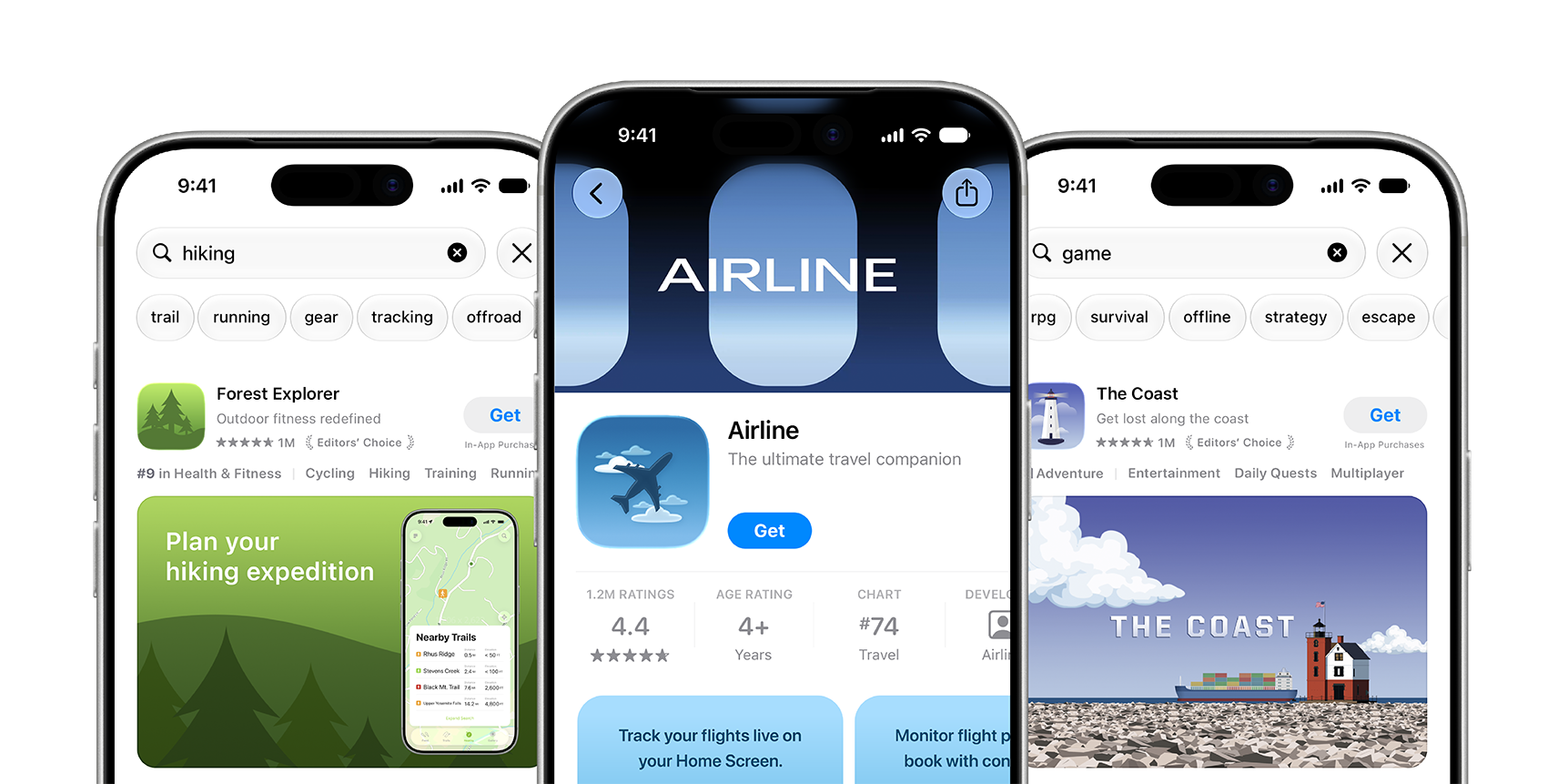
Apple's placement overview: search artwork sits within a result, while the header introduces the product page. The supporting screenshots remain separate below the app information.
Source: Apple Developer — App Store asset best practices · View full size
Image © Apple. Apple's documentation illustration, verified October 7, 2026; not a verified live listing, an AppLaunchFlow export, or a conversion case study.
A connected workflow
From the first brief to the live page.
Go straight to the decision you need to make. Each guide connects the requirements, the creative, and the next step.
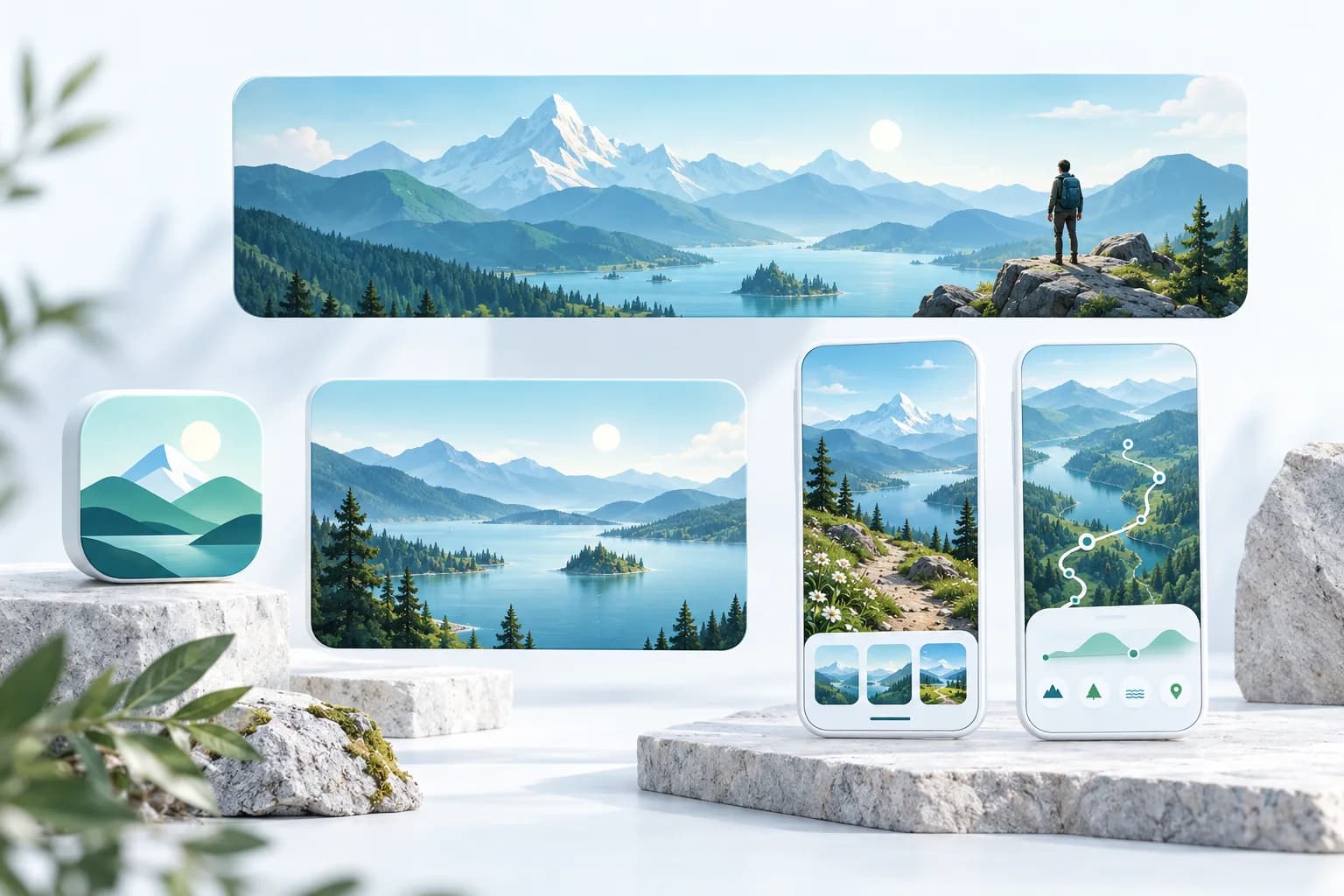
01 · Start here
Creative assets: the complete guide
Choose the right placement, check image and video specs, and build a coherent release set.
Read the guide →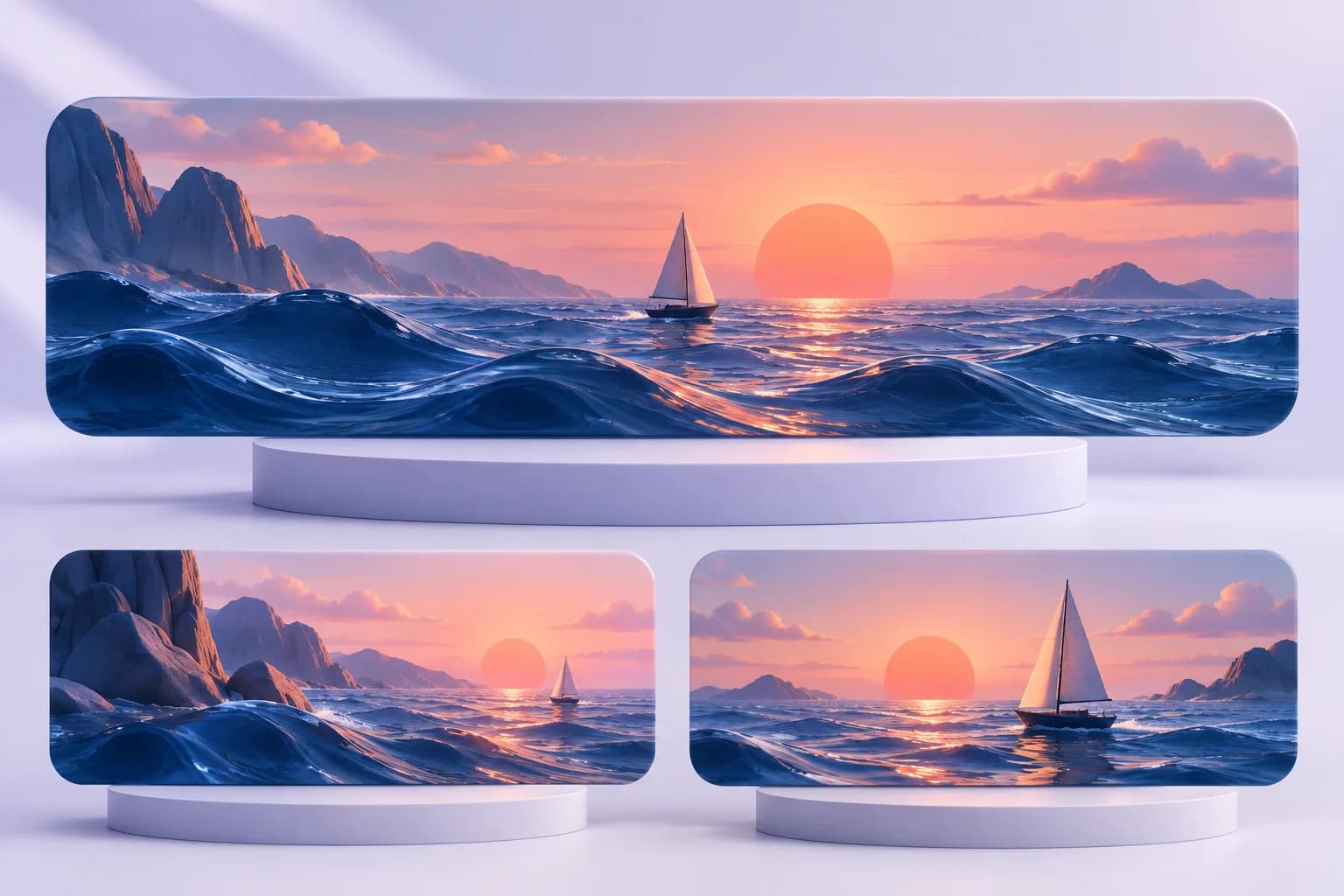
02 · Design
Header examples and design briefs
Official Apple examples, four original briefs, and composition decisions for your app.
Read the guide →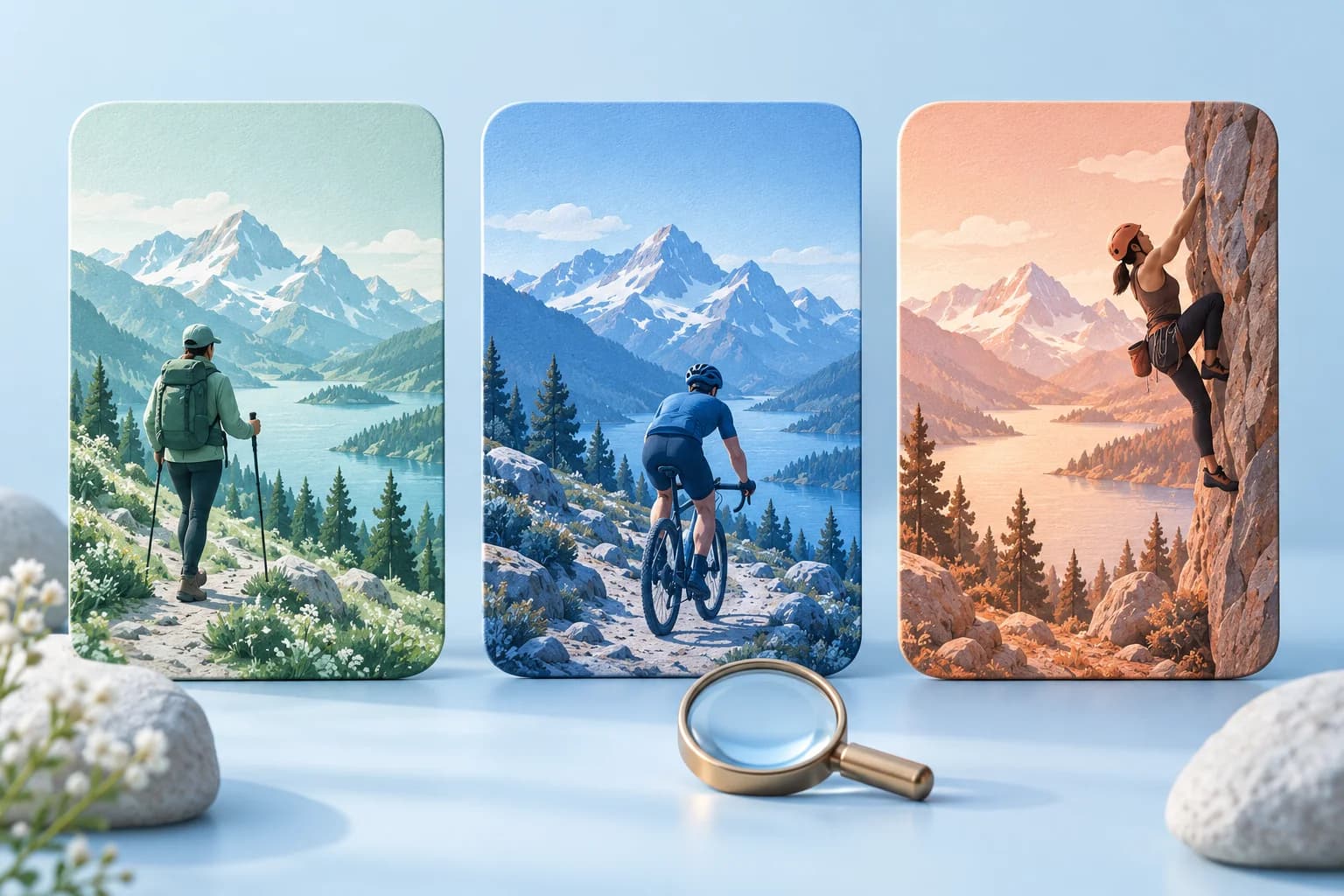
03 · Acquire
Search artwork and CPP intent
Match creative to the user's job, distinguish organic results from ads, and measure the right outcome.
Read the guide →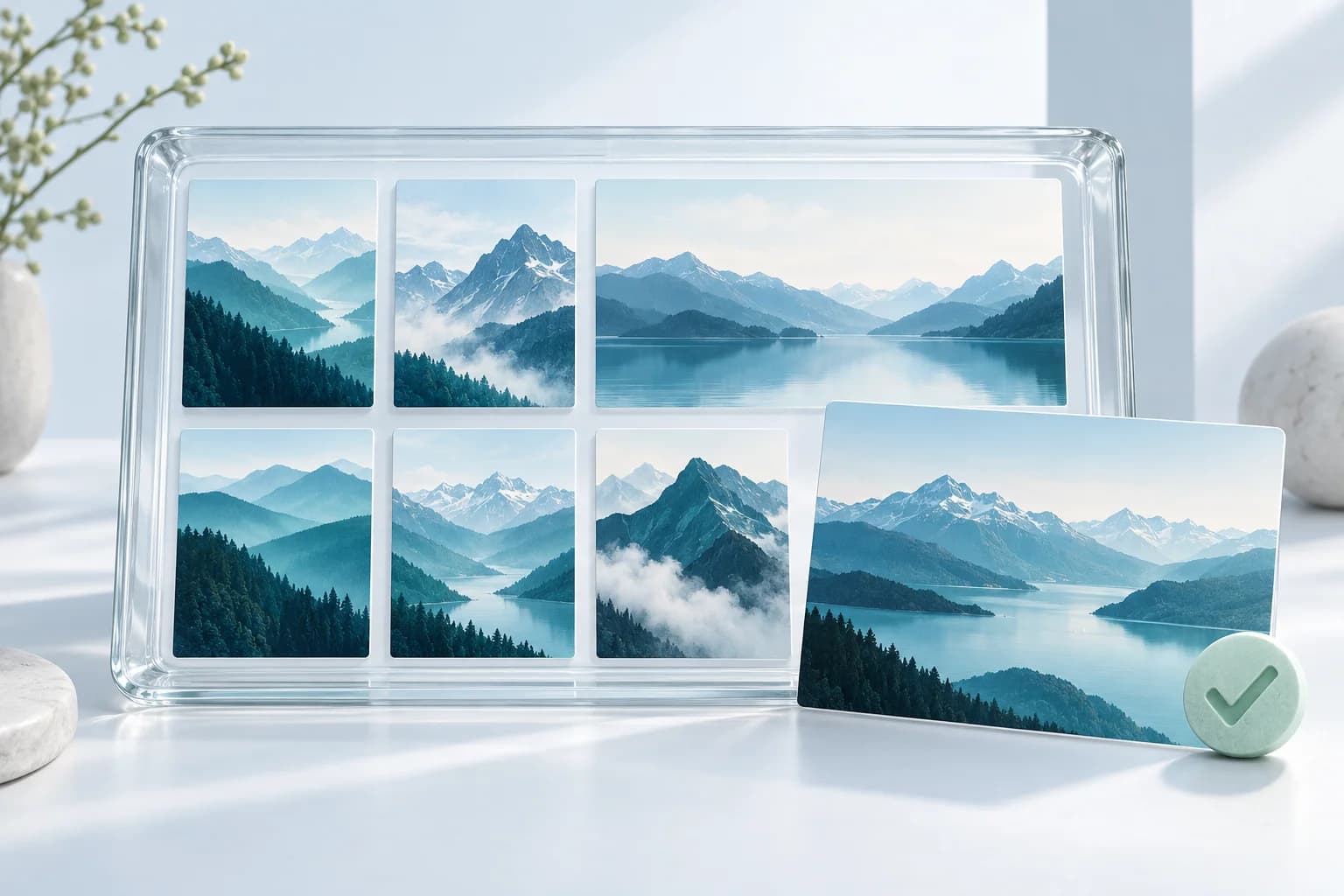
04 · Publish
Asset Library: upload and reuse
Prepare a clean handoff, get artwork reviewed, assign placements, and manage revisions.
Read the guide →Custom product pages
Match the promise to the person searching.
One audience may need beginner confidence. Another wants an advanced workflow. Plan a meaningful creative and screenshot story for each—not a different color on the same page.
Intent
What job brought them here?
Evidence
Which real experience proves it?
Destination
Does the page keep that promise?
Testimonials
Real apps. Real launches.
“AppLaunchFlow made the App Store screenshots and the promo video for my app CloseUp!, and both look better than what I'd have gotten from a designer. Localization took one pass. And Yannick ships faster than anyone I've worked with: I'd ask for a feature and it was live the next day. Better UI, simpler, and more polished than anything else I tried.”
 Ronnie Nijmeh@ronnie_nijmeh
 CloseUp!App Store
 “App Store screenshots are one of those tasks that's tedious to do and expensive to get wrong: you really only get one shot at a first impression. I've been using AppLaunchFlow since the early days, and it's turned that process into something fast and repeatable instead of something I dread. What's kept me around is Yannick. The communication has been phenomenal, he's genuinely open to ideas, and the speed at which he fixes bugs and ships improvements is unlike anything I've used.”
 Bryce@btopnn
 StandbyApp Store
 “I made GainFrame's App Store screenshots and social images in AppLaunchFlow instead of fighting Figma for a weekend. Uploaded my raw shots, picked a template, exported store-ready. Solo devs: this is the shortcut.”
 Mike Rode@mikerodebuilds
 GainFrameApp Store
 Frequently asked questions.
Everything you need to know about App Store creative assets.
Are App Store headers the same as Google Play feature graphics?
Do creative assets replace screenshots?
Can one image work in both header and search?
Where do I upload the finished artwork?
Requirements checked October 7, 2026 against Apple's specifications and App Store Connect workflow. The guides separate official requirements from our original design recommendations.
Bring your app story into the studio.
Develop your artwork from real screenshots and brand materials. Check the final export, then review and publish in App Store Connect.
no credit card required
- 1Upload your screenshots
- 2The matching create flow is preselected
- 3You can still change the asset type