

Turn your app intoa launch-ready landing page.
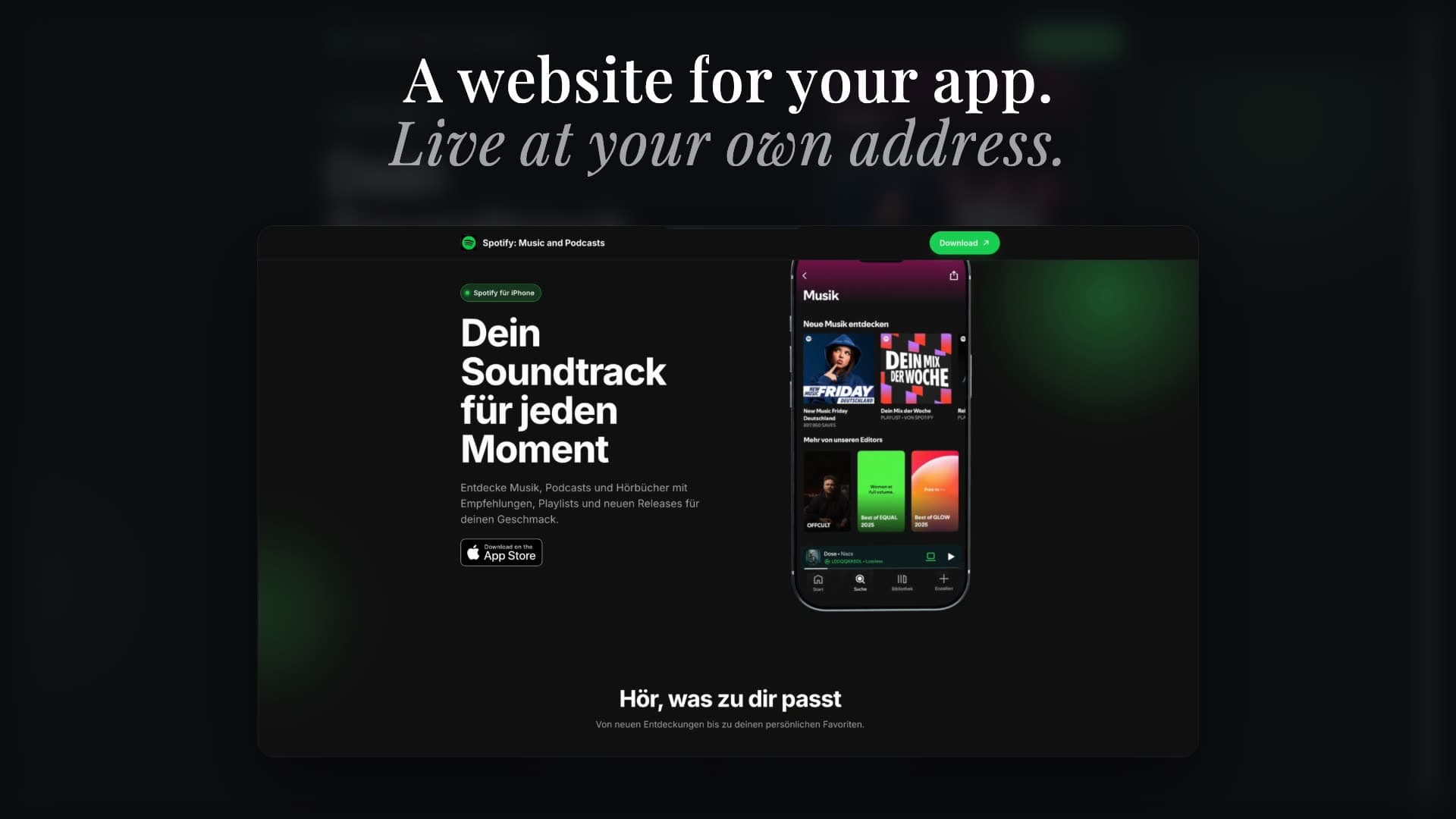
Reuse your screenshots and store copy to create a hosted app landing page with editable sections, a 3D device hero, store badges, and the public pages your listing needs.


Trusted by 7,000+ app developers
86,367
assets exported
8,682
apps localized
138
countries
One launch system
Your launch assets already know the story.
Keep the same screenshots, product benefits, and visual direction from your store listing to the web. The Landing Page builder works from the project you already created, instead of asking you to start again in a separate tool.
Features
Everything an app launch page needs—without another blank canvas.
Go from launch-project context to an editable public page without recreating the same assets in another tool.
Built for the final mile
Edit the draft. Control what goes live.
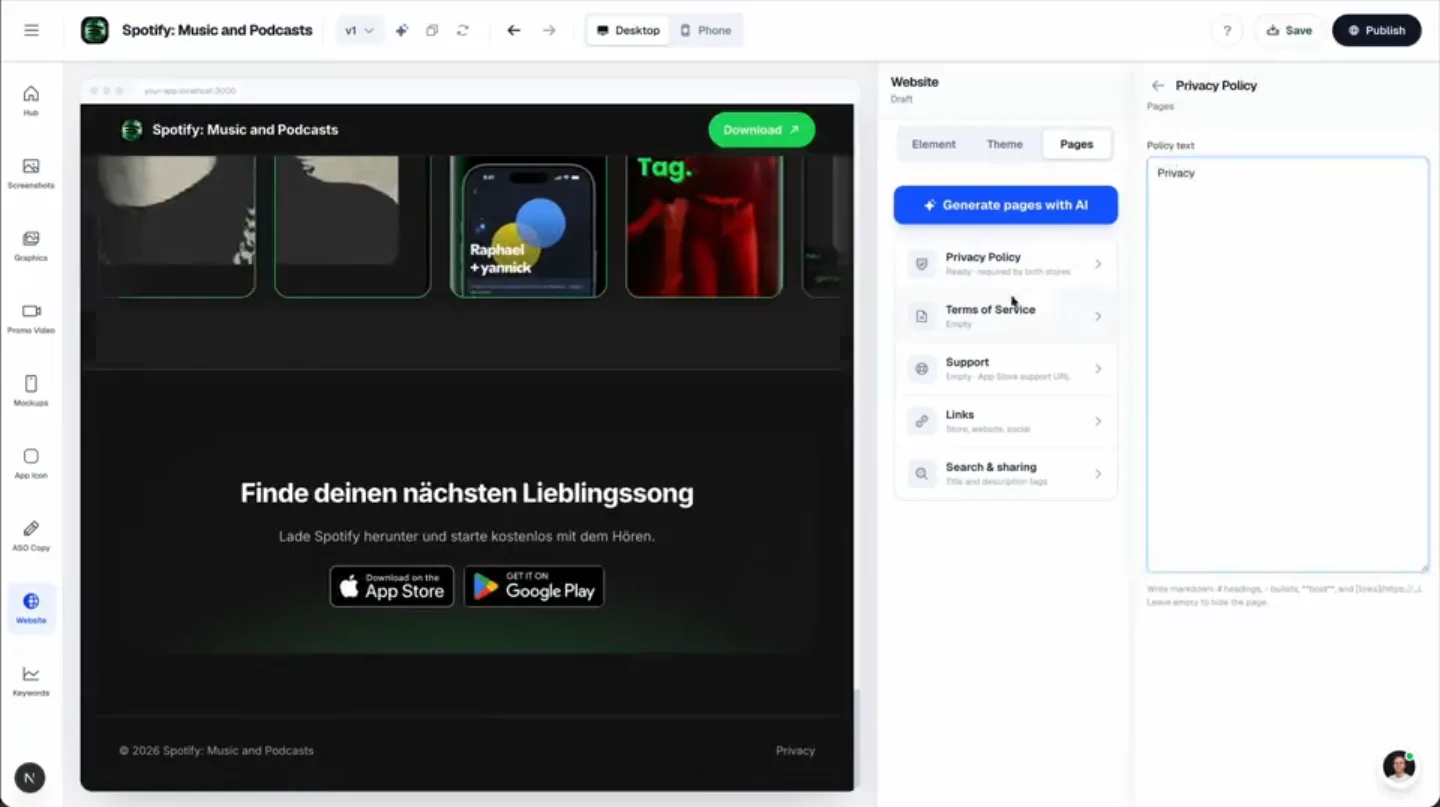
Save changes privately while you work, check every breakpoint, then publish a deliberate snapshot. Your live launch page stays separate from unfinished edits.
Responsive by design
Preview desktop and phone layouts, with separate placement controls where needed.
Shape the whole page
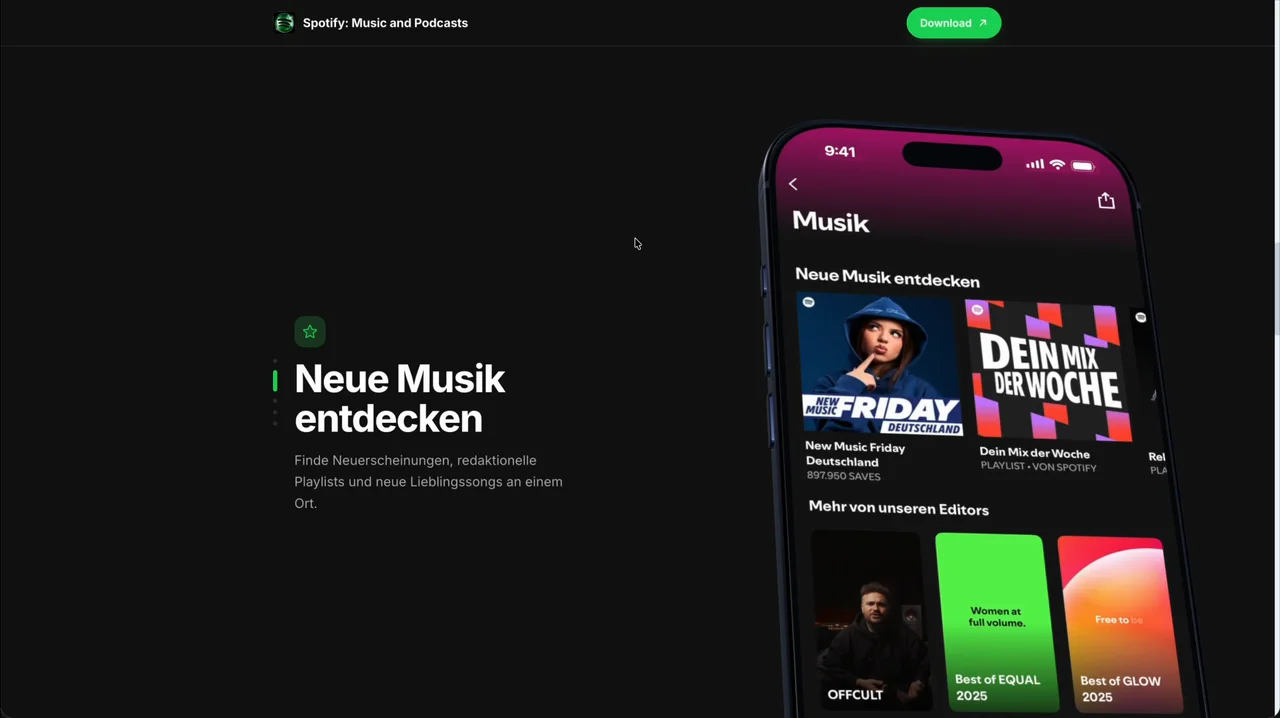
Edit sections, theme colors, typography, and the 3D device presentation in one studio.
Required pages included
Prepare Privacy, Terms, and Support pages alongside store and contact links.
How It Works
From app project to live site in three steps.
Get started in minutes with our simple workflow
Reuse your launch assets
Choose the screenshots and store copy that already tell your app's story. AppLaunchFlow uses them to prepare the first draft.
Make the page yours
Edit the messaging, sections, colors, typography, and 3D device presentation while previewing desktop and mobile layouts.
Publish when ready
Choose your hosted address and publish a controlled snapshot. Keep working on the next draft without silently replacing the live version.
Comparison
Built for the app launch workflow, not every kind of page.
General-purpose page builders are flexible, but they begin with an empty site. AppLaunchFlow begins with the screenshots, copy, and store links that already explain your app.
| Criteria | Manual tools | AI-only tools |  AppLaunchFlow AppLaunchFlow |
|---|---|---|---|
| Starting point | Manual toolsBlank page and manual asset transfer | AI-only toolsGeneric prompt and generated sections | AppLaunchFlowYour app project, screenshots, and store copy |
| App-specific presentation | Manual toolsAssemble device frames and badges yourself | AI-only toolsDepends on the generated theme | AppLaunchFlow3D device hero, store badges, and app-first sections |
| Launch asset reuse | Manual toolsExport, upload, crop, and restyle | AI-only toolsUpload assets again | AppLaunchFlowReuse visuals from the same launch project |
| Publishing control | Manual toolsDepends on the hosting workflow | AI-only toolsOften publishes the latest editor state | AppLaunchFlowSave drafts and explicitly publish a snapshot |
Related
Connect Your Landing Page With the Rest of Your Launch
Testimonials
Real apps. Real launches.
“AppLaunchFlow made the App Store screenshots and the promo video for my app CloseUp!, and both look better than what I'd have gotten from a designer. Localization took one pass. And Yannick ships faster than anyone I've worked with: I'd ask for a feature and it was live the next day. Better UI, simpler, and more polished than anything else I tried.”
 Ronnie Nijmeh@ronnie_nijmeh
 CloseUp!App Store
 “App Store screenshots are one of those tasks that's tedious to do and expensive to get wrong: you really only get one shot at a first impression. I've been using AppLaunchFlow since the early days, and it's turned that process into something fast and repeatable instead of something I dread. What's kept me around is Yannick. The communication has been phenomenal, he's genuinely open to ideas, and the speed at which he fixes bugs and ships improvements is unlike anything I've used.”
 Bryce@btopnn
 StandbyApp Store
 “I made GainFrame's App Store screenshots and social images in AppLaunchFlow instead of fighting Figma for a weekend. Uploaded my raw shots, picked a template, exported store-ready. Solo devs: this is the shortcut.”
 Mike Rode@mikerodebuilds
 GainFrameApp Store
 Frequently asked questions.
Everything you need to know about the App Landing Page Builder.
An app landing page builder creates a public page for a mobile app, usually combining benefit-led copy, screenshots, store badges, support information, and responsive layouts. AppLaunchFlow builds that page from the launch assets already in the app project.
What should an app landing page include?
How is AppLaunchFlow different from a general-purpose page builder?
Can I use my existing AppLaunchFlow screenshots?
Does the landing page builder work for iOS and Android apps?
Can I edit the generated copy and layout?
Do I get Privacy, Terms, and Support pages?
What happens when I save changes to a published site?
Do I need to know how to code?
Your app already has the assets. Give them a home.
Turn the screenshots and store copy in your project into a polished, hosted app landing page.
no credit card required
- 1Upload your screenshots
- 2The matching create flow is preselected
- 3You can still change the asset type