Free tool · No signup
iPhone Duo mockup generator.
Put your screenshot inside an iPhone Duo mockup. Choose open, portrait, angled or closed-cover presets and download a transparent PNG. Free, no signup.
Runs in your browser · No signup · No watermark
Screenshot
Drop your screenshot here
or click to browse
PNG, JPG, WebP (max 20MB)
Mockup Preview
Generating mockup...
Background
Perspective
Want animated 3D mockups?
AppLaunchFlow turns your screenshots into polished device mockups and animated feature demos — ready for the App Store, Play Store, and social media.
Recommended
Use the full mockup editor for motion and polish.
The static generator is best for quick PNG mockups. The full mockup editor lets you animate screenshots, tune 3D device motion, and export video clips for launch pages, app previews, and social posts.
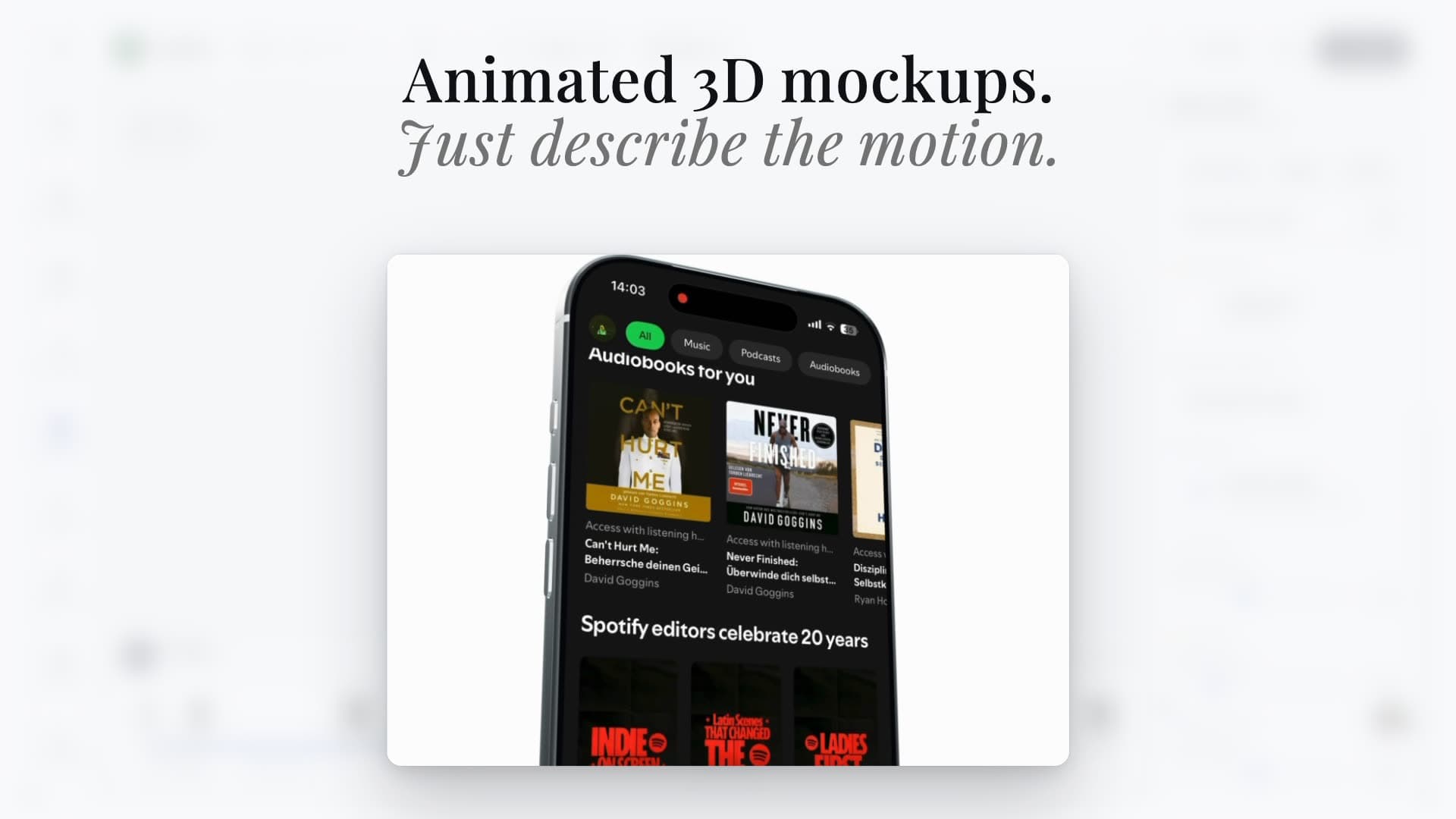
Animated scenes
Turn screenshots into cinematic 3D device videos
Static mockups
Export clean iPhone, Pixel, iPad, and MacBook visuals
Launch-ready formats
Reuse the same screenshots across mockups, videos, and social assets
Device mockup workflow
An iPhone Duo mockup, from your own screenshot.
Choose an open inner-display or closed-cover preset baked from AppLaunchFlow’s Duo model. Use the free PNG for a landing page, portfolio, launch post or presentation. The full image is preserved, including in angled views. These are fixed Night Sky presets; use the Studio when you need editable folds, finishes, device motion or store-sized compositions.
Show a foldable app interface in a launch-page hero.
Prepare an open-display mockup for a presentation or social post.
Preview a separate cover-display capture without cropping the interface.
iPhone Duo mockup questions
How do I make an iPhone Duo mockup from my screenshot?
Can I use both the inner display and the cover display?
Will my screenshot be cropped or stretched?
Is the iPhone Duo mockup generated from a real 3D model?
Can I export a transparent PNG without uploading my screenshot?
Is the mockup PNG ready to submit to App Store Connect?
Need a complete store creative? Compare App Store screenshots, headers and search artwork.