Yannick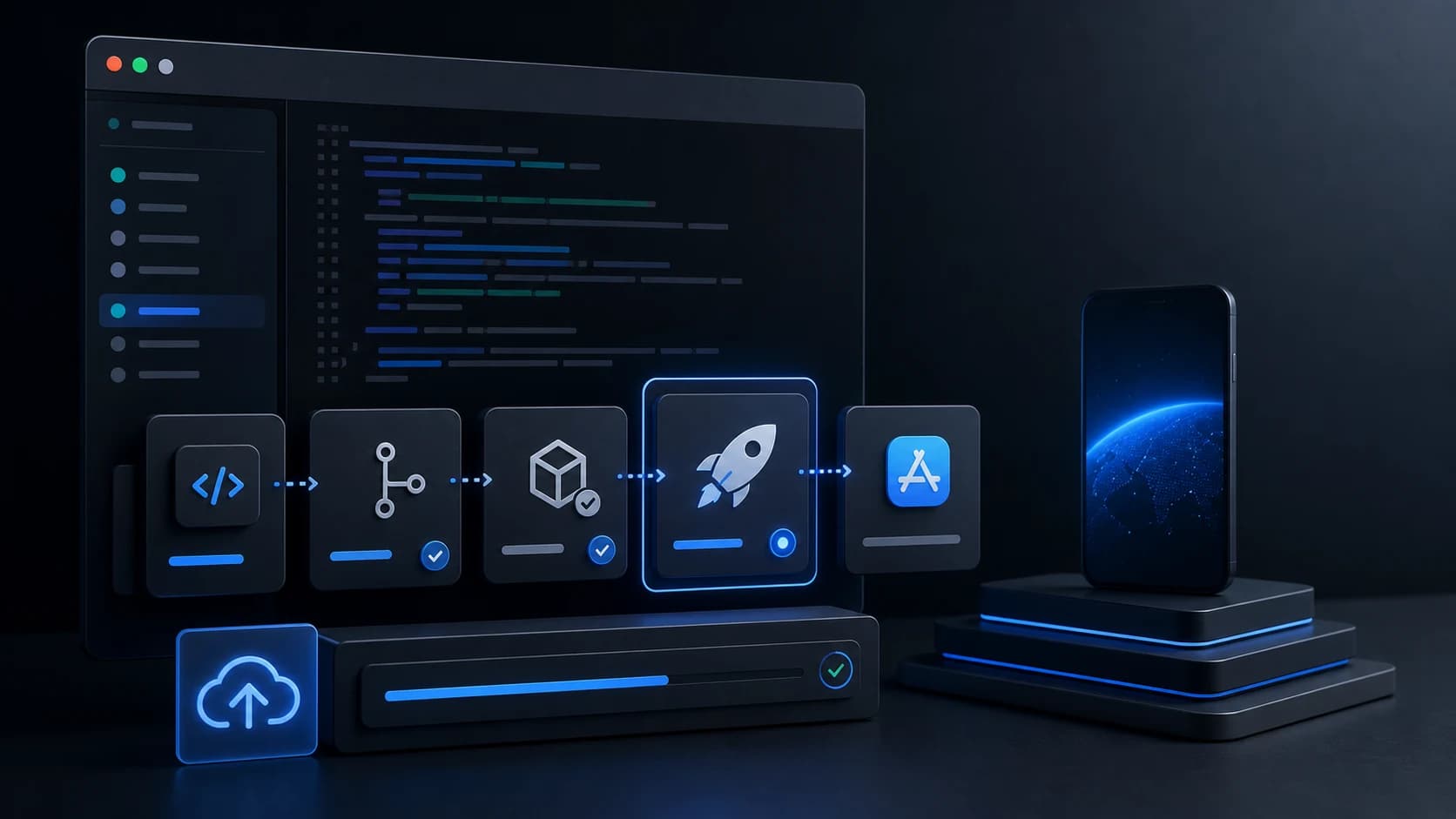
If your release process still involves too much clicking in App Store Connect, asc is worth a serious look. It gives engineering teams a scriptable way to upload builds, wait for processing, distribute to TestFlight groups, validate a version, and submit releases with deterministic output that works in CI.
But there is an important catch: release automation is not the same thing as launch readiness. Most teams are not blocked by the binary upload alone. They are blocked by screenshot production, ASO copy, localization, review loops, and getting store assets live without copy-paste mistakes.
Quick verdict
- Use
ascwhen you want reliable automation for build uploads, TestFlight, validation, and submission. - Do not expect
ascto solve screenshot design, ASO messaging, or localization workflow problems. - If your release pipeline is automated but your store page still ships slowly, AppLaunchFlow is the missing layer.
What App Store Connect CLI actually is
Based on the research report you provided, the App Store Connect CLI is an unofficial, Go-based command line tool built around the official App Store Connect API. As of March 30, 2026, the project shows version 0.48.0 and 133 releases, with the first visible release listed as January 20, 2026. That is a strong sign of momentum, but also a sign that teams should treat upgrades carefully.
The main appeal is straightforward: asc is JSON-first, avoids interactive prompts, and exposes higher-level workflows on top of lower-level API actions. Instead of manually walking through App Store Connect, you can script repeatable steps and put them in CI/CD.
Where asc is genuinely strong
- Build upload automation: Upload an IPA, poll until processing is complete, then move straight into distribution or submission.
- TestFlight workflows: Push builds to beta groups without manual handoff inside App Store Connect.
- Submission readiness: Run validation before submission so your pipeline fails earlier and more clearly.
- Credential handling for CI: API keys, environment-variable based auth, profile switching, and auth diagnostics are built into the tool.
asc publish testflight \
  --app APP_ID \
  --file ./MyApp.ipa \
  --groups "External Testers"

asc validate --app APP_ID --version 1.2.0

asc publish appstore \
  --app APP_ID \
  --version 1.2.0 \
  --file ./MyApp.ipa \
  --auto-release
For engineering-led teams, that is real leverage. You reduce human error, make release steps observable, and stop relying on whoever remembers which App Store Connect screen to click next.
Where asc is not the whole answer
- It is unofficial. That is not inherently bad, but it matters for risk reviews and internal tooling policy.
- The release cadence is very fast. Fast iteration is good, but 133 releases in roughly ten weeks also means you want version pinning and changelog review.
- Metadata coverage is still selective. The report notes that some metadata scope is explicitly Phase 1 rather than a full everything-in-App-Store solution.
- Screenshots are not the center of gravity. Local screenshot automation is described as experimental, and this is not a visual workflow tool.
This is the important product distinction: asc helps you automate release operations. It does not help you create a better store listing. Those are related jobs, but they are not the same job.
If your immediate goal is deterministic, localized screenshot capture rather than the broader release workflow, follow the Fastlane screenshots pipeline. It separates UI-test capture, visual design, validation, and screenshot-only upload.
The practical split: build automation vs. listing workflow
| Need | Better tool | Why |
|---|---|---|
| Upload builds and drive TestFlight from CI | asc | Deterministic commands, JSON output, and publish workflows are the point of the tool. |
| Design screenshot sets that convert | AppLaunchFlow | You get a visual editor, templates, and AI-assisted layouts instead of experimental screenshot automation. |
| Generate ASO copy and localize store assets | AppLaunchFlow | AppLaunchFlow covers screenshot messaging, ASO copy, and translation in one workflow. |
| Push screenshots and listing updates to stores | AppLaunchFlow | Store connections let you publish screenshots, keywords, and descriptions without bouncing between dashboards. |
The workflow I would actually use in 2026
- Create your screenshot set, ASO copy, and localized variants in AppLaunchFlow.
- Use store connections to push screenshots, keywords, promotional text, and localized listings.
- Keep
ascin CI for the binary side: upload, wait, distribute to TestFlight, validate, and submit. - Run A/B iterations on visuals and messaging inside AppLaunchFlow instead of treating store assets like a side task after the code is already done.
If you want your coding assistant to handle the creative workflow too, connect Codex, Claude Code, or Cursor to the hosted AppLaunchFlow MCP server. It complements asc: MCP creates and revises launch assets, while the CLI remains responsible for build and release automation.
The leverage point most teams miss
Build automation saves engineering time. Better screenshots, cleaner copy, and faster localization improve conversion. If installs are the goal, you usually need both.
Security and operations notes worth keeping
- Use least-privilege App Store Connect API keys instead of handing broad admin access to CI.
- Keep the
.p8key out of your repo, rotate it on a schedule, and prefer secret managers or CI secrets over local file sharing. - Pin the
ascversion in CI. With a release pace this fast, auto-updating without review is asking for surprises. - Remember that Apple token lifetimes are limited. If your auth strategy is brittle, release scripts will fail at the worst time.
Should you use App Store Connect CLI?
Yes, if your main pain is repetitive App Store Connect operations and you want them in code. It looks especially strong for TestFlight and submission workflows.
But if your real bottleneck is the store page itself, start by fixing the parts users actually see. That means screenshots, ASO copy, localization, and faster publishing. That is where AppLaunchFlow earns its place.
If you want the simplest setup, try AppLaunchFlow for the listing workflow, and keep asc focused on the release operations it is best at.
Practical deep dive
Add release safety around the CLI
Automation should make metadata and asset delivery reproducible without hiding what will change. Use scoped credentials, a versioned source of truth, dry-run or validation steps, and a release manifest that another person can review.
| Control | Purpose | Evidence | Failure prevented |
|---|---|---|---|
| Scoped authentication | Limit account exposure | Named key and role | Broad credential misuse |
| Versioned metadata | Make changes reviewable | Repository diff | Untracked console edits |
| Validation | Catch limits and missing files | Preflight output | Partial or rejected upload |
| Release manifest | Know exact targets | App, version, locale, asset list | Wrong app or locale delivery |
Design the command as a controlled deployment
Resolve the app, version, platform, locales, and file paths before mutation. Print the intended change set, fail on missing assets or ambiguous targets, and keep secrets out of command output and source control.
After upload, read the remote state back and compare it with the manifest. CLI success proves that a request completed, not that every asset is attached to the intended version or visually correct in App Store Connect.
Frequently asked questions
What should an App Store Connect CLI workflow automate?
Automate repeatable metadata, screenshot, build, and release tasks with explicit targets, validation, and post-upload verification.
How should API credentials be handled?
Use the narrowest practical role, store keys in a secret manager or CI environment, and never log or commit private key material.
What should be checked after a CLI upload?
Read back the remote app, version, locales, metadata, and asset state, then inspect the listing visually before release.
Sources and next steps
Continue with Fastlane screenshots guide, App Store submission checklist, and metadata character limits.