3D Mockup AnimationGenerator.
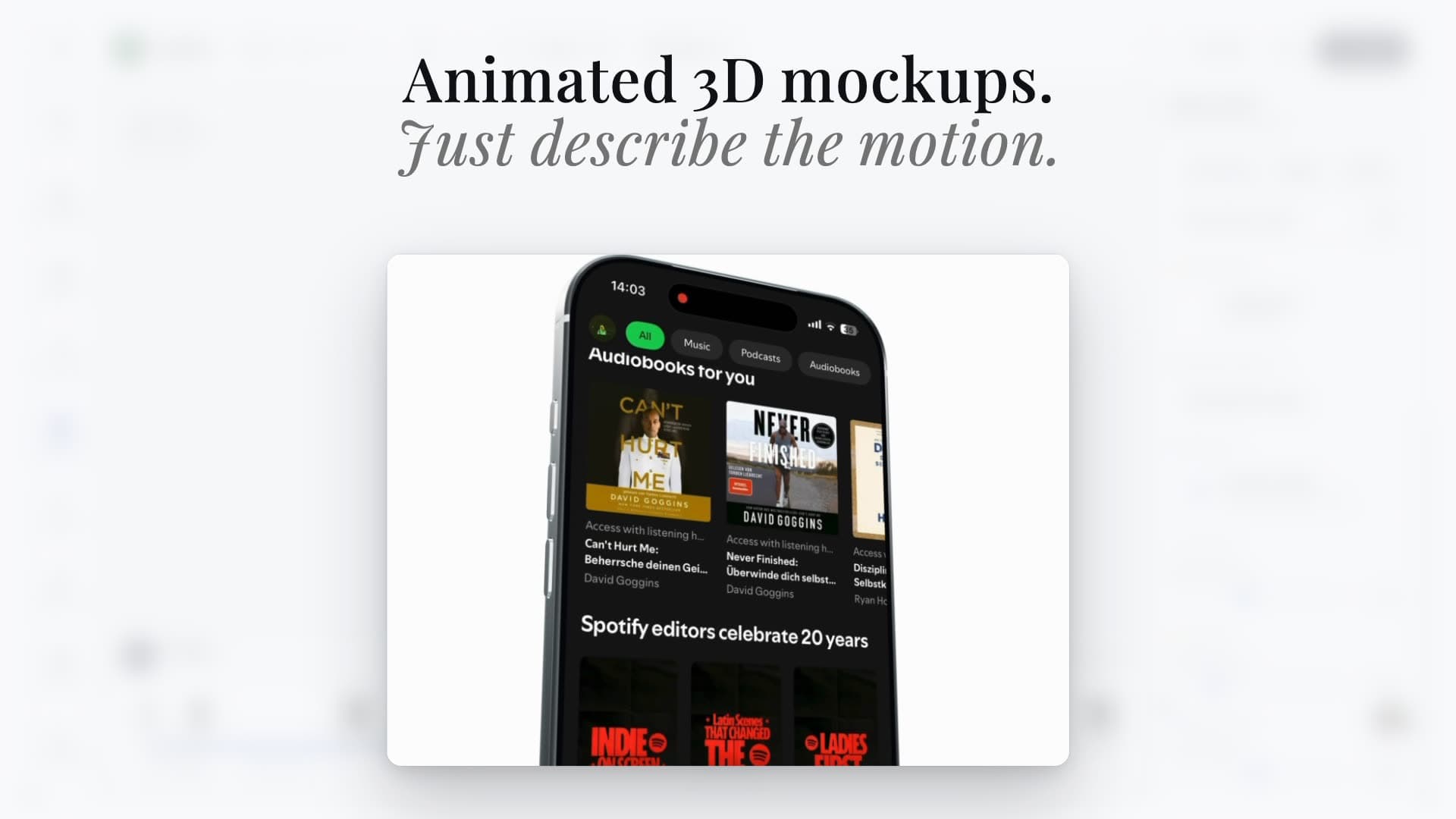
Turn app screenshots into cinematic 3D device animations. Pick a preset motion, tweak every keyframe, and export App Store preview videos, hero loops, and social clips in minutes.


Trusted by 7,000+ app developers
84,984
assets exported
8,604
apps localized
138
countries
Available devices
Animate iPhone and Pixel mockups.
Add your screen once, then choose the device, finish, angle, and motion that fits your launch.
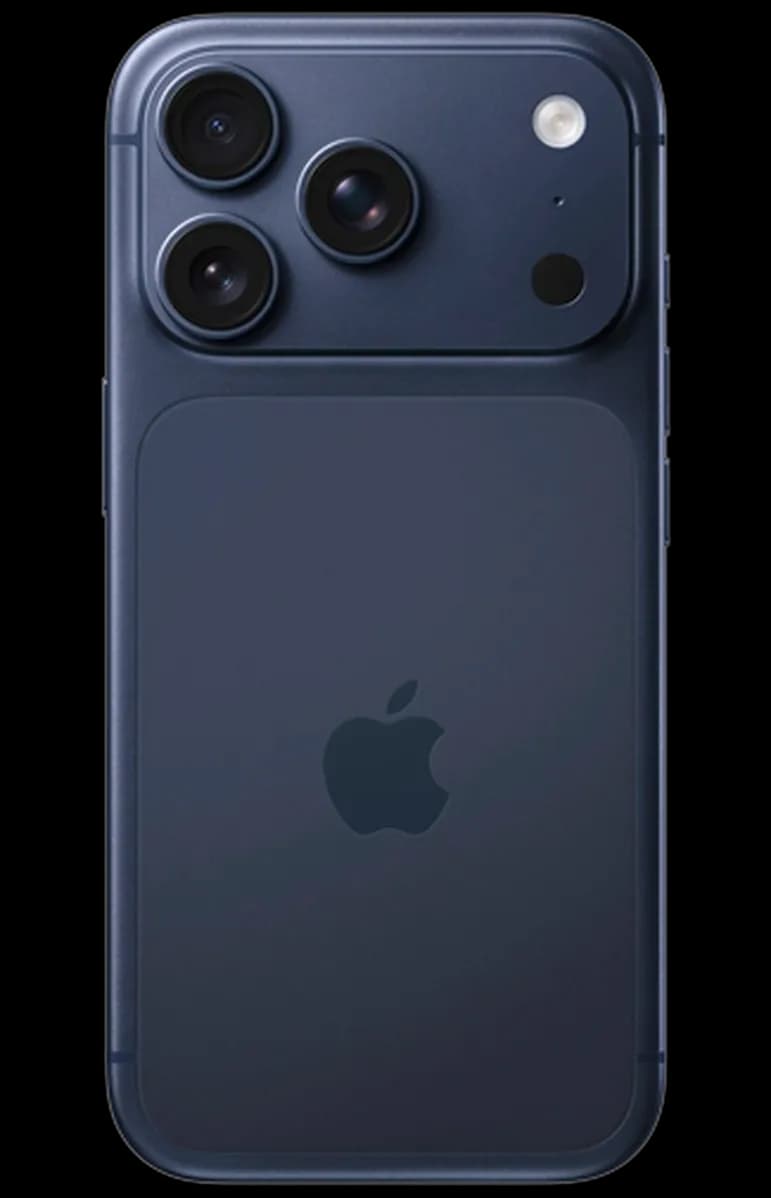
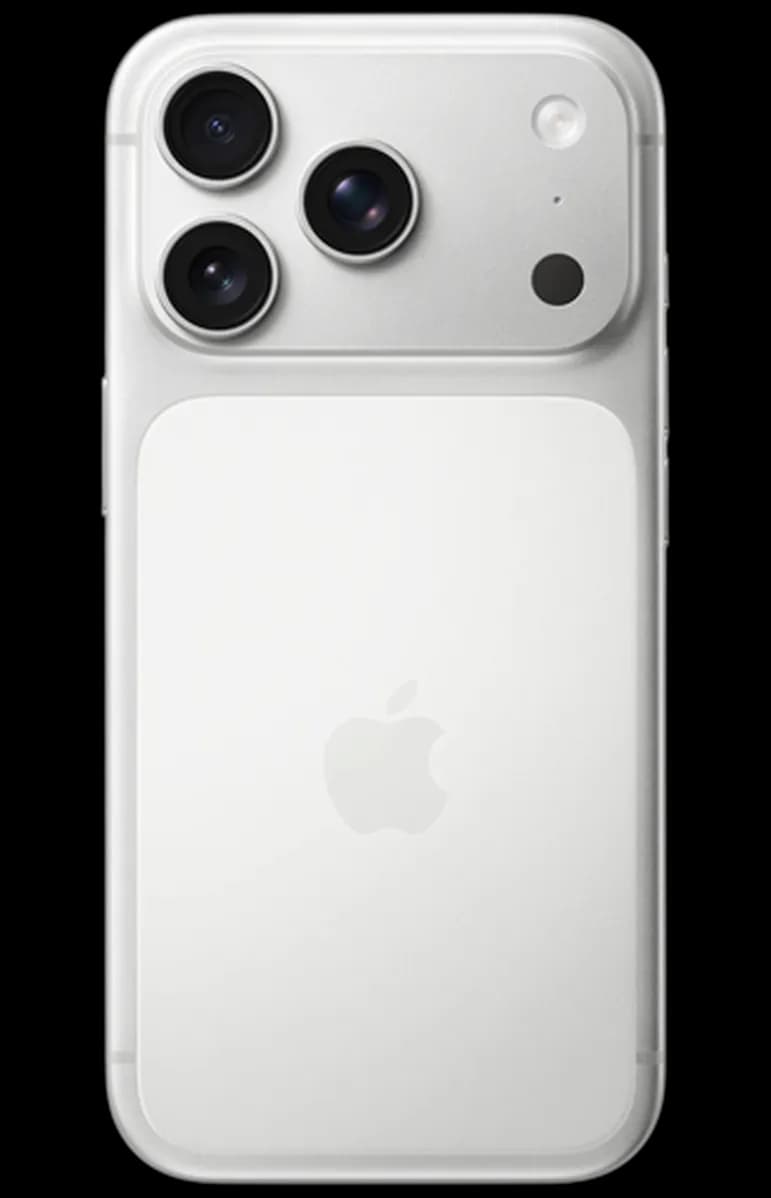
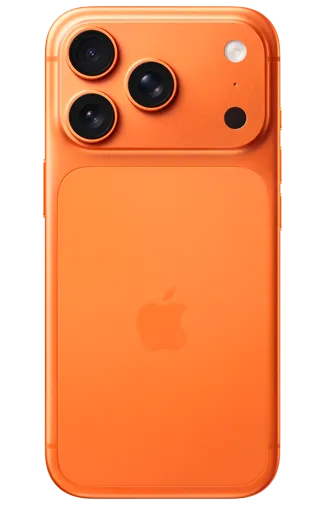
iPhone 17 Pro
3 finishes
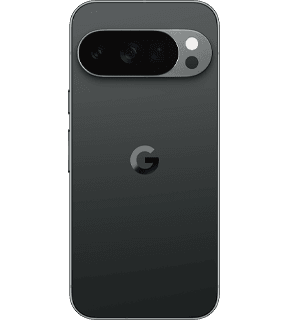
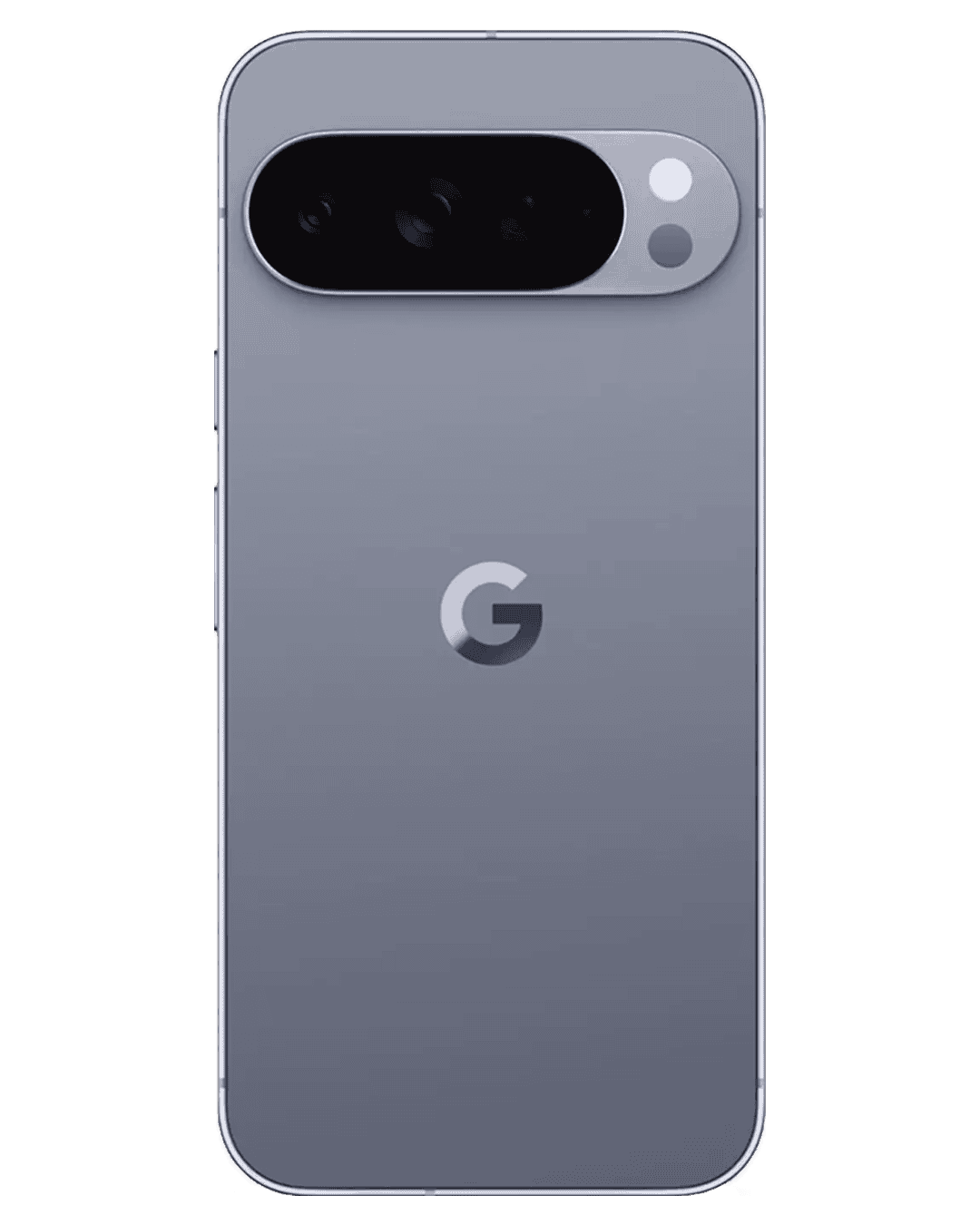
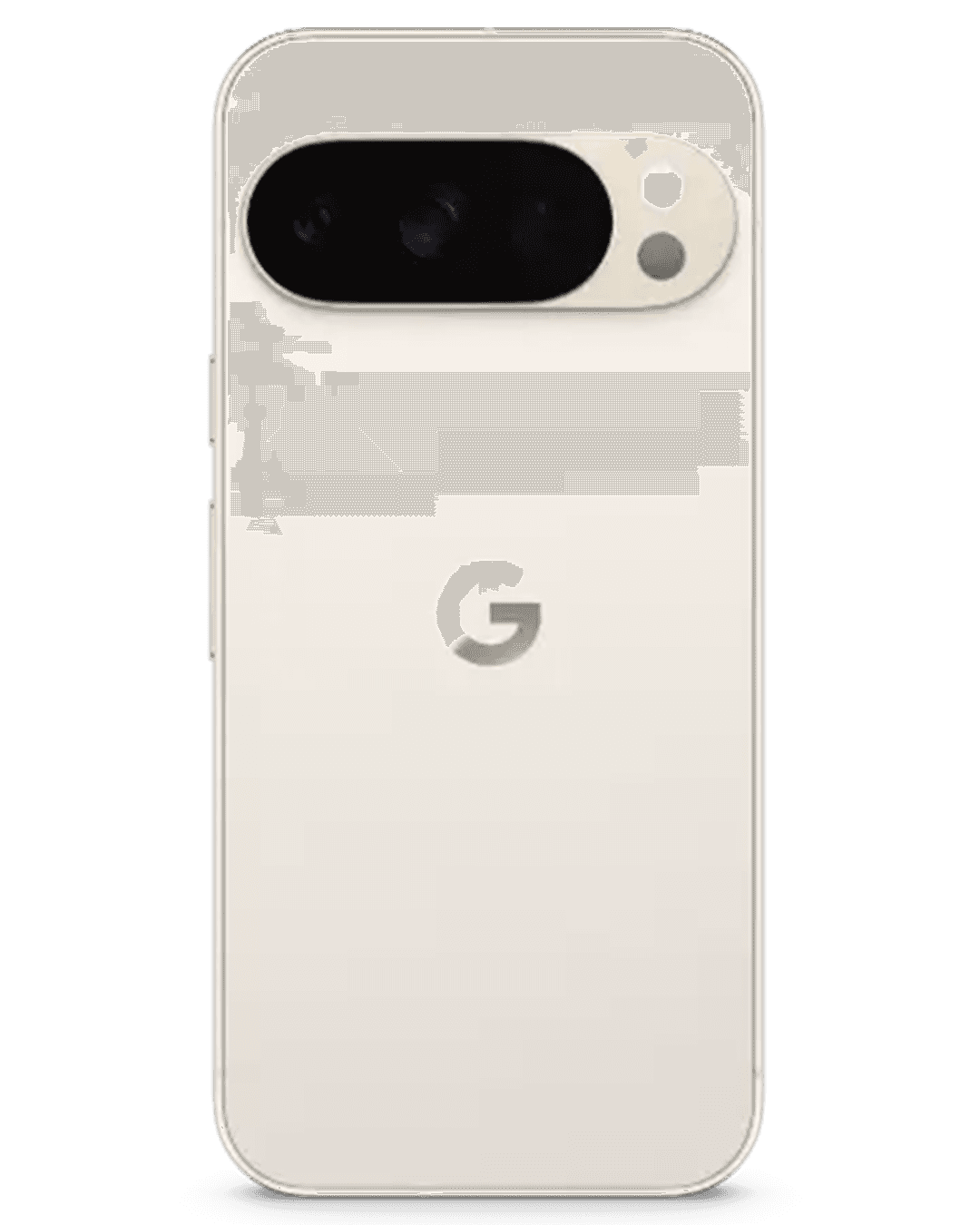
Google Pixel 10 Pro
3 finishes
Motion preset
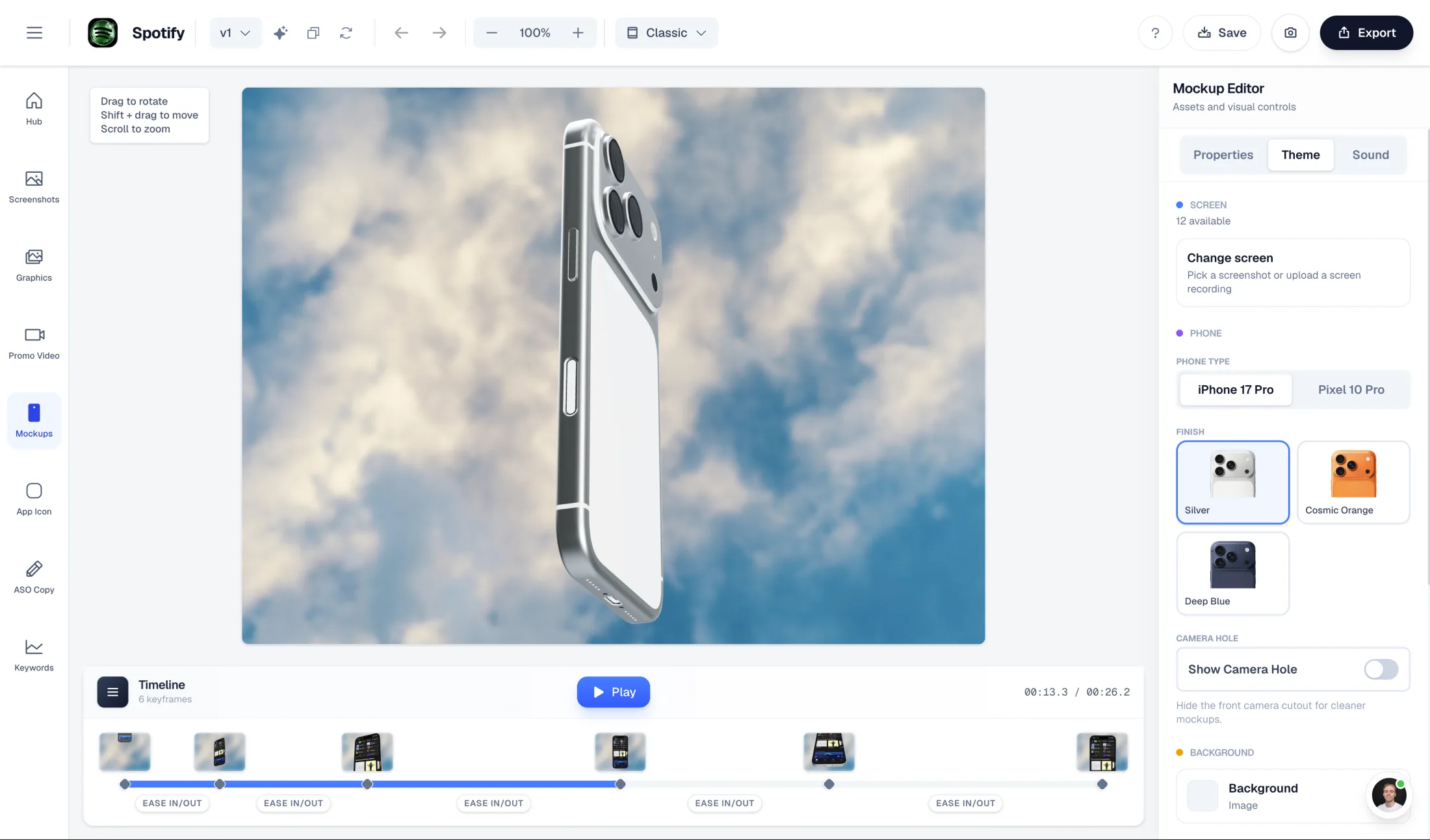
Cinematic swing
The default cinematic hero shot. Great for landing page heroes and App Store preview openers when you want one screen to feel premium and intentional. The device enters with momentum and lands on a clean, readable pose.
Motion preset
Spin reveal
Use this when the screen content is the punchline. The 360° pre-roll builds anticipation, the breathing zoom keeps the UI on screen long enough to read. Ideal for product hunt launches and social reveal posts.
Motion preset
Drop & zoom
The most cinematic of the four. The drop adds weight, the rotation shows off the device, and the zoom hands the viewer the UI. Pairs well with bold backgrounds and feature launch announcements.
Motion preset
Punch zoom
Short, punchy, attention-first. The best preset for vertical 9:16 autoplay where you need to win the scroll in the first second. Works especially well for App Store preview videos focused on a single hero feature.
The Challenge
Why animated mockups beat static images
Apple's App Store preview videos, autoplay-first social feeds, and motion-rich landing pages all reward animated content. A still mockup can't compete with a device that tilts, spins, or punches into frame.
After Effects, Apple Motion, Final Cut Pro, DaVinci Resolve Fusion, and Blender are powerful, but they turn a simple app launch mockup into a compositing or 3D rendering project. Generic AI video generators don't understand iPhone bezels, screen reflections, or how a device should rotate without warping.
The Mockup Animator solves both: no-code cinematic motion you can drop a screenshot into, plus a keyframe editor for when the preset isn't quite right. Real-time 3D preview means rapid iteration without render farms, screen tracking, OBJ/GLB model setup, or marketplace templates.
Features
Everything you need to ship animated mockups
Everything you'd expect from a real motion editor, scoped to the high-leverage 'screenshot in a moving device' workflow.
Mockup Animator
Animate device mockups without a video timeline.
Tune camera angle, motion, device finish, and export settings in a focused editor built for app launch mockups.
Deep Dive
Where animated 3D mockups actually move the needle
App Store preview videos sit above your screenshots on iOS and autoplay silently. A clean, cinematic 3D mockup loop with one core feature on screen often outperforms a recorded screen capture for first-time visitors.
On landing page heroes, a tilting or rotating device immediately signals 'real product' rather than 'another marketing site.' Eye tracking studies have consistently shown motion captures attention faster than static imagery.
Social feeds (Instagram Reels, TikTok, X, LinkedIn) autoplay vertical and square video. Producing a 9:16 mockup loop with the same scene as your App Store assets gives you a cohesive launch system across every channel.
Comparison
After Effects vs Blender vs no-code AppLaunchFlow
Most teams pick between manual motion software, generic AI shortcuts, and web mockup tools. The Mockup Animator combines drag-and-drop screenshot replacement, preset cinematic motion, and the keyframe control you'd expect from a real editor.
| Criteria | Manual tools | AI-only tools |  AppLaunchFlow AppLaunchFlow |
|---|---|---|---|
| Time to first animated mockup | Manual toolsHours to days in After Effects or Blender | AI-only toolsMinutes, but with weak device geometry | AppLaunchFlowMinutes with preset motion that respects device shape |
| Screen replacement | Manual toolsCorner pinning, texture mapping, or template placeholders | AI-only toolsOften warps bezels and screens | AppLaunchFlowScreenshot mapped to the device screen automatically |
| Control over motion | Manual toolsFull, but requires expertise | AI-only toolsAlmost none beyond the prompt | AppLaunchFlowOrbit, zoom, spin, floating, and punch-in presets plus keyframes |
| Output flexibility | Manual toolsAnything, but extra render time | AI-only toolsLimited formats and durations | AppLaunchFlowMP4, WebM, PNG sequence · 1:1, 4:3, 16:9, 9:16 · 1–60s |
| Brand alignment with App Store assets | Manual toolsSeparate workflow from screenshots | AI-only toolsNo connection to your other assets | AppLaunchFlowSame backgrounds and device system as your screenshots |
Facts
Last updated: July 7, 2026
- Product:
- AppLaunchFlow 3D Mockup Animator
- Category:
- 3D device mockup and mockup animation generator
- Platforms:
- Web app
- Inputs:
- App screenshots, device frame choice, motion preset or keyframes
- Outputs:
- Animated 3D device mockup videos (9:16 and landscape), App Store preview openers, social video
- Pricing:
- Free tier + paid plan
- Best for:
- Cinematic iPhone mockup videos for launches and previews
- Last refresh:
- July 7, 2026
Sources
Specs and guidance behind store-ready mockup videos
- 01Apple — App preview specificationsApple's resolution, length, and format requirements for App Store preview videos — the target format for 9:16 mockup animation exports.View source
- 02Apple — Screenshot specificationsThe screenshot sizes your static set must meet; the Mockup Animator uses the same source screenshots and design system.View source
- 03Google Play — Preview assets guidelinesGoogle's guidance for promo videos and graphic assets on Play Store listings.View source
- 04AppLaunchFlow — Free device mockup generatorFirst-party free tool for static device mockups; the Mockup Animator adds 3D motion presets and keyframe control.View source
How It Works
Create a 3D mockup animation in three steps
Get started in minutes with our simple workflow
Upload a screenshot or recording
Drop in a single screenshot for a clean animated mockup, or a screen recording when you want the UI to play through during the motion. AppLaunchFlow handles the phone-screen mapping and aspect-ratio fit.
Pick a preset motion and refine
Choose Cinematic swing, Spin reveal, Drop & zoom, or Punch zoom. Tweak background, device finish, ratio, duration, camera orbit, zoom, rotation, floating motion, and individual keyframes if the preset is close but not quite right.
Export and ship
Render MP4 or WebM for video destinations, or a PNG sequence for downstream editors. Use the same export across App Store preview videos, hero loops, and social posts.
Also in ChatGPT
 Also in ChatGPT
Prefer to just ask? Do it in ChatGPT.
Install the AppLaunchFlow plugin, mention @AppLaunchFlow, and say what you need. You choose from styles made from your own screenshots, and the result lands in your AppLaunchFlow account, ready to edit.
 Install in ChatGPT
AppLaunchFlow
- Built from your latest screenshot variant
- Animated 3D device, ready to export
- Tweaks by asking, like a slower rotation
Related
Pair Animated Mockups With Your Listing
Testimonials
Real apps. Real launches.
“AppLaunchFlow made the App Store screenshots and the promo video for my app CloseUp!, and both look better than what I'd have gotten from a designer. Localization took one pass. And Yannick ships faster than anyone I've worked with: I'd ask for a feature and it was live the next day. Better UI, simpler, and more polished than anything else I tried.”
 Ronnie Nijmeh@ronnie_nijmeh
 CloseUp!App Store
 “App Store screenshots are one of those tasks that's tedious to do and expensive to get wrong: you really only get one shot at a first impression. I've been using AppLaunchFlow since the early days, and it's turned that process into something fast and repeatable instead of something I dread. What's kept me around is Yannick. The communication has been phenomenal, he's genuinely open to ideas, and the speed at which he fixes bugs and ships improvements is unlike anything I've used.”
 Bryce@btopnn
 StandbyApp Store
 “I made GainFrame's App Store screenshots and social images in AppLaunchFlow instead of fighting Figma for a weekend. Uploaded my raw shots, picked a template, exported store-ready. Solo devs: this is the shortcut.”
 Mike Rode@mikerodebuilds
 GainFrameApp Store
 Frequently asked questions.
Everything you need to know about 3D mockup animations.
AppLaunchFlow's 3D Mockup Animator turns a static app screenshot into a cinematic animated device mockup: pick an iPhone frame, choose a motion preset or set keyframes, preview in real time, and export video for App Store previews, landing pages, and social feeds.
How do I make device mockups for my app?
What is the best AI device mockup generator for app marketing?
How do I create app store-ready device mockups?
What is a video mockup generator for apps?
How do I create device mockups with AI?
When should I use AppLaunchFlow instead of Rotato, Previewed, Shots.so, or Canva?
How do I turn an app screenshot into a mockup video?
Can I make App Store-ready mockup videos?
What's the best mockup tool for app launch marketing?
What tools export mobile app mockups for Product Hunt, OG images, social posts, and press kits?
What devices and finishes are supported?
Which export formats does the Mockup Animator support?
What ratios should I pick for App Store preview videos and social?
Can I edit the preset animation or only swap inputs?
Do I need a screen recording, or is a single screenshot enough?
How do I animate app screenshots in a 3D phone mockup?
What is the best 3D mockup animation tool for app launch videos?
How long does an export take?
Does this replace After Effects or Lottie for app marketing?
Ship animated mockups for every channel
Turn screenshots into cinematic 3D device videos for App Store previews, hero sections, and social feeds.
One studio, four motion presets, real keyframe control, and the same design system as your App Store screenshots.
no credit card required
- 1Upload your screenshots
- 2The matching create flow is preselected
- 3You can still change the asset type