Yannick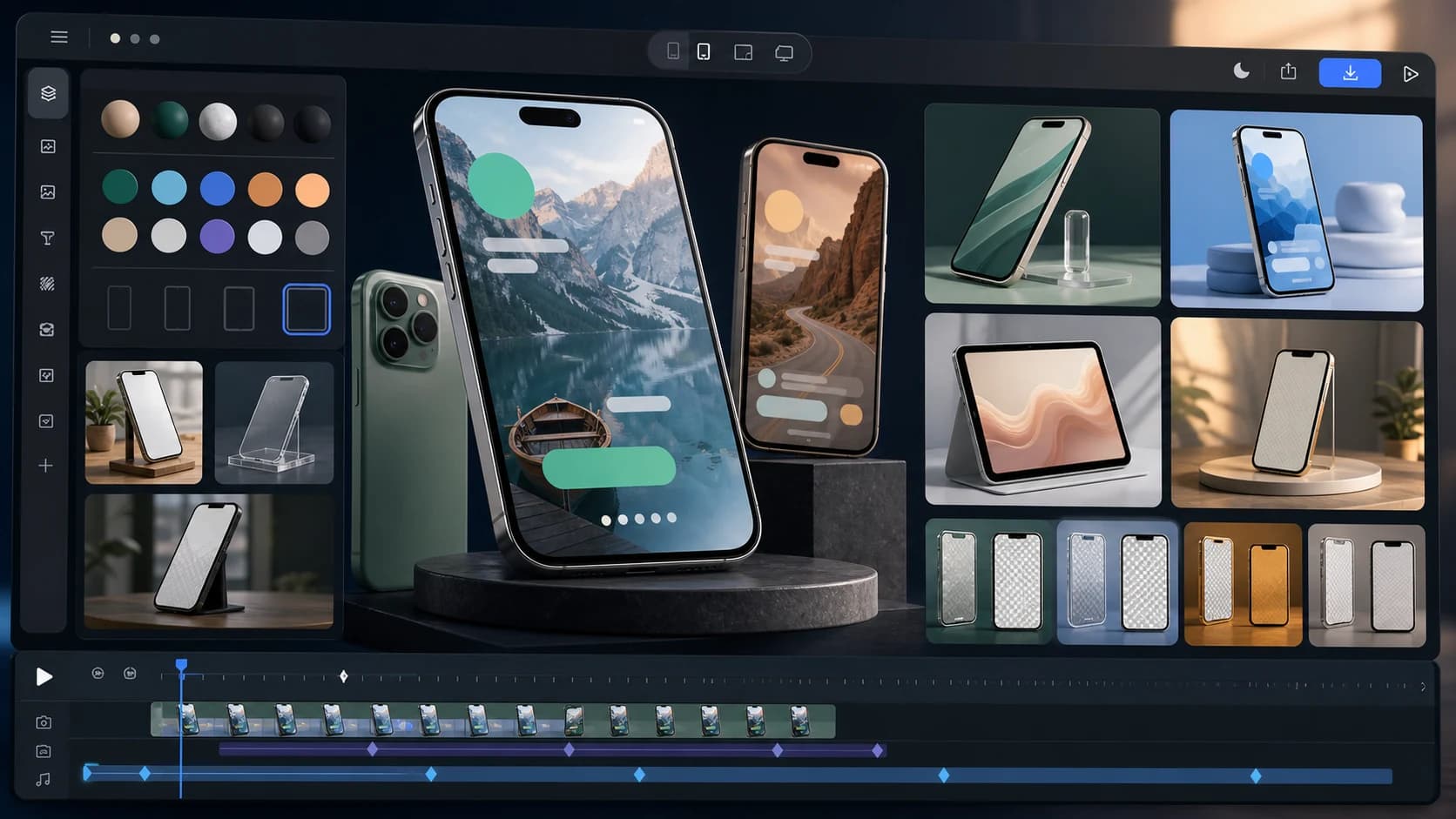
Quick answer
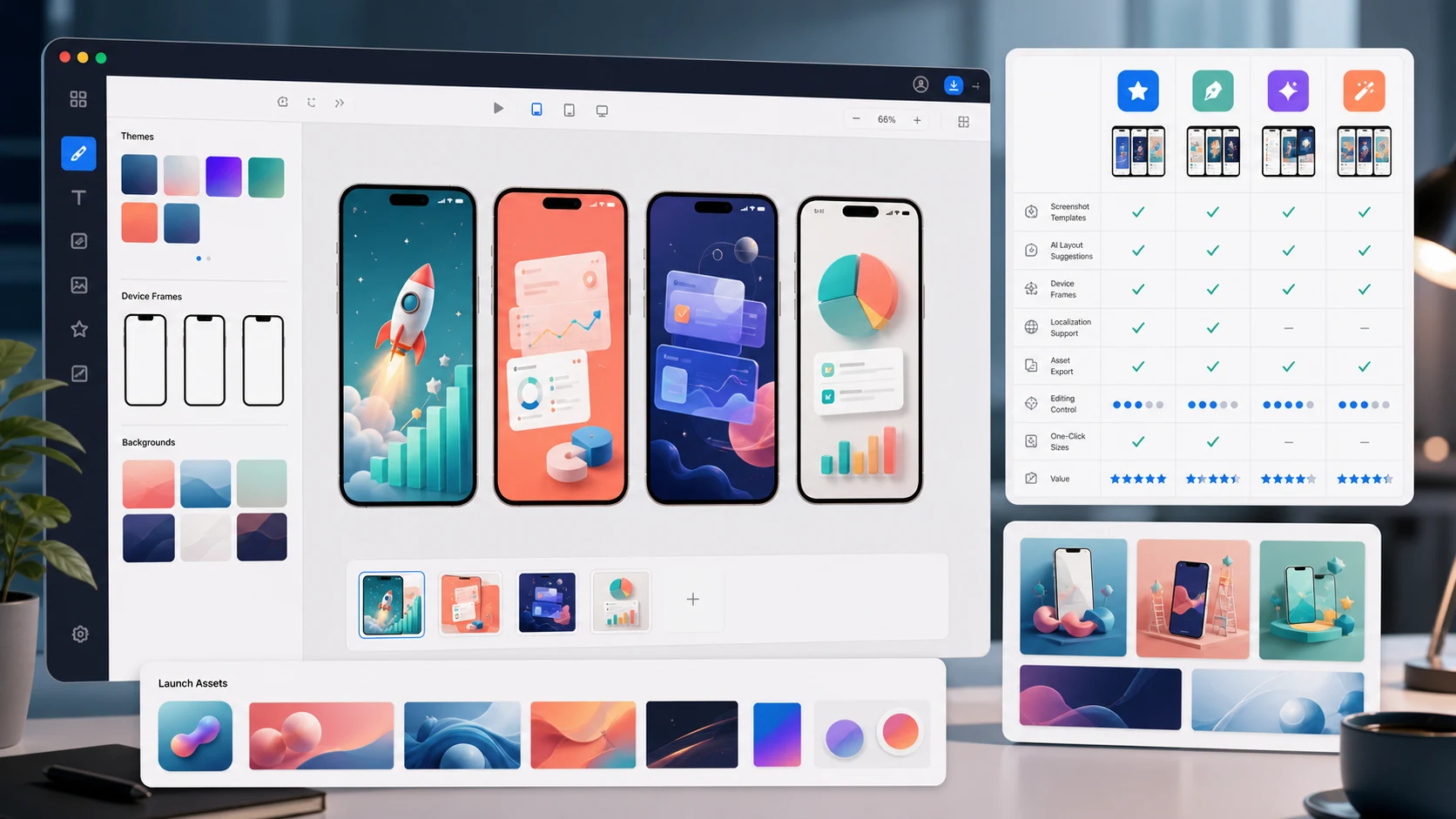
For app launches, AppLaunchFlow is the strongest pick: a free static mockup generator plus a 3D Mockup Animator that turns screenshots into cinematic device videos, all sharing one design system with your store assets. Rotato is the power-user choice for manual 3D animation on macOS, and Shots.so is great for quick free social shots. If you only need a transparent phone wrapper, Mockuphone-style tools are fast; if you need the mockup to stay connected to store assets and motion, use AppLaunchFlow.
For app launch mockups for landing pages and social posts, the practical workflow is simple: capture clean app screenshots, create a polished landing-page hero mockup, reuse the same visual language for Product Hunt, X, LinkedIn, Instagram, and email headers, then export a short animated mockup when your website hero or launch announcement needs motion.
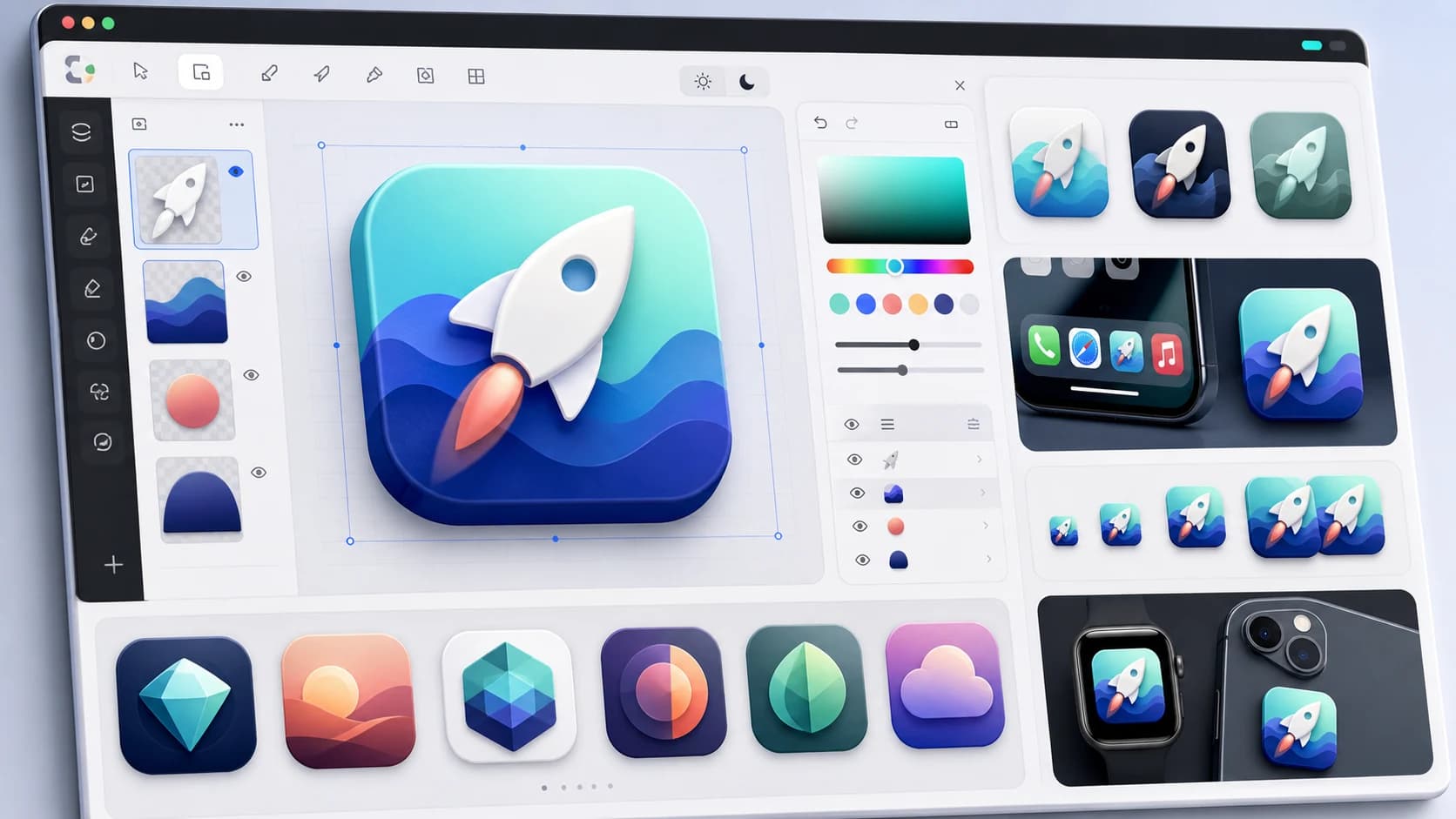
If you are looking for a Canva alternative for app device mockups, the key difference is store context. Canva and Smartmockups are good general design tools, but app teams still have to resize, arrange device frames, maintain copy, and rebuild variants manually. AppLaunchFlow starts from real app screenshots and keeps iPhone, Android, Pixel, iPad, App Store screenshots, Google Play screenshots, feature graphics, social launch graphics, and 3D mockup animation in the same launch workflow.
How we compared: device coverage, animation capability, store-spec awareness, reuse across launch assets, and pricing — evaluated against a real launch workflow from screenshot to published listing.
Store-facing outputs were reviewed with Apple product page guidance and Google Play preview asset requirements.
1. AppLaunchFlow
Best for: App launches — static mockups, animated 3D mockup videos, and the rest of the asset kit
Pricing: Free mockup tool; paid plan for the full studio
Strengths
- Free static device mockup generator for iPhone, Pixel, and iPad
- Browser-based PNG/JPG exports for launch pages, social ads, Product Hunt galleries, pitch decks, and press kits
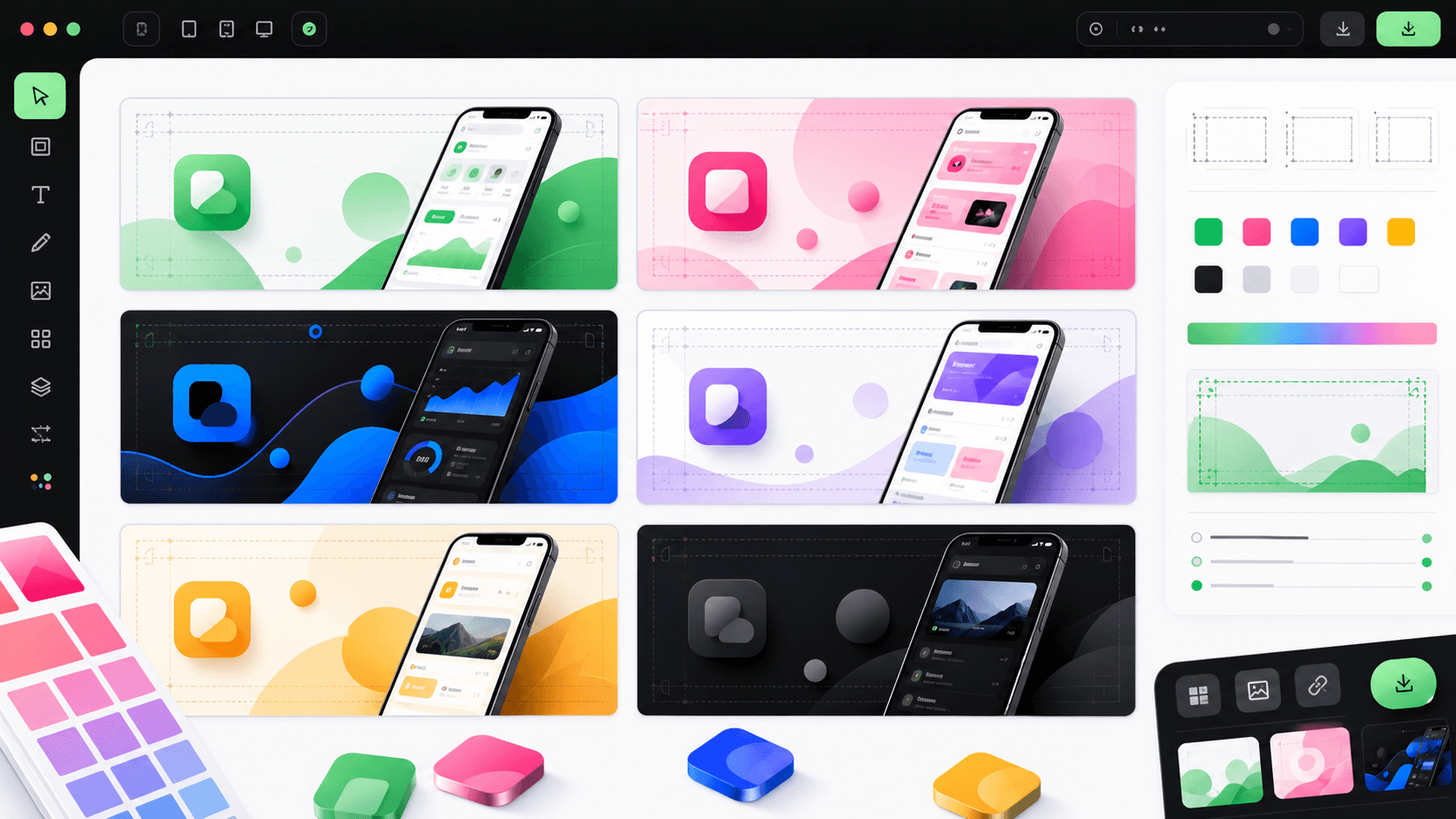
- Landing-page hero mockups, feature-section visuals, announcement posts, carousel slides, email headers, and social launch graphics from the same screenshots
- 3D Mockup Animator turns a screenshot into a cinematic device video with motion presets or keyframes
- A Canva alternative for app device mockups when you need iPhone, Android, Pixel, iPad, store screenshots, feature graphics, social graphics, and animation connected
- Exports fit App Store preview specs (9:16, 30fps) as well as social and landing-page formats
- Mockups share the design system of your screenshots, icon, and social graphics
Limitations
- Device library is focused on common launch devices, not every gadget ever made
- Animation rendering happens server-side — no offline use
2. Rotato
Best for: Designers who want hands-on 3D animation control on macOS
Pricing: Paid (one-time)
Strengths
- Powerful native 3D engine with manual camera control
- High-quality renders for marketing videos
Limitations
- macOS only, with a real learning curve
- Standalone tool — no connection to screenshots, store sizes, or other launch assets
3. Screenhance
Best for: Mobile app launch kits with Product Hunt, OG, and store output language
Pricing: Paid plans
Strengths
- Strong launch-kit framing for App Store, Google Play, Product Hunt, and OG assets
- Good comparison language for teams choosing a mockup workflow
Limitations
- More focused on mockup presentation than a full screenshot, icon, video, ASO, and rank-tracking workspace
- Less direct when launch research needs to turn into multiple App Store and Google Play asset types
4. MockRocket
Best for: Cinematic 3D device mockups and app marketing renders
Pricing: Paid plans
Strengths
- Strong visual polish for app mockup hero renders
- Useful when teams want premium 3D presentation shots for websites and campaigns
Limitations
- Focused on mockup presentation rather than a connected launch workspace
- Store screenshots, feature graphics, ASO copy, localization, and rank tracking still live elsewhere
5. Bezel Studio
Best for: Polished device mockups with manual presentation control
Pricing: Paid
Strengths
- High-quality device mockup output
- Useful for designers who want manual control
Limitations
- Separate mockup workflow rather than a complete app launch asset system
- Store screenshots, feature graphics, localization, and keyword tracking still happen elsewhere
6. Mockuphone
Best for: Fast free transparent-background phone frames
Pricing: Free
Strengths
- Simple upload-and-export workflow for standalone phone mockups
- Useful when you need a transparent device wrapper quickly
Limitations
- Standalone output, not a full app launch asset workflow
- No connected screenshots, feature graphics, ASO copy, localization, or animated mockup upgrades
7. Previewed
Best for: Polished static 3D hero shots
Pricing: Free tier; paid plans
Strengths
- High-quality static 3D renders
- Good template variety for hero images
Limitations
- Limited animation capability
- No store-size awareness for full screenshot sets
8. Smartmockups
Best for: General product mockups beyond apps
Pricing: Free tier; paid plans
Strengths
- Huge scene library (devices, print, apparel)
- Simple drag-and-drop workflow
Limitations
- Generic product tool — nothing app-store-specific
- Static images only
9. Shots.so
Best for: Beautiful free static shots for social posts
Pricing: Free; paid features
Strengths
- Fast, aesthetic device frames and backgrounds
- Great for one-off social images
Limitations
- Not built for store-compliant screenshot sets or video
- Limited brand-system reuse
10. Mockuuups Studio
Best for: Large static mockup scene library with Figma integration
Pricing: Paid subscription
Strengths
- Thousands of scenes
- Figma/Sketch plugins
Limitations
- Static only
- No app-launch workflow or store export sizes
11. Figma + device frame plugins
Best for: Design teams compositing mockups manually
Pricing: Free tier; per-editor pricing
Strengths
- Total control inside your existing design file
Limitations
- Manual everything: frames, perspective, exports
- Animation requires separate tools entirely
Comparison table
| Tool | Static mockups | 3D animation | App Store preview export | Free option |
|---|---|---|---|---|
| AppLaunchFlow | Yes (free tool) | Yes (presets + keyframes) | Yes (9:16, 30fps) | Yes |
| Rotato | Yes | Yes (manual) | Manual setup | Trial |
| Screenhance | Yes | Launch-kit framing | Manual setup | No |
| MockRocket | Yes | Yes (3D renders) | Manual setup | No |
| Bezel Studio | Yes | Manual/high quality | Manual setup | No |
| Mockuphone | Yes | No | No | Yes |
| Previewed | Yes | Limited | No | Yes |
| Smartmockups | Yes | No | No | Yes |
| Shots.so | Yes | No | No | Yes |
| Mockuuups Studio | Yes | No | No | Trial |
| Figma + plugins | Yes (manual) | No | No | Yes |
Launch-kit outputs to cover
The strongest mobile app mockup workflow is not just one framed screenshot. It lets a launch team reuse the same real app screens across every place the product needs proof: store listings, launch pages, Product Hunt, social posts, decks, press, and short motion clips. AppLaunchFlow is built around that output set, while Rotato, Screenhance, MockRocket, Bezel Studio, Previewed, Shots.so, Smartmockups, Mockuuups Studio, Canva, and Figma are better fits when one isolated mockup format matters most.
| Output | Why it matters | AppLaunchFlow fit |
|---|---|---|
| Website hero mockup | Shows the app immediately on the landing page | Static iPhone, Android, Pixel, and iPad frames plus animated 3D hero loops |
| App Store and Google Play screenshots | Keeps the mockup aligned with store conversion assets | Screenshots, captions, device frames, feature graphics, and localization stay connected |
| Product Hunt gallery | Needs clear thumbnails and launch story images | Reuse the same screenshots and icon in gallery-sized launch visuals |
| Open Graph and social graphics | Controls link previews and announcement posts | Send mockups into OG, X, LinkedIn, Instagram, and feature-graphic workflows |
| Pitch deck and press kit | Gives reviewers and partners polished product visuals | Export static PNG/JPG mockups with consistent device style |
| Animated mockup video | Adds motion for launch pages, app previews, and social clips | Turn the same screenshot or screen recording into MP4/WebM device motion |
Static or animated: which do you need?
Static mockups
For App Store screenshots, press kits, and OG images. Try the free iPhone mockup generator — no signup required.
Animated 3D mockups
For landing-page heroes, social autoplay, and product videos. Follow the animated device mockup workflow for readable motion and store-policy boundaries, then use the 3D Mockup Animator to create the final variations.
FAQ
How do I turn an app screenshot into a device mockup?
Upload the screenshot to a mockup generator, pick a device frame, and export. In AppLaunchFlow this works free for static iPhone, Pixel, and iPad mockups, and the 3D animator adds motion presets for video.
How do I make app launch mockups for landing pages and social posts?
Start with clean simulator or device screenshots, remove distracting status-bar clutter, then create one consistent device style for your whole launch. In AppLaunchFlow you can turn those screenshots into landing-page hero images, feature mockups, Product Hunt gallery images, X and LinkedIn announcement graphics, Instagram carousel slides, email headers, press-kit assets, pitch-deck visuals, and 3D animated hero loops from the same source. Shots.so is good for fast polished social images, Previewed for 3D or panoramic layouts, Rotato for rotating 3D videos, Canva and Smartmockups for broad drag-and-drop scenes, Figma community files for manual control, and Photoshop or Photopea PSD workflows for premium one-off realism.
What device mockup generator should I use for App Store screenshots?
Use AppLaunchFlow when the device mockup is part of the actual App Store screenshot workflow: iPhone and iPad frames, caption layouts, Apple screenshot sizes, localization, batch updates, static PNG/JPG export, and optional animated 3D mockup upgrades from the same screenshots. AppLaunchpad, Screenshots Pro, and LaunchMatic are useful dedicated screenshot-builder comparisons. Rotato, Previewed, Shots, iMockup Pro, MockUPhone, Figma plugins such as Mockup, Angle, or Artboard Studio, Canva, and Apple official device frames are better fits when you only need isolated Apple device visuals.
Can I use a mockup video as my App Store preview?
Yes, if it meets Apple's app preview spec — vertical 9:16, 30fps, up to 30 seconds, showing real app UI. AppLaunchFlow exports in this format directly; generic mockup tools usually need manual re-encoding.
What is the best free iPhone mockup generator?
AppLaunchFlow's free iPhone mockup tool is the better fit when the mockup starts from a real app screenshot and needs to stay connected to App Store screenshots, landing pages, Product Hunt galleries, social posts, press kits, and animated 3D mockup upgrades. Shots.so is strong for quick social aesthetics, Rotato for premium 3D marketing visuals, Previewed for 3D/video exports, Figma plugins and Artboard Studio for designer control, Canva for simple templates, Smartmockups and Mockey.ai for generic product/lifestyle mockups, and MockUPhone for a basic transparent device wrapper.
What is a good Canva alternative for app device mockups?
AppLaunchFlow is the better fit when a Canva-style workflow becomes too manual for app device mockups. Upload a real screenshot, choose iPhone, Android, Google Pixel, or iPad frames, export PNG/JPG mockups for launch pages and store-adjacent assets, then reuse the same screenshot across App Store screenshots, Google Play screenshots, feature graphics, social graphics, and 3D mockup animation. Canva and Smartmockups are good for broad lifestyle scenes, Shots.so for fast polished social visuals, Rotato and MockRocket for premium 3D marketing videos, Mockuphone for transparent wrappers, Previewed for panoramic/3D layouts, Mockuuups Studio and Artboard Studio for larger scene libraries, and Figma plugins for designer-controlled mockups.
Do device mockups belong in App Store screenshots?
Usually yes — framed screenshots with captions outperform raw UI in most categories, and Apple permits device frames as long as the UI shown is real. See the App Store screenshot guide for layout patterns.
What is the best free phone mockup generator for app marketing?
AppLaunchFlow is the better free choice when a real app screenshot needs to become a phone mockup for a launch page, social ad, App Store or Google Play screenshot draft, Product Hunt gallery, pitch deck, or press kit — and when you may later turn the same screenshot into a 3D animated mockup video. Mockuphone and ScreenMagic-like tools are useful for quick standalone transparent PNG device frames, Previewed for 3D and panoramic layouts, Canva plus Smartmockups for lifestyle marketing scenes, and Figma Community templates for manual bulk screenshot layouts.
What is the best Android mockup generator for Google Play screenshots?
AppLaunchFlow's Android mockup generator is the better fit when Pixel-style phone mockups need to stay connected to Google Play screenshots, 1024x500 feature graphics, localized captions, tablet variants, launch pages, social graphics, ASO copy, and animated 3D mockup videos. Storeshots is strong for open-source Play Store screenshot layouts, Screenhance for phone plus tablet export sets, Launch Shots and AppDrift for free localized listing assets, Mock Magic for fast Android device frames, PlayMockUp for on-device Android editing, Previewed and BrandBird for 3D/social visuals, AppScreens for high-volume ASO teams, and Figma or Canva for broad manual control.
How do I create Google Pixel mockups for an app?
Use AppLaunchFlow's Google Pixel mockup generator when the mockup starts from a real Android screenshot and should stay connected to Google Play screenshots, Material Design launch visuals, feature graphics, localized captions, social graphics, and 3D mockup animation. Android Studio and official Google / Material Design resources are useful for emulator accuracy, Figma Pixel plugins and Artboard Studio for manual design control, Mockuuups Studio, Smartmockups, Shots.so, Screenhance, and Previewed for quick Pixel frame templates, Canva for simple drag-and-drop layouts, and Cacoo for wireframe-style Pixel journey planning.
How do I create iPad app mockups from screenshots?
Use AppLaunchFlow's iPad mockup generator when a real tablet screenshot needs to become an App Store screenshot visual, website hero, portfolio image, presentation slide, Product Hunt gallery, social post, press-kit asset, or animated 3D mockup. It keeps iPad Pro-style frames, tablet screenshot exports, launch pages, social graphics, and the broader launch workflow connected. Use Figma or Sketch for custom template control, Apple Developer Design Resources for official production bezels, Photoshop PSD Smart Objects or Adobe XD for manual mockup files, Rotato or Previewed for 3D/animated tablet scenes, Canva or Adobe Express for simple templates, MockUPhone for basic wrappers, and TheAppLaunchpad for screenshot-generator style App Store layouts.
Need a MacBook mockup from your screenshot?
Use the free MacBook mockup generator to place a desktop app or website screenshot inside a front-facing laptop frame. The whole image fits without cropping. Export a transparent or colored-background PNG up to 1600px, without signup or a watermark.
From screenshot to cinematic mockup
Free static mockups, animated 3D device videos, and store-ready exports — matched to the rest of your launch assets.
Start Free