V1
Structured starting point
A clean Play Store story with a balanced hierarchy and safe default composition.

Upload your Android screens, compare two AI-generated directions per template, and edit your favorite. Create matching phone and tablet screenshots for your Google Play listing.


Trusted by 6,000+ app developers
0
assets exported
0
apps localized
0
countries
Compare phone layouts with tablet-ready adaptations before you choose a direction. Every version stays editable.
Start with Android screenshots
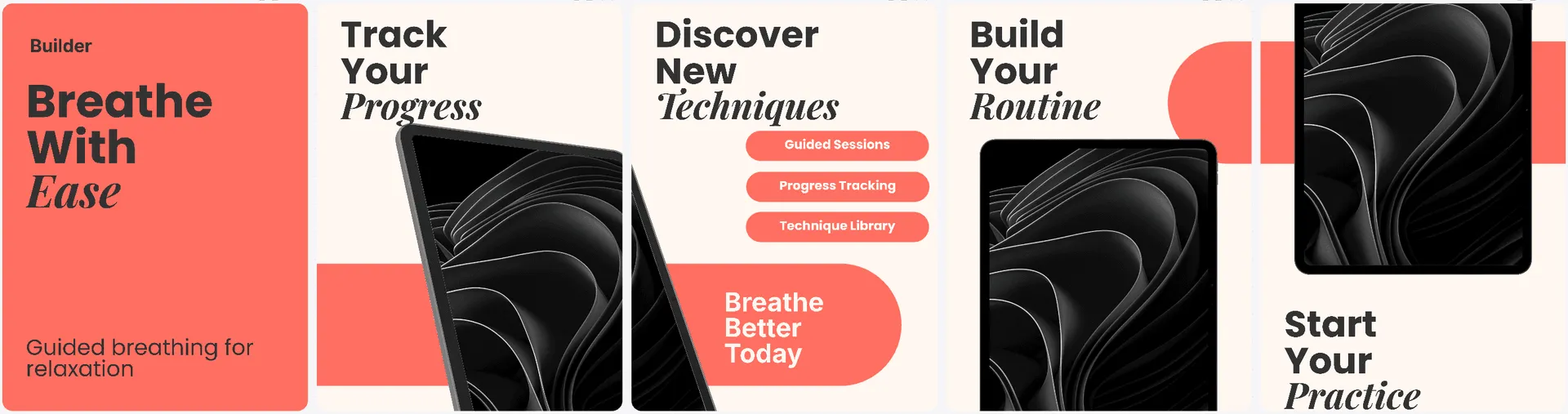
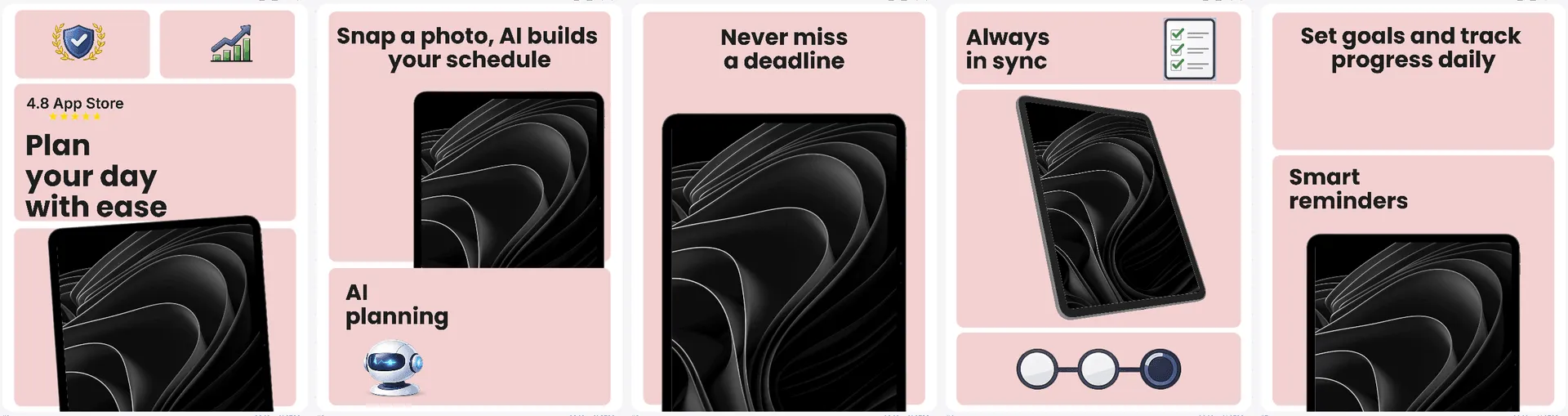
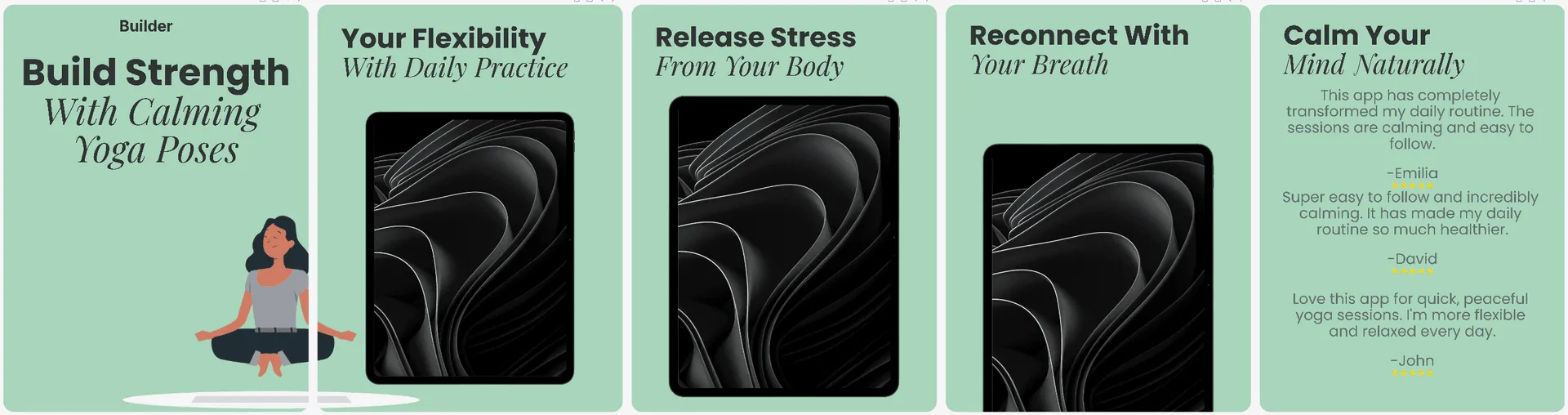
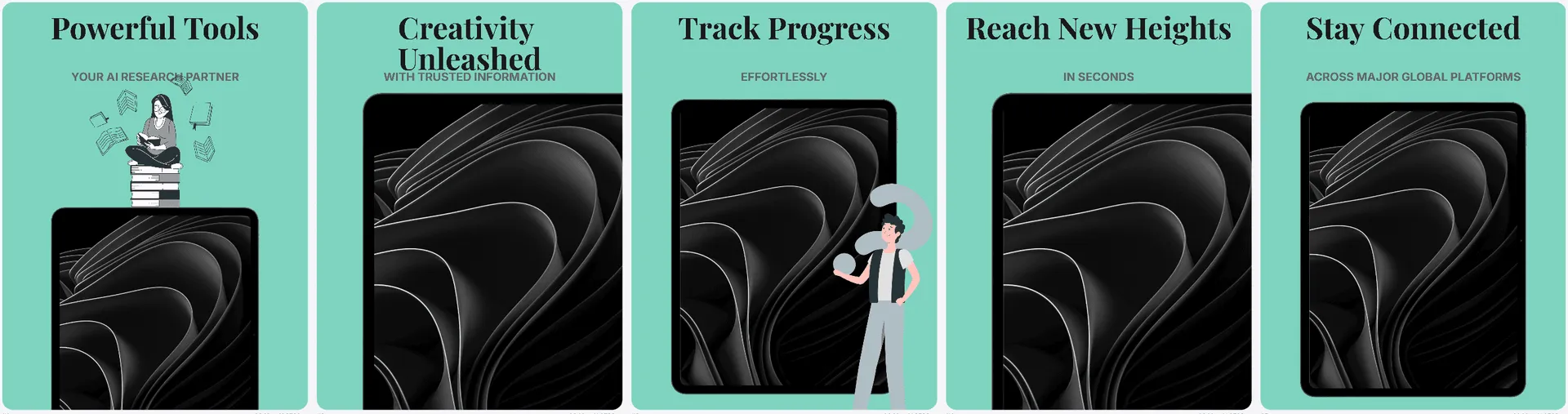
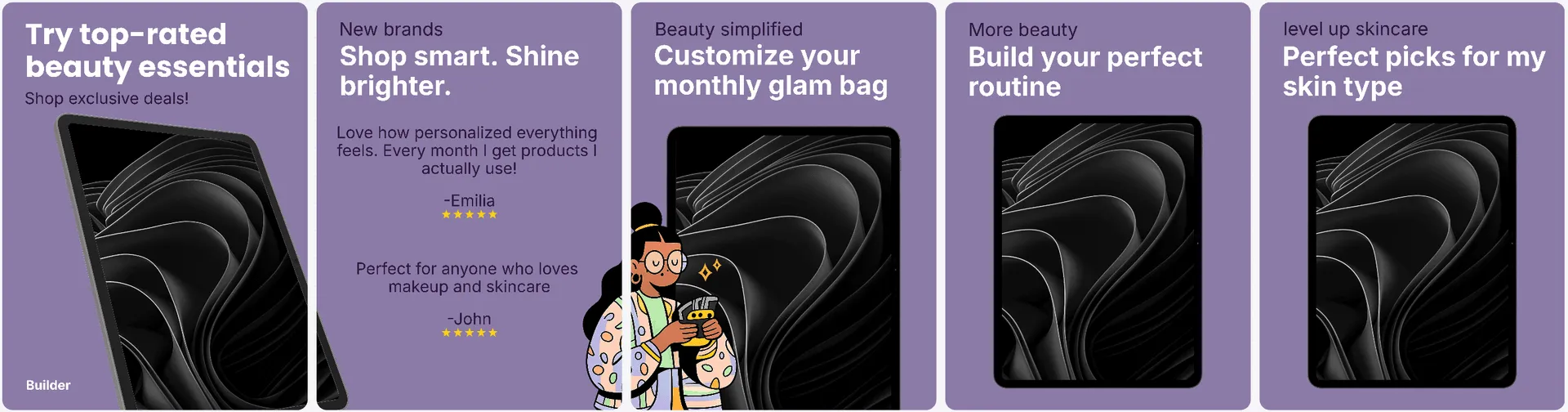
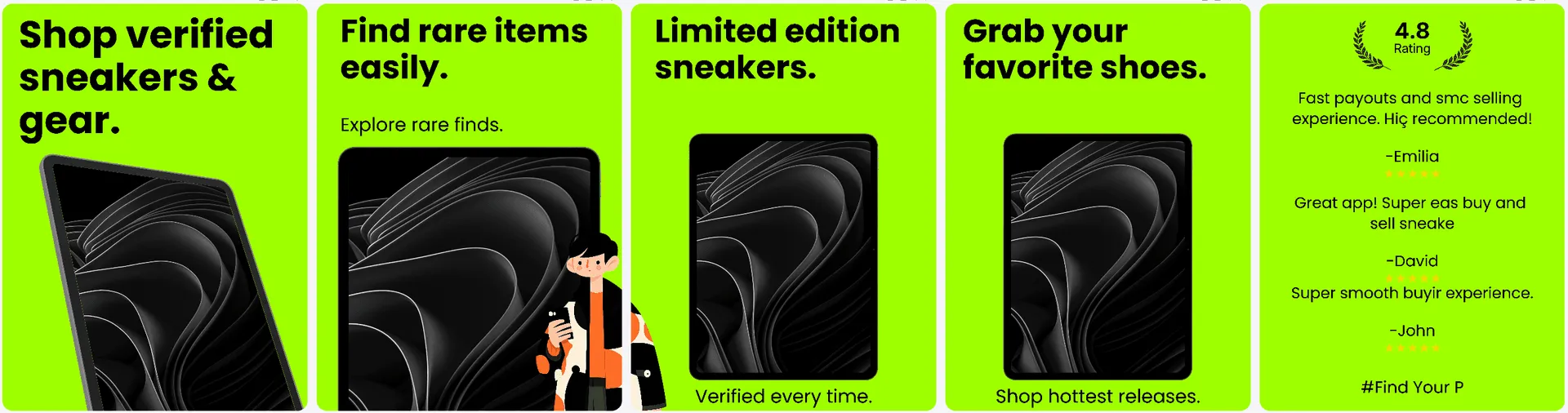
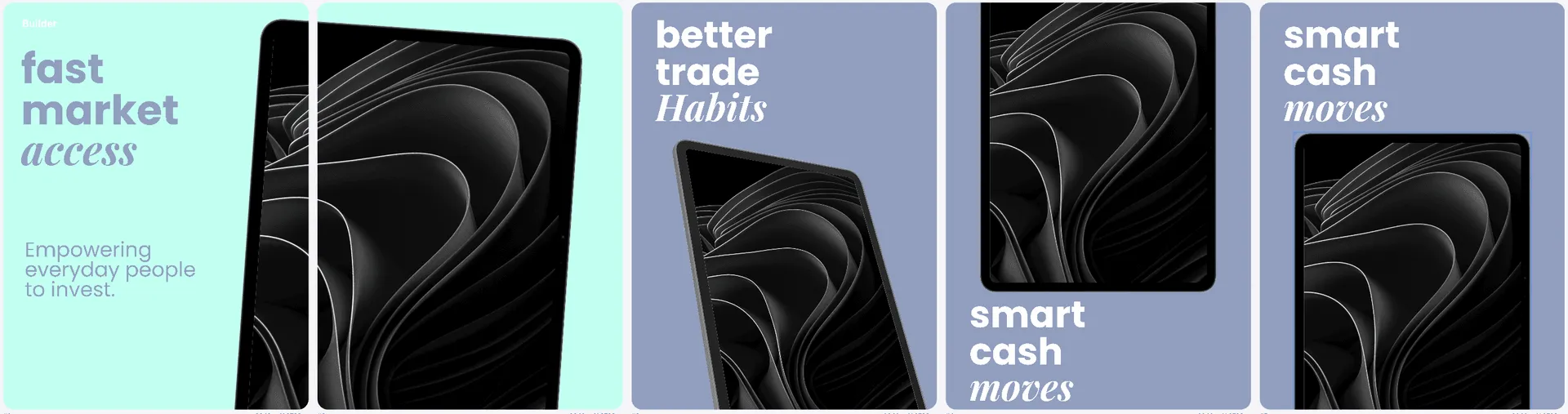
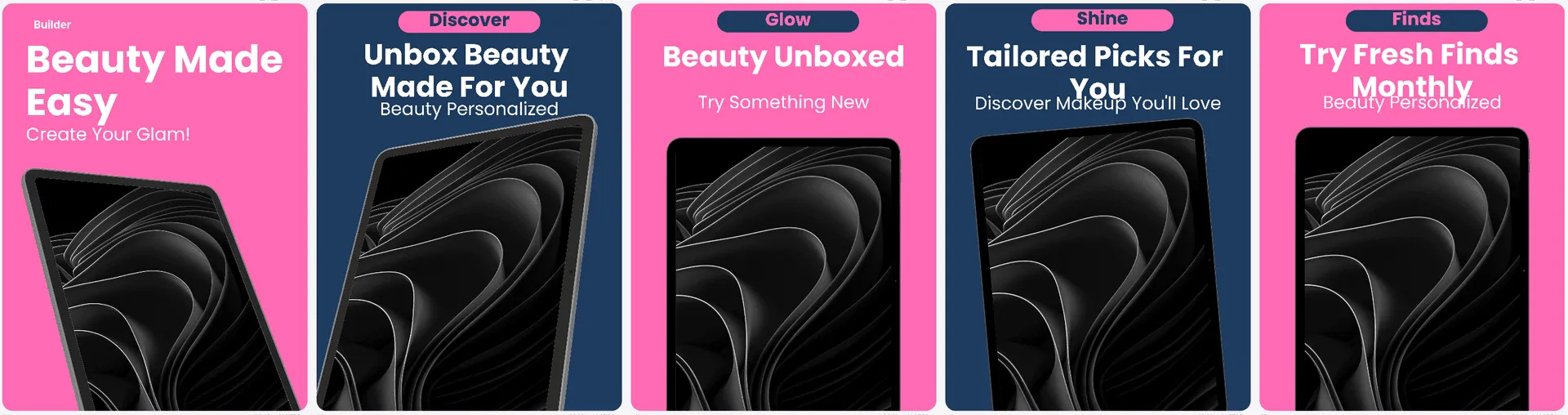
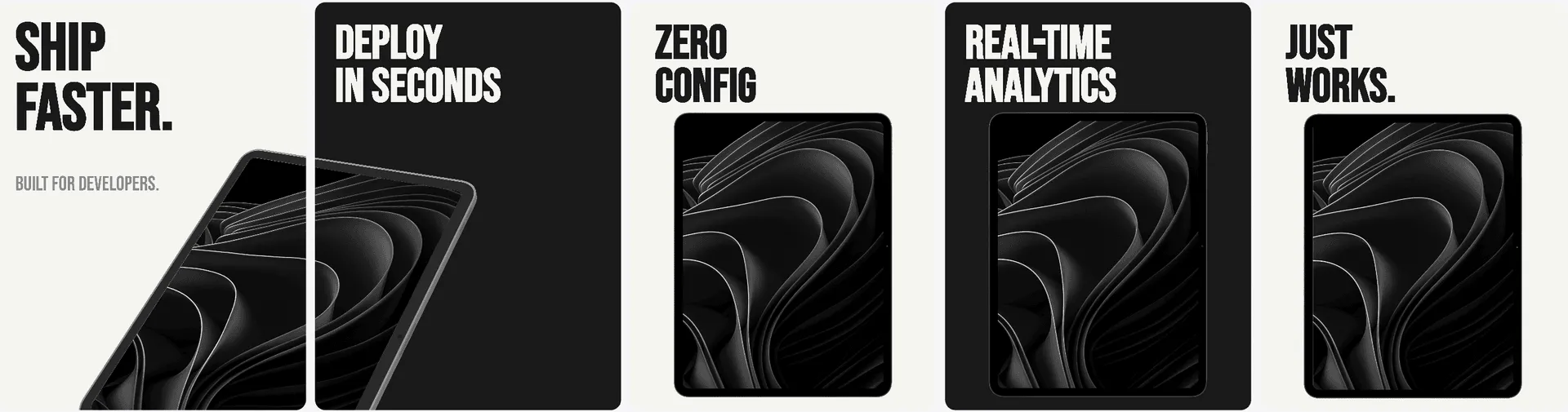
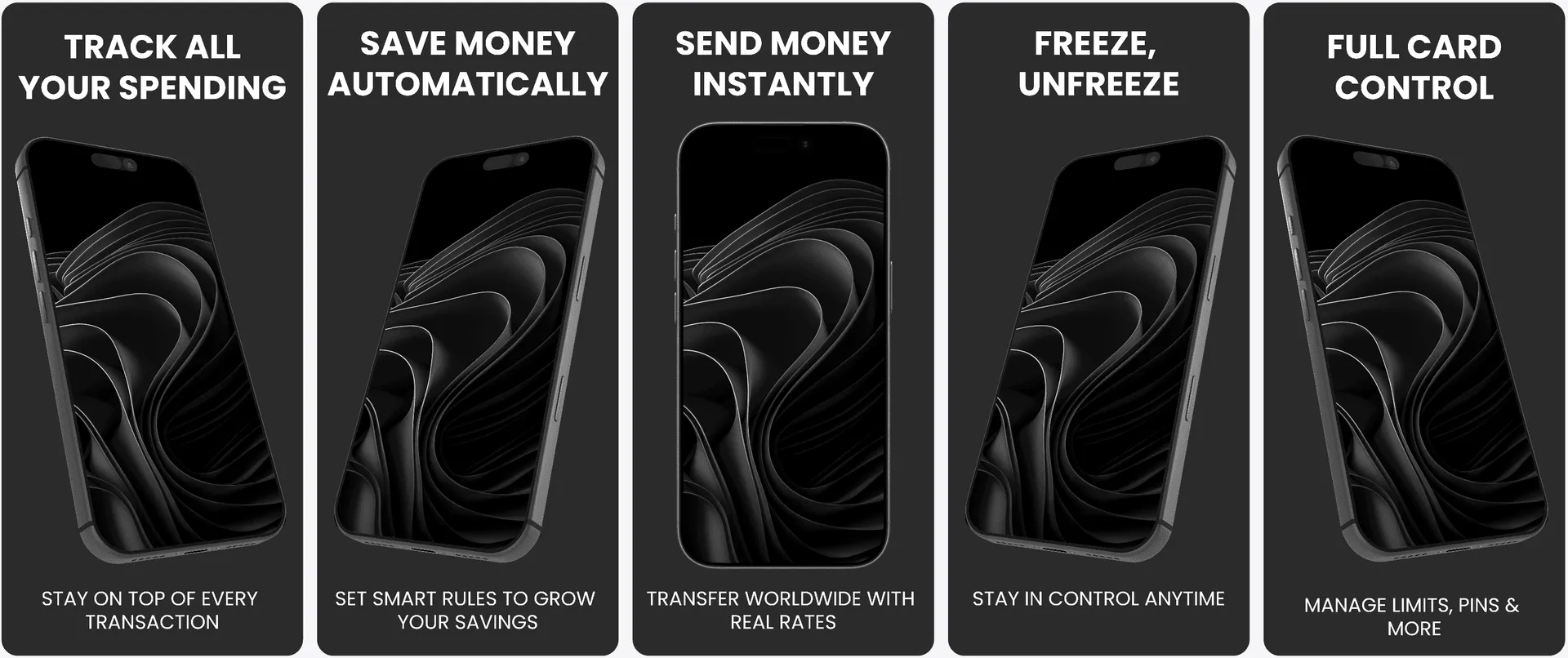
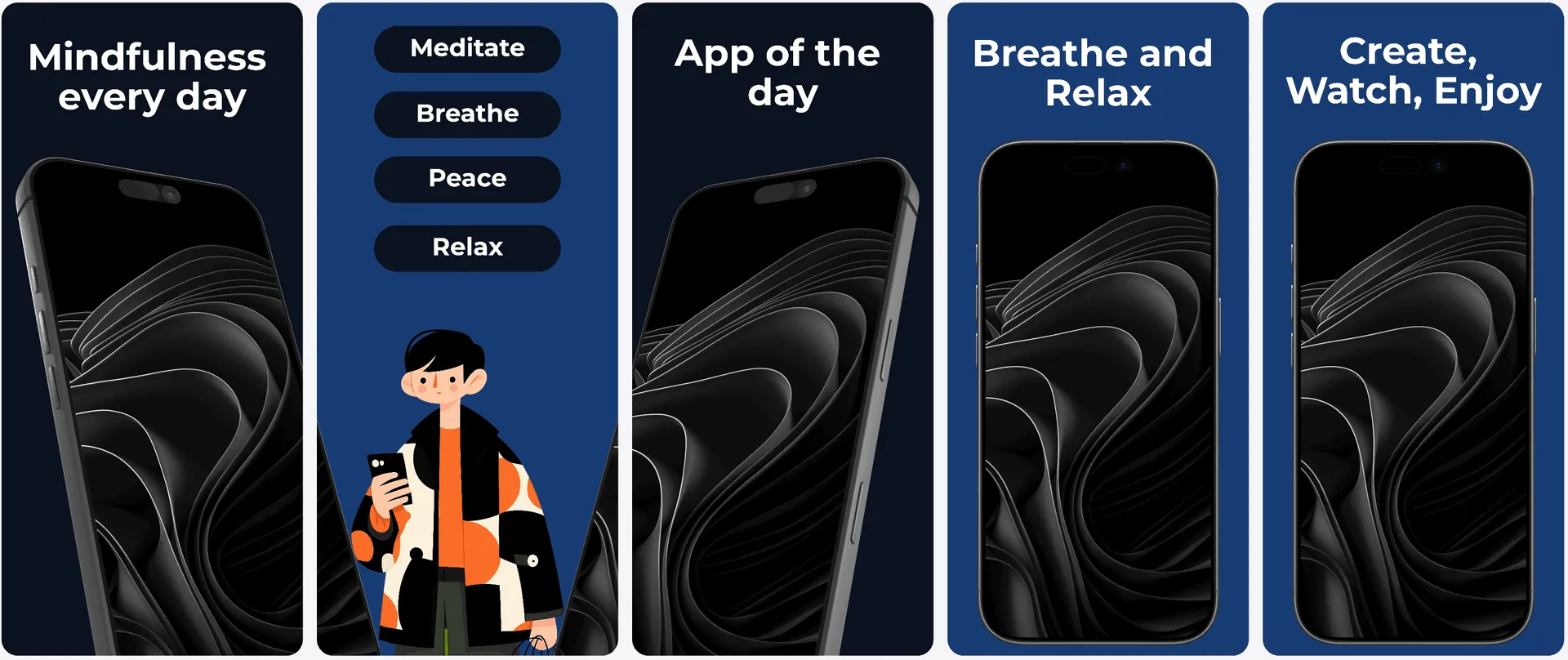
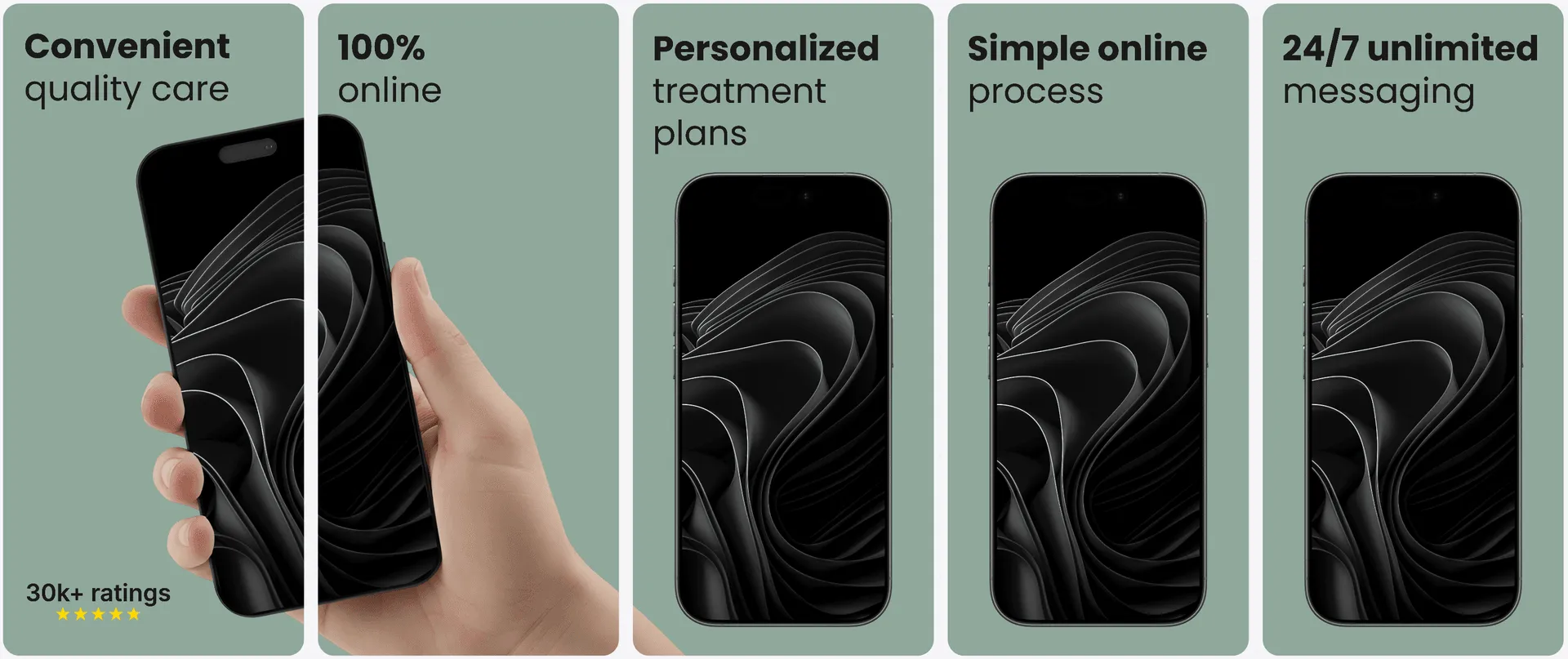
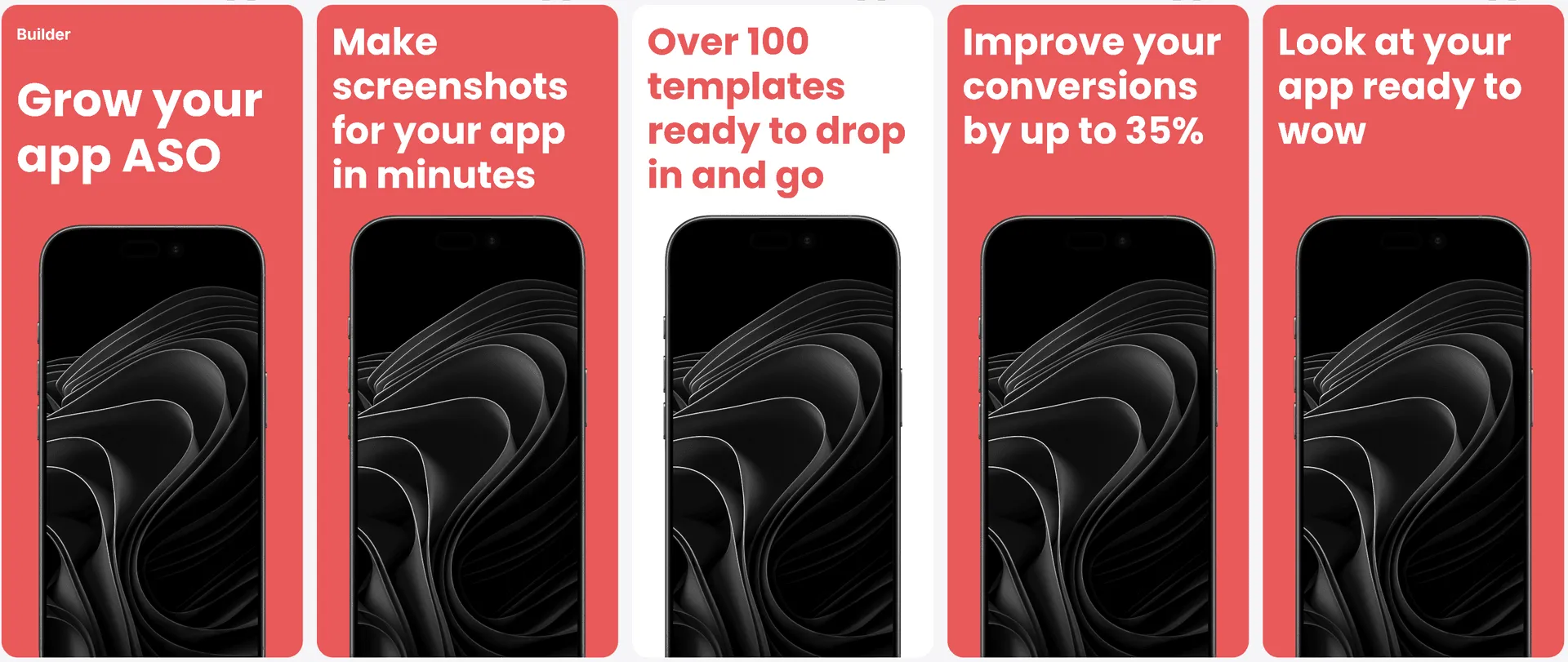
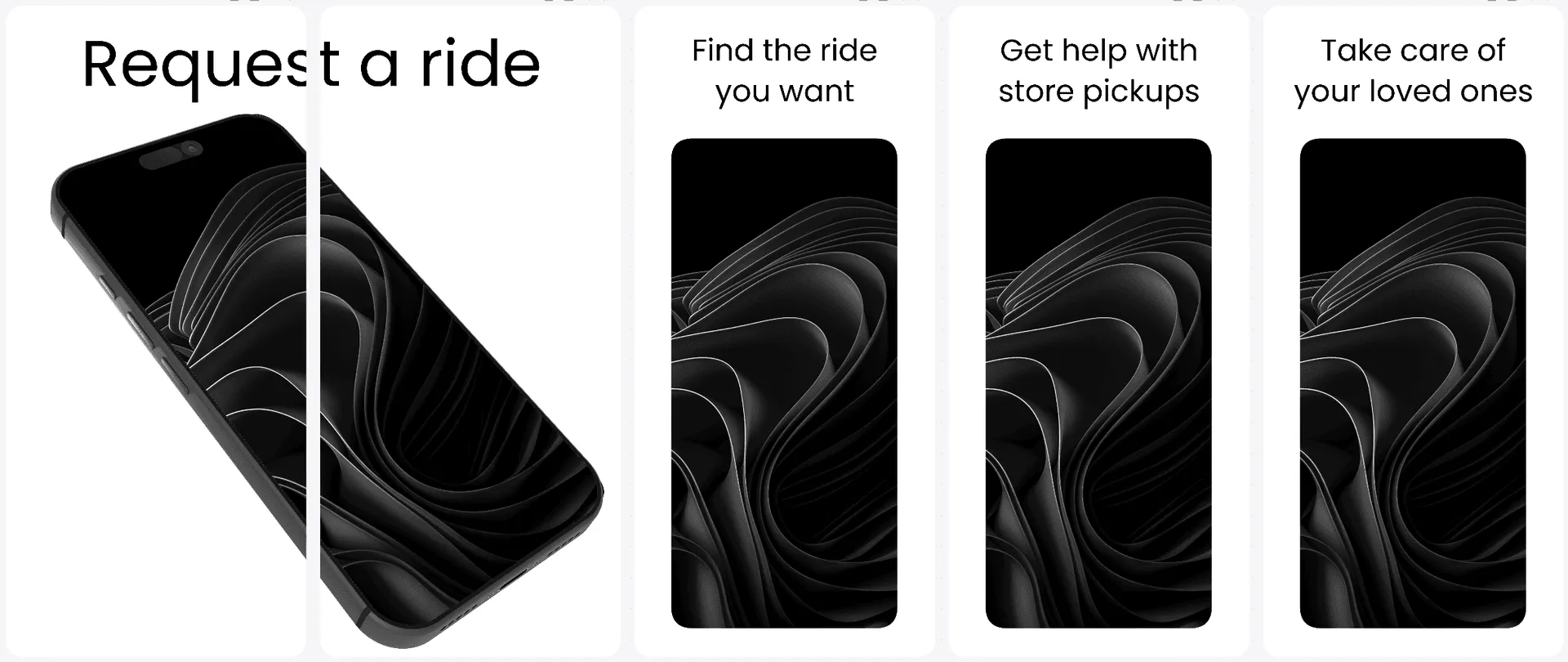
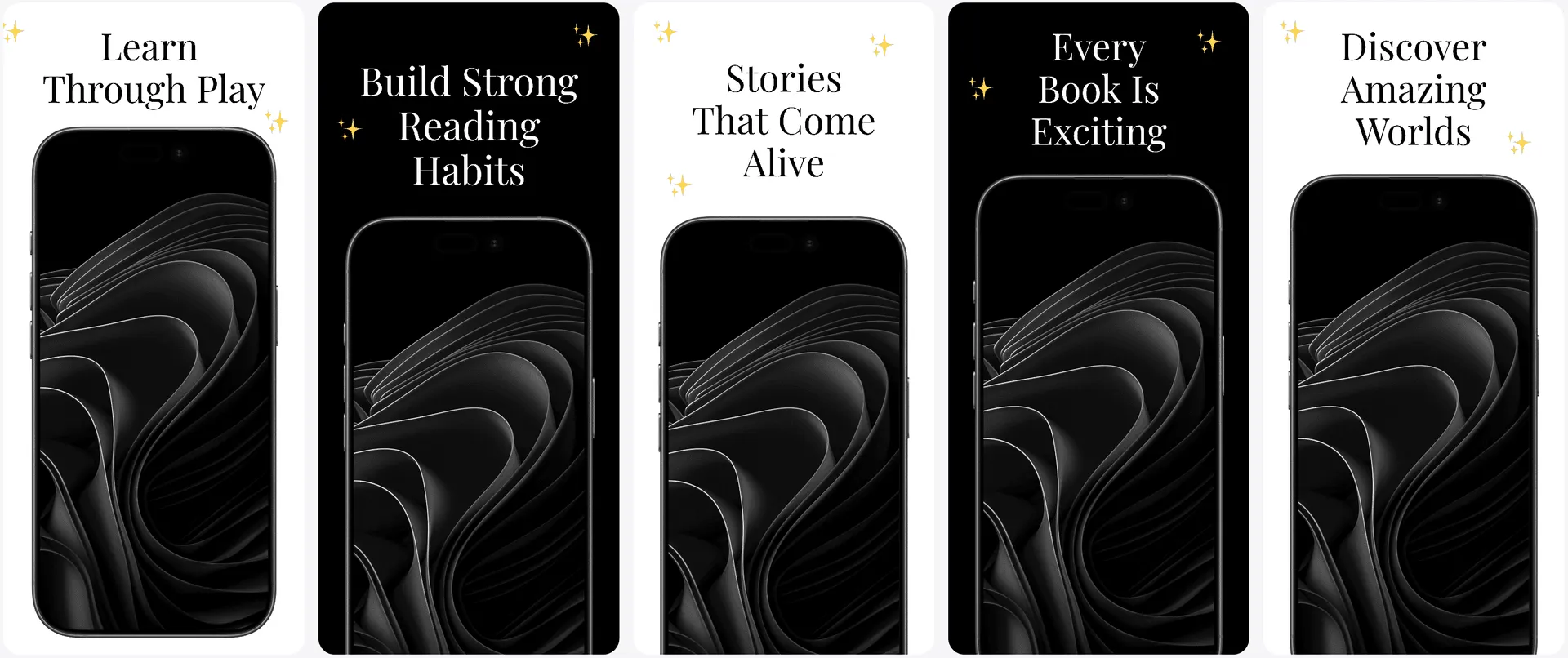
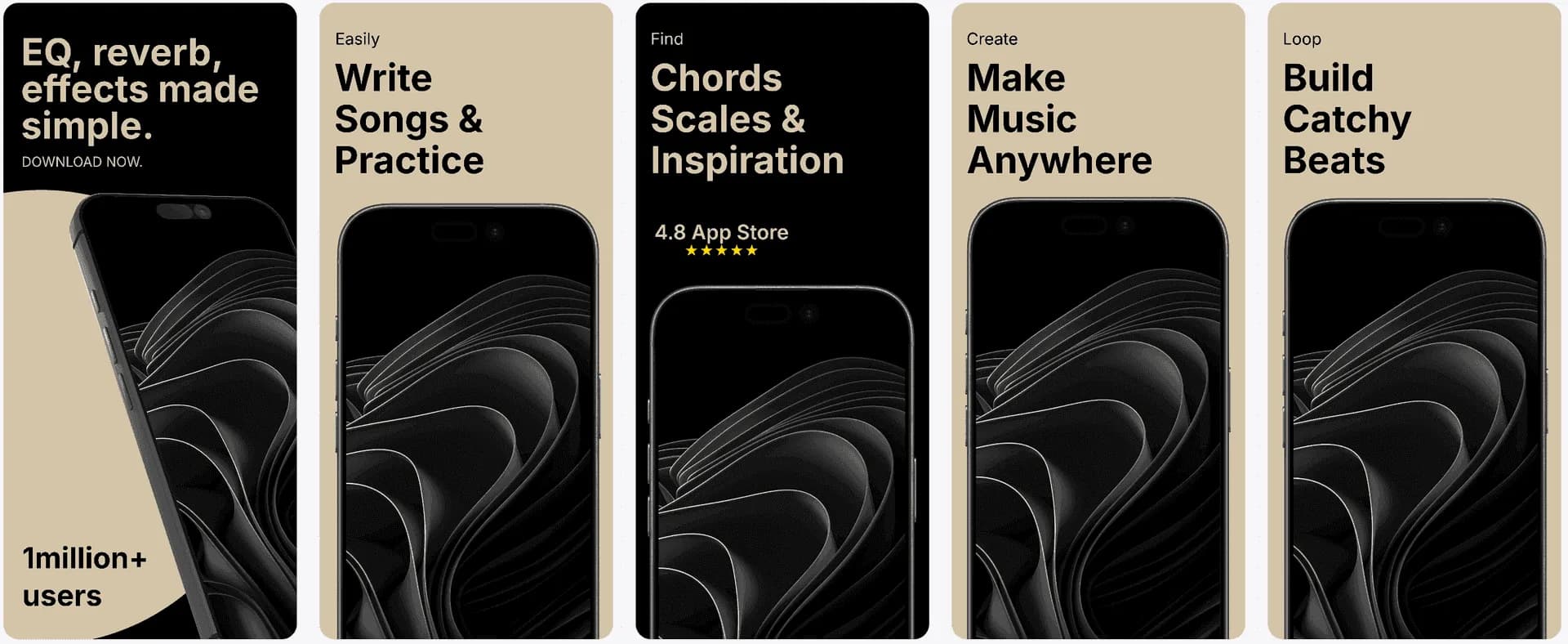
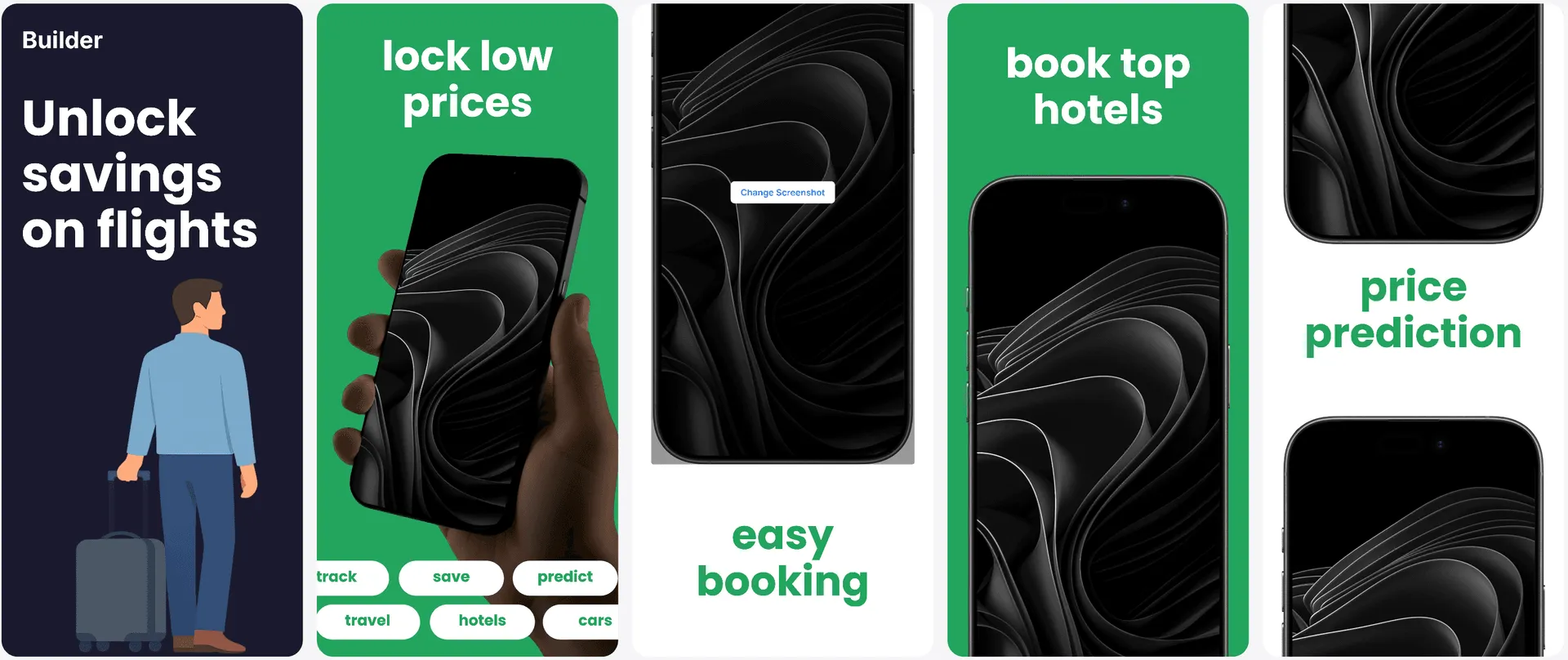
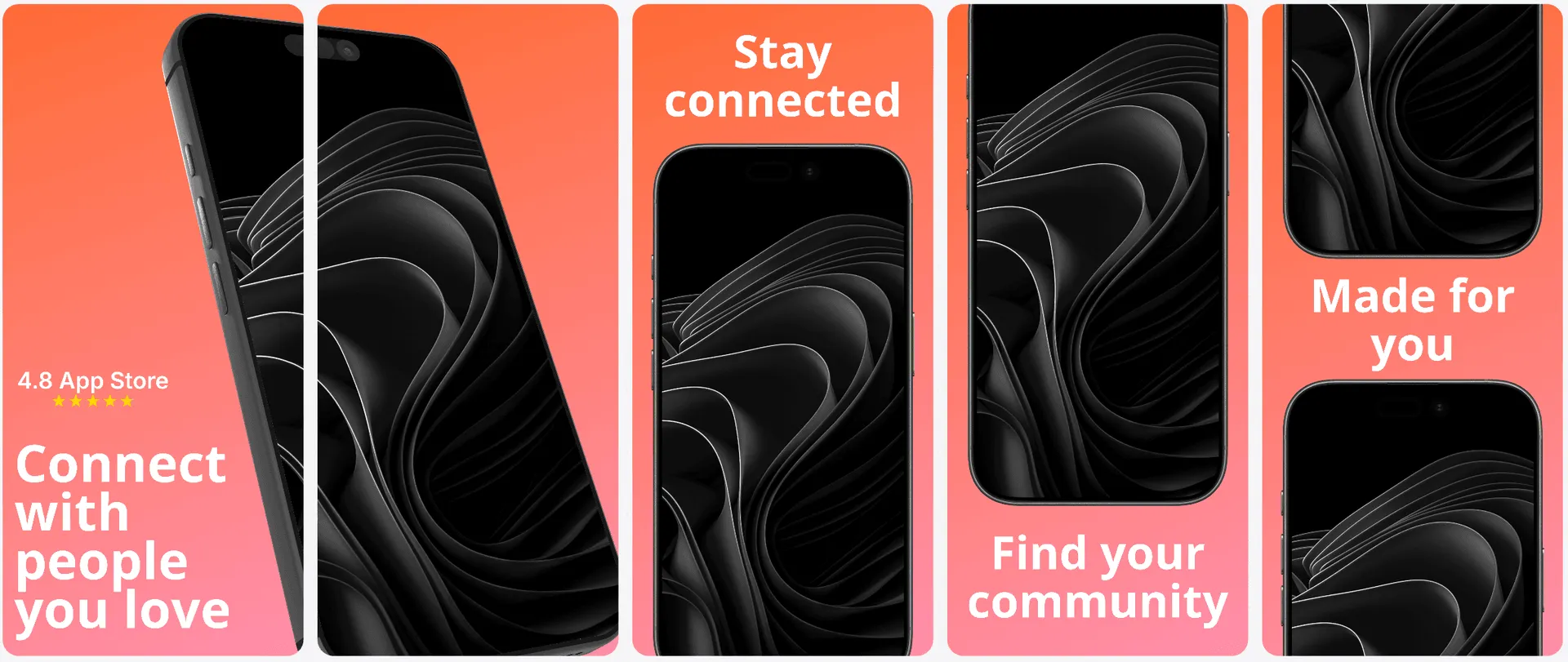
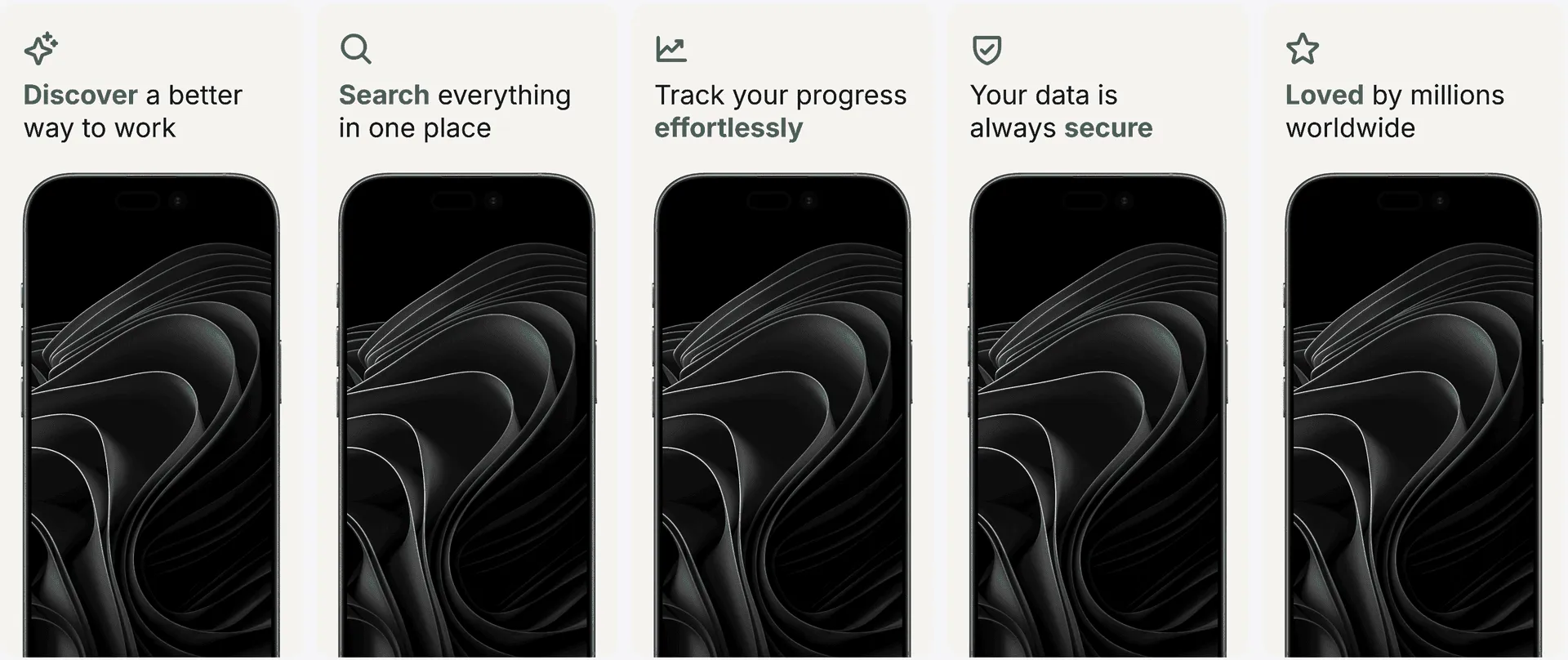
Direct template previews
Upload your Android screenshots and compare two generated directions for every template. Choose the stronger version, then adapt it across phone and tablet layouts in the editor.
A clean Play Store story with a balanced hierarchy and safe default composition.
A second generated treatment with different framing, emphasis, and visual rhythm.
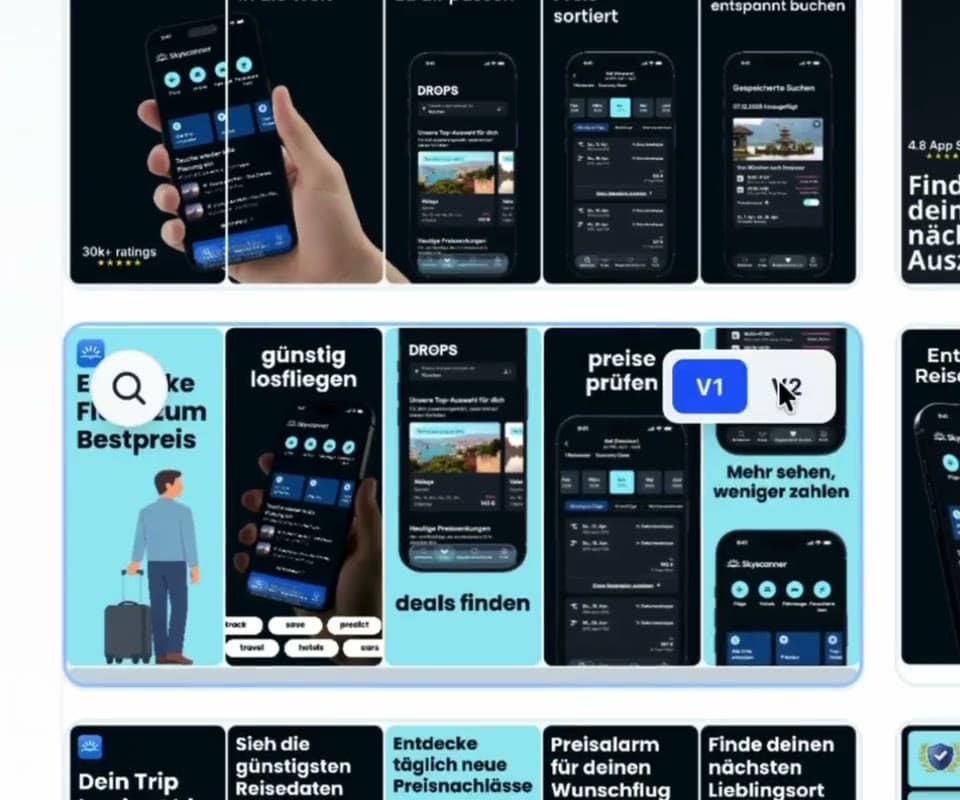
Template library
Choose a visual direction once, then adapt the same captions, hierarchy, and brand system across Play Store phone, 7-inch tablet, and 10-inch tablet screenshots.
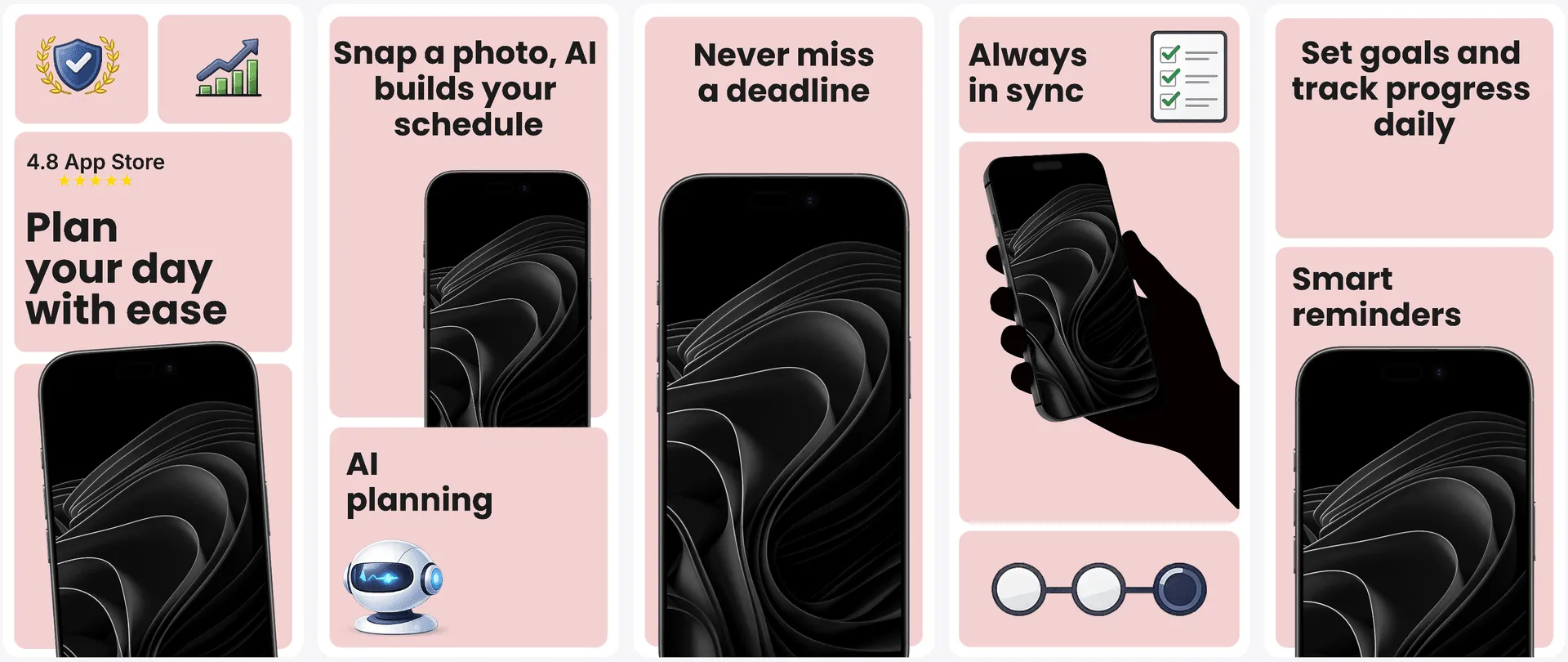
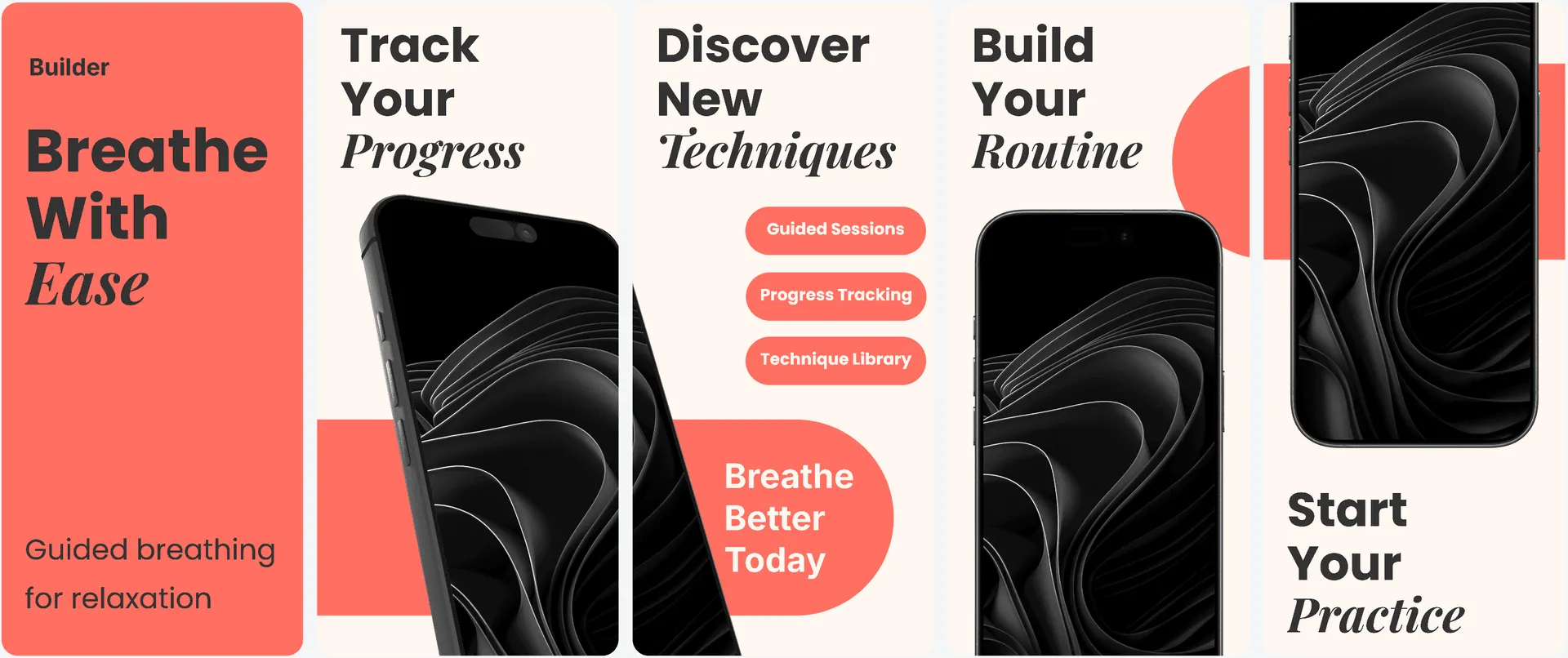
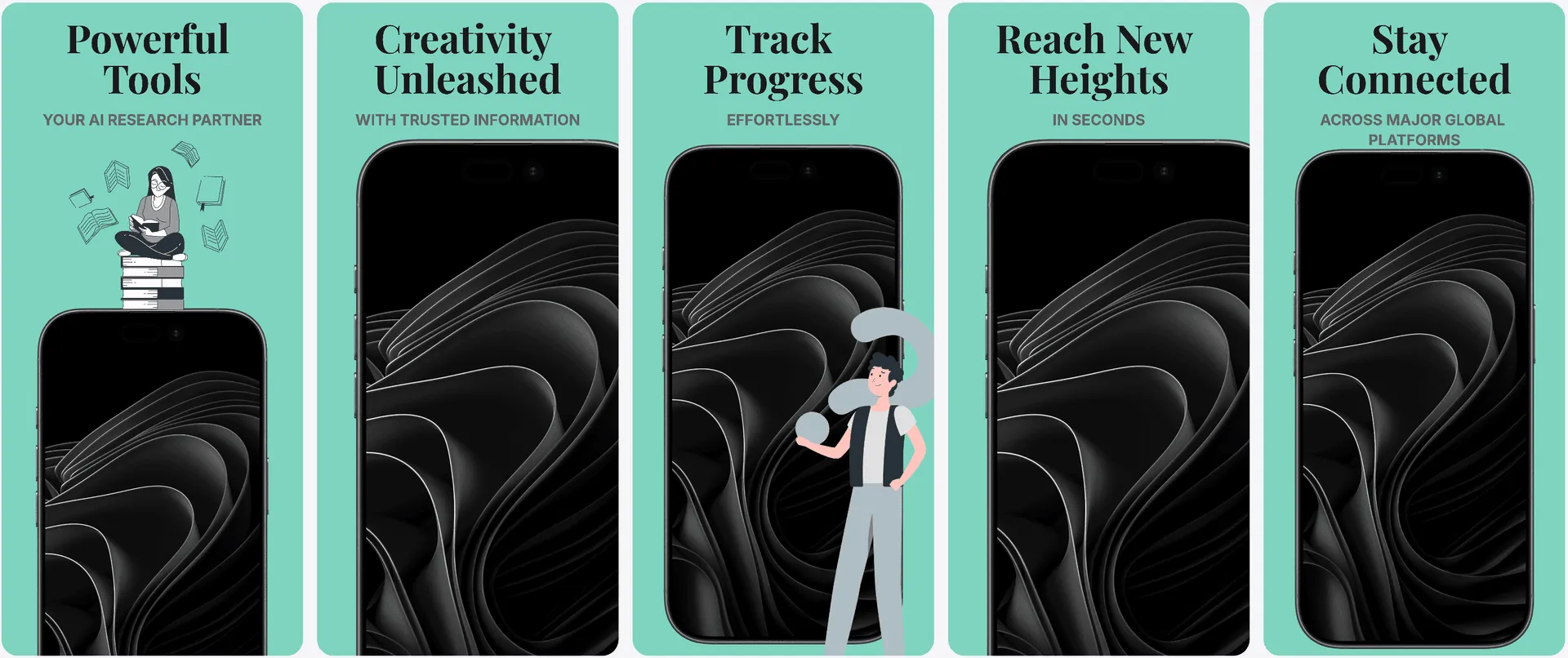
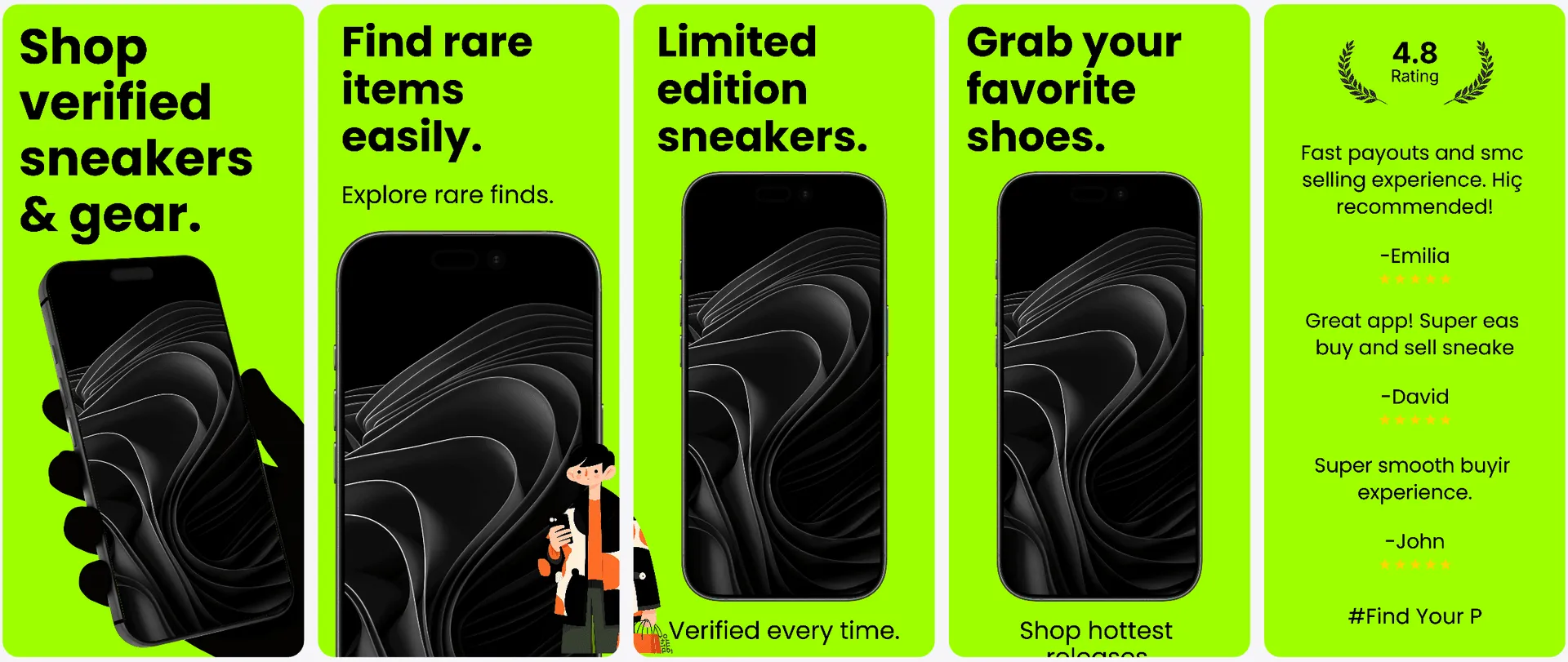
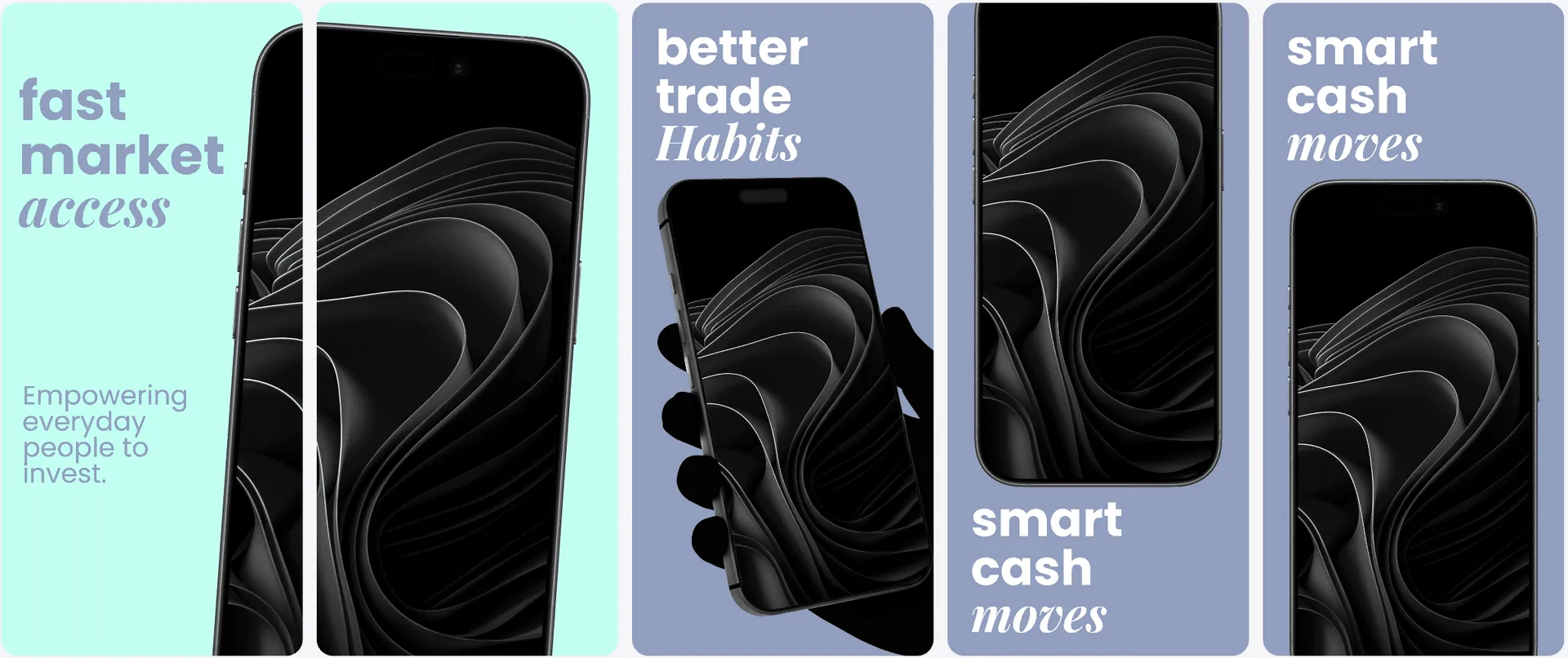
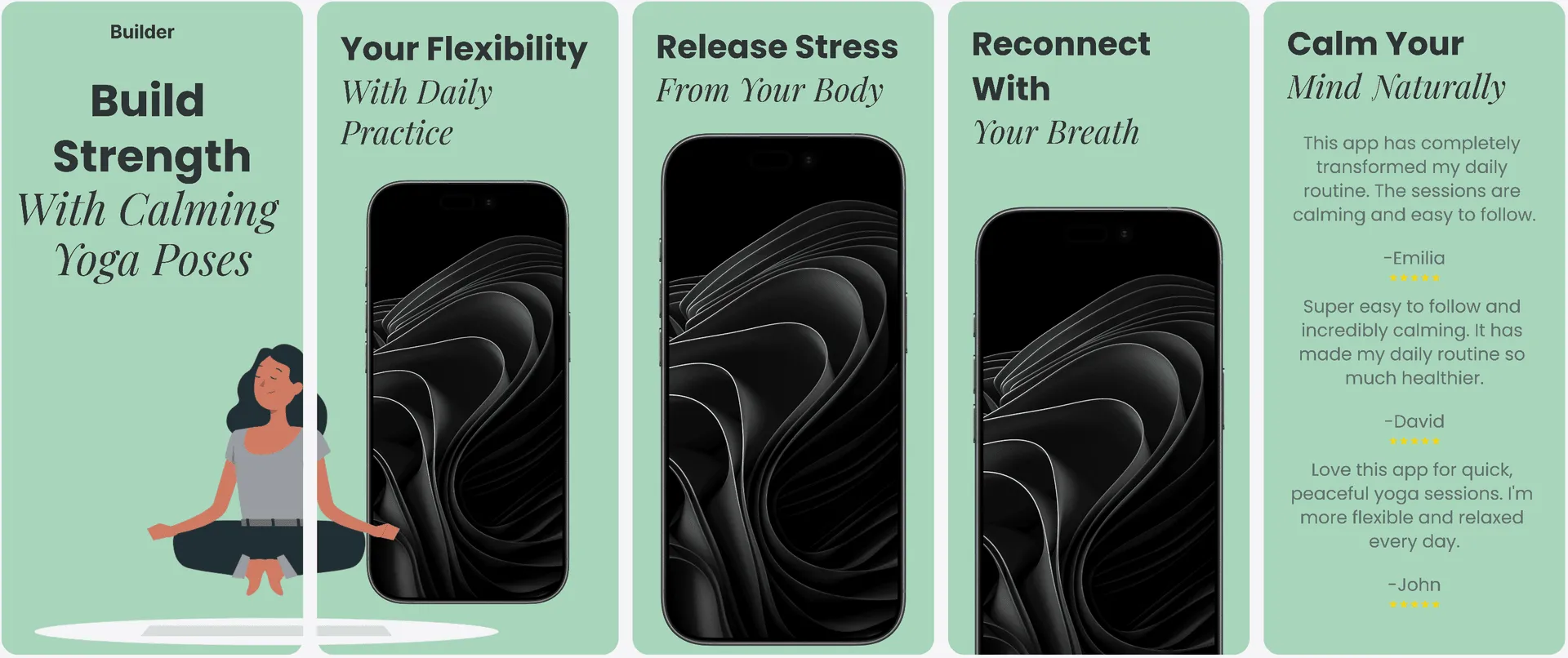
Handle multiple Play Store device ratios in one editor and keep alignment, spacing, and hierarchy consistent.
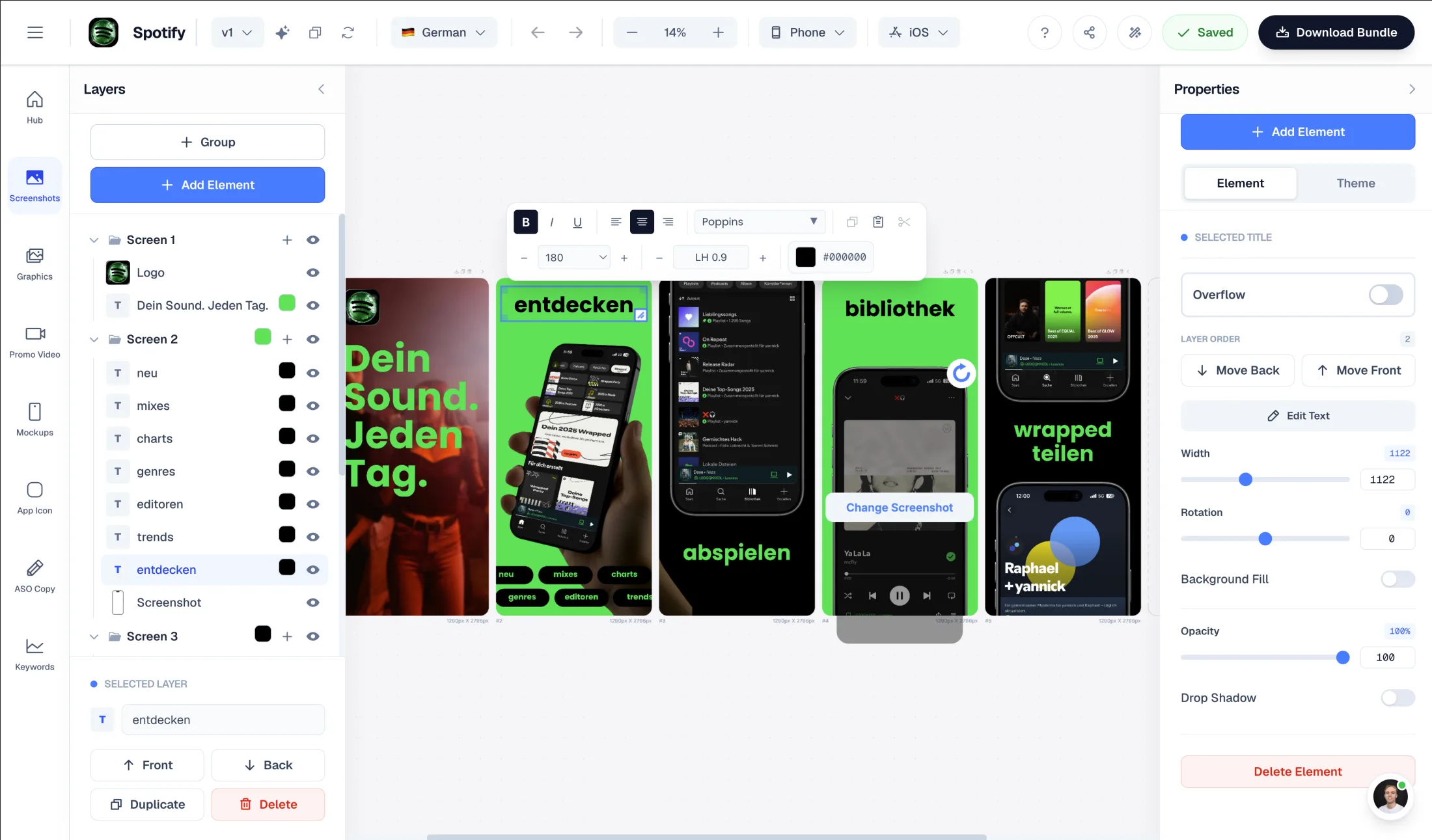
Intuitive interface with zoom controls and precise positioning for pills, badges, and text.
Showcase your app in iPhone, Pixel, or iPad frames and keep every slide visually consistent.
Use pills, badges, ratings, and curated visual assets without external design tools.
Phone, 7-inch tablet, and 10-inch tablet ratios turn one visual idea into several manual layout jobs. Stretching a phone design creates awkward spacing and blurry exports; generic AI output often ignores the hierarchy that made the first layout work.
AppLaunchFlow treats the listing as one adaptable system. Captions, brand rules, localization, screenshot order, and feature graphics stay connected while each device class gets a layout built for its own canvas.
Everything you need to create professional app store screenshots.
Translate screenshot messaging for global Android markets and preserve clean, readable layouts in every locale.
Supports major App Store and Play Store languages including Spanish, German, French, Japanese, Korean, Portuguese, and more.
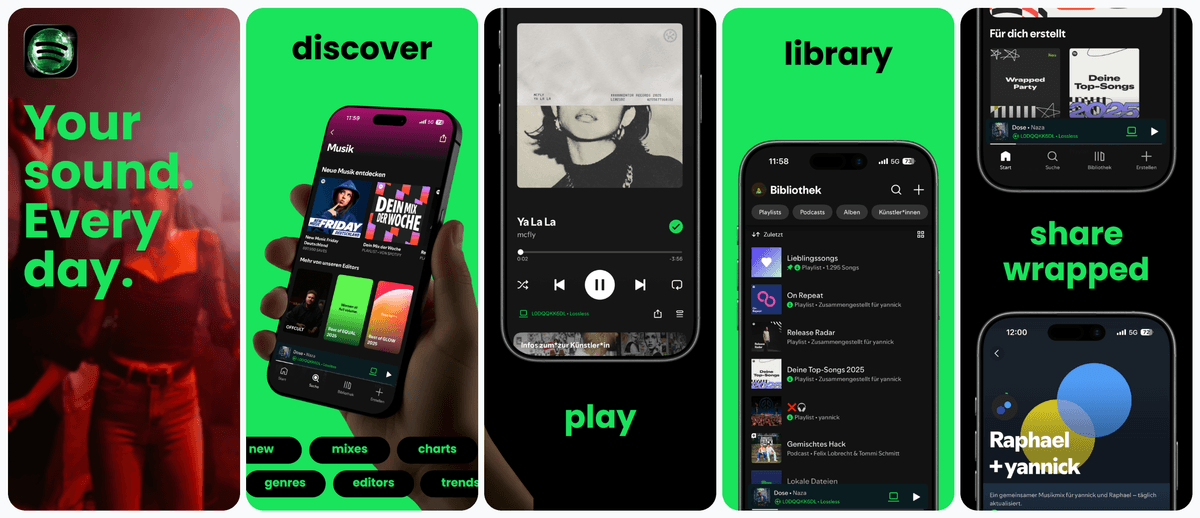
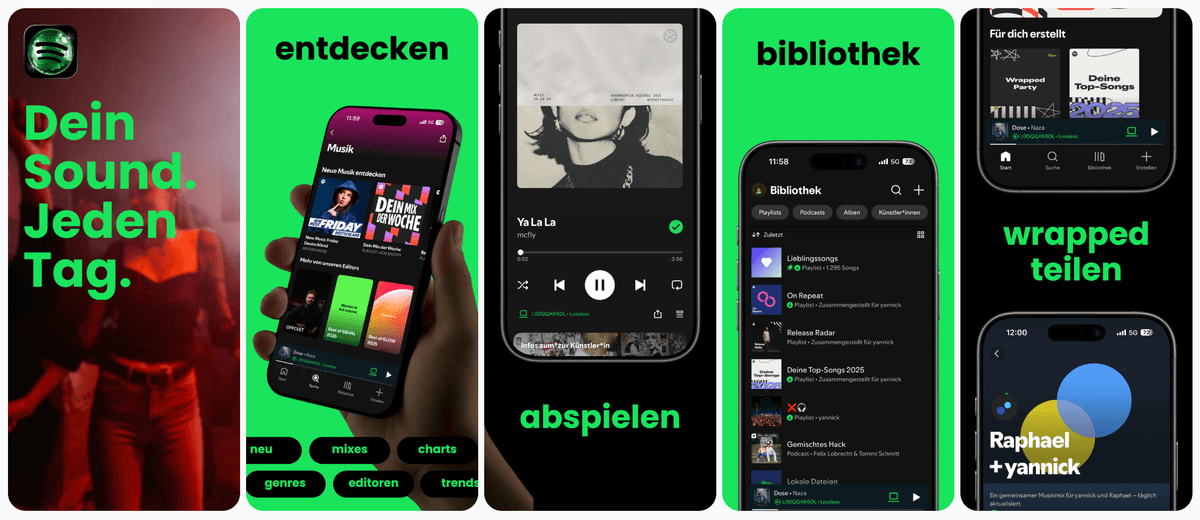
Most Play Store screenshot makers force you to choose between speed and brand control. AppLaunchFlow bridges that gap so Android listings look premium without slowing your release cycle.
| Criteria | Manual tools | AI-only tools | AppLaunchFlow |
|---|---|---|---|
| Device diversity | Manual resizing per device size | Auto outputs that ignore hierarchy | Adaptive layouts with preserved hierarchy |
| Localization | Expensive, manual reflow | Auto-translate, poor layout | Translation with layout-aware adjustment |
| Brand control | High control, low speed | Low control, generic output | High control with AI draft speed |
| Play Store readiness | Multiple exports and checks | Exports often need fixes | Sized and named for Play Console |
| Full-screen sharpness | Can blur after resizing or over-compression | May upscale small generated images | High-resolution exports from size-aware canvases |
| Responsive export workflow | Phone, 7-inch tablet, and 10-inch tablet layouts rebuilt separately | One design stretched into awkward ratios | One design system adapted across Play Store device sets |
| Competitor workflow | Figma, Canva, or PSD templates need manual sizing and export | Generic visuals without Play Store context | A Google Play screenshot workflow connected to captions, localization, feature graphics, and launch assets |
| App captures to assets | Capture in Android Studio, then recreate screenshots and the feature graphic in separate files | Generates generic art without using the real app flow | Imports real or automated app captures, builds screenshots, reuses them in the 1024x500 feature graphic, and keeps Play Console upload context visible |
Get started in minutes with our simple workflow
Import your app screens or UI captures. AppLaunchFlow detects key UI areas to help build a clear narrative.
Let AI propose layouts and captions, then fine-tune spacing, colors, and hierarchy so the screenshots feel uniquely yours.
Download images sized for Play Store requirements, then upload or hand them off in Play Console with matching names and variants.
Related
Phone, tablet, Chromebook, and 1024×500 feature graphic sizes for Play Console.
Android size reference
Create iOS screenshot sets optimized for App Store conversion.
iOS teams
Start from proven visual systems and customize for your app.
Template-first
Generate fast screenshot drafts and refine them with full control.
Fast iteration
Everything you need to know about play store screenshot generator
AppLaunchFlow turns raw Android app screenshots into Google Play-ready screenshot sets: choose a template, generate benefit-led captions, adapt phone, 7-inch tablet, and 10-inch tablet layouts, localize text, align feature graphics, and export assets sized for Play Console.
AppLaunchFlow gives you a Play Store screenshot generator that keeps quality high while cutting production time. Build a reusable screenshot system and update it whenever your app changes.
Whether you are launching in a new category or refreshing an existing listing, the workflow keeps your visuals consistent, readable, and optimized for Android discovery channels.
With a reusable system, you avoid the common trap of outdated screenshots that no longer match your latest UI, keeping trust high for first-time visitors.
no credit card required