Yannick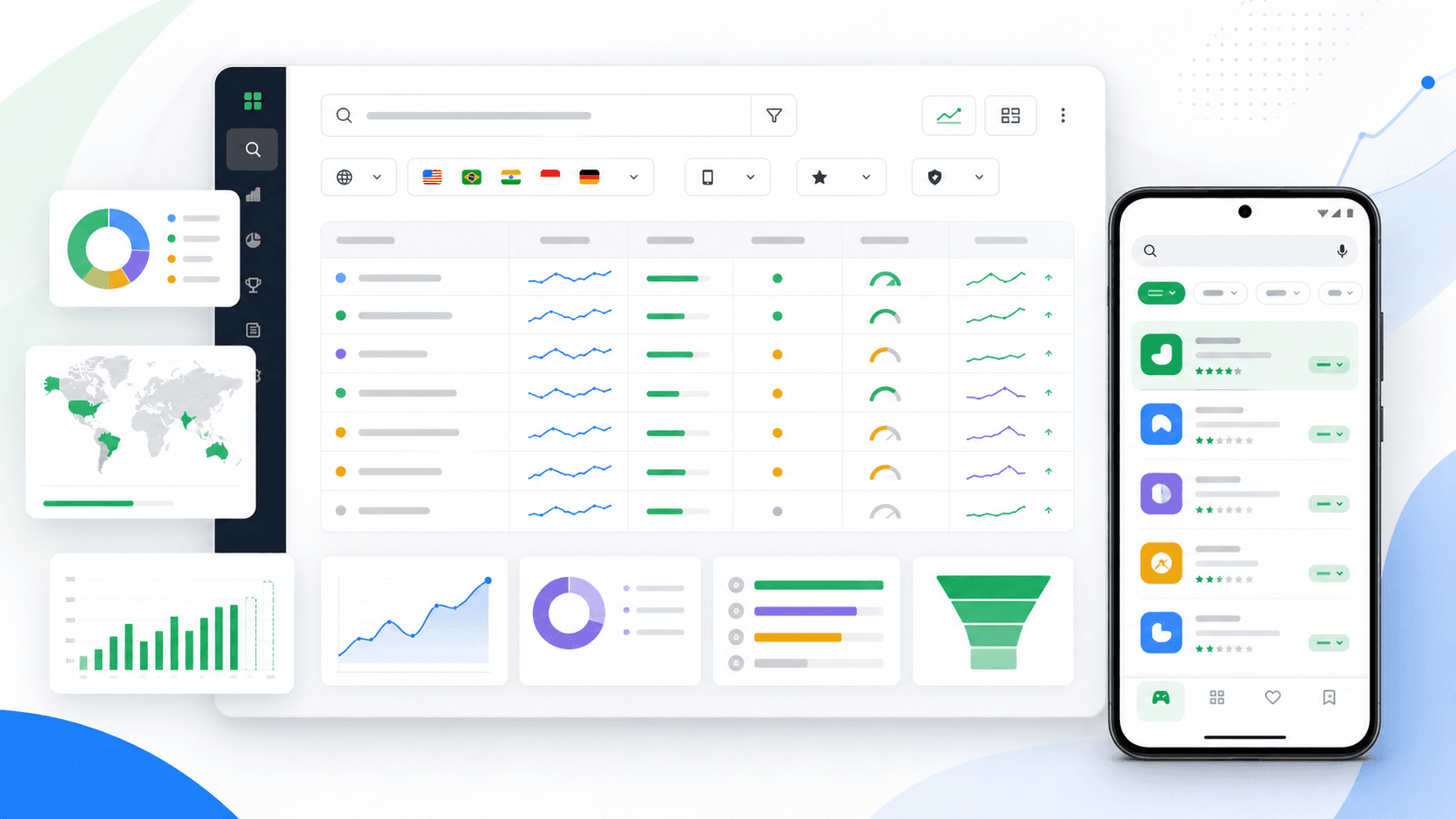
The evidence loop
Research intent, not a bag of keywords
A useful Google Play keyword set connects the words people use to a listing you can improve and a result you can measure.
Discover
Collect Play search terms, category language, reviews, and competitor wording.
Validate
Fix store, country, and language; then inspect demand, rank, and nearby apps.
Convert
Align descriptions and creative with one intent, publish, and measure the result.
Google Play keyword research is the process of finding the search intents your app can genuinely satisfy, verifying that people use them in a specific market, and turning the best opportunities into a coherent store listing. It is not a hunt for a hidden keyword field. Google Play has no equivalent to Apple's separate 100-byte field.
Google explains that search results are heavily influenced by relevance to the query, while metadata, app quality, user response, device, market, and other signals can also affect organization and ranking. That means keyword work must connect language to the product experience and listing conversion—not simply repeat a phrase throughout the description.
Quick answer
Start with Play Console search terms, reviews, competitors, category vocabulary, and support language. Score each candidate by relevance, demand, rankability, conversion fit, and business value. Track the shortlist by country and language, then change one connected listing hypothesis at a time.
How Google Play understands a search query
Google Play first needs to understand what an app does and what the searcher means. The information you submit—title, descriptions, category, and graphic assets—contributes to that understanding. Google also identifies characteristics from the app and considers feedback such as ratings, reviews, engagement, technical performance, and the way users respond to results.
Treat the title and short description as precise positioning, not keyword containers. The full description should explain the use case naturally and substantiate the promise. Screenshots and the feature graphic then show whether the app actually matches the query. The broader Google Play optimization guide covers the full quality and conversion system.
Six reliable sources for candidate keywords
- Play Console search terms. Store listing performance can expose qualifying Google Play search terms. These are first-party observations, but privacy and reporting thresholds mean absence is not proof of zero demand.
- Search-result neighbors. Record the apps returned for each candidate in the exact target country and language. The result set reveals how Play interprets the query today.
- Competitor listings. Compare titles, short descriptions, screenshots, categories, review themes, and the problems users say those apps solve. Do not copy wording or trademarks.
- Reviews and support conversations. Users often describe the job in plain language that a product team would never place in a feature backlog.
- Your acquisition vocabulary. Search ads, website queries, onboarding selections, and internal site search can expose intents with downstream value.
- Localized research. Translate the user problem, not the English phrase. Confirm the result set and competitor language in each market with the app localization workflow.
Use the competitor keyword gap matrix to compare the same store, country, language, and result set without treating visible competitor wording as proof of ranking causation.
Read Play Console search-term data correctly
Use search-term reporting as observed demand, not a complete keyword database. A term may be absent because it did not meet the reporting threshold, because the app does not rank or receive listing traffic for it, or because the selected period and market are too narrow. A reported term proves exposure; an unreported term remains a hypothesis.
Google changed store listing performance reporting in 2026 to focus on unique user intent: clicks on Install, Open, or Pre-register. Keep that definition in the audit notes so a trend is not compared with an older acquisition-based metric as though the measurement stayed identical. Read the current Play Console performance methodology before building a year-over-year report.
Score opportunities before editing the listing
Score evidence rather than trusting search volume alone. A broad term with large demand can be a poor target if the result set contains products with a different job or if the listing cannot prove the promise. Use a 0–3 score for each dimension and write one line of evidence beside it.
| Dimension | Evidence question | Score |
|---|---|---|
| Relevance | Does the query describe the app's primary job or a proven use case? | 0–3 |
| Observed demand | Does Play Console or another reliable source show search activity? | 0–3 |
| Rankability | Can the app plausibly enter the first results against the current competitors? | 0–3 |
| Conversion fit | Can the listing prove the promised outcome in its first visual impression? | 0–3 |
| Business value | Would users acquired from this intent activate, retain, or purchase? | 0–3 |
Prioritize terms with strong relevance and conversion fit even when their raw demand is smaller. A highly qualified query can produce fewer listing visits but more retained users. Keep branded queries separate because they measure recognition more than category discovery.
Build a country-specific tracking set
Every tracking row needs a store, country, language, keyword, observation date, and source. Rankings are market observations, not universal scores. The same term can return different apps across countries, and translated listings can change relevance and conversion independently.
- Five core category or problem terms tied directly to the app's main job.
- Five feature or audience terms that distinguish the product.
- Three emerging terms found in reviews, search reporting, or competitor movement.
- Branded and competitor terms stored in separate observation groups.
- A saved snapshot of the apps immediately above and below your result.
Capture daily, review the 7-day direction, and make decisions on 14-day or 30-day windows after checking releases and external changes. The app rank tracking guide explains how to annotate that history without claiming that correlation proves cause.
Map each keyword to one listing hypothesis
A candidate becomes useful when it changes a decision. Write a hypothesis in this form: “People searching for [intent] need to see [proof] before they will [desired action].” Then decide which listing element communicates that proof most clearly.
- Use the title for durable category positioning, not a temporary experiment.
- Use the short description to state the outcome and differentiator plainly.
- Use the first three screenshots to prove the searched job in a logical sequence.
- Use the full description to explain workflows, constraints, and supporting features.
- Keep creative, metadata, onboarding, and actual product behavior consistent.
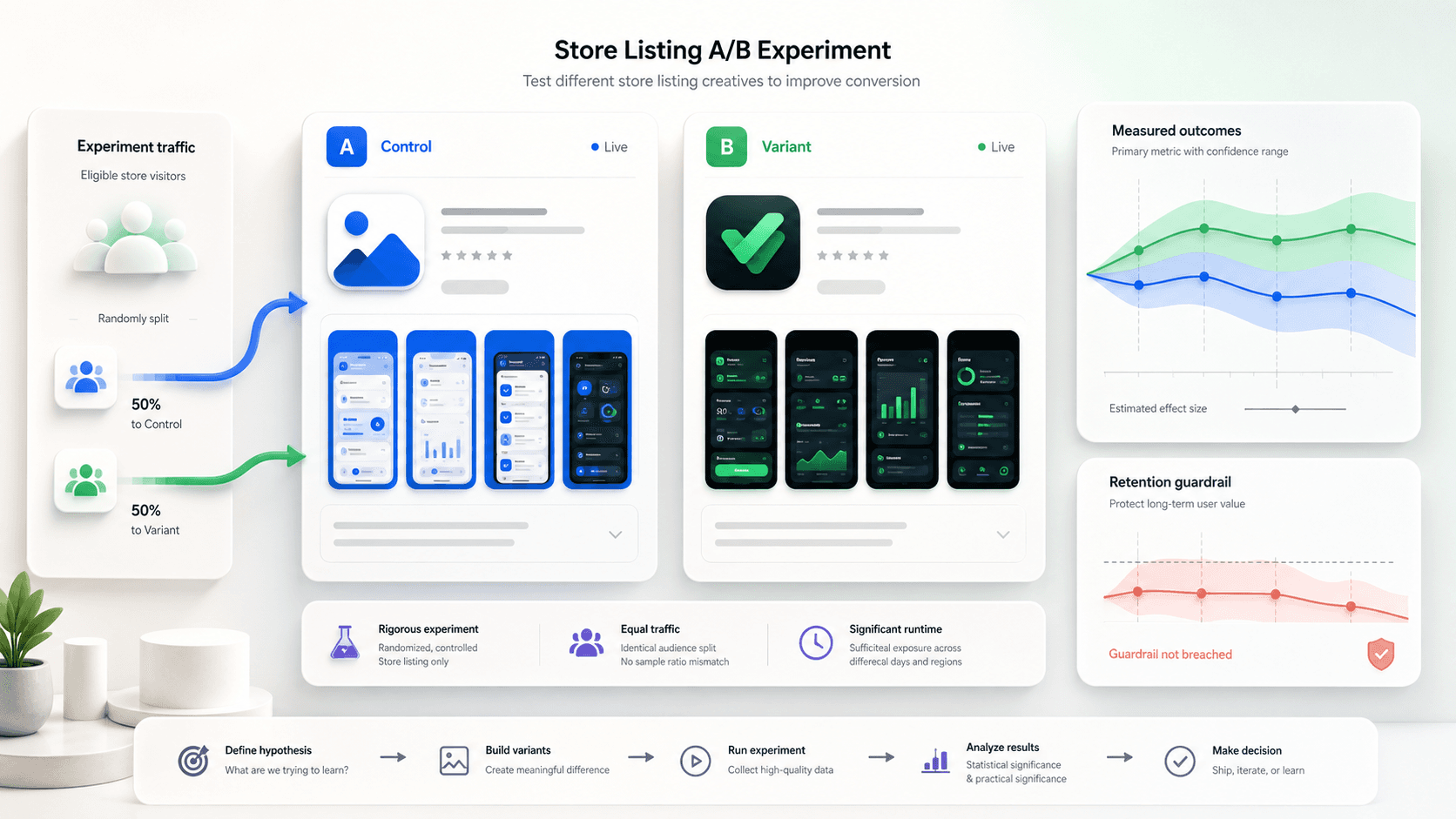
If rank rises but intent clicks or activation do not, the problem may be message fit, screenshots, or the query itself. Use the screenshot testing framework for a controlled creative hypothesis rather than changing metadata and visuals at once.
Use search-keyword custom store listings carefully
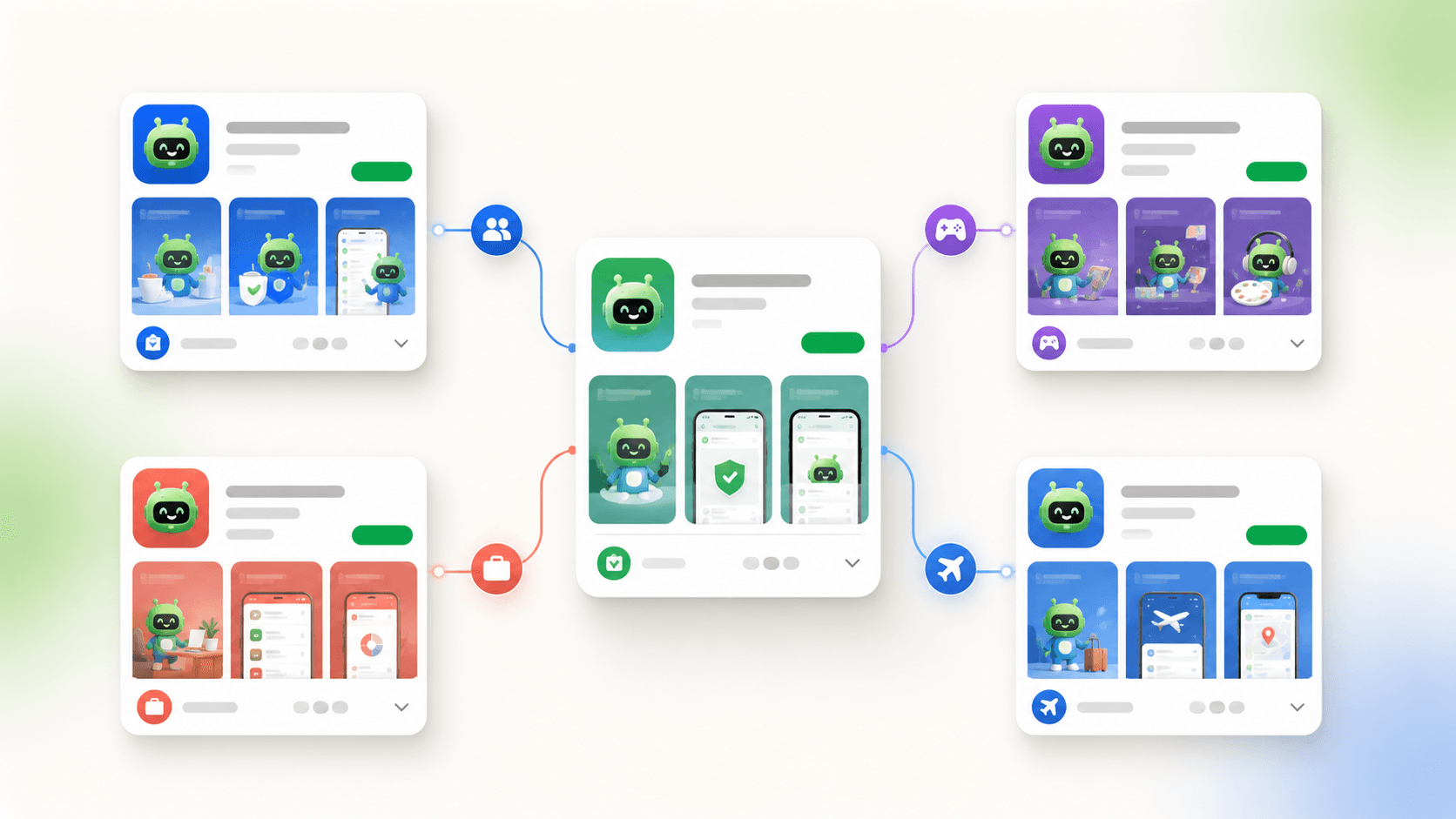
Google Play can route selected search keyword bundles to a custom store listing. Each custom listing can change the app name, icon, descriptions, and graphic assets for that audience. Google lets you inspect spelling corrections and translations within a keyword bundle before saving it.
This creates a strong intent-to-creative loop: identify a proven search theme, build a listing that demonstrates that job, then compare performance with the default listing. Do not create one listing per phrase. Group terms only when they share the same user need and can honestly use the same screenshots and promise. Follow Google's custom store listing documentation for current eligibility, targeting, translation, and reporting behavior.
A repeatable 30-day research workflow
- Day 0: export current search-term and listing-performance evidence by country and record the reporting definitions.
- Days 1–3: build candidates from first-party terms, reviews, competitors, category language, and support conversations.
- Days 4–7: inspect live results, score each candidate, and select one coherent intent cluster.
- Day 8: publish one listing hypothesis and annotate the exact metadata, creative, release, and localization changes.
- Days 9–14: monitor technical issues, ranking direction, search-result neighbors, and obvious conversion problems.
- Day 30: compare stable visibility, intent clicks, activation, and retained value; keep, refine, or stop the hypothesis.
Common Google Play keyword mistakes
- Repeating phrases mechanically instead of writing clear, useful listing copy.
- Using global volume while ignoring the target country and language.
- Calling a rank movement causal without release and competitor annotations.
- Treating an unreported Play Console term as proof that demand does not exist.
- Optimizing for a broad term the app cannot prove or retain.
- Changing title, descriptions, screenshots, pricing, and acquisition simultaneously.
- Copying a competitor's positioning instead of researching the underlying user job.
Google Play keyword research FAQ
Does Google Play have a hidden keyword field?
No. Build relevance through accurate listing metadata, product quality, and user response. Do not adapt Apple's keyword-field tactics by stuffing phrases into a Play description.
Where can I find Google Play search terms?
Start with Play Console store listing performance. Pair qualifying reported terms with live result inspection and rank tracking because reporting thresholds make the dataset useful but incomplete.
Can custom store listings target search keywords?
Yes. Use them for coherent intent groups where a tailored name, description, icon, and creative story can honestly improve relevance and conversion.