Yannick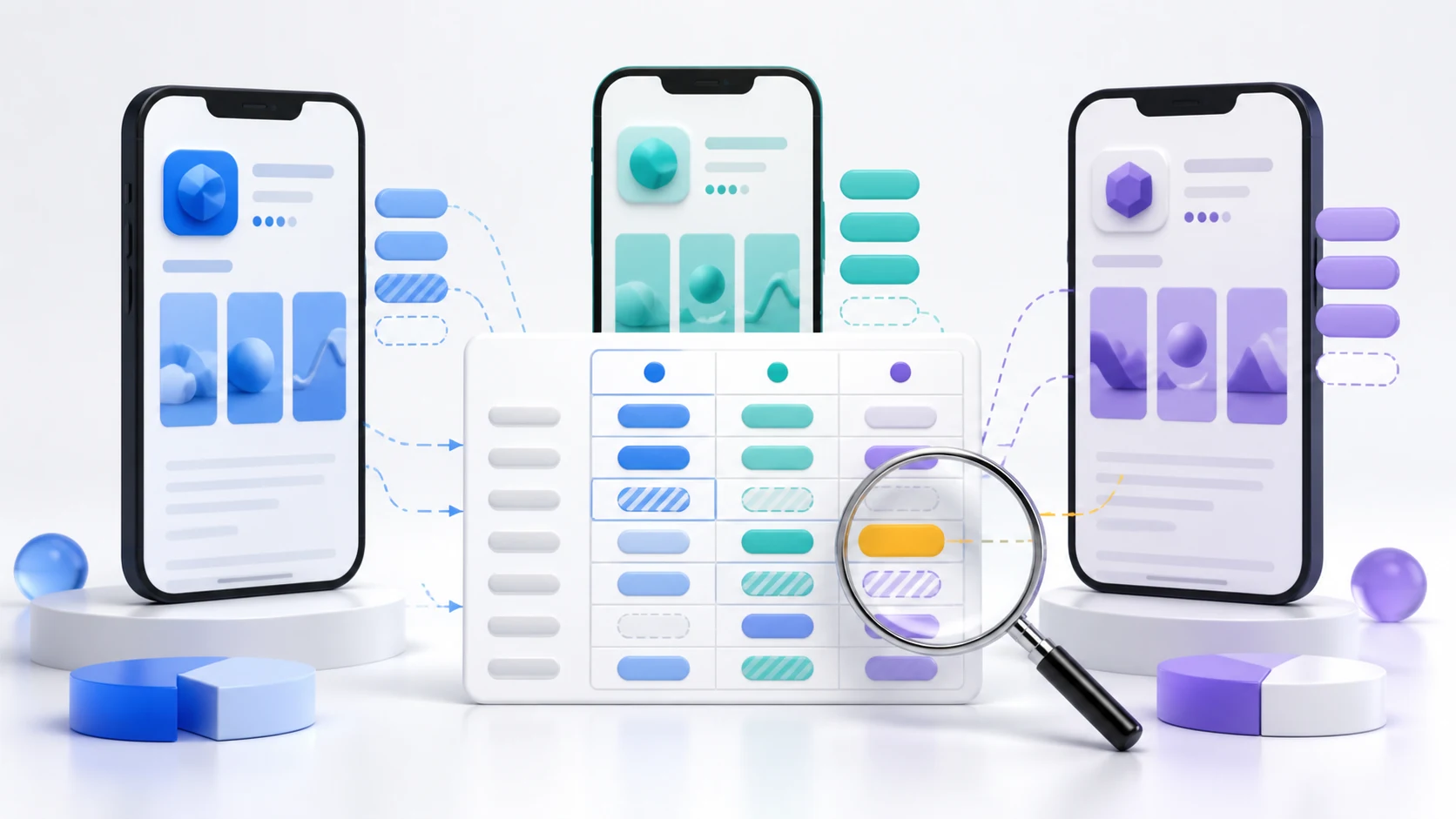
Find gaps without copying competitors
Compare search intent, ranking evidence, and product fit
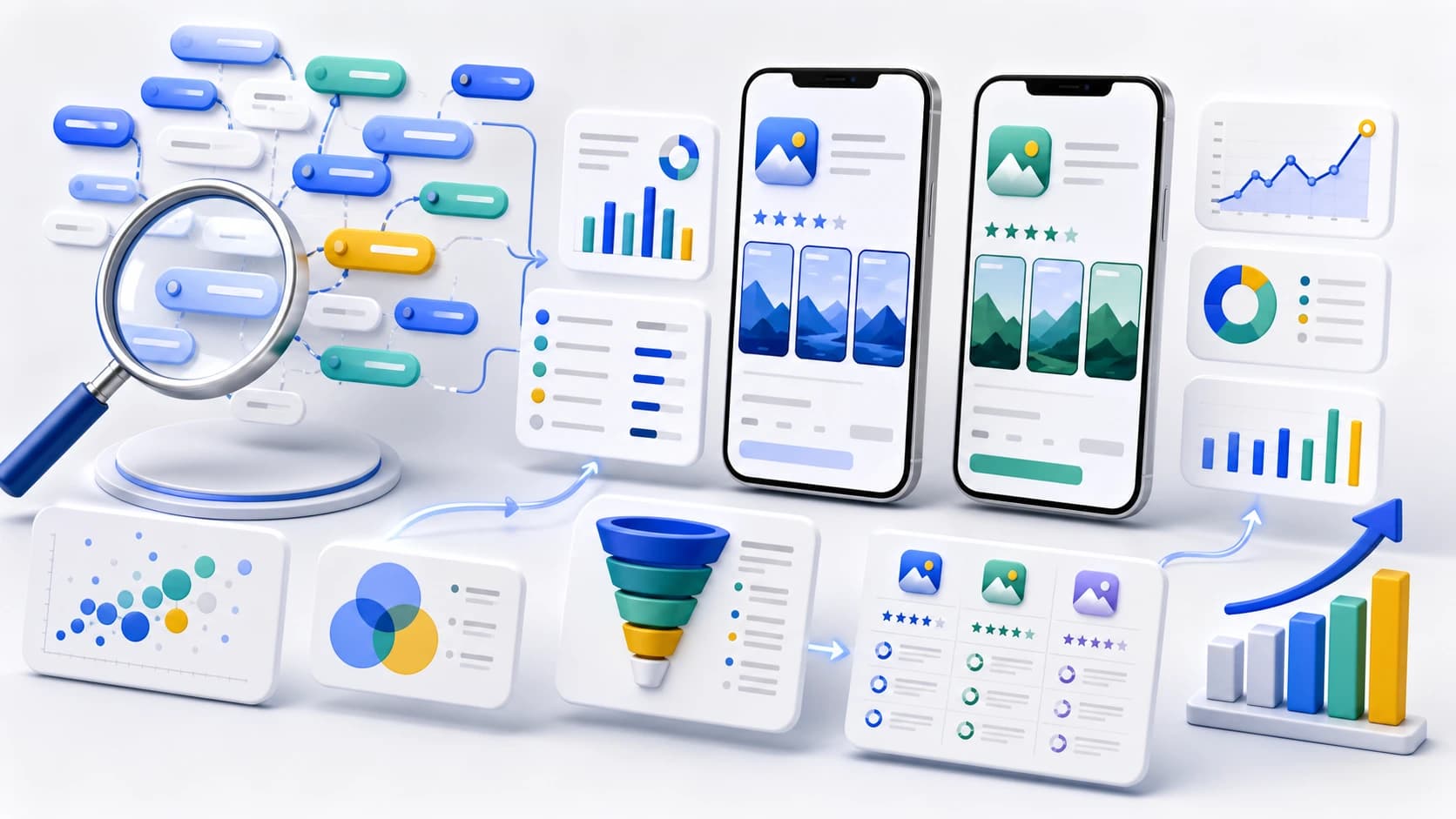
A useful competitor keyword analysis identifies terms that rival apps rank for, then filters them through your own product truth, market, and conversion evidence.
Map
Choose true search competitors by keyword, country, store, and user job—not category fame alone.
Compare
Record shared terms, competitor-only terms, current ranks, metadata use, and result-page proof.
Prioritize
Keep only relevant, defensible opportunities and turn them into metadata, creative, and tracking tasks.
App Store competitor keyword analysis is the practice of comparing the search terms, rankings, metadata, and result-page positioning of apps that compete for the same user intent. It is not permission to copy a rival's title or insert protected brand names into your keyword field. The useful output is a short list of non-branded search opportunities your product can honestly satisfy, with a baseline rank and a reason to test each term.
Quick answer
Start with five to ten search competitors found in the live results for your core non-branded terms. For one fixed store, country, and language, compare the keywords each app ranks for, its visible title and subtitle or Play description, and the screenshots shown beside the result. Group terms into shared, competitor-only, and your-app-only sets. Score every competitor-only term for product relevance, search intent, current rank, demand signal, difficulty, and conversion proof; reject brand names and irrelevant volume, then track the remaining terms before changing metadata.
A competitor in search is not always a category competitor
The first mistake is choosing competitors by reputation instead of by result page. A large category leader may target a different audience, while a smaller app can appear beside you for the exact problem a user is trying to solve. For ASO, a search competitor is any app repeatedly occupying the results for a term you want to own in the same storefront.
Fix the environment before collecting evidence: Apple App Store or Google Play, country, language, device where relevant, and date. Rankings and visible metadata can differ by market. Build the first list from live searches for your core category, problem, feature, and audience terms; then keep only apps whose product genuinely overlaps with yours.
- Direct rivals solve the same job for a similar audience.
- Search rivals repeatedly rank for your priority non-branded terms.
- Positioning rivals make a different promise to the same user.
- Market leaders are useful benchmarks but are not automatically realistic keyword targets.
Build a competitor keyword matrix
Create one row per keyword and one column per app. Record your rank, competitor ranks, the market, date, relevance, and whether the term appears in visible metadata. For Apple, the public product page does not reveal the hidden keyword field, so a third-party tool's ranked-keyword set is an observation or estimate—not a copy of the competitor's private field. For Google Play, titles and descriptions are visible, but visible repetition still does not prove why an app ranks.
Add result-page evidence beside the numbers. The app icon, name, subtitle, rating, and screenshots can explain why a ranking competitor converts even when several apps use similar words. Apple says its search results consider text relevance as well as user behavior such as downloads, ratings, and reviews, so metadata comparison alone is incomplete.
| Field | What to record | Why it matters | Common mistake |
|---|---|---|---|
| Market | Store, country, language, date | Keeps every rank comparable | Blending countries into one position |
| Keyword | Exact non-branded search phrase | Preserves the user's intent | Grouping unlike synonyms too early |
| Ranks | Your app and each competitor | Reveals shared and missing visibility | Treating one daily rank as a trend |
| Metadata evidence | Title, subtitle, visible descriptions | Shows how the promise is framed | Assuming visible words caused rank |
| Creative evidence | Icon and first three screenshots | Connects discovery to conversion | Optimizing rank without message fit |
| Decision | Test, monitor, reject, or localize | Turns research into a backlog | Saving a giant unused keyword export |
Separate shared, missing, and misleading keywords
Shared keywords are terms where both your app and a competitor rank. They show the contested core of the market and are useful for comparing relative position and conversion promises. Competitor-only keywords are candidates for a gap analysis, but a missing rank is not automatically an opportunity. Your app may be absent because the term is irrelevant, too broad, localized differently, or dominated by a product capability you do not offer.
Your-app-only keywords can be equally valuable. They may reveal a differentiator that competitors have not described well. Protect these terms with accurate metadata and matching screenshots instead of abandoning them for a competitor's larger-looking keyword list.
- Shared and relevant: benchmark rank, creative, and conversion.
- Competitor-only and relevant: score as a possible gap.
- Competitor-only but irrelevant: reject even if demand looks large.
- Your-app-only and converting: defend and expand into close variants.
- Branded competitor term: observe separately; do not place it in Apple metadata.
Score keyword gaps before touching metadata
A practical score combines product relevance, install intent, current evidence, demand, and rankability. Product relevance is the gate: if the app cannot prove the promise in its first screens, the term should not enter metadata. Demand and difficulty figures from ASO tools are estimates, so compare them within the same provider and market rather than treating them as universal truth.
Give extra weight to terms where your app already appears outside the top positions, where several true competitors rank, and where the product has a visible differentiator. A term with moderate demand and strong product fit is usually more actionable than a high-volume phrase that attracts the wrong audience.
| Factor | Question | Score | Reject when |
|---|---|---|---|
| Relevance | Does the app genuinely solve this job? | 0–3 | The promise is not in the product |
| Intent | Would this searcher plausibly install? | 0–3 | The query is informational or ambiguous |
| Proof | Can the first screenshots demonstrate it? | 0–2 | The claim needs explanation or qualification |
| Rankability | Do comparable apps rank and can you compete? | 0–2 | Only dominant brands occupy the result |
| Demand | Is there a consistent market-specific signal? | 0–2 | The estimate is the only evidence |
| Policy | Can the term be used accurately and legally? | Pass/fail | It is protected, misleading, or irrelevant |
Turn the analysis into Apple and Google Play actions
Apple says an app is searchable through its name, subtitle, keywords, and company name. Its keyword field allows up to 100 bytes, and Apple explicitly says not to duplicate the app or company name or include names of other apps or companies. Use the competitor analysis to discover non-branded user language, then map the strongest distinct terms across the app name, subtitle, and keyword field without repetition.
Google Play exposes a 30-character app name, 80-character short description, and 4,000-character full description. Google's guidance emphasizes accurate, succinct descriptions and warns against irrelevant references or repetitive keyword lists. Convert the same research into readable positioning and proof, not a block of repeated phrases.
Metadata is only one action type. If a relevant term already ranks but does not convert, change the first screenshots or icon before adding more keywords. If one market underperforms while another succeeds, review localization and the local result set. If the ranking rises after a metadata change, keep measuring installs and activation so visibility does not become the wrong finish line.
A repeatable 30-minute competitor review
Run a small review every week or after a meaningful competitor release. Start with ten priority terms, capture the top results in one market, update ranks and visible metadata, then flag only material changes. Add new terms when a competitor begins ranking for a relevant phrase, when reviews reveal new user language, or when your product ships a capability that changes search intent.
Annotate your own releases, metadata edits, screenshot changes, pricing changes, and localization launches beside rank history. Rankings are observations, not attribution. A competitor update, paid acquisition, seasonality, or store-wide change can move the result without your metadata causing it.
- Keep a fixed core set so week-to-week comparisons remain useful.
- Review the apps immediately above and below you, not only the category leader.
- Save the exact storefront and date with every result snapshot.
- End with an owner and one next action for each accepted keyword gap.
- Delete rejected terms from the active backlog but preserve the reason for rejection.
Continue the workflow
Primary sources and verification notes
Platform requirements and software capabilities change. These sources were reviewed for this guide on August 30, 2026; open the current source again before publishing assets, enabling production access, or standardizing a team workflow.
- Apple: App Store search: Official search factors, keyword guidance, custom product page search behavior, and restrictions on competing app names.
- Apple: Platform version information: Official keyword-field limit, localization, and prohibited app or company names.
- Google Play: Create and set up your app: Official app-name, short-description, and full-description limits.
- Google Play: Store listing best practices: Official accuracy, repetition, attribution, and misleading-reference guidance.
- AppTweak: Conduct effective app keyword research: First-party explanation of its shared, ranked, and competitor-opportunity keyword features and estimates.
- Appfigures: Analyze competitor keywords: First-party explanation of its competitor keyword and ranking workflow.
App Store Competitor Keyword Analysis FAQ
What is App Store competitor keyword analysis?
It compares the search terms, rankings, metadata, and result-page positioning of apps competing for the same user intent, then identifies relevant non-branded terms your app does not yet rank for.
Can I use a competitor's app name in my App Store keyword field?
No. Apple says competing app names and names of other apps or companies are not allowed in the keyword field. Track branded terms for market observation, but keep them out of your metadata.
How many competitors should I analyze for ASO?
Start with five to ten apps that repeatedly appear for your core non-branded searches in the same country and store. A focused, relevant set is more useful than a category-wide export.
What is a competitor keyword gap?
It is a relevant search term where one or more true competitors rank and your app does not. It becomes an opportunity only after product fit, intent, difficulty, demand, and policy checks pass.
How often should competitor keywords be reviewed?
Review a fixed priority set weekly or after major releases, and conduct a deeper refresh monthly. Always save the store, country, language, and date so ranking observations remain comparable.