Yannick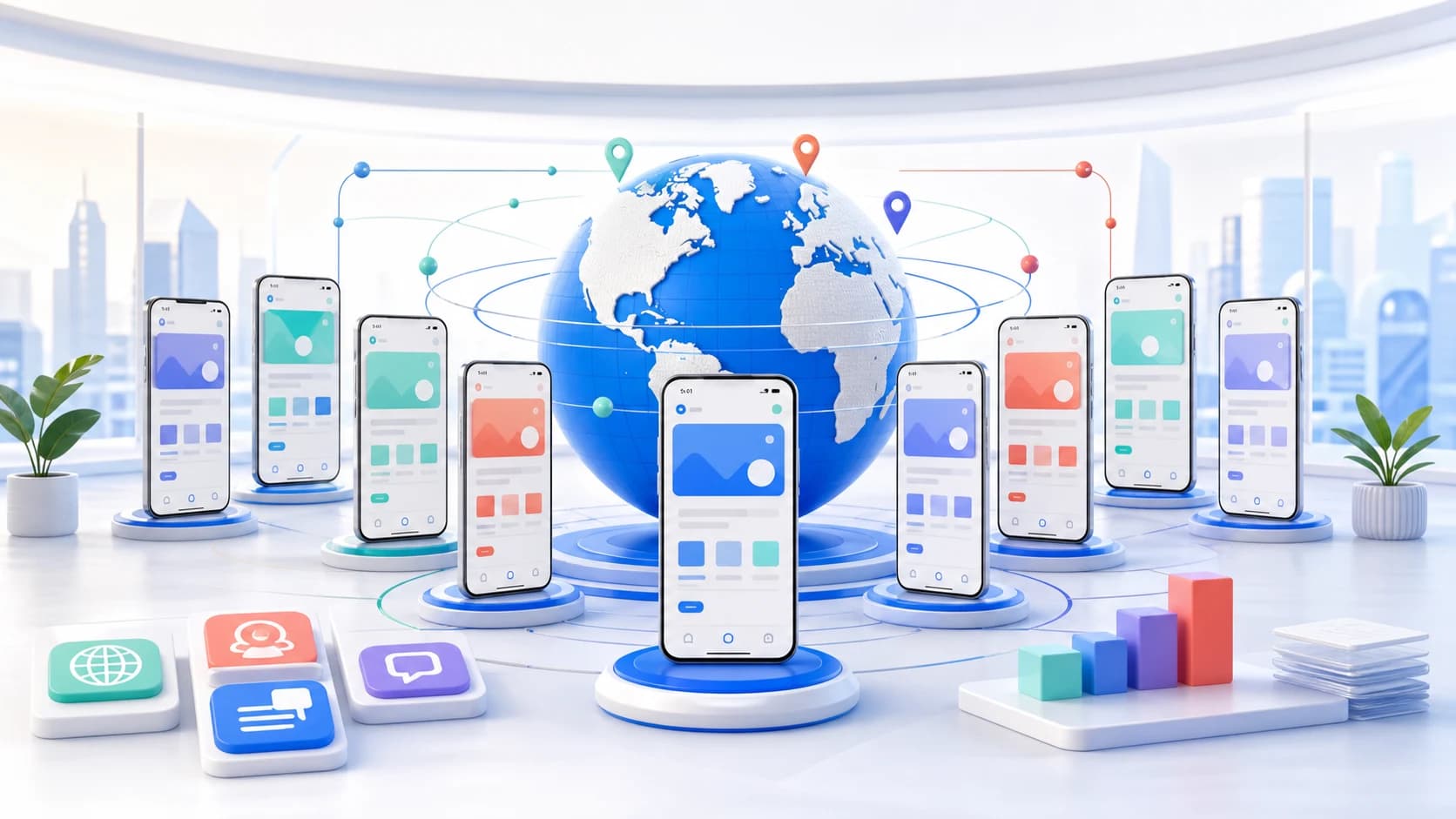
App localization workflow in one checklist
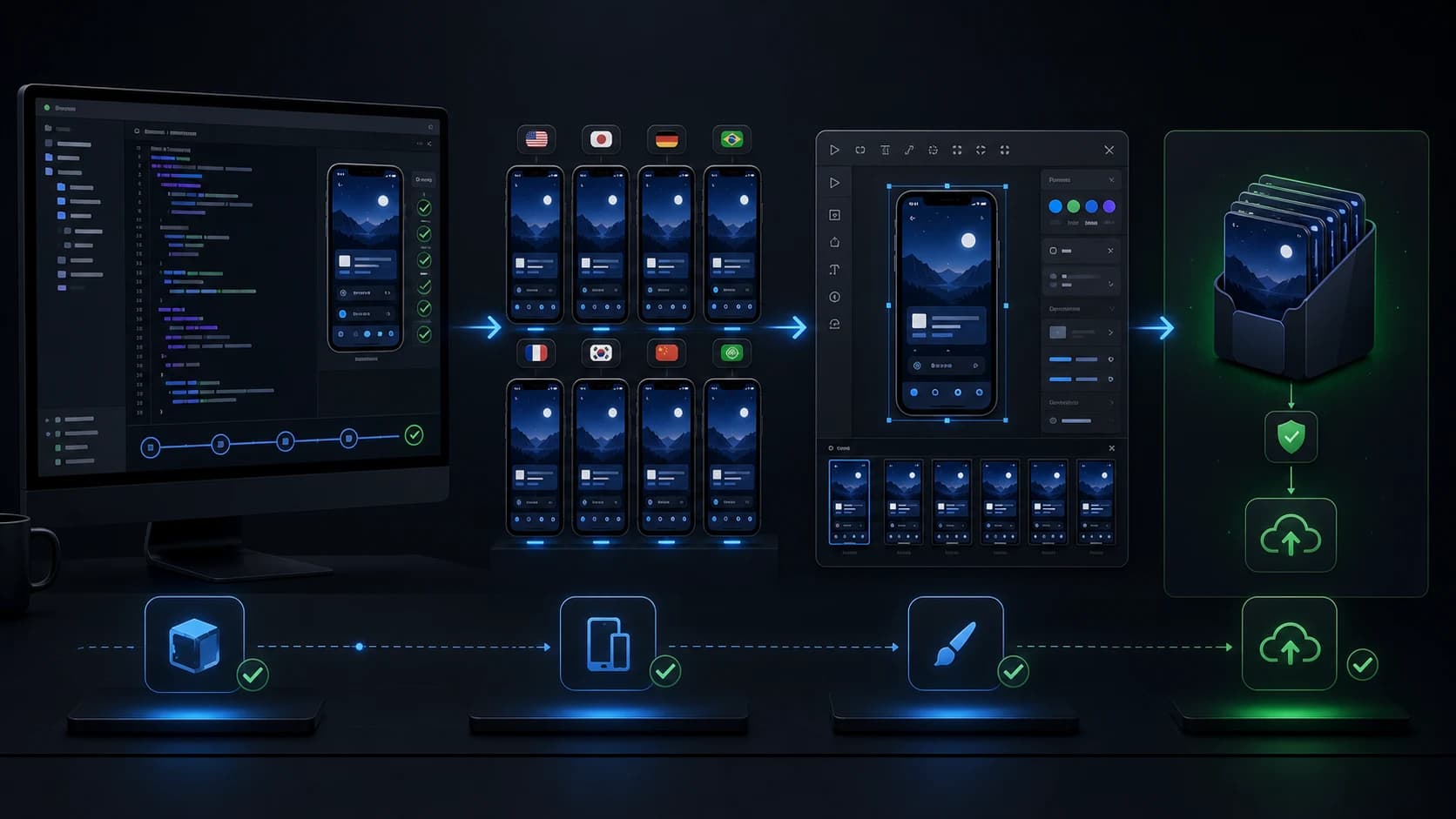
To localize an app properly, prepare the product strings, localize App Store and Google Play metadata, translate screenshots in context, and QA every market before launch. The winning workflow keeps UI strings, ASO keywords, store copy, and visuals in sync instead of translating each asset in isolation.
iOS strings and keyword field
Android XML and Play listing copy
Localized screenshots and QA
Mobile app localization is not just a translation pass. The app, the store listing, and the screenshots all need to feel native to the market you are entering. A user in Japan, Germany, Brazil, or Korea should understand the promise before they install.
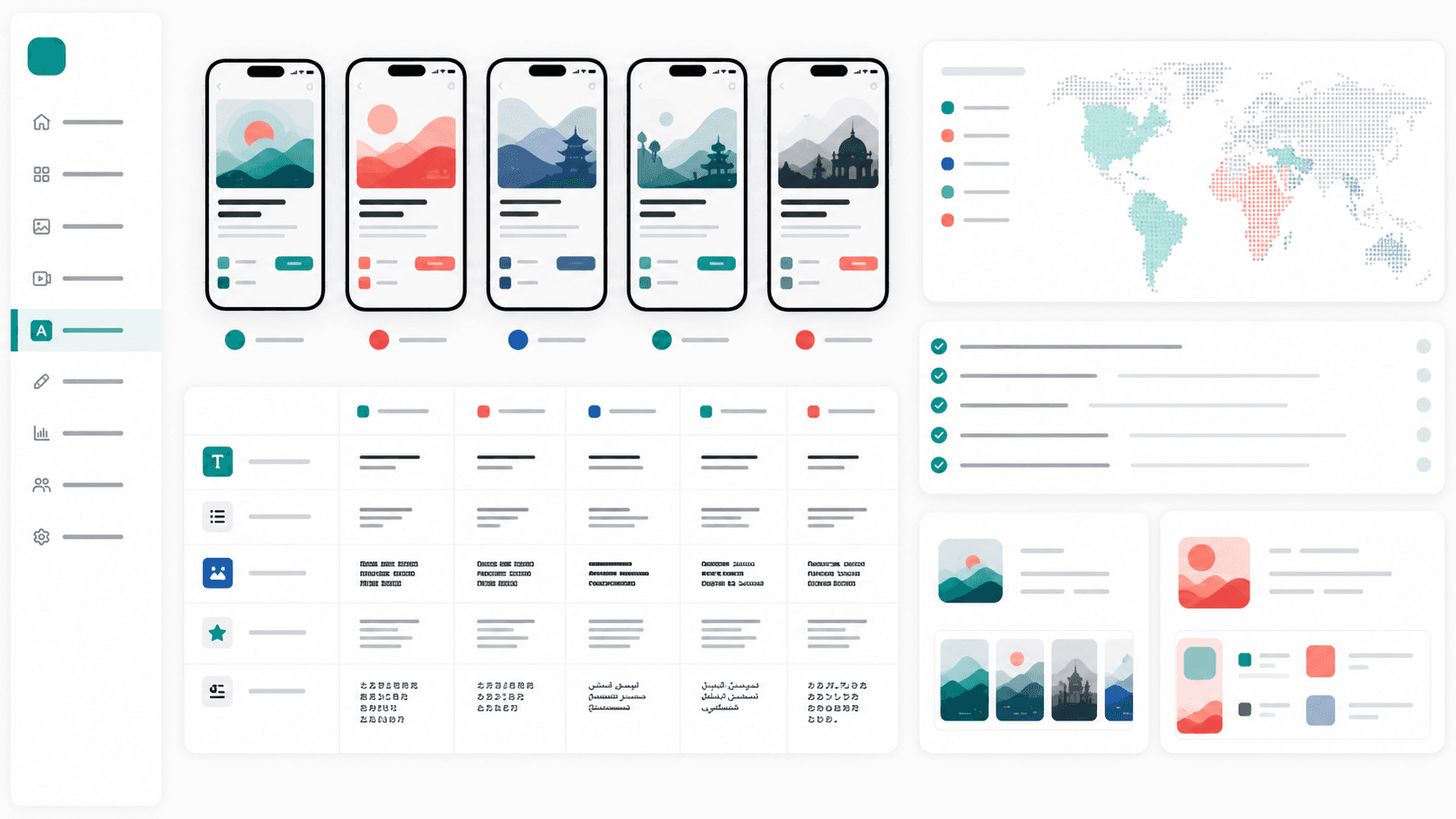
App Store and Google Play localization field map
The practical workflow is to localize product strings first, then adapt indexed store metadata and conversion assets together. AppLaunchFlow covers the store-facing layer: screenshot captions, ASO metadata, feature graphic text, per-locale exports, and layout QA for every market.
App Store
- App name, subtitle, promotional text, and keyword field.
- iPhone and iPad screenshots with localized captions.
- App preview captions, poster frames, release notes, and support copy.
Google Play
- App name, short description, full description, and release notes.
- Phone and tablet screenshots plus 1024x500 feature graphic text.
- Promo-video captions, store listing localization, and Play Console handoff.
Step-by-step app localization process
Audit what needs localization
List every surface users see before install: in-app strings, App Store title and subtitle, iOS keyword field, Google Play short and long descriptions, screenshots, feature graphics, preview videos, privacy labels, and support copy.
Prepare iOS and Android strings
Move hard-coded UI text into iOS string catalogs or Localizable.strings and Android strings.xml resources. Keep placeholders named clearly so translators understand whether a value is a count, user name, date, or product term.
Research keywords per market
Do not translate English keywords literally. Build localized keyword sets from local competitors, autocomplete, category language, and rank tracking data so each market has its own acquisition plan.
Localize app store metadata
Adapt title, subtitle, keyword field, short description, long description, promotional text, and release notes. Keep benefit language aligned with the first screenshots so search intent and conversion story match.
Translate screenshots in context
Translate screenshot captions while looking at the design. German, French, Spanish, and Portuguese often expand; Japanese and Chinese may need different line breaks; Arabic and Hebrew need right-to-left review.
QA the store listing before release
Check truncation, capitalization, screenshots, device sizes, CTA wording, keyword fields, and cultural references. Then stage uploads in App Store Connect and Google Play Console before the release date.
iOS localization checklist
- Move interface text into string catalogs or Localizable.strings.
- Localize title, subtitle, promotional text, and the 100-character keyword field.
- Create App Store screenshots for iPhone and iPad sizes used by each locale.
- Review Product Page Optimization variants separately for major markets.
Android and Google Play localization checklist
- Move UI copy into Android XML string resources and name placeholders clearly.
- Localize app name, short description, long description, screenshots, and feature graphic.
- Check phone, tablet, Chromebook, and large-screen screenshot requirements.
- Use Play Console store listing experiments when you need market-specific proof.
Pick markets with a business reason
The fastest localization wins usually come from markets that already show weak organic signals: impressions without conversion, downloads without retention, competitor strength, or paid campaigns that perform better than the English listing. Do not start with 30 languages because the tool can do it. Start with the markets where localized screenshots, metadata, and in-app copy can change a real growth metric.
Translate store copy and screenshots together
A common failure mode is translating metadata in a spreadsheet and screenshots in a design file. The result is often two slightly different promises: the subtitle says one thing, the first screenshot says another, and the long description uses a third term. Users notice that drift. App stores also index localized fields separately, so scattered terminology wastes search relevance.
Spreadsheet-first workflow
- Good for raw string handoff and translator review.
- Weak for screenshot layout, text expansion, and visual context.
- Requires manual copy/paste into App Store Connect and Play Console.
Store-asset workflow
- Reviews captions, metadata, and screenshots in the same project.
- Adjusts layout after translation so captions remain readable.
- Exports language groups ready for store upload and handoff.
Where AppLaunchFlow fits
AppLaunchFlow is strongest after your base product strings are ready. Use it to translate screenshot captions, adjust layouts for text expansion, localize ASO copy, export per-language screenshot sets, and keep store assets aligned across iOS and Android.
Launch sequencing
Start with markets where you already see organic downloads or strong competitor demand. Localize the app store product page first, then ship in-app strings, screenshots, and support content together. After launch, track keyword rank, conversion, retention, and review language before expanding into the next group of locales.
Localization QA checklist
No clipped text in screenshots, onboarding images, or store preview frames.
Placeholders, prices, dates, and units are localized rather than hard-coded.
App Store title, subtitle, and keyword field avoid repeated words and literal translations.
Google Play short description, long description, and feature graphic use the same promise.
The first three screenshots match the market's primary search intent.
Support links, privacy copy, and release notes are available for the launch market.
What to measure after localization
Treat localization like a launch experiment. Track impressions, product page views, conversion rate, keyword ranking, trial starts, retention, reviews, and support tickets by locale. If screenshots improve conversion but retention falls, the store promise may be too aggressive. If impressions rise but conversion stays flat, the localized keywords may be working while the visuals still need market-specific proof.
A practical stack for app localization
Use a translation management system for source strings when engineering handoff is complex. Use AppLaunchFlow when the acquisition layer is the bottleneck: screenshots, ASO copy, store exports, and launch assets.
Compare app localization toolsPractical deep dive
Run localization as a release workflow
Translation is only one step. A shippable locale needs approved terminology, flexible UI, localized store assets, functional QA, and an owner who can resolve market-specific issues after release.
| Layer | Owner | Acceptance evidence | Release risk |
|---|---|---|---|
| Product strings | Engineering and localization | Context review in the running app | Truncation or wrong meaning |
| Store metadata | ASO or product marketing | Field limits and local keyword review | Low relevance or rejected copy |
| Screenshots and video | Creative and native reviewer | Final-size localized preview | English UI or broken layout |
| Operations | Support and release owner | Localized help and escalation path | Users cannot get help |
Pilot one locale end to end
Choose a market with observed demand and product fit. Build a glossary, translate the core journey and listing, localize the first screenshot story, and test formats, payments, notifications, support, and analytics on a real device.
Record conversion, activation, retention, reviews, and support themes by locale. Expand only after the workflow can update strings and assets without manual reconstruction each release.
Frequently asked questions
What should I localize first?
Start with the core product journey, title and subtitle or short description, first screenshots, and the support path for one priority market.
Is translation the same as localization?
No. Localization also adapts search language, layouts, formats, imagery, payments, support, and market context.
How should localized releases be tested?
Review strings in context, test the app on target devices, inspect store assets at final size, and monitor conversion plus downstream product quality.
Sources and next steps
Continue with mobile app localization guide, localization tools comparison, and localized screenshot workflow.