Yannick
The measurement loop
Turn ranking movement into a decision
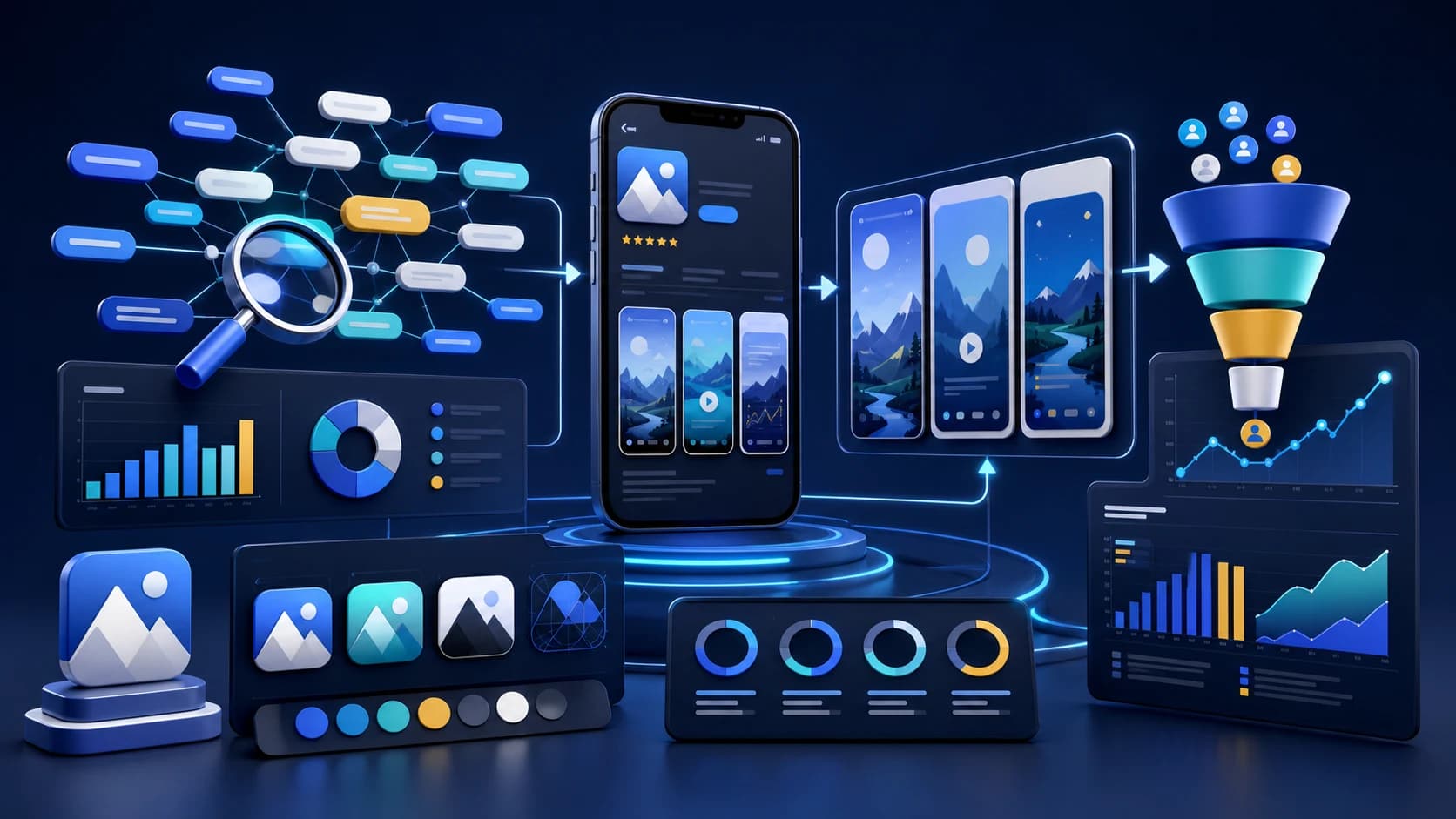
A useful tracker connects search visibility to the release or creative change that caused it.
Observe
Capture rank, country, competitors, and conversion context.
Annotate
Mark metadata, screenshot, pricing, and release changes.
Decide
Keep the winner or plan one focused next experiment.
App rank tracking is the practice of recording where an app appears for a defined App Store or Google Play search term, country, language, and date. The useful output is not a daily rank screenshot. It is a history that connects visibility changes to metadata releases, competitor movement, conversion work, and market conditions.
Track a small decision set first: the terms that describe your product, the problem it solves, and the competitors or category results users compare. Expand only when the first set is annotated well enough to explain what changed.
Quick answer
Track every priority keyword as a fixed store + country + language row, capture the top results daily, and judge changes on 7-day and 30-day windows. Annotate every metadata, release, localization, pricing, and creative change so movement has context.
AppLaunchFlow does this for Apple App Store and Google Play keywords, including position history, demand and difficulty signals, nearby competitors, keyword gaps, country/language variants, alerts, and exportable history.
Keyword rank by country
Competitor movement
Metadata release dates
Screenshot and conversion changes
Search impression and product page data
Review and rating movement
What keyword tracking should answer
A good ASO tracker should answer three questions: where do we rank, what changed, and which market needs action? Apple and Google both give store owners performance data, but rank tracking adds the market-facing view: what a searcher sees when they type a keyword in a specific country.
Rankings are observations, not attribution. A move can coincide with your metadata update, a competitor release, paid acquisition, seasonality, or a store-wide ranking change. Keep an ASO timeline next to the chart and label each release, screenshot test, price change, featuring event, and unusual traffic spike.
Build a keyword set that can drive decisions
Start with three groups. Core terms describe the category, problem terms describe the job a user wants done, and feature terms describe a differentiator. Add competitor terms for observation, but do not place protected competitor brands in your App Store keyword field. The App Store keyword research guide explains how to turn candidate terms into a prioritized set.
- Track 3 to 5 primary terms tied directly to the product promise.
- Track 5 to 10 secondary terms covering problems, features, and audience language.
- Record the exact country and store for every observation.
- Save the ranking apps around your position so competitor changes remain visible.
- Separate discovery terms from branded terms that already have high intent.
Track by country, not just globally
Rankings can move differently by country because metadata, localization, competitors, reviews, and conversion rate differ by market. If you only watch one default country, you can miss the exact market where a localized screenshot or keyword update is working.
A rank of 12 in the United States and 4 in Germany is not one average position. It is two different search environments. Keep locale, country, device, and store fixed when comparing dates. When a localized market improves, review both the translated metadata and the localized screenshots before deciding which part to expand. Use the app localization workflow to connect listing changes to the in-app experience.
App Store and Google Play rank tracking are different jobs
Use one scorecard, but do not assume the stores expose or rank the same fields. Apple gives iOS teams a localized 100-byte keyword field in App Store Connect and advises against repeating the app or company name there. Google Play does not offer the same hidden keyword field; it interprets the listing and product quality signals, and Play Console can report qualifying search terms that drove store-listing traffic.
| Question | Apple App Store | Google Play | Tracker action |
|---|---|---|---|
| Where does relevance come from? | App name, subtitle, localized keyword field, category, and product signals. | Store listing text, category, product quality, and broader relevance signals. | Keep store-specific keyword sets instead of averaging the two stores. |
| What first-party demand data exists? | App Store Connect search and product-page performance, with privacy thresholds. | Play Console store performance and qualifying Google Play search terms. | Pair console demand with observed rank and conversion, not rank alone. |
| How should locales be handled? | Metadata and keyword coverage are localized by storefront. | Listings and custom store listings can vary by market and language. | Create a separate row for every store, country, language, and keyword. |
| What can change without your release? | Competitors, demand, rankings, ratings, and store presentation. | Competitors, demand, rankings, quality signals, and store presentation. | Save neighboring results and annotate external shifts before attributing cause. |
Set up a rank tracker that produces comparable data
- Choose a decision set. Start with 5 core terms, 5 problem or feature terms, and 3 emerging terms per priority market.
- Lock the market. Store, country, and language belong to the observation; never compare a US result with a German result.
- Capture the surrounding SERP. Save the apps above and below you, not only your own position, so competitor releases stay visible.
- Add a release annotation. Record the exact date of every metadata, binary, pricing, screenshot, icon, feature graphic, and localization change.
- Define the decision window. Observe daily, investigate a 7-day movement, and make keep/change decisions on a 30-day view unless a severe issue requires faster action.
Connect rankings to conversion work
Do not treat keyword rank as a standalone scoreboard. Pair rank movement with App Store Connect or Play Console performance data, screenshot experiments, and product page changes. A keyword that ranks but does not convert may need different screenshots, not another metadata edit.
Use impressions and product-page views to confirm that the term represents real visibility, then use conversion and activation to judge message fit. If rank improves while qualified installs fall, the keyword may be broad or the listing may promise the wrong outcome. If conversion improves while rank stays flat, keep the creative gain and investigate adjacent terms rather than reverting a successful page.
A tracking cadence that avoids false conclusions
Record a baseline before release, watch the first week closely, and then compare stable weekly snapshots. Always keep country, device, seasonality, and competitor movement in the same view. A one-day jump is a signal to investigate, not proof that an ASO change worked.
Day 0
Baseline
Save rank, nearby apps, demand, conversion, and the exact listing version.
Days 1–7
Observe
Watch daily movement, but investigate before reacting to a single spike or drop.
Days 8–14
Explain
Compare markets and competitors; verify whether visibility and conversion moved together.
Days 15–30
Decide
Keep the change, refine one variable, or roll back with the evidence recorded.
| Signal | Cadence | Compare with | Decision |
|---|---|---|---|
| Primary keyword rank | Daily observation, weekly decision | Metadata timeline and nearby competitors | Keep, refine, or replace the target term |
| Search impressions | Weekly | Rank and seasonality | Confirm whether visibility produces demand |
| Product-page conversion | Weekly or by experiment | Screenshot and message version | Improve message match and first frames |
| Activation or trial start | Weekly cohort | Acquisition source and query theme | Protect user quality while expanding reach |
Worked example: interpret a ranking gain
Imagine a budgeting app moves from position 18 to 7 for “expense tracker” after a new subtitle and screenshot set. Search impressions rise 40 percent, product-page conversion stays flat, and trial starts per install decline. The rank gain is real, but the result is not yet a clean win.
First, compare the new audience with the previous one. The broader term may bring users who expect automatic bank syncing while the app focuses on manual envelopes. Keep the ranking long enough to collect a stable sample, then test the first screenshot and subtitle for clearer expectation setting. The goal is not to recover the old conversion rate at any cost; it is to find the best combination of qualified visibility and downstream value.
Common keyword tracking mistakes
- Checking manually without saving country, date, and neighboring results.
- Reacting to a one-day move before the store has settled after a release.
- Tracking hundreds of terms without a decision owner or priority model.
- Crediting metadata for a gain while ignoring paid traffic or competitor changes.
- Optimizing rank while product-page conversion and activation deteriorate.
When a tracking result suggests a metadata change, use the App Store keyword field guide to avoid repeats and wasted characters. When it suggests a creative problem, review the screenshot A/B testing workflow.
App rank tracking FAQ
What is app rank tracking?
It records where an app ranks for specific search terms by store, country, language, and date, then connects that history to releases, competitors, conversion, and user-quality signals.
Why track App Store rankings by country?
Rankings can differ because localization, competition, reviews, conversion behavior, and demand vary by market. A global average hides the market where action is needed.
How often should I check app keyword rankings?
Capture them daily, but make decisions from stable 7-day and 30-day trends after checking metadata edits, screenshot updates, localization, competitor movement, traffic sources, and conversion data.
Does Google Play show the search terms that drive installs?
Play Console reports qualifying search terms in store-performance data, subject to privacy and reporting thresholds. A rank tracker adds the daily market position and competitor context for the terms you deliberately monitor.