Yannick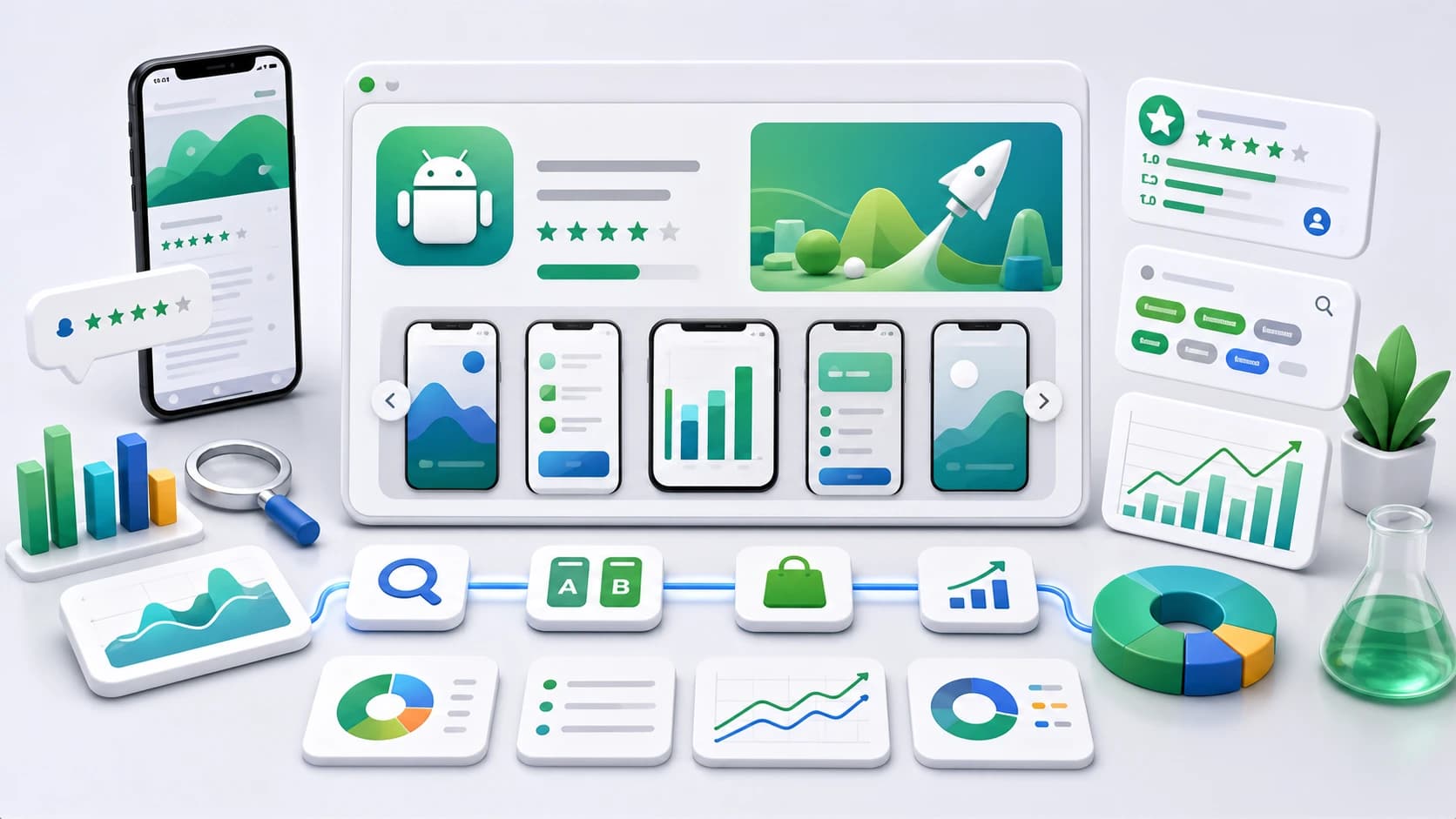
If you have optimized for the Apple App Store, do not copy that playbook to Google Play. The two stores index and rank listings differently, and the Play-specific tactics below are where most cross-platform developers leave growth on the table. For the iOS side, see our ASO 2026 Guide.
Google Play growth loop
Relevance earns the visit; quality earns the scale
Treat metadata, creative, product quality, and measurement as one system instead of four independent checklists.
Relevance
Match title and descriptions to a small set of defensible search intents.
Conversion
Use screenshots, video, icon, and feature graphic to prove the same promise.
Quality
Read listing conversion together with acquisition, stability, activation, and retention.
Google Play ASO quick answers
What is Google Play ASO?
Google Play ASO means optimizing an Android app listing for Play Store search and conversion: title, short description, long description, screenshots, feature graphic, ratings, reviews, localization, and engagement signals.
Where do Google Play app keywords go?
Google Play app keywords belong in visible text fields: the title, short description, and long description. There is no hidden keyword field, so use natural phrases that match real search intent.
Is Play Store ASO different from iOS ASO?
Yes. Google Play indexes more visible listing copy and leans heavily on ratings, reviews, installs, and engagement. iOS relies more on the title, subtitle, keyword field, and product page conversion.
What does AppLaunchFlow cover for Google Play?
AppLaunchFlow creates Play Store screenshots, 1024 x 500 feature graphics, short and full description copy, localization, keyword tracking by country and language, and store handoff.
Play vs. App Store, in brief
- Google Play indexes the full text of your title, short description, and long description — there is no hidden keyword field.
- Repeating your main keyword a few times across the description (naturally) helps on Play; it is wasted on iOS.
- Ratings, reviews, installs, and engagement signals weigh heavily in Play ranking.
- The feature graphic and short description drive a large share of Play conversion.
| Play Store lever | Primary job | What to measure | Common mistake |
|---|---|---|---|
| Title and descriptions | Clarify relevance and product value | Query coverage, visitor mix, conversion | Stuffing variants without a readable promise |
| Icon and screenshots | Earn attention and prove the workflow | Listing-acquisition conversion by source | Making a claim the visible UI cannot support |
| Feature graphic and video | Represent the app on promotional surfaces | Video engagement and campaign conversion | Treating the graphic as a banner full of tiny text |
| Ratings and product quality | Protect trust after the install | Rating, crash-free users, activation, retention | Optimizing the listing while ignoring product friction |
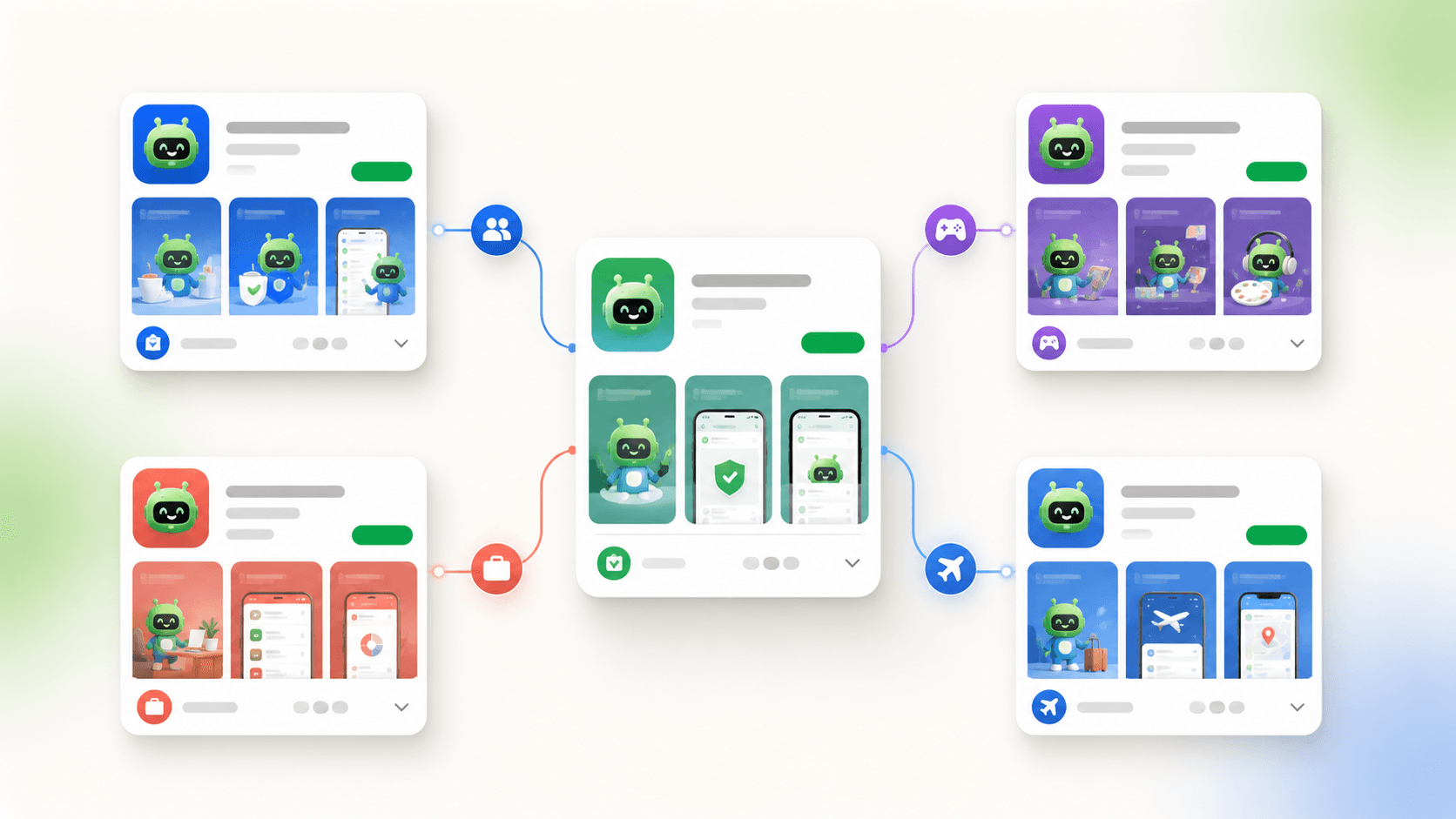
| Localization and custom listings | Match market and campaign context | Performance by country, language, and segment | Literal translation with unchanged proof |
Optimize the text fields for full-text indexing
Because Play indexes your whole listing, treat the long description like lightweight SEO copy. Lead with your strongest keyword in the title (30 characters) and short description (80 characters), then use the long description (4,000 characters) to cover your main term and its natural variations a handful of times — written for humans, not crammed. Keyword stuffing reads badly and can trip policy review.
Do your keyword research first so the terms you weave in are ones people actually search, and use the ASO Copy Generator to draft a description that stays within Play limits while covering your keywords.
Win the visual assets Play actually surfaces
Google promotes apps using preview assets — the feature graphic, screenshots, and short description — across the store and recommendation surfaces. The required 1024 x 500 feature graphic is not an afterthought; it is one of the most-shown assets you own. Build it as a real launch asset, and size your Play Store screenshots correctly for phones, tablets, and 7-inch devices.
Don't neglect ratings, engagement, and updates
Play leans more heavily than Apple on behavioral signals: install velocity, retention, ratings, and review volume all feed ranking. Prompt happy users for reviews at the right moment, respond to reviews, and ship regular updates — freshness and engagement are part of Play's ranking picture, not just vanity metrics.
- Request reviews after a positive moment, not on first launch.
- Reply to reviews — it improves ratings trajectory and signals an active app.
- Localize the listing for your top install markets to widen reach.
- Refresh the feature graphic and screenshots around major updates.
Track Play rankings and iterate
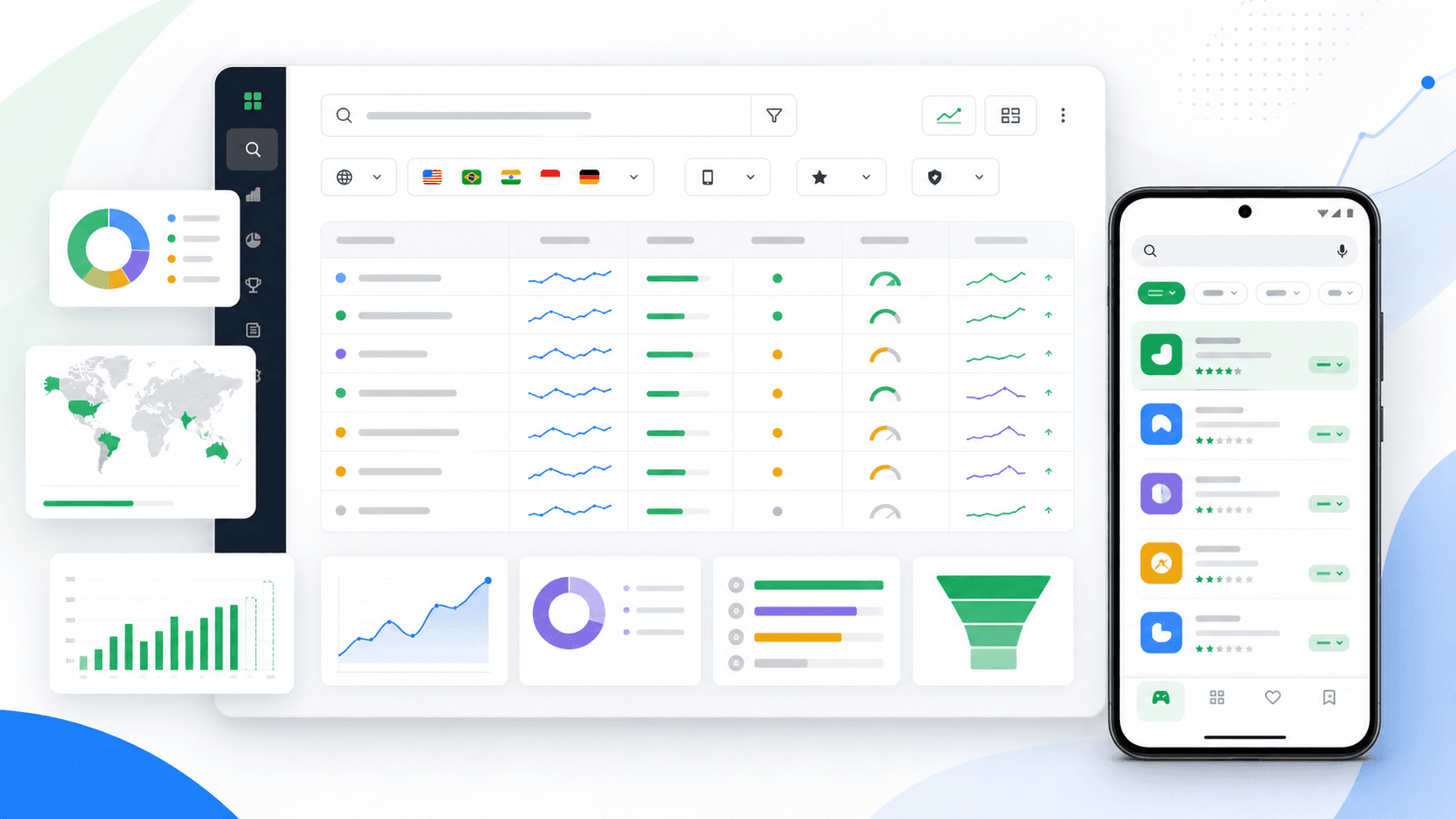
Optimization is continuous. Track your search positions over time and reinvest in the terms that move. AppLaunchFlow's Keyword Monitor follows Apple App Store and Google Play rankings daily across countries and languages with full SERP context. The broader App Store Optimization workflow keeps your screenshots, copy, and localization aligned across both stores.
A worked Google Play optimization cycle
Imagine a meal-planning app whose listing targets the broad term “healthy recipes,” while the product is strongest at creating weekly plans from dietary restrictions. The team first narrows the promise to “weekly meal planner for dietary needs.” It rewrites the short description around planning rather than recipe volume, then puts the completed week and automatic shopping list in the first two screenshots.
The release note records the metadata change, creative version, countries, and date. After the listing has settled, the team compares query coverage, product-page conversion, activation into a first plan, and week-one retention. If conversion rises but activation falls, the new promise may be too broad. If both improve, the team can localize the same intent and test a stronger first-frame proof.
Google Play ASO FAQ
Google Play ASO: definition
It is the practice of improving an Android listing so relevant visitors can discover, understand, and confidently install the app. It covers metadata, preview assets, localization, experiments, reviews, and the product quality behind the promise.
Keyword placement on Google Play
Use important phrases naturally in the app name and visible descriptions. Google Play has no Apple-style hidden keyword field, so the copy must work for both users and search.
How should I test a Play Store listing?
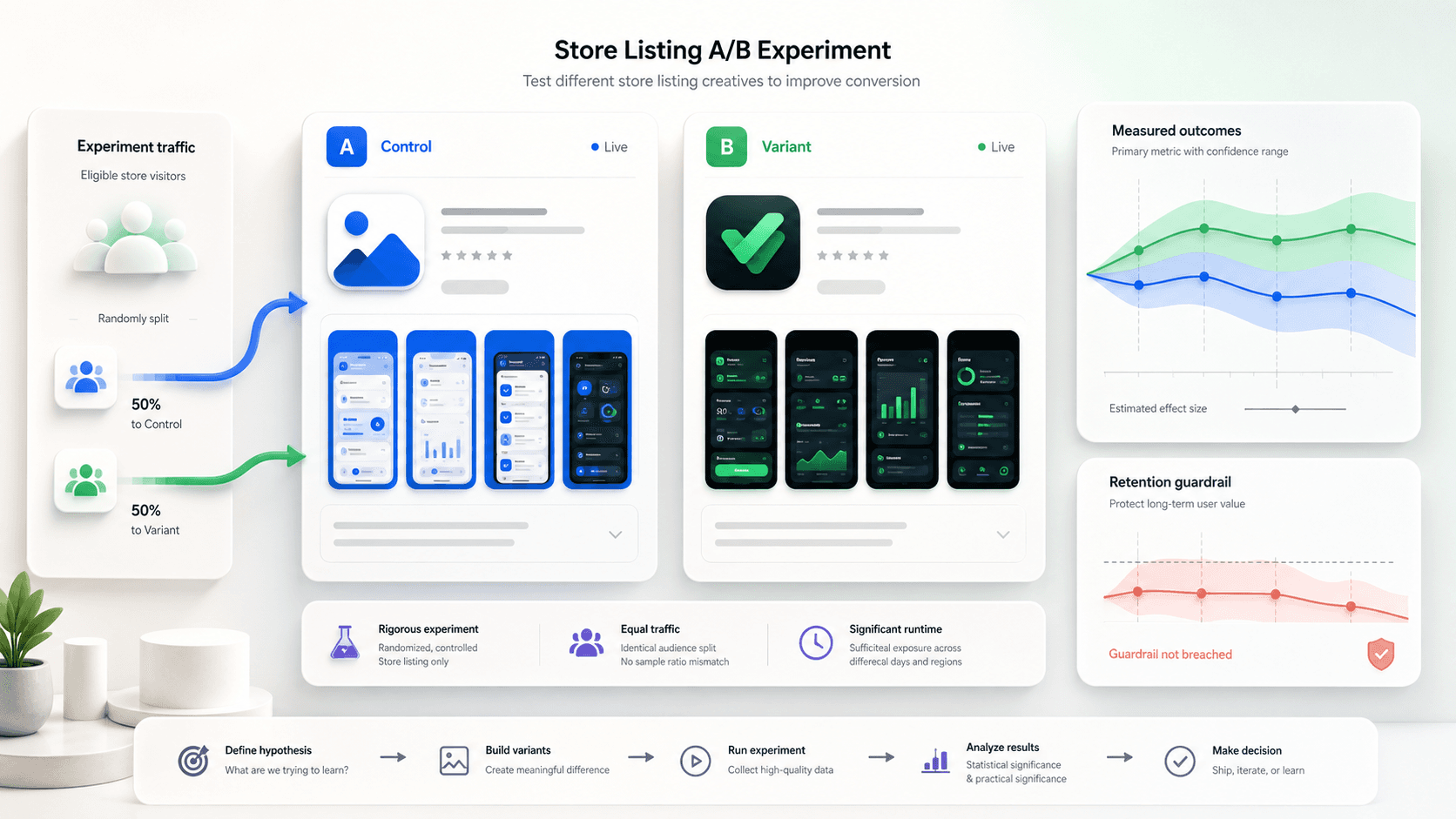
Start with one meaningful hypothesis, choose the audience and metric before launch, and change only the assets needed to test that hypothesis. Check downstream activation as a guardrail against misleading creative.
Which asset should I optimize first?
Fix message mismatch first. Then prioritize the icon, short description, and first screenshots according to where the listing appears and what visitors currently see.