Yannick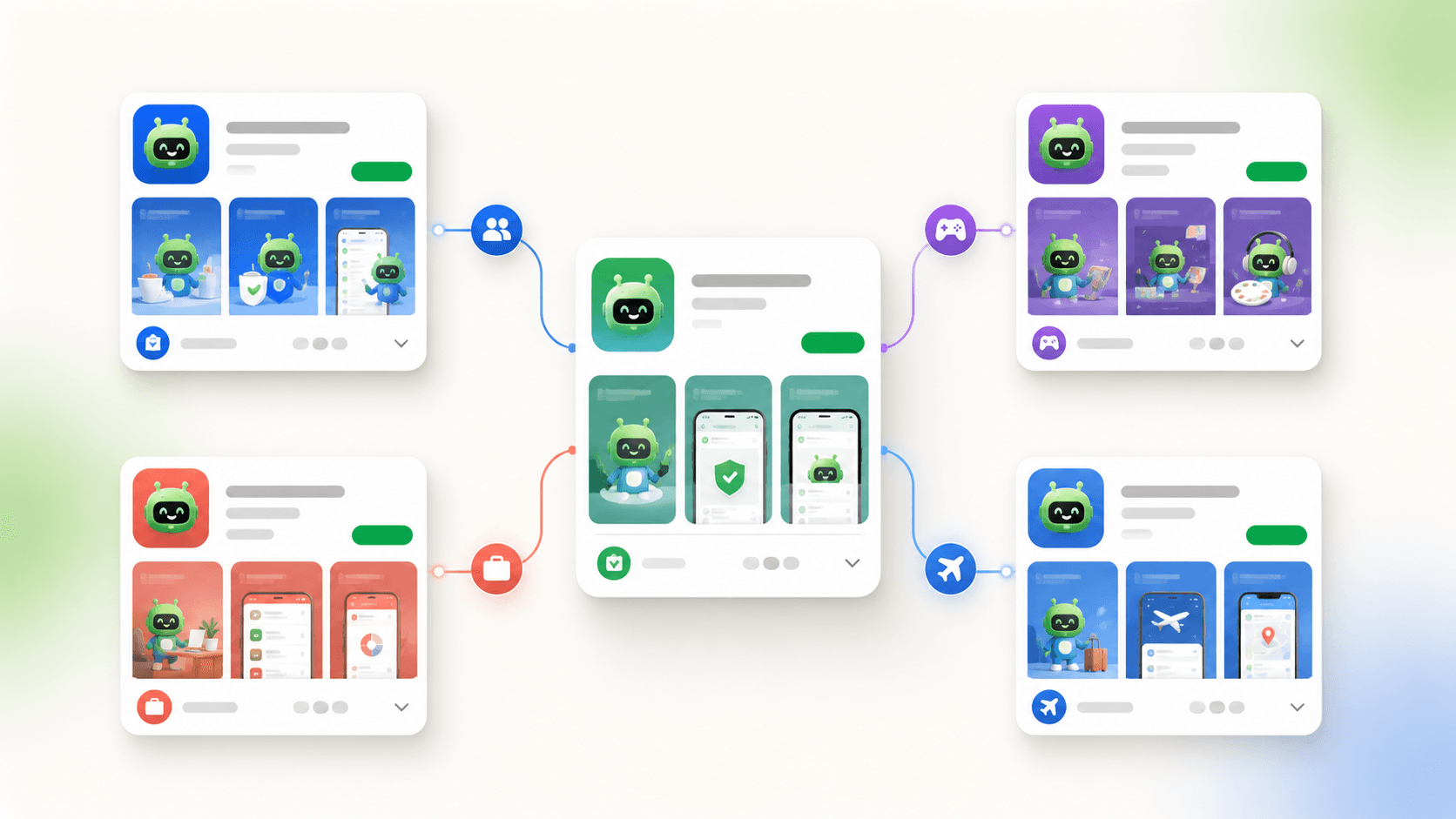
Match the listing to the visit
One product, several honest entry stories
Custom store listings work when targeting, metadata, creative, localization, and measurement all describe the same user intent.
Segment
Choose a country, state, search theme, or campaign audience with a distinct reason to install.
Adapt
Change the app name, descriptions, icon, screenshots, and feature graphic as one coherent story.
Measure
Compare qualified traffic and downstream value without confusing targeting with an experiment.
Google Play custom store listings let an app show tailored metadata and creative to selected audiences without changing the default listing for everyone. In 2026, Google documents targeting by country, user or buyer state, Play Search keyword, Google Ads campaign, and unique URL. The feature is powerful because it aligns acquisition intent with store proof; it is not a license to make different promises for the same product.
Quick answer
Create a custom store listing only when a segment needs a materially different product story. Start by duplicating the default listing, choose one eligible targeting method, then adapt the app name, descriptions, icon, screenshots, feature graphic, and translations around that intent. Google currently allows up to 50 custom store listings. Keep a default fallback, use explicit locale coverage because custom listings do not receive automatic translations, and measure each listing against its own audience and traffic source.
What a custom store listing can change
A Google Play custom store listing is a separate presentation of an existing app. Google says a custom listing can differentiate the app name, icon, short and full descriptions, screenshots, and other graphic assets. The binary, package name, price, subscriptions, and actual feature set remain the same. That boundary matters: the listing may emphasize a relevant workflow, but it must not advertise functionality the installed app does not provide.
The default store listing remains the fallback for users who do not match a custom target. In Play Console, you can create a new listing, duplicate an existing listing, or create one inside a listing group. Duplicating the default is usually the safest starting point because policy text, baseline positioning, and current assets are less likely to drift unnoticed.
| Target | Best use | Creative implication | Important constraint |
|---|---|---|---|
| Country or region | Market-specific positioning | Local language, culture, offer, and proof | Distribution and other active listings affect availability |
| User state | Pre-registration or re-engagement | Explain the next relevant action | Eligibility depends on release state and audience |
| Search keyword | Intent-specific discovery | Prove the searched job in the first assets | Group terms by shared intent, not spelling alone |
| Google Ads | Campaign-to-store continuity | Mirror the ad's promise and visual language | Use the campaign association configured in Play Console |
| Unique URL | Owned, partner, email, or creator traffic | Continue the story from the referring page | Traffic must use the listing-specific URL |
AppLaunchFlow's Play Store screenshot generator produces a separate, intent-matched screenshot set for each custom listing from the same project, so every segment gets its own first three frames without a second design pass.
Choose the segment before designing the page
Start with a real difference in user intent. A fitness app might present running analysis to visitors from a marathon partnership, home workouts to a creator's audience, and a broad overview on the default listing. A budgeting app could separate first-time budgeters from couples managing shared finances. The test is simple: would the same first three screenshots persuade both groups equally well? If yes, a custom listing may add operational complexity without improving relevance.
Write a one-sentence segment brief containing the audience, arrival context, desired outcome, product proof, and post-install action. Do not begin with a list of keywords or countries. Search terms are useful targeting signals, but several phrases can describe one job and one phrase can carry different intent. Group only the terms that deserve the same truthful creative story.
- Document why the default listing is insufficient for this segment.
- Estimate whether the traffic can support useful measurement and maintenance.
- Confirm the product and onboarding can fulfill the tailored promise.
- Assign an owner and review date before the listing is created.
Create the listing in Play Console
Google's documented path is Grow users, Store presence, Custom store listings. Your app needs a default store listing and must be published before you create a custom listing. Choose whether to start blank, duplicate an existing listing, or use a listing group; enter an internal name; select an available audience segment; then provide the default language, metadata, and graphic assets.
The internal name is not shown to users and Google says it cannot be edited after creation, so adopt a naming convention such as `US-running-search-v1` or `partner-name-en-US-2026Q3`. Record the targeting rule outside Play Console as well. A meaningful name prevents teams from guessing which campaign or search bundle a listing serves months later.
Design an intent-matched asset sequence
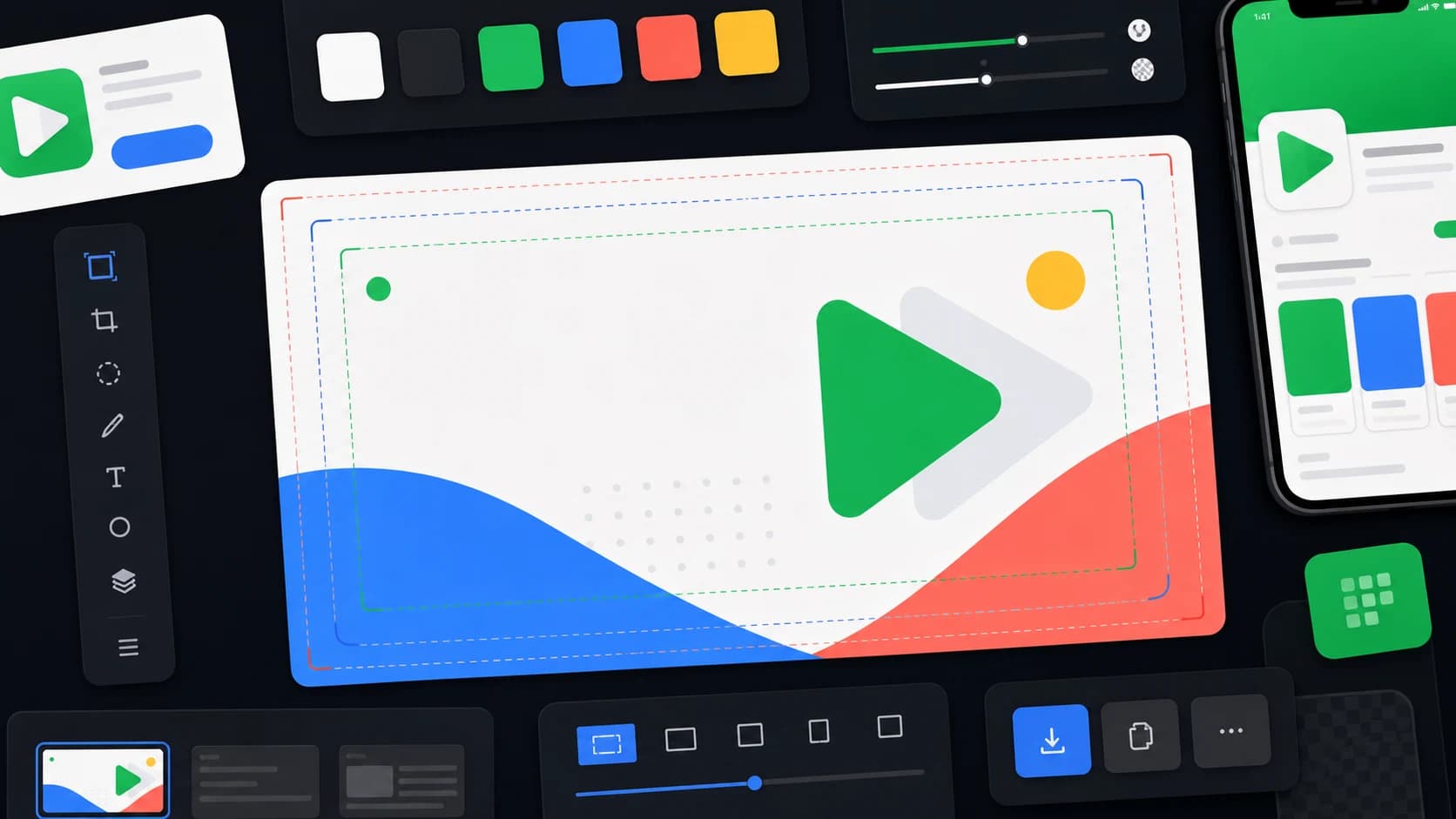
Change the complete story, not just the first caption. The app name and short description should state the relevant category and outcome. The icon should remain recognizable as the same product even if a seasonal or audience-specific variant is justified. The first screenshot proves the promise, the next two show the path and result, and later screenshots establish depth, trust, or compatibility.
Keep the feature graphic and preview video consistent with the same message. Google can use listing assets on other Play and Google promotional surfaces, so an asset should make sense beyond one full product-page view. Avoid placing essential text near the edge, use current in-app UI, and preserve the brand cues that connect the ad, listing, onboarding, and installed app.
Localization is explicit, not automatic
Google warns that custom store listings do not include automatic translations. If a selected country contains users whose language you did not add, they can see the custom listing in its default language. Google's own example explains that English-language users in selected Latin American countries would see a Spanish-default custom listing unless an English translation is added.
Build a locale matrix before launch: target country, expected Play languages, default listing language, custom-listing translation status, localized screenshots, reviewer, and fallback behavior. Translate the user problem rather than mechanically translating a keyword bundle. Check line breaks, screenshot UI, currency, units, testimonials, and legal claims for each market.
Campaign and unique-URL handoff
A unique listing URL is useful when the source controls the click: a website section, email, creator description, QR code, or partner campaign. Continue the same promise and visual cue from the source into the listing. If a user clicks an ad about collaborative budgeting and lands on generic expense tracking screenshots, the custom route has failed even if the page is technically targeted.
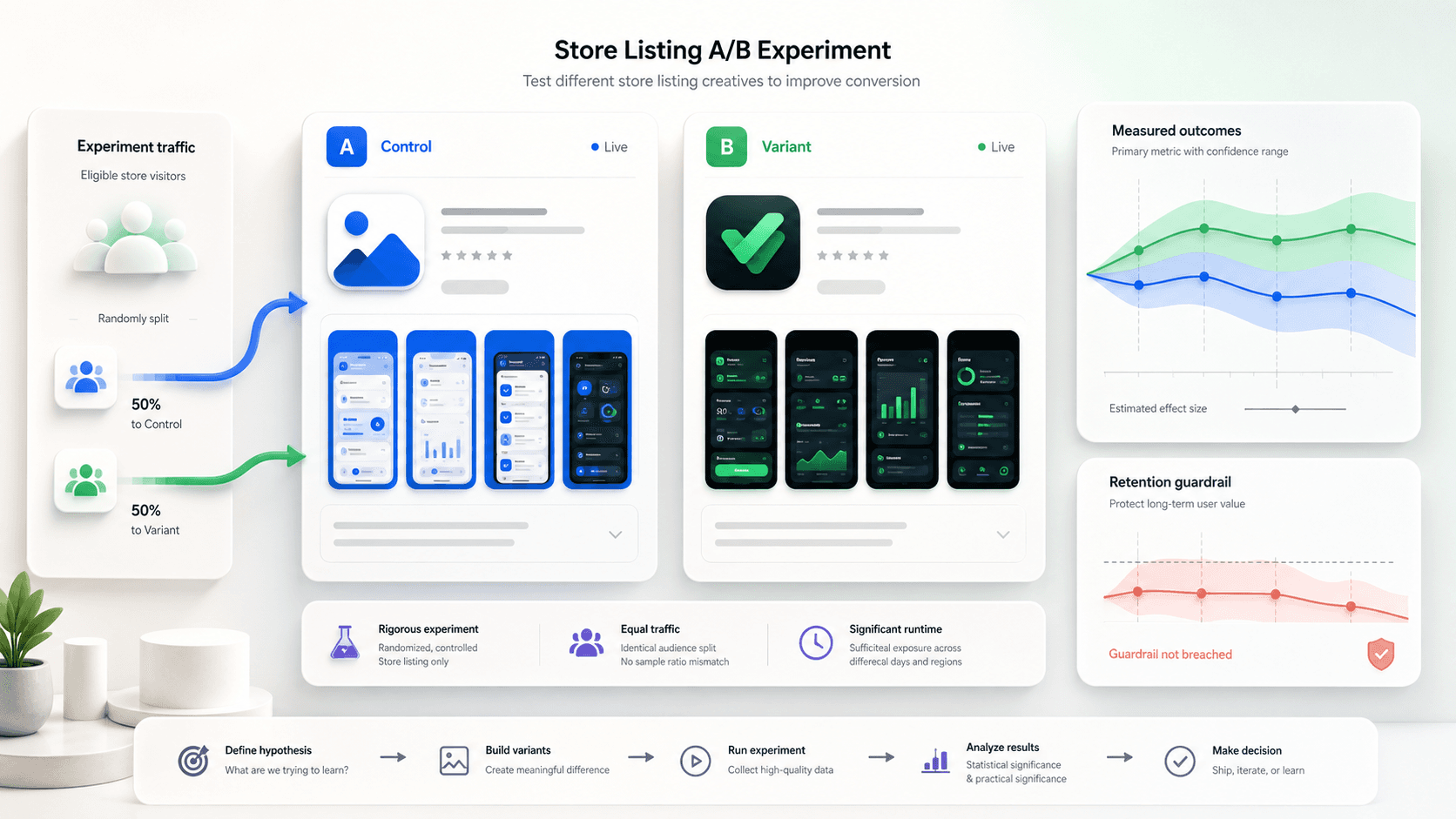
For paid campaigns, preserve campaign identifiers and document which listing was active. Do not compare a high-intent partner audience with broad default traffic and call the listing the cause of a conversion difference. Targeting selects different people; a controlled store listing experiment randomizes eligible traffic. Use each tool for the question it can actually answer.
Measurement without false conclusions
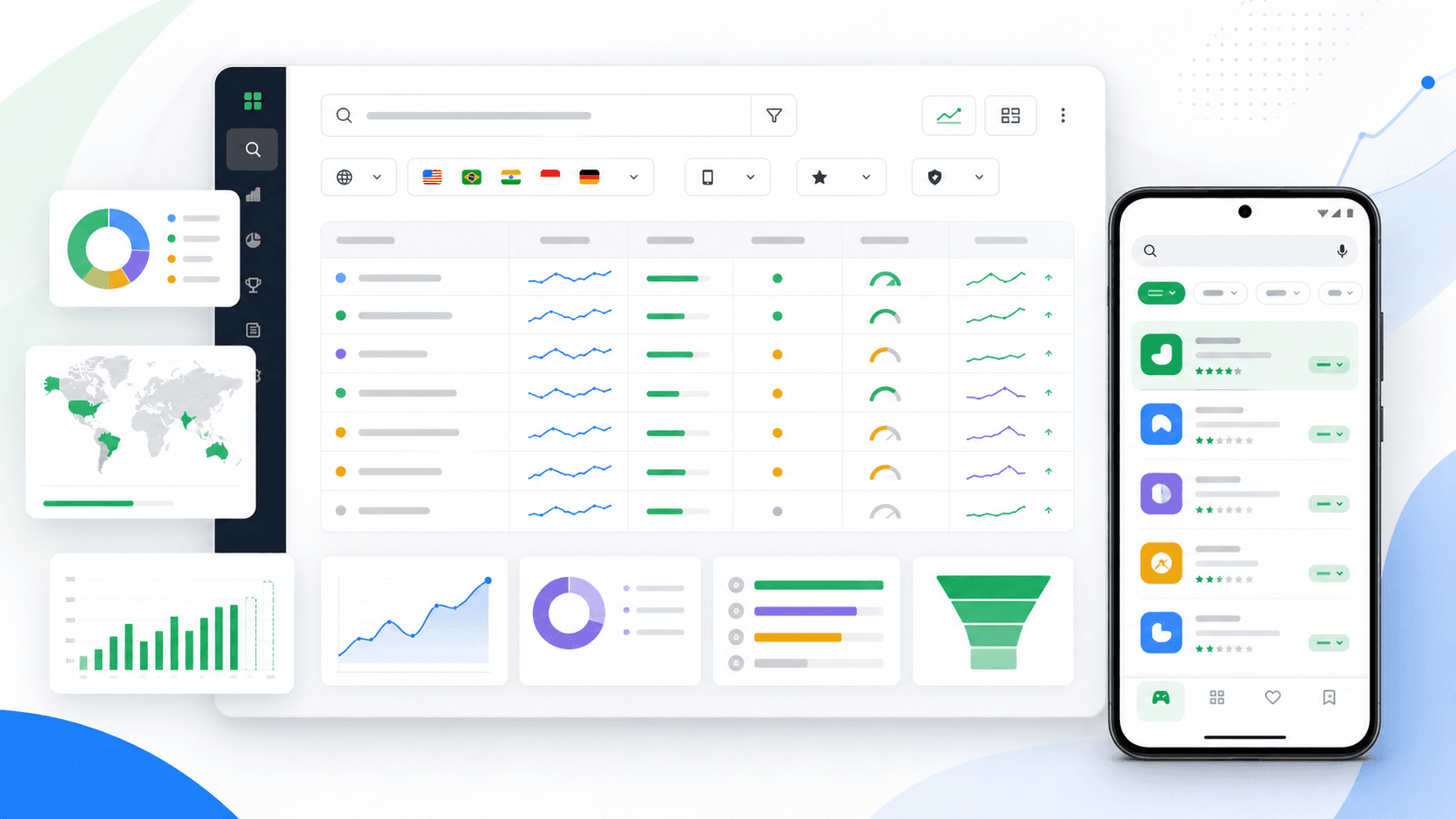
Define a primary metric before publishing: store listing acquisition, first open, activation, trial, purchase, or retained use. Google Play's current growth surfaces can report custom listing traffic and comparisons, but downstream product value still belongs in your analytics plan. Annotate listing changes, app releases, pricing changes, featuring, and campaign shifts so a trend is not mistaken for causal proof.
Compare performance within similar sources and markets. A higher store conversion rate can still acquire users who never activate, while a lower rate from a narrow high-value audience can produce more revenue per visitor. Review both the listing's contribution and the promise-to-product handoff. When evidence is weak, keep the result as a hypothesis and use a store listing experiment for a controlled creative question.
Governance for up to 50 listings
Google currently advertises support for up to 50 custom store listings. That capacity is not a target. Every listing adds translations, screenshots, policy review, release checks, and measurement decisions. Start with one or two high-confidence segments and create a reusable brief, asset naming scheme, localization checklist, and retirement rule before expanding.
Audit active listings after major product redesigns and at a fixed quarterly cadence. Retire listings whose traffic source ended, whose promise no longer matches onboarding, or whose evidence never justified the maintenance cost. Keep an archive of the target definition, source files, publication date, and final readout so the same unproven idea is not recreated later.
- One segment brief and one primary outcome per listing.
- Named owner for metadata, creative, localization, and measurement.
- Source files and exports tied to the Play Console listing name.
- Quarterly accuracy review and an explicit retirement threshold.
Continue the workflow
Primary sources and verification notes
Platform requirements and software capabilities change. These sources were reviewed for this guide on August 16, 2026; open the current source again before publishing assets, enabling production access, or standardizing a team workflow.
- Google Play Help: Create custom store listings: Creation workflow, targeting, translation behavior, and official examples.
- Google Play Console: Custom store listings: Current targeting surface, supported differentiated assets, and listing limit.
- Google Play Console: Main store listing: Current store-listing capabilities and discovery features.
- Google Play Help: Preview assets: Current screenshot, feature graphic, icon, and video requirements.
Google Play Custom Store Listings FAQ
How many Google Play custom store listings can an app create?
Google currently states that an app can create up to 50 custom store listings. Start with a small number because every listing adds creative, localization, review, and measurement work.
What can change in a custom store listing?
You can differentiate the app name, icon, short and full descriptions, screenshots, and other graphic assets. The installed app and its actual capabilities do not change.
Are custom store listings automatically translated?
No. Google explicitly says custom store listings do not include automatic translations. Add each required translation or users can see the listing's default language.
Is a custom store listing the same as an A/B experiment?
No. A custom listing targets a selected audience or traffic source. A store listing experiment divides eligible traffic to estimate the effect of a changed asset or text variant.