Yannick
Localization system
Research, adapt, verify, measure
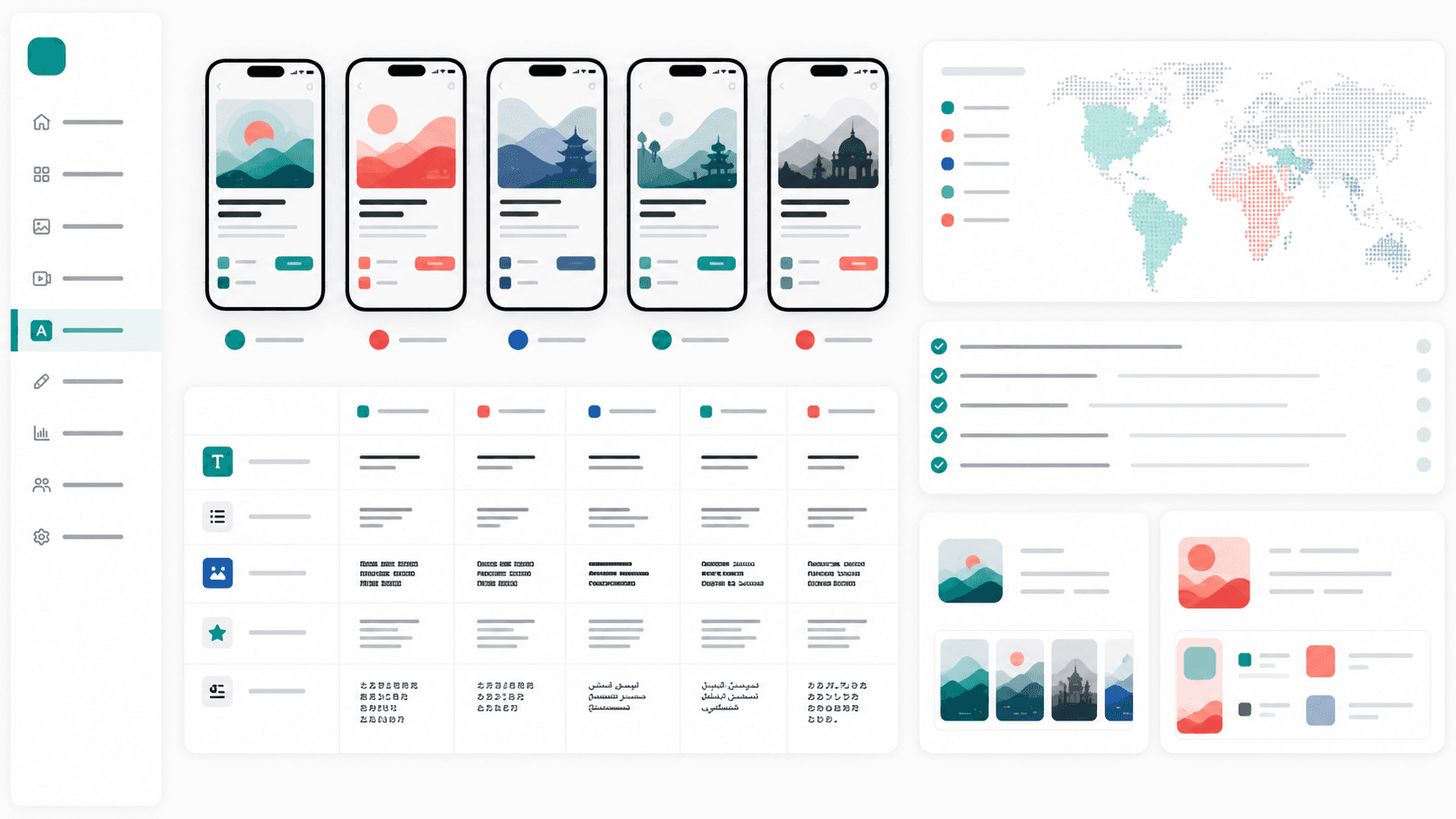
A localized store listing should use the language people search, show an experience they can actually use, and remain measurable by market.
Research
Choose markets from existing demand, revenue potential, product fit, and local search behavior.
Adapt
Localize metadata, screenshot captions, formats, proof, and product terminology together.
Verify
Review in context with a native speaker, then compare conversion and activation by market.
App Store optimization localization in 60 seconds
App Store optimization localization means adapting the entire product page for each market: keywords, title, subtitle, description, screenshot captions, preview video text, and store-specific assets. The best workflow translates metadata and visuals together so the localized screenshots and ASO copy reinforce the same search intent.
What to localize first
- App title and subtitle or short description
- iOS keyword field or Google Play long description
- First three screenshots and screenshot captions
- Preview video captions and promotional text
Why AppLaunchFlow fits
AppLaunchFlow translates screenshot captions and ASO metadata in one project, adjusts layouts for longer copy, exports per-locale screenshot sets, and connects the localized assets to App Store Connect and Google Play handoff.
Mobile app localization means adapting your app — its UI strings, App Store and Play Store listing, screenshots, ASO keywords, and tone of voice — for each language and market you target. Done well, localization removes comprehension and trust barriers. The impact varies by category, country, traffic mix, and how completely the in-app experience supports the promise made by the listing.
An English listing can reach many users, but it cannot represent how every market searches, evaluates value, or reads visual proof. The opportunity is not a single global percentage; it is the measurable gap between your existing performance and a market-specific listing.
That's a massive missed opportunity. I've seen apps double or triple their download numbers just by properly localizing for a handful of key markets. And no, I'm not talking about running your app description through Google Translate and calling it a day.
Localization done right is more than translation - it's about making your app feel native to each market. Here's what that actually involves.
Key takeaways
- Localize titles, subtitles, and screenshots before long-form copy.
- Plan for text expansion so layouts remain readable.
- Use localized keyword research, not literal translations.
- App product page localization improves both ranking and conversion.
Fact sheet
- Topic: Mobile app localization for App Store and Google Play
- Audience: Indie developers and app growth teams
- Priority assets: Title, subtitle, screenshots, and short descriptions
- Updated: January 10, 2026
Related tools: App Localization Tool and App Localization Comparison.
Mobile App Localization Tips (Quick Checklist)
- Localize your title, subtitle, and screenshots first
- Use native keyword research instead of literal translation
- Adapt currencies, dates, and cultural references
- Check text expansion so layouts do not break
- Test screenshots on real devices before upload
App Product Page Localization (iOS & Google Play)
Product page localization is more than translating descriptions. It includes localized titles, subtitles, screenshots, and feature graphics that match how each market searches and decides. If you want to move rankings and conversions, localize the visual story first, then align copy to the same intent. For campaign- or keyword-specific iOS variants, follow the custom product pages workflow.
Use tools like the App Localization Tool to translate screenshots and adjust layouts, and compare competitor localization using App Localization Comparison.
When the localized story includes motion, use the mobile app promo video examples to plan caption length, screen order, and reusable store and social cuts by market.
The Real Impact of Localization
Localization can improve discoverability because the listing can target the words used in a market, and it can improve conversion because the product promise becomes easier to understand. Neither effect is automatic. A translated page that targets the wrong terms or points to an English-only product may perform worse than a clear default listing.
But downloads are just the start. Localized apps see higher engagement, better reviews, and lower churn rates. When users can fully understand and navigate your app, they're more likely to stick around. Makes sense, right?
There's also an ASO benefit. Apple and Google both index localized keywords, meaning localization helps you rank for searches in those languages. An English-only app won't show up when someone in Germany searches for "budgetplaner" - but a localized competitor will.
Which Markets Should You Prioritize?
You can't localize for every country at once (well, you could, but that's expensive and often unnecessary). Focus your efforts where they'll have the biggest impact.
Check your current downloads: If you're already getting significant downloads from non-English markets despite not being localized, imagine how many more you could get with proper localization. These are your quick wins.
Consider market size: The biggest mobile markets after the US are China, India, Japan, South Korea, Germany, the UK, France, and Brazil. But market size doesn't equal opportunity for every app - a productivity app might do better in Germany than India, while a social app might be the opposite.
Evaluate competition: Some markets are saturated with localized apps. Others are underserved. Sometimes a smaller market with less competition is a better bet than a huge market where you'll be buried.
Build a short market scorecard instead of copying a universal language list. Rank each candidate by current impressions or installs, revenue potential, category fit, competitive difficulty, translation cost, support readiness, and whether the product itself is usable in that locale.
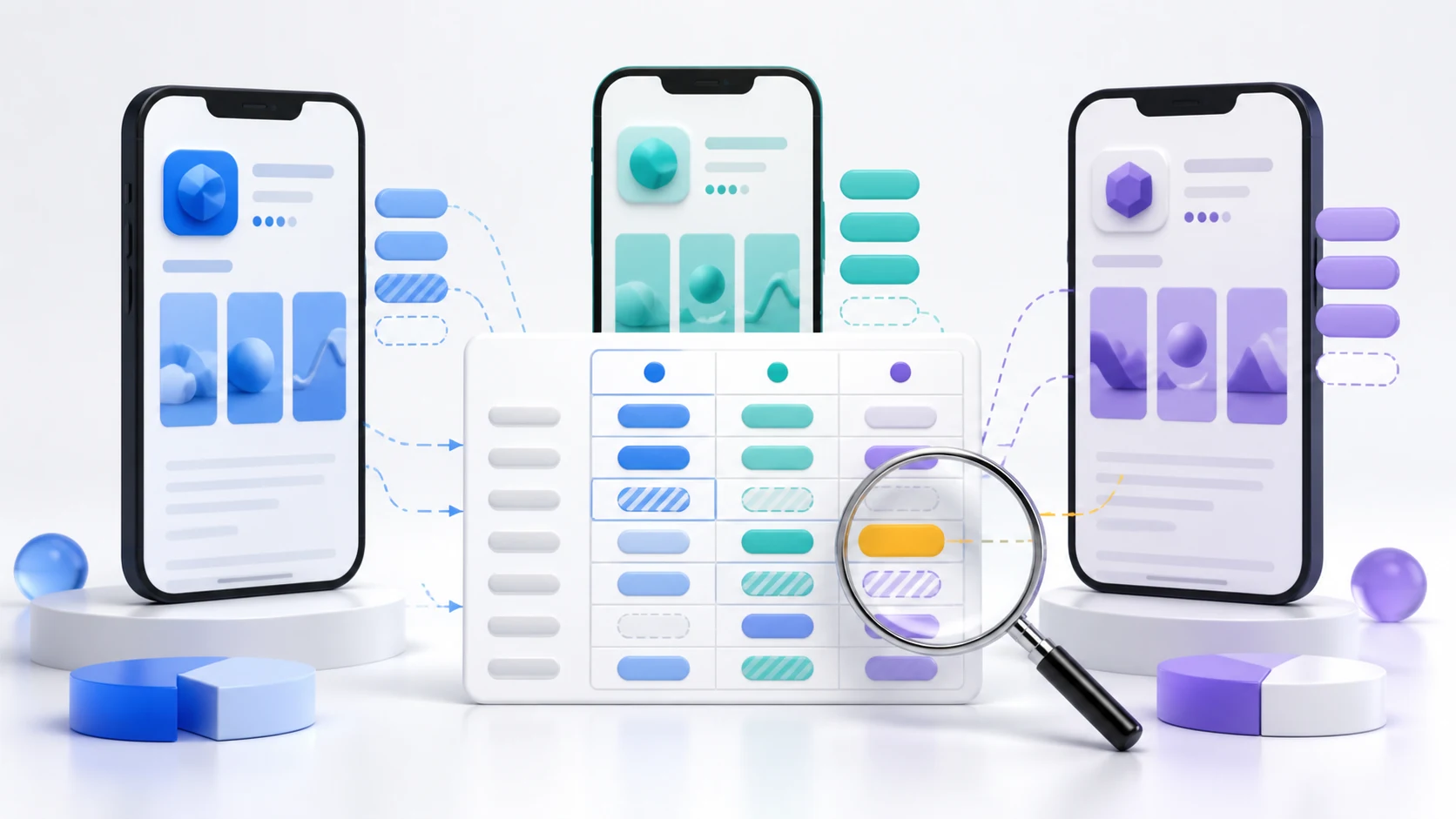
| Layer | What changes | Review evidence | Success signal |
|---|---|---|---|
| Search metadata | Title, subtitle, keyword field, short and long descriptions | Local query set and terminology review | Relevant impressions and rank coverage |
| Visual listing | Captions, screenshot order, proof, feature graphic, video text | Final-size review with native speaker | Product-page conversion |
| Product | UI strings, formats, content, payments, support | Functional QA on target locale and device | Activation, retention, reviews |
| Operations | Release notes, support macros, reviewer workflow, glossary | Named owner and versioned source strings | Fewer errors and faster releases |
App Store Listing Localization
This is your first priority because it directly affects downloads. Your app store listing includes:
- App name/title
- Subtitle (iOS) or short description (Android)
- Keywords (iOS)
- Full description
- Screenshots and preview videos
- What's New / release notes
Each of these needs attention, but they're not all equally important. Screenshots often have the biggest impact on conversion, followed by the title/subtitle.
A critical mistake: Many developers translate the text on screenshots but forget that the actual app screenshots still show English UI. If your app itself isn't localized, showing localized screenshot overlays can feel misleading. Be honest about what's actually translated in the app.
Keyword Localization is Different
Here's where many localization efforts go wrong: they translate keywords literally. But people in different countries search differently, even for the same concept.
For example, "budget tracker" in English might translate directly to German, but German users might actually search for "haushaltsbuch" (household book) instead. The literal translation misses what people actually type.
This is where native speakers are invaluable. If you're using a translation service, specifically ask for keyword research in the target language, not just translation of your English keywords.
Use our app localization comparison tool to see how successful apps in your category adapt their titles and descriptions for different markets. This can reveal keyword opportunities you'd never think of.
Screenshot Localization
Localizing screenshots isn't just about translating text overlays. Consider:
Text direction: Arabic and Hebrew read right-to-left. Your screenshot layout might need to flip for these markets.
Text length: German words are notoriously long. "Download" becomes "Herunterladen." Your carefully designed text overlays might need adjustment to fit longer translations without breaking the layout.
Cultural relevance: The images and scenarios in your screenshots should resonate with local users. Stock photos of distinctly American settings might feel foreign to Japanese users.
Currency and formats: If you show financial data, use local currency symbols. Dates should use local formats (DD/MM vs MM/DD). These details matter for believability.
The Cultural Stuff You Might Miss
This is where localization gets interesting (and potentially dangerous if you mess it up). Different cultures have different associations with colors, symbols, and imagery.
Color meanings: White represents purity in Western cultures but is associated with death and mourning in some Asian cultures. Red means danger in the West but signifies luck and prosperity in China. Your color scheme might need adjustment.
Hand gestures: The thumbs up is positive in most places, but offensive in some Middle Eastern countries. The OK sign means money in Japan and is considered rude in Brazil. Be careful with hand imagery.
Numbers: Four is considered unlucky in China, Japan, and Korea (it sounds like "death" in these languages). Thirteen is unlucky in Western cultures. Avoid these numbers in pricing or feature counts if possible.
Holidays and seasons: Don't show summer scenes to Australians in December - their summer is your winter. Holiday themes should reflect local celebrations, not just Western ones.
This stuff seems minor, but getting it wrong can make your app feel foreign and untrustworthy. Getting it right makes you look like you actually care about the local market.
In-App Localization
If you have the resources, localizing the app itself (not just the store listing) provides the best user experience. But this is significantly more work.
UI strings: All text in your app needs translation. This includes button labels, error messages, onboarding flows, and settings.
Layout flexibility: Your UI needs to handle different text lengths. German is about 30% longer than English; Chinese is much shorter. Fixed-width buttons will break. Test thoroughly.
Date and number formatting: Use locale-aware formatting for dates, times, numbers, and currency. iOS and Android both provide built-in formatters for this - use them.
Content considerations: If your app has content (articles, tips, etc.), that needs localization too. If you can't localize content, at least be clear about what language the content is in.
Translation Approaches
You have several options for actually getting translations done:
Professional translation services: Companies like Gengo, OneSky, or Phrase specialize in app localization. They're more expensive but provide quality control and cultural expertise. Worth it for your most important markets.
Freelance translators: Platforms like Upwork or Fiverr have native speaker translators at various price points. Quality varies, so vet carefully and ideally have someone else verify the output.
AI translation + human review: Modern AI translation (like DeepL or GPT-based tools) is remarkably good for many languages. Use it for a first pass, then have a native speaker review and polish. This can be cost-effective for secondary markets.
Community translation: If you have engaged users, some might be willing to help translate. This only works at scale and requires good coordination, but it can produce authentic, high-quality results.
Whatever method you choose, avoid pure machine translation with no review. It's obvious to native speakers and looks unprofessional.
Common Localization Mistakes
Inconsistent terminology: If "Save" is translated one way in your app and another way in your screenshots, it creates confusion. Keep a glossary and use it consistently.
Forgetting context: Words mean different things in different contexts. "Free" as in "no cost" vs "free" as in "available" translate differently in many languages. Provide context to translators.
Ignoring locales: Spanish for Spain is different from Spanish for Mexico or Argentina. Portuguese for Portugal differs from Brazilian Portuguese. These aren't just accent differences - vocabulary and expressions vary.
Hard-coding strings: If text is embedded directly in your code, you have to rebuild the app for each language. Use string resource files from the start - it makes everything easier.
Assuming English fallback is fine: If a translation is missing, showing English might be okay for some text but confusing for navigation. Have a plan for incomplete translations.
Measuring Localization Success
How do you know if your localization is working?
Downloads by region: Compare downloads before and after localization. A significant increase indicates success. Also compare to overall market trends - a rise that matches the overall market isn't necessarily due to your localization.
Conversion rate by country: App Store Connect and Google Play Console both show conversion rates by country. Higher conversion in localized markets (compared to before localization, or compared to similar un-localized markets) is a good sign.
Reviews and ratings: Are users in localized markets leaving better reviews? Are they mentioning the localization positively (or negatively)?
Retention and engagement: If in-app localization improves user experience, you should see better retention metrics in localized markets.
Final Thoughts
Localization is one of the most underused growth strategies in mobile apps. Most of your competitors aren't doing it (or are doing it poorly), which means there's real opportunity for those who put in the effort.
Start with your app store listing for your highest-potential markets. That alone can significantly increase downloads. Then expand to in-app localization and additional markets as resources allow.
The key is doing it properly. A bad translation is worse than no translation - it makes you look careless and unprofessional. Invest in quality, test with native speakers, and treat each market with the respect it deserves.