Yannick
Choose capabilities, then minimize authority
A useful iOS MCP stack spans build, simulator, code, backend, errors, and launch
No single server should control everything. Select maintained tools for distinct jobs, constrain their permissions, and keep approval around consequential actions.
Verify
Start with owner documentation, active releases, transport, authentication, and a narrow tool inventory.
Compose
Combine Xcode, simulator, repository, backend, observability, and launch tools only when the workflow needs them.
Constrain
Use read-only modes, allowed roots, least-privilege scopes, explicit approvals, and auditable outputs.
The best MCP servers for an iOS developer are the ones that expose a specific, verifiable capability without granting unnecessary authority. In 2026, Apple ships an Xcode MCP bridge for external agents, XcodeBuildMCP offers a broad community build-and-test toolset, and maintained services exist for simulator interaction, GitHub, Firebase, Sentry, files, and App Store marketing assets. This guide compares eight practical choices using their current first-party documentation.
Quick answer
Start with Apple's Xcode Tools MCP when you use current Xcode and want the open project to build or test through `xcrun mcpbridge`. Consider XcodeBuildMCP for broader scripted workflows and simulator automation. Add GitHub, Firebase, Sentry, filesystem, or AppLaunchFlow only for the tasks they own. Prefer official or clearly maintained repositories, verify the latest release and security notes, enable the smallest toolset, keep write actions approval-gated, and never paste secrets into prompts or committed configuration.
Eight useful MCP servers for the iOS lifecycle
This is a workflow comparison, not an absolute performance ranking. The correct server depends on the current Xcode version, project backend, source host, observability stack, MCP client, and risk tolerance. Apple and service-provider servers have first-party authority over their own products; community tools can expose deeper workflows but require independent maintenance and security review.
Install only what the agent needs for the current project. Overlapping servers can present duplicate build, file, or simulator tools and make selection less predictable. Give each server a clear role in project instructions and disable unused tools when the server supports filtering or workflow configuration.
| Server | Primary job | Transport or setup | Use it when | Main boundary |
|---|---|---|---|---|
| Apple Xcode Tools | Open-project build, test, and Xcode capabilities | Local stdio via xcrun mcpbridge | You use Xcode's current external-agent integration | Requires Xcode open and explicit external-agent permission |
| XcodeBuildMCP | Build, test, run, debug, logs, UI automation | Local binary or npx MCP | You need broader CLI/MCP workflows and configurable tool groups | Review enabled workflows and release compatibility |
| iOS Simulator MCP | Simulator screenshots, UI tree, taps, swipes, typing | Local npx stdio | You need focused simulator interaction | Pin a secure current version and limit output paths/tools |
| GitHub MCP Server | Repositories, issues, pull requests, Actions, security | Remote or local; OAuth/PAT | Source and review work lives on GitHub | Use narrow toolsets, read-only, and least-privilege auth |
| Firebase MCP Server | Firebase projects, Auth, Firestore, rules, messaging, docs | firebase-tools stdio | The mobile backend uses Firebase | Calls use the local Firebase CLI identity |
| Sentry MCP | Issues, errors, traces, and debugging context | Hosted remote MCP | Production diagnosis uses Sentry | Treat event data and write tools as sensitive |
| Filesystem MCP | Allowed-directory read, write, search, and metadata | Local stdio or Docker | The client lacks a safe native workspace tool | Restrict roots; prefer read-only mounts where possible |
| AppLaunchFlow MCP | Screenshots, ASO copy, localization, graphics, and exports | Hosted Streamable HTTP with OAuth | You want launch assets from Codex, Claude, or Cursor | Authorize the intended account and review generated exports |
1. Apple Xcode Tools MCP
Apple's current Xcode documentation describes an MCP server that lets external agents modify the open project and perform actions such as building. Enable `Allow external agents to use Xcode tools` under Xcode's Intelligence settings, open the project, and register the bridge. For Codex, Apple's documented command is `codex mcp add xcode -- xcrun mcpbridge`; for Claude Code it is `claude mcp add --transport stdio xcode -- xcrun mcpbridge`.
Choose this first when you want the tool boundary maintained with Xcode itself and your workflow fits the capabilities Apple exposes. Xcode alerts the user when an external agent connects and is active. Keep the project open, verify the active scheme and destination, and give the agent project-specific build and test guidance in `AGENTS.md` or the relevant client file.
2. XcodeBuildMCP
Sentry's open-source XcodeBuildMCP provides both a CLI and MCP server for Apple-platform projects. Its documented capabilities include project discovery, simulator and device build/run/test workflows, log capture, LLDB debugging, UI automation, Swift Package Manager tasks, and project scaffolding. The package can be installed with Homebrew or npm and can run on demand with `npx -y xcodebuildmcp@latest mcp`.
Use it when you need configurable workflows beyond the current Apple bridge or want the same commands available directly in a terminal. Not every workflow is enabled by default, and release notes can include breaking output changes, so pin or deliberately update the version in shared automation. Review privacy settings and do not enable physical-device, debugging, or destructive simulator capabilities unless the task requires them.
3. iOS Simulator MCP
The maintained `joshuayoes/ios-simulator-mcp` project focuses on simulator interaction: screenshots, UI inspection, taps, swipes, typing, app launch, and recording-related workflows. Its README documents an npx-based stdio configuration and environment variables for filtering tools and selecting an output directory. The repository also carries a security notice that command-injection vulnerabilities in versions before 1.3.3 were fixed.
That history illustrates why `npx -y` should not mean `trust forever`. Verify the current package owner and release, pin an approved version for a team, review the security policy, and filter out screenshot or recording tools when they are unnecessary. Use a project-local output directory that does not contain private unrelated files.
4. GitHub's official MCP Server
GitHub's official server exposes toolsets for repository context, issues, pull requests, Actions, code security, discussions, users, and other GitHub capabilities. It supports local and remote setups and documents OAuth or personal access token authentication. The server can run in read-only mode and can enable selected toolsets or individual tools rather than exposing every capability.
For an iOS project, use it to inspect issues, review changes, understand failed Actions, or prepare pull requests. Start with the default context and repository tools in read-only mode. Add mutation tools only when the workflow genuinely needs them, and require the agent to show the intended branch, repository, and exact external action before execution.
5. Firebase MCP Server
Google's official Firebase MCP server is delivered through `firebase-tools@latest mcp` and uses the credentials available to the Firebase CLI environment. It provides tools and resources for project configuration, Authentication, Firestore, Data Connect, Storage rules, Cloud Messaging, Crashlytics guidance, and Firebase documentation, with exact capabilities depending on the installed version and configuration.
Use it when Firebase is truly the app's backend. Confirm the active project before reading or changing anything, prefer emulator or development projects for mutations, and separate security-rule generation from deployment approval. The server's ability to manage users and production data makes credential scope and project context more important than installation convenience.
6. Sentry MCP
Sentry's remote MCP service is designed for human-in-the-loop coding and debugging workflows. Its repository describes middleware over the Sentry API optimized for issues, errors, traces, and performance context and points clients to `https://mcp.sentry.dev`. It is useful when an agent needs production evidence instead of guessing from source alone.
Begin with bounded read-only investigation: confirm organization, project, environment, release, and time range, then inspect representative events without exposing personal data in prompts or reports. A stack trace or replay is evidence of an occurrence, not automatic authorization to deploy a fix. Keep issue mutation and external comments behind explicit review.
7. Official filesystem reference server
The Model Context Protocol project's filesystem server supports file reading, writing, directory operations, search, metadata, and dynamic access control through MCP Roots. Its documentation recommends roots where clients support them and shows both Docker and npx configurations with explicit allowed directories.
Many coding agents already have a native workspace sandbox, so this server may be redundant. Add it only when the client needs a standard MCP file interface. Restrict it to the project, mount read-only directories where possible, never expose a home directory broadly, and keep secrets, signing material, personal documents, and unrelated repositories outside its roots.
8. AppLaunchFlow hosted MCP
AppLaunchFlow's hosted MCP connects an AI assistant to app-launch projects for screenshots, copy, localization, graphics, promo videos, and export workflows. The current endpoint is `https://mcp.applaunchflow.com/mcp`. Codex users can run `npx -y applaunchflow connect codex`, or configure the remote URL with `codex mcp add applaunchflow --url https://mcp.applaunchflow.com/mcp` and then `codex mcp login applaunchflow`.
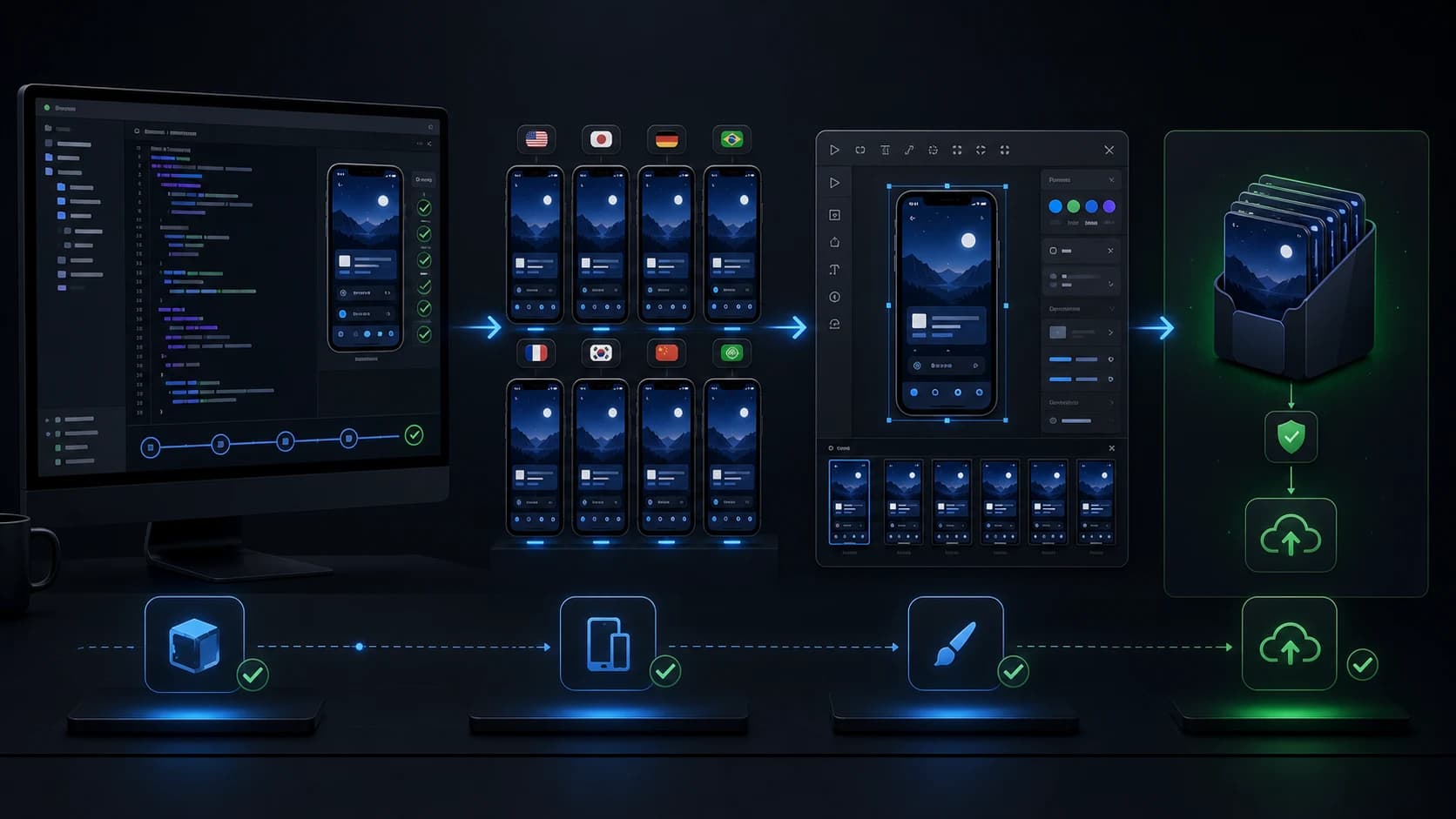
The connection uses remote Streamable HTTP and browser OAuth rather than running a local AppLaunchFlow server or pasting an API key into chat. Use it after the build and simulator tools have produced accurate source screens, then review copy, localization, layouts, and export sizes before store submission. Keep raw captures and approved exports traceable to the same app version.
A secure selection and setup checklist
The MCP specification distinguishes local stdio credentials from authorization for remote HTTP servers. Current authorization guidance uses OAuth discovery, protected-resource metadata, PKCE, resource indicators, audience validation, HTTPS, and secure token handling for protected HTTP servers. A configuration that connects is not necessarily a configuration that follows the correct trust model.
Before adding a server, verify its owner, registry or package identity, source repository, latest release, security policy, requested credentials, transport, tool list, and data destinations. Start with read-only tools and narrow roots or scopes. Test in a non-production project, inspect the client's tool prompts and logs, and document who approves repository writes, deployments, user changes, store submissions, and exports.
- One named job and owner for every enabled server.
- Pinned or deliberately managed versions for local packages.
- Least-privilege OAuth scopes, toolsets, roots, and project identities.
- No secrets in prompts, committed JSON, screenshots, or logs.
- Human approval for destructive, publishing, billing, user, and production actions.
Continue the workflow
Primary sources and verification notes
Platform requirements and software capabilities change. These sources were reviewed for this guide on August 16, 2026; open the current source again before publishing assets, enabling production access, or standardizing a team workflow.
- Apple Developer: Giving external agents access to Xcode: Official Xcode MCP bridge settings and Codex/Claude commands.
- XcodeBuildMCP repository: Current installation, requirements, workflows, and release documentation.
- iOS Simulator MCP repository: Current simulator tools, configuration, and security notice.
- GitHub's official MCP Server: Official authentication, toolsets, read-only, and lockdown options.
- Firebase MCP server documentation: Official setup, credential model, tools, prompts, and resources.
- Sentry MCP repository: Official remote service purpose, connection, and self-hosting source.
- MCP filesystem reference server: Allowed roots, Docker mounts, and local configuration.
- MCP authorization specification: Transport authorization, discovery, PKCE, audience, and token requirements.
Best MCP Servers for iOS Developers FAQ
What is the best MCP server for Xcode?
Start with Apple's Xcode Tools MCP on a compatible Xcode version for first-party open-project capabilities. Consider XcodeBuildMCP when you need its broader configurable build, test, debugging, or UI-automation workflows.
Can Codex connect to Xcode through MCP?
Yes. Apple's current command is `codex mcp add xcode -- xcrun mcpbridge` after external-agent access is enabled in Xcode Intelligence settings and the project is open.
Are community MCP servers safe to run?
Do not assume so. Verify ownership, releases, security notices, source, credentials, tools, and data access. Pin reviewed versions, restrict roots and scopes, and start in read-only or non-production contexts.
Does AppLaunchFlow require a local MCP server?
No. AppLaunchFlow uses a hosted Streamable HTTP endpoint with browser OAuth. Configure `https://mcp.applaunchflow.com/mcp` in a compatible client or use the AppLaunchFlow Codex connection helper.