Free tool · No signup
Free iPhone Mockup Generator: iPhone 17 / 16 / 15 Frames (PNG)
Free iPhone mockup generator with iPhone 17, 17 Pro, 17 Pro Max, 16, and 15 frames. Upload a screenshot, pick a 3D angle, export a transparent PNG — Figma-ready, no watermark, no signup.
Runs in your browser · Free to use · No watermark
Screenshot
Drop your screenshot here
or click to browse
PNG, JPG, WebP (max 20MB)
Mockup Preview
Generating mockup...
Background
Perspective
Want animated 3D mockups?
AppLaunchFlow turns your screenshots into polished device mockups and animated feature demos — ready for the App Store, Play Store, and social media.
Pick your iPhone model
Each model page preselects the frame, lists the native screenshot size, and includes a free transparent blank-frame PNG for Figma.
Recommended
Use the full mockup editor for motion and polish.
The static generator is best for quick PNG mockups. The full mockup editor lets you animate screenshots, tune 3D device motion, and export video clips for launch pages, app previews, and social posts.
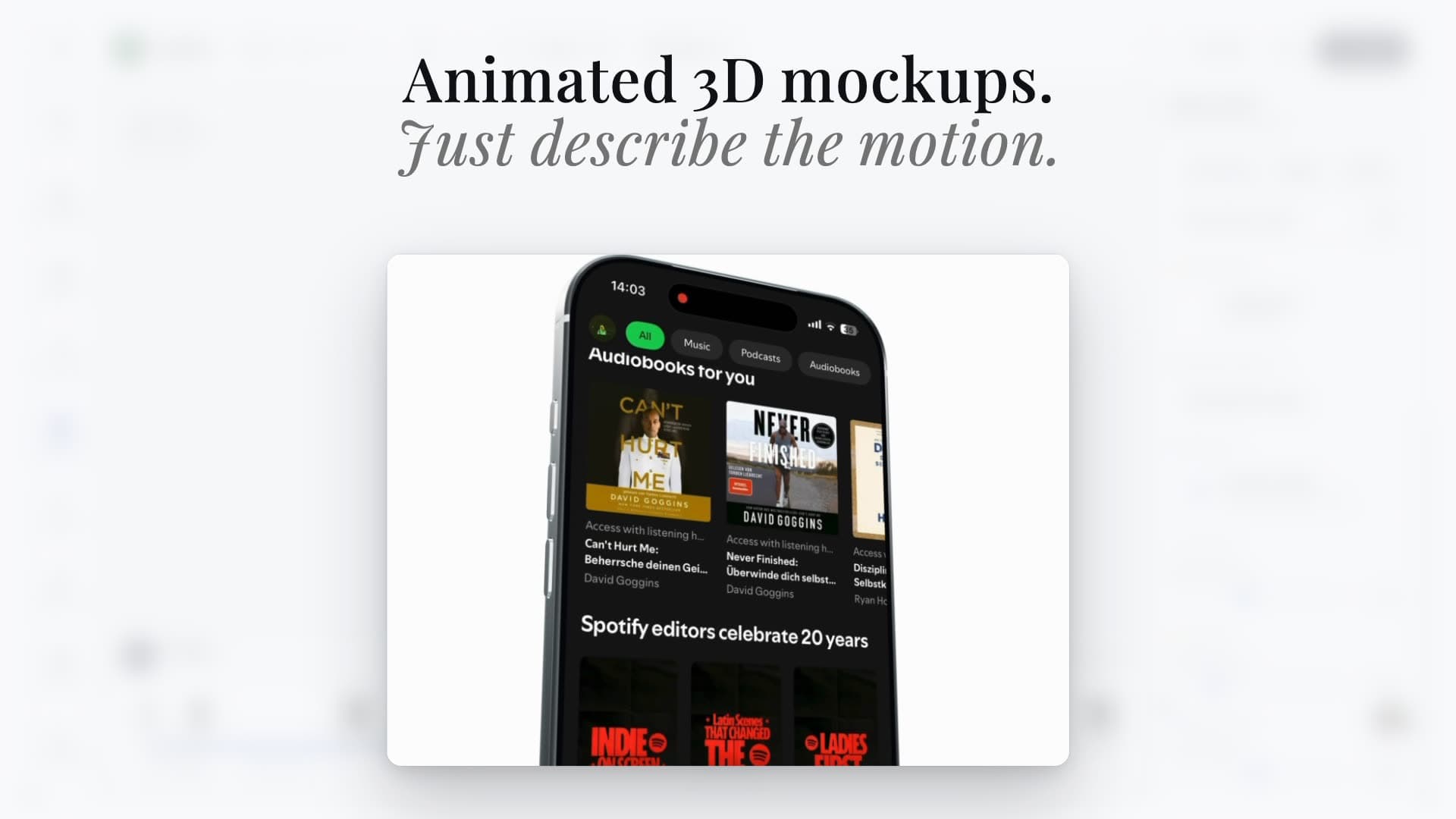
Animated scenes
Turn screenshots into cinematic 3D device videos
Static mockups
Export clean iPhone, Pixel, iPad, and MacBook visuals
Launch-ready formats
Reuse the same screenshots across mockups, videos, and social assets
Device mockup workflow
Create iPhone mockups from real App Store screenshots.
Use AppLaunchFlow when you need a free iPhone mockup generator for app screenshots, not a generic product mockup library. Upload one real app screen, choose flat, angled, or handheld iPhone 17 Pro Max frames, and export a clean static mockup for App Store listing assets, landing pages, social posts, Product Hunt galleries, pitch decks, or press kits.
Turn a finished iPhone screenshot into a landing-page hero or launch graphic.
Compare flat, angled, and handheld perspectives before exporting the mockup.
Keep mockups connected to screenshot, icon, and promo-video workflows.
Use this as the app-focused alternative when Shots.so, Rotato, Previewed, Figma plugins, Canva, Smartmockups, Artboard Studio, Launch Shots, AppLaunchpad, AppMockUp Studio, AppScreens, Mockey.ai, or MockUPhone are too generic, too disconnected, or too focused on a single output.
Start with a free static iPhone mockup, then move the same screenshot into the 3D Mockup Animator when you need a rotating device video or launch-page motion.
Keep the visual system aligned with App Store screenshots, Google Play screenshots, feature graphics, app icons, ASO copy, and localization instead of rebuilding mockups in a separate design tool.