Free tool · No signup
Google Pixel Mockup Generator
Create Google Pixel mockups with your app screenshots
Runs in your browser · Free to use · No watermark
Screenshot
Drop your screenshot here
or click to browse
PNG, JPG, WebP (max 20MB)
Mockup Preview
Generating mockup...
Background
Perspective
Want animated 3D mockups?
AppLaunchFlow turns your screenshots into polished device mockups and animated feature demos — ready for the App Store, Play Store, and social media.
Recommended
Use the full mockup editor for motion and polish.
The static generator is best for quick PNG mockups. The full mockup editor lets you animate screenshots, tune 3D device motion, and export video clips for launch pages, app previews, and social posts.
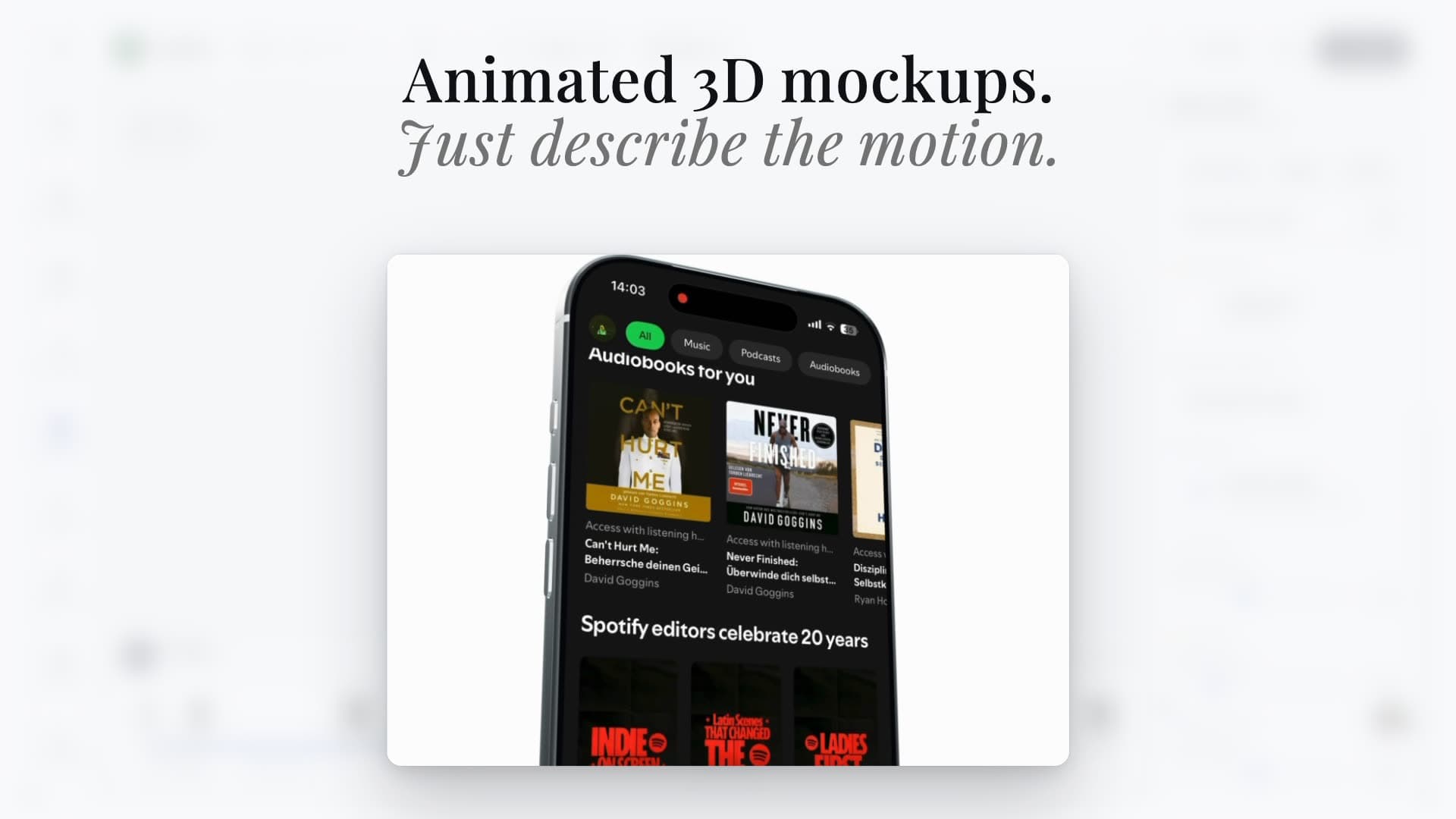
Animated scenes
Turn screenshots into cinematic 3D device videos
Static mockups
Export clean iPhone, Pixel, iPad, and MacBook visuals
Launch-ready formats
Reuse the same screenshots across mockups, videos, and social assets
Device mockup workflow
Create Google Pixel mockups for Play Store and launch pages.
Drop in a real Android screenshot, choose a Pixel-style perspective, and export a clean device mockup for Google Play listings, Material Design launch graphics, product pages, press kits, and social posts. AppLaunchFlow is the app-focused Pixel mockup workflow when you want Android screenshots, feature graphics, ASO copy, localization, and 3D mockup animation to stay connected instead of rebuilding the same frame in Figma or a generic mockup library.
Show a real Android UI in a Pixel frame instead of a generic phone silhouette.
Create Play Store-adjacent launch visuals that match your screenshots, 1024x500 feature graphics, and localized captions.
Export static mockups first, then reuse the same screenshot in animated 3D scenes.
Use flat, angled, and handheld Pixel-style frames with a centered camera punch-hole toggle so important app UI is not covered.
Use this as the app-launch alternative to Android Studio screenshots, Figma Pixel plugins, Artboard Studio, Mockuuups Studio, Smartmockups, Shots.so, Screenhance, Previewed, Canva, Google Design Resources, Android Developers, and Cacoo when you want the mockup connected to the rest of the store workflow.
Keep Google Pixel mockups useful for Play Store screenshots, landing pages, social launch posts, Product Hunt galleries, pitch decks, and press-kit visuals.