Free tool · No signup
iPad Mockup Generator
Create iPad mockups with your app screenshots
Runs in your browser · Free to use · No watermark
Screenshot
Drop your screenshot here
or click to browse
PNG, JPG, WebP (max 20MB)
Mockup Preview
Generating mockup...
Background
Perspective
Want animated 3D mockups?
AppLaunchFlow turns your screenshots into polished device mockups and animated feature demos — ready for the App Store, Play Store, and social media.
Recommended
Use the full mockup editor for motion and polish.
The static generator is best for quick PNG mockups. The full mockup editor lets you animate screenshots, tune 3D device motion, and export video clips for launch pages, app previews, and social posts.
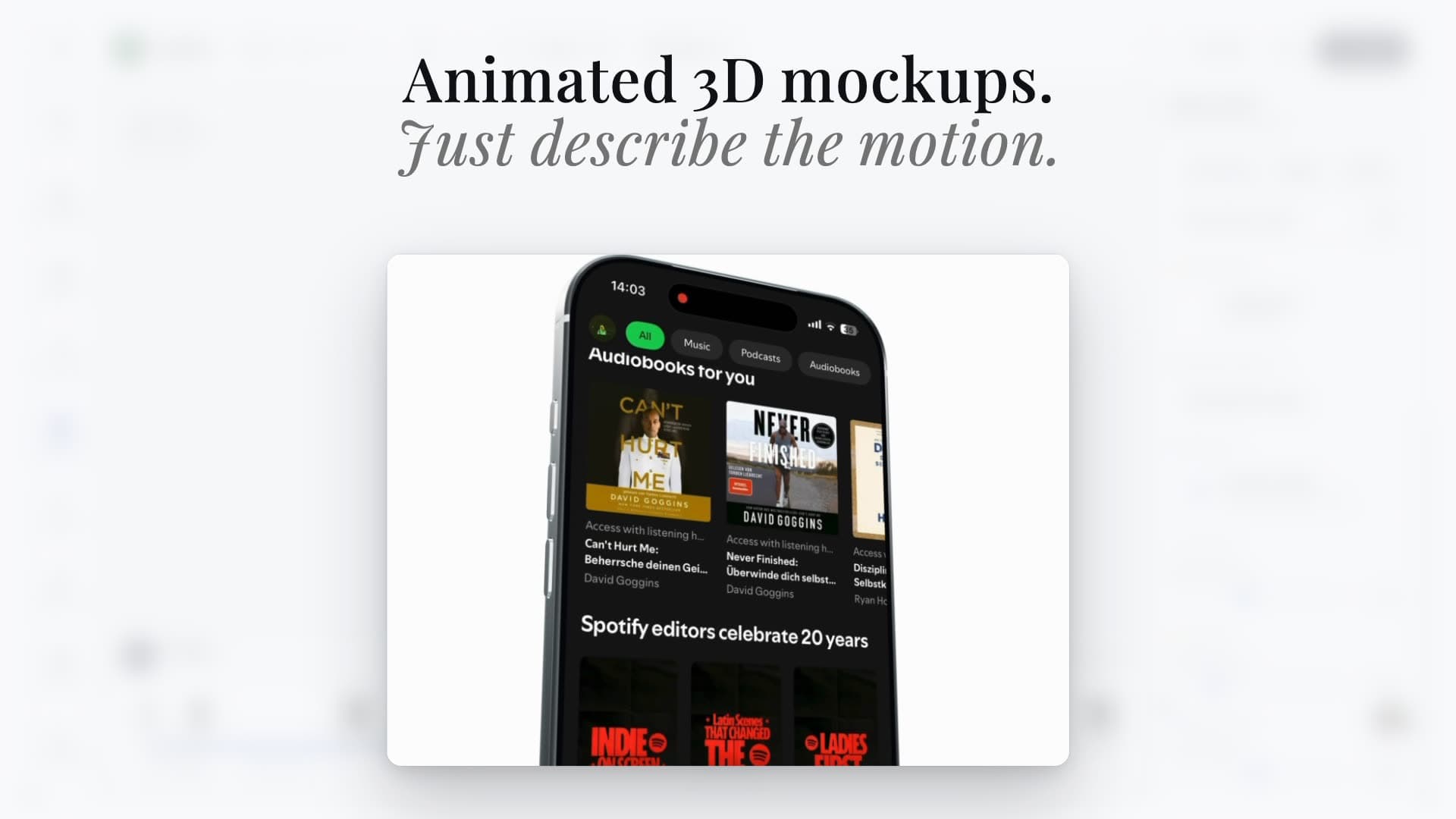
Animated scenes
Turn screenshots into cinematic 3D device videos
Static mockups
Export clean iPhone, Pixel, iPad, and MacBook visuals
Launch-ready formats
Reuse the same screenshots across mockups, videos, and social assets
Device mockup workflow
Create iPad Pro mockups for tablet-first app launches.
Use AppLaunchFlow when you need to turn real iPad screenshots into iPad Pro-style mockups for App Store screenshots, websites, portfolios, launch posts, press kits, and presentations. Upload the screenshot, choose a flat, angled, or handheld tablet frame, keep native iPad aspect ratios in mind, and export a polished static mockup before moving the same screen into 3D animation.
Show split views, dashboard density, drawing canvases, or productivity layouts clearly.
Create tablet visuals for App Store pages, launch posts, and investor or press decks.
Pair iPad mockups with iPad screenshot exports so tablet support feels intentional.
Use this as the app-focused alternative to Figma iPad mockup templates, Canva, Adobe Express, Rotato, MockUPhone, Previewed, TheAppLaunchpad, Sketch, Photoshop PSD Smart Objects, Adobe XD, and Apple Developer Design Resources when the mockup should stay connected to launch assets.
Keep iPad screenshots clean before export: match the tablet aspect ratio, avoid awkward cropping between iPad Pro / iPad Air / iPad mini frames, and use polished status-bar details such as a clean time and full battery when needed.
Reuse the same iPad screenshot for App Store screenshot sets, landing pages, Product Hunt galleries, social graphics, press kits, and animated 3D mockup scenes.