Yannick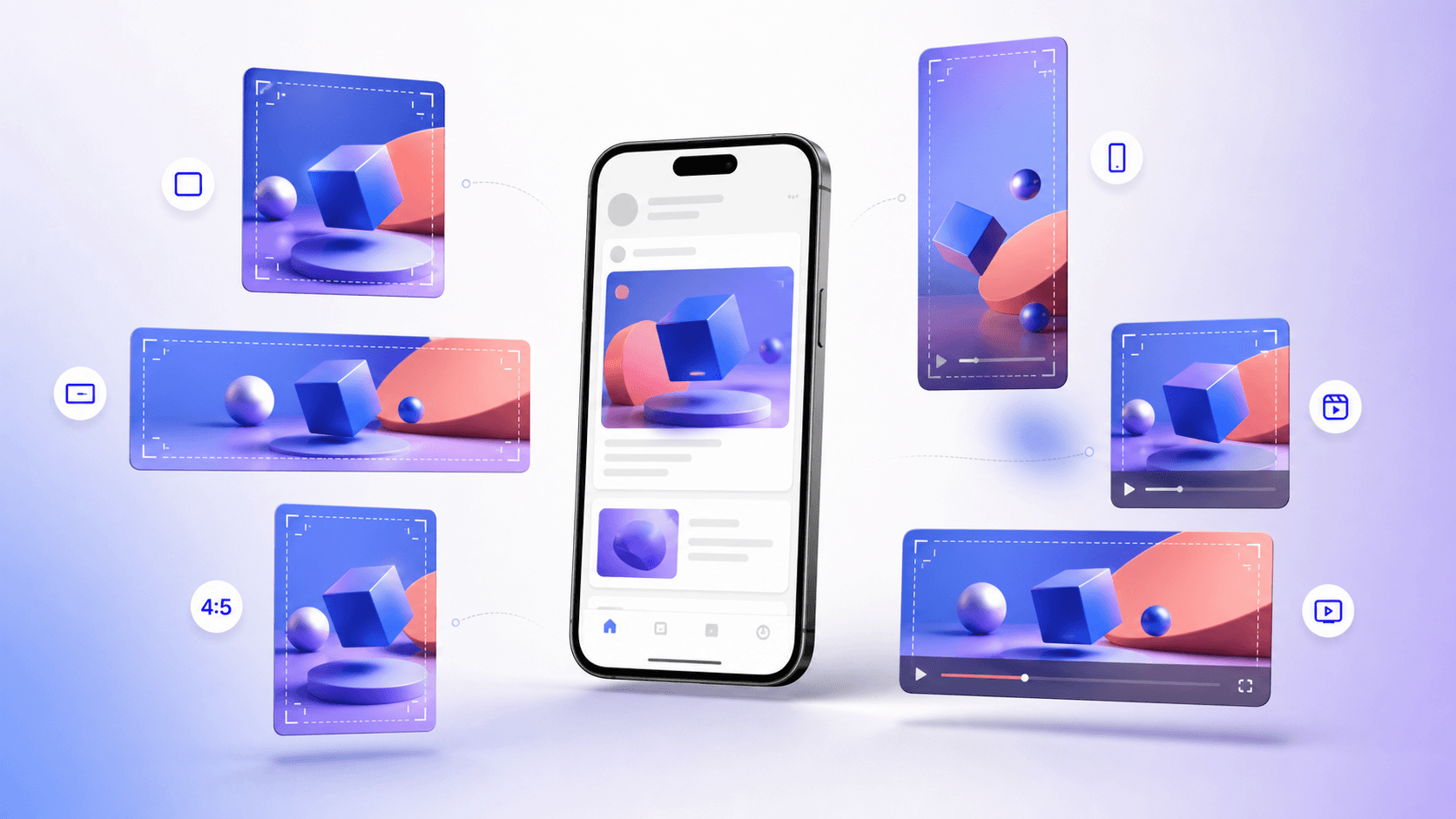
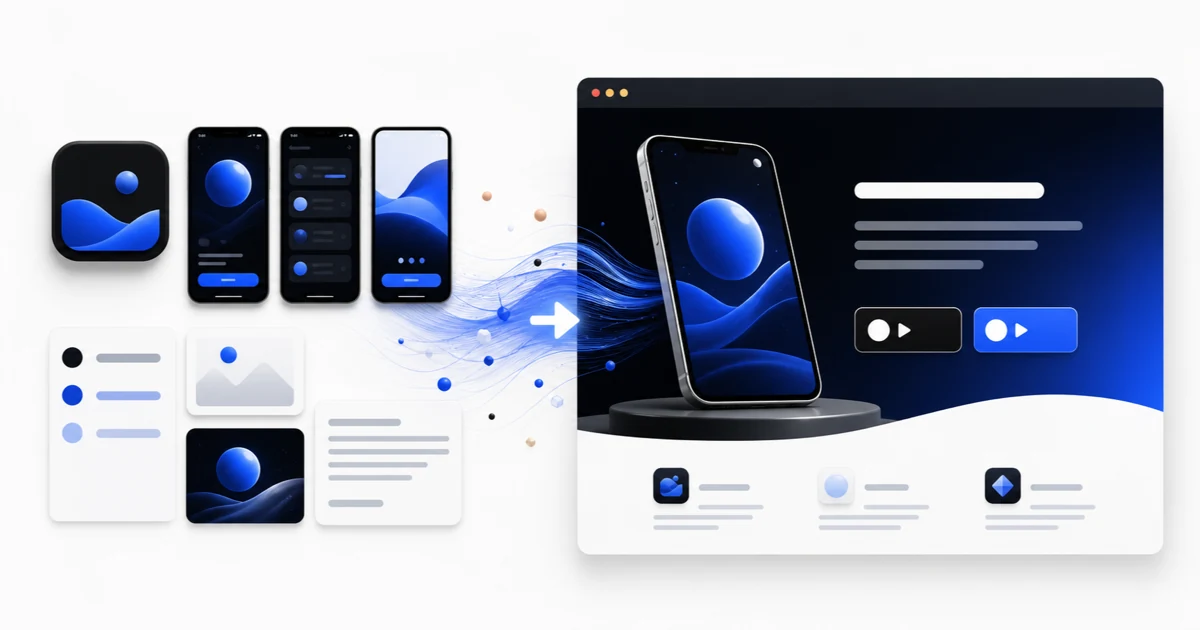
One source, multiple placements
Build a small master set instead of resizing one ad blindly
A useful production system separates platform requirements from creative safe zones, then preserves the same promise across square, landscape, and vertical variants.
Specify
Lock the supported aspect ratios, minimum resolutions, file limits, and text constraints.
Adapt
Recompose the hierarchy for each placement instead of centering and cropping one canvas.
Validate
Preview UI overlays, export clean files, and verify the live platform requirements before launch.
Mobile app ad sizes are not a single universal checklist. Google App campaigns combine assets across several properties, TikTok is designed around vertical in-feed viewing, and Meta placements can reframe the same creative in feeds, Stories, and Reels. This guide turns the current platform documentation into a practical source-file system for app teams.
Quick answer
Start with three image masters—1200×1200, 1200×628, and 1200×1500—and three video compositions—1:1, 16:9, and 9:16. Those dimensions directly cover Google App campaign recommendations and give you sensible source canvases for adapting to other networks. Do not treat them as automatic approval for every placement: check each campaign's live upload panel and keep text, logos, and calls to action away from interface overlays.
The 2026 master size matrix
Google's current App campaign documentation is the cleanest baseline for a cross-channel production set. It recommends 1200×1200 square images, 1200×628 landscape images, and 1200×1500 vertical images. The corresponding minimums are 200×200, 600×314, and 320×400, but minimum dimensions are a delivery floor rather than a quality target. Google accepts JPG or PNG images up to 5 MB.
For video, Google supports horizontal 16:9, vertical 9:16, and square 1:1 assets, recommends a length of 10–60 seconds, and requires the videos to be hosted on YouTube. TikTok's performance guidance makes 9:16 at 720p or higher the normal starting point for its native feed. These facts support a six-master workflow, but each network can still crop, combine, or modify assets at serving time.
| Asset | Ratio | Source size | Primary use | Production note |
|---|---|---|---|---|
| Square image | 1:1 | 1200×1200 | Google and feed placements | Keep the promise readable at thumbnail size |
| Landscape image | 1.91:1 | 1200×628 | Google landscape inventory | Use a shallow hierarchy and protect both edges |
| Portrait image | 4:5 | 1200×1500 | Google vertical inventory and feeds | Reserve space for platform UI and captions |
| Vertical video | 9:16 | 1080×1920 | TikTok, Reels, Stories | Design natively; do not crop a landscape timeline |
| Square video | 1:1 | 1080×1080 | Mixed feed inventory | Use larger type and fewer simultaneous elements |
| Landscape video | 16:9 | 1920×1080 | YouTube and landscape inventory | Reframe the app demo rather than adding side bars |
Requirements, recommendations, and safe production margins
A platform requirement answers whether an asset can be accepted; it does not guarantee that the asset will look good in every placement. Google explicitly warns that App campaign content may be dropped, cropped, or modified when ads are assembled. TikTok similarly places interface controls, captions, and calls to action over vertical video. Build a layout margin that protects the app name, proof point, and primary screen rather than relying on the physical canvas edge.
Safe zones are placement-dependent, so a single pixel template becomes stale quickly. Keep critical elements in a conservative central region, preview each placement in the ad manager, and save the editable source with separate background, device, headline, subtitle, logo, and CTA layers. That structure makes later platform changes a layout adjustment instead of a complete rebuild.
- Treat minimum dimensions as validation limits, not export targets.
- Keep logos and essential copy clear of corners, bottom controls, and likely crop lines.
- Check that every headline and description still makes sense when the network combines assets differently.
- Maintain text-free versions where a campaign type restricts text inside images.
How Google App campaigns assemble your creative
Google App campaigns distribute ads across Search, Google Play, YouTube, Discover, and the Display Network. You provide ingredients rather than one fixed advertisement: up to five headlines of 30 characters, up to five descriptions of 90 characters, images, and YouTube videos. Google can also retrieve assets from an app-store listing or eligible website and may generate video if no uploaded video is available.
That automation makes variety valuable. Give the system assets that express distinct benefits, audiences, or proof points while remaining independently understandable. Five tiny wording changes are not five creative concepts. A stronger set might include a product demonstration, before-and-after outcome, social proof, speed claim with substantiation, and a category-specific use case, each composed in the supported ratios.
How to design for TikTok without making a resized display ad
TikTok's own performance guidance recommends vertical 9:16 creative at 720p or higher, with content kept inside the interface safe zone. It also recommends using sound, a strong call to action, and visible people such as creators, employees, or customers where appropriate. Those are creative recommendations, not guarantees of performance, but they explain why a polished static screenshot montage often feels foreign in the feed.
Lead with motion or a human problem in the opening beat, show the actual app early, and let the interface demonstrate the promised outcome. Use captions because sound availability and viewing behavior vary. TikTok recommends 3–5 meaningfully different creatives per ad group; interpret that as different hooks and structures, not different background colors on the same edit.
A reusable layout system for square, landscape, and vertical
Build each concept from a shared message brief: audience, problem, promised outcome, proof, product moment, and next action. Then compose each ratio independently. In landscape, the device and copy can sit side by side. In square, shorten the headline and allow the product to dominate. In vertical, create a top-to-bottom sequence that survives the placement's caption and CTA overlays.
Keep the same semantic hierarchy across variants so test results remain interpretable. If the vertical version changes both the hook and the proof while the square version changes only the crop, you are no longer testing format. Name exports by concept, ratio, locale, and revision—for example `focus-timer_before-after_9x16_en-US_v03.mp4`—so campaign reporting can be reconciled with the source file.
Localization changes geometry, not just words
Ad text is not automatically translated just because campaign targeting includes another language. Google specifically says language targeting should match the language used in the ads. Prepare localized copy as a new composition, allow for text expansion, and verify that app screenshots also show the intended locale. A translated headline over an English interface weakens trust and can misrepresent the product experience.
Use locale-specific line breaks rather than reducing every language to an unreadable font size. Right-to-left versions need mirrored reading order only when that order matches the product and brand system. Maintain a source-of-truth sheet for concept IDs, translations, approvals, exported sizes, and the campaign groups where each asset is active.
Preflight checklist before uploading
Exporting the right pixel dimensions is only one step. Confirm that the app shown is current, the claims are supportable, third-party marks are licensed, and the landing destination matches the ad. Watch each video with sound and muted, inspect its first and last frame, and verify that captions do not collide with platform controls. Open exported images at actual mobile size instead of reviewing only a zoomed desktop canvas.
Finally, re-open the official specification page on launch day. Ad platforms change supported placements and automation behavior without preserving a static blog's assumptions. The durable workflow is to store editable masters, document the source requirement, preview in the platform, and retain the exact files used for every experiment.
- Correct ratio, dimensions, format, duration, frame rate, and file size.
- Legible promise and product proof at phone size.
- No important content under controls or outside likely crop areas.
- Localized ad, store listing, and in-app screen agree.
- Every concept has a traceable name and measurement hypothesis.
Continue the workflow
Primary sources and verification notes
Platform requirements and software capabilities change. These sources were reviewed for this guide on August 16, 2026; open the current source again before publishing assets, enabling production access, or standardizing a team workflow.
- Google Ads: App campaign specs and format requirements: Current headline, description, image, and video requirements for App campaigns.
- Google Ads: Asset types for App campaigns: How store and non-store assets are supplied and combined.
- TikTok Ads: Creative best practices for performance ads: Official vertical-video, safe-zone, sound, and variation guidance.
- TikTok Ads: App Promotion objective: Current app install, retargeting, and optimization use cases.
Mobile App Ad Sizes FAQ
What are the best master image sizes for mobile app ads?
Use 1200×1200, 1200×628, and 1200×1500 as a practical master set. They match Google's recommended square, landscape, and portrait App campaign dimensions, but every placement still needs previewing.
What video ratios should an app-install campaign include?
Prepare native 9:16, 1:1, and 16:9 edits. Google supports all three for App campaigns, while TikTok's primary performance format is vertical 9:16.
Can I crop one design into every ad format?
You can reuse the concept and layers, but each ratio should be recomposed. A mechanical crop often hides product proof, creates unreadable copy, or places essential content under interface controls.
Do ad platforms translate app-ad text automatically?
Do not assume they do. Google says language targeting should match the language used in the ads. Produce and approve explicit localized variants for each target market.