
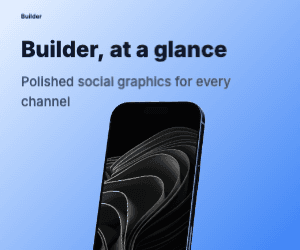
Banner · 300 × 50Bold theme
Mobile Ads · 11 Presets
Design banners, MREC, phone, fullscreen, story, and tablet creatives with the same screenshots and visual language—then tailor each layout to its placement.


Trusted by 7,000+ app developers
84,228
assets exported
8,592
apps localized
137
countries
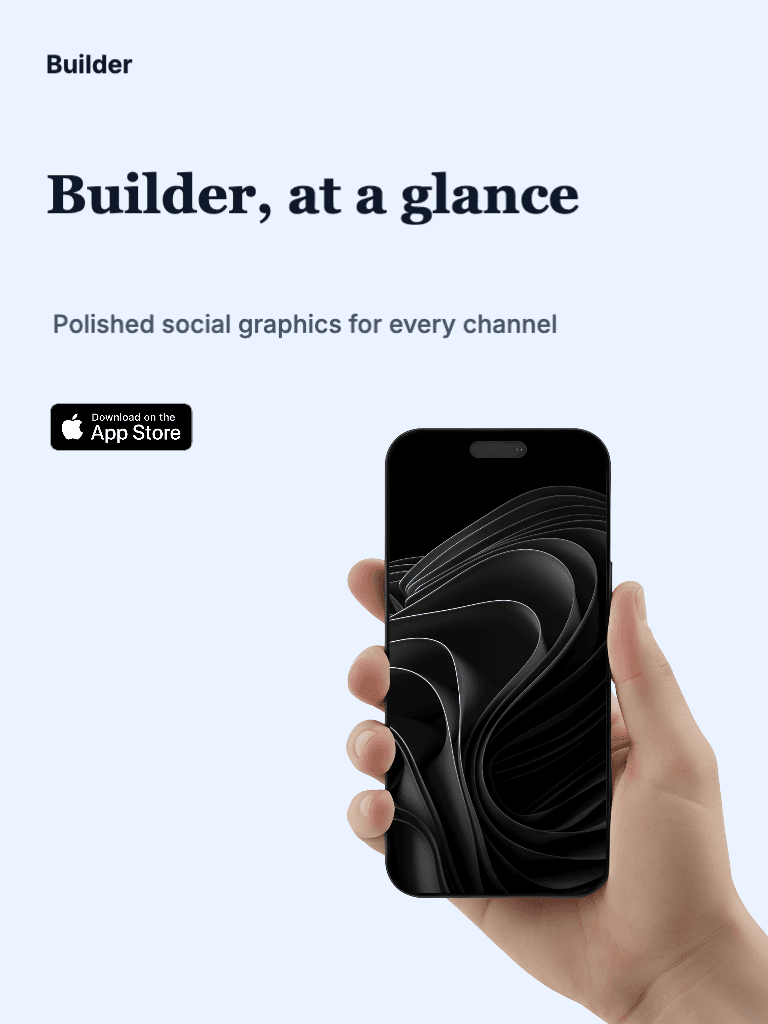
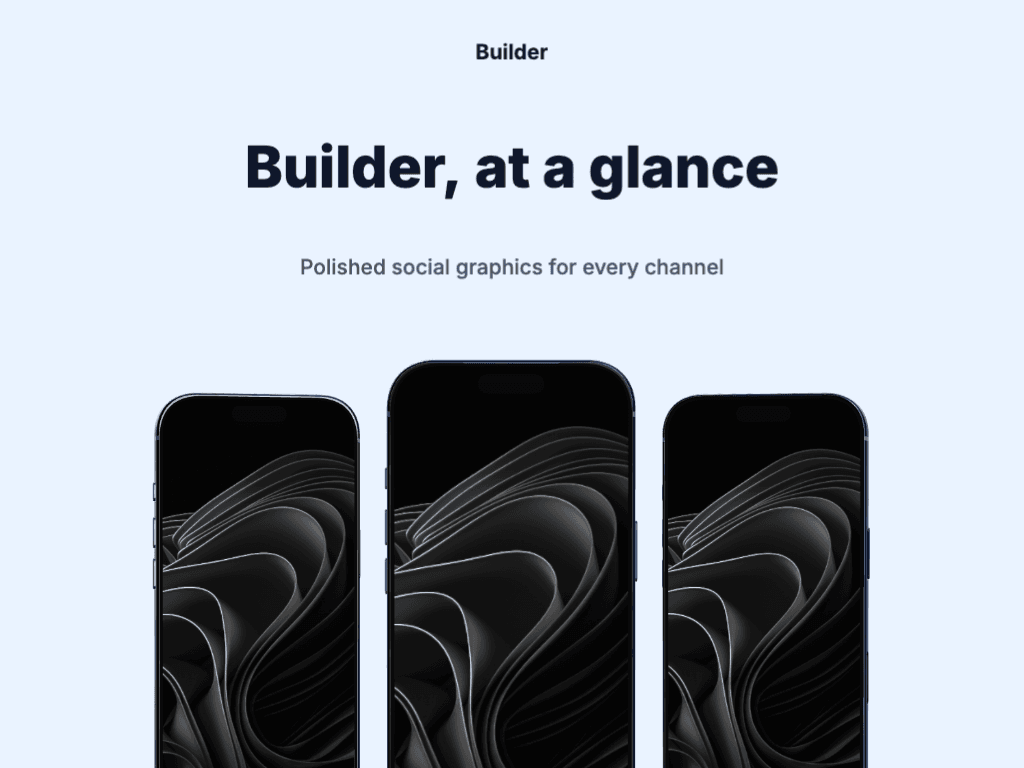
Real template exports
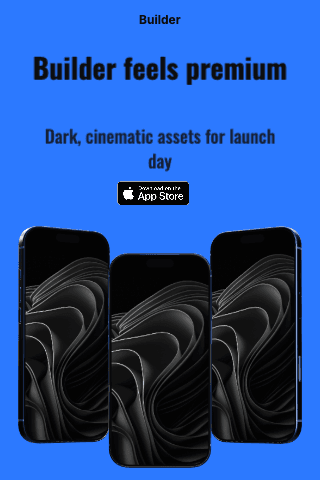
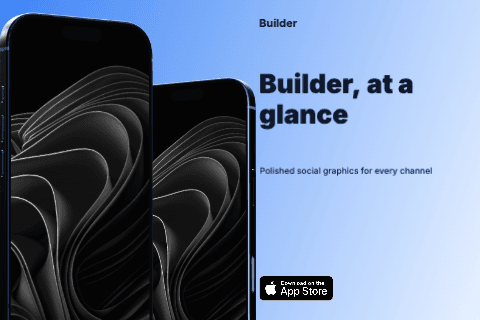
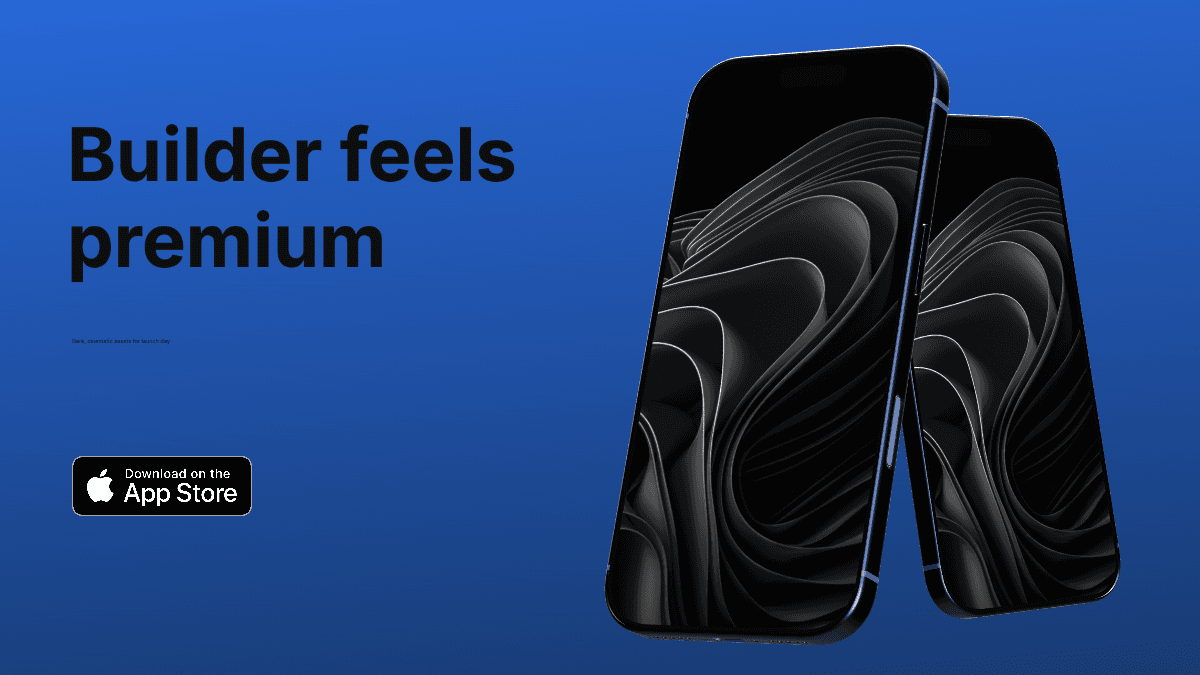
These examples were exported from the current AppLaunchFlow graphics templates, using the same format presets available in the editor.

Export presets
These are the exact mobile-ad canvases currently available in AppLaunchFlow. Because network requirements vary, treat them as export presets and confirm the final upload rules for your chosen campaign.
9:16
1080 × 1920 px
6:1
300 × 50 px
6.4:1
320 × 50 px
8:1
720 × 90 px
8.09:1
728 × 90 px
6:5
300 × 250 px
2:3
320 × 480 px
3:2
480 × 320 px
16:9
1920 × 1080 px
3:4
768 × 1024 px
4:3
1024 × 768 px
Use short copy and a strong focal point on narrow banners where space is limited.
Recompose portrait and landscape ads instead of stretching or blindly cropping the same image.
Check the destination ad network's accepted dimensions, file type, and file-size limit before publishing.
Common questions
“AppLaunchFlow made the App Store screenshots and the promo video for my app CloseUp!, and both look better than what I'd have gotten from a designer. Localization took one pass. And Yannick ships faster than anyone I've worked with: I'd ask for a feature and it was live the next day. Better UI, simpler, and more polished than anything else I tried.”
 Ronnie Nijmeh@ronnie_nijmeh
 CloseUp!App Store
 “App Store screenshots are one of those tasks that's tedious to do and expensive to get wrong: you really only get one shot at a first impression. I've been using AppLaunchFlow since the early days, and it's turned that process into something fast and repeatable instead of something I dread. What's kept me around is Yannick. The communication has been phenomenal, he's genuinely open to ideas, and the speed at which he fixes bugs and ships improvements is unlike anything I've used.”
 Bryce@btopnn
 StandbyApp Store
 “I made GainFrame's App Store screenshots and social images in AppLaunchFlow instead of fighting Figma for a weekend. Uploaded my raw shots, picked a template, exported store-ready. Solo devs: this is the shortcut.”
 Mike Rode@mikerodebuilds
 GainFrameApp Store
 Reuse screenshots, icon, typography, and campaign copy, then export each selected format from one project.
Start creating