Yannick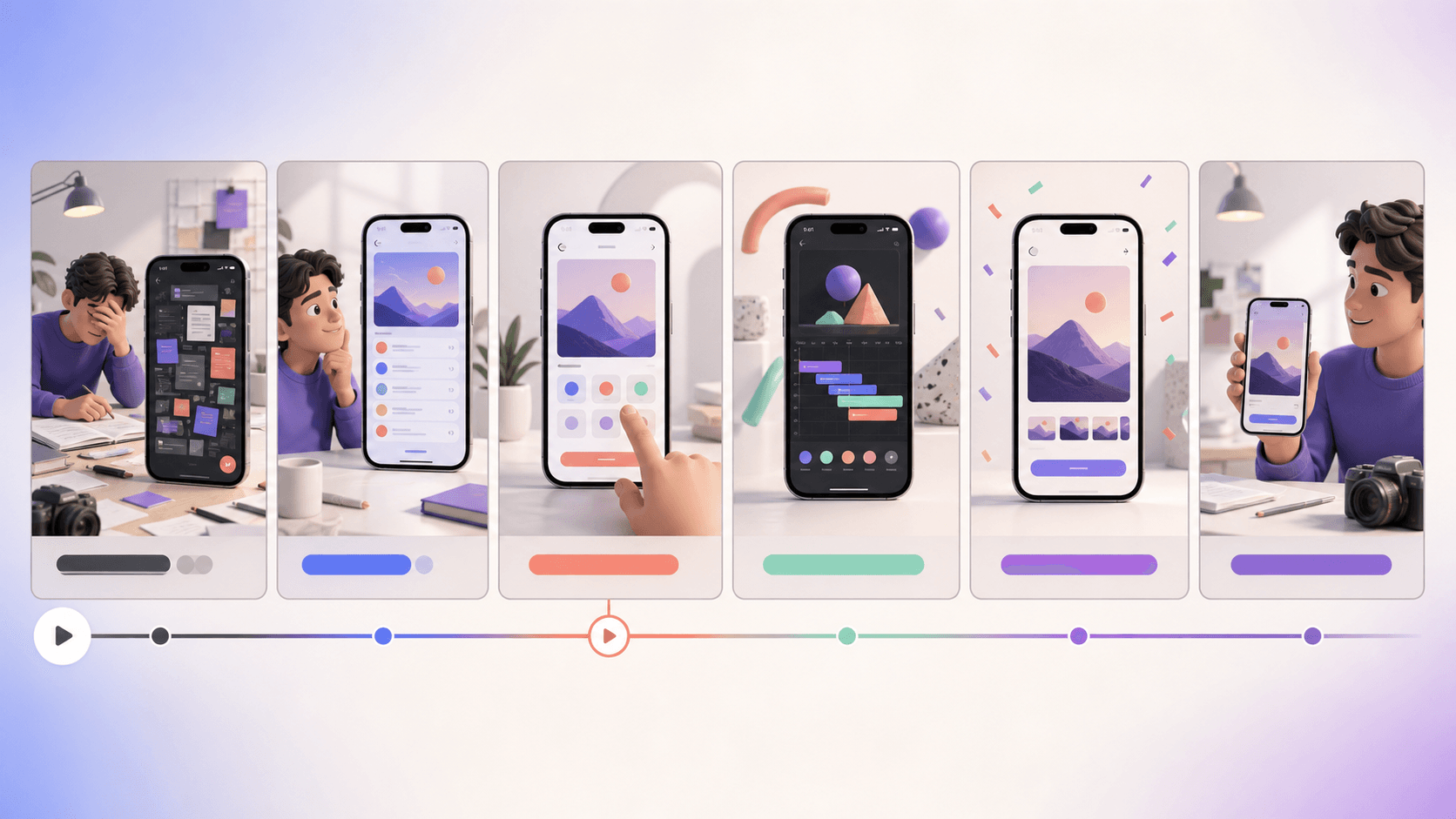
Write the proof before opening the timeline
One promise, three beats, one next action
A useful app video script connects a user problem to visible product behavior, then adapts that story to the technical rules of each destination.
Brief
Choose one audience, one job, one product proof, and one measurable destination.
Storyboard
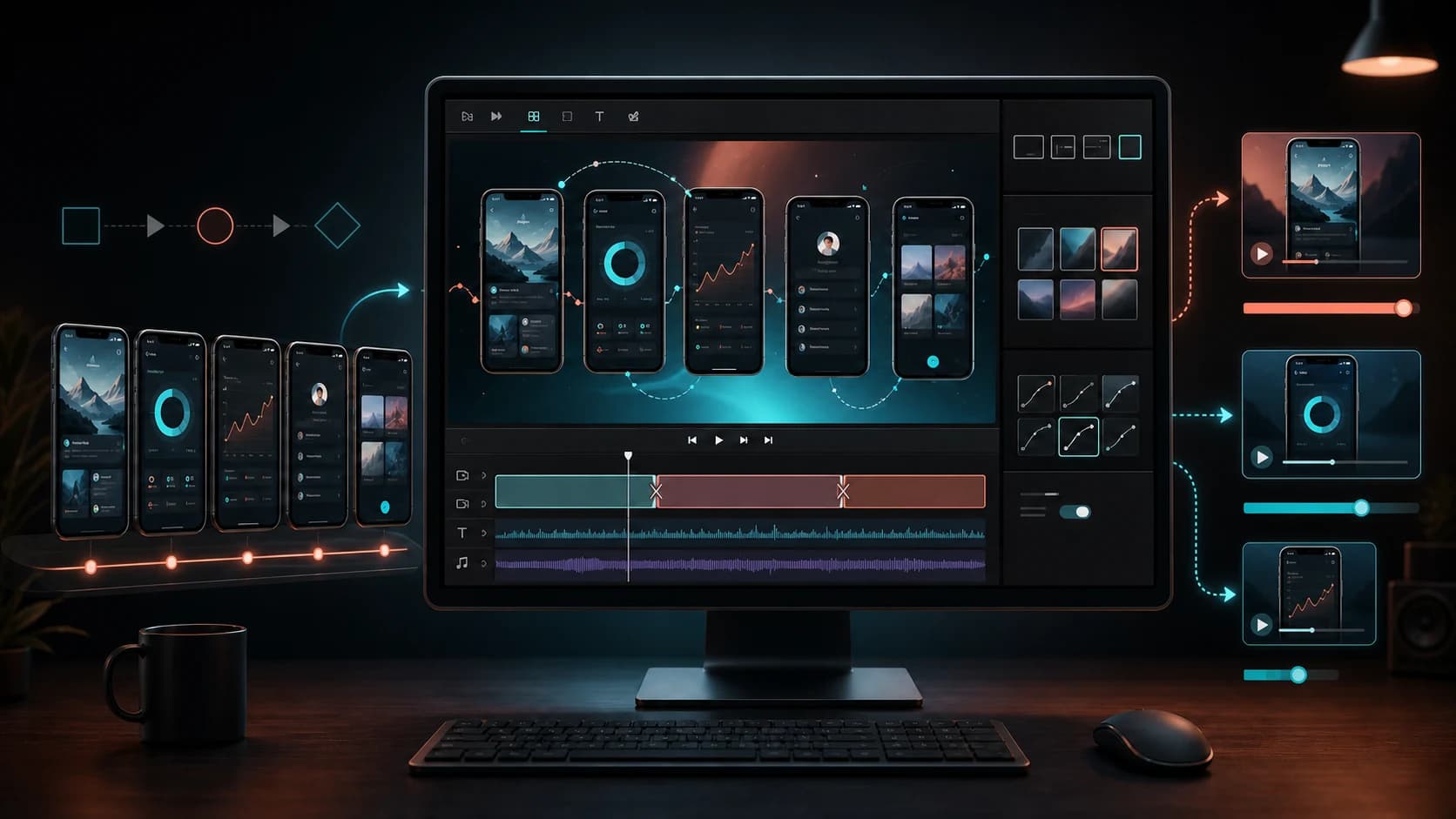
Plan the hook, workflow, result, captions, footage, and transitions before editing.
Adapt
Create compliant App Store, Google Play, and social cuts from a shared source sequence.
An app promo video script is not a voice-over essay placed on top of screen recordings. It is a timed evidence plan: what the viewer needs to understand, which real interface moment proves it, how long that proof receives, and what should happen next. This template is designed for a 30-second master that can be adapted to Apple's 15–30-second App Previews, a Google Play YouTube promo video, and shorter paid-social cuts.
Quick answer
Write a six-scene, 30-second master: 0–3 seconds for the user problem or outcome; 3–7 for the product promise; 7–20 for two or three real workflow moments; 20–25 for the completed result; 25–28 for differentiating proof; and 28–30 for the next action. Keep captions understandable without sound, capture real current UI, and create destination-specific exports rather than uploading the same edit everywhere.
The 30-second storyboard template
The template below is a planning framework, not an Apple requirement. Apple does require App Previews to run between 15 and 30 seconds and says previews should use footage captured on device to demonstrate the app. Google Play uses a YouTube URL for its preview video and applies different playback behavior. Begin with the longest truthful story, then remove or reframe scenes for each channel.
Every row needs a visible product action. If a scene cannot identify what appears on screen, the copy is probably too abstract. Replace claims such as `organize everything effortlessly` with a concrete demonstration: import the tasks, group them automatically, and show the finished schedule.
| Time | Story job | Picture | Caption or audio | Edit note |
|---|---|---|---|---|
| 0–3s | Hook | Problem moment or completed outcome | One audience-specific line | Make the first frame readable without context |
| 3–7s | Promise | App opens into the core workflow | State the product's job | Show the real interface early |
| 7–13s | Proof 1 | First meaningful action | Action plus benefit | One gesture and one focal point |
| 13–20s | Proof 2 | Transformation or second workflow | Explain what changed | Use continuity, not a feature montage |
| 20–25s | Result | Completed state | Name the user outcome | Hold long enough to inspect |
| 25–30s | Difference and action | Final product or brand frame | Why this app; what to do next | Adapt the CTA to the destination |
Write a one-page creative brief
Before writing scenes, specify the audience, situation, friction, desired outcome, product mechanism, strongest visible proof, objections, brand tone, and destination. A video for people comparing running plans should not share the same hook as a re-engagement video for existing users. The brief prevents the timeline from becoming a list of whatever screens were easiest to capture.
Choose one primary promise. Supporting features can appear only when they advance that promise. If the app has several distinct jobs, create separate videos or use Apple's allowance of up to three previews per supported device size and language to tell cohesive complementary stories. Do not force every feature into thirty seconds.
- Audience and moment of need.
- Single outcome the viewer should remember.
- Real interface sequence that proves the outcome.
- One differentiator that can be shown or substantiated.
- Destination, orientation, locale, and measurement goal.
Hook with a problem or result, not a logo animation
The opening seconds need to establish relevance. Start with the frustrating before state, the desirable after state, or an immediately recognizable workflow. A logo can appear, but making it the only event spends scarce time without explaining why the viewer should continue. For an App Preview that can autoplay in search results, the first frame should also work as a silent thumbnail-like introduction.
Keep the hook truthful and product-specific. Avoid manufactured urgency, unsupported superlatives, or visual effects that imply capabilities the app does not have. The strongest hook often comes from a user sentence: `Turn seven raw screenshots into every store size` is clearer than `Unleash your creative potential.`
Turn features into visible cause and effect
A product demonstration becomes persuasive when the viewer can see input, action, and result. Show the raw photo, the crop action, and the finished profile image; or show an empty plan, the schedule generation, and the organized week. Screen recording should be paced for comprehension, with deliberate taps and pauses rather than normal expert speed.
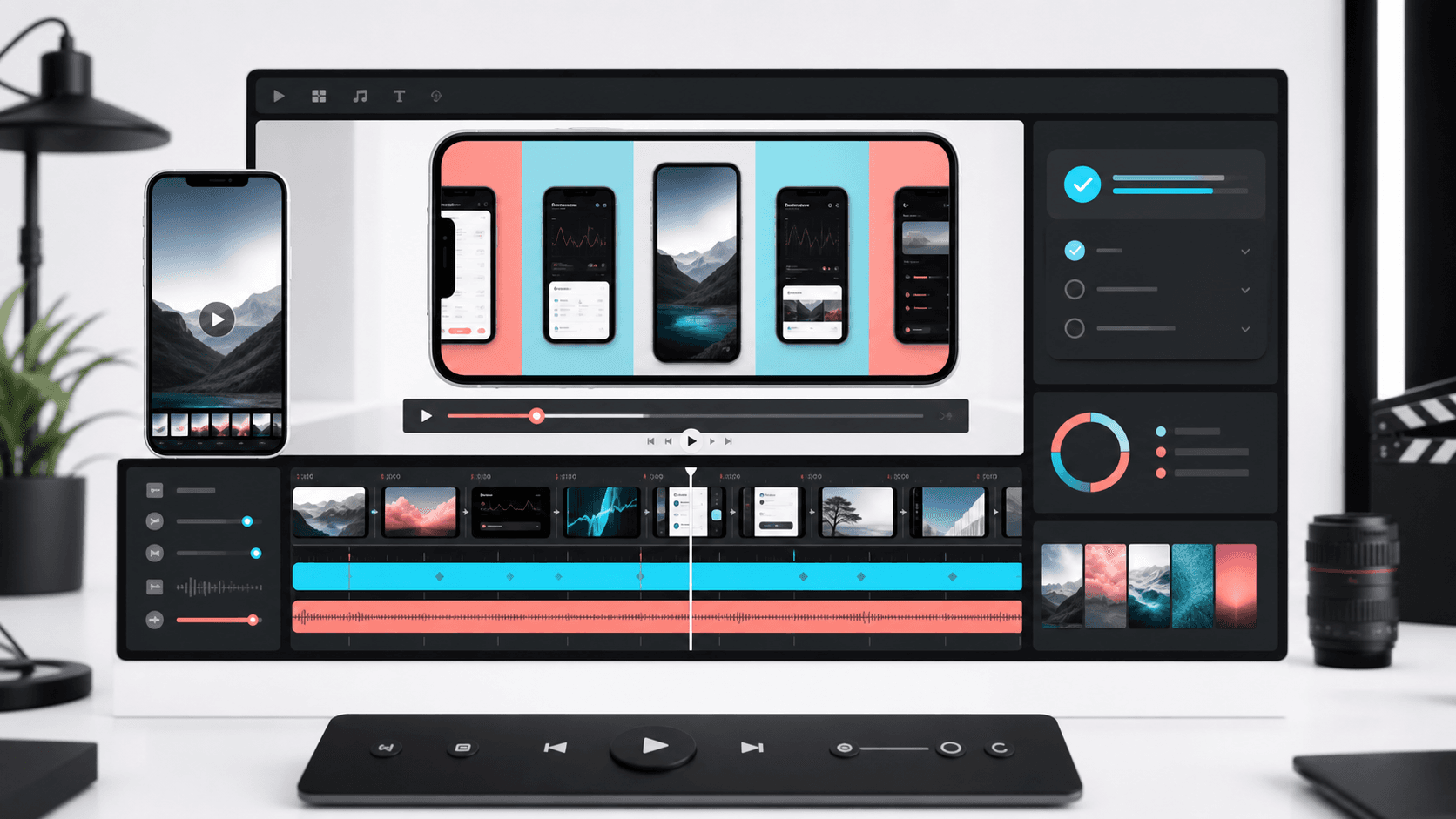
Use zoom, pointer treatment, device framing, or callouts only to guide attention. Decorative motion should not cover the interface or suggest that animation occurred in the app. Apple asks App Previews to represent the experience, while Google Play's preview asset guidelines likewise require an accurate showcase. Keep a clean capture master so platform-specific overlays can be rebuilt without re-recording the workflow.
Captions, voice-over, and sound-off comprehension
Write captions that complete the image rather than narrate every tap. `Plan the week in one pass` adds meaning to a scheduling interaction; `Tap the plus button` merely describes it. Limit each scene to one readable line, use sufficient contrast, and allow enough dwell time for a first-time viewer. Localized cuts need new line breaks and timing, not a tiny translated font.
Voice-over can add personality or explain an invisible benefit, but the video should remain understandable without it. Apple's technical specification permits stereo audio with defined AAC or PCM requirements depending on the codec, yet sound is not guaranteed to be heard in every discovery context. Use licensed music and effects, maintain intelligible levels, and review the silent version as a first-class deliverable.
Adapt the master for Apple's App Preview
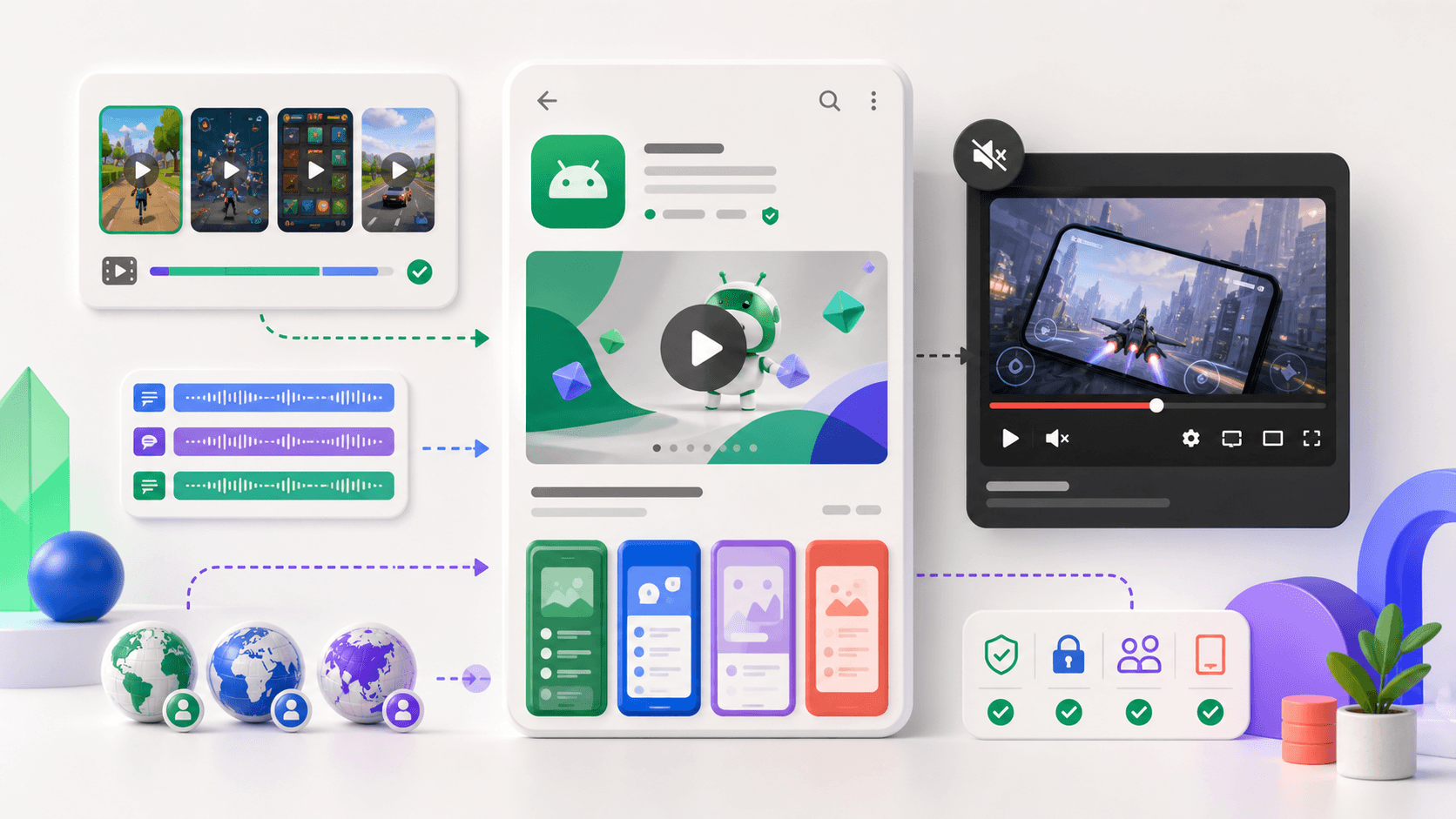
Apple accepts App Previews from 15 to 30 seconds, up to 500 MB, in H.264 or ProRes 422 HQ with supported file extensions and a maximum frame rate of 30 fps. Accepted resolutions vary by device class and orientation. Apple allows up to three previews per supported device size and language, and previews appear before screenshots even if the media is rearranged in App Store Connect.
Use current on-device footage, remove off-platform CTAs such as `Subscribe on our website`, and verify the poster frame. Apple defaults the poster-frame position to five seconds unless it is changed. Because previews can appear in search results and Apple Ads, make the opening and selected poster frame coherent with the first screenshot story.
Adapt the master for Google Play and paid social
Google Play's standard promo video is supplied as a YouTube URL. Google's preview-asset guidance describes where it appears and recommends a public or unlisted video with monetization disabled and without age restrictions. The feature graphic can act as the cover before playback, so the opening, thumbnail context, and feature graphic should tell the same story.
Paid social needs faster variants. Create a 9:16 cut that introduces the hook immediately, a square feed cut with larger type, and a landscape version where required. Retain the same concept ID across ratios. Change only the composition and pacing needed by the placement so reporting can distinguish message performance from format adaptation.
Production and review checklist
Record a clean build with realistic, non-sensitive data. Disable personal notifications, debug overlays, cursor artifacts, and accidental account information. Capture at stable frame rates, preserve a high-quality master, and review every transition frame for flashes or stale UI. Ensure the script, captions, and shown product state agree with the version submitted to the store.
Run a five-person comprehension check without explaining the app: ask what the product does, who it serves, what happened in the workflow, and what action follows. Fix misunderstandings before polishing effects. Then validate length, resolution, orientation, codec, file size, audio, localization, poster frame, and store metadata against the live platform documentation.
- One audience, one primary promise, and one measurable next action.
- Real, current, privacy-safe product footage.
- Readable without sound and accurate with sound.
- Destination-specific duration, orientation, codec, and CTA.
- Source storyboard, captures, captions, and exports archived by revision.
Continue the workflow
Primary sources and verification notes
Platform requirements and software capabilities change. These sources were reviewed for this guide on August 16, 2026; open the current source again before publishing assets, enabling production access, or standardizing a team workflow.
- Apple Developer: App Preview specifications: Current duration, file, codec, frame-rate, audio, and resolution requirements.
- Apple Developer: Show more with app previews: Official story, product-footage, localization, and discovery guidance.
- Apple Developer: Upload previews and screenshots: Upload limits, ordering, scaling, and localization behavior.
- Google Play Help: Add preview assets: Current Google Play promo-video and feature-graphic requirements.
App Promo Video Script and Storyboard FAQ
How long should an app promo video be?
Use a 30-second master for planning. Apple's App Previews must be 15–30 seconds. Other channels have different limits, so create destination-specific cuts from the master.
What should happen in the first three seconds?
Show a recognizable user problem, desired outcome, or immediate product moment. Do not spend the entire opening on a logo animation that gives the viewer no reason to continue.
Does an app video need voice-over?
No. Voice-over can add meaning, but captions and visible product behavior should make the story understandable without sound.
Can I use the same video for the App Store and Google Play?
Reuse the concept and source footage, but make platform-specific exports. Apple has device-specific 15–30-second App Preview rules; Google Play uses a YouTube promo video with different presentation behavior.