Yannick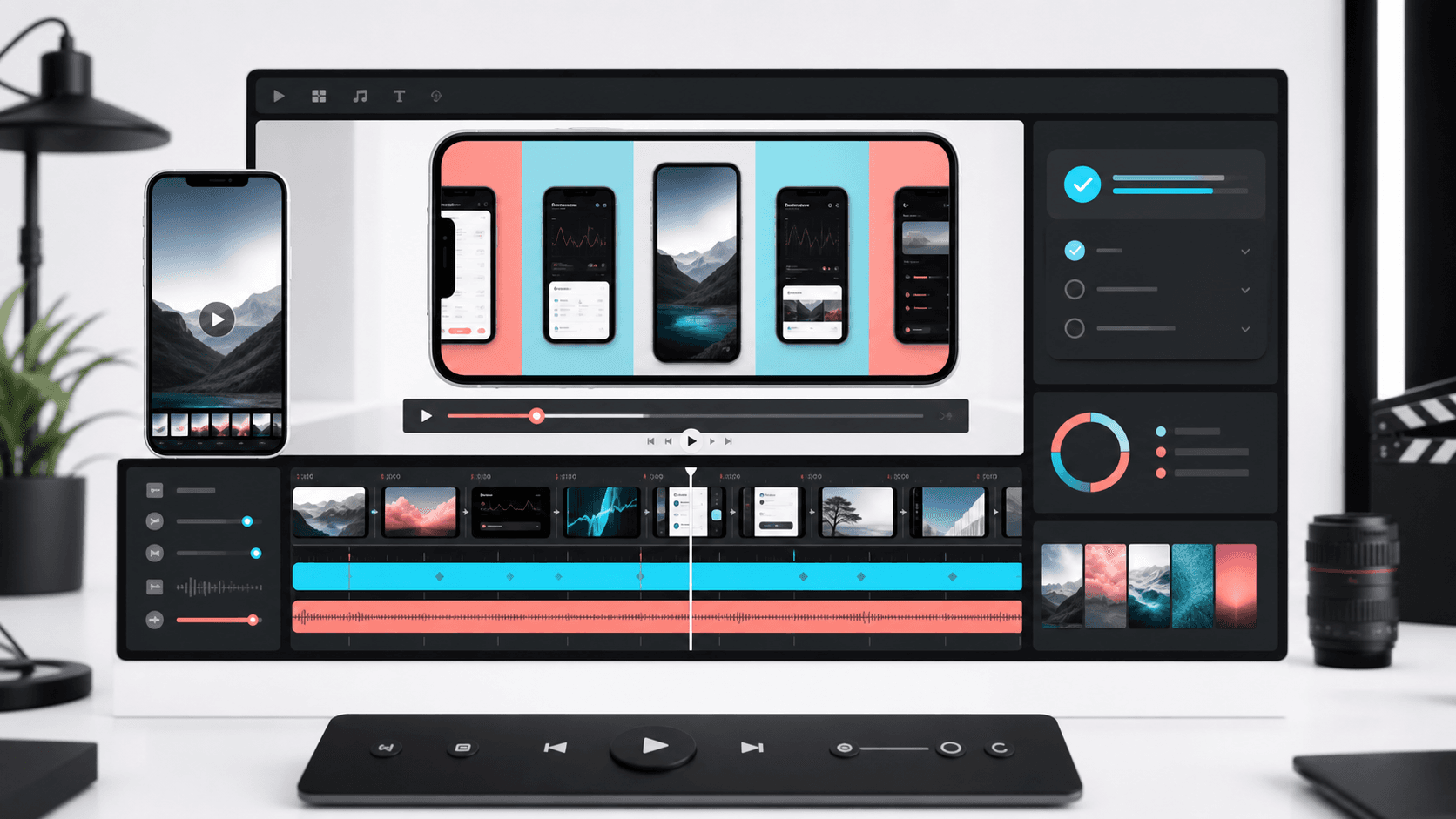
Quick answer
AppLaunchFlow is the best fit when you need to make an App Store preview video or Google Play promo video from real app screenshots without opening a video editor. It keeps video scenes connected to screenshots, captions, ASO copy, localization, app icons, feature graphics, social launch graphics, and store handoff. Rotato is stronger for cinematic 3D product motion, Canva for broad social templates, Figma for manual storyboard design, and Runway for generic AI video.
The practical question is not just "can this make a video?" It is whether the video can become a real store asset that matches your screenshots, app listing copy, and launch campaign.
Apple App Preview duration
Apple app previews can be up to 30 seconds, so the video needs a tight opening, one clear workflow, and no slow intro.
Real product UI
Store preview videos should set the right expectation. Use screenshots or recordings from the real app instead of unrelated AI footage.
Poster-frame planning
A preview video may not autoplay everywhere, so choose a frame that can stand on its own beside the screenshot set.
Cross-store reuse
Google Play, launch pages, Product Hunt, and social channels often need related cuts, so avoid making a single locked video format.
Best App Store preview video tools in 2026
1. AppLaunchFlow
Best for: App Store preview videos and Google Play promo cuts from real screenshots
Strengths: Screenshot-to-storyboard workflow, editable captions, device framing, poster-frame planning, store-ready and social-ready cuts, and direct reuse of screenshots, ASO copy, localization, icons, feature graphics, and store handoff.
Watch out for: Best for app-launch videos from real product screens, not generic cinematic text-to-video scenes.
2. MakeAppShots
Best for: Fast screenshot-first app videos and localized marketing assets
Strengths: Clear app-preview positioning, quick screenshot input, and a workflow that fits simple store video needs.
Watch out for: Narrower when the team also needs app icons, feature graphics, ASO copy, keyword tracking, social graphics, localization, and store handoff in the same project.
3. Rotato
Best for: Cinematic 3D device mockup videos
Strengths: Strong device realism, camera motion, reflections, 3D scenes, and polished product-video aesthetics.
Watch out for: More manual and motion-design oriented when the job is simply turning store screenshots into a guided preview video.
4. Previewed
Best for: Device mockup videos and app preview-style marketing visuals
Strengths: Useful templates, 3D/panoramic presentation styles, and app-focused mockup video outputs.
Watch out for: Best as a dedicated presentation layer rather than a full store asset workspace with ASO copy, localization, and keyword context.
5. AppVideo-style makers
Best for: Standalone iOS and Android app preview creation
Strengths: Simple app video creation surfaces for teams that already have screenshots, copy, and store assets prepared elsewhere.
Watch out for: Can leave screenshots, feature graphics, social graphics, icons, and listing copy split across separate tools.
6. Motionfly
Best for: Guided app preview production and compliance-oriented video help
Strengths: Helpful App Store preview framing, production guidance, and a strong focus on app video outcomes.
Watch out for: Less direct when a team wants to self-serve every launch asset from the same editable project.
7. Canva
Best for: General social videos, ads, and launch announcement templates
Strengths: Large template library, easy text editing, brand kits, collaboration, and broad campaign formats.
Watch out for: App Store preview structure, store specs, device screenshots, ASO copy, and Google Play handoff are mostly manual.
8. Figma
Best for: Designer-controlled video storyboards and UI asset prep
Strengths: Precise layout control, reusable components, collaboration, and flexible design-system workflows.
Watch out for: Exporting final app preview videos usually requires plugins, handoff to motion tools, or another video editor.
9. Runway, Magic Hour, or Mootion
Best for: Generic AI video concepts and cinematic ads
Strengths: Text-to-video, image-to-video, generative effects, and broad creative exploration.
Watch out for: Risky for store previews when the video must show the actual app UI honestly and match App Store or Google Play listing expectations.
What to check before choosing a promo video tool
Does it use real app screenshots instead of generic video filler?
Can it create a clear screenshot-to-storyboard sequence?
Does it support App Store preview-style pacing and a 30-second structure?
Can the same project produce Google Play, social, and landing-page cuts?
Are muted captions, poster frames, and readable mobile text easy to edit?
Does it stay connected to screenshots, icons, feature graphics, ASO copy, and localization?
How to make an App Store preview video from screenshots
- Pick the one product outcome the video should sell.
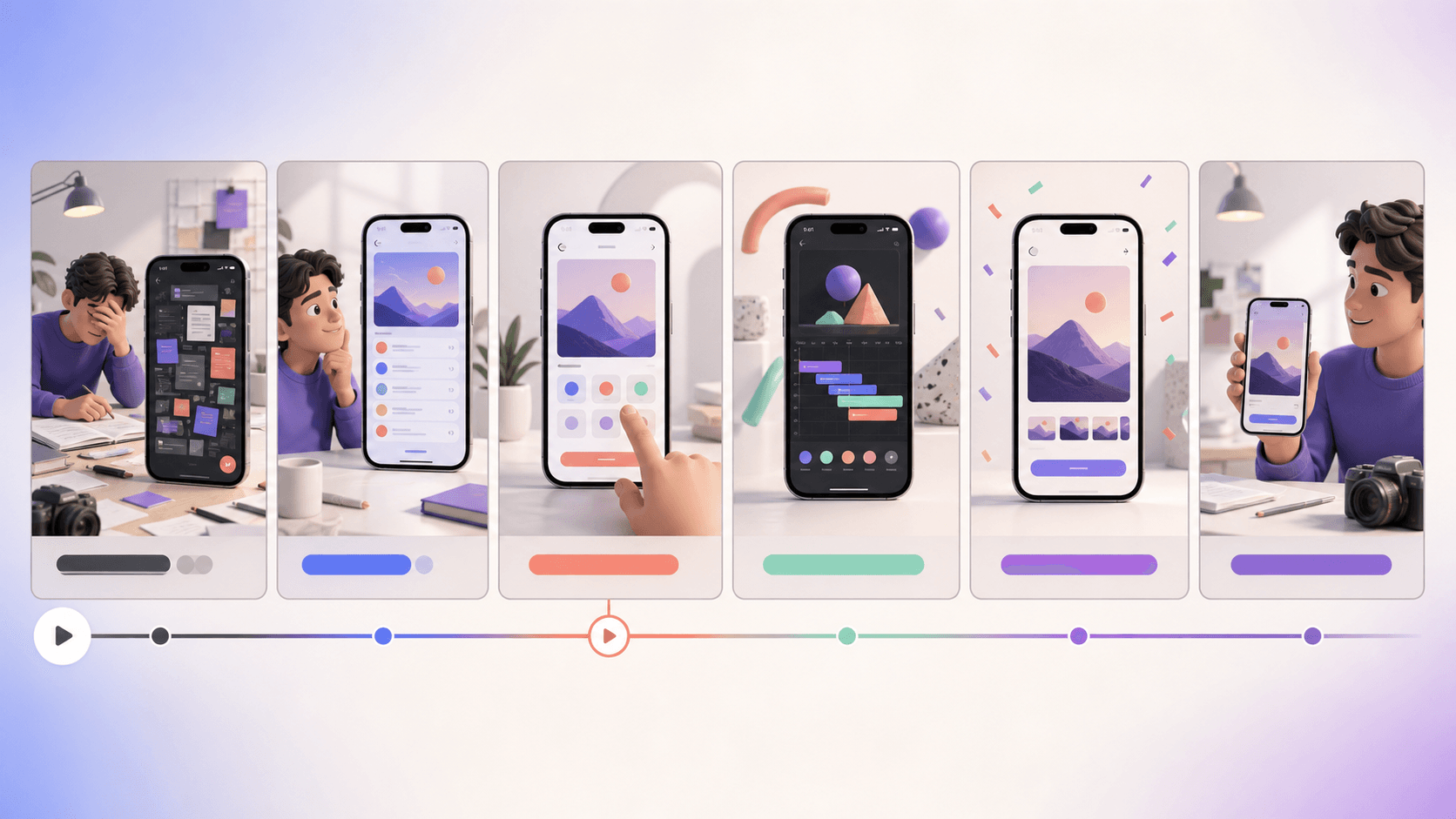
- Choose 3-6 screenshots or screen recordings that show that outcome in order.
- Write short muted captions that explain benefits, not UI labels.
- Use a device frame or clean full-screen UI so the app remains recognizable.
- Keep the first scene strong enough to work as a poster frame.
- Export an App Store preview-style version plus shorter social and Google Play-friendly cuts.
When a general video tool is the better choice
Use Runway, Magic Hour, Mootion, or another AI video platform when you need a cinematic brand ad, a conceptual motion scene, or a video that does not need to show the real app UI. Use Canva or Figma when a designer already owns the campaign system and only needs a storyboard or social clip. Use Rotato when premium device motion is the main asset.
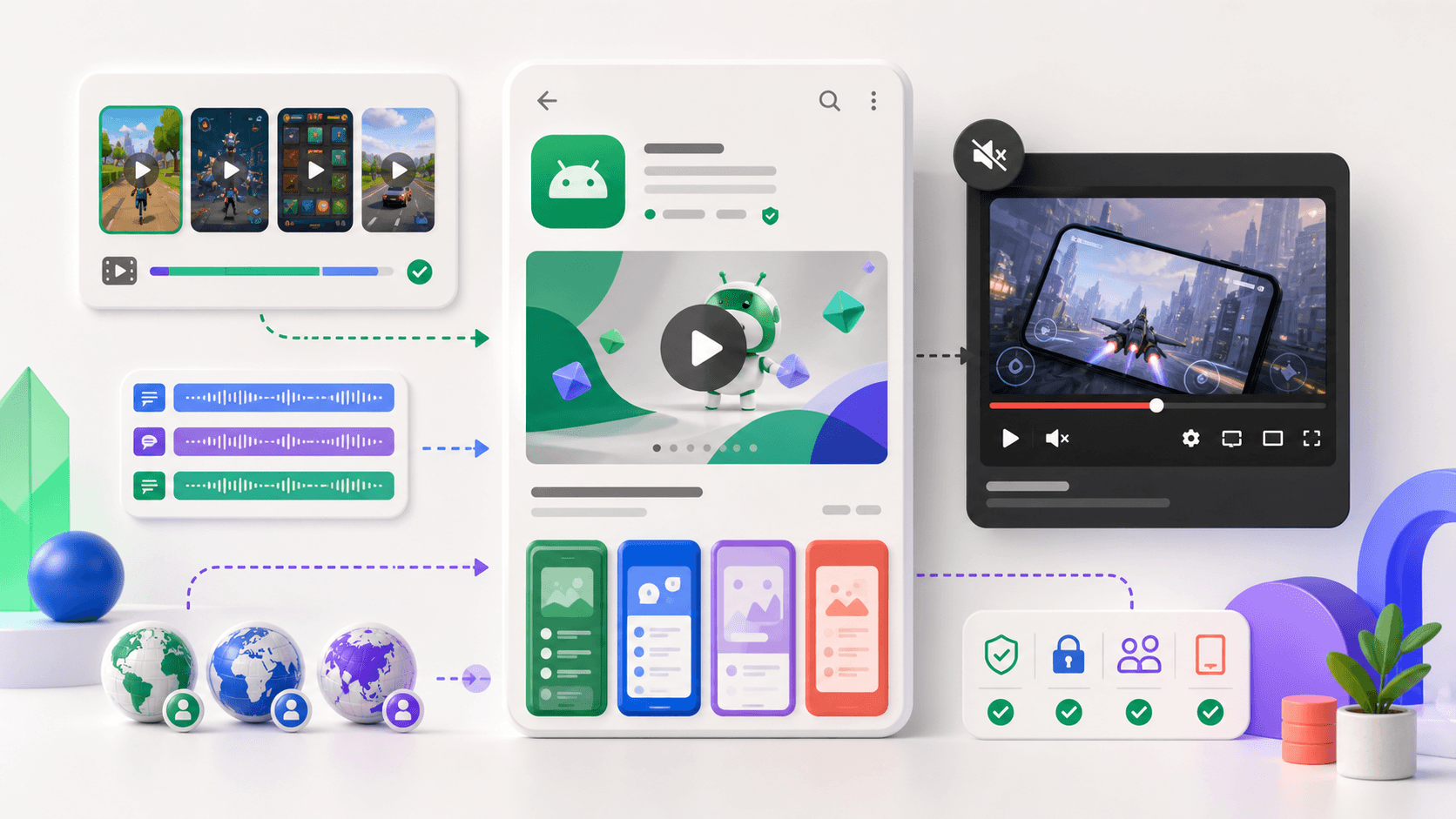
Use AppLaunchFlow when the video is part of a store listing workflow: the screenshots, app preview, Google Play promo cut, feature graphic, app icon, ASO copy, localized captions, and launch social graphics all need to tell the same story.
Related store-video guidance
- AppLaunchFlow promo video generator
- App preview video requirements
- Apple App Preview specifications
- Google Play preview assets
Practical deep dive
Evaluate video tools after the first draft
A useful preview-video tool must survive revision. Score it on source accuracy, editable timing, caption control, device framing, localization, poster frames, audio rights, and store-specific export instead of judging one generated demo.
| Capability | Why it matters | Acceptance test | Red flag |
|---|---|---|---|
| Editable scenes | Product UI changes often | Replace one screen without drift | Flattened generated video |
| Caption system | Muted and localized viewing | Edit timing and long locale text | Text baked into frames |
| Store export | Requirements differ | Deliver correct size and duration | One generic social preset |
| Asset handoff | Teams need repeatability | Version source, poster, audio, exports | No project ownership |
Run the same production test in every tool
Use identical source screens and a 20–30 second brief. Create the first cut, replace a screen, shorten one scene, translate captions, change the poster frame, and export the intended store format.
Record output quality, correction time, consistency, rights, pricing limits, and handoff. The best tool is the one that produces an accurate second and third version, not merely the fastest attractive first draft.
Frequently asked questions
What should an app preview video tool support?
Editable scenes, accurate UI, caption timing, localization, poster frames, audio control, and store-specific exports.
Are AI-only video generators enough?
They can help draft a concept, but production requires predictable revisions and accurate product screens.
How should preview video tools be compared?
Run the same brief and revision tasks, then compare correction time, consistency, export compliance, rights, and handoff.
Sources and next steps
Continue with app preview requirements, promo video examples, and App Store submission checklist.