Yannick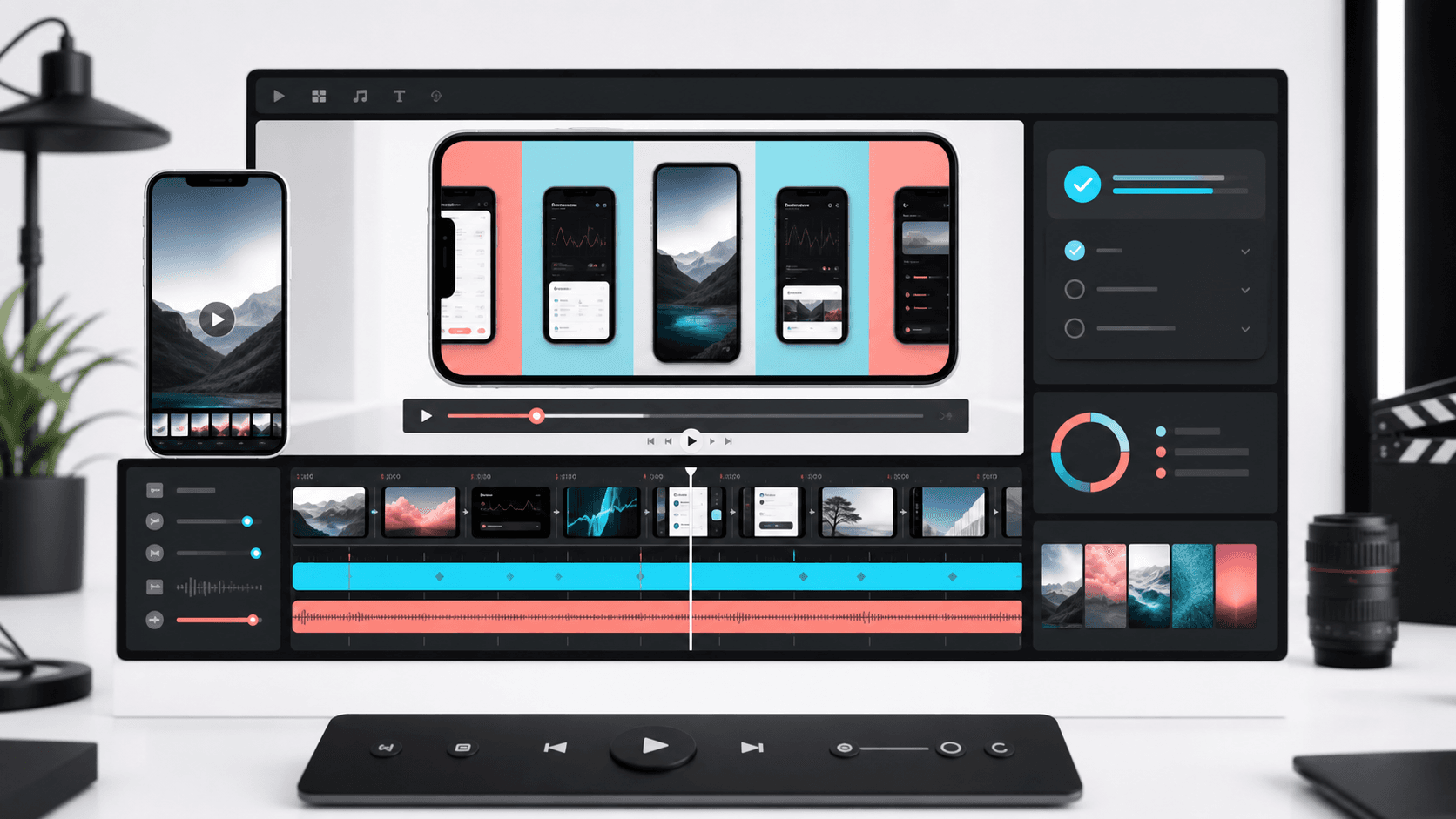
30-second storyboard
Show one useful product journey
0–5 seconds
Lead with the outcome and recognizable product context.
5–24 seconds
Demonstrate one complete workflow with concise captions.
24–30 seconds
Finish on the strongest proof point and poster-frame candidate.
Apple app previews can be up to 30 seconds long.
Apple lets you show up to three app previews before screenshots.
Use a poster frame because video may not autoplay on every surface.
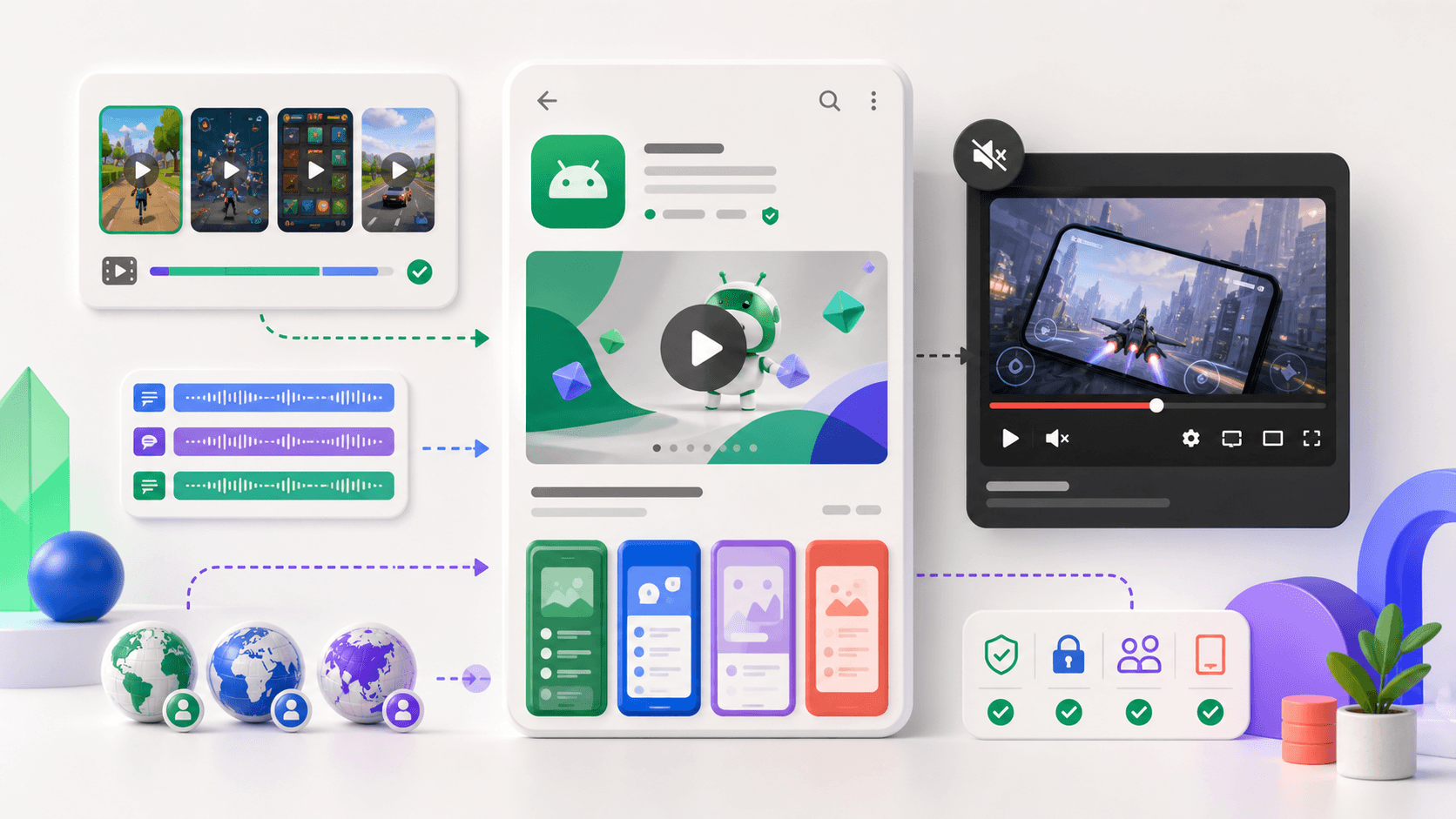
Google Play supports preview videos through store listing preview assets.
Keep the video focused on real product value, not a generic brand montage.
What Apple calls an app preview
Apple's product page guidance says app previews can be up to 30 seconds long, and you can include up to three previews. App previews appear before screenshots, so the first preview should explain the most important product moment quickly. Apple also supports poster frames, which matter because videos do not always autoplay.
A conversion-safe video structure
- Open with the outcome, not a logo animation.
- Show real app UI and one complete workflow.
- Use short captions that still work muted.
- End with the strongest screen or proof point, not a vague CTA card.
- Pick a poster frame that works as a standalone screenshot.
App Store and Google Play differences
Apple treats app previews as store assets directly attached to the product page. Google Play includes video in its wider preview asset system, alongside screenshots, feature graphics, icons, and descriptions. In both stores, the safest creative approach is the same: show the product honestly and keep claims aligned with the listing.
Export and review checklist
App Store Connect accepts H.264 video in MOV, M4V, or MP4 containers and ProRes 422 HQ in MOV. You can upload up to three previews for each supported device size and language, and Apple notes that processing can take up to 24 hours. Leave time to review the processed result before a scheduled release.
- Make every caption understandable with the sound muted.
- Use real interaction instead of a generic brand montage.
- Select a poster frame that communicates value without playback.
- Match orientation and dimensions to the target device set.
- Review translated captions and localized UI together.
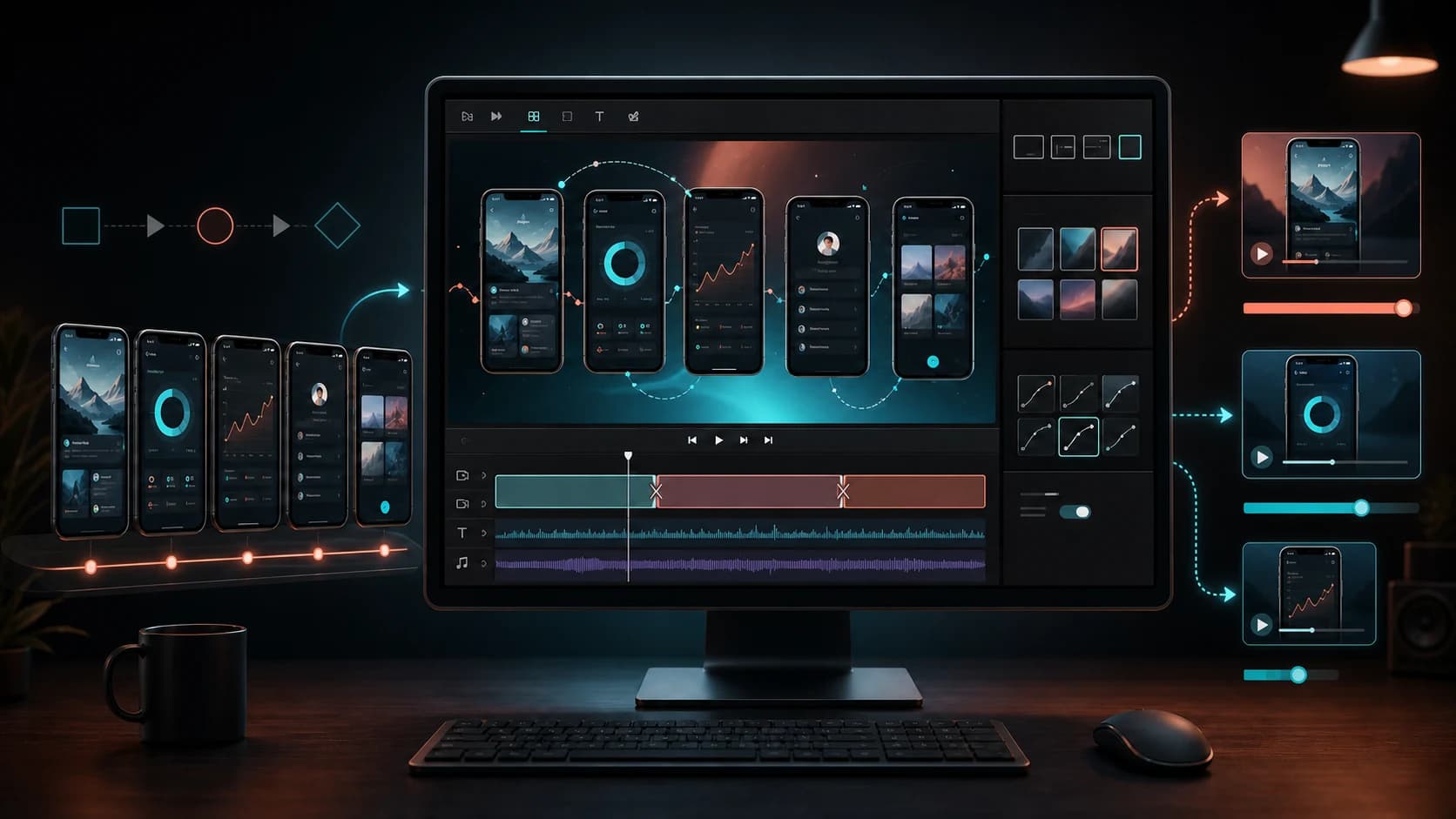
For the creative side—not only the upload rules—use the mobile app promo video examples and 30-second script. It shows how to turn five product screens into store, social, and teaser cuts.
Official sources
- Apple product page app preview guidance
- Apple upload app previews and screenshots
- Google Play preview assets
Practical deep dive
Delivery checklist for App Store and Play video
A strong preview is both a creative story and a delivery artifact. Confirm the current store rules before production, because duration, orientation, device family, poster frame, video URL, and preview-asset behavior affect what can be uploaded and where the video appears.
| Decision | Apple App Store | Google Play | Production implication |
|---|---|---|---|
| Video model | Uploaded app preview tied to device presentation | YouTube promo video connected to the listing | Plan separate delivery and review paths |
| Opening | Product value must appear quickly | Thumbnail and first seconds shape engagement | Avoid a long logo animation |
| Muted viewing | Captions and visible UI carry the story | Video may be encountered without sound | Make every claim understandable silently |
| Fallback image | Choose a useful poster frame | Feature graphic and thumbnail context matter | Design a frame that works without playback |
Create a requirements brief before editing
List the target store, device family, orientation, locales, source recordings, caption languages, music rights, and owner for final upload. Decide whether one product journey can support every output or whether a tablet, landscape game, or market-specific flow needs its own cut.
Capture clean UI at the intended resolution and remove test data, personal information, debug overlays, and accidental notifications. Keep a source-to-scene map so a changed screen can be replaced without rebuilding the full timeline.
Review conversion and compliance together
Watch the export once with sound and once muted. Then inspect the first frame, poster frame, every caption, and the final product state at the actual listing size. The video should demonstrate available functionality and use the same positioning as the surrounding screenshots and metadata.
After release, separate video engagement from product-page conversion and downstream activation. A dramatic video can attract attention while setting the wrong expectation. Use activation, trial, or purchase quality as a guardrail when changing the opening promise.
Record an export and rights manifest
For each final video, record store, device family, orientation, locale, duration, dimensions, frame rate, codec, audio source, music license, caption version, poster frame, and product build. The manifest makes a rejected or outdated asset diagnosable without reopening every project file.
Keep raw recordings, editable timelines, captions, graphics, and audio on separate tracks. When a menu label changes or a locale needs longer text, the team should be able to replace one element without regenerating unrelated scenes or degrading the app UI.
Before upload, ask a product owner to confirm feature accuracy and a marketing owner to confirm message consistency. A technically valid video can still create risk when it depicts old navigation, unavailable functionality, personal data, or an offer that differs from the listing.
Keep a final review copy with timecoded comments and explicit approval. If the store rejects the asset or the product changes, the team can trace the decision and update the smallest possible part of the video.
Frequently asked questions
How long can an App Store app preview video be?
Apple app previews can be up to 30 seconds long, and a product page can include up to three previews. Confirm the current App Store Connect specifications before export.
Do app preview videos appear before screenshots?
Apple can place app previews before screenshots on the product page, so the first preview should communicate the product value quickly.
Why does the poster frame matter?
The poster frame represents the preview when it is not playing, so it must work as a clear standalone product image.
Sources and next steps
Continue with promo video examples and workflow, best app preview video tools, and App Store submission checklist.