Free tool · No signup · Transparent PNG
Free iPhone 17 Pro Max Mockup Generator: PNG & Video Frames
Make a free iPhone 17 Pro Max mockup from a real app screenshot. Upload a 1320×2868 screenshot, choose a flat, angled, or handheld iPhone 17 Pro Max frame, and download a transparent PNG that drops straight into Figma, Keynote, a landing page, or a Product Hunt gallery — no watermark, no signup. Need motion or HD? Save it to your workspace and turn the same frame into an animated 3D video.
Runs in your browser · Free to use · No watermark
Screenshot
Drop your screenshot here
or click to browse
PNG, JPG, WebP (max 20MB)
Best input: 1320×2868 iPhone 17 Pro Max screenshot
Mockup Preview
Generating mockup...
Background
Perspective
Want animated 3D mockups?
AppLaunchFlow turns your screenshots into polished device mockups and animated feature demos — ready for the App Store, Play Store, and social media.
Recommended
Use the full mockup editor for motion and polish.
The static generator is best for quick PNG mockups. The full mockup editor lets you animate screenshots, tune 3D device motion, and export video clips for launch pages, app previews, and social posts.
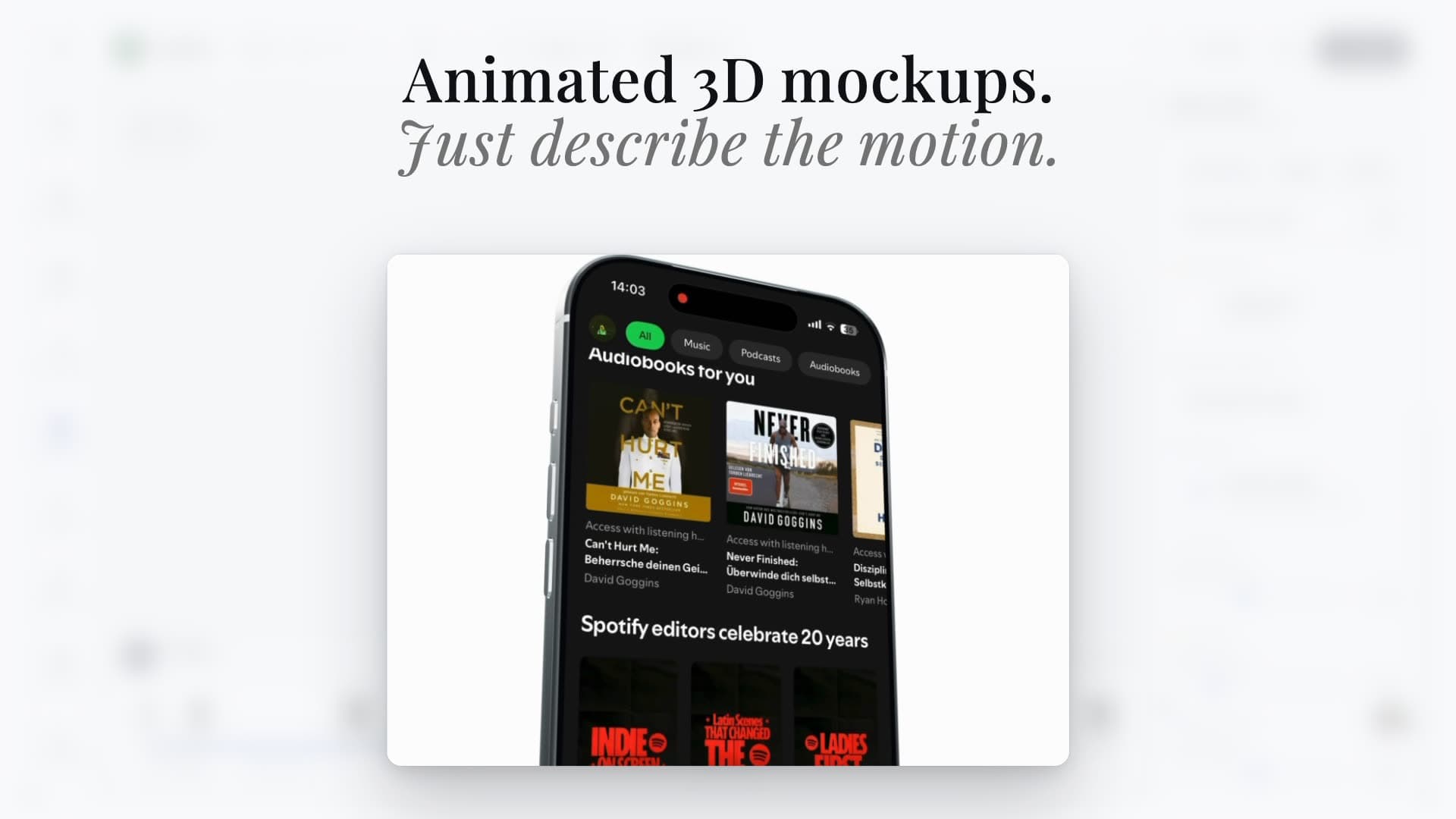
Animated scenes
Turn screenshots into cinematic 3D device videos
Static mockups
Export clean iPhone, Pixel, iPad, and MacBook visuals
Launch-ready formats
Reuse the same screenshots across mockups, videos, and social assets
iPhone 17 Pro Max frame specs
iPhone 17 Pro Max mockup: 6.9-inch, 1320×2868
This is the frame the generator was built around: our iPhone 17 Pro Max 3D device geometry with a 1320×2868 (6.9-inch) screen. Upload a native 1320×2868 App Store screenshot and it maps 1:1.
- Display
- 6.9-inch
- Screen resolution
- 1320×2868 px
- Pixel density
- 460 ppi
- Screen ratio
- 19.5:9 (portrait)
- App Store Connect size
- 6.9-inch (1320×2868) — the primary App Store Connect iPhone size
- Free export
- Transparent PNG, up to 1600px long edge
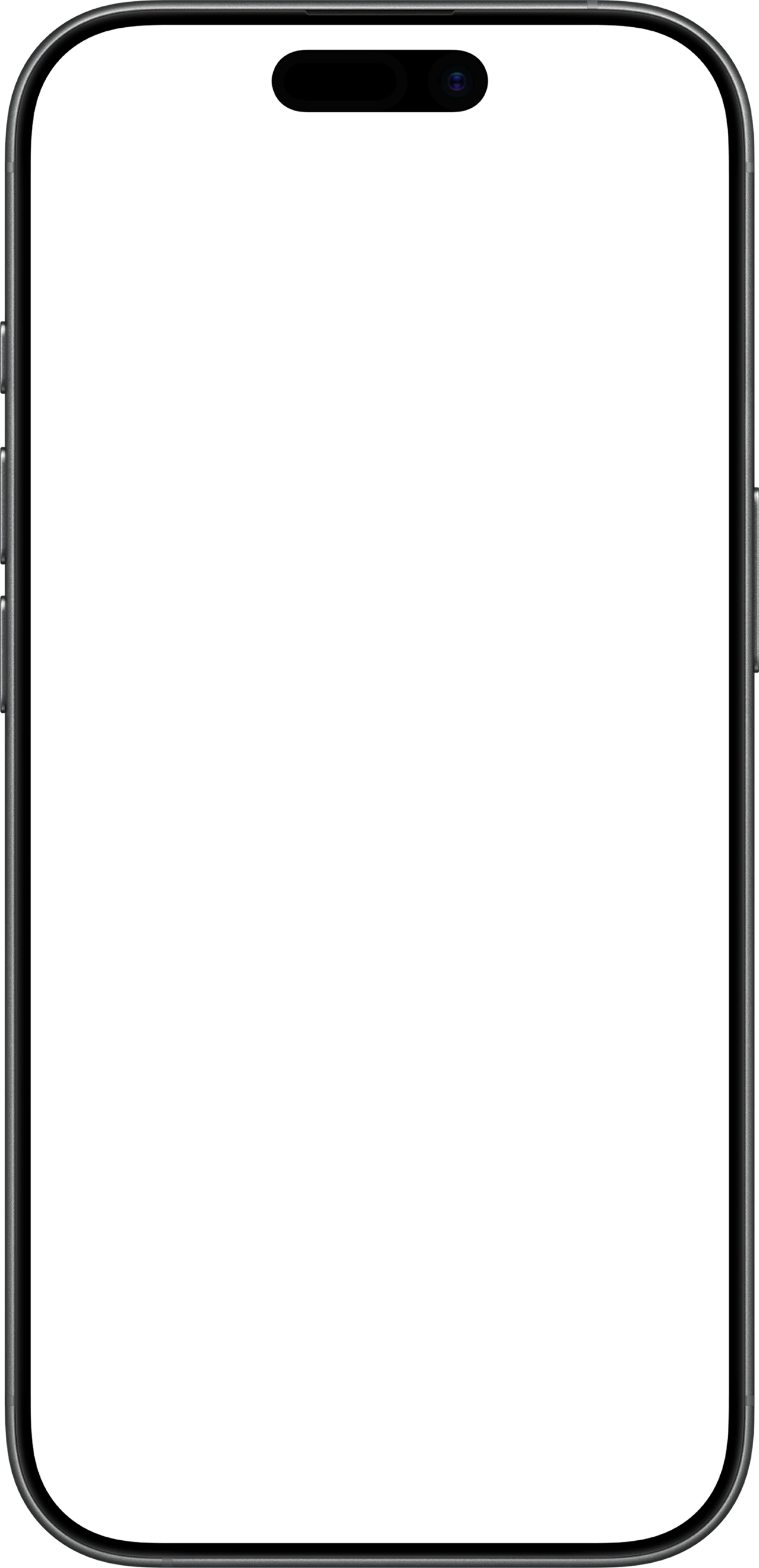
Download blank iPhone 17 Pro Max frame (PNG)
Transparent 1311×2708 PNG of the flat iPhone 17 Pro Max-style flat frame with an empty screen — place your own screenshot behind it in Figma, Sketch, Keynote, or Canva. Free for commercial use, no attribution.
Sizes, transparency, licensing
iPhone 17 Pro Max mockup FAQ
What size is an iPhone 17 Pro Max screenshot for a mockup?
Does the iPhone 17 Pro Max mockup have a transparent background?
Can I use the iPhone 17 Pro Max mockup commercially?
Is the iPhone 17 Pro Max frame exact?
How do I get an animated iPhone 17 Pro Max mockup or an HD export?
Other iPhone frames and next steps
iPhone 17 mockup
6.3-inch · 1206×2622 · free transparent PNG
iPhone 17 Pro mockup
6.3-inch · 1206×2622 · free transparent PNG
iPhone 16 mockup
6.1-inch · 1179×2556 · free transparent PNG
iPhone 15 mockup
6.1-inch · 1179×2556 · free transparent PNG
Animated 3D iPhone 17 Pro Max mockup
Turn the same screenshot into a rotating device video for launch pages and social posts.
All iPhone mockups
The general iPhone mockup generator with every angle and background option.
App Store screenshots
Build the 6.9-inch (1320×2868) screenshot set that goes with this frame.