AppLaunchFlow
vs
Appshots Studio

The Appshots Studio Alternative
where AI builds the whole layout.

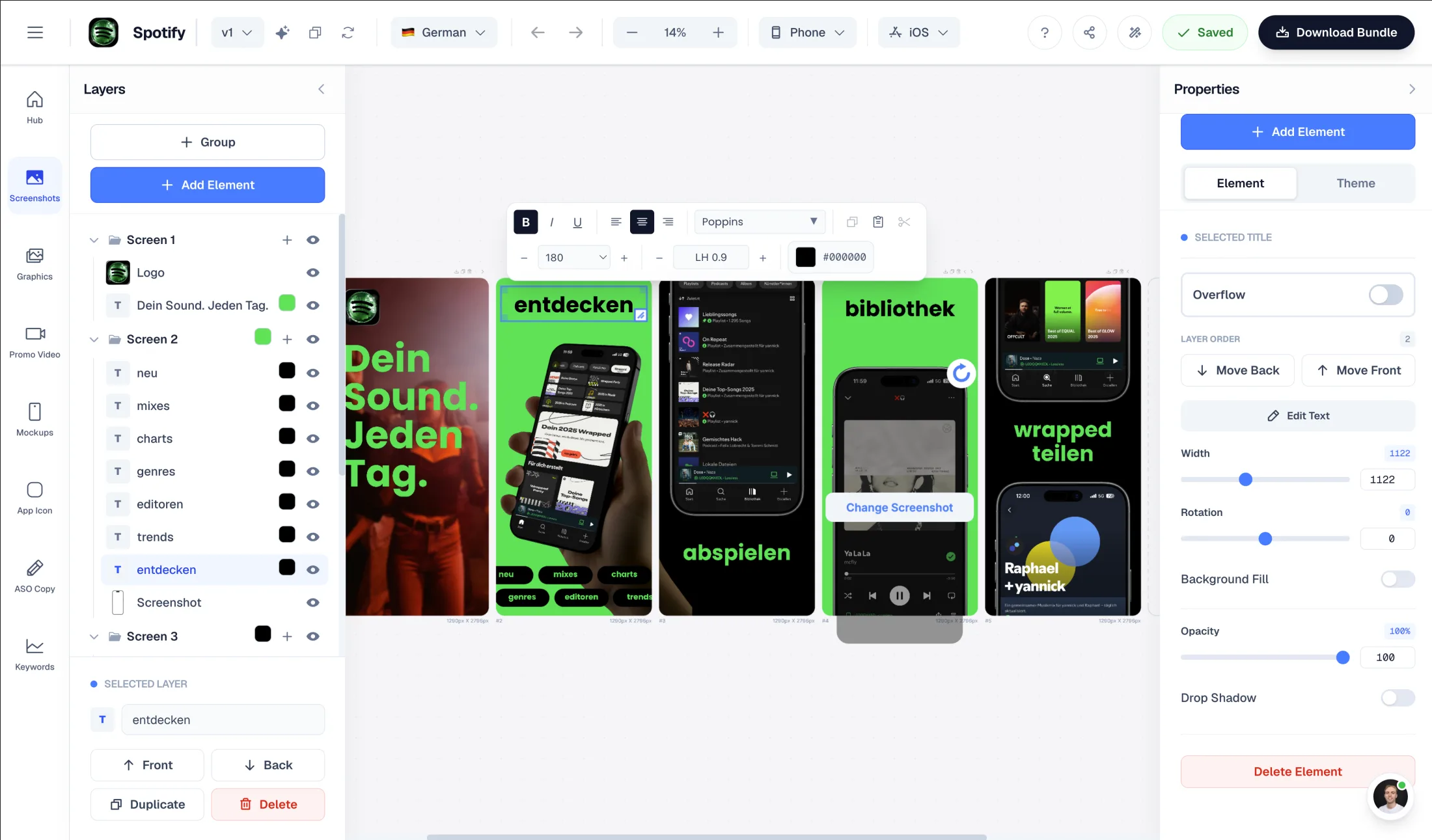
Appshots Studio is a template-first editor with a $39 lifetime license: you upload screenshots, pick a template, and customize by hand while AI writes the headlines. AppLaunchFlow goes further — AI generates the entire layout from your screenshots, then adds ASO listing copy and promo video in the same workflow.

Upload screenshots → AI composes the full layout, not just headlines
Figma-style drag-and-drop editor to fully customize generated layouts
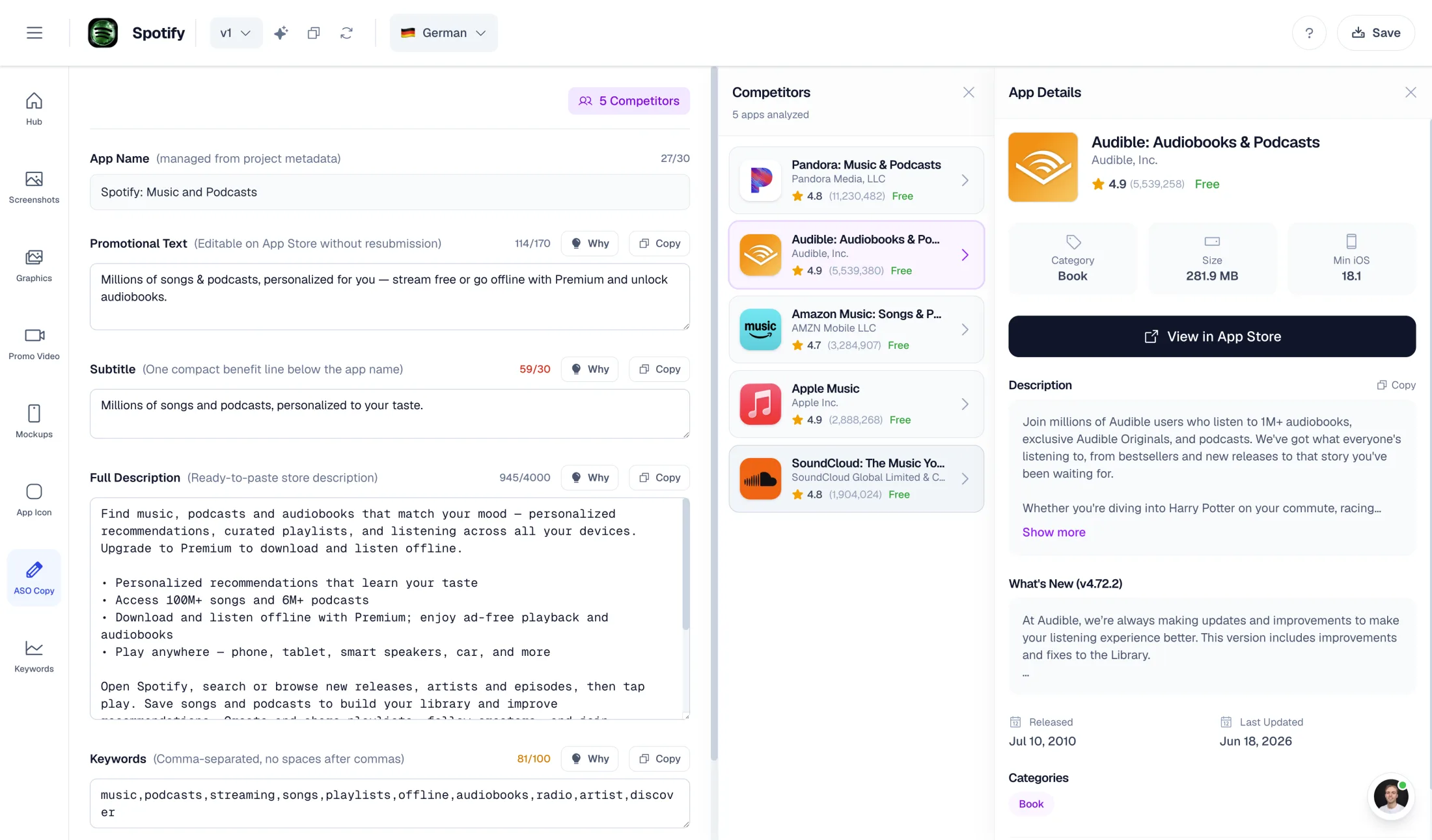
AI-powered ASO copy: promo text, descriptions, keywords
One-time export at €9 — no subscription required

What Appshots Studio does well

  • $39 lifetime license — no subscription, unlimited exports
  • Free to try: full editor access, pay only when you export
  • Local-first privacy: projects stay in your browser, nothing uploaded
  • One-click translation to 30+ languages with per-language ZIP export

Why choose AppLaunchFlow instead

Switch if you want AI to do more than write headlines. Appshots Studio leaves composition, colors, and layout to you; AppLaunchFlow generates the complete layout from your screenshots and adds ASO copy, promo video, and cloud projects.

AppLaunchFlow pricing

€9/month or €90/year. One-time screenshot export €9. One-time promo video export €9.

Appshots Studio pricing

Free editor — pay only at export. $39 one-time lifetime license (3 devices, unlimited exports).

AppLaunchFlowAppLaunchFlow
vs
Appshots StudioAppshots Studio

Feature comparison.

A side-by-side look at the features teams compare when choosing their app store asset workflow.

Feature
AppLaunchFlowAppLaunchFlow
Appshots StudioAppshots Studio

Screenshot creation workflow

Appshots' AI writes headline text; the visual composition is manual.

AI-first: upload screenshots, AI extracts colors and content, generates complete layouts from selected template

Template-first: upload up to 10 screenshots and a logo, pick a template, adjust colors, fonts, and layout by hand

AI assistance

AI composes layouts, writes ASO listing copy, and generates promo videos

AI generates headline and subheadline text from what's on screen

ASO copy generation

AI generates promo text, short desc, full desc, keywords, categories + competitor lookup

Screenshot captions only — no listing copy or keyword tooling

Promo video

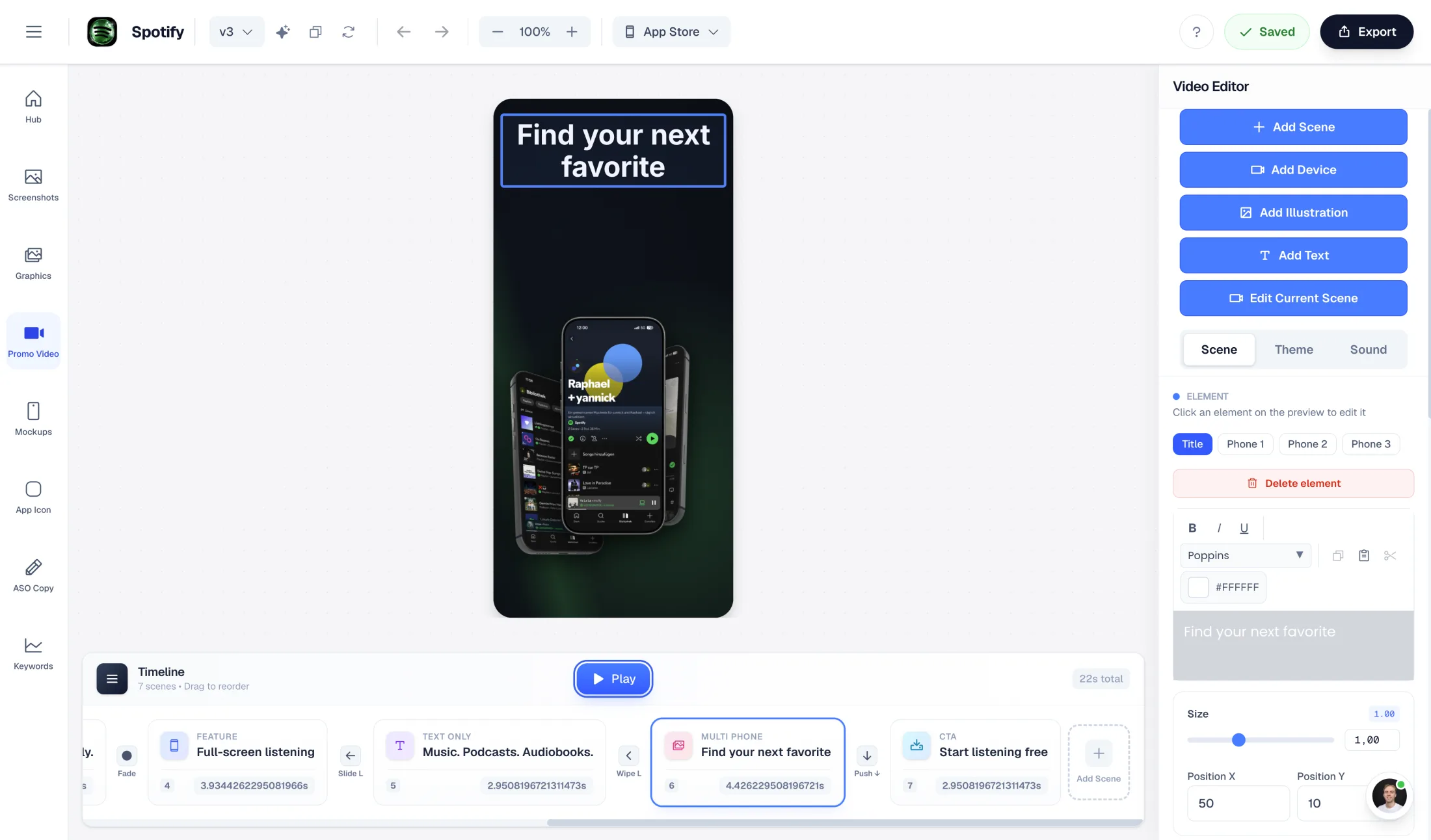
AI-generated promo video from your screenshots (1080p, commercial license)

Not available

Localization

Both handle multi-language sets; Appshots' per-language ZIP organization is convenient for manual store uploads.

Unlimited translations (Pro)

One-click translation to 30+ languages, exported as per-language ZIP folders

Pricing model

If you export sets regularly for years, a lifetime license is hard to beat on price.

€9/month, €90/year, or €9 one-time exports

$39 lifetime license with unlimited exports

Free tier

Free plan for AI generation and preview

Full editor free with no signup — payment only unlocks export

Cloud projects & sync

Appshots' local-first approach is a privacy feature and a continuity risk at once.

Cloud projects — work from anywhere, assets stored with your account

Local browser storage only — private, but no sync, no backup, no team access

Device frames

iOS and Android phones and tablets

iPhone, iPad, Pixel phone, and Pixel Tablet frames

Overview

When is switching from Appshots Studio worth it?

Appshots Studio gets the basics right: a free browser editor you can try without signing up, templates for App Store and Play Store sets, AI-written headlines, 30+ language translation, and a $39 lifetime license instead of a subscription. For hands-on indie developers it is honest, simple tooling.

The reasons to look for an alternative are about how much work remains yours. In Appshots you still compose every screenshot by hand — pick the template, tune the gradient, position the device, size the text. The AI writes captions; it does not design. And the workflow ends at a ZIP file: no listing copy, no promo video, no cloud projects.

AI Workflow

AI-composed layouts vs. hand-built templates

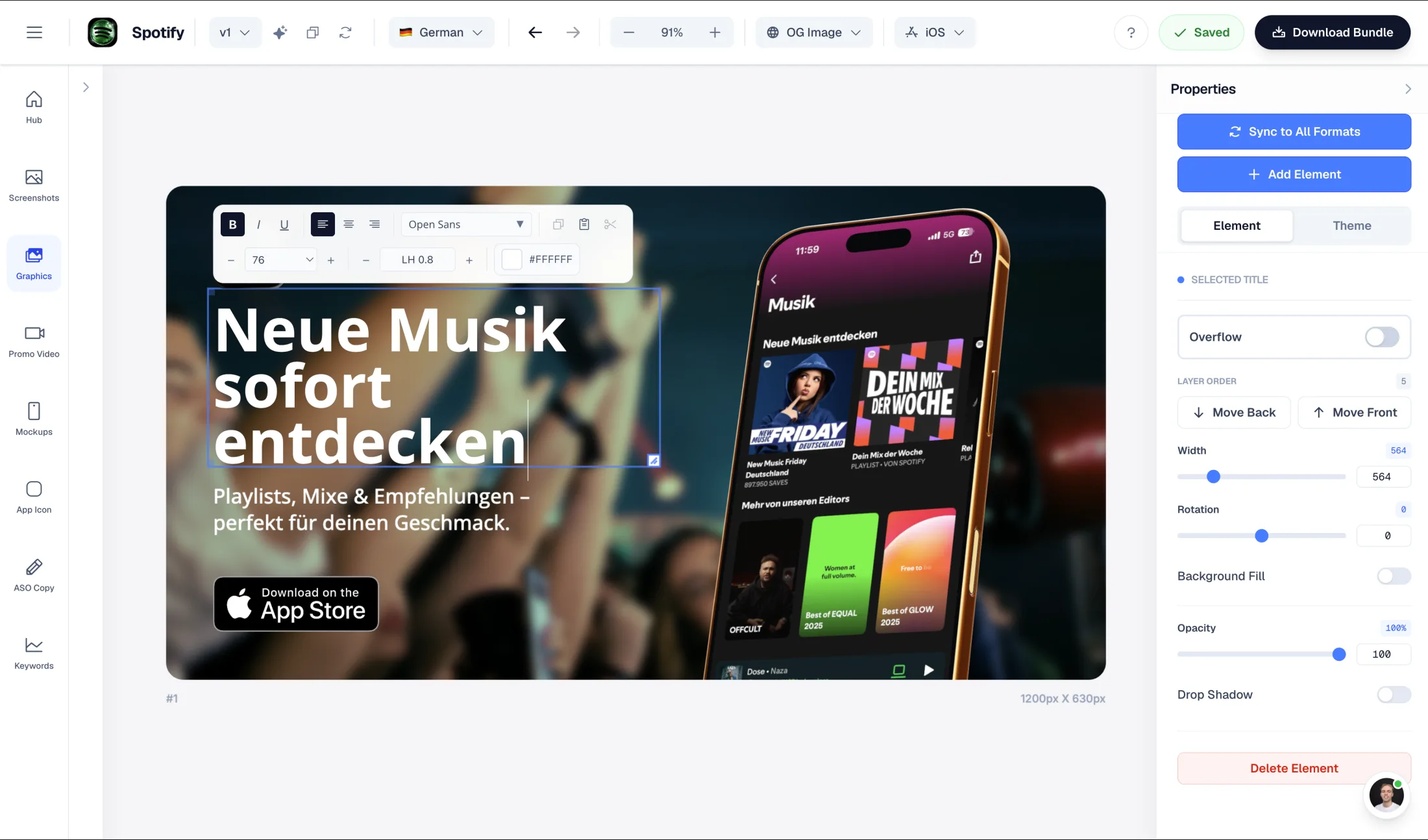
AppLaunchFlow starts where Appshots ends. Upload your app screenshots and the AI extracts your brand colors, reads your UI content, and generates the complete layout in your chosen template style — composition, backgrounds, captions, ordering. You start from a polished set, not a blank template.

From there, a Figma-style drag-and-drop editor gives you the same hands-on control Appshots offers — adjust any text, color, or arrangement — but as refinement rather than construction.

Beyond visuals

The listing is more than screenshots

Appshots Studio produces screenshot images. AppLaunchFlow produces launch assets: the same AI pipeline that builds your layouts also writes your promotional text, short and full descriptions, keyword suggestions, and category ideas — and can generate a 1080p promo video with a commercial license.

Localization is comparable on the surface — Appshots translates into 30+ languages, AppLaunchFlow Pro includes unlimited translations — but in AppLaunchFlow the translated sets stay connected to the rest of your listing instead of living in a ZIP folder.

Where Appshots wins

An honest note on pricing and privacy

Appshots Studio's $39 lifetime license with unlimited exports is genuinely good value if you ship store sets regularly and prefer manual design. Its try-the-whole-editor-free model is the lowest-friction trial in the category.

Its local-first architecture — projects never leave your browser — is a real privacy advantage, with a real trade-off: no cloud sync, no backups, no working across devices beyond the 3-device license, and no collaboration.

Decision

Which alternative is better — and for whom?

Choose Appshots Studio if you enjoy hands-on template design, want a one-time $39 license with unlimited exports, and value keeping projects entirely in your browser.

Choose AppLaunchFlow if you want AI to compose the layouts from your real screenshots, need ASO copy and promo video in the same workflow, and prefer cloud projects you can return to from anywhere.

Frequently asked
questions.

Everything about AppLaunchFlow as a Appshots Studio alternative

Yes. Both create App Store and Play Store screenshot sets with localization. AppLaunchFlow adds AI-composed layouts, full ASO listing copy, promo video generation, and cloud projects.
Appshots Studio's AI writes headline and subheadline text; you design the layout manually. AppLaunchFlow's AI generates the entire layout from your screenshots — composition, colors, and captions — which you then refine in a Figma-style editor.
For long-term, screenshots-only use, yes — that is Appshots Studio's strongest argument. AppLaunchFlow's €9 one-time exports are cheaper for a single launch, and the subscription includes ASO copy, promo video, and unlimited translations that Appshots does not offer.
Appshots Studio stores projects in your browser, which is private but means no cloud backup, sync, or collaboration. AppLaunchFlow uses cloud projects so your work is available across devices.
Yes. Appshots Studio offers one-click translation to 30+ languages with per-language ZIP exports. AppLaunchFlow Pro includes unlimited translations connected to the rest of your listing assets.
Only AppLaunchFlow. It generates a promo video from your screenshots in 1080p with a commercial license, available as a €9 one-time export.

Ready to launch?
Try it free.

Compare less, ship more. Start building screenshots and ASO copy in one workflow.

Start Free