Yannick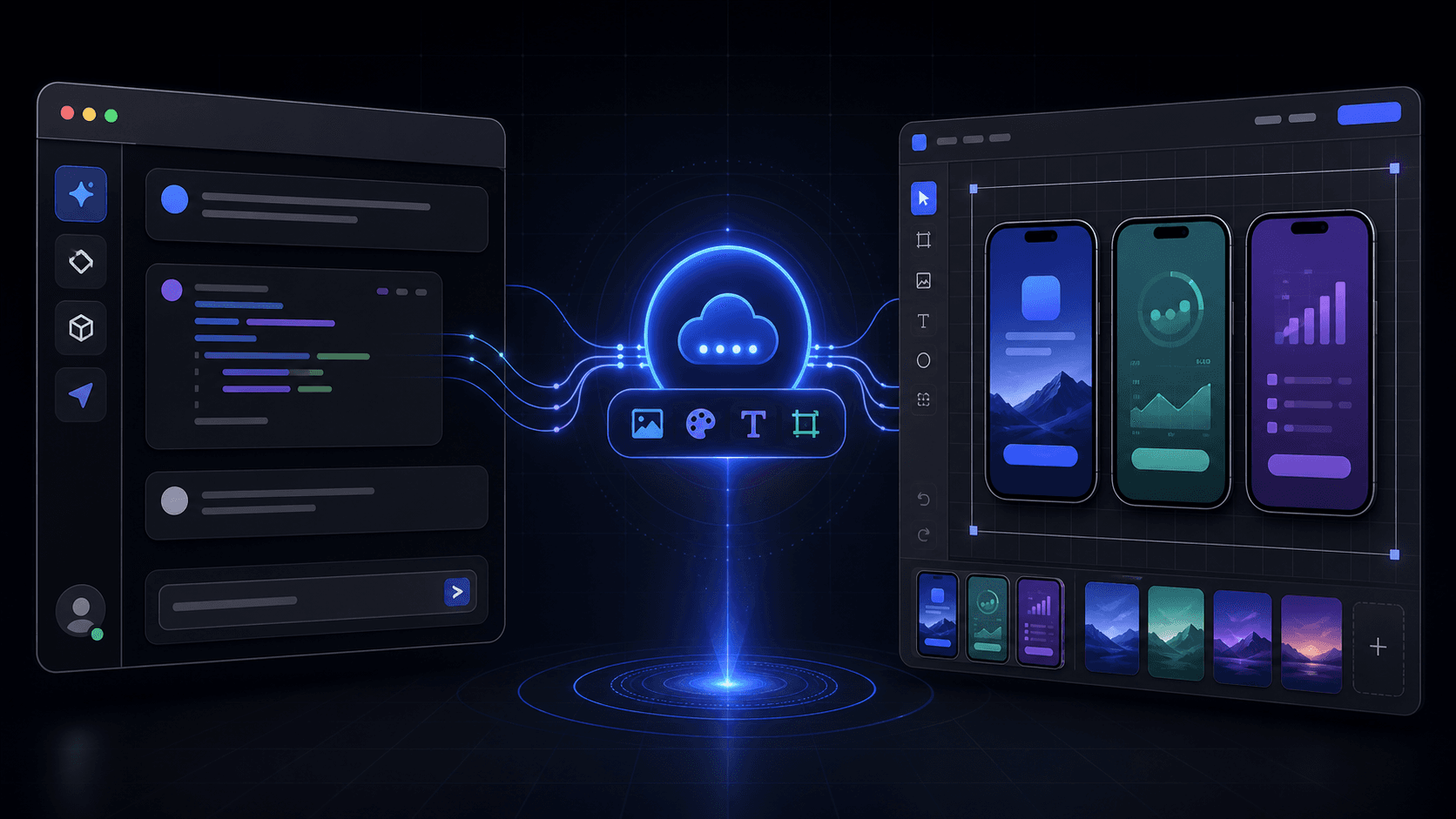
Hosted creative automation
Keep the assistant and visual editor in one workflow
The AI client handles project operations and repeatable edits; the browser gallery and editor remain the visual review surface.
Connect
Add one hosted Streamable HTTP URL and sign in through OAuth.
Create
Use your real screenshots to prepare styles, layouts, graphics, and video concepts.
Review
Compare visual options in the browser, then continue through MCP or the editor.
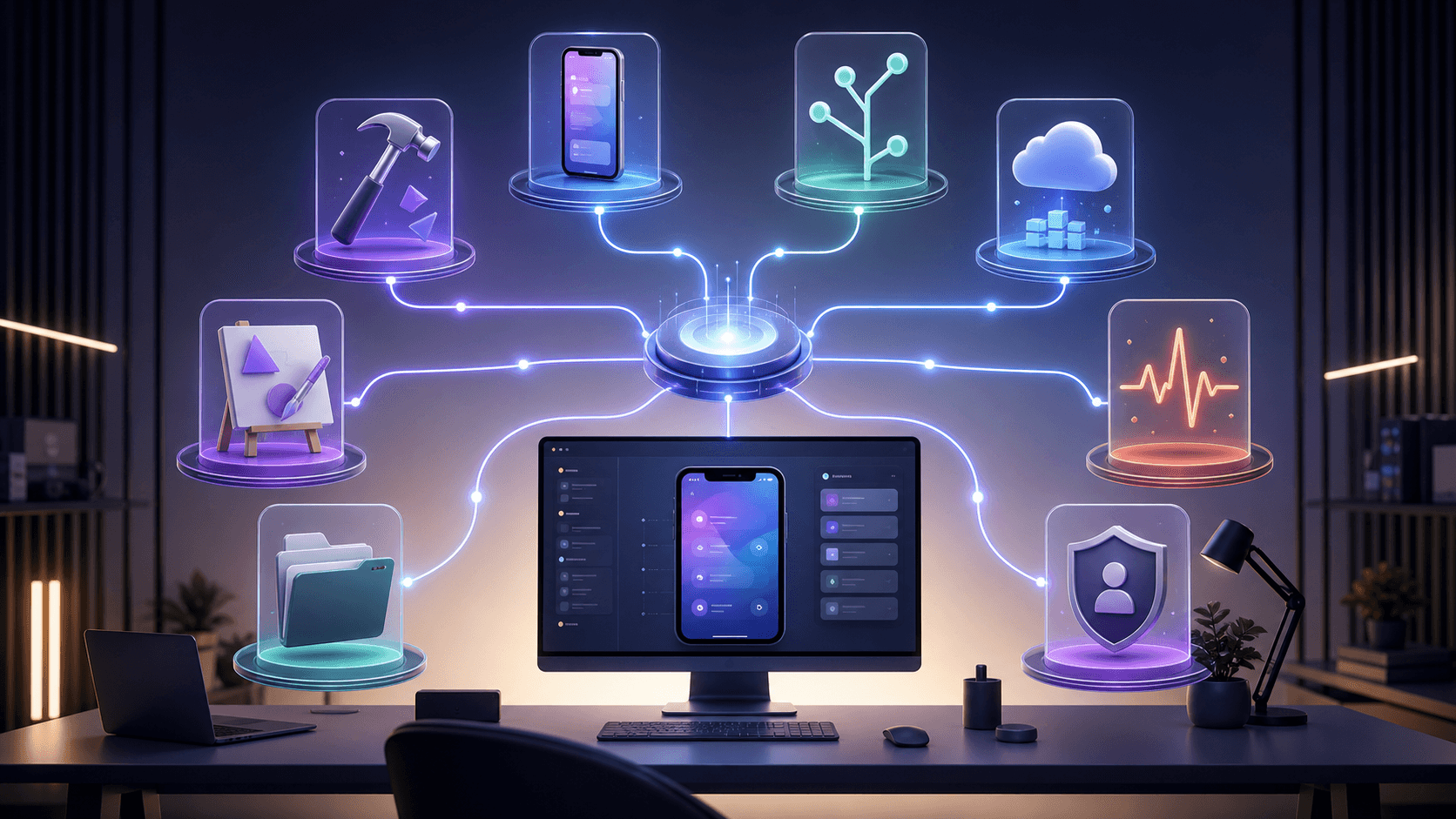
AppLaunchFlow MCP lets Codex, Claude Code, Cursor, and other compatible clients create and edit app-launch assets through natural-language requests. The MCP server is hosted at one public HTTPS endpoint, so you do not run a Node process locally, copy an AppLaunchFlow API key into chat, or keep a local screenshot server alive.
The best workflow is deliberately hybrid. Your assistant can create projects, inspect assets, prepare personalized styles, transform layouts, localize copy, and manage variants. Whenever a visual choice needs human judgment, AppLaunchFlow returns a gallery or editor URL for review instead of pretending that a terminal transcript is a design approval.
Fastest Codex setup
npx -y applaunchflow connect codexThe helper configures the hosted MCP endpoint and starts the browser authentication flow. It also replaces an older local AppLaunchFlow MCP configuration when one is detected.
What the hosted MCP architecture changes
MCP separates the AI client from the service that performs the work. AppLaunchFlow uses the remote Streamable HTTP transport at https://mcp.applaunchflow.com/mcp. A compatible client discovers the authentication requirements, opens the browser login, and calls tools with access scoped to the connected AppLaunchFlow account.
Authentication uses an OAuth 2.1 authorization-code flow with PKCE. Access and refresh tokens are not instructions to paste into a prompt. Treat them as credentials managed by the client and connector. The public service is also listed as io.github.ynnickw/applaunchflow in the official MCP Registry, whose manifest points clients to the same hosted endpoint.
The hosted AppLaunchFlow MCP landing page is the short setup reference. This guide focuses on operating the workflow safely after the connection exists.
Connect Codex with the helper command
Run the helper from any terminal where the Codex CLI is available:
npx -y applaunchflow connect codex
npx -y applaunchflow status
npx -y applaunchflow disconnect
connect codex checks the current Codex MCP configuration. If it finds a legacy AppLaunchFlow configuration that does not use the hosted Streamable HTTP URL, it removes that entry and adds the current connector. If the hosted entry already exists, it starts login again. Use status to inspect the configured server and disconnect to remove it from Codex.
Use native Codex commands when you want explicit control
codex mcp add applaunchflow --url https://mcp.applaunchflow.com/mcp
codex mcp login applaunchflow
codex mcp get applaunchflow
codex mcp remove applaunchflow
These commands are equivalent to the helper's underlying hosted configuration. The explicit sequence is useful in documentation, workstation setup, or troubleshooting because add, login, inspect, and remove remain separate operations.
Connect Claude Code and Cursor
Claude Code has the same one-command setup from the terminal:
npx -y applaunchflow connect claudeThe helper adds the hosted connector and opens AppLaunchFlow authentication. For Cursor, add the hosted URL to the project or user MCP configuration:
{
  "mcpServers": {
    "applaunchflow": {
      "url": "https://mcp.applaunchflow.com/mcp"
    }
  }
}
Then open Cursor's MCP settings and authenticate. Any other client must support remote Streamable HTTP servers and the connector's OAuth flow. Do not substitute a local command-based transport for the hosted URL.
| Client path | Setup | When to use it |
|---|---|---|
| Codex helper | npx -y applaunchflow connect codex | Configures the hosted connector and begins OAuth. |
| Native Codex | codex mcp add …; codex mcp login … | Useful when you want explicit add and login steps. |
| Claude Code | claude mcp add --transport http … | Add the remote HTTP server, then authenticate from /mcp. |
| Cursor | .cursor/mcp.json | Add the hosted URL, then authenticate in MCP settings. |
Start with a bounded screenshot request
Give the assistant the app, platform, screenshots, audience, and desired outcome. A useful first request is concrete enough to act on but leaves visual choices for the gallery:
“Create an App Store screenshot set for my existing Closer project using the first five iPhone source screenshots. Prepare several personalized styles, open the gallery for comparison, and do not apply a style until I choose one.”
A disciplined flow lists source screenshots, prepares a style catalog from three to seven ordered paths, opens the personalized gallery, and applies the chosen cached style. The choice should come from the visual review, not a guessed template identifier. The result includes an exact editor URL so you can inspect the output in the App Store screenshot editor.
Inspect before editing an existing layout
Small edits should not regenerate an entire screenshot set. Ask the assistant to inspect the current layout, then request the precise transformation: replace one headline, move a screenshot, adjust a color, resize text, or change spacing. Reading the current state first prevents blind transforms and protects unrelated design decisions.
“Inspect the current English layout first. On screen two only, change the headline to ‘Plan together, without the back-and-forth.’ Keep the screenshot, background, device frame, other screens, and all spacing unchanged. Return the editor URL.”
That prompt names the target, the requested mutation, and the invariants. It also avoids claiming success until the editor can be reviewed. Continue with the conversion-focused screenshot framework when the problem is the story itself rather than a mechanical edit.
Use read-before-write workflows for every asset type
AppLaunchFlow's MCP exposes more than screenshots, but every asset type has its own safe editing contract. Existing promo videos and mockup animations use full-state updates, so the assistant should fetch the current configuration, modify it in memory, and submit the complete updated state. Destructive operations require explicit confirmation.
| Workflow | Safe operating pattern |
|---|---|
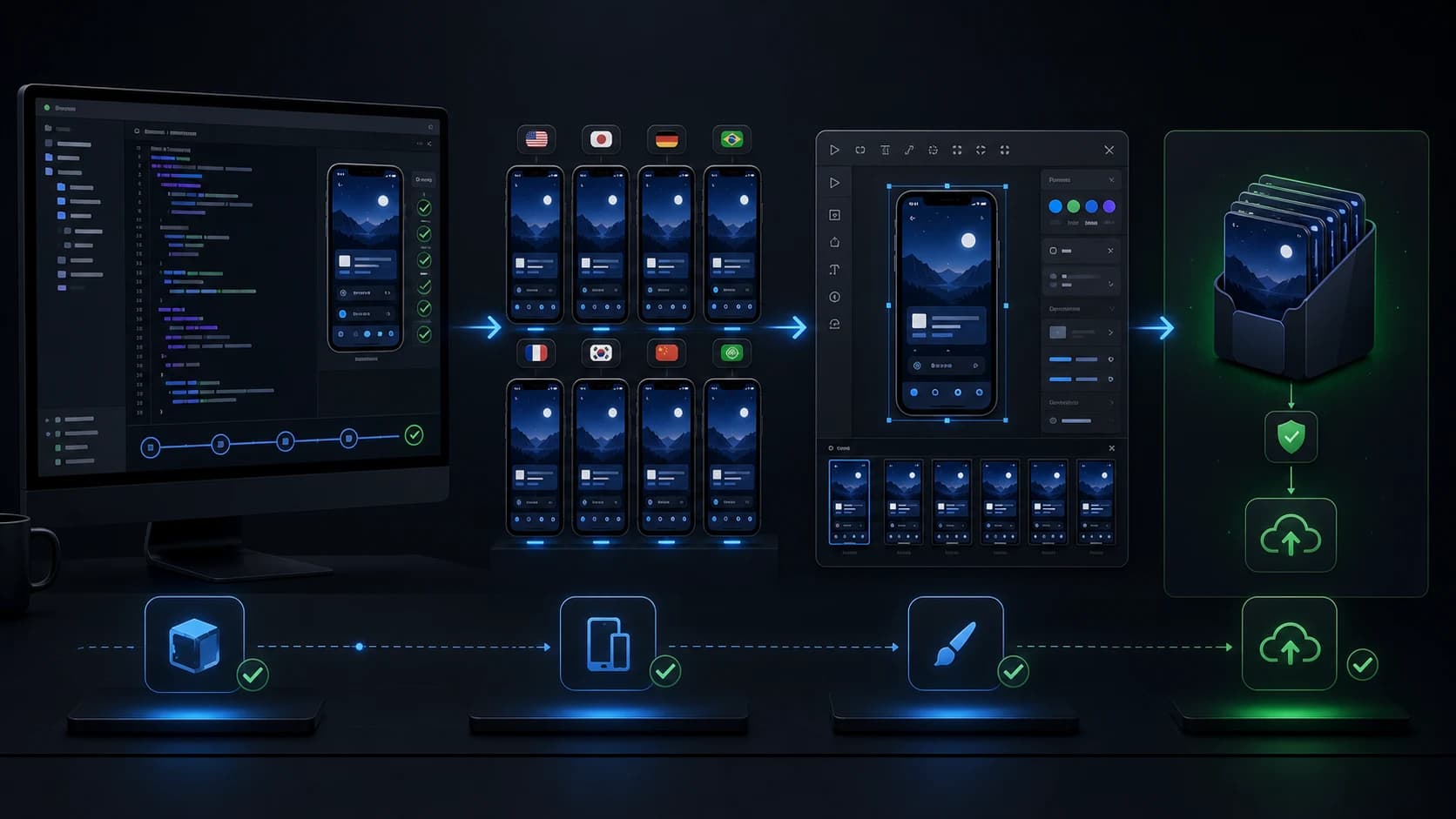
| New screenshot set | Create or select a project, list source screenshots, prepare personalized styles, compare, apply, then open the editor. |
| Small layout edit | Inspect the current layout first, then transform only the requested text, image, color, spacing, or structure. |
| Localization | Read the current source layout, translate the screenshot text, review fit, and export a language-specific variant. |
| Social graphics | Prepare styles from the same source screenshots, review the gallery, apply a format system, and refine in the editor. |
| Promo video | Create or inspect the current video configuration, review concepts in the picker, update, and open the editor. |
Localize without losing the visual hierarchy
Ask the assistant to inspect the source language, create a separate locale variant, and review text fit rather than overwriting the original. Translation changes line length, emphasis, and sometimes the correct product vocabulary. Verify every localized layout visually and keep the source project available for correction.
The app localization guide covers market selection and review. MCP makes the repeated production steps faster; it does not remove the need for linguistic and cultural judgment.
Troubleshoot the common connection errors
“OAuth login is only supported for streamable HTTP servers”
This usually means Codex still has a legacy command-based or local AppLaunchFlow entry. Run npx -y applaunchflow connect codex. The current helper inspects the entry, removes a legacy configuration, and adds the hosted Streamable HTTP URL. If you prefer manual repair, remove the old server and run the native add and login commands above.
The client connects but no projects appear
Confirm which AppLaunchFlow account completed OAuth, then ask the client to list projects. Disconnect and authenticate again if the wrong account was authorized. Do not share tokens or authorization codes while troubleshooting.
A visual picker did not open
The tool response includes the exact user-facing URL as a fallback. Ask the assistant to repeat that URL, open it manually, and continue the visual choice there. Do not relay internal template IDs from the gallery back into chat unless an API workflow explicitly requires one.
Security and review checklist
- Use only the HTTPS endpoint at
mcp.applaunchflow.com/mcp. - Authenticate in the browser; never paste tokens, codes, or PKCE values into chat.
- Inspect current state before editing an existing layout or full-state asset.
- State what may change and what must remain unchanged.
- Confirm deletion, clearing, or irreversible replacement explicitly.
- Open the returned editor URL and visually verify the final asset before export.
- Disconnect the MCP entry when a shared workstation should no longer retain access.
App Store screenshots MCP FAQ
Do I need to run the server locally?
No. The connector is hosted. You only configure the remote URL in the MCP client and authenticate through your browser.
Does the connector require an AppLaunchFlow API key?
No key is copied into the client or prompt. OAuth grants account-scoped access and the client manages the resulting credentials.
Can I switch between MCP and the browser editor?
Yes. MCP operations and editor review work on the same AppLaunchFlow projects and variants. Use the assistant for repeatable operations and the editor for visual judgment.