Visual Editor
Everything you need to create
stunning screenshots
A powerful drag-and-drop interface with rich text editing, 3D device frames, and unlimited customization options.
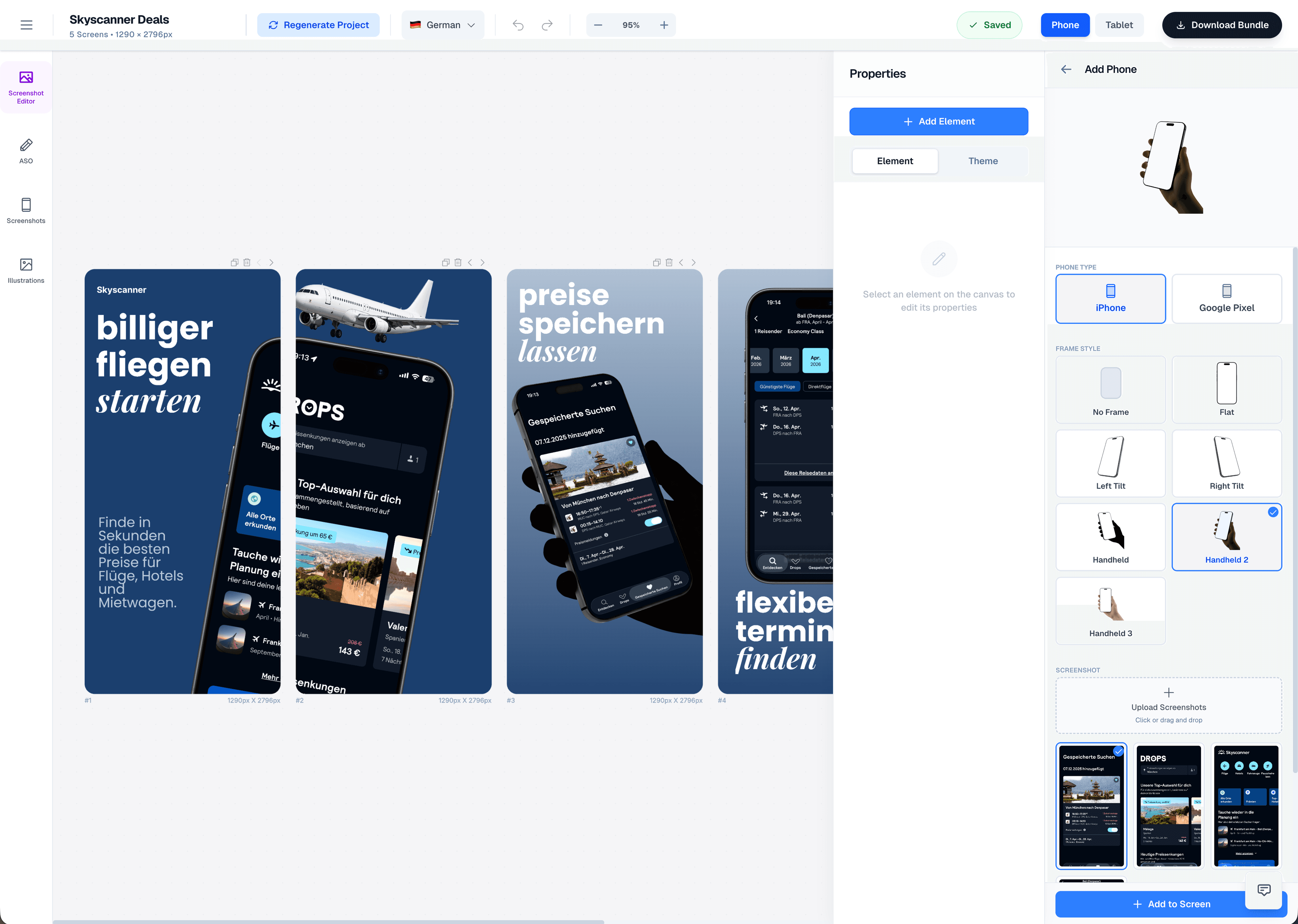
Design Components
Visual Elements
Rich set of visual elements to enhance your screenshots and create compelling app store listings.
Rich Text Editor
Formatting options including bold, italic, underline, colors, and custom fonts for professional typography.
Pills & Badges
Tag and button elements with custom colors, perfect for highlighting features and call-to-action buttons.
Ratings
Star rating displays to showcase app reviews and ratings from users and publications.
Screenshots
Phone and tablet frames with 3D rendering capabilities for realistic device mockups.
Illustrations
AI-generated or custom illustrations to add visual interest and context to your screenshots.
Magnifiers
Zoom in on screenshot details to highlight specific features or UI elements.
Logos
App logo placement with precise positioning and sizing controls.
Emojis
Decorative emoji elements to add personality and visual appeal to your designs.
Blobs
Decorative shapes and organic forms to create unique backgrounds and visual elements.
Visual Assets
Illustrations
Multiple ways to add illustrations to your screenshots - choose from built-in library, generate with AI, or upload your own.
Illustration Options
Add visual elements to enhance your screenshots. Choose from our curated library, generate custom illustrations with AI, or upload your own assets.
Built-in Library
Access hundreds of curated illustrations from our built-in library. Categorized by style, theme, and use case.
Generate with AI
Create custom illustrations using AI. Describe what you need and get unique, on-brand visuals generated instantly.
Upload Your Own
Upload custom illustrations, icons, or graphics. Supports PNG, SVG, and other common formats with automatic optimization.
Customization
Background Options
Multiple background modes to create the perfect visual context for your app screenshots.
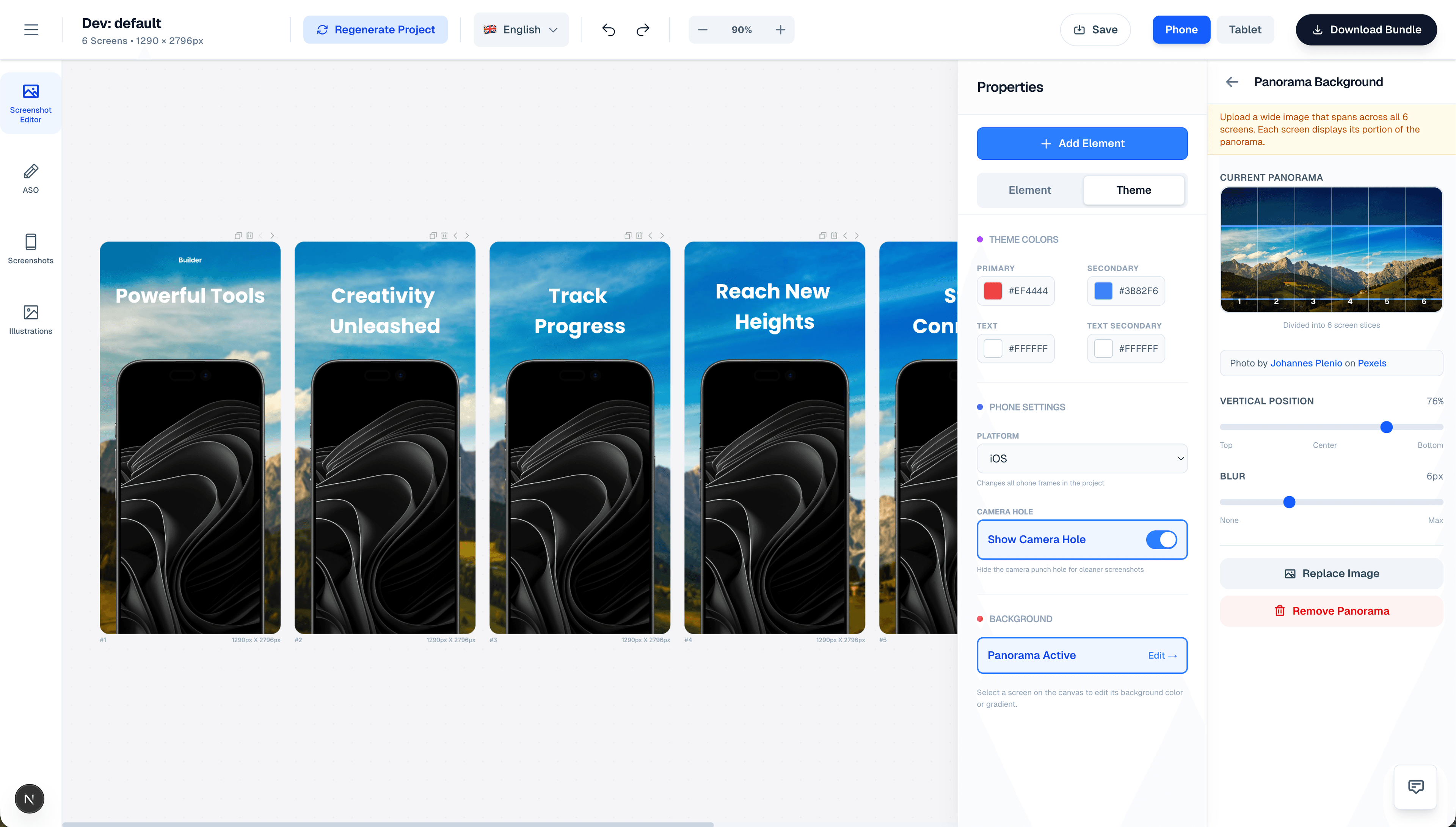
Panorama Mode
Upload a single wide background image that spans across all screens. Each screen displays its portion of the panorama, creating a seamless visual story.
Solid Colors
Custom or theme-based solid color backgrounds for clean, minimalist designs.
Gradients
Linear gradients with adjustable angle and color stops for dynamic backgrounds.
Background Images
Per-screen images with blur effects and positioning controls for unique compositions.
Device Mockups
3D Rendering
Showcase your app in realistic 3D device frames with multiple perspective options.
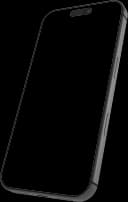
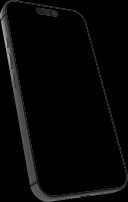
3D Phone Mockups
Left, right, handheld, and flat perspectives for iPhone and Android devices.
3D Tablet Mockups
Multiple perspective variants for iPad and Android tablets.
Dynamic 3D
Per-screen 3D variant control to create varied compositions.
Camera Hole Toggle
Show or hide camera notch for cleaner screenshots without device-specific elements.
Precision Editing
Layout Controls
Professional editing tools for precise control over every element in your design.
Overflow Mode
Elements can extend into adjacent screens for creative panoramic layouts. Create seamless visual stories that span across multiple screens.
Multi-screen Support
Create and manage multiple screens (3-6) in a single project with seamless navigation.
Drag & Drop
Intuitive repositioning of elements on canvas with pixel-perfect precision.
Zoom Controls
Adjustable canvas zoom from 25% to 200% for detailed editing and overview.
Z-Index Management
Layer elements front and back with full control over stacking order.
Theme & Style
Customization
Extensive customization options to match your brand and create unique designs.
Theme Colors
Primary, secondary, and text colors with full color picker support.
15+ Templates
Pre-designed layouts based on high-converting competitor analysis.
Platform Switching
Switch between iOS and Android frame styles with one click.
Device Types
Phone and tablet layouts with automatic sizing and optimization.
Professional Tools
Advanced Features
Powerful features for professional screenshot design and optimization.
Rich Text Editing
Inline text editor with formatting options, font selection, and typography controls.
Screenshot Replacement
Swap screenshots without losing layout or element positioning.
Scale & Tilt
Adjust screenshot size and angle for dynamic compositions.
Multi-platform Output
Export
Export your designs in multiple formats, sizes, and languages for all platforms.
Multi-platform Export
Export optimized assets for both iOS and Android platforms.
Multi-language
Export translated layouts for all supported languages.
Multiple Sizes
Various iOS display sizes including iPhone SE, iPhone 14, iPhone 15 Pro Max, and more.
Organized ZIP
Folder structure organized by platform, language, and device for easy management.
Ready to create stunning screenshots?
Start designing your app store screenshots with the most powerful visual editor for mobile apps.
No credit card required · Cancel anytime